
Prompt
Copy and customize
Use the reference image as the primary facial reference. Preserve the exact facial identity, facial structure, facial proportions, eye shape, nose shape, lip shape, jawline, cheekbones, skin tone, natural asymmetry, hairstyle details, and overall appearance with maximum accuracy. Do not alter age, ethnicity, or recognizable facial characteristics.
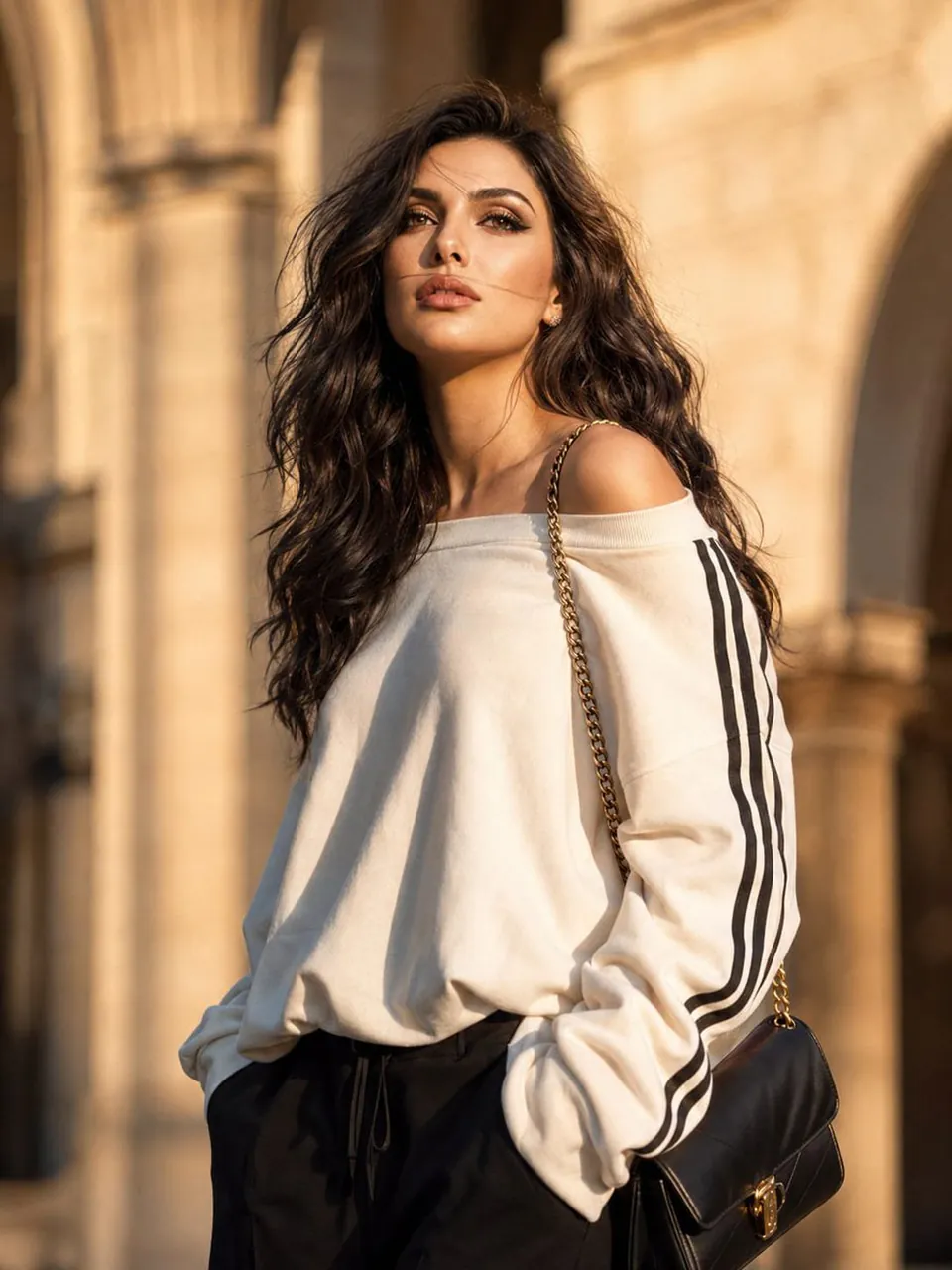
A cinematic luxury fashion portrait of the same woman from the reference image, standing beneath elegant beige sandstone arches in a sophisticated European-inspired urban setting during golden hour. She wears an oversized off-white sweatshirt styled off one shoulder, featuring three black stripes running down the sleeves, paired with relaxed black tailored trousers. A premium black leather shoulder bag with a gold chain strap rests naturally on her shoulder. She gazes slightly upward with a dreamy, thoughtful expression as warm sunset light softly illuminates her face, creating beautiful highlights and realistic shadows. A gentle breeze moves a few strands of hair across her face, adding natural motion and authenticity.
The sandstone architecture behind her is softly blurred with creamy bokeh, creating a refined editorial atmosphere. Natural skin texture, visible pores, subtle imperfections, realistic fabric folds, and lifelike lighting. High-end fashion magazine photography, luxury street-style aesthetic, cinematic composition, shallow depth of field, ultra-photorealistic, HDR, rich tonal range, soft warm color grading, 85mm lens, f/1.8, razor-sharp focus on the eyes, Vogue-quality editorial shoot, premium luxury fashion campaign, 8K ultra-detailed realism.
Best for
Tips
Keep the main subject focused so Use the reference image as the primary remains recognizable after style or lighting changes.
Adjust camera angle and aspect ratio before generation when the composition needs a specific platform format.