
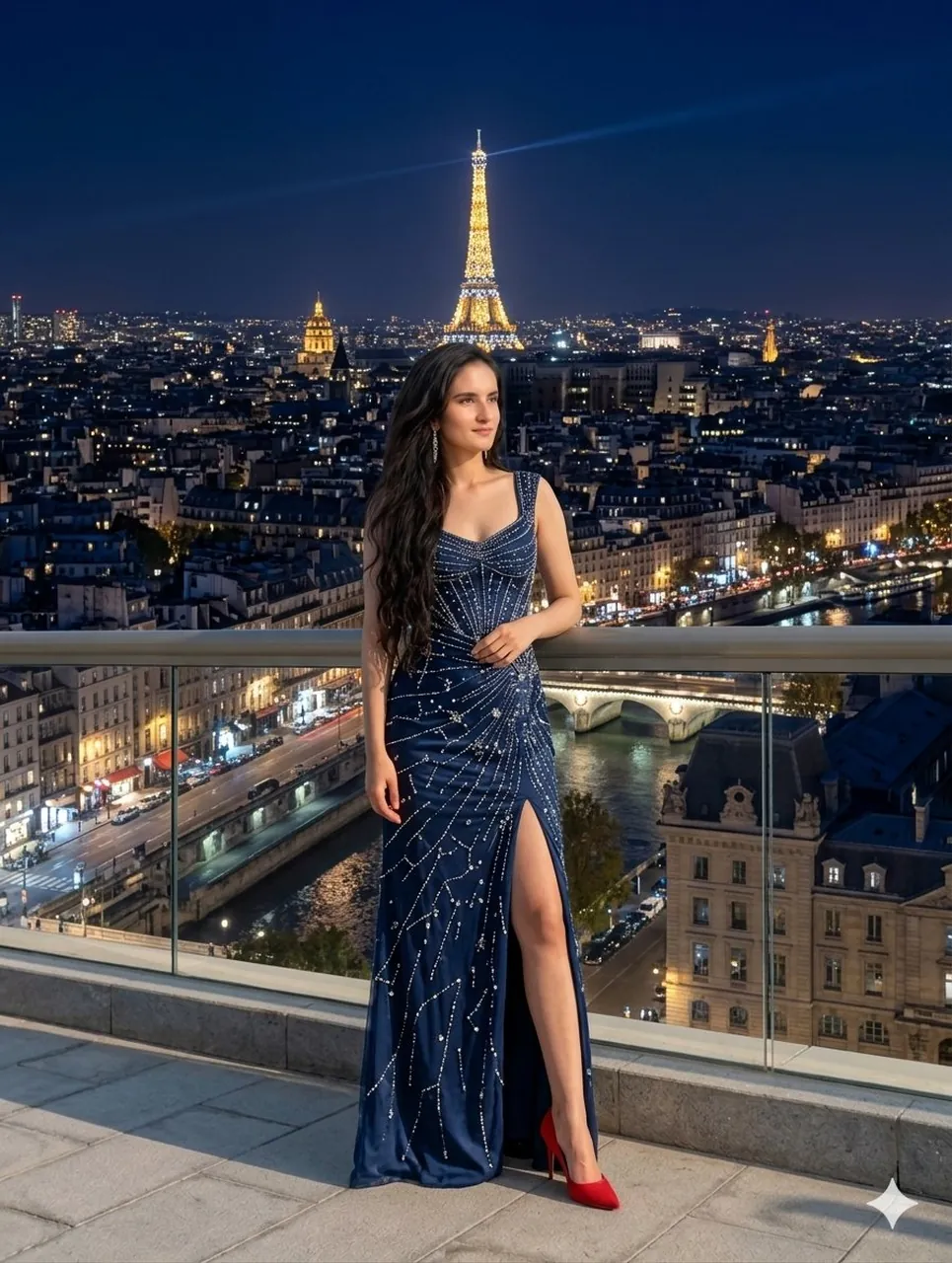
Prompt
Copy and customize
{ "image_editing_request": { "source_subject": "Woman from provided image (long dark hair, specific facial features)", "action": "replace_clothing_and_background", "modifications": { "outfit": { "style": "Parisian high-fashion evening gown", "details": "Midnight blue velvet or silk, floor-length, high thigh slit, intricate silver sequin starburst patterns", "footwear": "Keep or refine red high heels" }, "background": { "location": "Paris, France", "time_of_day": "Night / Blue Hour", "elements": [ "Illuminated Eiffel Tower in center background", "Parisian city lights and architecture", "River Seine visible below", "Modern balcony with glass railing" ] } }, "technical_specs": { "resolution": "8k UHD", "lighting": "Cinematic, soft rim lighting on subject, bokeh city lights", "style": "Photorealistic, high-fidelity", "aspect_ratio": "3:4" } } }
Best for
Tips
Keep the main subject focused so image editing request source subject Woman from remains recognizable after style or lighting changes.
Adjust camera angle and aspect ratio before generation when the composition needs a specific platform format.