
Prompt
Copy and customize
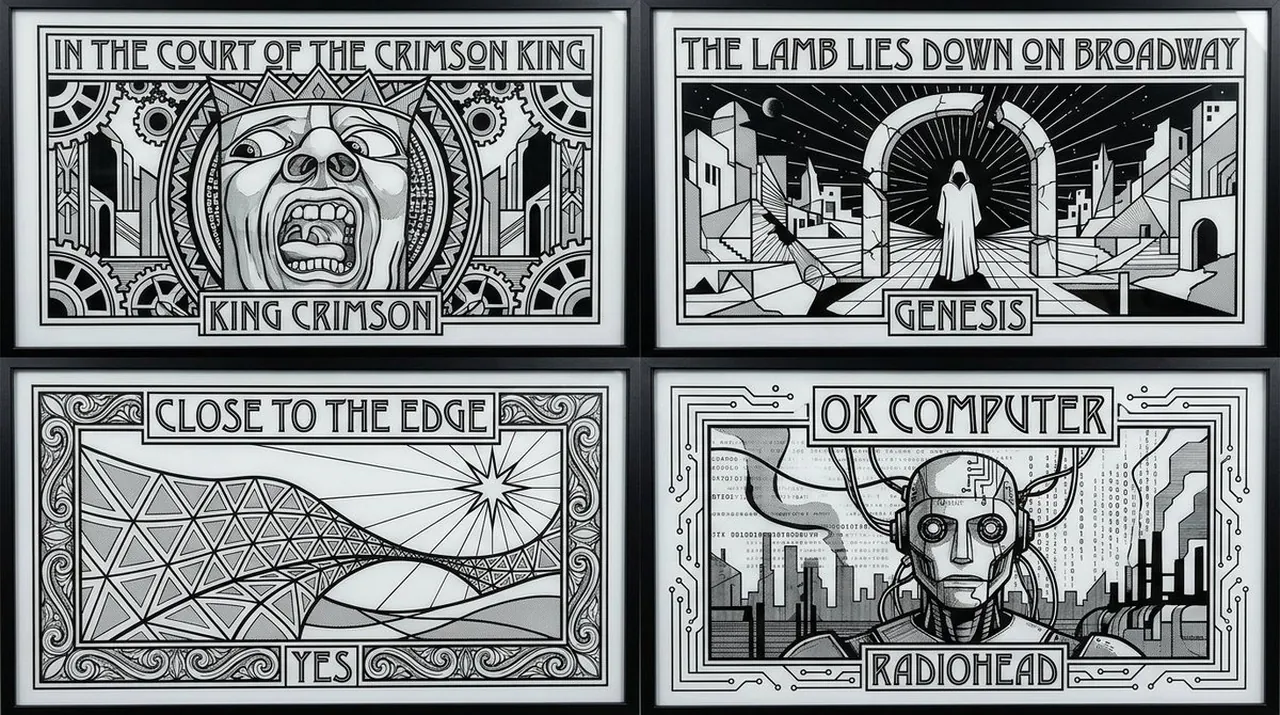
2x2 grid, 16:9, do this for 4 famous albums that are similar to pink floyd: input ::= [music_work_set] + [artist_set] + [panel_count] + [graphic_style]
select album_icon_panel_grid
from music_design_reinterpretation_archive
where works = [music_work_set]
and authorization_rule = {
use_official_assets_only_if_supplied: true,
otherwise: "create fictionalized symbolic interpretations inspired by the work's themes, not copied cover art"
}
and per_panel_logic = {
album_identity: ai_infer([music_work], "core symbol, scene, object, pose, mood, or visual metaphor"),
artist_label: [artist],
title_label: [music_work],
simplification: "reduce original visual idea into clean emblematic geometry",
composition: "single framed panel with title block and artist block",
line_language: "bold black outlines, white negative space, geometric fills, decorative borders"
}
and visual_style = {
mode: [graphic_style],
palette: "black, white, grayscale only",
texture: "screenprint, etched glass, linocut, art deco poster, stained-glass leading",
layout: "clean multi-panel grid",
typography: "ornamental uppercase display type with strong hierarchy"
}
and exclusions = [
"no direct copyrighted album art unless supplied",
"no cluttered fan collage",
"no photoreal musicians unless authorized",
"no random symbols unrelated to the music work",
"no weak title hierarchy",
"no color unless explicitly requested"
];
Best for
Tips
Keep the main subject focused so 2x2 grid 16 9 do this for remains recognizable after style or lighting changes.
Adjust camera angle and aspect ratio before generation when the composition needs a specific platform format.