
Prompt
Copy and customize
Tight close-up levitation food shot, strawberry shortcake layers floating mid-air, extreme detail on whipped cream texture and fresh strawberry glistening surface, golden sponge crumb texture sharp, powdered sugar cloud frozen mid-burst, strawberry sauce drip frozen mid-fall, pure black background, dramatic single-source spotlight lighting, ultra high detail, vertical 4:5 --ar 4:5 --v 6
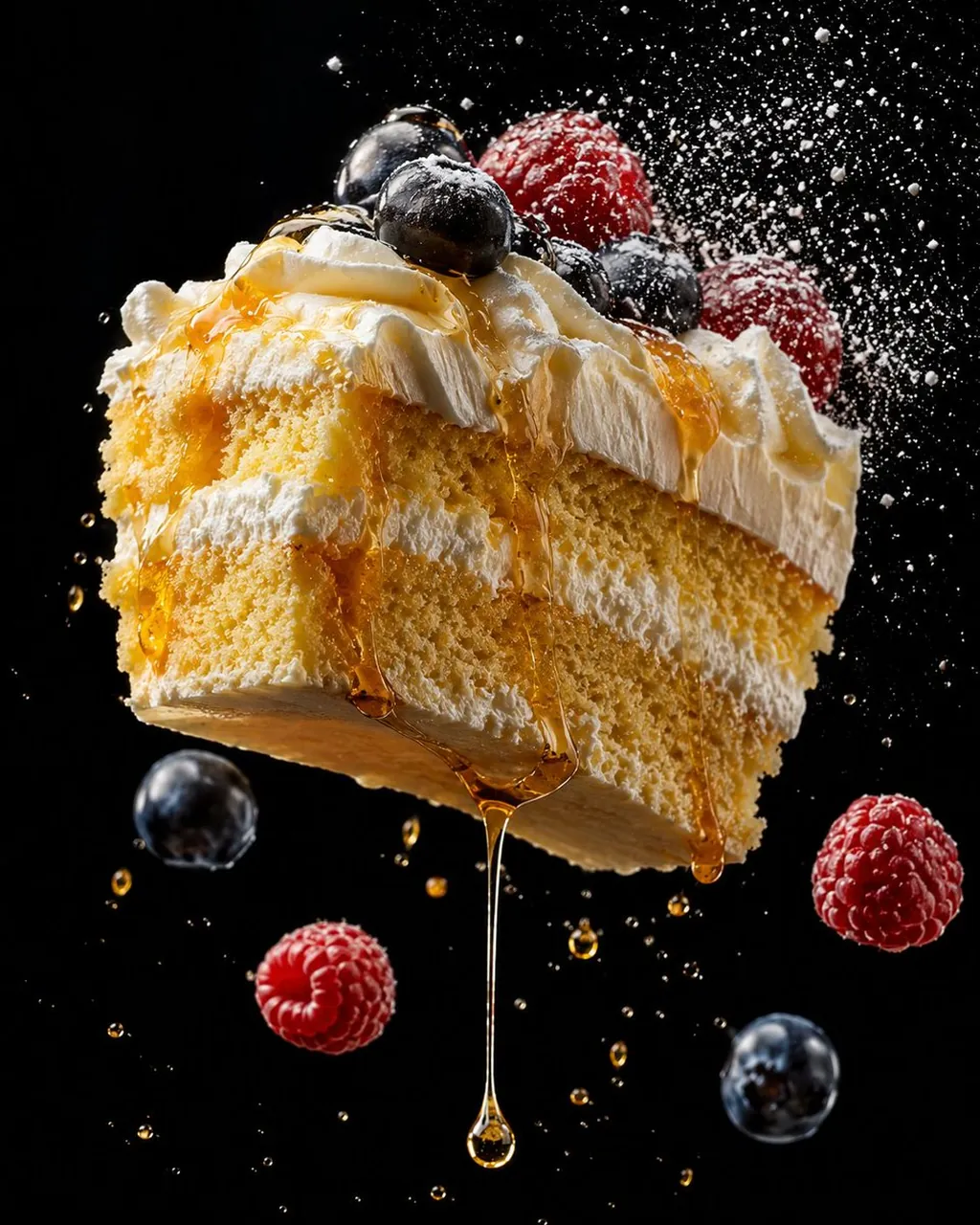
Extreme close-up levitation food shot, thick cream cake slice mid-air, golden honey drip thread hanging below catching dramatic light, blueberries and raspberries tumbling nearby, white frosting texture ultra sharp, powdered sugar cloud catching spotlight, pure black background, ultra high detail on honey thread and cream texture, vertical 4:5 --ar 4:5 --v 6
Tight close-up levitation food shot, golden pancakes floating mid-air showing detailed surface texture and toasted edges, butter cube mid-tumble catching warm light, fresh berries scattered at varying focus depths, powdered sugar cloud frozen in burst, maple syrup drip thread, rich warm brown background, dramatic single spotlight, ultra high detail on pancake texture, vertical 4:5 --ar 4:5 --v 6
Best for
Tips
Keep the main subject focused so Tight close-up levitation food shot strawberry shortcake remains recognizable after style or lighting changes.
Adjust camera angle and aspect ratio before generation when the composition needs a specific platform format.