
Prompt
Copy and customize
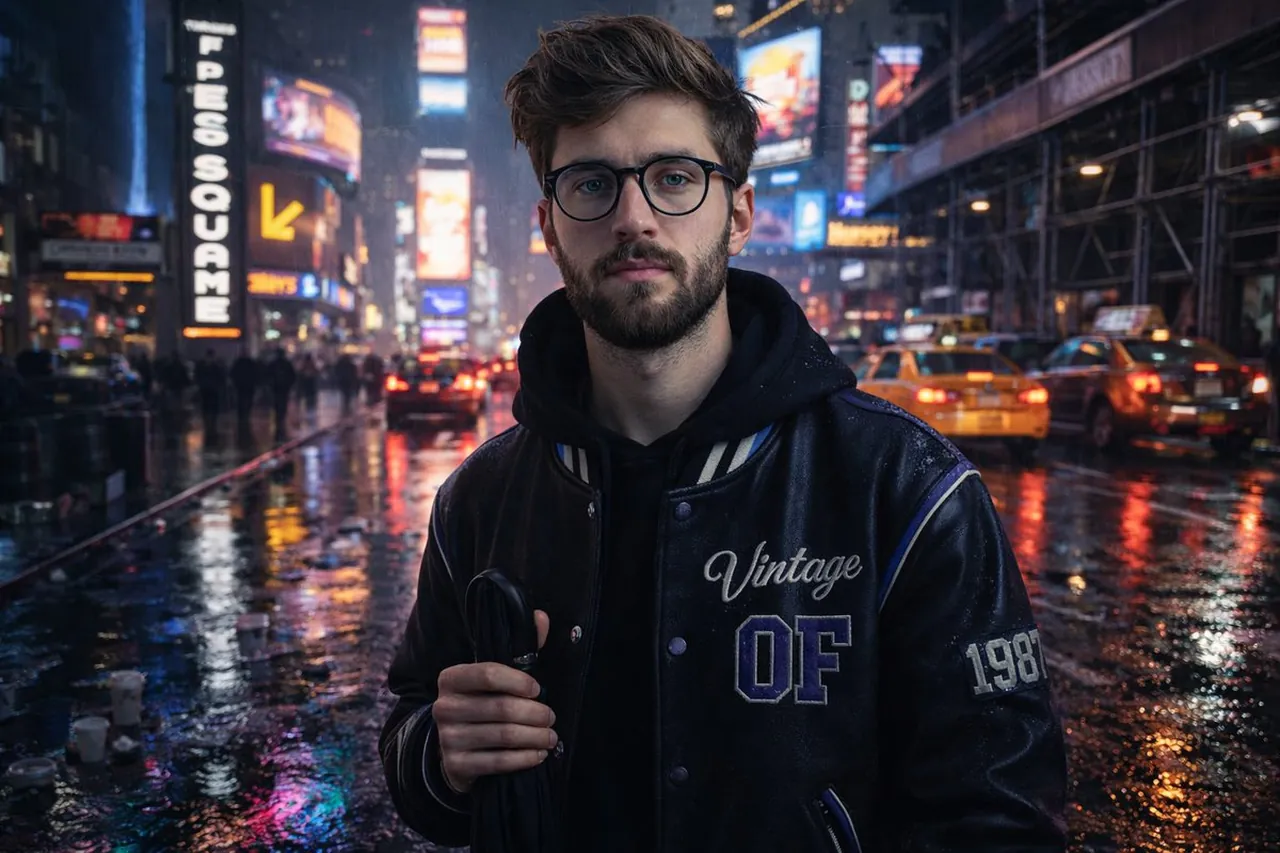
{ "scene": { "location": "Times Square, New York", "time": "Rainy night", "composition": { "left_side": [ { "type": "LED billboard", "style": "vertical", "text_color": "white-on-black" }, { "type": "curved LED screen", "detail": "above yellow arrow for Hershey's store" } ], "right_side": { "subject_position": "near curb", "traffic": { "vehicles": "city taxis and cars", "details": "brake lights forming a slow line" } } }, "environment": { "ground": "wet asphalt", "reflection_colors": ["neon magenta", "icy blue"], "puddles": { "reflecting_lights": true, "object_details": ["scattered takeaway cups"] }, "atmosphere": ["electric", "intimate"] } }, "subject": { "identity": "Uploaded subject", "face_requirement": "Do not change facial features. Must look 1000% identical.", "pose": "Relaxed, facing camera", "holding": "Folded black umbrella by handle", "outfit": { "jacket": { "material": "black faux-leather varsity", "design": { "cobalt_panel": true, "cream_stripe": true, "embroidery": "Vintage script", "lettering": "Block OF", "patch": "1987 stitched on sleeve", "reflective_piping": true, "highlight_color": "purple reflection" } } } }, "background": { "elements": ["cars", "scaffolding", "stacked storefront signs"] }, "style": { "resolution": "HD", "aesthetic": ["realistic", "natural", "authentic"], "camera": "iPhone" } }
Best for
Tips
Keep the main subject focused so scene location Times Square New York time remains recognizable after style or lighting changes.
Adjust camera angle and aspect ratio before generation when the composition needs a specific platform format.