
Free Online Tan Filter for Photos

Why Use an Online Tan Filter?
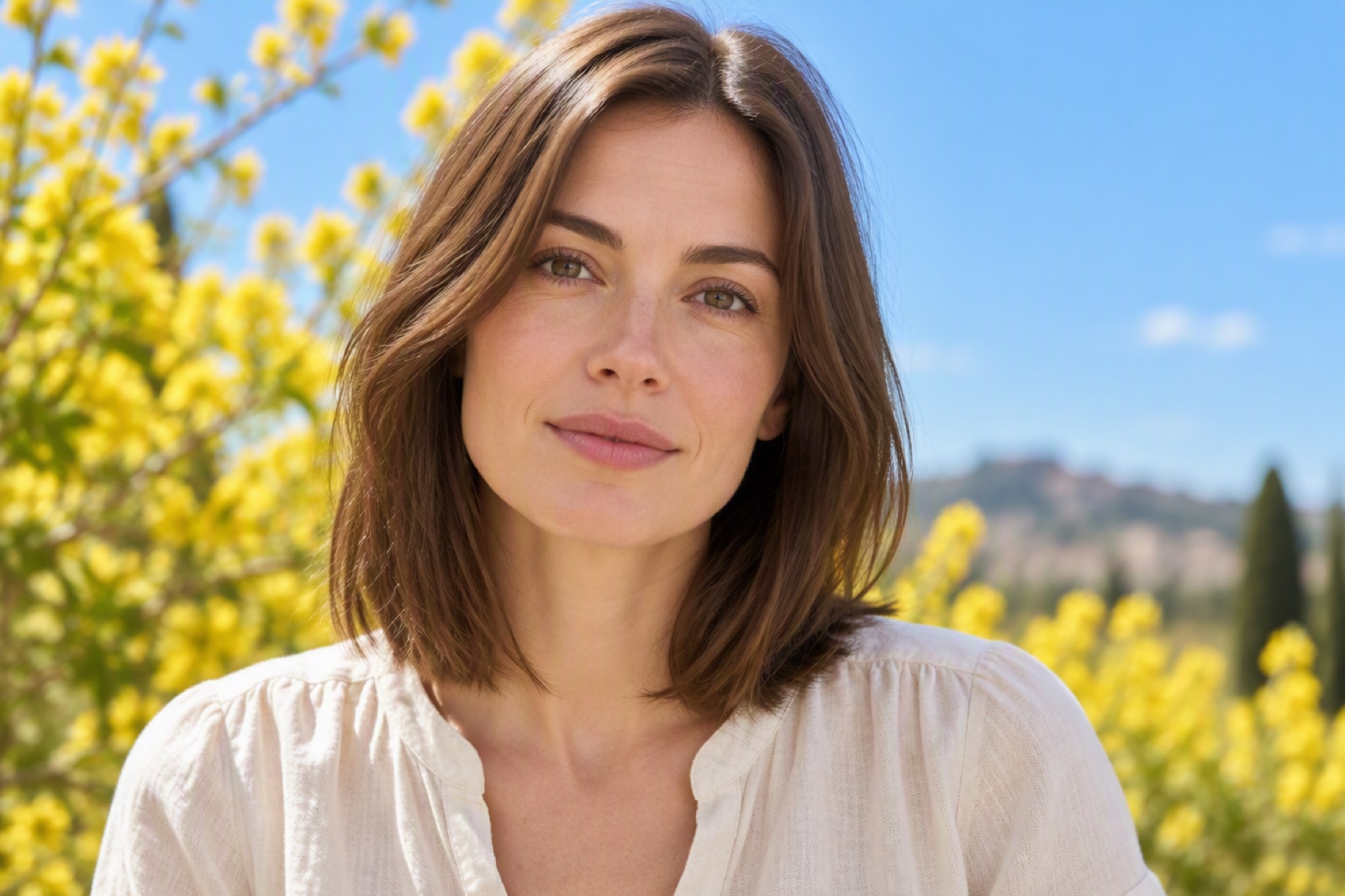
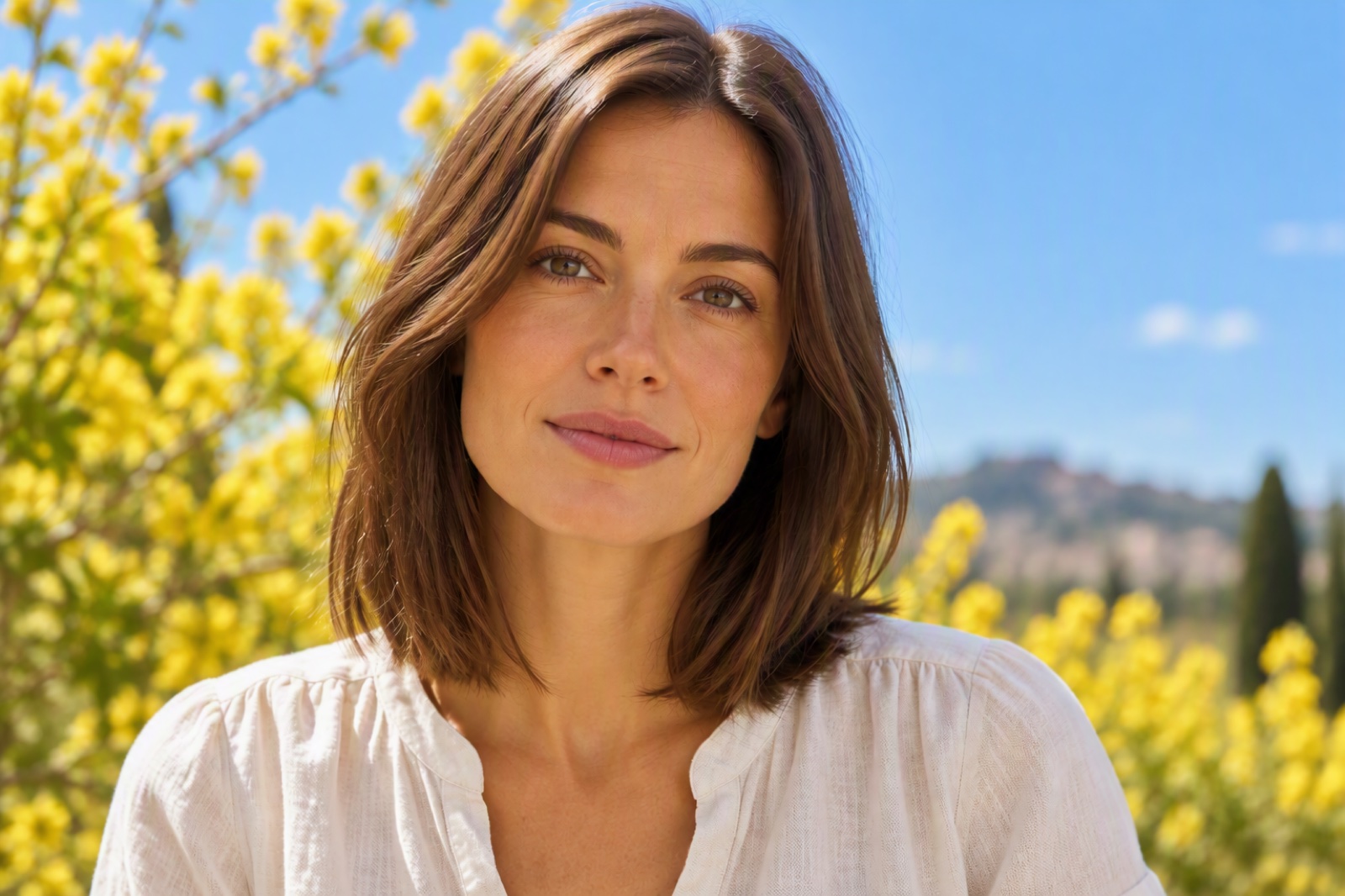
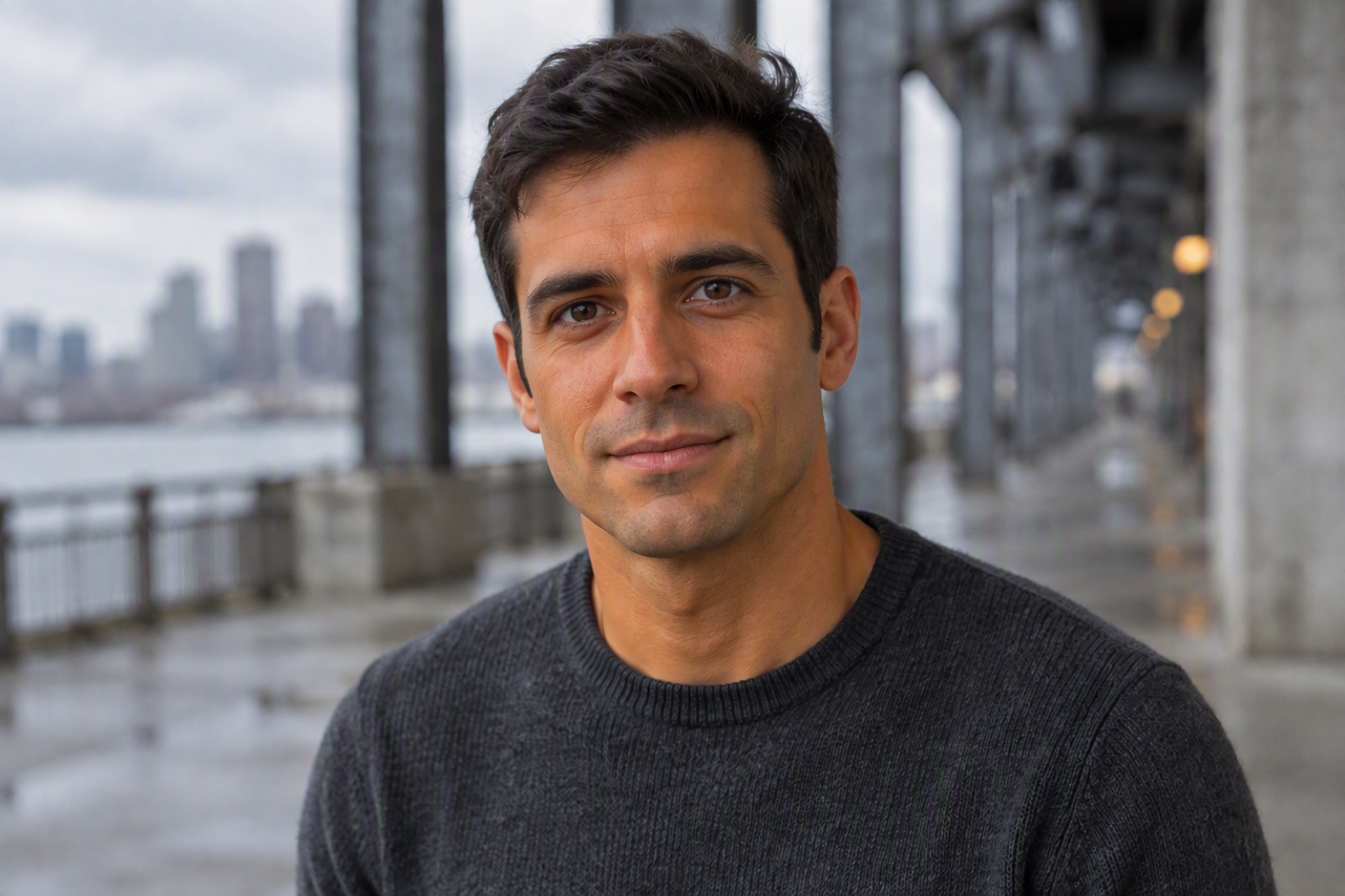
One-Click Sun-Kissed Selfies
When you want to create whole new scenes or backgrounds, pair it with our AI image generator to build complete sun-soaked edits in one place.
Smooth and Natural Fake Tan Correction
For more precise tone tweaks, try the skin color changer to match hands, face, and body in the same frame.
How to Use the Tan Filter on Your Photos
Upload a Clear Photo
Choose a selfie or portrait with good lighting. The tool works best when the face is visible and not heavily blurred, so it can detect skin areas for a smooth, even tan.
One Click to Generate
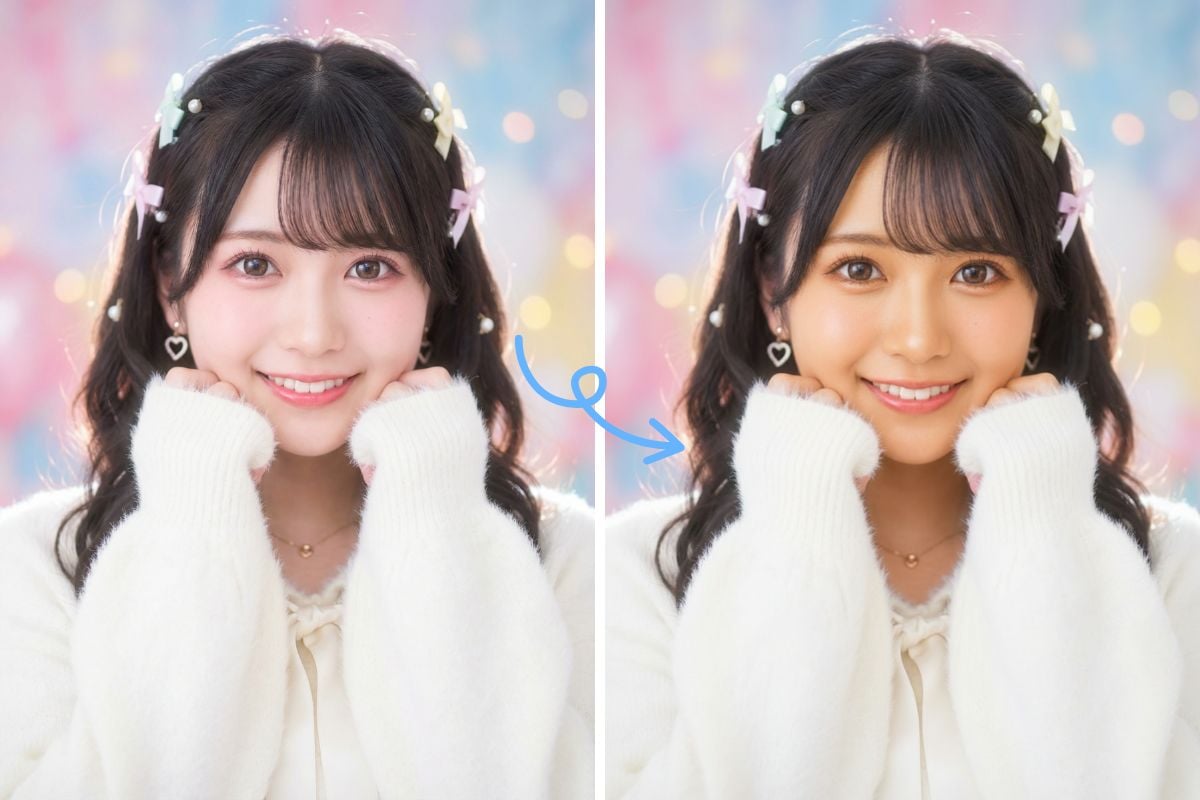
The editor automatically adds a warm bronze tone. You can input prompts if you want to customize the effects by yourselves.
Download and Share
Save your edited image in high quality and share it directly on Instagram, TikTok, or your online shop. The result is a natural-looking glow that matches your overall color grading and style.
Pair Tan Filter with Other Photo Effects
What Our Users Say?
Tan Filter: Common Questions
How does the tan filter work on my photos?
Is the tan filter free to use?
Can I use an indoor selfie with this tool?
Are the edited photos suitable for social and print?
Why not just use a standard color filter instead?
Ready to Try the Tan Filter on Your Photos?
Give every selfie and portrait a natural bronze glow with our easy tan filter. No retouching skills needed—just upload, warm up the tones, and share.
Start Editing for Free