
Prompt
Copy and customize
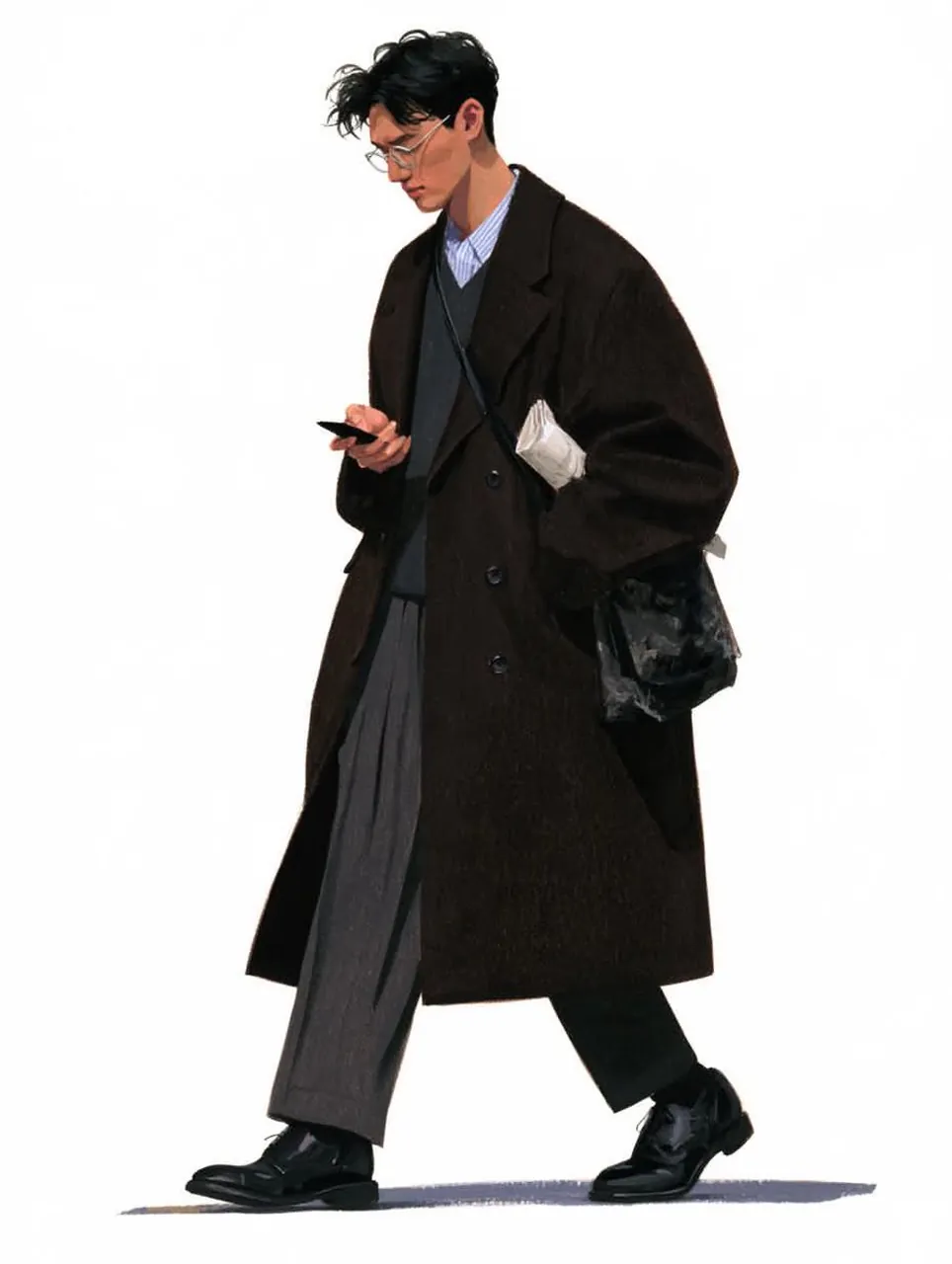
Transform the uploaded reference image into a stylish, hand-painted digital fashion illustration with a minimalist Korean fashion editorial aesthetic. Preserve the original image’s exact composition, camera angle, perspective, framing, subject identity, facial features, hairstyle, body proportions, walking pose, clothing, accessories, and every object placement. Do not redesign or change the outfit, pose, or appearance.
Create a sophisticated fashion sketch using soft painterly brushwork, expressive pencil strokes, subtle textured shading, delicate outlines, and realistic fabric details. Emphasize the oversized coats, layered outfits, flowing trousers, leather textures, shoes, handbags, and accessories with beautiful artistic details.
Use a muted, elegant color palette featuring charcoal black, deep chocolate brown, cool grey, navy blue, soft beige, and subtle neutral tones. Keep the background completely clean and minimal with a plain white or very light grey paper texture. Add a soft hand-painted ground shadow beneath the feet to create a natural walking effect.
Maintain a full-body fashion illustration with natural proportions, refined details, soft lighting, and a contemporary luxury street-style atmosphere.
Overall style: Korean fashion illustration, editorial fashion sketch, semi-realistic digital painting, textured brush strokes, minimalist artwork, elegant streetwear, sophisticated neutral colors, clean white background, artistic fashion concept drawing.
High-resolution, vertical portrait composition, 4:5 aspect ratio.
Best for
Tips
Keep the main subject focused so Transform the uploaded reference image into a remains recognizable after style or lighting changes.
Adjust camera angle and aspect ratio before generation when the composition needs a specific platform format.