
AI Person Video Generator
Create Person-Led Videos with More Flexibility
Person-Led Scenes Without Filming
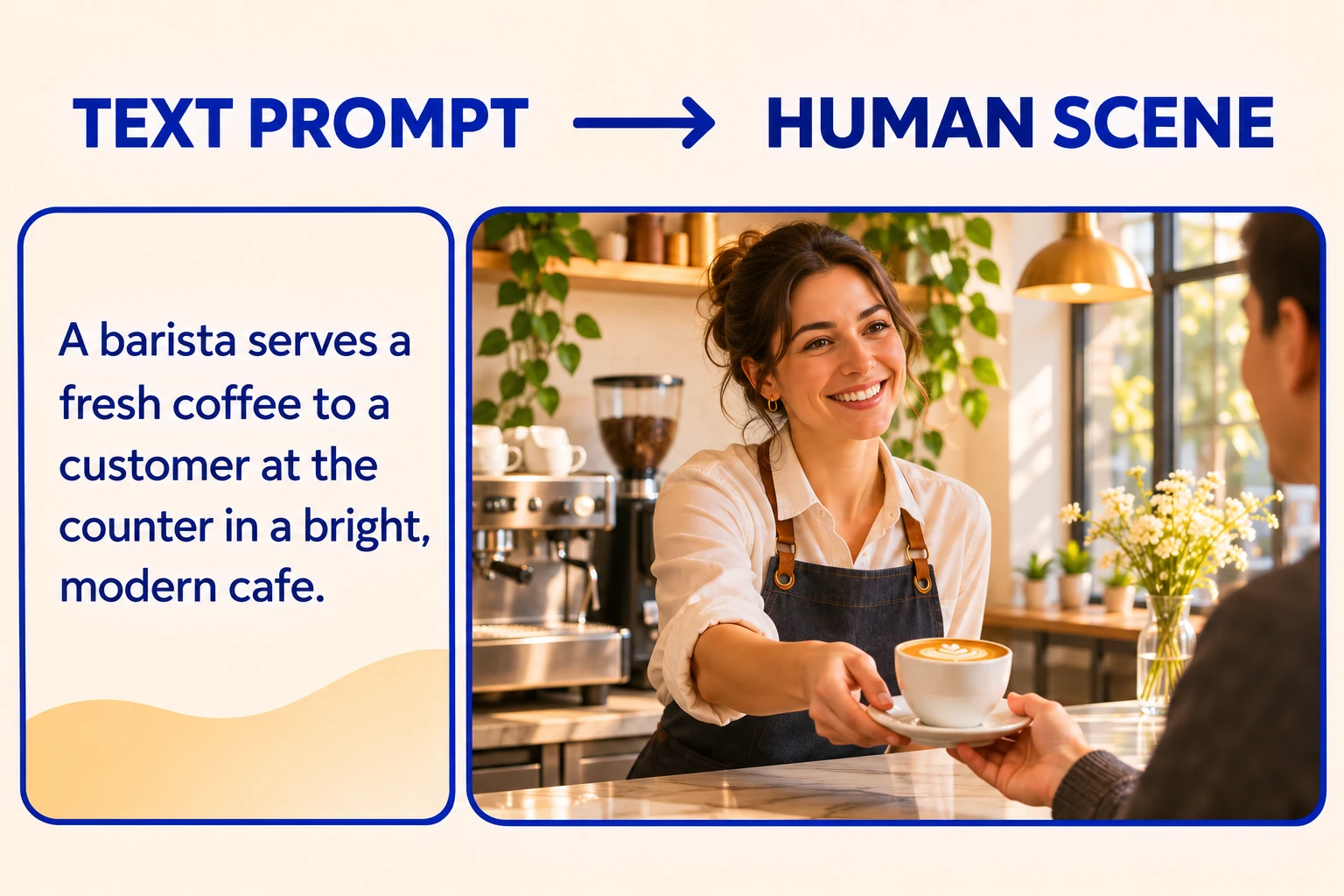
Create person-led video concepts without arranging a live shoot or location. GoEnhance text-to-video accepts a prompt, script, or outline, giving a flexible starting point for a presenter in a new setting, a character carrying out a clear action, or a short story scene. This can help teams explore human-centered ideas before committing time to filming, performers, or sets. The result is a generated concept shaped by the written brief, while this page image is illustrative rather than a sample output. The Text to Video AI workflow supports this text-led approach.
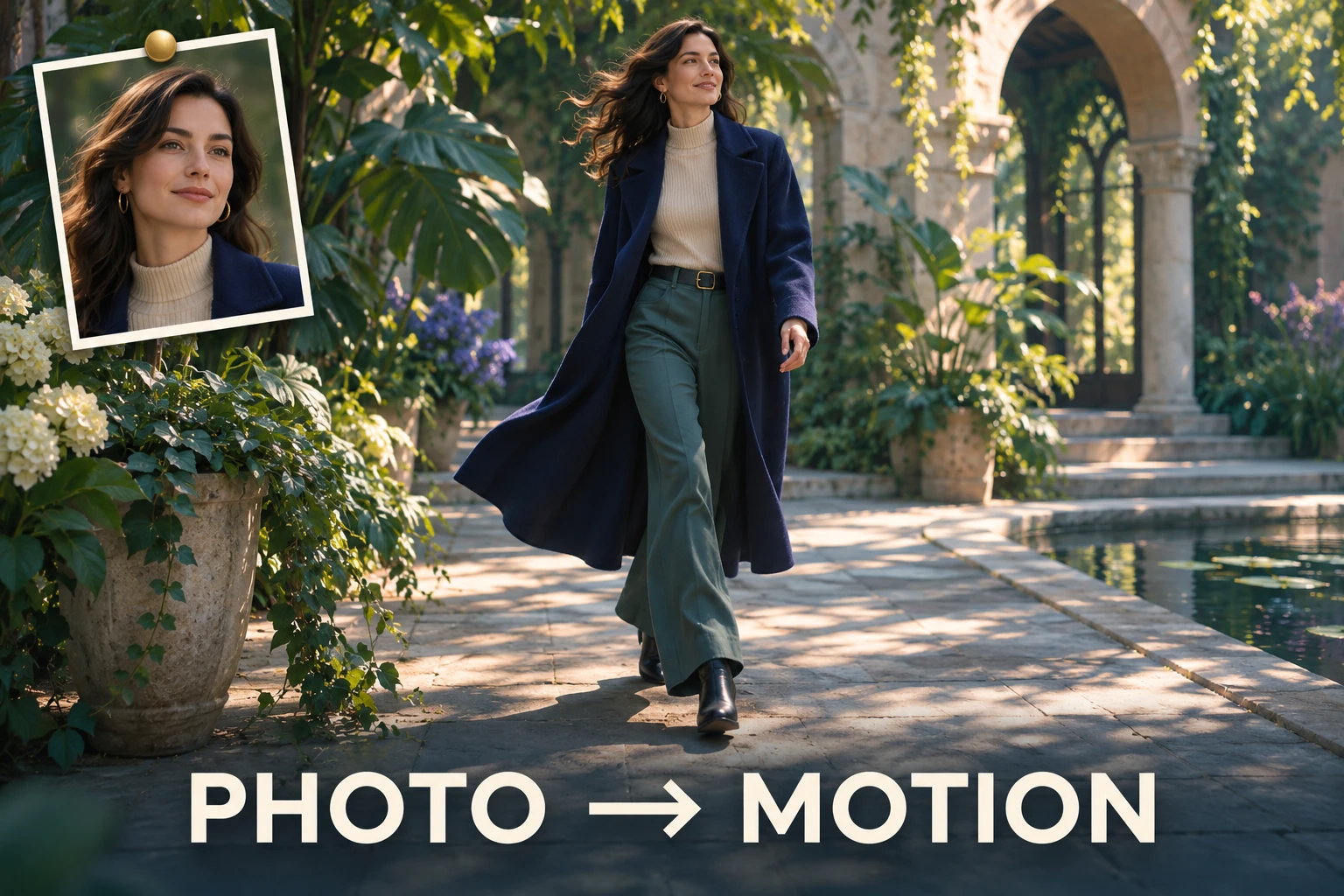
Give Existing Portraits a New Role
An existing portrait can become the visual anchor for a motion concept, making character art, profile portraits, or campaign visuals useful in a video context. Image-to-video starts from a supplied still, so the generated person can remain connected to the asset that already defines the look. This can save repeated visual setup and support a focused action such as turning, walking, or reacting, rather than building every scene from a blank prompt. Motion may reinterpret details, so the generated output can vary from the source image.
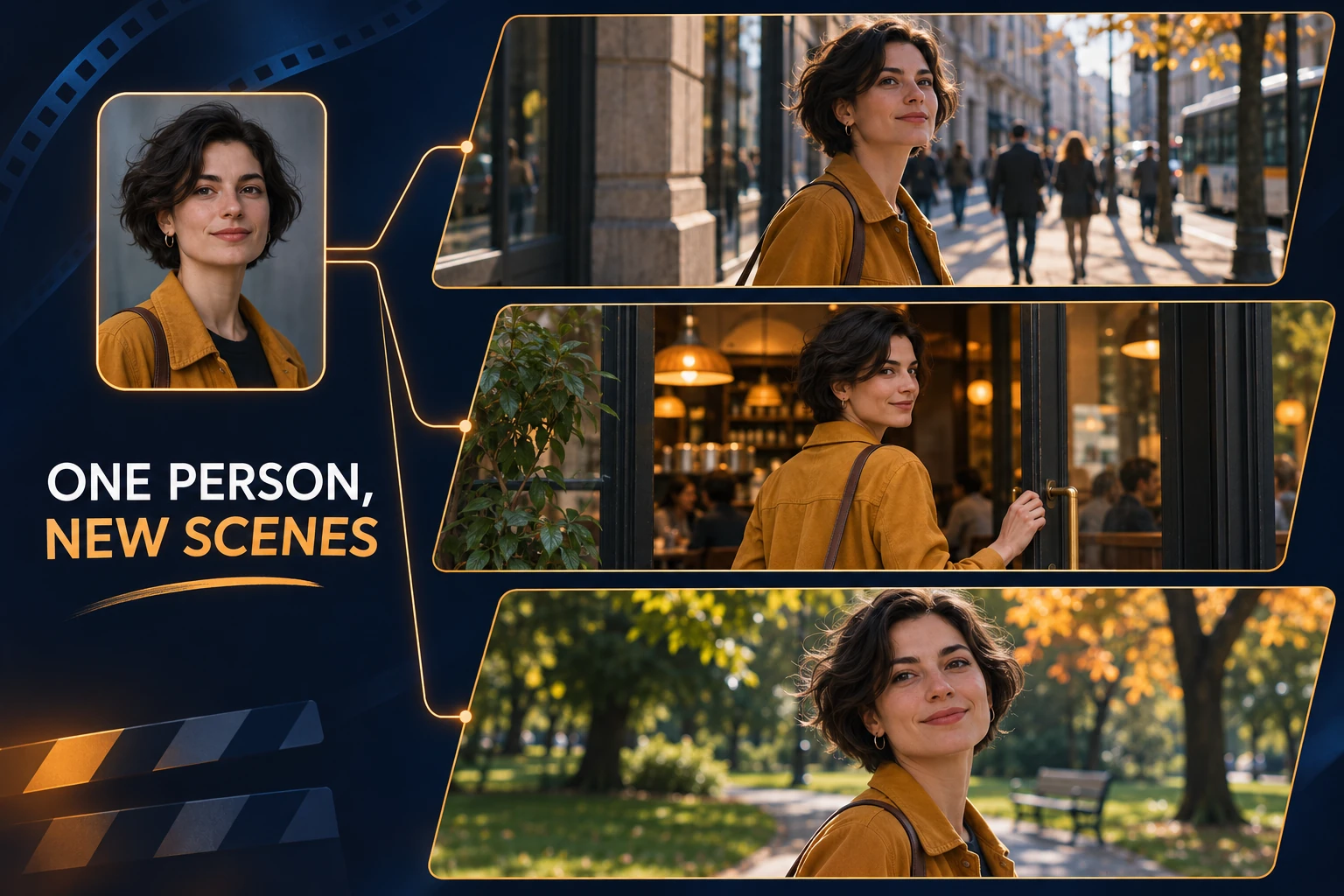
Keep a Character Recognizable Across Scenes
One to four reference images can give GoEnhance’s separate Consistent Character workflow a visual basis for a recurring person across new settings. That can help a short story or social series feel more connected when the character returns, while still leaving room to explore new actions and scenes. The approach offers an advantage over rebuilding a character from a text description alone, but it does not promise identical features in every frame. For projects where continuity matters most, the dedicated Consistent Character Video AI workflow centers that need.
How to Generate a Video with an AI Person
Choose Text or an Image
Write a prompt for a new scene, or start with an image when you already have a person or character reference. For a recurring subject, open the separate consistent-character workflow and add reference images.
Describe One Clear Action
Name the person’s visible traits, setting, action, and camera framing. Keep movement focused so the model has a readable moment to interpret.
Generate and Check the Scene
Review the person’s appearance, movement, framing, and background. If a detail drifts, simplify the action or make the source image and prompt more specific.
Choose the Right Starting Point for a Person Video
Build a New Scene from a Prompt
Animate an Existing Portrait
Guide a Familiar Character
Explore More AI Video Styles
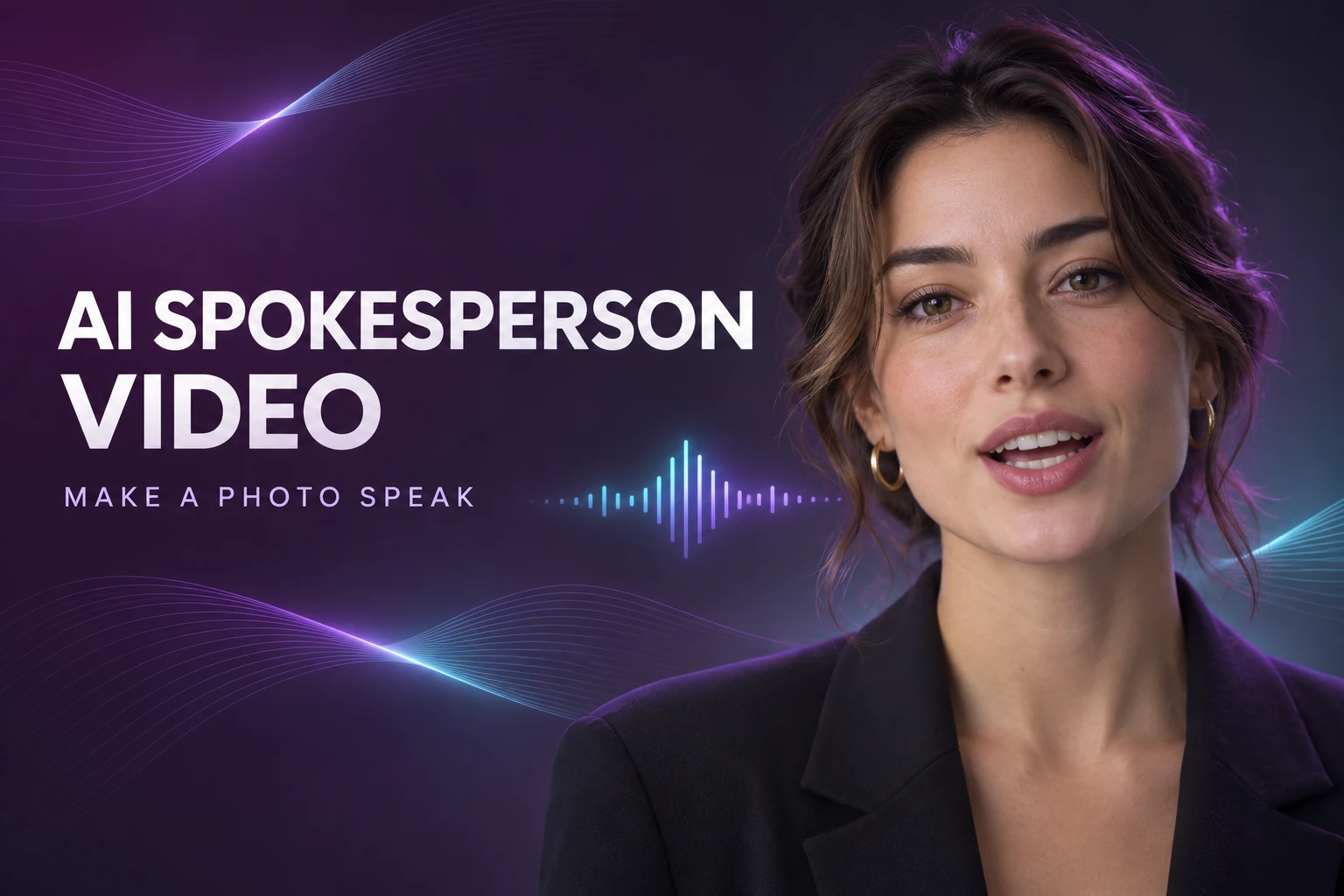
AI Spokesperson Video Generator
Turn a portrait into a presenter-style video with speech and facial motion.
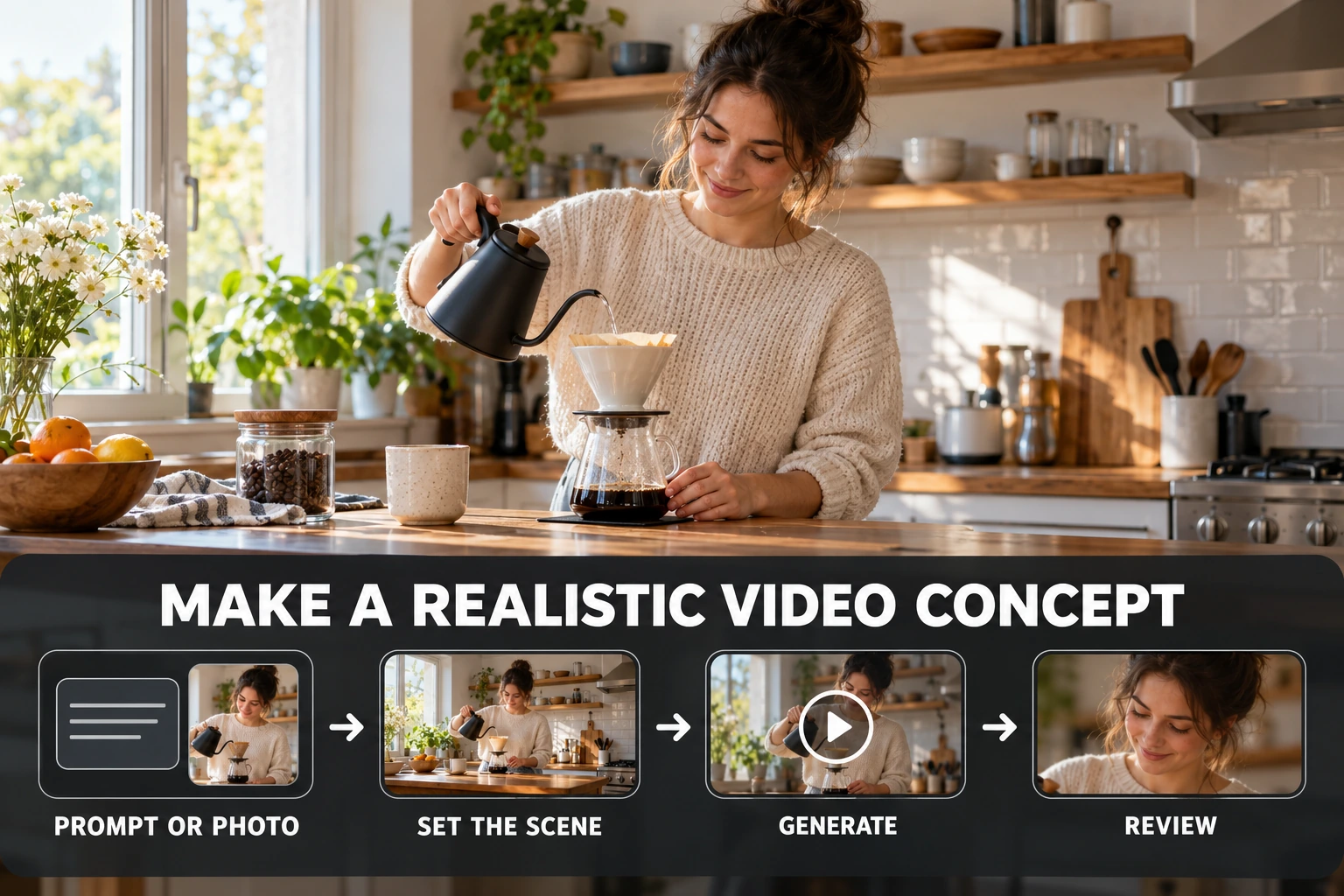
Realistic AI Video Generator
Explore grounded human scenes with natural-looking environments and motion.
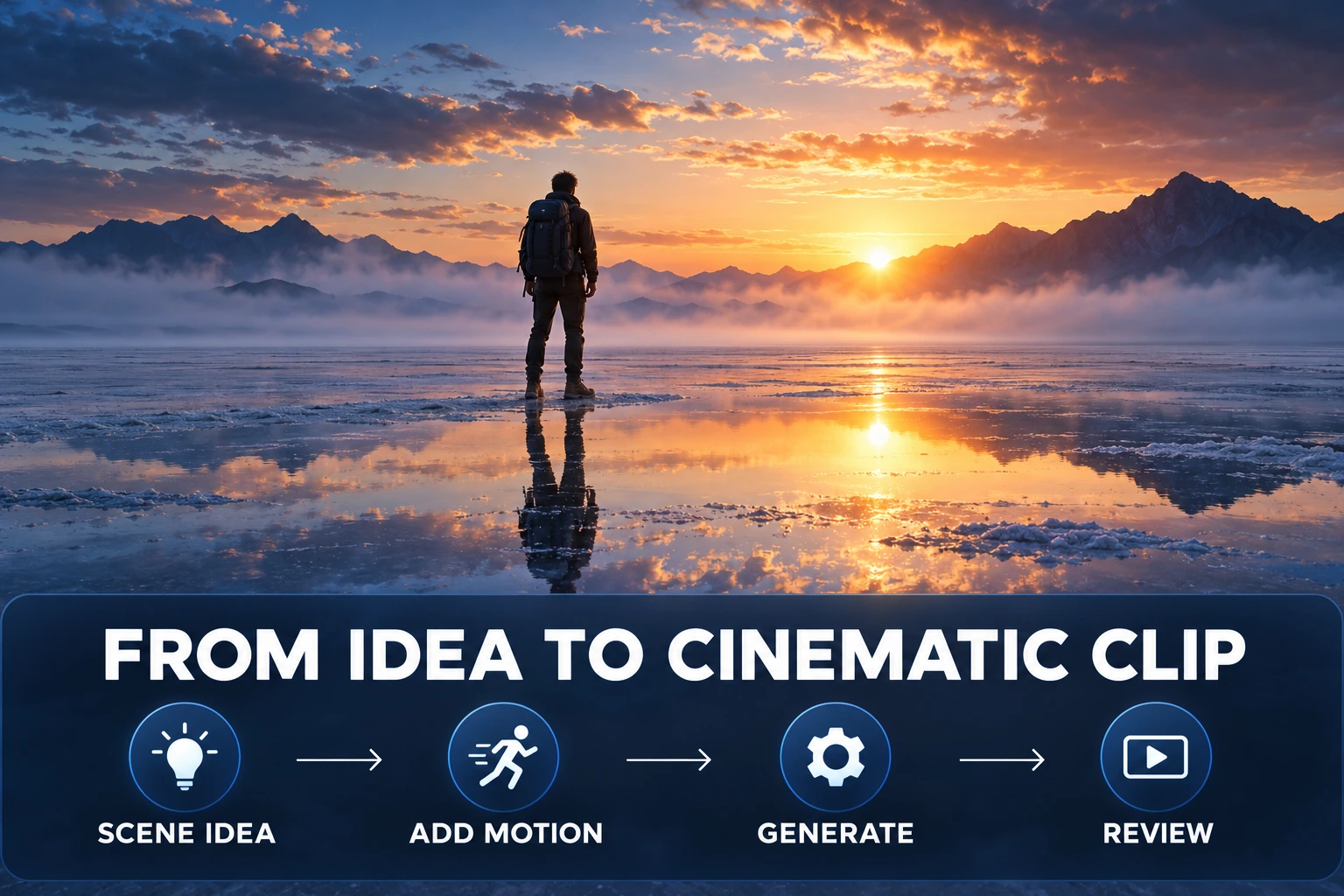
Cinematic AI Video Generator
Use camera direction and atmosphere to shape a film-inspired scene.
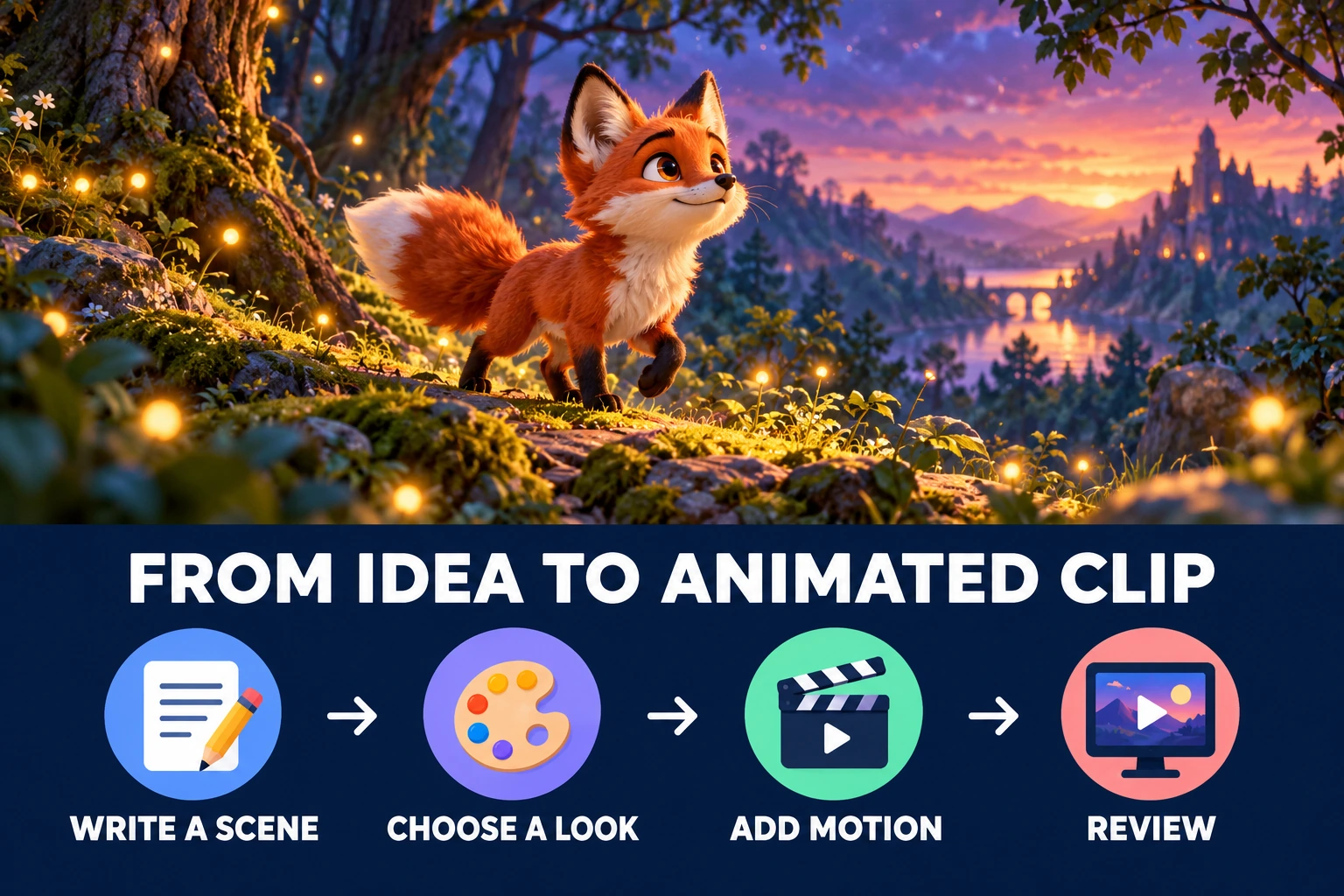
AI Animated Video Generator
Explore character-led scenes in animation-inspired visual styles.
AI Person Video Generator FAQ
What is an AI person video generator?
Can I generate a person in a video from a text prompt?
Can I animate a photo of a person?
How do I keep the same AI character across scenes?
Does GoEnhance offer a library of ready-made human avatars?
Will the AI person speak or lip-sync automatically?
What should I include in an AI person video prompt?
What is the difference between an AI person video and a spokesperson video?
Is the AI person video generator free?
Can I use AI person videos commercially?
Put Your Person into Motion
Start with a scene prompt or image reference, then review how the person appears in motion.
Generate a Human Scene