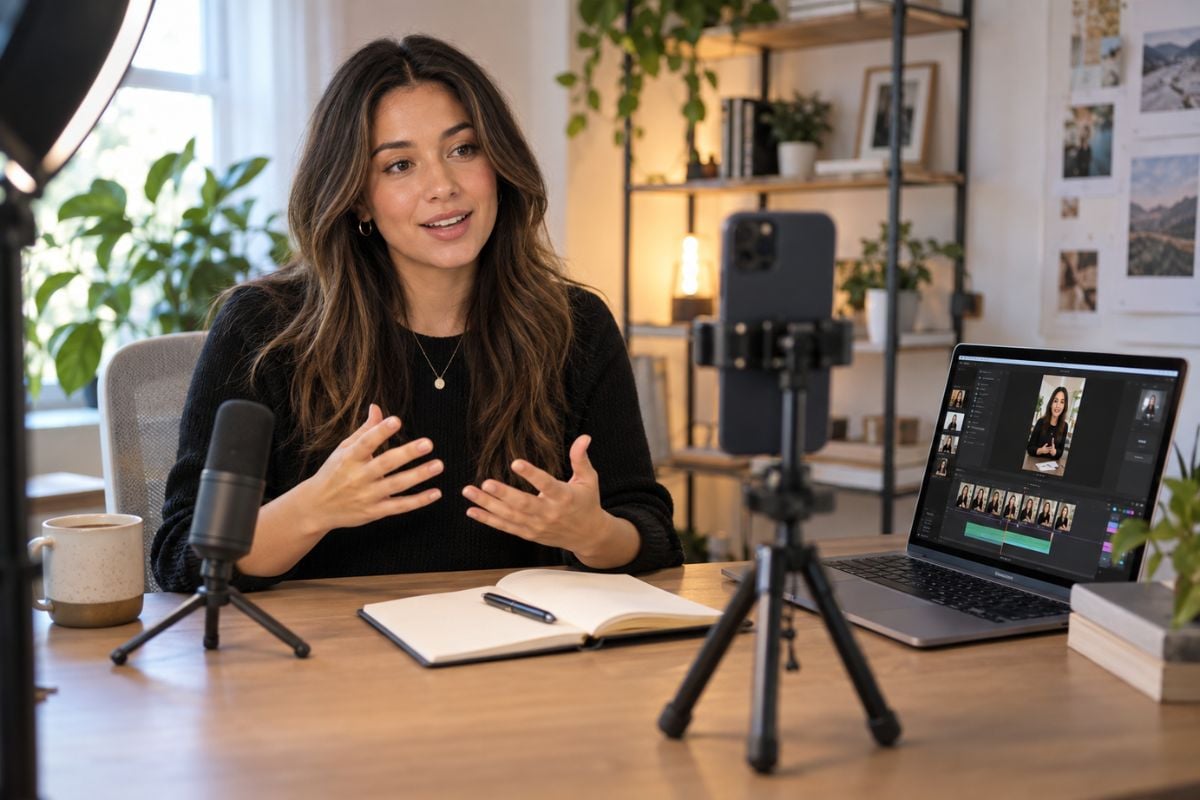
Always-On Social Content
Keep a steady stream of short-form videos moving across your content calendar. Start from recurring topics and let MakeReels handle more of the scripting, media selection, narration, and publishing work behind each reel.

MakeReels AI is an automated short-form content platform designed to turn topics, news, RSS feeds, blog posts, scripts, AI faces, voices, and stock media into ready-to-publish reels. Its strongest focus is not cinematic video generation from scratch, but reducing the repeated work involved in creating, scheduling, and publishing social videos at scale.
Keep a steady stream of short-form videos moving across your content calendar. Start from recurring topics and let MakeReels handle more of the scripting, media selection, narration, and publishing work behind each reel.
MakeReels AI can start from a simple topic, a current news story, a blog article, pasted text, or an RSS feed. The real advantage is that these different inputs can feed the same AI reels maker short-form production process, helping creators repurpose existing ideas and fresh information without rebuilding the workflow for every new reel.
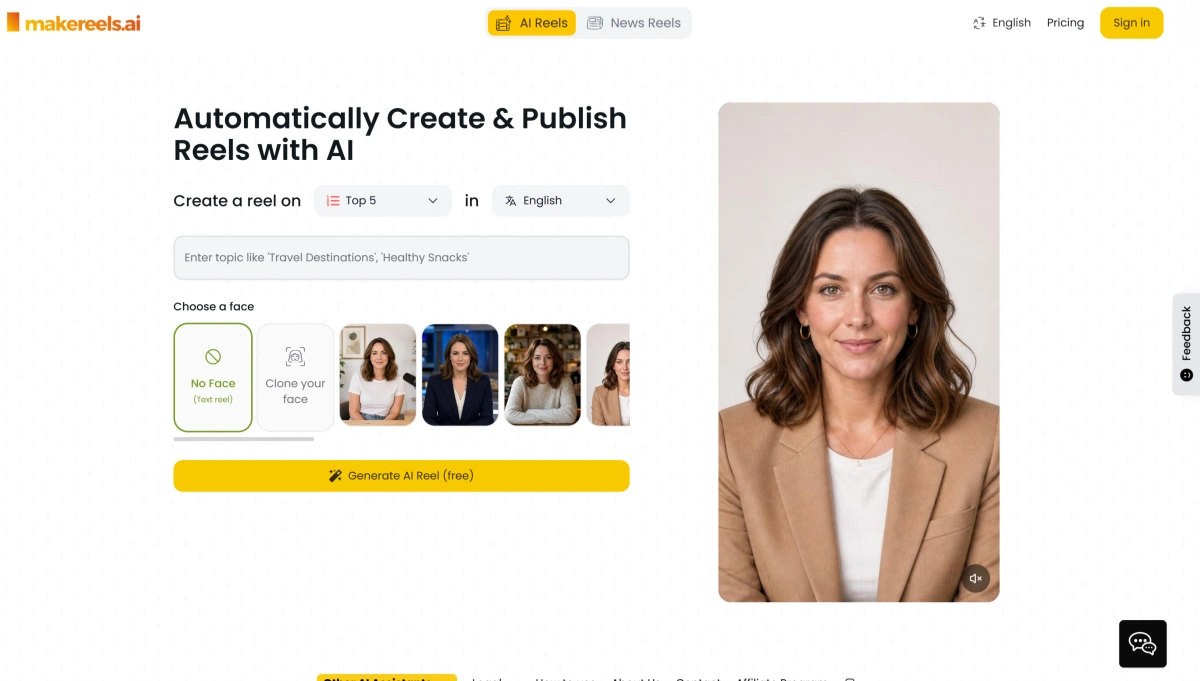
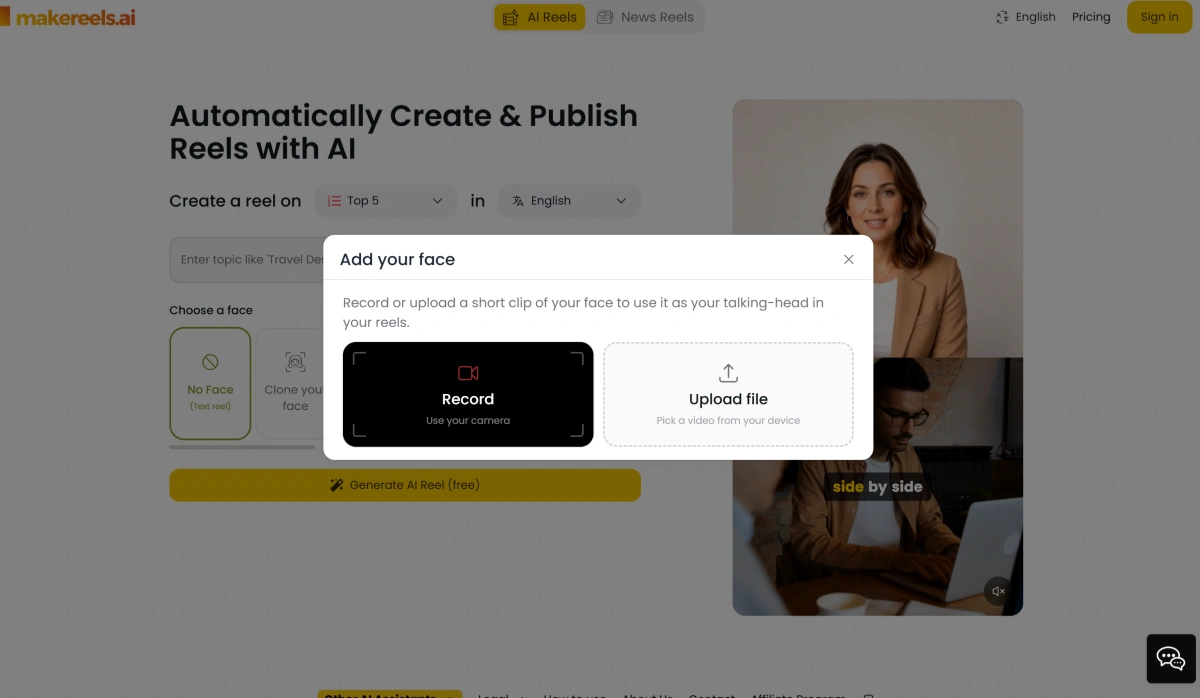
Face Reels and voice tools let creators establish a recurring on-screen identity for their content. Instead of finding a new presenter or recording narration for every post, MakeReels can reuse an AI presenter and, on supported plans, a cloned version of the creator's own face and voice for more consistent recurring content.
MakeReels is designed to reduce work after the video is created as well. Auto-Pilot workflows can support recurring generation and scheduling, RSS automation can react to newly published stories, and multi-platform publishing helps move completed reels toward several social channels from the same workflow.
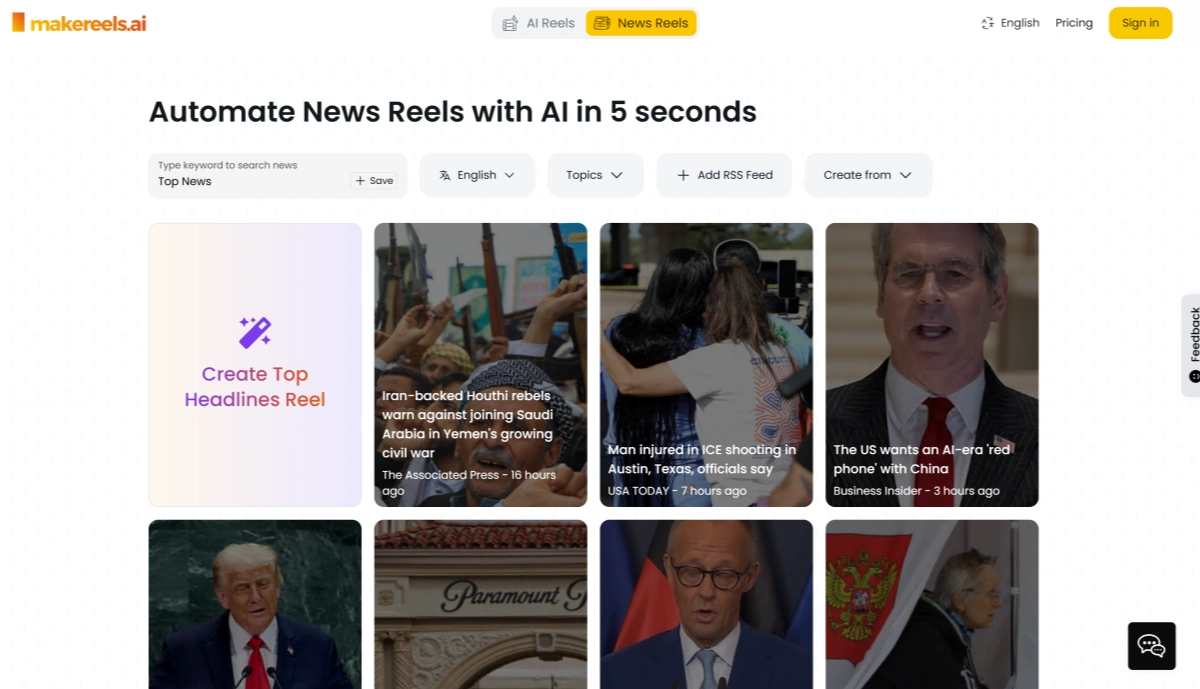
Start with a topic, news story, RSS feed, blog or article URL, or a Face Reel workflow depending on the type of short-form content you want to publish.
Choose a text-only reel or supported AI face, select a voice and language, and configure the available content, media, publishing, or Auto-Pilot settings for the reel.
Create the reel, review the script, visuals, narration, and media where applicable, then publish manually or use supported automated scheduling and multi-platform publishing workflows.
When the script and posting schedule are easy but the visual itself needs to stand out, move into GoEnhance AI. Start from a prompt, character, product image, or existing shot and create motion that is built around your visual instead of simply fitting media into a reel.
Create a Reel People Remember