
goenhance logo

Funy AI Video Generator

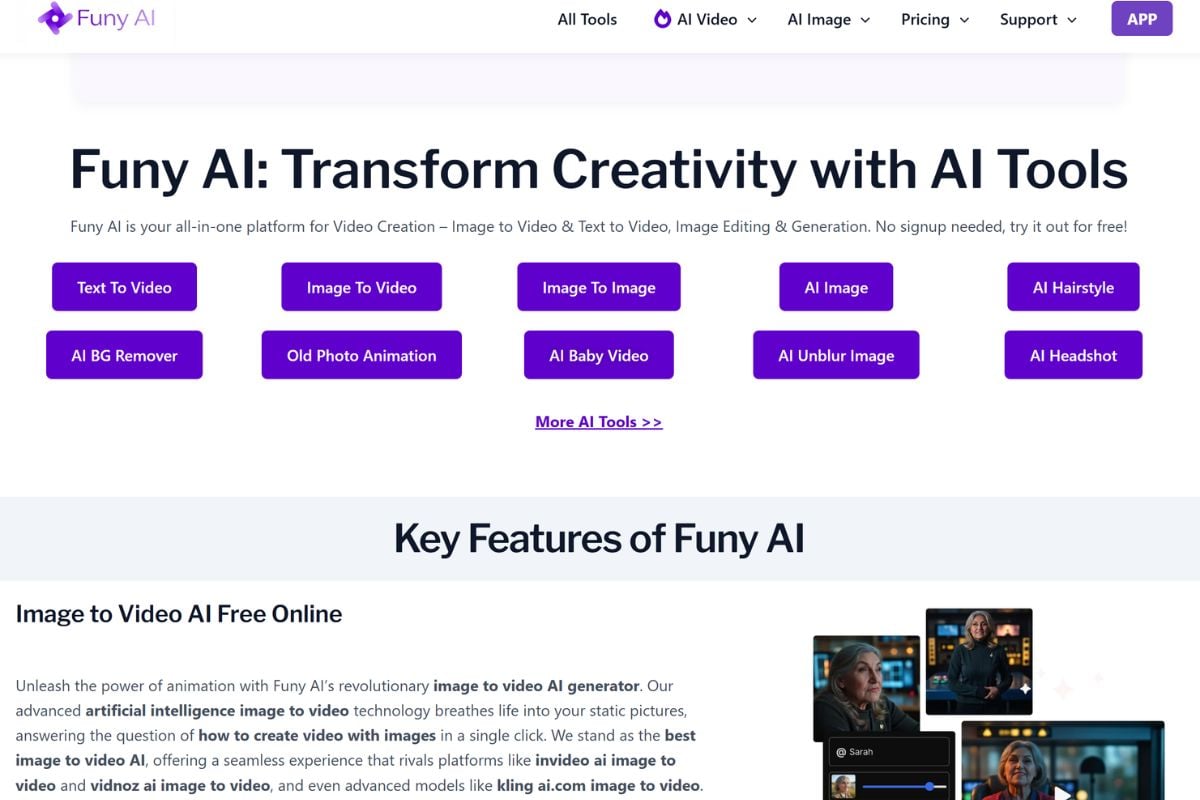
Funy AI is an all-in-one creative platform for generating videos from text or images, animating photos, trying playful AI effects, and editing visual content without a complicated production workflow.

Explore Funy AI Video Workflows

Turn Simple Ideas Into Short AI Videos

Funy AI lets users start with a written prompt or visual idea and turn it into a short animated clip. It fits social posts, visual storytelling, marketing drafts, educational concepts, and playful content tests. Creators who want a broader prompt-led workflow can also explore GoEnhance AI's AI video generator for text, image, and video-based creation.
Turn Simple Ideas Into Short AI Videos

Bring Static Photos to Life

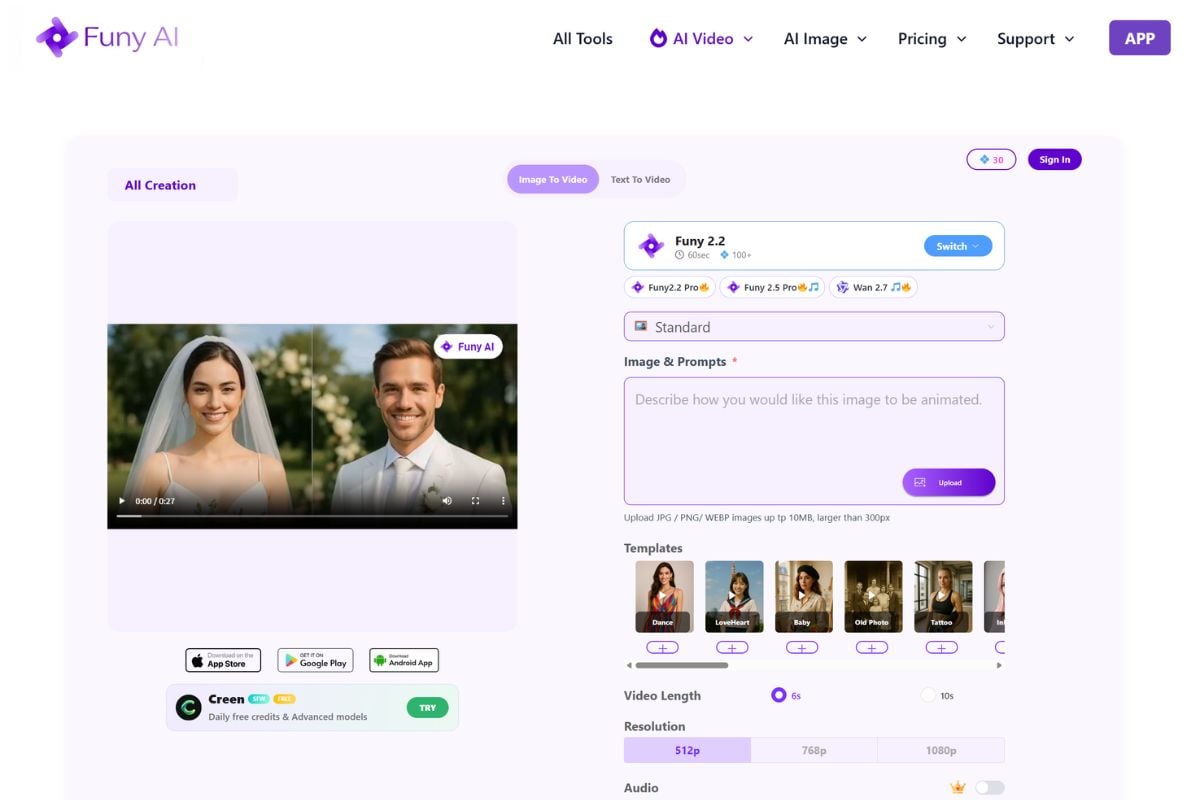
Upload a portrait, product image, illustration, character design, meme, or old photo and guide its movement with a short prompt. The workflow can add expression, subject motion, camera movement, atmosphere, or background sound. Use the dedicated image to video tool when the starting point is an existing visual.
Bring Static Photos to Life on funy AI

Experiment With Effects and Visual Edits

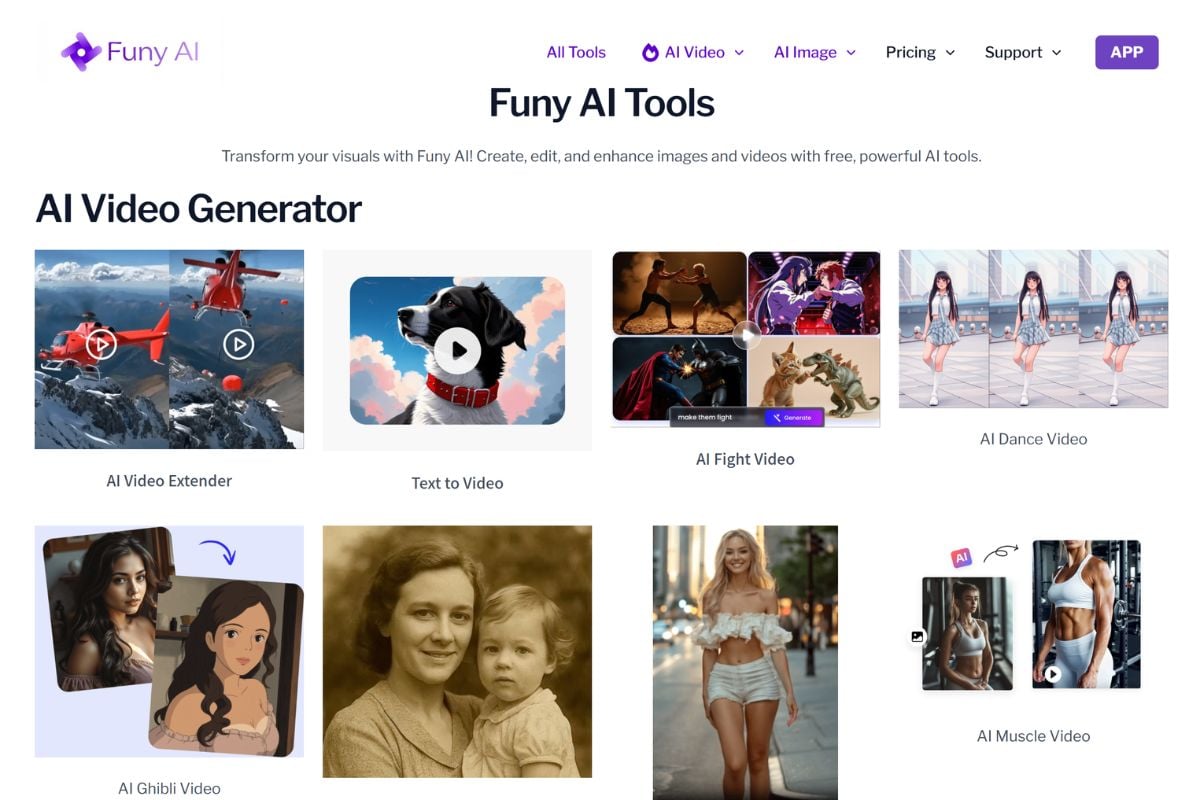
Funy AI combines video effects with image generation and editing tools, making it useful for dance clips, old-photo animation, action effects, hairstyle previews, background removal, image enhancement, and other quick visual experiments. This gives casual creators several ways to prepare, edit, and animate assets in one workflow.
Experiment With Effects and Visual Edits on Funy AI

How To Use Funy AI on GoEnhance AI

01

Enter a Prompt or Upload an Image

Describe the scene you want to create, or upload a portrait, product visual, character image, illustration, or photo that you want to animate.

02

Describe the Motion and Style

Add details about the subject's movement, camera direction, mood, visual style, background, pacing, and any effect you want the generated clip to include.

03

Generate, Review, and Export

Generate the first version, preview the motion and visual consistency, refine the prompt when needed, and export the result once it matches your idea.

Funy AI vs Pollo AI vs GoEnhance AI

FeatureFuny AIPollo AIGoEnhance AI
Overall PositioningAccessible all-in-one platform for text-to-video, image-to-video, AI effects, image generation, and quick visual editingBroad AI creative suite that provides access to multiple video models, image tools, effects, avatars, and agent-style workflowsCreator-focused AI video and image platform for prompt generation, image animation, video transformation, effects, and character content
Main Starting PointText prompt, uploaded image, existing photo, or selected effect templateText, image, video, reference media, selected model, or creative agent workflowText prompt, image, character visual, product shot, or source video
Text to VideoUseful for short visual scenes, stories, social posts, promotional drafts, and creative experimentsProvides text-to-video generation across multiple available AI video modelsUseful for social clips, storytelling, product concepts, ads, and prompt-based visual creation
Image to VideoA central workflow for animating portraits, illustrations, products, memes, and existing photosOffers image-to-video generation through several model options and customizable workflowsSupports prompt-guided motion for portraits, characters, products, social images, and visual story scenes
Effects and EditingOffers specialized effects alongside image generation, enhancement, background removal, filters, and visual editing toolsIncludes a large library of effects, templates, image tools, video tools, avatars, and creative modelsCombines AI effects, image creation, face swap, video-to-video, animation, enhancement, and creator-oriented editing workflows
Access ExperienceOfficial pages emphasize free access and no-sign-up entry for core video and image workflows, although current limits may changeNew users can explore supported tools and models through free credits before choosing paid usageProvides accessible browser-based creation paths for text, image, and video workflows
Best FitCasual creators who want to quickly animate images, generate short videos, and try entertaining AI effectsUsers who want to compare several AI models and creative tools from one platformCreators who want flexible AI video generation, image animation, character content, and video transformation in one workflow
Quick creation paths for video, images, effects, and everyday visual ideas

Why Funy AI Is Easy to Explore

Start Without a Complicated Setup

Move directly into text-to-video or image-to-video creation without learning a traditional editing timeline first.

Create From Text or Existing Images

Begin with a written idea when building a scene from scratch, or upload a visual when you already have a subject or composition.

Make Still Images Feel More Alive

Add motion, expression, camera direction, atmosphere, and optional sound to portraits, products, artwork, and old photos.

Try Multiple Visual Styles

Explore cinematic, realistic, anime-inspired, artistic, surreal, and entertainment-focused directions from simple prompts.

Prepare and Edit Assets in One Place

Generate images, extend frames, enhance quality, remove backgrounds, unblur photos, and prepare visuals before animation.

Create for Social, Stories, and Campaigns

Use short generated clips for memes, posts, character concepts, personalized greetings, educational visuals, and promotional drafts.

Funy AI Discussions on Reddit

Create AI Videos With GoEnhance AI

Turn text prompts, images, characters, product visuals, and creative ideas into short AI videos, animated clips, and visual effects through a simple browser workflow.

Start Creating