
Flat AI Video Generator
Flat AI is a privacy-focused creative suite with a dedicated AI Video Studio for generating clips from text, images, reference frames, and guided shot ideas. Its broader tool collection also supports image generation, prompt-based editing, enhancement, background removal, audio tools, and other creative tasks.
Explore Flat AI Creative Workflows
Create in a Private AI Video Workspace
Flat AI Video Studio supports text-to-video, image-to-video, reference-to-video, and image-to-video with audio inside a dedicated session. The workspace combines model selection, aspect ratios, resolution settings, generated outputs, and shot planning in one place. For a broader choice of production models, explore the GoEnhance AI AI video generator.
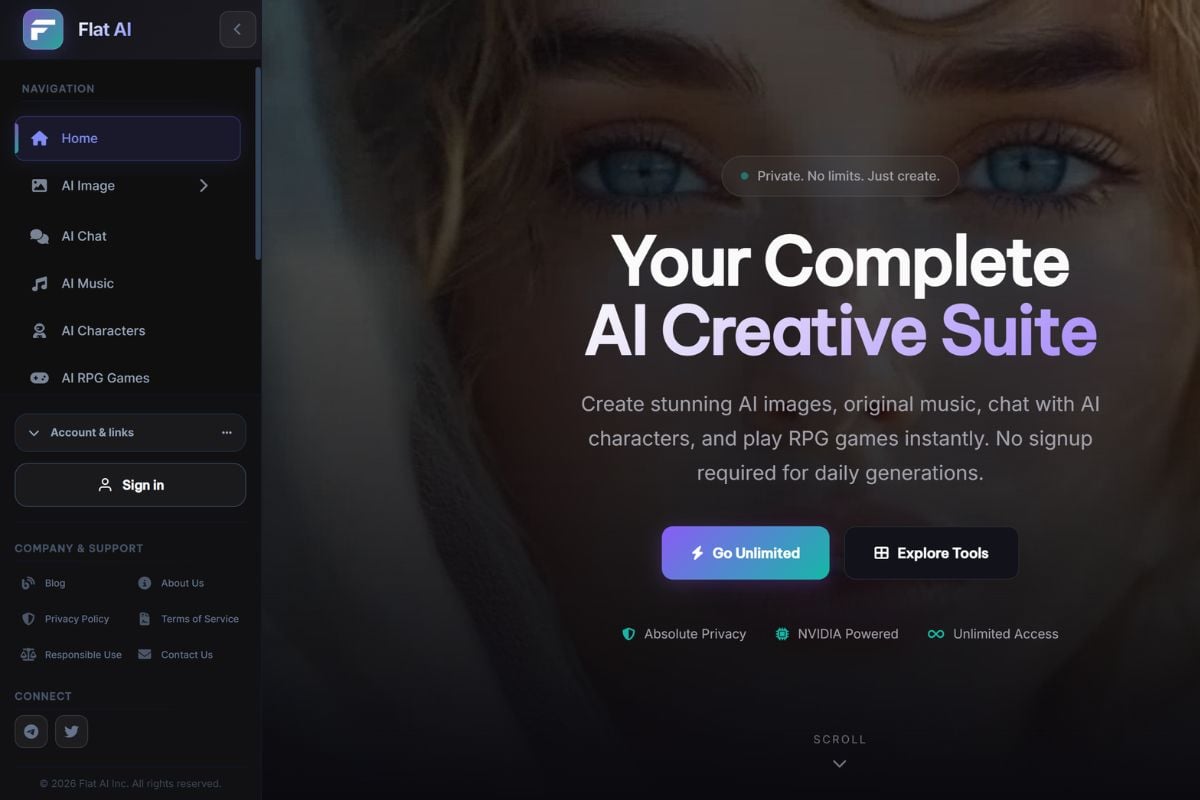
Prepare Better Source Images Before Animation
Flat AI's image tools let users generate a starting visual, refine prompts, preserve identity during edits, inpaint selected areas, swap faces, remove backgrounds, or upscale details before creating motion. A stronger source image can reduce avoidable drift when it enters an image-to-video workflow.
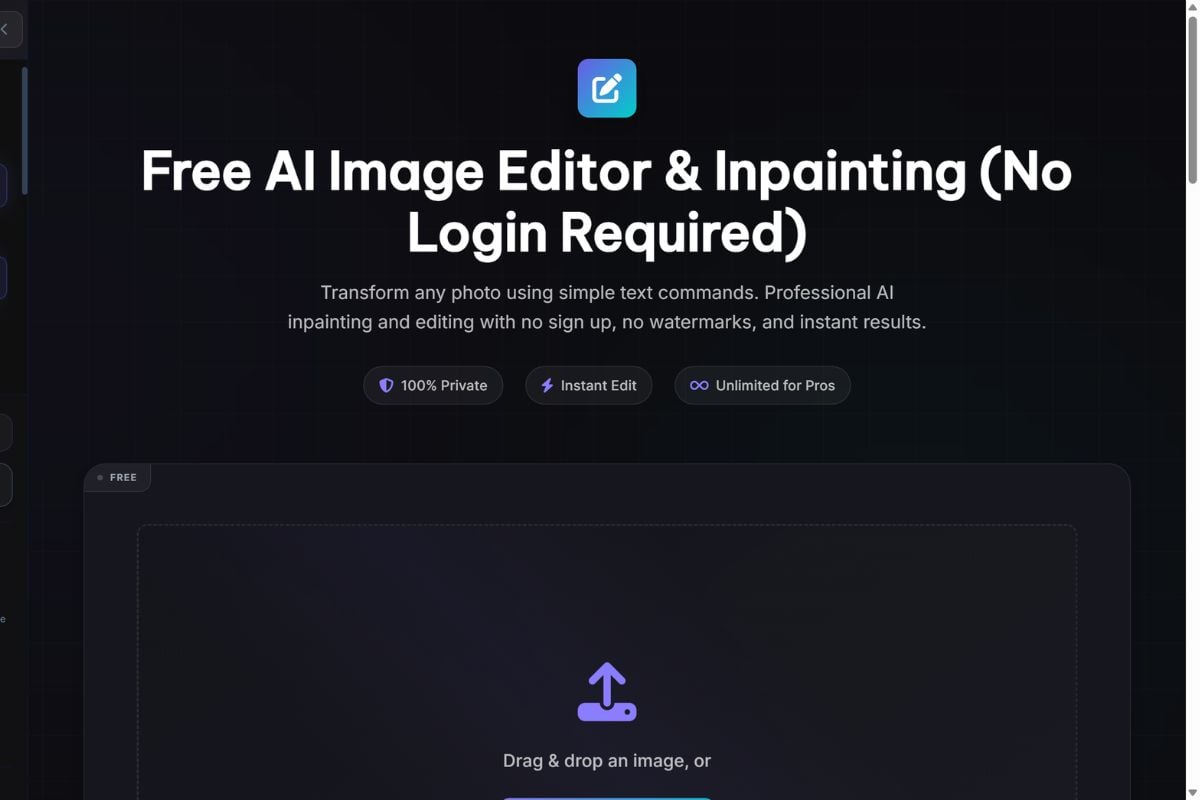
Guide Shots and Finish Video Drafts
The Video Studio includes an AI Director for developing prompts and planning cinematic shots, plus first-frame, last-frame, reference, LoRA-style, upscaling, and frame-interpolation options. This gives creators more control over how a clip starts, moves, transitions, and reaches a cleaner review state.
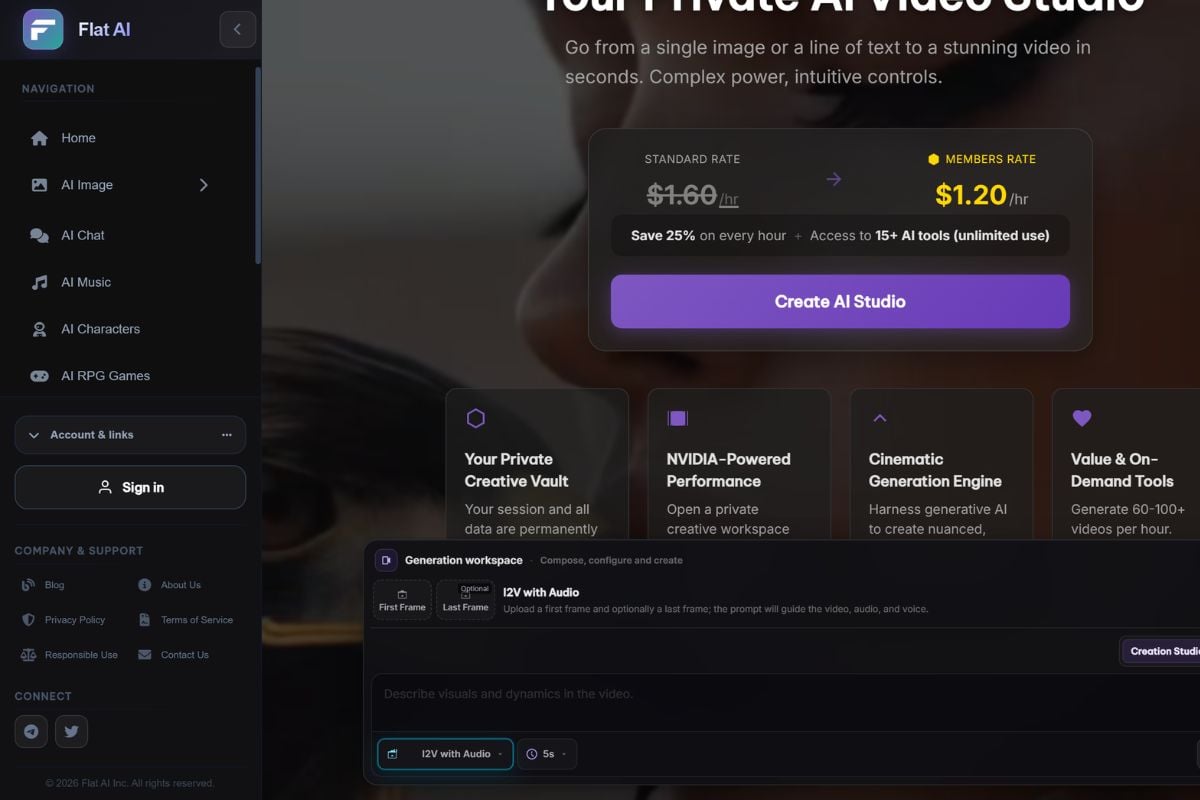
How To Use Flat AI on GoEnhance AI
Start a Video Session
Open the Video Studio and choose whether the project begins with text, an image, first and last frames, a reference, or an image-and-audio workflow.
Plan the Shot and Configure Output
Write or refine the prompt, choose a model, set the aspect ratio and resolution, and add camera motion, LoRA styling, audio, or reference media when relevant.
Generate, Enhance, and Review
Create the clip, compare outputs, use upscaling or frame interpolation when needed, and review prompt accuracy, motion, source rights, privacy, and publishing suitability before ending the session.
Flat AI vs Other AI Video Platforms
Why Creators Explore Flat AI
Plan Shots With an AI Director
Create and Refine Source Visuals Together
Pay for Studio Time as Needed
Flat AI FAQ
What is Flat AI?
What is the Flat AI video generator?
Is Flat AI free?
Is Flat AI safe?
Does Flat AI support text-to-video?
Does Flat AI support image-to-video?
What are first-frame and last-frame controls?
What is the Flat AI Director?
Can Flat AI output be used commercially?
Create AI Videos With GoEnhance AI
Turn prompts, images, products, characters, and existing footage into AI video drafts with flexible text-to-video, image-to-video, and video transformation workflows.
Start Creating