
CapCut Video Editor
CapCut is a cross-platform video editing platform available through mobile, desktop, and web experiences. It combines timeline editing, effects, transitions, captions, audio tools, templates, background removal, AI-assisted features, and direct social publishing in one workflow.
Key Features of CapCut
Edit Complete Videos Without a Steep Learning Curve
CapCut brings trimming, splitting, cropping, speed controls, keyframes, masks, transitions, filters, text, audio, color adjustments, and multi-track editing into an approachable timeline. Beginners can handle simple social edits quickly, while more experienced creators can use tools such as keyframes, masking, speed curves, blending, and detailed adjustments for more controlled results. When starting with a still image, creators can also explore image to video workflows.
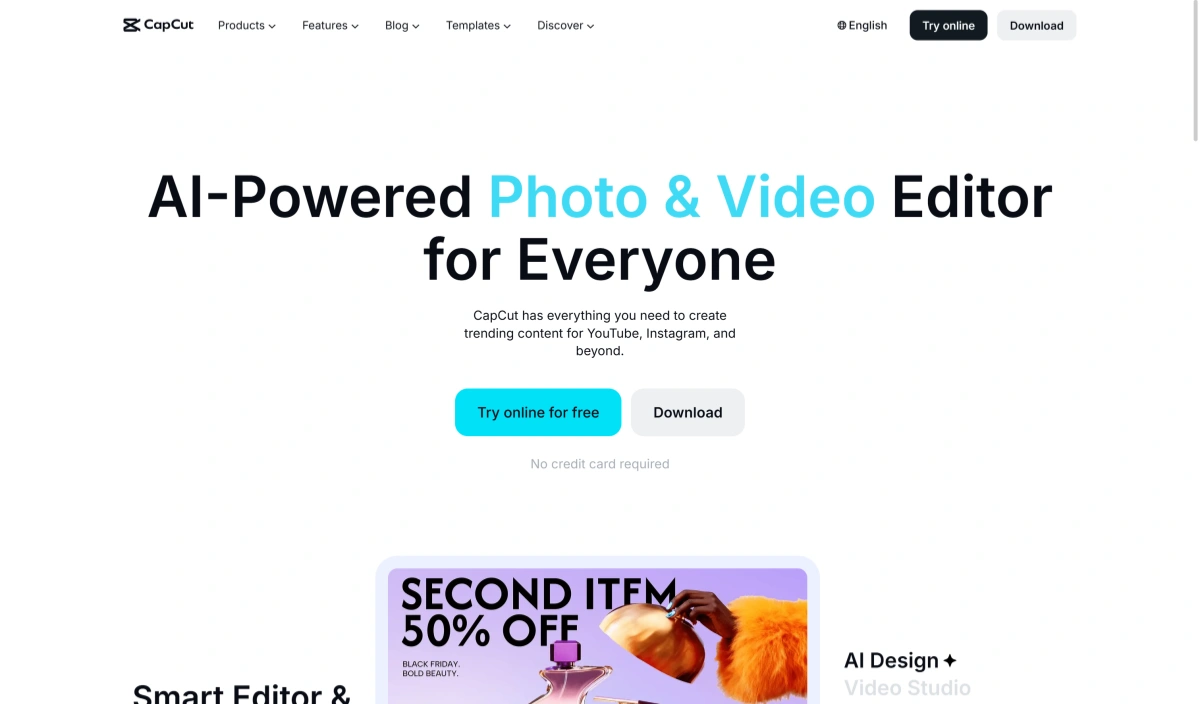
Start With CapCut Templates Instead of Editing From Scratch
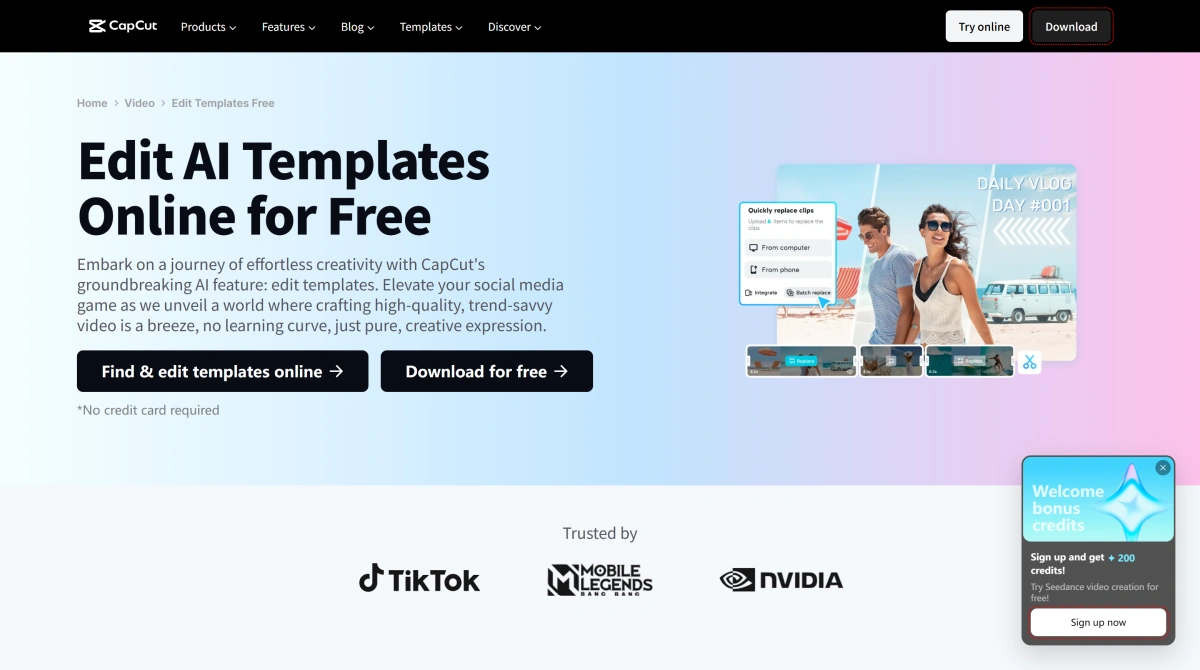
CapCut templates combine pre-built timing, transitions, effects, text, stickers, and music so creators can replace the original media with their own clips or photos. This makes trend-driven videos, product posts, travel edits, slideshows, and short-form social content much faster to assemble. Template availability and discovery can vary between the CapCut app, web version, desktop version, device, and region.
Use AI Tools to Reduce Repetitive Editing Work
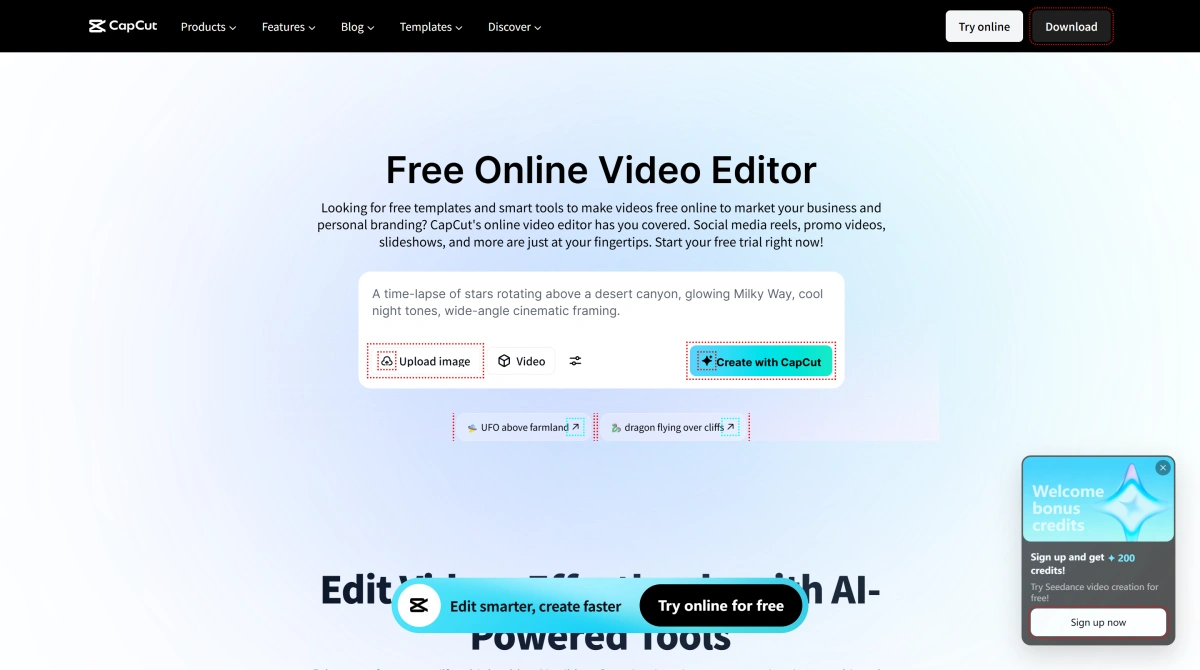
CapCut combines traditional editing with AI-assisted tools such as automatic captions, background removal, subject cutout, stabilization, relighting, text-to-speech, voice enhancement, AI stickers, script-assisted creation, and other automated workflows. These tools are particularly useful when creators need to prepare multiple short videos without manually handling every technical edit.
How to Use Capcut?
Import Your Video or Start With a Template
Open CapCut on mobile, desktop, or web and create a new project. Import your own video, image, or audio files, or choose an available CapCut template when you want a ready-made starting point.
Edit the Timeline and Add Creative Elements
Trim and rearrange clips, add text, captions, transitions, filters, effects, music, voiceovers, or stickers, and use AI-assisted tools such as background removal or stabilization where useful.
Export and Share the Finished Video
Preview the final edit, choose the available resolution, frame rate, format, and quality settings, then export the video. Depending on the platform and workflow, CapCut can also provide direct sharing options for social platforms such as TikTok and YouTube.
CapCut vs GoEnhance AI vs Canva vs Adobe Express
Discussion about CapCut on Twitter
Discussion about CapCut on Reddit
Where GoEnhance AI Fits Before the CapCut Editing Stage
Generate New Footage Before Opening the Timeline
Turn Still Artwork Into Editable Video Material
Create Missing Shots Instead of Searching for Stock
Restyle Footage Before Final Editing
Animate Characters Before Adding Captions, Music, and Effects
Use CapCut as the Finishing Step After AI Generation
CapCut FAQ
What Is Capcut?
Is Capcut Safe?
Is CapCut free?
Is there a CapCut app?
What are CapCut templates?
How do I find CapCut templates?
Can I use CapCut online?
Does CapCut have AI tools?
Can CapCut export 4K video?
How is CapCut different from GoEnhance AI?
Generate and Transform Videos With GoEnhance AI
Start from a prompt, image, character, or existing video and explore AI generation, animation, image-to-video, and creative video transformation.
Start Creating