AI Statue Generator
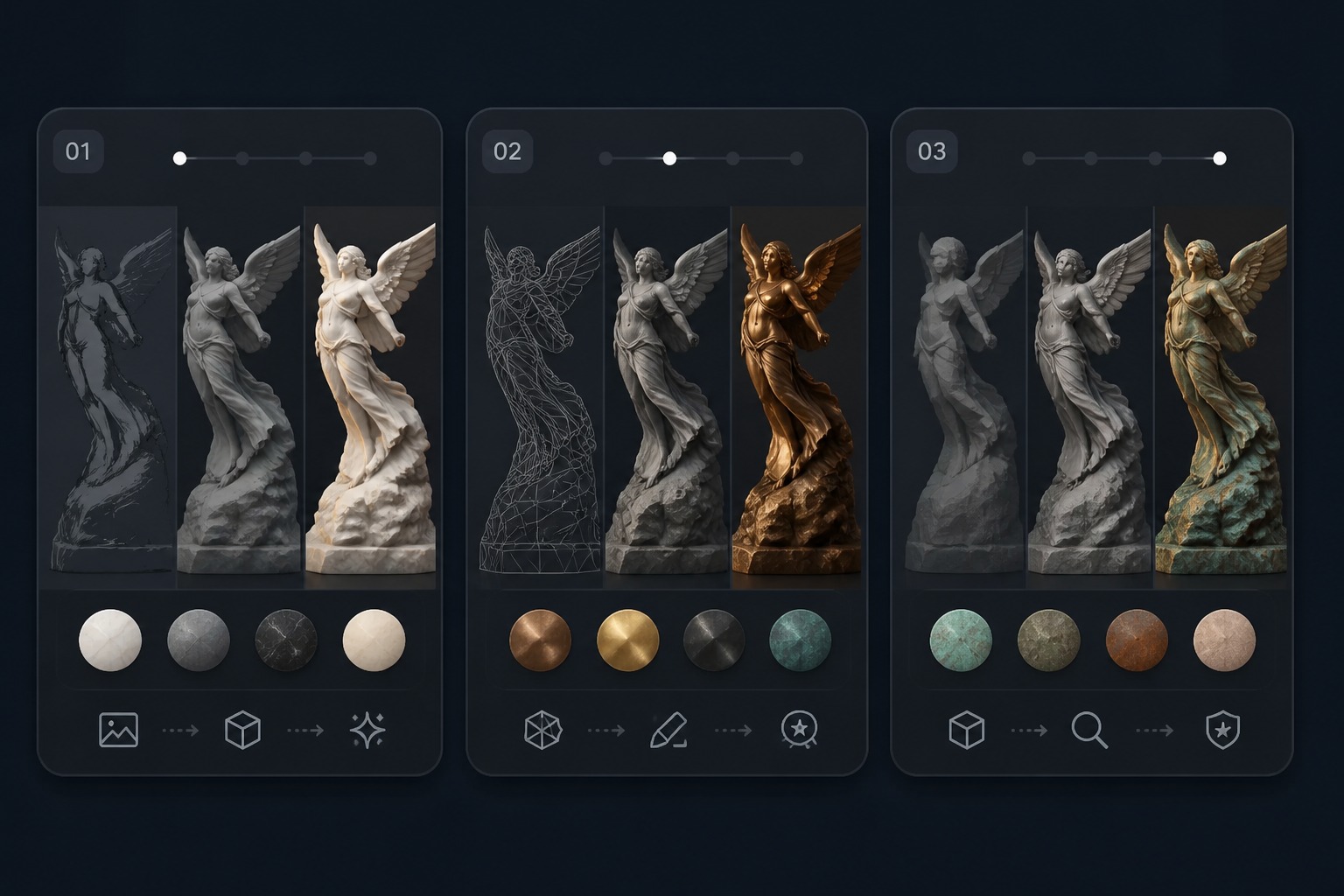
Turn a portrait, pet, product, object, or prompt idea into a statue-style image with marble, bronze, carved stone, or museum lighting. Create sculptural visuals for avatars, posters, fantasy concepts, and polished art references.
Create Statue Image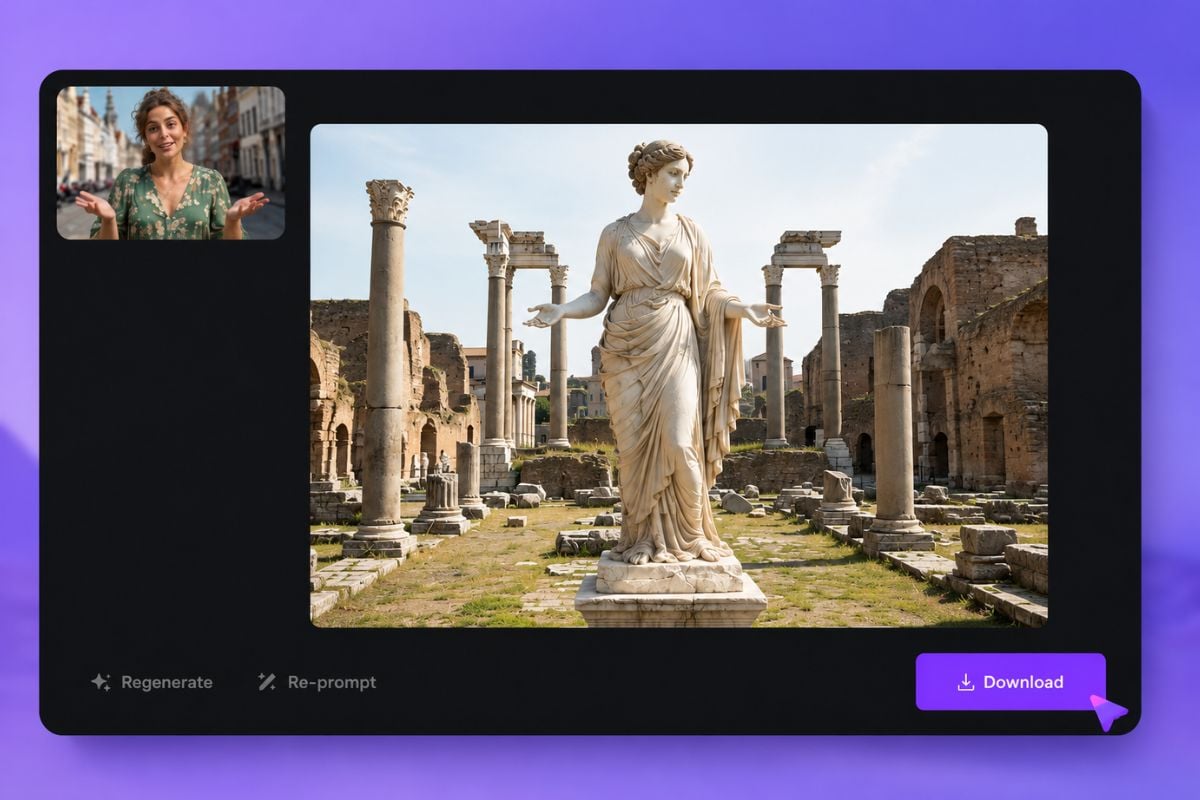
Transform Subjects Into Sculptural Visuals
Turn Portraits Into Marble Busts
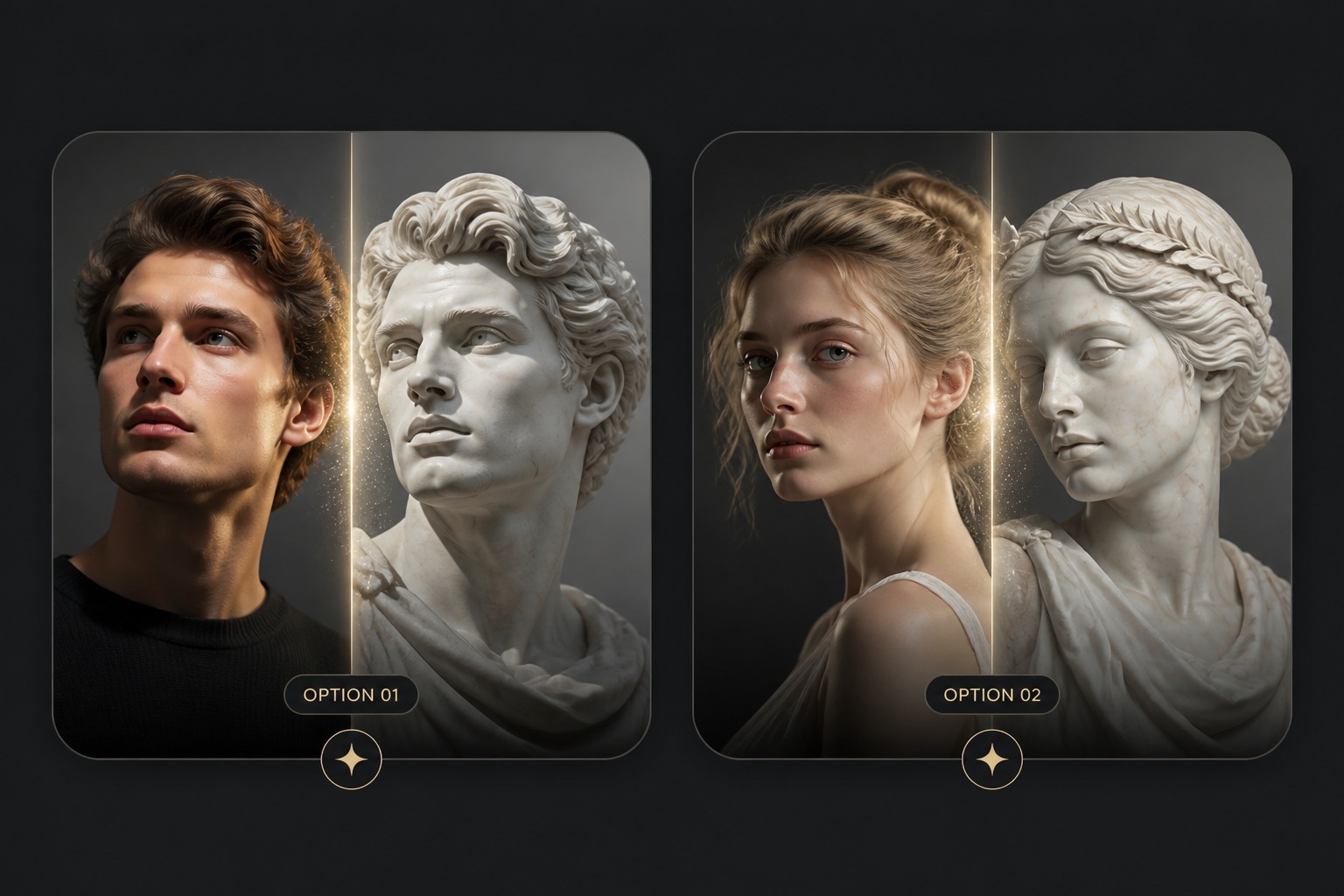
Transform a face or character into a marble bust with carved planes, gallery lighting, and a polished plinth-style presentation using our text to image tool. It works especially well for profile art, dramatic portraits, and classical statue-inspired visuals.
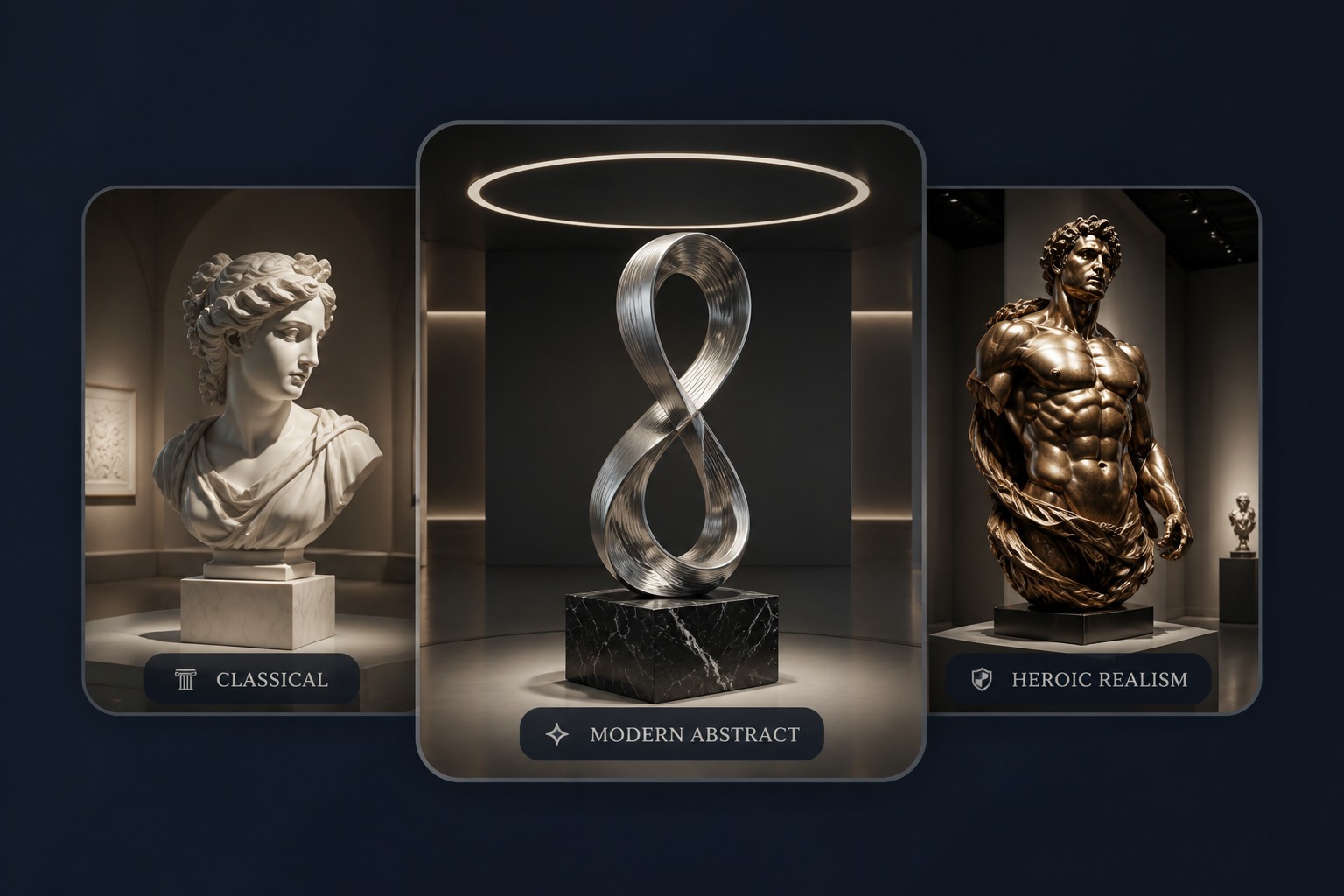
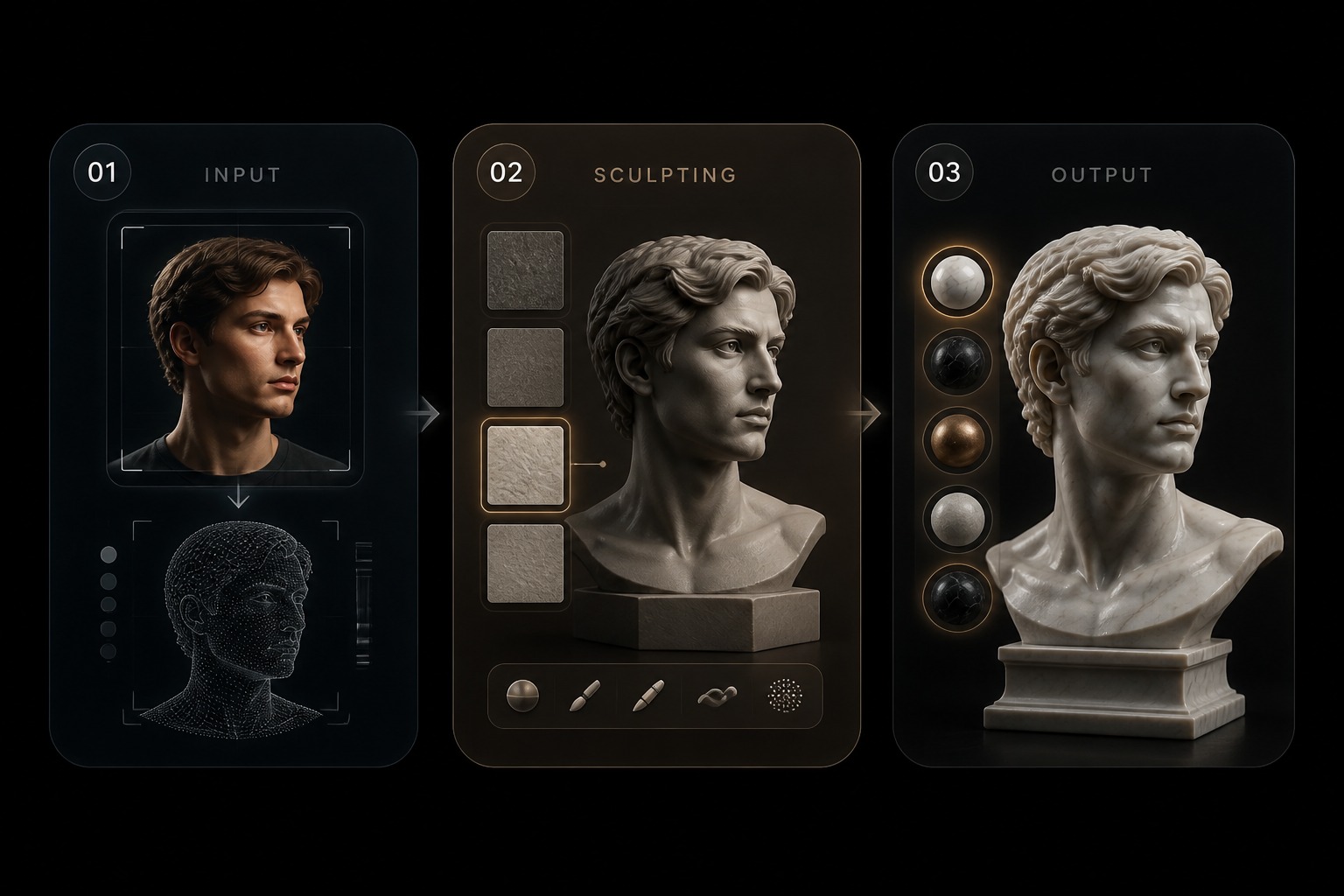
Sculpture-style images without 3D modeling or manual texture work
Why Use GoEnhance AI Statue Generator?
No Sculpting Software Needed
Create marble, bronze, or stone-style visuals without learning 3D modeling, rendering, or complex material tools.
Portraits Become Statement Art
Turn selfies, profile photos, pets, or character references into sculptural images with a stronger gallery or monument feel.
Flexible Material Styles
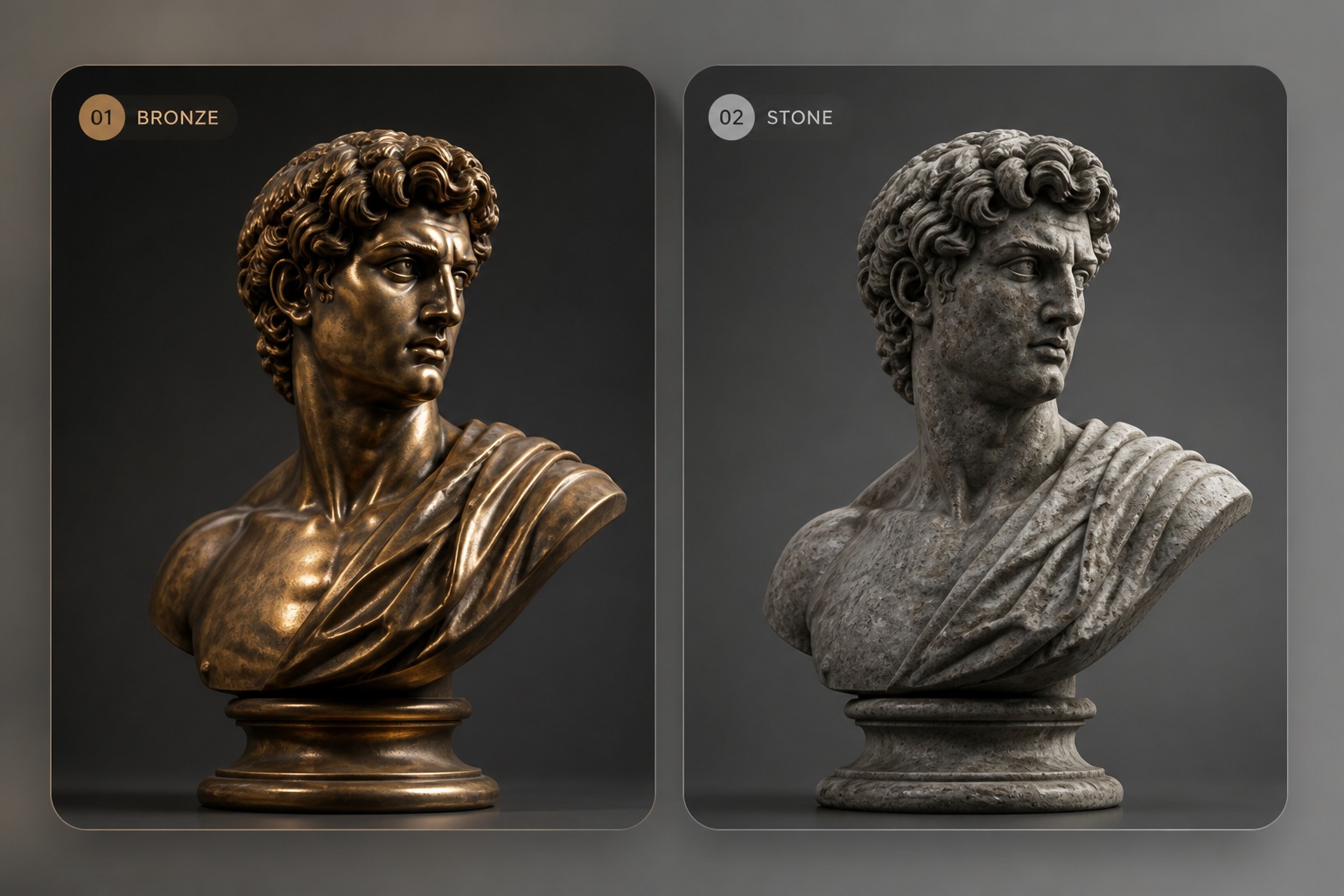
Explore polished marble, aged bronze, carved limestone, granite, crystal, or weathered monument looks for different visual moods.
Better Concept Drafts
Create statue ideas for posters, fantasy art, brand visuals, product concepts, or decorative references before investing in manual design.
More Professional Presentation
Use plinths, gallery lighting, clean backgrounds, and dramatic camera angles to make the result feel staged and visually complete.
Keeps the Subject Clear
Build on the original portrait, pet, object, or idea while changing the surface, mood, and setting into a sculptural style.
How to Use AI Statue Generator
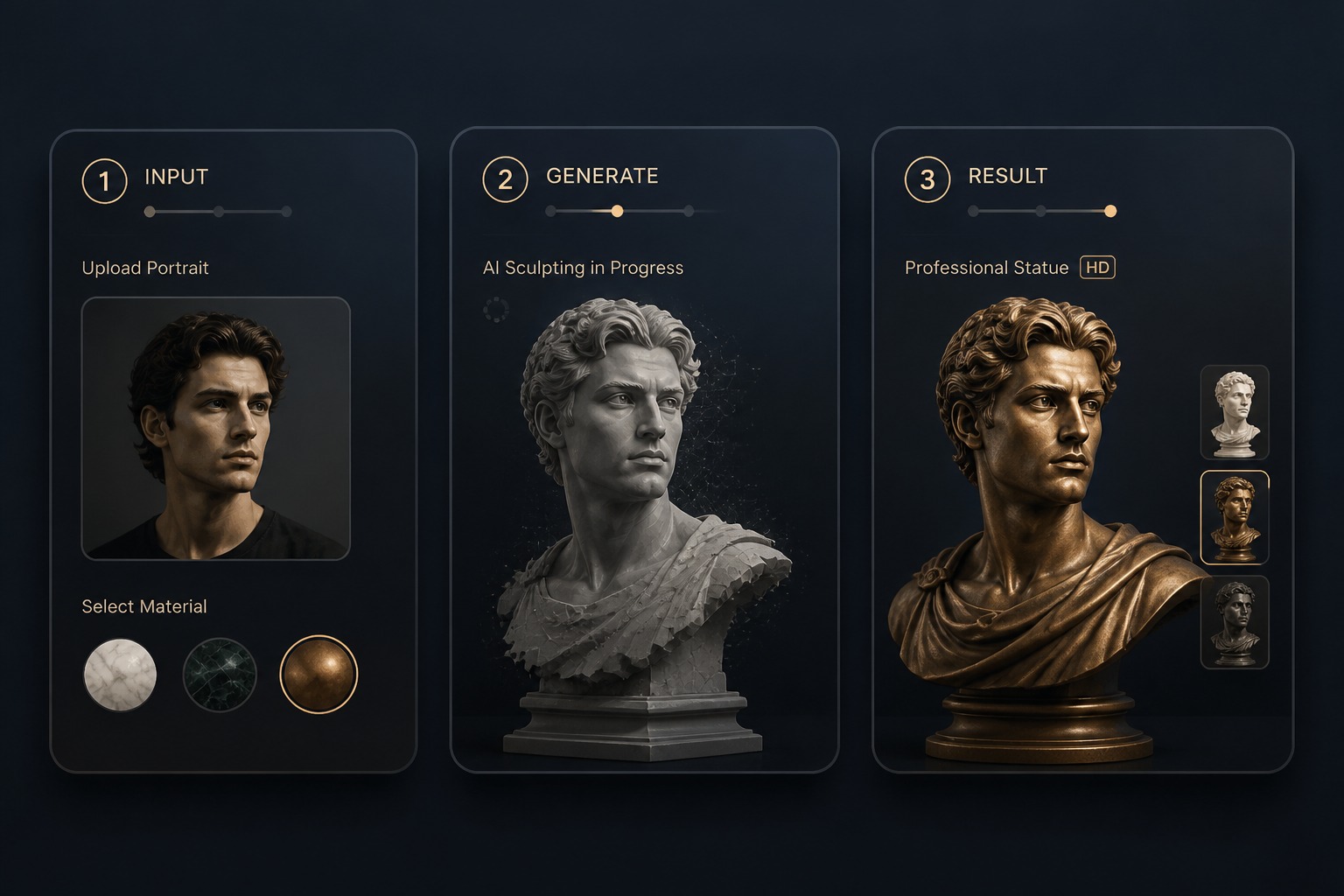
Step 1
Upload or Describe the Subject
Add a portrait, object photo, pet image, or text prompt. Mention whether the subject should become a bust, full statue, monument, figurine, or gallery sculpture.
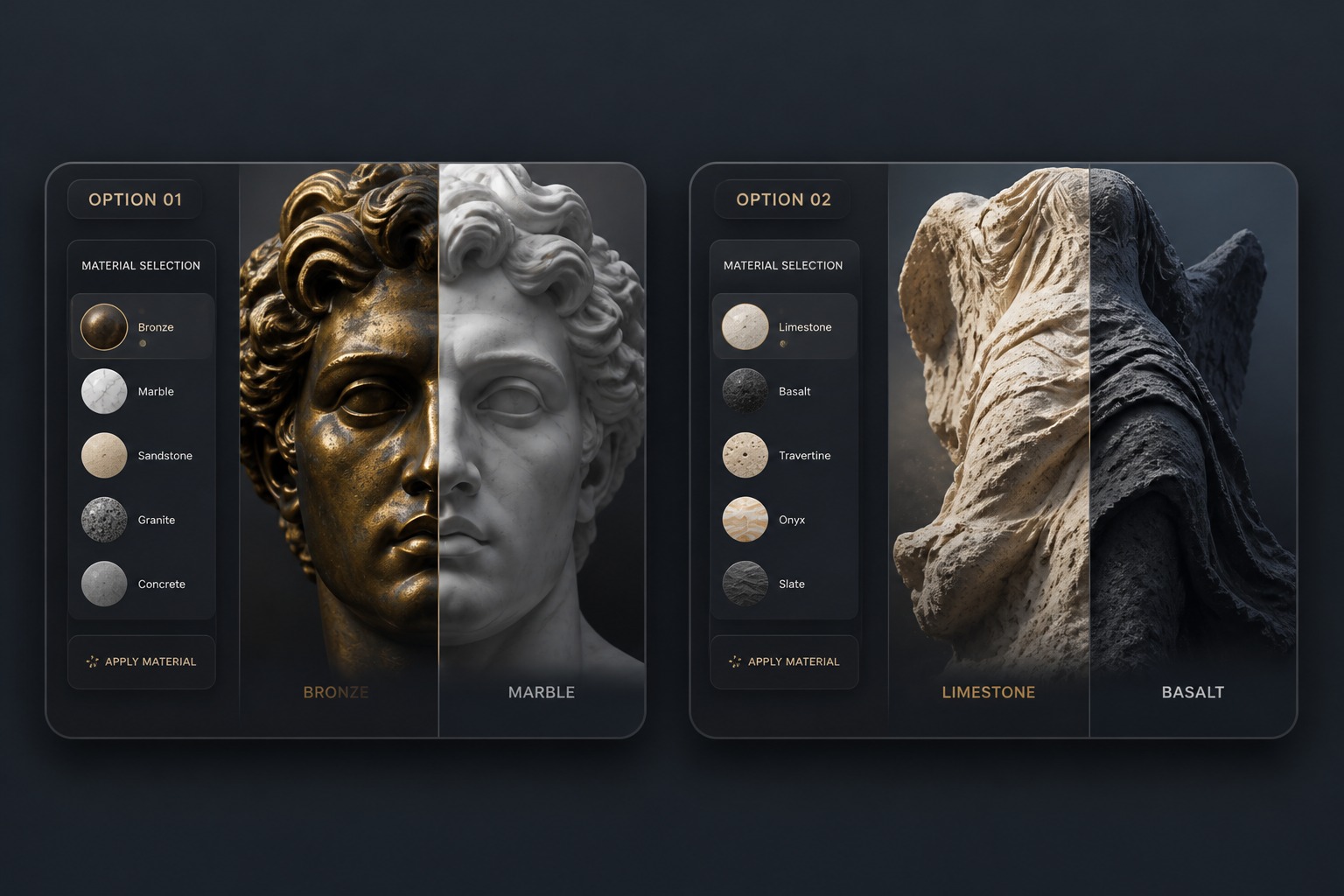
Step 2
Choose Material and Setting
Specify marble, bronze, stone, granite, museum lighting, pedestal, garden, fantasy hall, or poster-style background to shape the statue effect.
Step 3
Review Sculpture Details
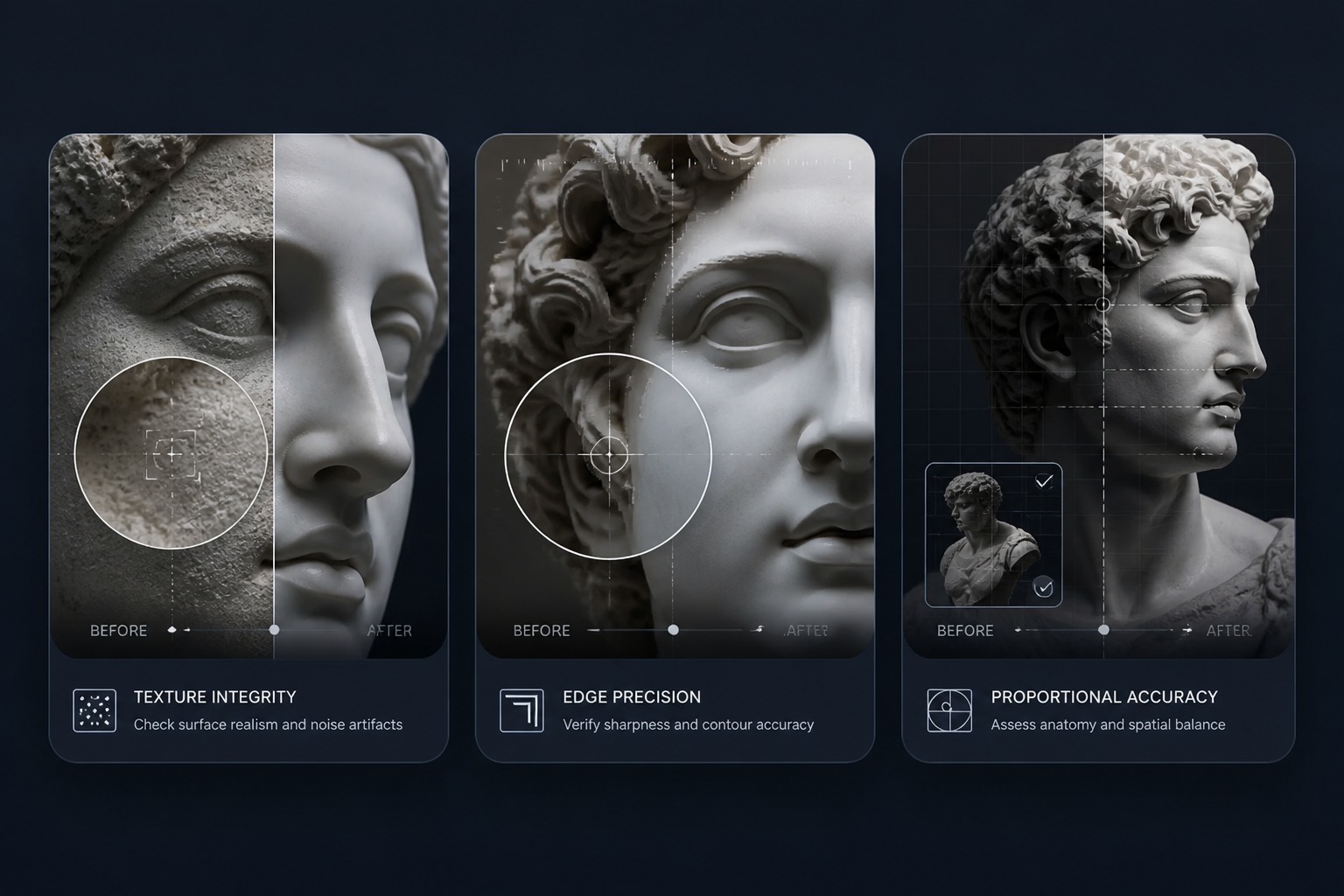
Check facial structure, hands, edges, surface texture, lighting, and whether the material looks like carved stone or metal instead of a flat filter.
Featured Effects & Generators
FAQ
AI Statue Generator FAQ
What can I make with an AI statue generator?
Can I turn a portrait or pet photo into a statue?
What statue styles can I create?
Can I create fantasy statue concepts?
Can I use free credits for statue images?
What makes the statue result look more convincing?
Can I use the result commercially?
Create an AI Statue Image
Upload a subject or write a prompt, choose marble, bronze, or stone, and generate a sculptural image for portraits, posters, or concepts.
Generate Statue Art