goenhance logo

AI Minecraft Generator

Transform any photo into pixelated Minecraft-style art with our Minecraft image maker—an AI tool that's fast, highly precise, and full of fun creative possibilities. Try it on GoEnhance AI for free.
Create AI Minecraft Image Free
AI Minecraft Generator tool preview cover image

Key Features of Minecraft Picture Generator
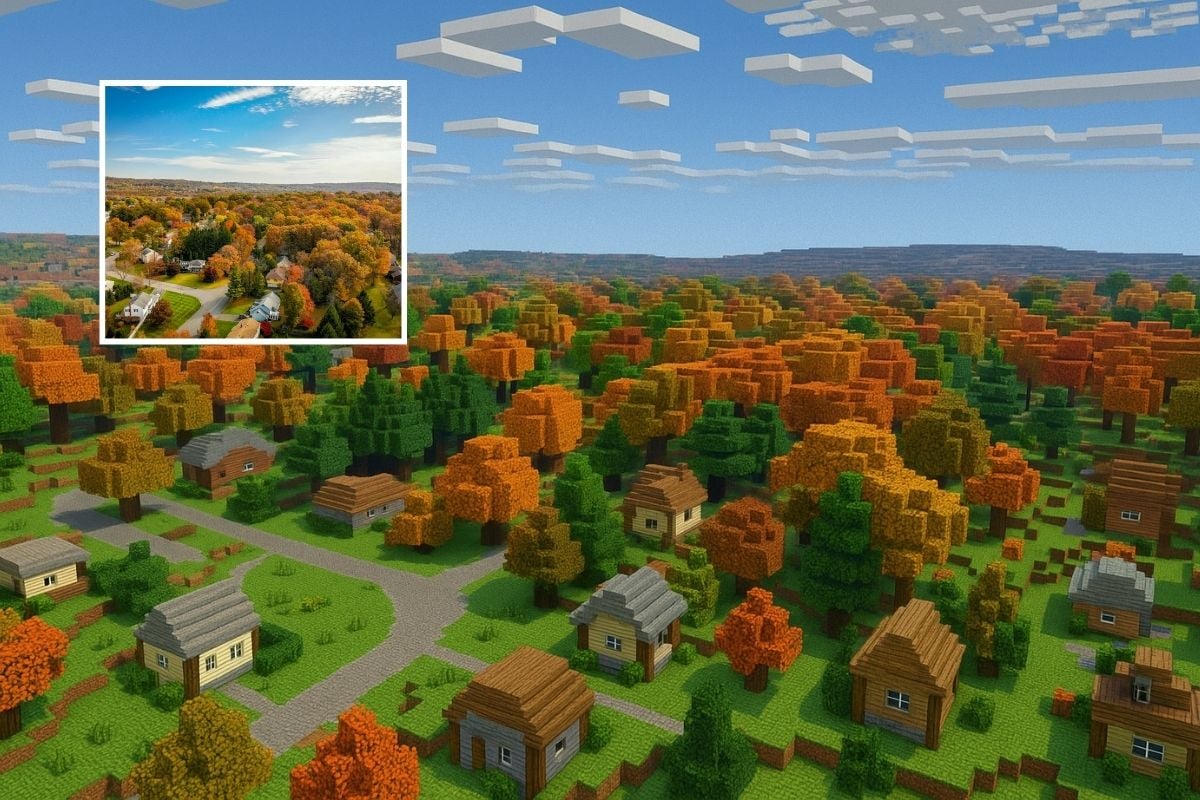
High-quality Pixel Art Creation with the Minecraft Image Maker

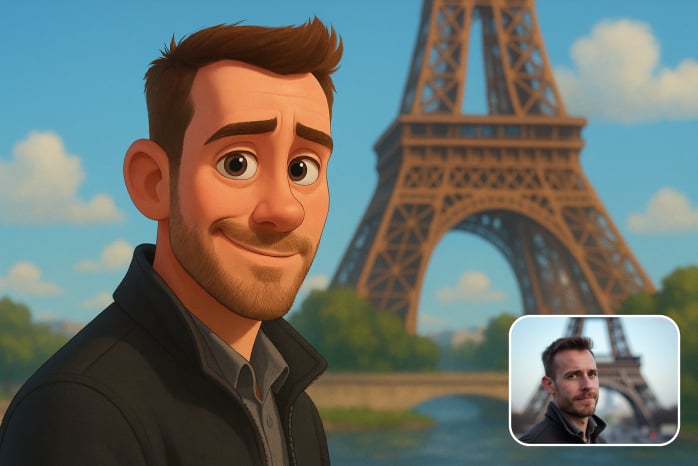
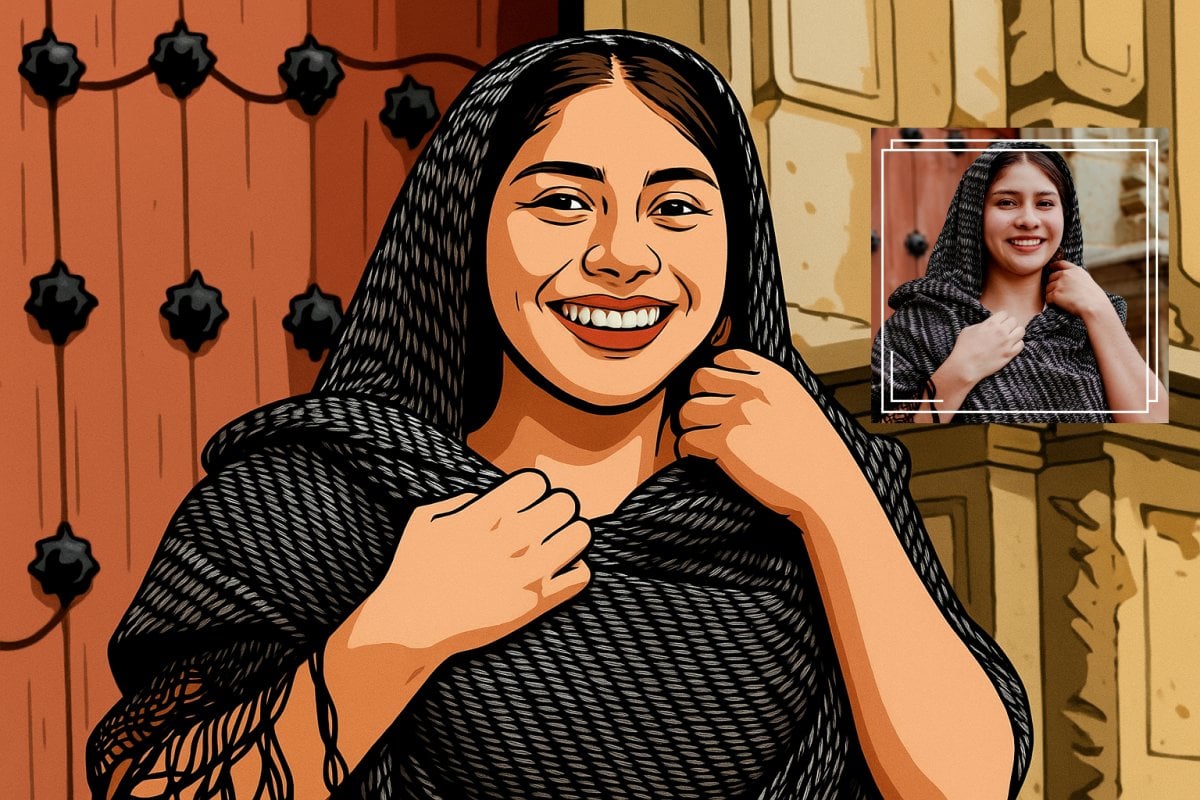
Turn any ordinary photo into a clear Minecraft-style pixel image. Details stay sharp and recognizable while gaining the blocky look of the game. These images work well as social media avatars, illustrations, or presentation visuals.

Example of photo converted into Minecraft-style pixel art

Variety of Image Transformations with Realistic Details

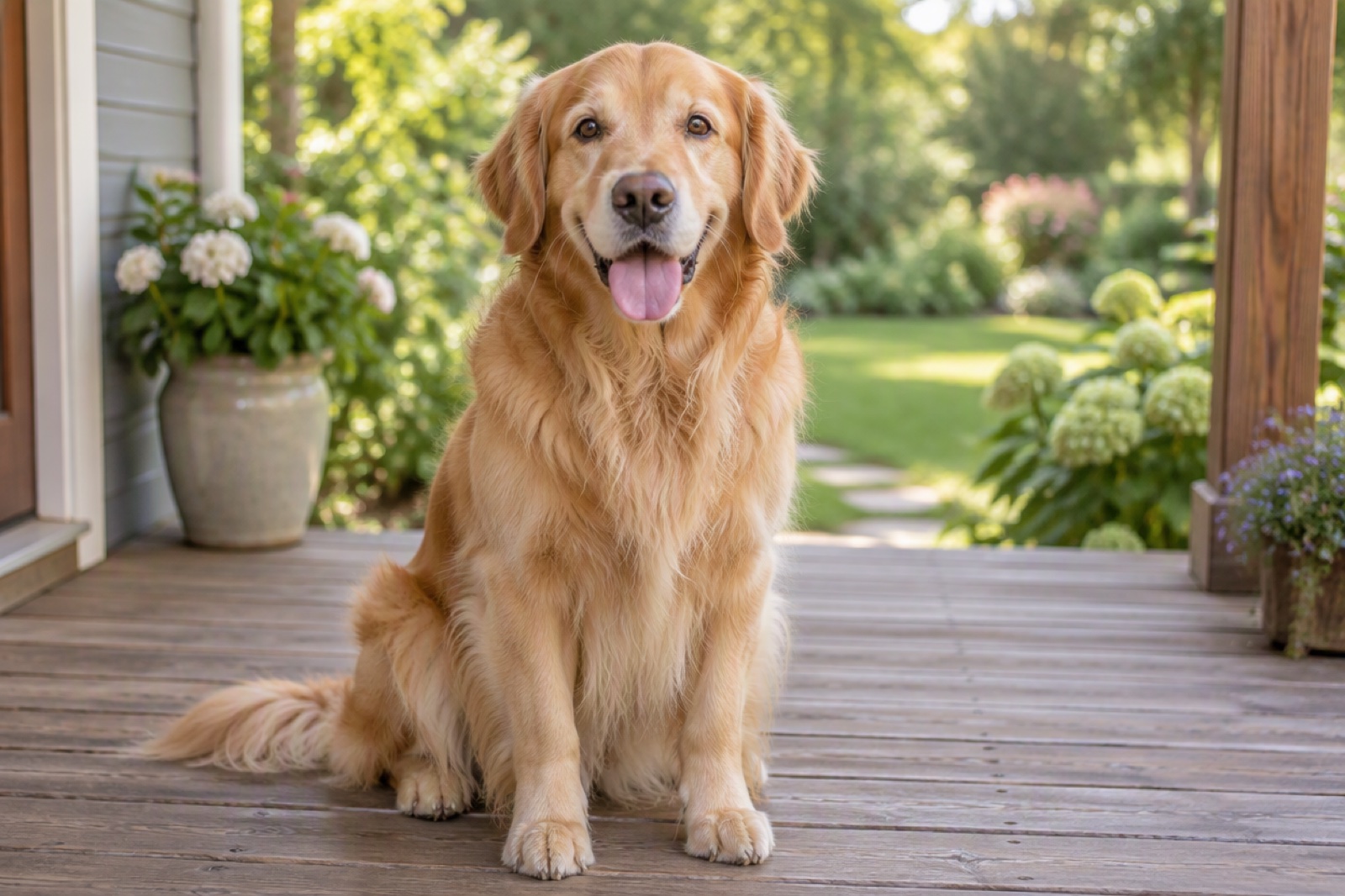
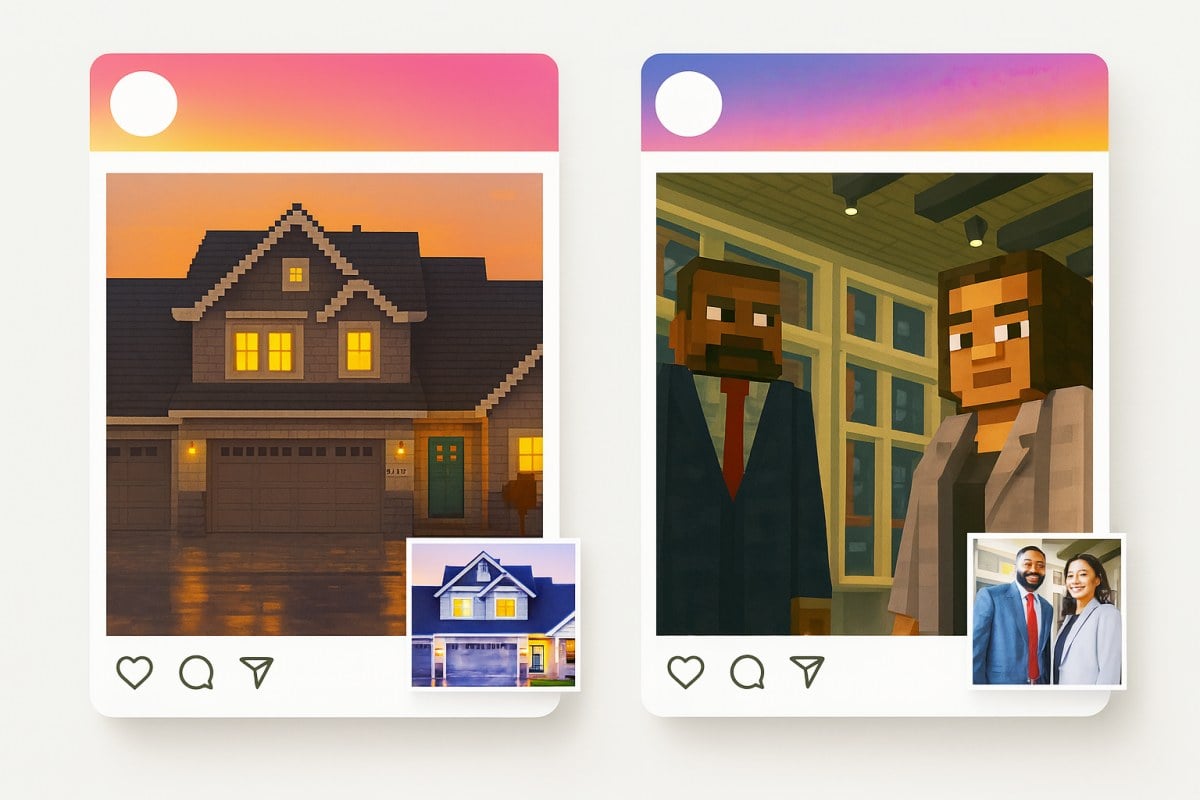
This Minecraft photo generator handles everything from selfies and pet photos to buildings and scenic shots.

As a Minecraft image converter, it goes beyond just pixelating—it accurately replicates the game's signature textures and lighting, so your picture ends up looking like a genuine blocky creation straight out of the Minecraft world.
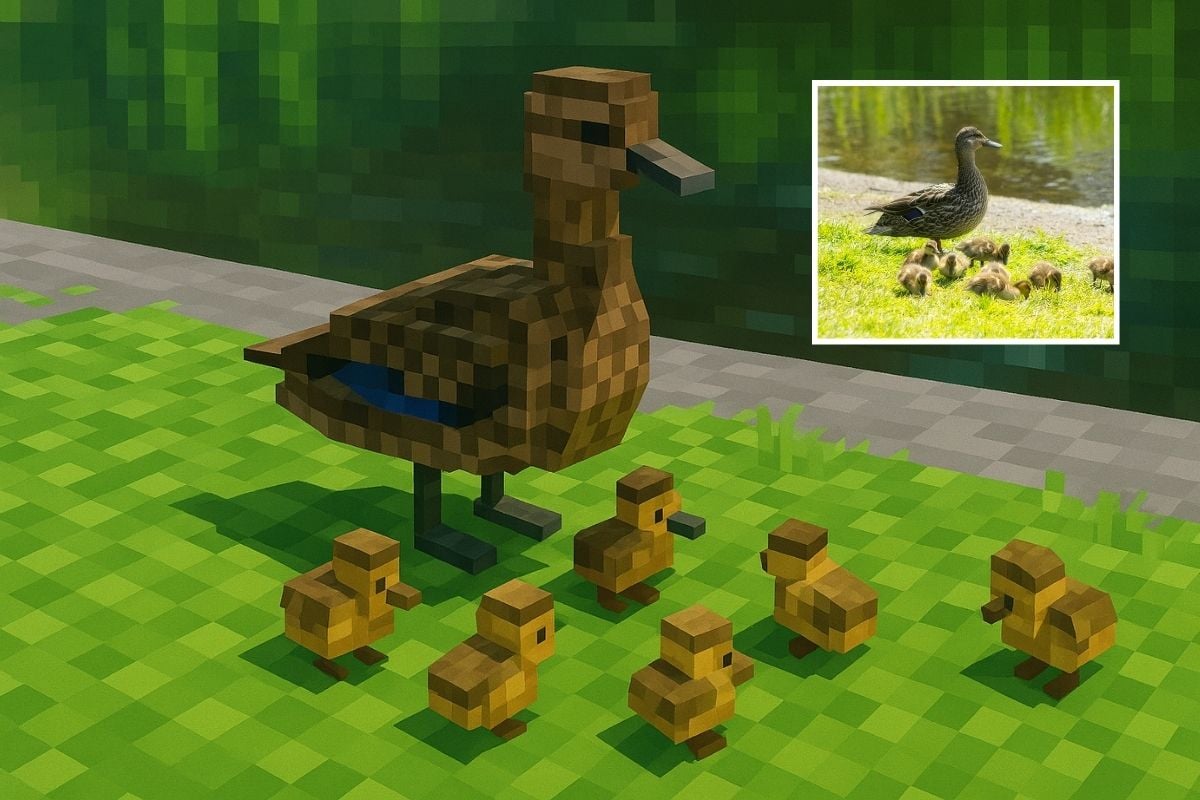
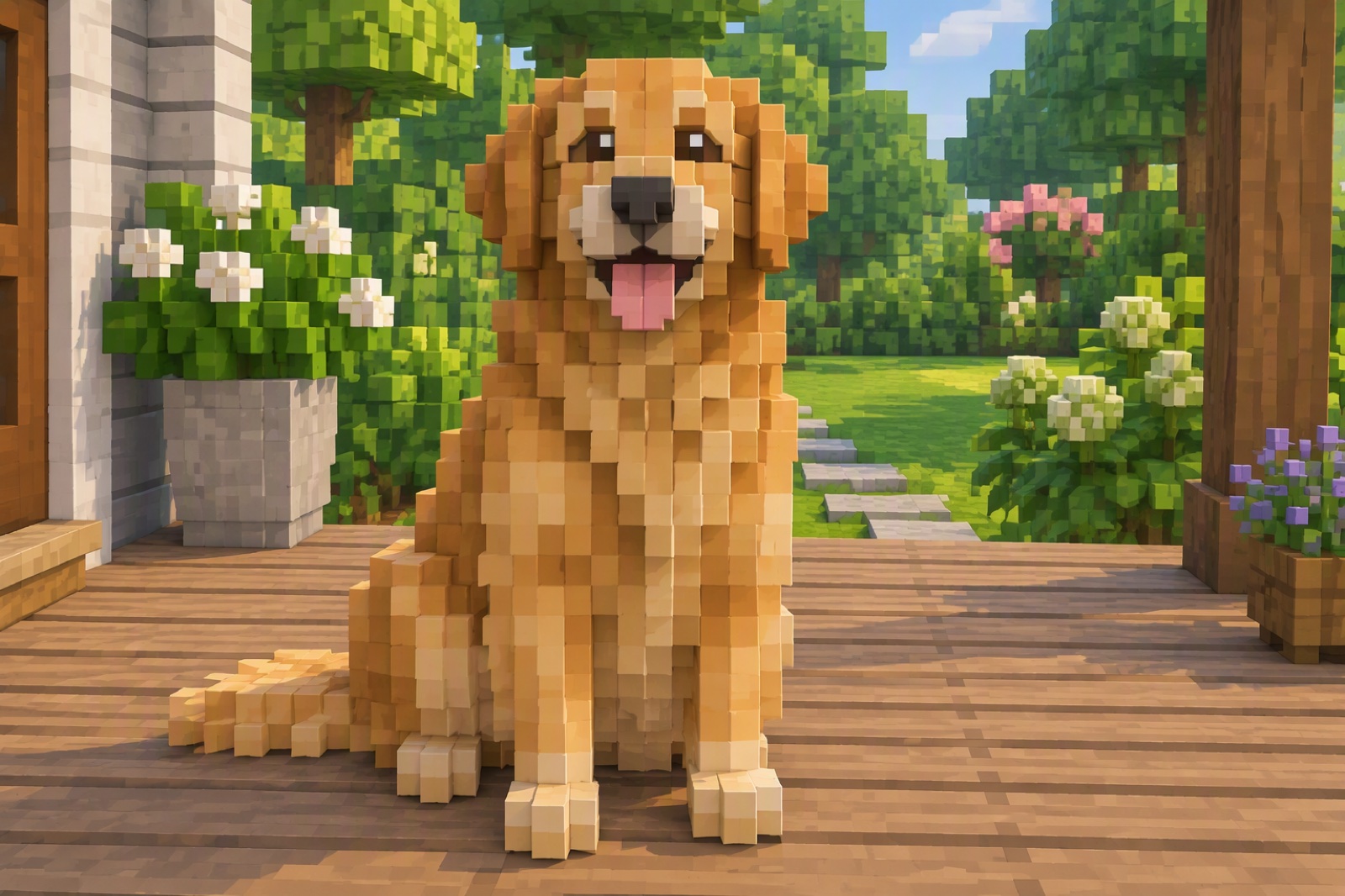
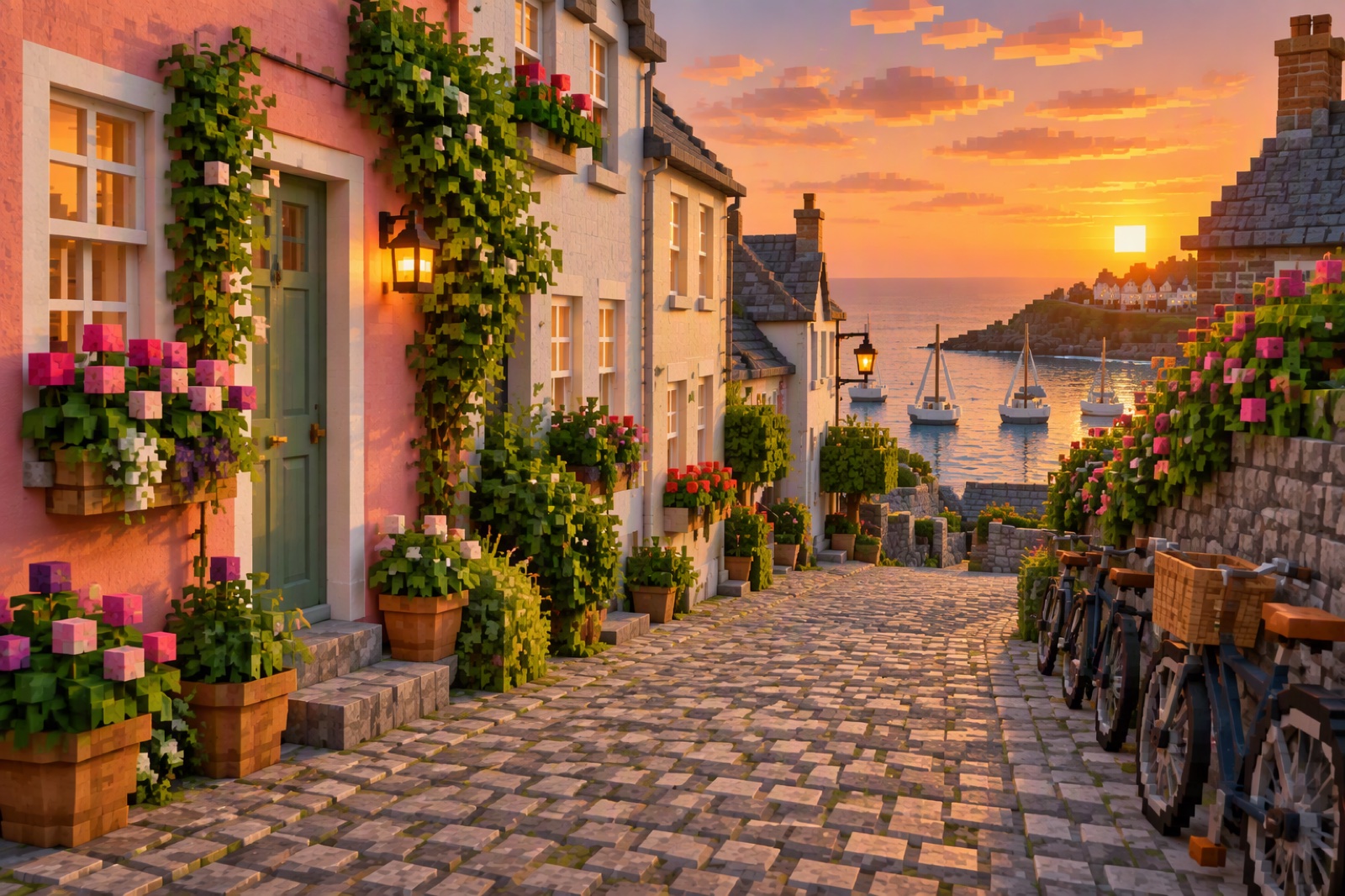
Pet photo and building transformed into Minecraft-style blocks

Fast and Simple One-Click Process

Just upload a photo and let the tool do the work. No settings to adjust or software to learn. Within seconds, you'll have a Minecraft-style version ready to use. Many people see it as a practical picture maker when quick results are needed.

One-click Minecraft photo generator interface screenshot

Fun and Interactive to Share

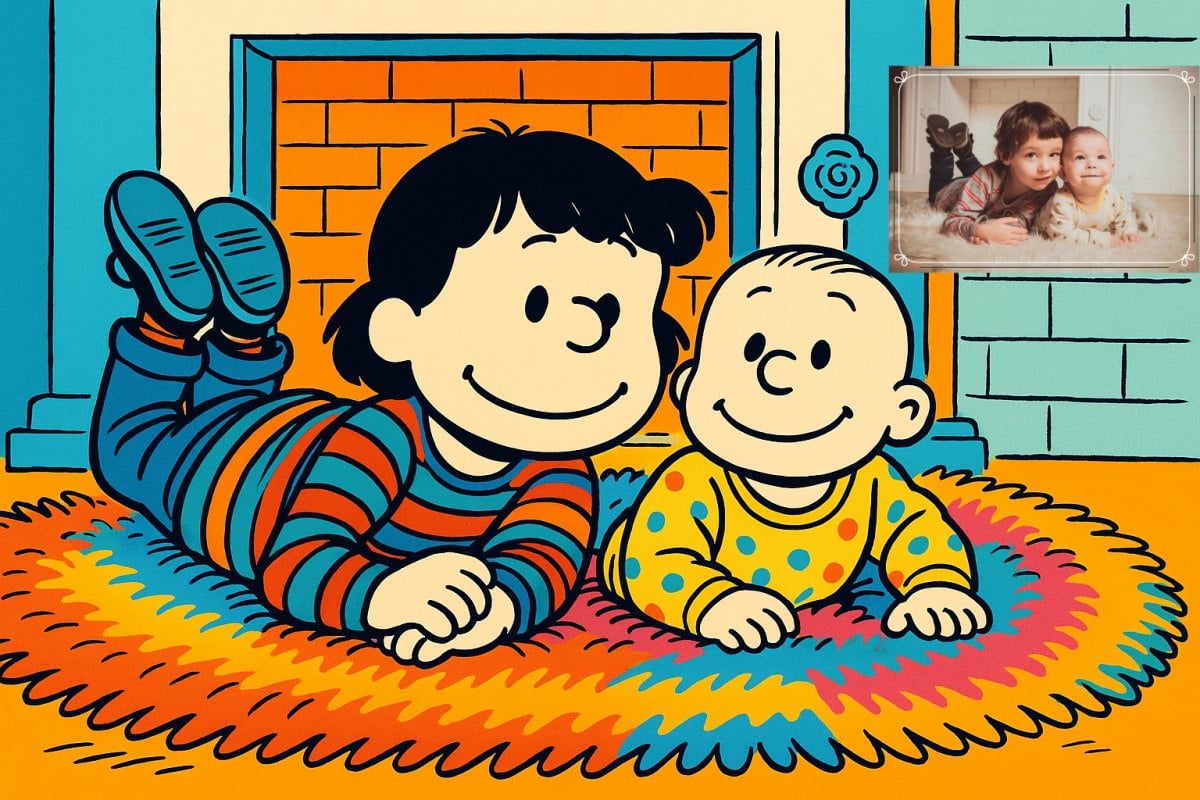
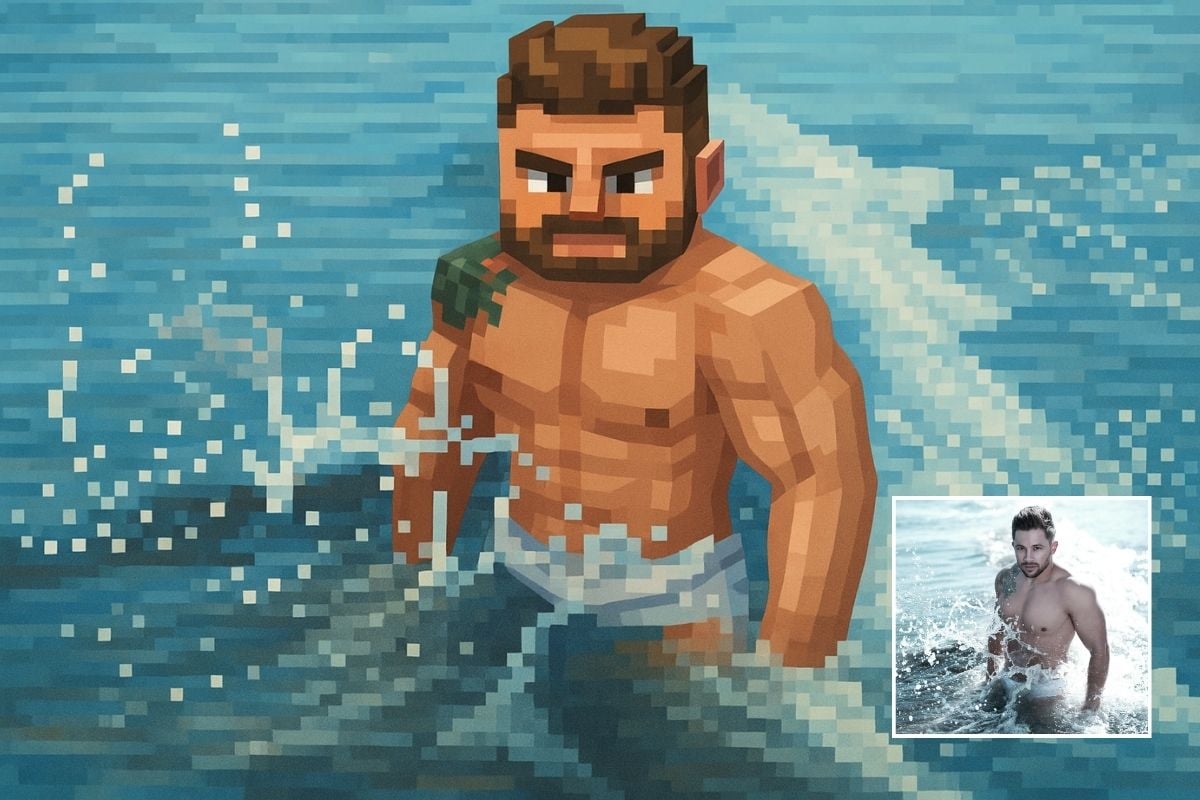
Want to have some fun with it? Try turning your photo into a pixel-style character and toss it into the group chat or post it on your socials. It's a cool and easy way to spark some laughs and break the ice with something fresh. More interesting photo effects are waiting for you to explore on GoEnhance!
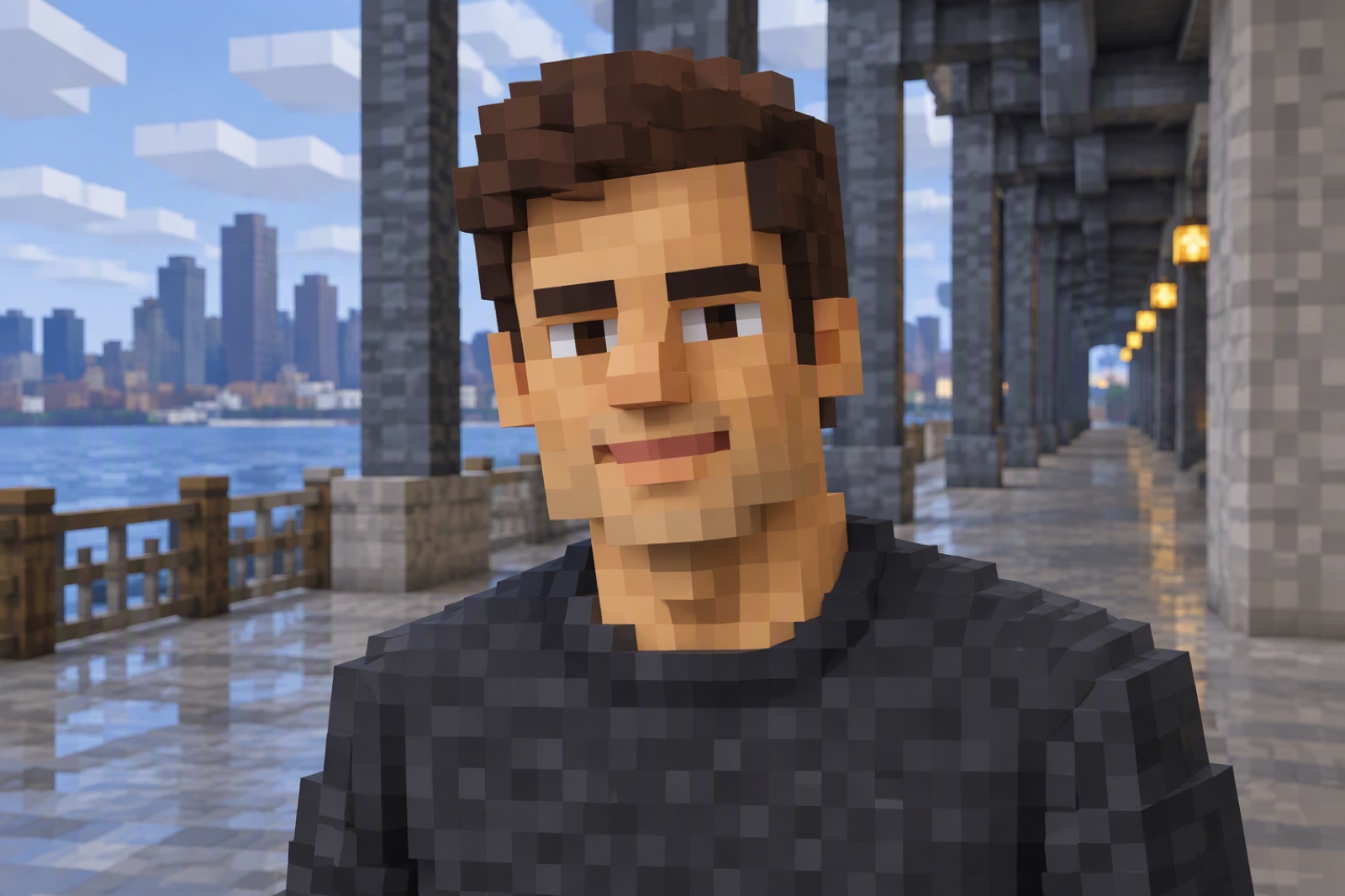
Funny Minecraft-style avatar created from a selfie
Frequently Asked Questions

You May Want to Know

What is Minecraft image generator?

The Minecraft photo maker can transform your photos into images made up of "Minecraft blocks," perfectly recreating the game's signature visual style. Usually, you just need to upload a photo — the tool handles everything automatically and delivers the result in seconds.

Can I upload multiple images at once?

You can upload and process one image at a time. Just upload your photos one by one if you want to generate more photos. The process is fast, and will not let you wait too long.

How long does it take to generate one image?

It usually takes just a few seconds to make a Minecraft-style image—it's super quick.

What kind of images turn out best?

You can convert many different subjects if you want - like your own selfies, pet photos or group photos. Uploading high-resolution images with good lighting makes the results better.

Does it really look like Minecraft?

Yes. It doesn't just pixelate your image—it actually recreates the blocks, textures, and lighting from Minecraft because of our powerful AI tool, so it looks like it was built right in the game.

Why choose our AI Minecraft generator?

Our advanced tool delivers anatomically accurate transformations instantly. Experience lightning-fast processing that completes within seconds, featuring intuitive single-click operation.

Can I use it on my phone?

Yes, definitely. The Minecraft filter works smoothly on phones and tablets.

Is this Minecraft converter safe and private?

We use strict data security practices to help keep your uploads confidential and protected throughout the process.

Can I use the generated Minecraft images commercially?

Yes. You can use the generated images for personal and most creative projects. However, Minecraft is a trademark of Mojang/Microsoft, so please avoid implying official endorsement.

What Our Users Say?

Turn Your Photo into Minecraft Art — in Seconds!

Try our Minecraft Picture Generator now! Just upload any image, and watch it become a blocky masterpiece. It’s fun, free, and super easy.

Explore It Now