
Eleven Music
Explore Eleven Music, an ElevenLabs text to music model that can create vocals or instrumentals, handle section edits, and fit more serious creator and commercial workflows.
Eleven Music Audio Showcase
These sample prompt directions show how the Eleven Music AI music model can move from vocal songwriting to cinematic instrumental work without changing tools.

Dreamy Indie Chorus
3:39
Dark Trailer Pulse
2:14
Bright Idol Pop
2:45How To Use Eleven Music Generator?
Open GoEnhance AI Music Generator
Start inside GoEnhance AI’s AI music workflow so you can test Eleven Music in a clean prompt-to-song setup.
Choose The Model
Pick Eleven Music from the available music model options so the generation style and editing flow match what you want to make.
Enter Your Prompt
Write your prompt with genre, mood, vocals or instrumental, song structure, and any lyric direction, then generate your first draft.
Eleven Music Parameters At A Glance
What Makes Eleven Music Useful In Practice
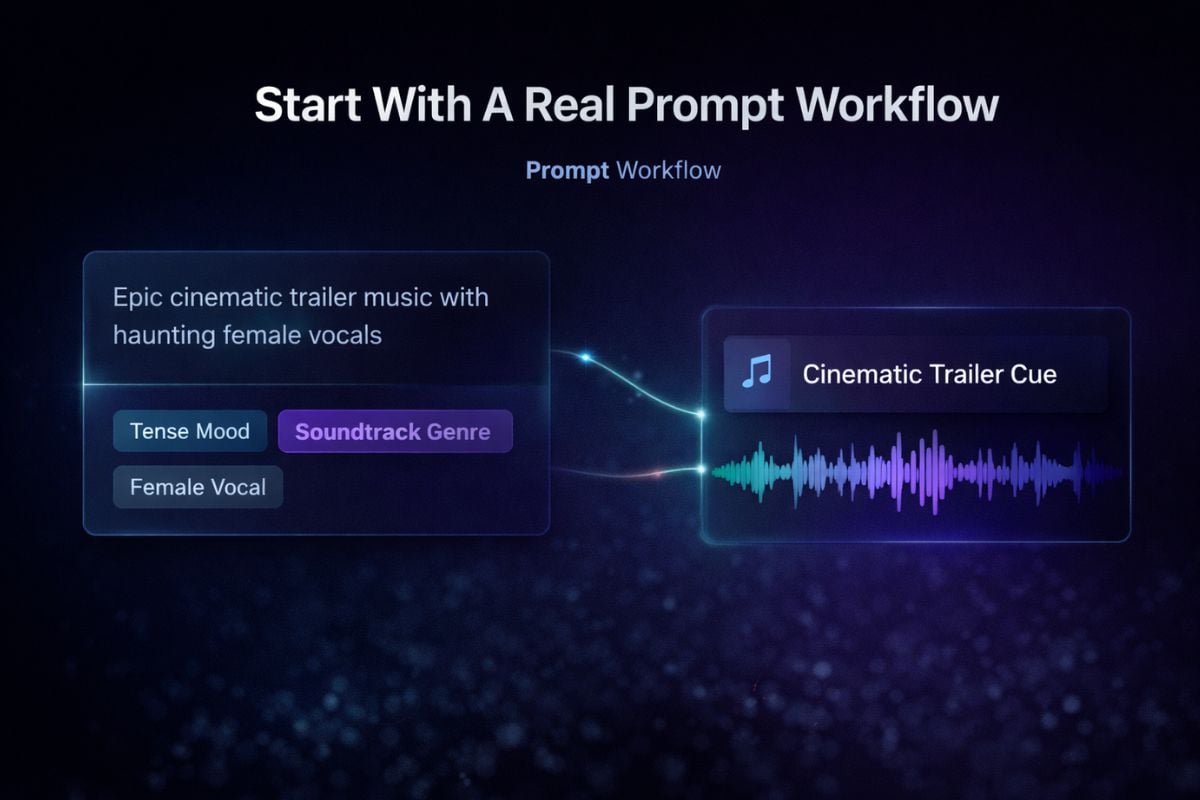
Start With A Real Prompt Workflow
If you want a practical way to test Eleven Music in a real creation flow, start with the AI music generator. When you also compare other music models, it becomes easier to see whether Eleven Music fits your needs for vocals, editing depth, or licensing comfort. ElevenLabs describes it as a studio-grade text to music system in its official music documentation.
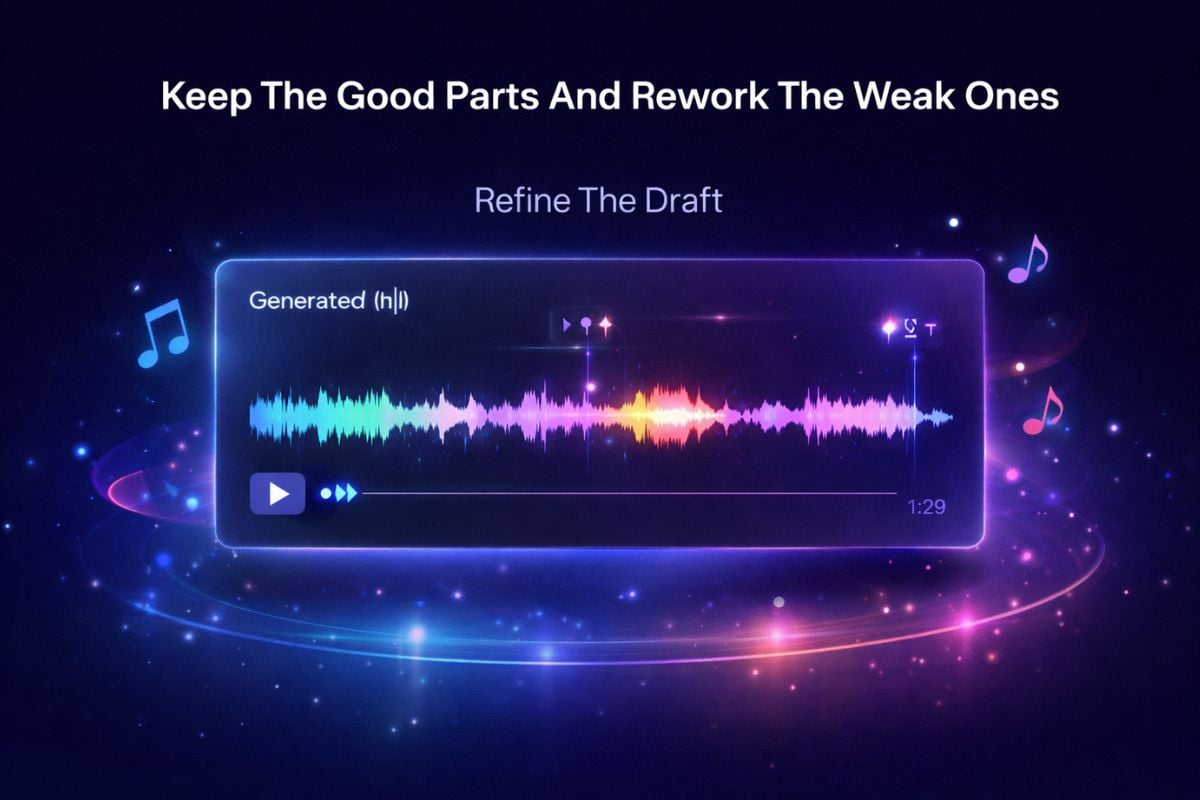
Keep The Good Parts And Rework The Weak Ones
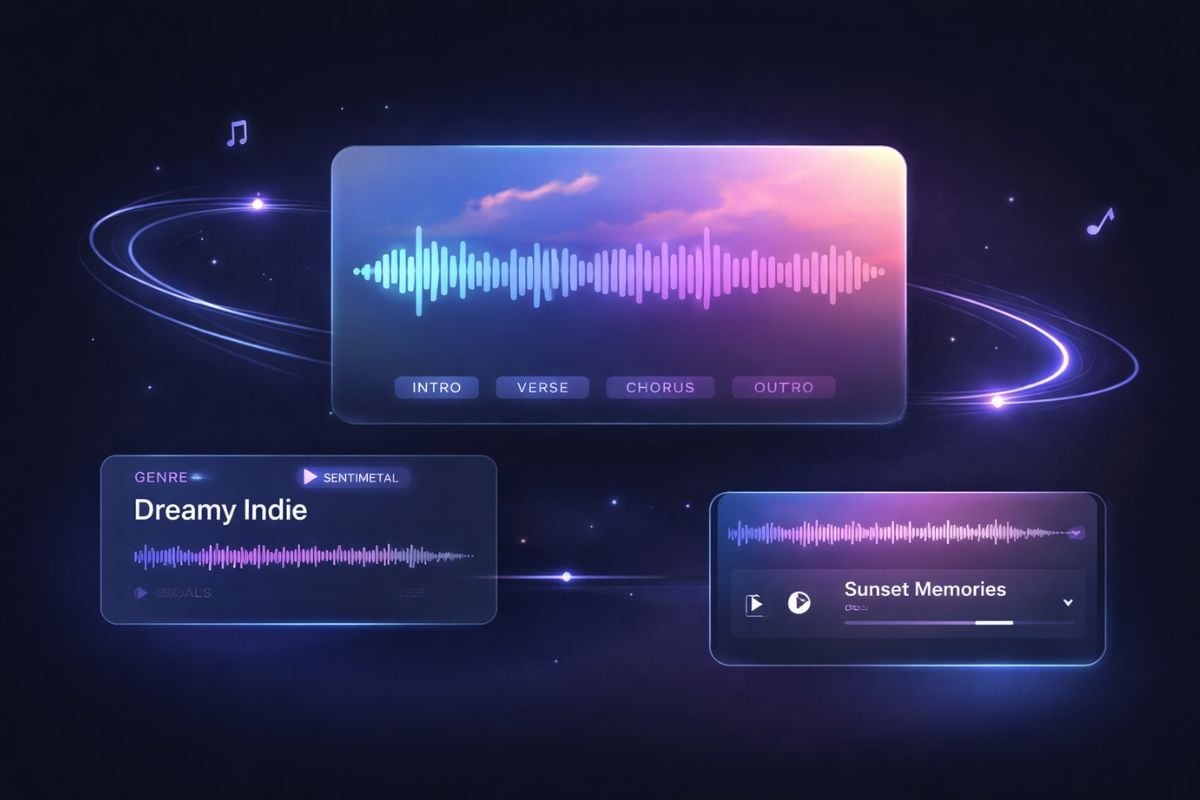
One of the most practical parts of Eleven Music is that it does not force you to restart from zero every time. If the hook works but the second verse feels flat, you can refine sections, adjust lyrics, and keep moving forward instead of burning time on full regeneration.
More Flexible Than A One-Shot Music Generator
Eleven Music stands out because it does more than generate a quick draft. It gives you stronger control over vocals, instrumentals, lyrics, and song sections, so the result feels easier to shape into something usable. That matters when you want a song that is not just listenable on first pass, but also easier to refine into a cleaner final version.
Why Creators Keep Testing Eleven Music
Natural Language That Still Feels Musical
Vocals Or Instrumental
Section-Level Editing
Multilingual Vocal Support
Cleaner Output
Better Rights Clarity Than Many Launch Hype Pages
More Music Models
Eleven Music FAQs
What is Eleven Music?
Is Eleven Music only for rough demos?
Does Eleven Music support vocals and instrumentals?
What languages does Eleven Music officially support?
Can I edit one section instead of regenerating the whole song?
How should I prompt Eleven Music for better results?
Try Eleven Music on GoEnhance AI
The fastest way to judge Eleven Music is simple: open GoEnhance AI, choose the model, write a clear prompt, and listen for where the vocals, structure, and editing controls actually save you time.
Open AI Music Generator