goenhance logo

AI Music Generator

Turn a simple prompt into a song or instrumental with GoEnhance AI Music Generator.

How to Make AI Generated Music
Step 1

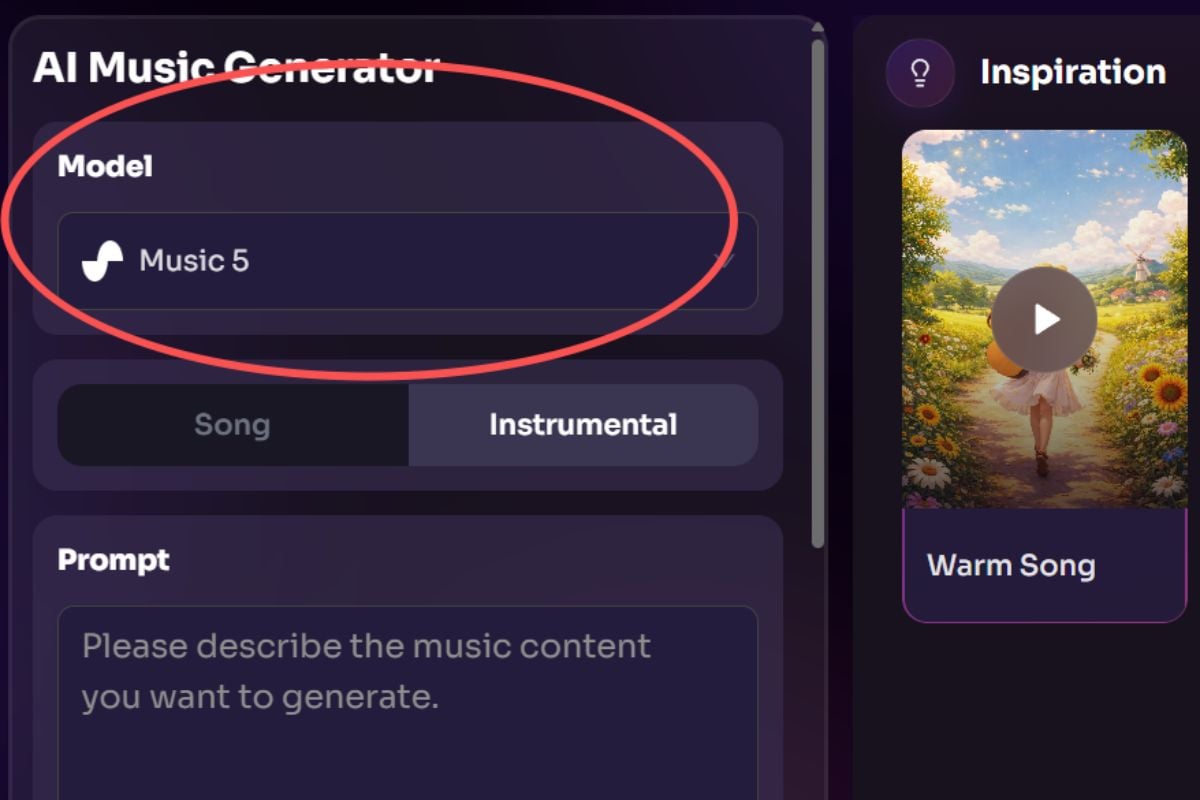
Choose Model And Pick Song Or Instrumental
Open the AI Music Generator, select your model, then choose whether you want to create a full song with vocals or a pure instrumental track.
Step 2

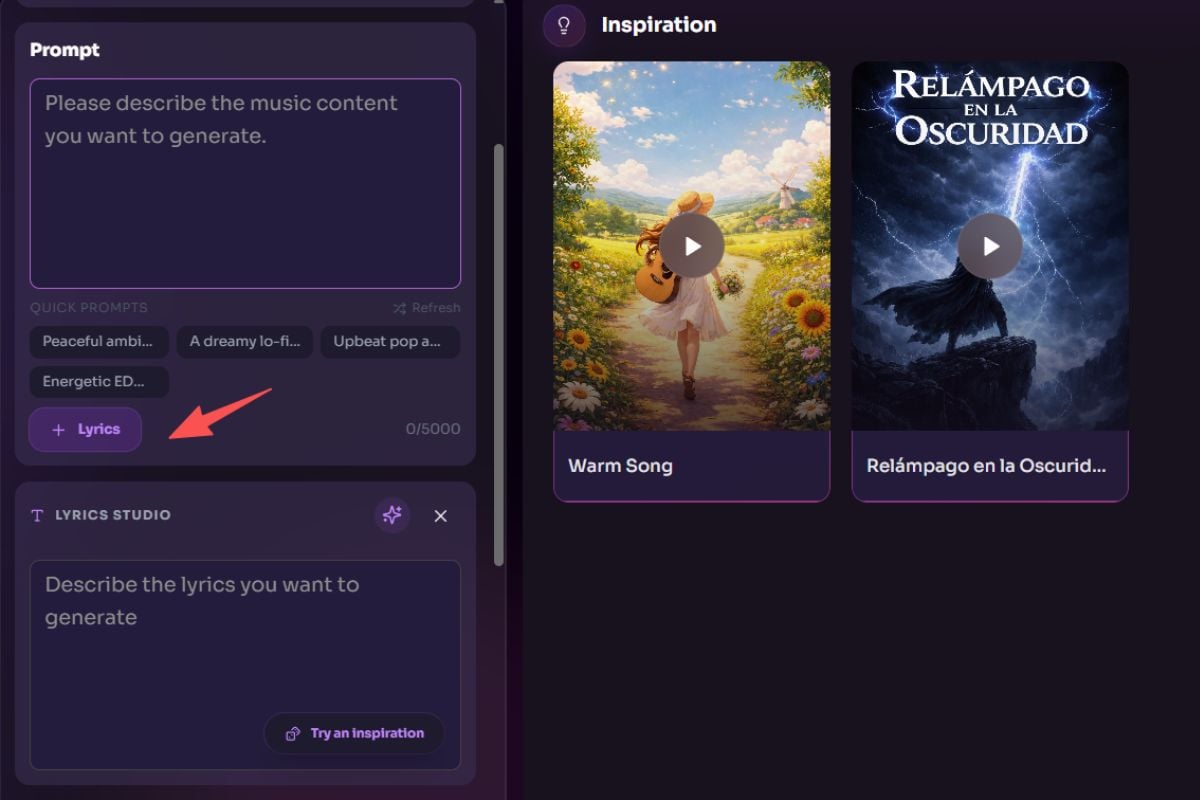
Enter Your Prompt And Optional Lyrics
Describe the music you want to generate in the prompt box. You can also use quick prompts for inspiration, then add custom lyrics if you want a more guided vocal result.
Step 3

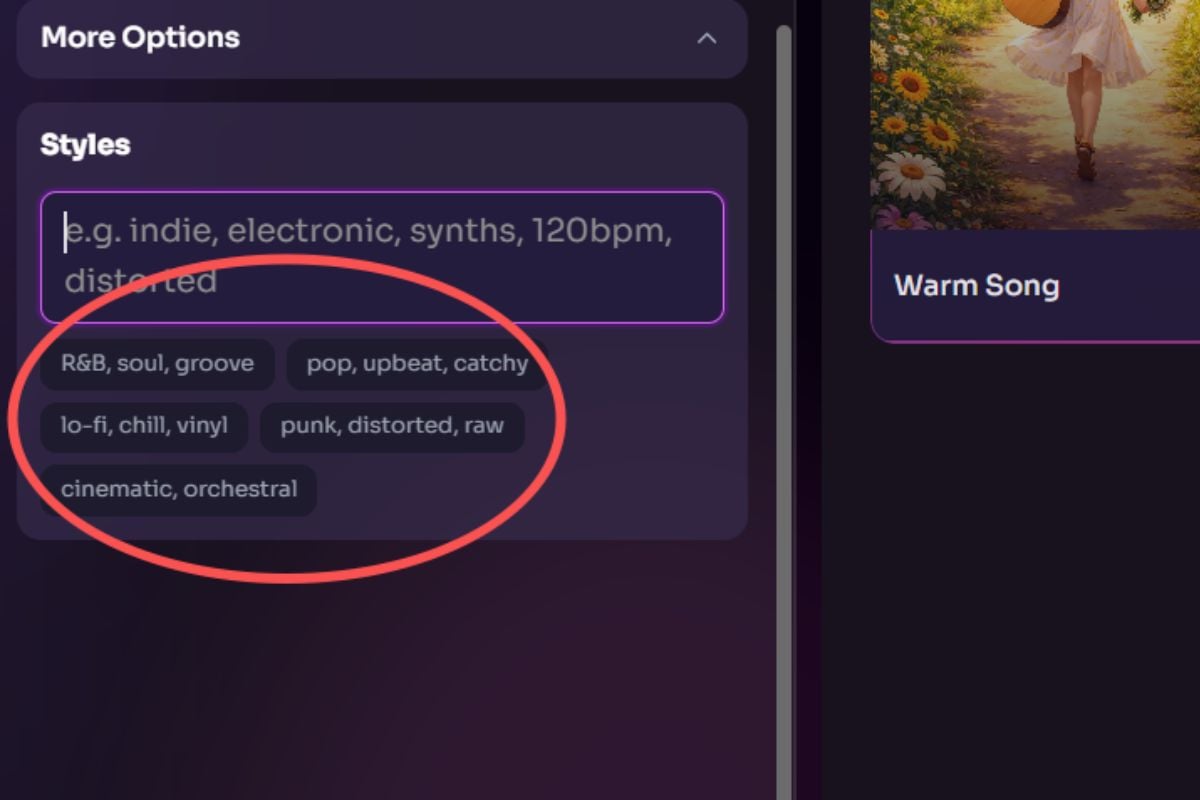
Set Styles, Generate, And Review Results

Expand More Options if needed, add style keywords like pop, lo-fi, cinematic, or orchestral, then generate your music. Your new tracks will appear in the results panel on the right for review.
Generate for Free

Examples of GoEnhance AI Music Generator

Explore original tracks made with GoEnhance AI music generator, from vocal-driven pop and rock to cinematic, lo-fi, and vaporwave instrumentals. Each example shows how simple prompts can turn into distinct, ready-to-use music styles.

Nostalgic Pop Female Vocal

Nostalgic Pop Female Vocal

2:36
Dreamy Indie Pop Vocal

Dreamy Indie Pop Vocal

3:24
Rock Male Vocal

Rock Male Vocal

4:00
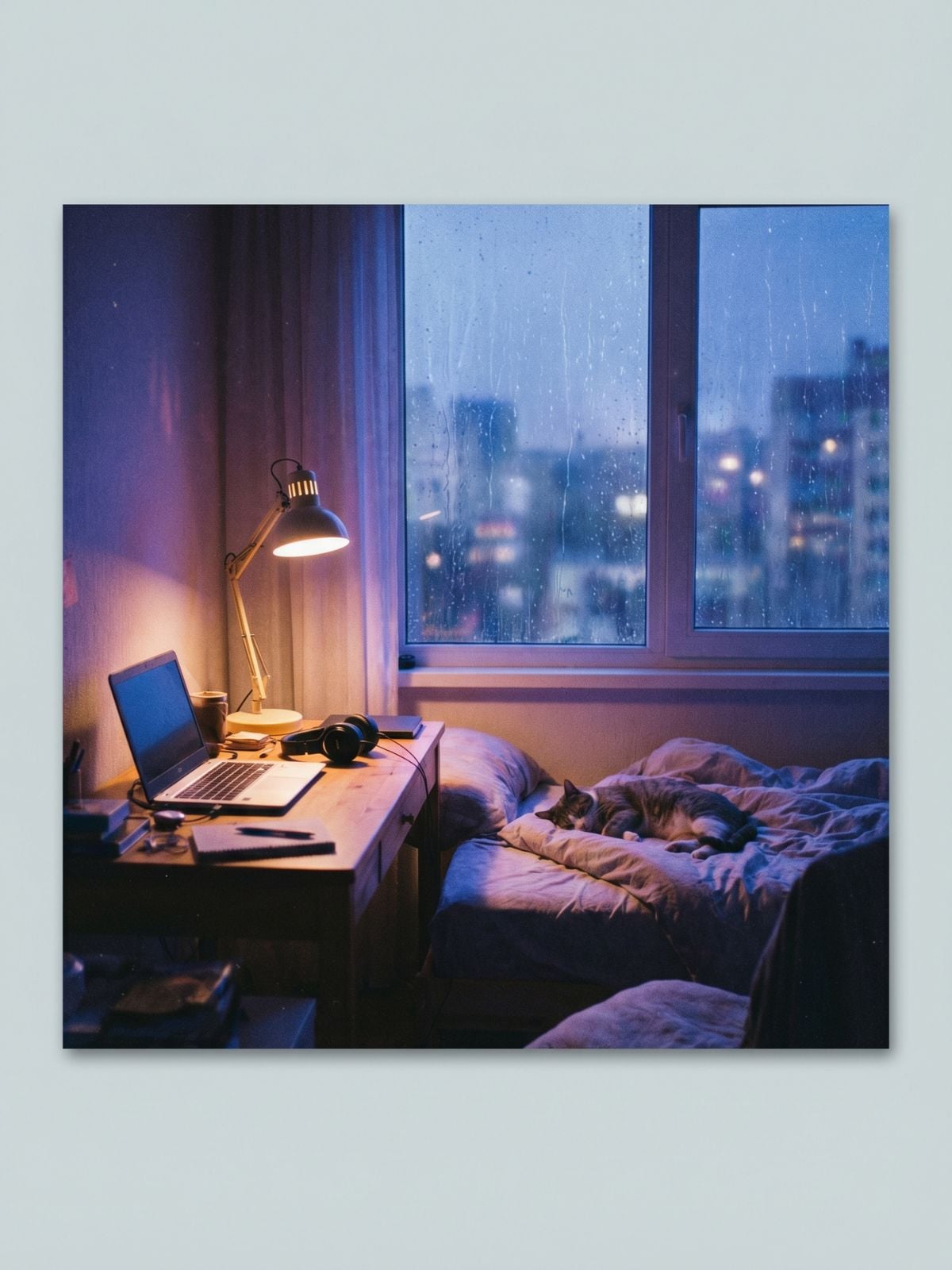
Lo-Fi Chill Instrumental

Lo-Fi Chill Instrumental

2:34
Cinematic Orchestral Instrumental

Cinematic Orchestral Instrumental

2:41
Vaporwave Instrumental

Vaporwave Instrumental

2:37

Explore AI Music Generator Features

Turn Text Ideas Into Real Tracks

Start with a mood, scene, or short creative brief, and let the AI music generator shape it into a usable track. Inside GoEnhance AI, the process is built to feel fast for creators and approachable for first-time users.
Switch Between Songs And Instrumentals

Not every project needs the same format. Choose Song when you want a fuller vocal direction, or pick Instrumental when you need background music, mood tracks, or clean audio for editing. It also works well as an AI music generator with vocals when you add your own lyrics.
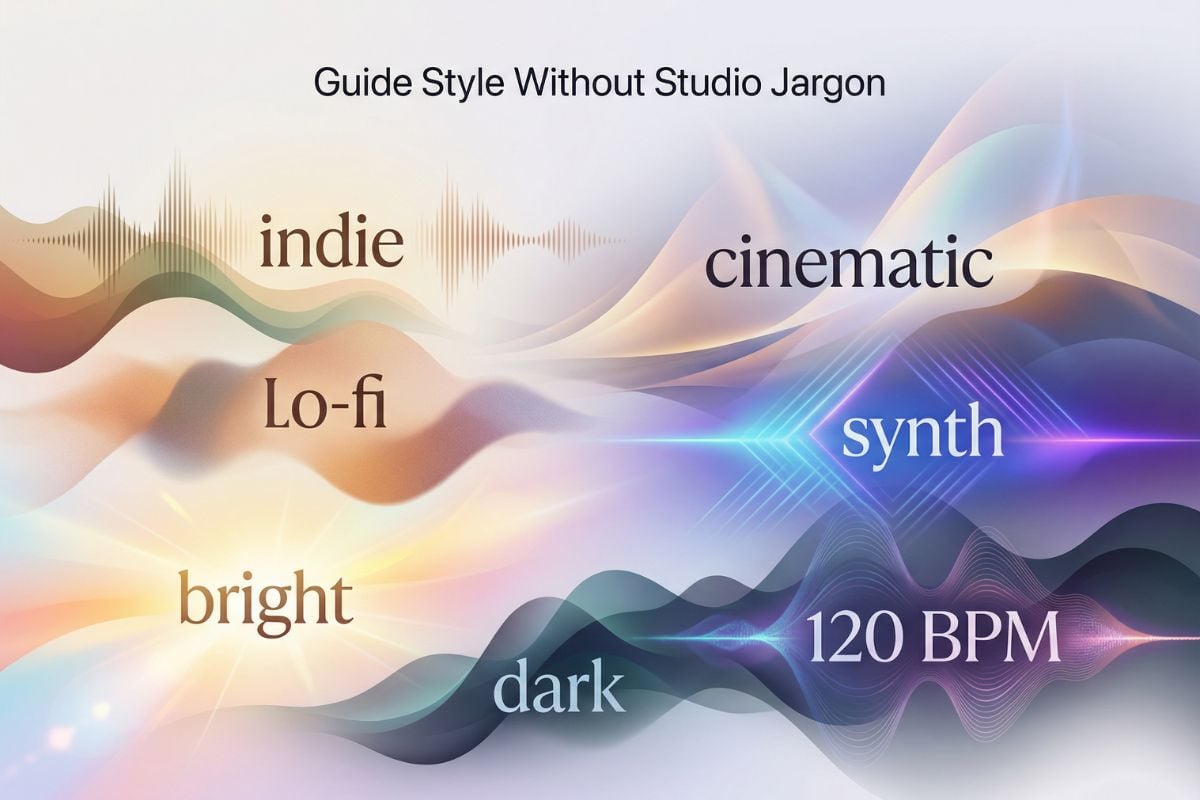
Guide Style Without Studio Jargon

Use simple style words like indie, cinematic, lo-fi, synth, bright, dark, 120 BPM, or distorted to steer the result. That makes it easier to test several directions quickly for videos, intros, short-form content, or rough demo ideas.

A simpler way to turn ideas into music you can actually use

Why Choose GoEnhance AI Music Generator?

Prompt-Friendly From The Start

You do not need traditional music production knowledge to begin. A short description can already be enough to move from idea to first draft.

Song And Instrumental In One Workflow

The same interface supports both full songs and instrumental output, so you can stay in one place instead of switching tools for different tasks.

Lyrics When You Want A Stronger Vocal Direction

Add your own lyrics when the track needs a clearer theme, voice, or emotional direction. This gives more structure to song generation without making the workflow harder.

Style Control That Feels Natural

Genre, mood, energy, pacing, and texture can be described in plain language. That makes the result easier to shape, even for users who do not think in technical studio terms.

Fast Iteration For Real Content Work

The layout is built for quick testing. You can compare multiple outputs, refine your prompt, and keep moving instead of getting stuck on one version.

Made For Creators, Not Only Musicians

This workflow fits short videos, social posts, demos, presentation audio, mood tracks, and everyday creative experiments where speed and clarity matter.

GoEnhance AI Music Generator vs Other Music Generators

FeatureGoEnhance AI Music GeneratorTypical Music GeneratorsWhy It Matters
Getting StartedSimple prompt-based workflowOften varies by tool and can feel less directA faster start helps more users turn ideas into music without extra learning time.
Songs And InstrumentalsSupports both in one placeSome tools focus more heavily on one formatIt is easier to move between vocal songs and background music without switching workflows.
Lyrics InputOptional lyrics for stronger song directionNot always central or equally streamlinedAdding lyrics helps shape more complete song ideas when vocals matter.
Style GuidanceUse natural words for mood, genre, and feelSome tools rely more on presets or narrower controlsSimple language makes music creation feel more accessible to non-musicians.
Creator Use CasesBuilt for songs, mood tracks, social content, and quick demosSome platforms are more specialized or workflow-specificA broader use case fit makes the tool easier to use across everyday creative work.
Ease Of IterationFast to test different prompt directionsIteration quality depends on the platformQuick retries help users find a better result without slowing down the creative process.
Learning CurveFriendly for first-time usersCan be simple or more technical depending on the productA lower barrier makes the tool more useful for creators who are not music producers.
Free AccessFree to try, then recharge after free usage runs outFree access and limits vary by platformUsers can explore the workflow before deciding whether they need more generation capacity.
Frequently Asked Questions

FAQs of AI Music Generator

Is there an AI that creates music?

Yes. GoEnhance AI can generate music from short text instructions, and can produce either instrumentals or full song ideas.

How does an AI music generator work?

You describe what you want in text, such as genre, mood, pacing, instruments, or scene. The system then turns that description into audio. Better prompts usually lead to results that feel more intentional and easier to reuse.

Can I create my own music even if I do not know music theory?

Yes. That is one of the main reasons people use this kind of tool. You can start with plain language, test a few ideas, and refine the result as you hear what works.

What is the difference between Song and Instrumental mode?

Song mode is better when you want a more complete track concept, especially if you plan to add lyrics or vocal direction. Instrumental mode is better for background music, intros, mood pieces, or content that should stay voice-free.

Can I add lyrics to an AI-generated song?

Yes. Adding lyrics usually gives the output a clearer subject, tone, and structure. It can also help when you want the result to feel less generic and more tied to a specific idea.

Is it legal to make songs with AI?

In many cases, yes, but legality depends on what you upload, how the system was trained, where you publish the result, and the rules that apply in your region. Avoid using copyrighted lyrics, melodies, stems, or artist references that you do not have permission to use. For general background, the U.S. Copyright Office AI resource page is a useful place to review current guidance.

Is there a free AI music generator?

Yes. GoEnhance AI offers free access so you can try the AI music generator before paying. Once the free usage is used up, you will need to recharge to continue generating more music.

Can I use AI-generated music in videos, ads, or social posts?

Often yes, but the safe answer depends on the platform's license terms and your intended use. Before publishing commercially, check whether your plan includes commercial rights and whether there are any restrictions on redistribution.

What makes a good prompt for music generation?

A good prompt usually includes the mood, genre, energy level, pacing, and the use case. Instead of writing something vague like nice music, try describing what the track should feel like and where it will be used.

Create Music That Fits Your Idea

From quick background tracks to lyric-led song concepts, GoEnhance AI Music Generator helps you move from prompt to playable result with less friction and more control.

Try AI Music Generator