
Google Lyria 3
Lyria 3 is Google’s latest music model family for high-fidelity audio creation, with two versions: Lyria 3 Clip for short-form generation and Lyria 3 Pro for longer, more structured songs. Start with a mood, genre, image, or lyric idea, then shape the result with vocals, structure, and energy.
How To Use Lyria 3 On GoEnhance?
Open AI Music Generator
Go to GoEnhance AI Music Generator to start creating your track. This is where you can turn simple ideas into original music in just a few steps.
Choose Your Model And Enter A Prompt
Select the music model you want to use, then type your prompt. You can describe the genre, mood, vocals, lyrics, or overall vibe you want the music to have.
Click Generate
Once everything looks right, click Generate. GoEnhance will process your prompt and create an AI music track you can preview and use right away.
Lyria 3 Style Audio Showcase
Short prompt-driven examples inspired by the way Lyria 3 handles mood, vocals, lyrics, and cleaner musical flow.

Indigo Hour
0:53
Metropolitan Sea
2:34
Concrete Fever
0:30Why Lyria 3 Stands Out
One Family, Two Useful Modes
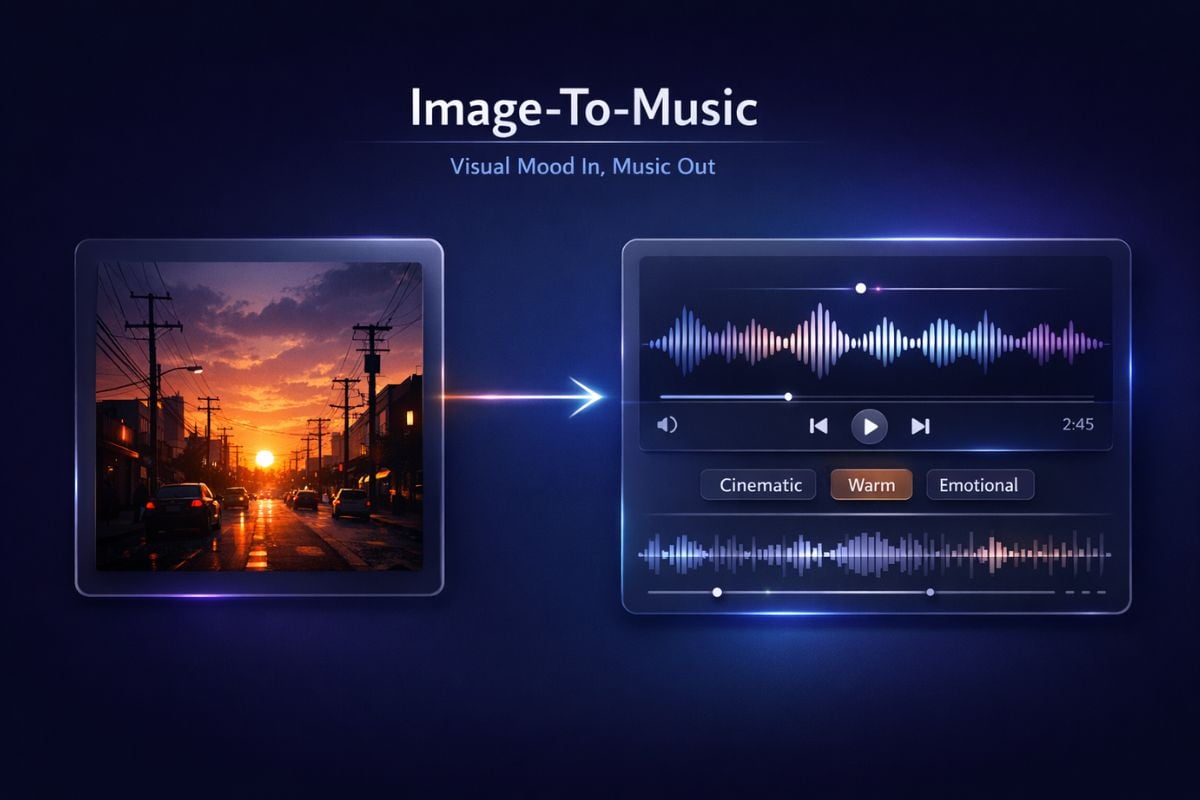
Text And Image Both Work
Vocals, Lyrics, Or Pure Instrumentals
More Control Than A Simple Music Toy
Cleaner Audio Specs For Real Projects
Better Fit For Social And Brand Content
How Lyria 3 Fits Real Creative Work
A Stronger Prompt-Driven Workflow
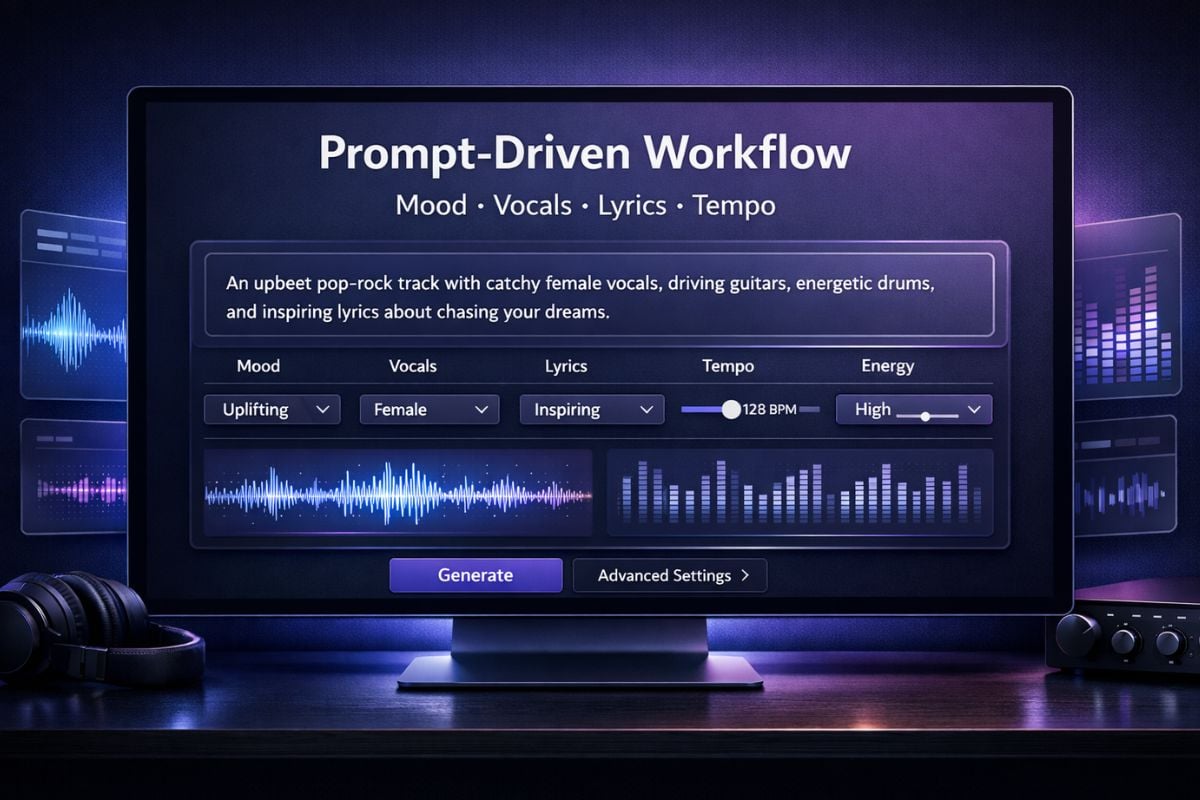
If you already use an AI music generator, Lyria 3 feels closer to a directed creative workflow than a novelty toy. You can start with a rough idea, then tighten mood, vocal type, lyrics, tempo, and energy until the result feels usable.
A Clear Place In Modern Music Model Design
Among today’s music models, Lyria 3 is interesting because it balances fast short-form generation with a more structured song path. That split makes the family easier to understand: one side is made for clips, the other side is made for fuller musical ideas.
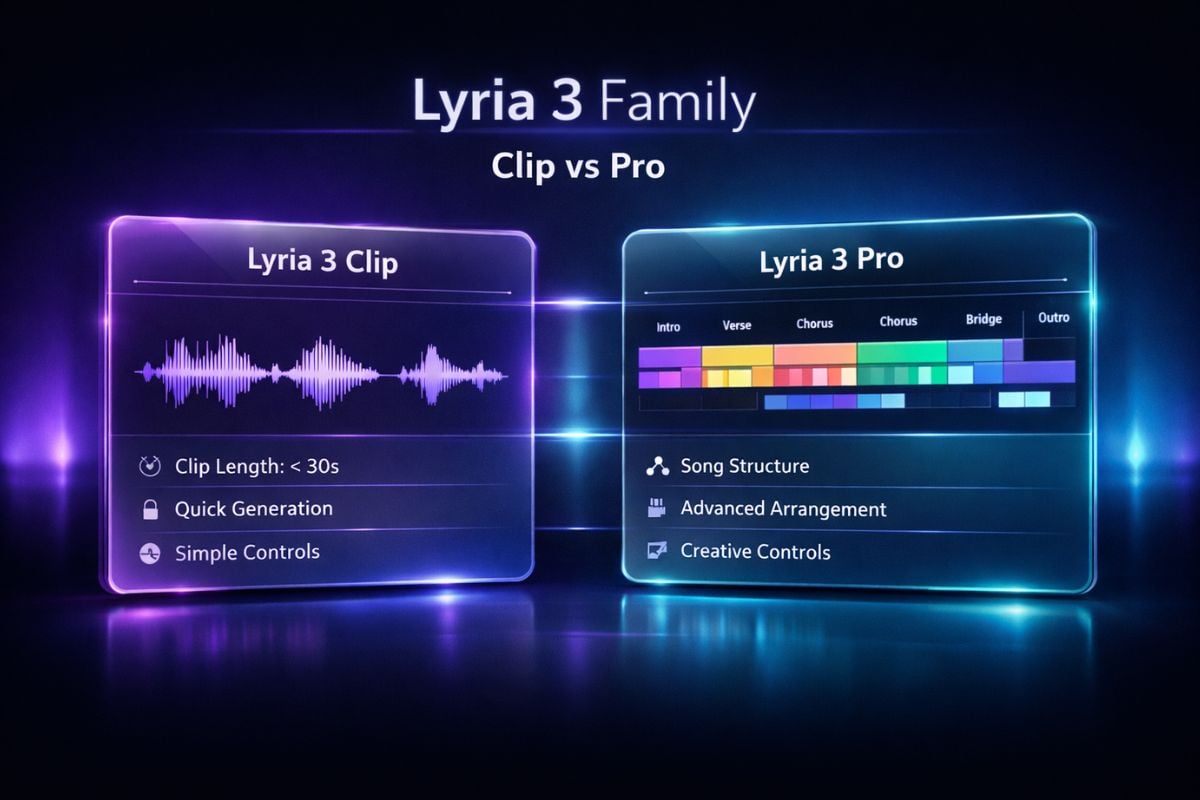
Image-Led Music Direction Is Genuinely Useful
One of the most practical parts of Lyria 3 is image-guided composition. The official DeepMind page highlights turning an uploaded image into a custom high-fidelity track, which is useful when you want music to match a scene, poster, or campaign mood more naturally.
Lyria 3 Parameters
How to Write Prompts for Google Lyria 3?
Start With A Clear Music Direction
Describe the genre, mood, tempo, and overall vibe first. For example, instead of 'make a song', try 'energetic rock rap with heavy drums, electric guitar, and a bold male vocal'. Example: 'melodic pop song, soft female vocal, warm and emotional mood'.
Add Useful Creative Details
Include the vocal type, instruments, emotional tone, or scene you want the track to match. Details like male or female vocal, cinematic, rebellious, dreamy, or late-night city mood make the result easier to guide. Example: 'male vocal, piano and strings, cinematic, inspired by a rainy night street scene'.
Guide The Structure Naturally
If you want a fuller song, mention simple structure cues such as intro, verse, chorus, or bridge. This helps the music feel more intentional instead of sounding like a random clip. Example: 'soft piano intro, emotional verse, big catchy chorus'.
Keep Testing And Refining
Start with a simple prompt, then improve it by adjusting mood, lyrics, energy, or instrumentation. Small changes often make a big difference when you want a cleaner and more usable result. Example: first try 'lo-fi beat with male vocal', then refine it to 'lo-fi beat, gentle male vocal, nostalgic mood, light guitar, relaxed tempo'.
More Music Models
You may want to know
What is Lyria 3?
Is Lyria 3 the same as Lyria 3 clip?
What inputs does Lyria 3 support?
Can Lyria 3 generate vocals and lyrics?
How long can Lyria 3 outputs be?
Is Lyria 3 good for commercial work?
Does Lyria 3 support negative prompting?
Ready to Turn Music Ideas Into Real Output?
Lyria 3 shows how far AI music has moved from novelty to usable creative workflow. If you want faster ideation, cleaner prompt control, and music that actually fits your content direction, start experimenting with your own track concepts now.
Explore Lyria 3 Now