
Google Lyria 3 Pro
Google Lyria 3 Pro is built for longer, more structured music generation. It is a strong fit when you want clearer intros, verses, choruses, bridges, and polished AI music results without overcomplicating the workflow.
How To Use Lyria 3 Pro on GoEnhance?
Open GoEnhance AI Music Generator
Start by opening GoEnhance’s AI music generator and preparing the idea you want to turn into music, whether it is a song sketch, background track, or creator-friendly BGM.
Choose The Model And Write Your Prompt
Select Lyria 3 Pro as your model, then write a clear prompt with style, mood, tempo, vocals, instruments, and structure cues such as intro, verse, chorus, or bridge for more controlled results.
Generate, Review, And Export
Generate the track, listen for flow and section balance, then refine the prompt if needed before exporting a version that fits your video, podcast, promo, or product demo.
Audio Showcase
Hear how Lyria 3 Pro-style prompting can shape longer music with clearer structure, stronger transitions, and more usable creator-ready output.

Cinematic Piano Build
2:59
Midnight Neon Lo-Fi
3:27
Summer Pulse Electropop
2:46Lyria 3 Pro Specifications
Explore Music Creation Paths Around Lyria 3 Pro
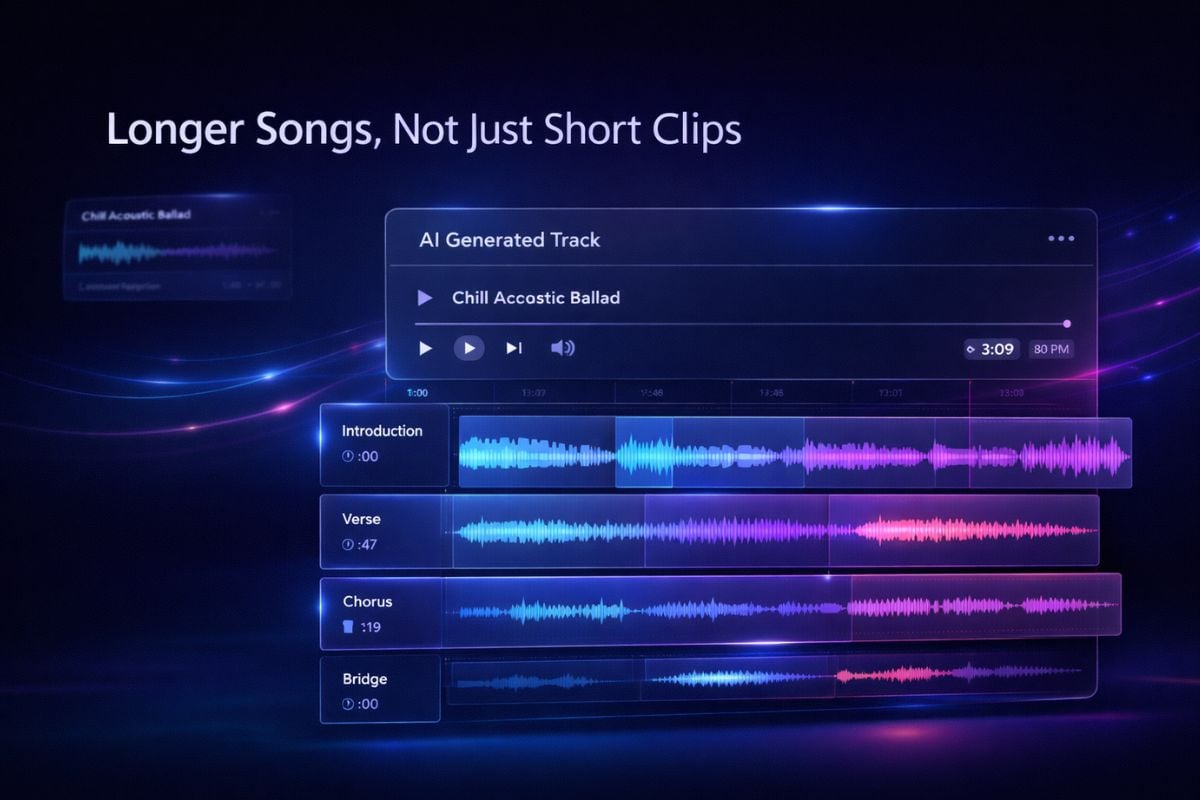
Longer Songs, Not Just Short Clips
One of the biggest Google Lyria 3 Pro advantages is that it moves beyond quick fragments and supports longer, more usable music creation. If you want to test fuller song ideas, creator-ready drafts, or polished background tracks, it fits naturally into the AI music generator workflow.
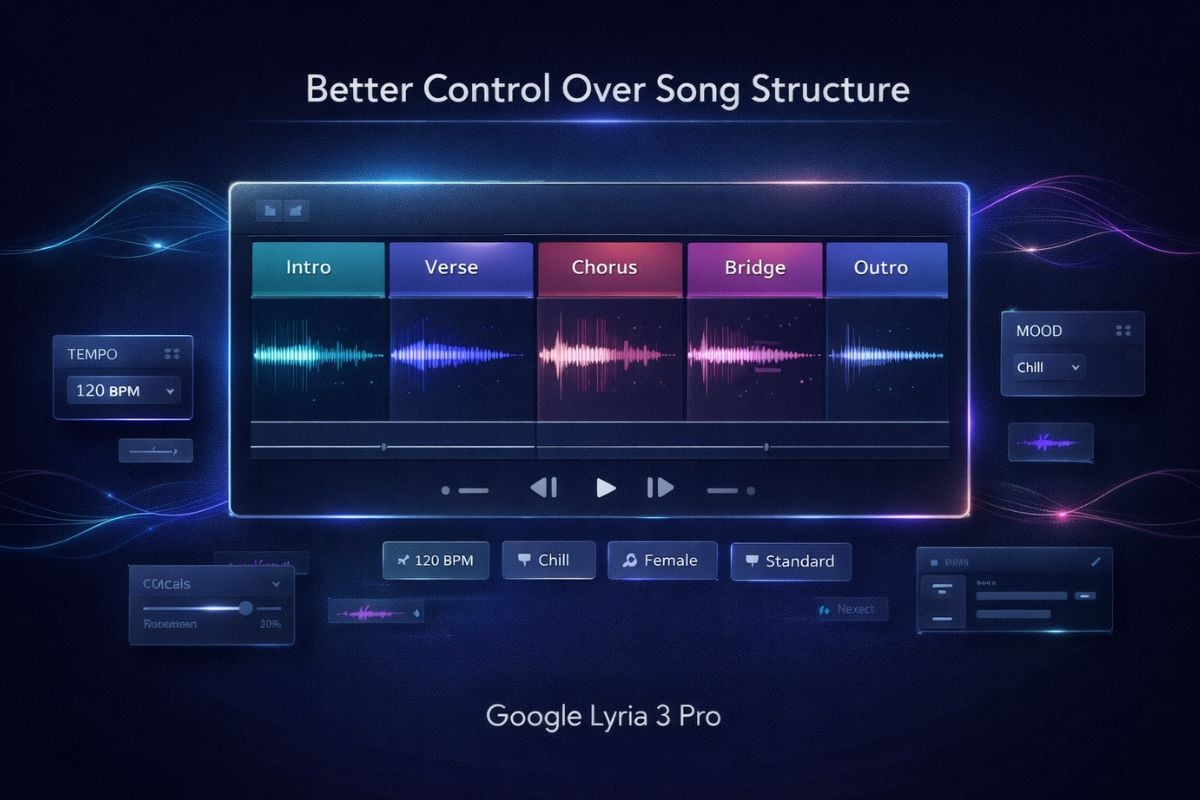
Better Control Over Song Structure
What makes Lyria 3 Pro stand out is not only quality, but control. Compared with many other music models, it is much more useful when you want clearer intros, verses, choruses, and bridges instead of a track that feels like loosely connected ideas.
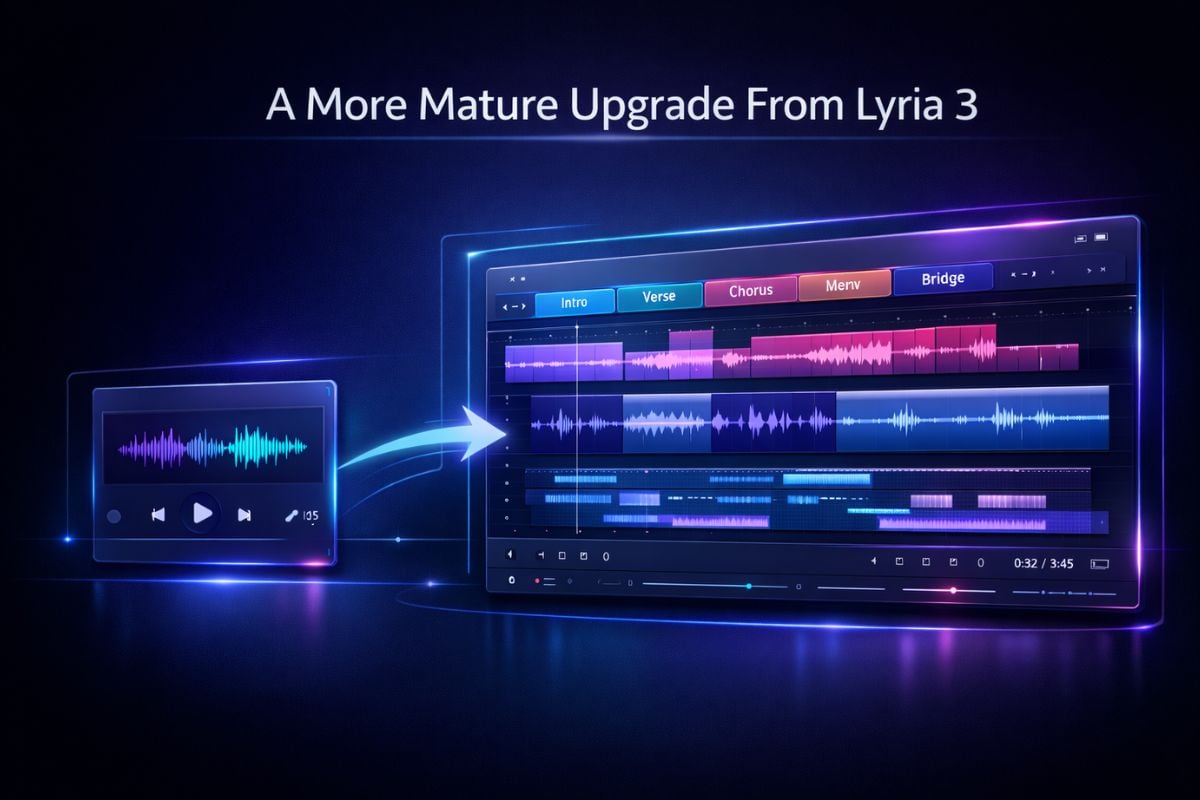
A More Mature Upgrade From Lyria 3
Lyria 3 Pro feels more practical because it builds on the foundation of Google Lyria 3 and pushes it further with longer generation, stronger structure awareness, and a more creator-friendly workflow for demos, videos, and commercial-style music ideas.
Lyria 3 Pro vs Suno
Why Choose Lyria 3 Pro?
Longer music that feels usable
Section-aware prompting matters
Useful for prompt refinement
More Music Models
Google Lyria 3 Pro FAQs
What is Lyria 3 Pro?
How long can Lyria 3 Pro generate music?
Does Lyria 3 Pro support vocals and lyrics?
Is Lyria 3 Pro better than Suno?
Can I use Lyria 3 Pro for commercial work?
Does Lyria 3 Pro imitate specific artists?
How should I write a good Lyria 3 Pro prompt?
Ready to Create With Lyria 3 Pro?
If you want to test a more structured AI music workflow, GoEnhance gives you a practical place to move from idea to finished track. Use Lyria 3 Pro for demos, creator content, background music, and polished concept songs without making the process feel heavy.
Explore Lyria 3 Pro Now