
AI Ease Image Generator

AI Ease is an online AI image and photo-editing platform that combines generative models with specialized tools for everyday visual tasks. Users can generate images from text or references, swap faces, enhance low-quality photos, expand image borders, remove or replace objects, restore old photos, change backgrounds, apply creative filters, and work with portrait-focused tools from the same broader platform.

Key Features of AI Ease

Create Images With Different AI Models in One Generator

The AI Ease AI image generator supports both text-to-image and image-to-image creation while bringing several model families into the same interface. Creators can switch between options such as GPT Image, Seedream, Nano Banana, Flux Kontext, and other supported models depending on whether the job calls for photorealism, illustration, product imagery, readable text, character work, or reference-based editing.
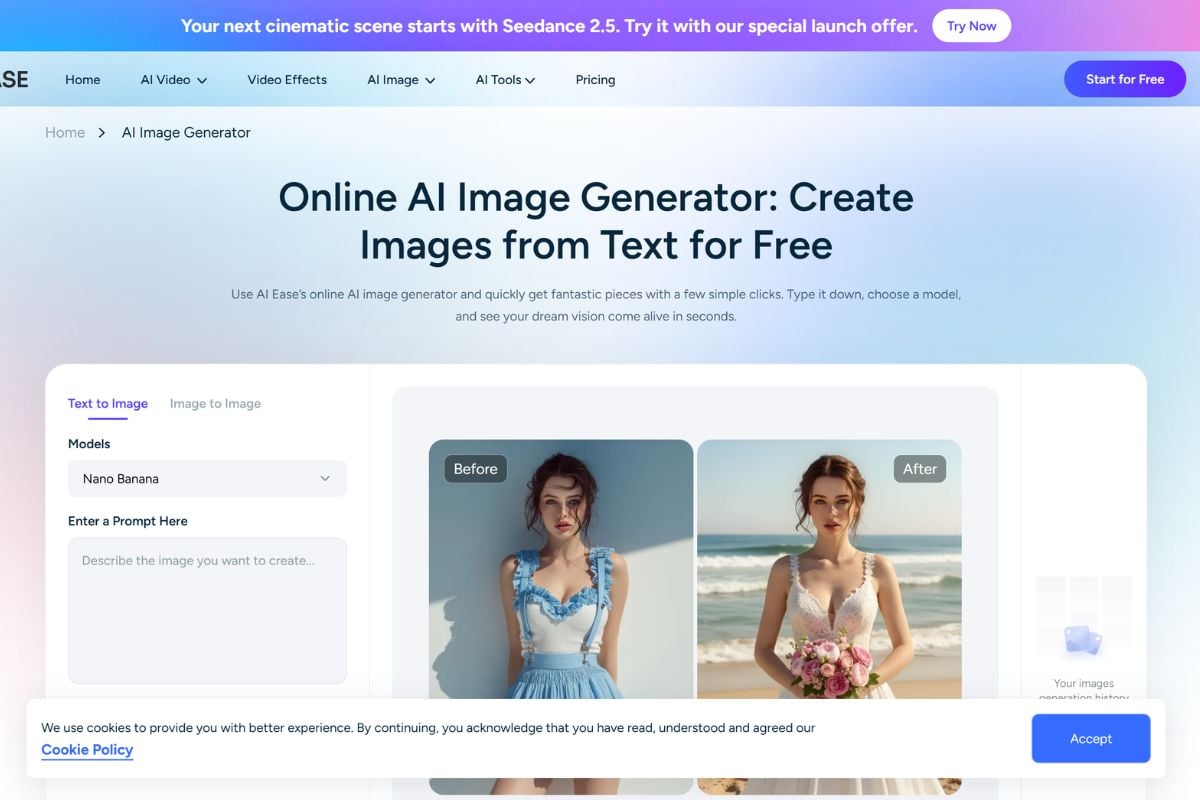
AI Ease AI image generator showing text to image, image to image, model selection, prompt controls, and aspect ratio settings

Repair, Enhance, and Expand Photos Without Manual Retouching

AI Ease bundles practical photo-improvement tools alongside generation. Its image enhancer can sharpen and upscale images, including dedicated modes for general photos, anime artwork, and older images, while AI Ease Expand uses generative outpainting to extend a composition beyond its original borders. Other utilities cover restoration, object removal, background editing, recoloring, and replacement.
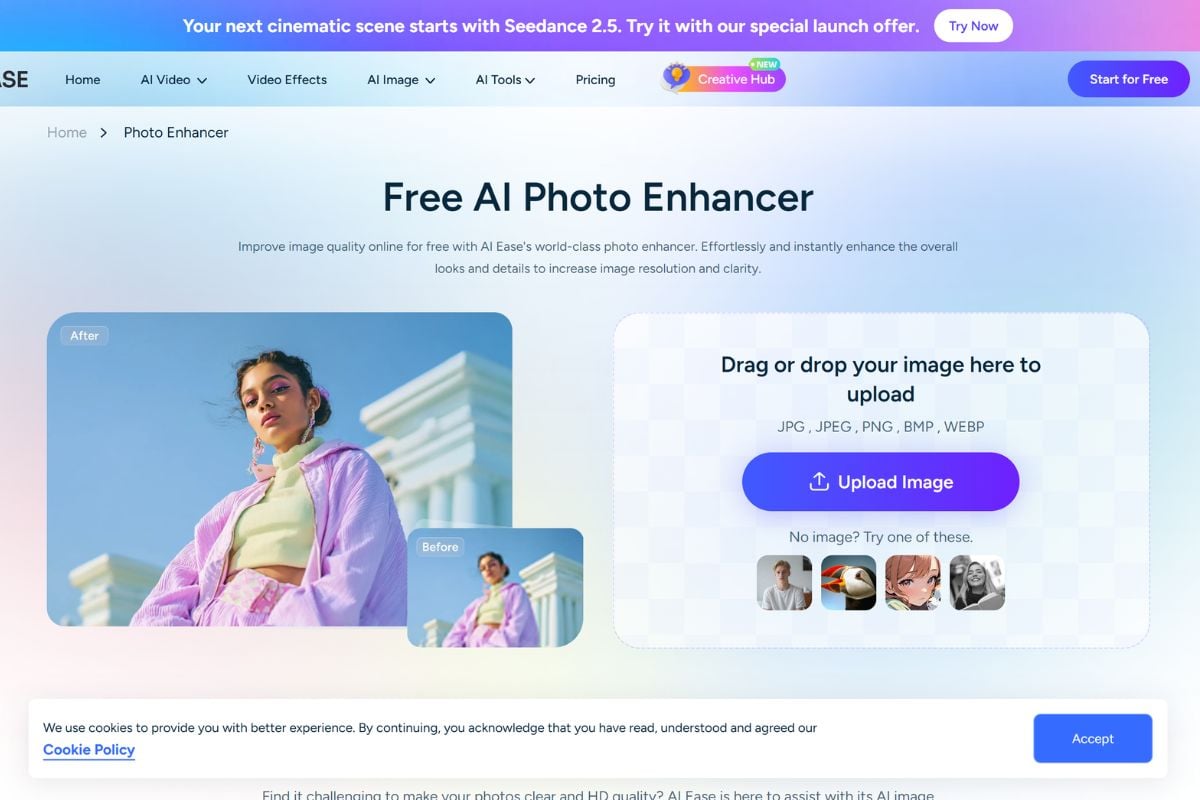
AI Ease photo enhancer and image extender improving image quality and expanding a photo beyond its original borders

Change Faces and Portraits With Dedicated AI Tools

AI Ease face swap provides a dedicated workflow for replacing one face with another, while the wider portrait toolkit includes headshots, filters, hairstyle and clothing changes, passport photos, and other identity-focused edits. The platform separates these common portrait tasks into focused tools so users do not need to describe every transformation from scratch.
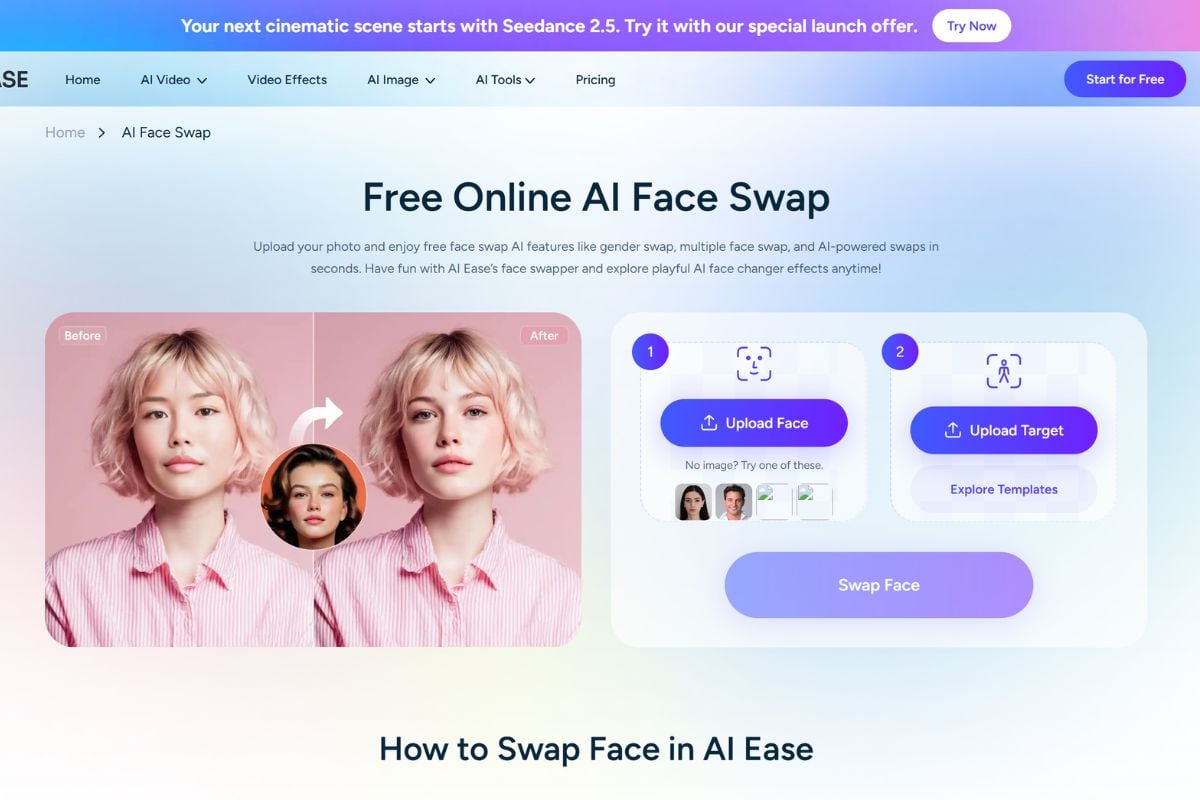
AI Ease face swap and portrait tools showing face replacement, headshots, filters, hairstyles, and clothing transformations

How to Use AI Ease on GoEnhance AI?

01

Choose the Tool That Matches the Image Task

Start with AI Image Generator when creating something new, or select a focused workflow such as Face Swap, Photo Enhancer, AI Extender, Background Remover, Object Remover, Photo Restoration, or another available AI tool.

02

Add a Prompt or Upload Your Photo

Enter a text prompt for generative workflows or upload the source image you want to edit. Depending on the tool, you can choose models, references, aspect ratios, enhancement modes, expansion ratios, face images, or other task-specific settings.

03

Generate, Review, and Download

Run the AI process, review the result, and adjust the prompt or settings if another version is needed. Free availability, daily usage limits, credits, download quality, and premium options can vary between individual tools.

AI Ease vs Other AI Image Platforms

PlatformCore StrengthCreative RangeBest Fit
AI EaseAccessible all-in-one image toolbox combining multi-model generation with fast one-purpose photo and portrait utilitiesText-to-image, image-to-image, face swap, photo enhancement, image expansion, restoration, background editing, object removal, headshots, filters, and selected video toolsUsers who regularly switch between generation, quick photo fixes, portrait effects, and practical image-editing tasks
GoEnhance AIConnected generative workflows for continuing a visual concept through more extensive image development and motionText-to-image, image-to-image, image enhancement, animation, image-to-video, text-to-video, video transformation, and creative effectsCreators who want one approved visual to keep evolving across multiple creative stages rather than remain a finished utility edit
FotorTraditional consumer photo editing combined with AI generation, enhancement, portrait, and graphic-design toolsPhoto editing, AI images, enhancement, retouching, background tools, portraits, collages, and design templatesUsers who want familiar photo editing alongside AI-assisted features and graphic design
PicsartSocial-first image editing and creative design with filters, templates, AI generation, and mobile workflowsPhoto editing, AI images, backgrounds, effects, templates, social graphics, stickers, and mobile creationSocial creators who want a broad editing app with strong templates, effects, and community-oriented content creation
AI Ease is especially convenient when the task has a clear endpoint: swap a face, sharpen a photo, extend a frame, remove something, or generate a quick visual. GoEnhance becomes more useful when that corrected or generated asset is meant to keep evolving rather than stop at the utility result.

Where GoEnhance AI Fits After the Quick AI Ease Edit

Treat Enhancement as Preparation, Not the Final Result

A blurry or low-resolution source often needs cleaning before serious creative work begins. Once AI Ease has improved the source quality, GoEnhance can use the stronger asset as the foundation for a more ambitious visual direction.

Keep Building After the Canvas Has Been Expanded

AI Ease Expand solves the framing problem by generating content beyond the original edges. Once the composition has the right dimensions, the next step can be developing the wider scene itself rather than repeatedly changing aspect ratios.

Go Beyond Replacing the Face

A face swap is useful when identity replacement is the entire goal. When the same person or character needs new environments, visual treatments, poses, or creative scenes, GoEnhance offers a broader generative path beyond the original swap.

Turn One Useful Edit Into a Visual Series

A cleaned product photo, portrait, or social image can become the starting point for a set of related creative assets. This is useful when one successful output needs to support a campaign, character concept, content series, or broader visual identity.

Continue a Finished Still Into Motion

AI Ease now covers many image and selected video tasks, but its photo utilities are still often designed around solving a specific edit. GoEnhance fits naturally when a finished still needs to become animated content instead of another corrected static file.

Use Quick Tools for Fixes and a Generative Workflow for Development

The two approaches solve different problems. AI Ease is convenient when the job is clearly defined and should be completed quickly, while GoEnhance is better suited to the stage where the creator is still deciding what the finished visual can become.

AI Ease Discussions on Reddit

Frequently Asked Questions

AI Ease FAQ

What is AI Ease?

AI Ease is an online and mobile AI image and video creation platform developed by CHENGDU Yile Tech Co., Ltd. Its image toolkit includes AI image generation, image-to-image editing, photo enhancement, face swap, image expansion, object and background tools, restoration, filters, portrait tools, headshots, and other automated photo workflows.

Is AI Ease free?

Yes. AI Ease currently provides several basic features and free credits at no cost, but free access is limited and the exact allowance differs by tool. Its official pricing FAQ says several basic features can be used for free, while membership expands access. Some image-generation pages also advertise free generations and free downloads, but advanced models, HD exports, higher usage, certain tools, and video features may require membership or credits.

What is AI Ease face swap?

AI Ease face swap is a dedicated portrait tool that replaces the face in one photo with a face supplied from another image. Users upload the face they want to use and the target image, then AI Ease automatically detects and blends the facial features. The wider platform also offers multiple portrait and avatar-related tools.

Is AI Ease face swap free?

AI Ease currently offers free access to its face-swap tool, although usage policies and daily limits can change. The official face-swap page describes the feature as free, while AI Ease's broader pricing system now distinguishes between limited free access and paid membership or credit-based features.

What is the AI Ease AI image generator?

The AI Ease AI image generator supports text-to-image and image-to-image creation with multiple model options. Its current platform lists model families including GPT Image, Seedream, Midjourney, Nano Banana, and Flux Kontext, with availability and generation costs varying by model.

What is AI Ease photo enhancer?

AI Ease Photo Enhancer is designed to sharpen, denoise, and upscale low-quality images. The current image upscaler supports 2x and 4x enlargement and output up to 4K, with General, Anime, and Old Photo modes. Batch workflows can process multiple images for users working with larger sets of product, photography, or content assets.

What is AI Ease Expand?

AI Ease Expand refers to the platform's AI image extender or outpainting workflow. Instead of stretching an image, it generates new visual content beyond the existing edges while attempting to continue the lighting, textures, subjects, and scene context. Users can choose common aspect ratios such as 1:1, 3:4, 9:16, and 16:9 or use supported custom dimensions.

Is AI Ease safe?

AI Ease publishes a privacy policy and says it uses physical, electronic, and administrative safeguards as well as SSL encryption for sensitive information. The policy also notes that no online system can be completely secure. For facial tools such as its headshot and passport-photo workflows, AI Ease says facial data is used only to produce the requested output, is not used for model training or marketing, and is deleted after generation. Users should still avoid uploading confidential material unless it is necessary.

Does AI Ease have an app?

Yes. AI Ease promotes mobile applications for supported iOS and Android devices in addition to its browser-based tools. The mobile app includes photo-editing and AI-filter workflows, although individual tools and limits may differ from the web version.

Can AI Ease expand an image for social media?

Yes. AI Ease's image extender includes preset aspect ratios suited to formats such as Instagram, TikTok, YouTube, Facebook, and X. It generates additional content around the original image so creators can adapt one source asset to different horizontal, square, and vertical layouts.

Can AI Ease enhance multiple photos at once?

Yes. AI Ease offers batch enhancement workflows, and its current image upscaler states that users can process up to 50 images in one batch. This is intended for tasks such as ecommerce images, photo collections, and content libraries.

How do I delete an AI Ease account?

AI Ease's privacy policy says users can request account deletion through Customer Support at [email protected]. AI Ease has also publicly documented an in-account route through My Account, Account Management, and Delete Account. Because account interfaces can change, check the current account page first and use official support if the deletion option is unavailable.

Why Is GoEnhance AI Better Than AI Ease?

GoEnhance AI is better suited to creators who want to move beyond one-purpose photo edits and continue developing a visual concept through connected image and video workflows. While AI Ease focuses on quick image generation, portrait effects, repair tools, and photo utilities, GoEnhance AI brings image generation, enhancement, face swapping, video creation, and motion-focused tools into a broader creative process.

Finished Fixing the Photo? Keep Building From It.

After the face swap, enhancement, expansion, or cleanup is finished, the image does not have to stop there. Bring the strongest version into GoEnhance AI and continue developing the subject, scene, style, or visual concept.

Develop This Image