Wan 3.0 Review: I Checked Its 30-Second AI Video Workflow
- 1. Wan 3.0 Review: TL;DR
- 2. What Is Wan 3.0?
- A full 30-second generation
- Up to 20 reference assets
- Better character and scene control
- More useful camera and story control
- Native sound with the video
- Targeted video editing
- Documents can become video inputs
- Pros
- Cons
- Thirty seconds gives mistakes more time to appear
- Complex contact is still a hard problem
- Text needs human checking
- Native audio is not automatically final audio
- Test 1: A muscle car transforms into a titan
- Test 2: A close fight in an abandoned subway
- Test 3: A 12-second one-take rally chase
- 10. Final Verdict: Is Wan 3.0 Worth Trying?
- 11. Wan 3.0 Review FAQs
I checked Wan 3.0 because it promises something more useful than another small jump in AI video quality: a longer and more complete creation workflow.
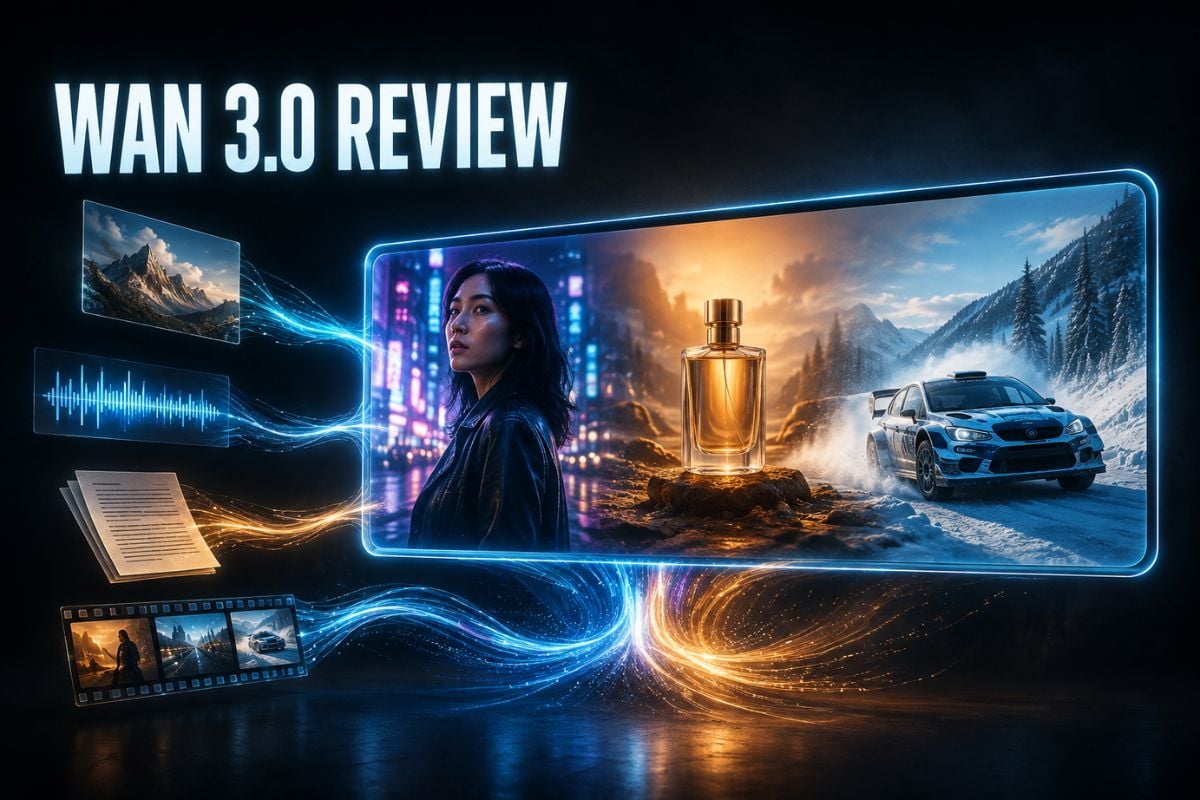
The public-beta information points to 30-second generation, up to 20 reference assets, native audio, document inputs, stronger consistency, and targeted video editing. I also prepared three difficult prompts to see what I would test beyond a polished demo.
My quick take: Wan 3.0 looks worth trying for short dramas, ads, product videos, and other projects that need more than one attractive shot. Its biggest strength is how many parts of the workflow it brings together.
For anyone choosing an AI video generator, the key question is whether these extra controls produce a more usable result, not just a longer list of features.
It is still a public-beta model, though. I would not expect every 30-second clip to be ready to publish without another generation or some editing.
1. Wan 3.0 Review: TL;DR
Wan 3.0 is shaping up to be a strong choice for creators who want longer clips, several reference files, synchronized sound, and editing controls in one place.
| Review point | My take |
|---|---|
| Best for | AI short dramas, ads, e-commerce videos, product demos, and teaching content |
| Strongest feature | Up to 30 seconds in one generation |
| Most useful workflow upgrade | Combining images, video, audio, and documents as references |
| Less ideal for | One-click final videos that cannot tolerate continuity or text errors |
| Biggest limitation | Longer clips still create more chances for drift and small mistakes |
| My verdict | Promising and practical, but expect to generate more than once |
2. What Is Wan 3.0?
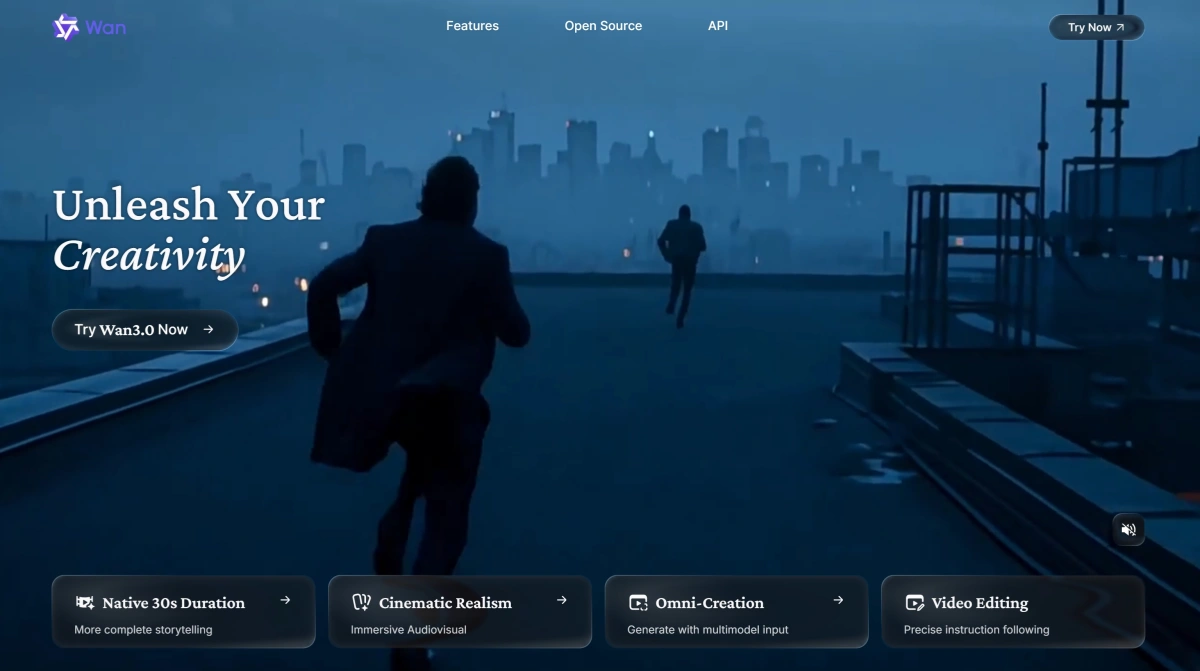
Wan 3.0 is Alibaba's new multimodal AI video generation and editing model. The public beta opened on August 6, 2026, according to the release information reviewed for this article. The official Wan website is the best place to check the current product experience and availability.
It accepts more than a text prompt. The announced inputs include text, images, video, audio, and documents such as DOC, XLS, PPT, PDF, and Markdown.
The model supports 480P, 720P, and 1080P output. A single generation can run for up to 30 seconds, and the system can recommend a suitable duration from the prompt.
Wan 3.0 is also presented as a video editor. Users can keep the main structure of an existing clip while changing a person, product, outfit, background, line of dialogue, or selected time range.
- What Stood Out to Me
A full 30-second generation
The 30-second limit is the feature I noticed first.
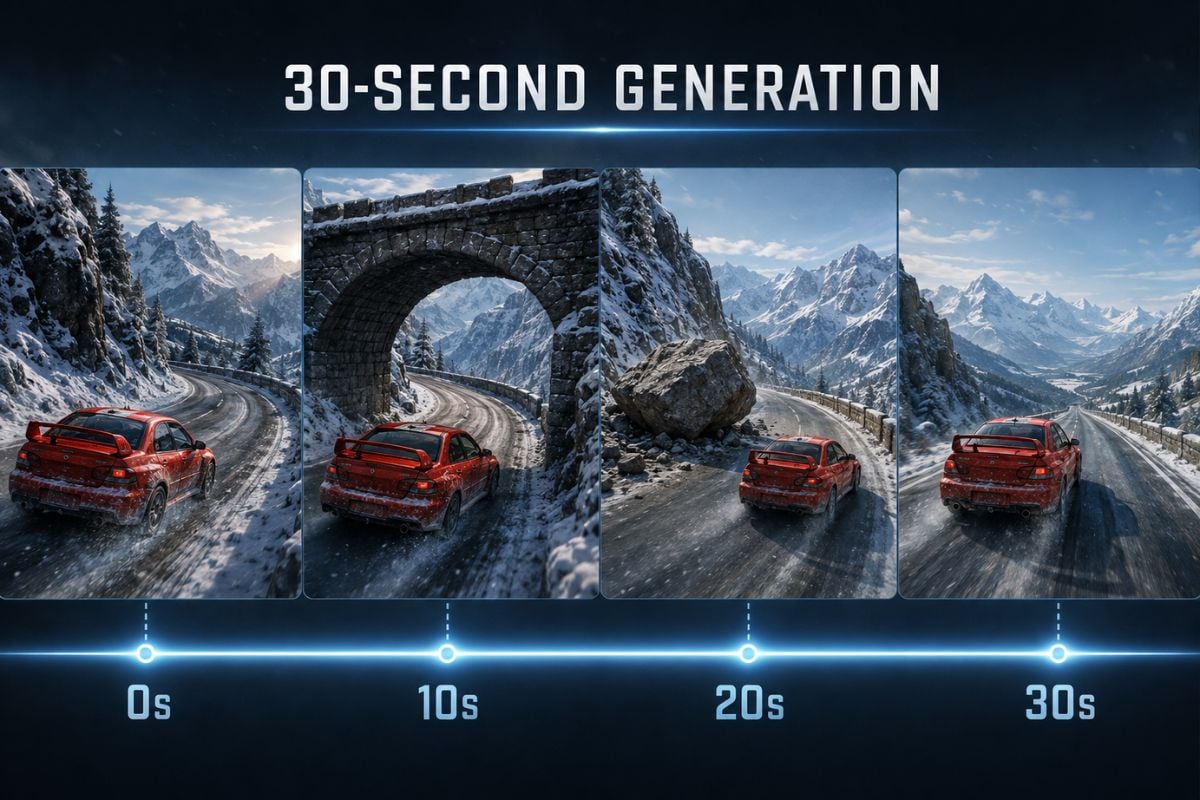
Five or ten seconds is enough for one movement or visual effect. Thirty seconds gives the model room for a character entrance, a problem, a response, and an ending.
That can reduce the need to stitch together several short clips. It may also help avoid the face changes, costume resets, prop drift, sound breaks, and repeated emotional starts that often appear between separately generated shots.
Longer does not automatically mean more consistent. Still, I would rather start with one connected 30-second attempt and repair a weak section than rebuild an entire sequence from unrelated clips.
Up to 20 reference assets
Wan 3.0 can reportedly use up to 20 reference assets in one task.
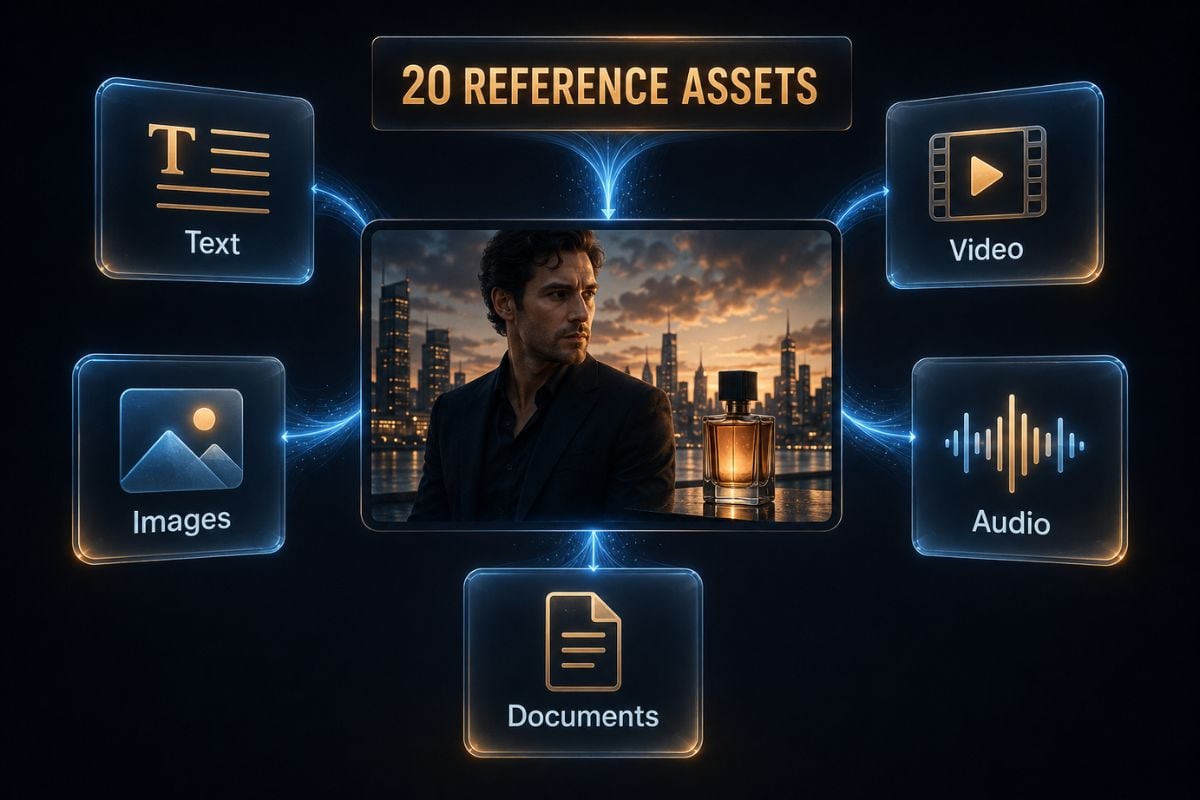
That is useful because a serious video prompt often needs more information than text can hold. A creator could provide a character image, product photos, a location reference, an action video, music, and a brand document instead of describing everything in one long paragraph.
| Reference type | What I would use it for |
|---|---|
| Text | Story, action, camera movement, mood, and style |
| Images | Character, outfit, product, scene, and visual identity |
| Video | Movement, acting, camera language, rhythm, or edit structure |
| Audio | Dialogue, music, sound effects, and timing |
| PPT, PDF, DOC, XLS, or MD | Product facts, lessons, reports, or story information |
The announced file limit is 100 MB and 50 pages per file. Those limits and supported formats should be checked again before a production upload because the service is still in beta.
Better character and scene control
Wan 3.0 is designed to keep faces, hairstyles, body shapes, clothing, accessories, product packaging, props, and lighting more stable across a sequence.
This matters most when the camera changes distance. A character may look correct in a close-up but become a different person in a wide shot. The same problem happens when someone walks behind a pillar and returns.
For short dramas and multi-character videos, consistency is more valuable than one perfect frame. A beautiful opening shot does not help if the lead actor changes halfway through the scene.
More useful camera and story control
The model is expected to understand push-ins, pull-outs, pans, tracking shots, over-the-shoulder views, close-ups, wide shots, foreground transitions, montage sequences, and music-driven cuts.
What interests me is not the number of camera terms it recognizes. I want to know whether the camera helps reveal information in the right order and whether the location still makes sense after it moves.
That is why one of my test prompts uses a continuous aerial chase with no cuts. It is much harder to hide a broken road or a replaced car when the camera never leaves the scene.
Native sound with the video
Wan 3.0 can generate dialogue, lip movement, environmental sound, action effects, music, and the image together.
This could save time on short dramas, ads, and social clips. A creator may not need to export a silent video, find separate effects, record a voice, and repair the lip sync afterward.
I would still listen closely before using the audio. Public-beta reports point to room for improvement in voice quality, spatial sound, and the match between an action and its effect.
Targeted video editing
The editing feature may be more useful than generating from scratch.
Wan 3.0 is designed to keep the original composition, movement, timing, cuts, dialogue, subtitles, depth of field, and color while changing only the requested part.
For example, a creator could replace a product, change a costume, update a background, rewrite one line, or repair a few weak seconds. That is a better workflow than discarding a mostly successful 30-second clip because one detail failed.
Documents can become video inputs
Wan 3.0 can reportedly read PPT, Word, PDF, Excel, and Markdown files.
This opens a different kind of workflow. A product team could combine a presentation with product images. A teacher could use a lesson document. A marketing team could provide brand information and visual references together.
The model is not just trying to turn a sentence into a clip. It is trying to turn existing information into a video draft.
- Wan 3.0 Pricing
The announced API prices are based on the duration of a successfully generated video.
| Resolution | Price per second | 15-second cost | 30-second cost |
|---|---|---|---|
| 480P | ¥0.30 | ¥4.50 | ¥9.00 |
| 720P | ¥0.60 | ¥9.00 | ¥18.00 |
| 1080P | ¥1.20 | ¥18.00 | ¥36.00 |
One 30-second generation is reasonably priced for a test. Repeated attempts are where the budget can grow.
If I needed eight generations to get one usable 1080P clip, the real cost would be much higher than the ¥36 shown in the table. I would test the prompt at a lower resolution first, then move the best setup to 1080P.
Pricing and access may change during the beta. Check the Alibaba Cloud Model Studio video generation documentation and the Bailian console before estimating a real project.
- Wan 3.0 Pros and Cons
Pros
- A single clip can run for up to 30 seconds.
- Text, images, video, audio, and documents can work together as references.
- Up to 20 assets give creators more control over characters, products, and style.
- Native sound can reduce separate voice-over and audio work.
- Targeted editing may save a good clip when only one section fails.
- Document inputs make the model useful beyond entertainment videos.
Cons
- Longer clips create more opportunities for faces, props, and scenery to drift.
- Fast fights and overlapping bodies may still produce hand or limb errors.
- Small text, packaging copy, and subtitles may not stay accurate.
- Sound may be synchronized without feeling fully natural or spatial.
- The same prompt can require several attempts.
- Public-beta pricing, access, and API details may change.
- Best Use Cases for Wan 3.0
| Use case | How Wan 3.0 fits |
|---|---|
| AI short dramas | Build a 20-to-30-second scene with dialogue, character references, and connected camera work |
| Animated stories | Keep a 2D, 3D, fantasy, or game-style character across several shots |
| Product advertising | Combine product photos, a model reference, music, and a planned product reveal |
| E-commerce videos | Turn product images and descriptions into short demonstrations or selling-point clips |
| Teaching content | Convert a PPT, PDF, Word file, or report into a visual explanation |
| Product demonstrations | Show structure, setup, use, and physical interaction in one sequence |
| Local video repair | Replace a person, prop, line, or weak time range without remaking everything |
| Film previsualization | Explore scenes, camera plans, atmosphere, and action before production |
| Music videos | Use music to guide movement, cuts, and visual mood |
I think the best user is someone who already has useful source material. Wan 3.0 makes more sense when the creator brings character images, product references, a document, or an existing video than when they only want a random cinematic clip.
- What Is Agent Team?
Agent Team is a workflow built around Wan 3.0. It is not the model itself.
Different agents can act as the writer, director, art director, storyboard artist, and video generator. A user provides an idea, document, or web page, and the system breaks it into story beats, shots, characters, scenes, and assets.
This looks better suited to a complete video project than a single prompt. The feature is currently described as invitation-only, so I would not treat it as generally available yet.
- Where Wan 3.0 Falls Short
Thirty seconds gives mistakes more time to appear
A longer generation is valuable, but it also gives the model more chances to lose a detail.
A face can soften, a prop can change count, a vehicle can return from behind an object in the wrong position, or the background can slowly rebuild itself. I would inspect the second half of every long clip more carefully than the opening.
Complex contact is still a hard problem
Hands, fights, product use, and several people touching each other are difficult for any video model.
Wan 3.0 may create the right overall action while missing the exact contact point. That is acceptable for a fast concept video, but not for a product demonstration that needs to show one precise physical step.
Text needs human checking
Small labels, subtitles, signs, and product packaging can still be wrong.
For a commercial video, I would use the model for the scene and add important text afterward unless the generated copy is checked frame by frame.
Native audio is not automatically final audio
Audio generation is a useful shortcut, not a guarantee of finished sound.
Dialogue may feel slightly disconnected from the face, environmental sound may lack depth, and an impact effect may not land at the exact frame. Important campaigns may still need voice, music, or sound cleanup.
- What I Would Test Next
I prepared three stress-test prompts for this Wan 3.0 review. I have not verified their output files yet, so I am treating them as a test plan rather than published hands-on results.
Test 1: A muscle car transforms into a titan
A dusty muscle car races across an abandoned bridge, transforms through visible hydraulic and mechanical stages, anchors itself to the road, and fires a chest-mounted energy cannon.
This test checks part-to-part transformation, weight, recoil, sparks, smoke, destruction, and cause and effect. The main question is whether the final robot still feels built from the original car instead of appearing as a replacement.
Test 2: A close fight in an abandoned subway
A pink-haired woman fights a large security guard while a handheld camera follows them between columns, benches, and a stationary train.
This test checks identity, clothing, limbs, contact, body weight, and environment stability during fast overlap. The hardest moments are when the characters block each other or pass behind a column.
Test 3: A 12-second one-take rally chase
A red rally car moves through three snowy hairpin turns while an aerial camera follows without a cut. The car disappears beneath a stone bridge, returns on the correct road, avoids a boulder, and reaches a safe straight.
This is the test I would trust most. It checks road topology, camera continuity, vehicle physics, full occlusion, object permanence, sound progression, and whether the same car returns after being hidden.
For all three tests, I would compare prompt adherence, subject consistency, motion, physical cause and effect, camera control, audio, and the number of attempts needed for one usable result.
10. Final Verdict: Is Wan 3.0 Worth Trying?
Wan 3.0 looks worth trying if you need more than a short visual effect.
Its best idea is not simply 30-second generation. It is the combination of longer video, many reference assets, native sound, document understanding, and targeted editing.
I would use it for short drama drafts, product concepts, e-commerce videos, teaching content, and previsualization. I would be more careful with exact product actions, small text, complex fights, and any project that must be correct on the first generation.
My final take: Wan 3.0 looks capable of making the first draft of a complete scene, not just one attractive shot. That is a meaningful step forward, even if creators still need to review, regenerate, and edit the result.
11. Wan 3.0 Review FAQs
What is Wan 3.0?
Wan 3.0 is Alibaba's multimodal AI video generation and editing model. It accepts text, images, video, audio, and several document formats.
How long can Wan 3.0 generate?
The announced maximum is 30 seconds for one generation.
How much does the Wan 3.0 API cost?
The announced prices start at ¥0.30 per second for 480P, ¥0.60 per second for 720P, and ¥1.20 per second for 1080P. Beta pricing may change.
Can Wan 3.0 generate audio?
Wan 3.0 is designed to generate dialogue, lip movement, environmental sound, action effects, and music with the video.
Can Wan 3.0 read documents?
The announced inputs include DOC, XLS, PPT, PDF, and Markdown files. The stated limit is 100 MB and 50 pages per file.
Is Wan 3.0 open source?
The information reviewed for this article does not formally confirm that the Wan 3.0 model weights have been released. Check the official Wan GitHub organization for Alibaba's publicly released Wan repositories; a hosted public beta or API should not be confused with an open-weight release.
What is Wan 3.0 Agent Team?
Agent Team is a multi-agent video workflow around Wan 3.0. It can divide work among roles such as writer, director, art director, storyboard artist, and video generator.