
VisualGPT AI

VisualGPT is a browser-based creative suite for AI product imagery, portraits and video. It brings text-to-image, image editing and text or image-to-video workflows together, with optional frame and shot controls in its video generator. The range is useful for sellers and creators producing different campaign assets in one workspace.

Key Features of VisualGPT

Text-to-image and image-to-image modes

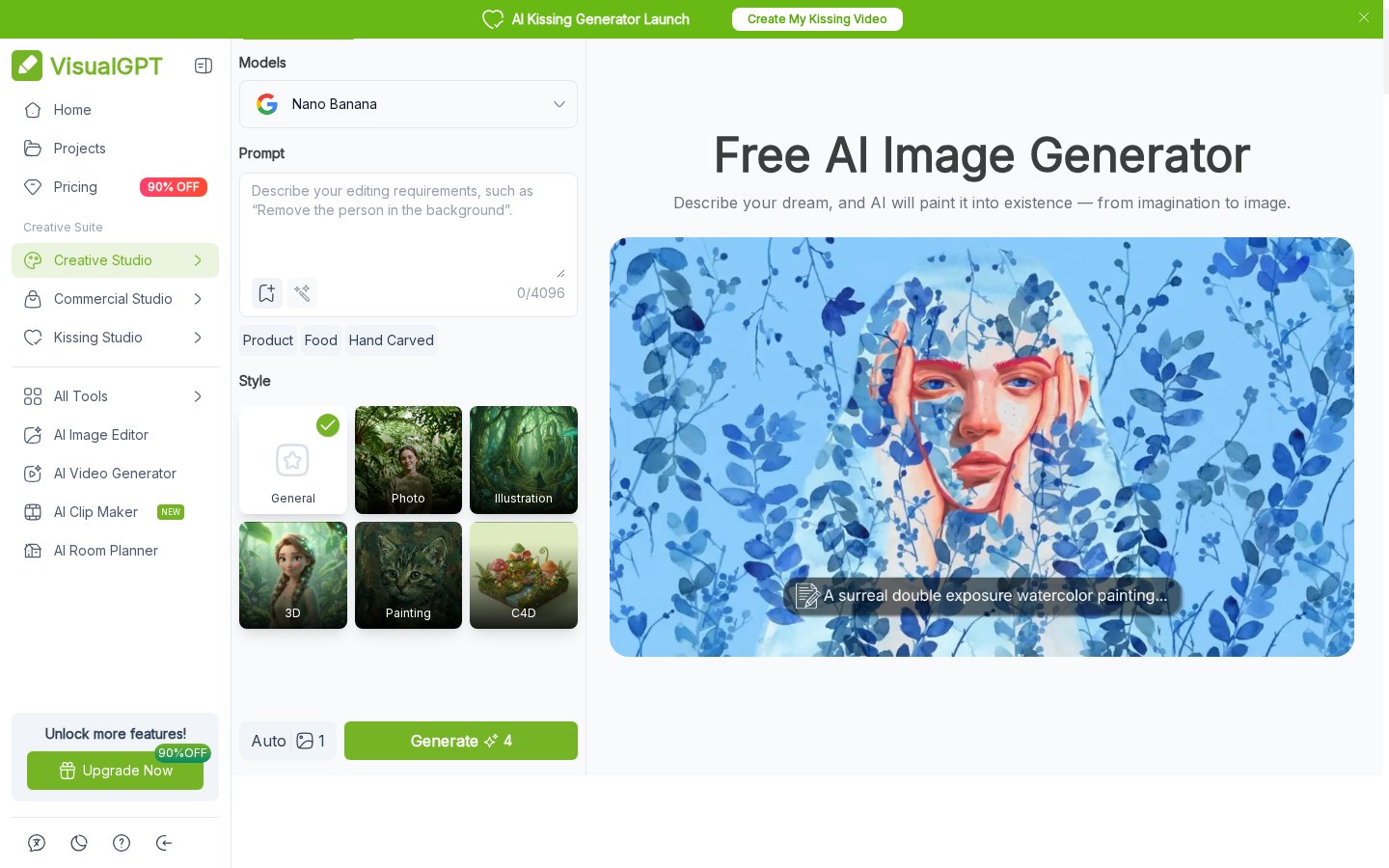
VisualGPT's image generator turns a written prompt into a still and exposes text-to-image or image-to-image modes, selectable models, and style choices such as photo, illustration, 3D, and painting. That makes it useful for exploring campaign directions before a product shoot or social post is designed. Output quality and available controls depend on the selected model and current plan.

VisualGPT image generator with prompt, model, and style controls.

Portrait editing and creative image tools

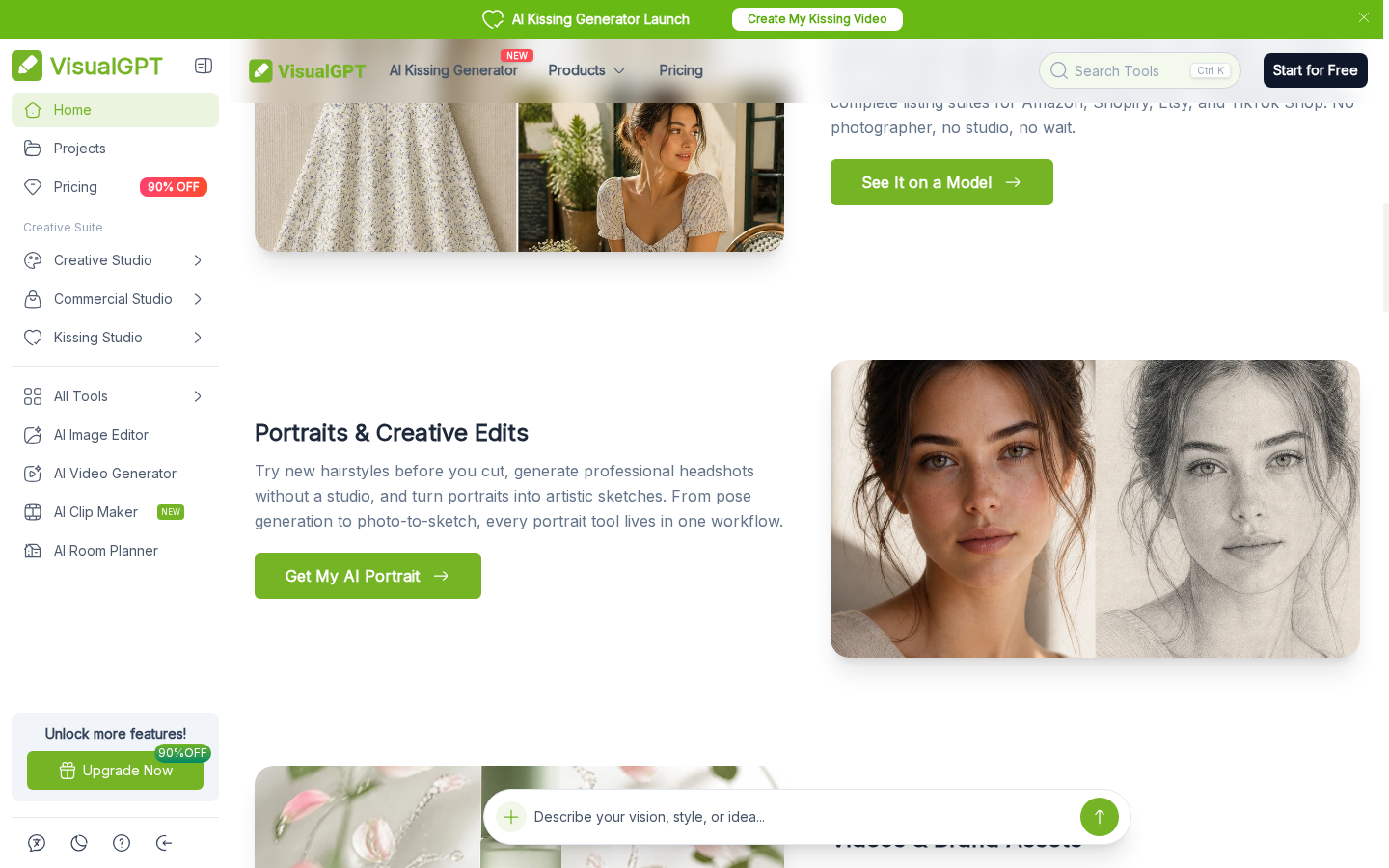
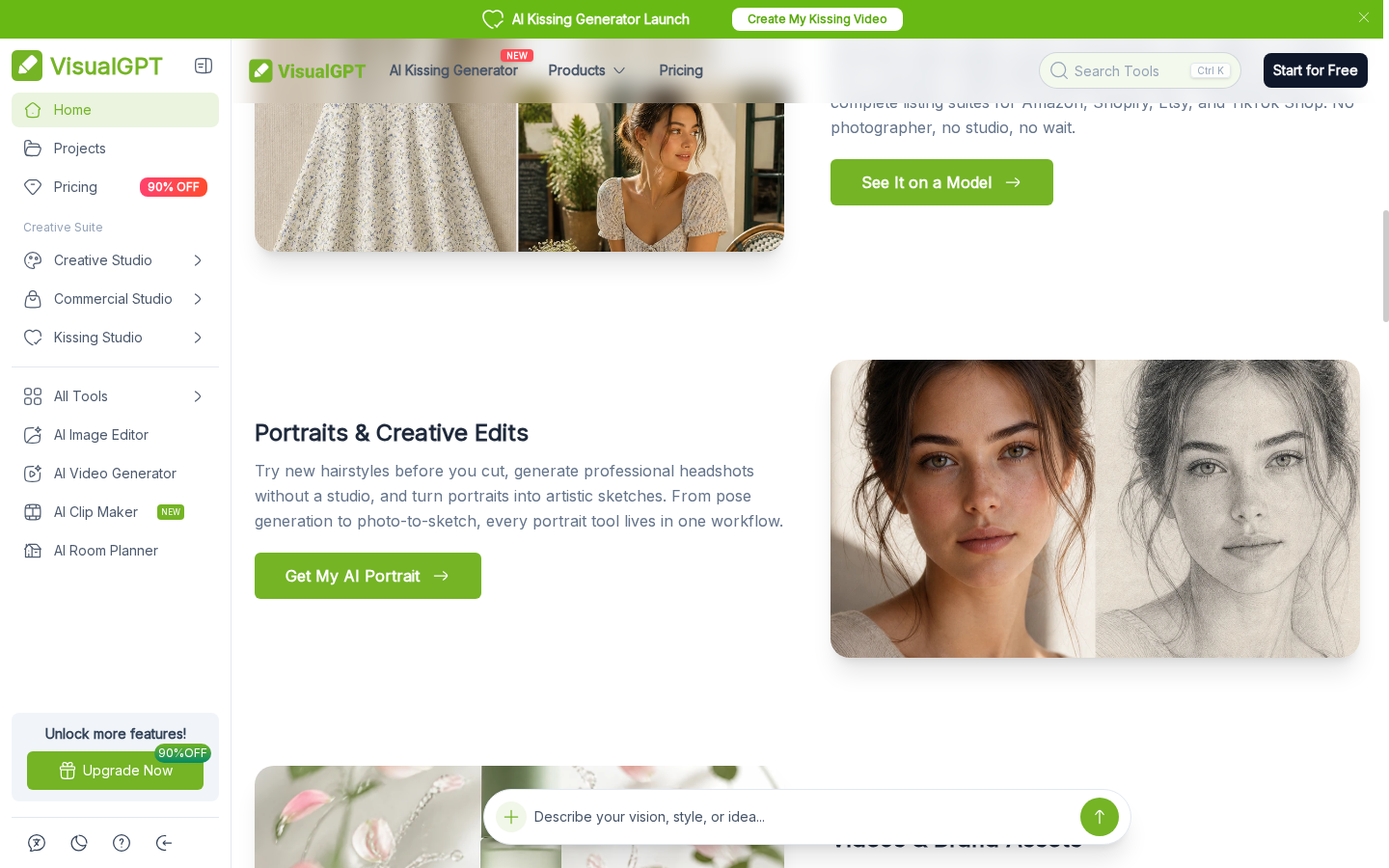
The VisualGPT workspace also includes portrait and image-editing tasks such as headshot creation, background changes, and style transformations. These tools are useful when a creator has a source photo and wants several polished visual directions without rebuilding the image from scratch. The available editor and export options depend on the selected tool, so check its current page before planning a production batch.

Portrait editing and creative image tools presented by VisualGPT.

Prompt-led video with frame and shot controls

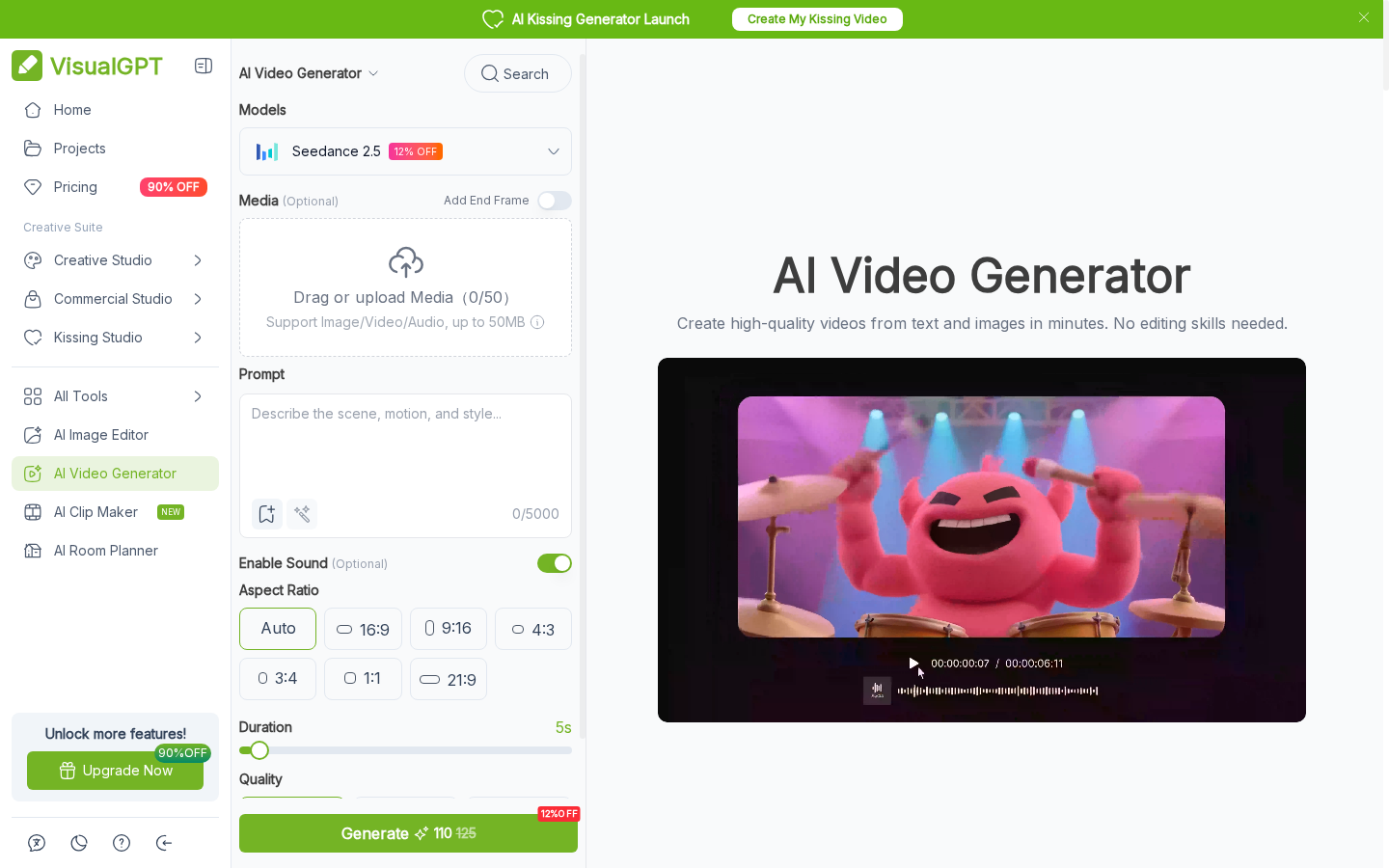
VisualGPT's video generator accepts prompts and reference media, and its current interface exposes controls for opening and closing frames, adding shots, sound, aspect ratio, duration, and quality. These controls help creators shape a short sequence rather than request a single undirected clip. Options vary by model. For a separate motion-focused workflow, the AI video generator page describes another route from a prompt or image to a clip.

VisualGPT video generator with frame, shot, sound, and aspect controls.

What Can You Create With VisualGPT?

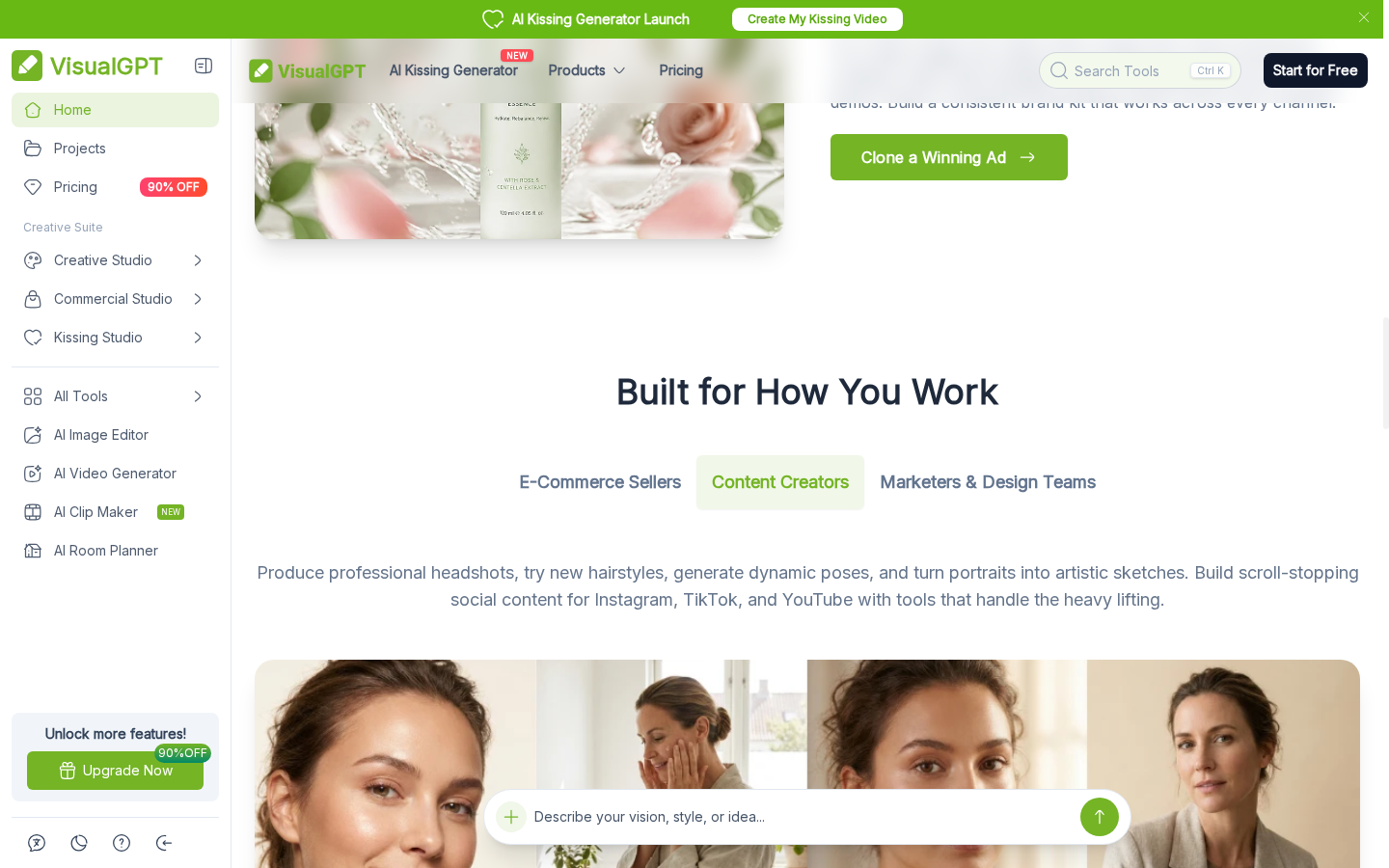
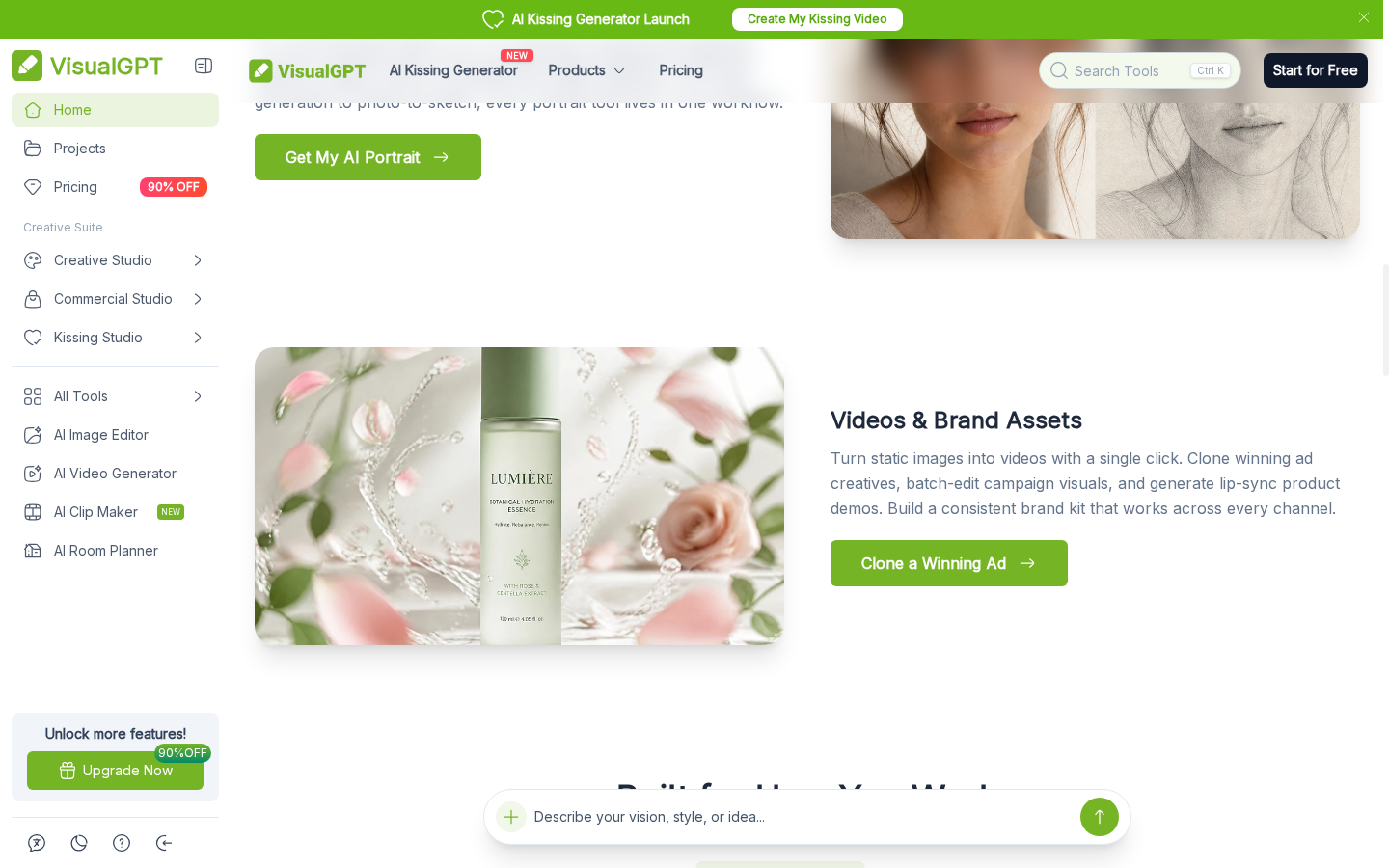
Use VisualGPT for product listings, creator portraits and short branded video concepts.
Product visuals for listings and ads

Product visuals for listings and ads

Create product-focused images and AI model try-on concepts for a listing, storefront, or campaign. This use case is aimed at sellers who need more than a single isolated image and want a consistent direction for product pages and promotional assets.
Create a Video From an Image

How to Use VisualGPT?

01

Choose a creation tool

Open the image generator, a portrait or product tool, or the video generator, depending on the asset you need.

02

Add a prompt or reference

Describe the subject and visual direction. For supported image and video tools, upload a source image or other reference, then choose the available model and controls.

03

Generate and refine

Review the result, adjust the prompt or supported settings, and use the relevant editing or export options shown for that tool.

VisualGPT vs GoEnhance AI and Alternatives

PlatformCore StrengthCreative RangeBest Fit
VisualGPTProduct imagery, portraits, image editing, and AI video in one browser workspaceText-to-image, image editing, and prompt or image-to-video toolsSellers and creators producing several kinds of campaign assets
GoEnhance AIVideo generation and transformation from prompts, images, and existing clipsText-to-video, image-to-video, video-to-video, and video effectsCreators whose main deliverable is a generated or transformed clip
RunwayGenerative video and creative tools for building and iterating video projectsVideo generation with additional editing and image workflowsTeams developing and revising video concepts
Adobe FireflyGenerative image and video tools within Adobe's creative ecosystemImage and video generation alongside Adobe creative workflowsCreators already working in Adobe apps
VisualGPT combines product imagery, portrait editing, and video tools. GoEnhance is a focused alternative when the brief centers on creating or transforming moving footage.

When GoEnhance Fits a Video-First Workflow

Start with a text brief

Create a video from a written scene description when there is no finished source image to animate. This is useful for testing a motion concept before commissioning or preparing a still asset.

Animate an existing still

Use a product image, illustration, or portrait as the visual starting point for a clip. This keeps the source artwork central while adding motion for a social post or campaign variation.

Work from footage you already have

A video-to-video route can help change the look of an existing clip while keeping the original footage as the starting point. The selected model and its current options determine how much of the source remains recognizable.

Compare video generation models

Choose among available video models and settings for the task at hand. Model availability and controls can change, so review the live tool before committing a production workflow.

Build a clip around a specific format

Choose a video workflow suited to the destination and concept, then review the available aspect and motion settings. This helps keep a social post, product teaser, or visual experiment aligned with its intended format.

Keep motion as the main task

When the next deliverable is a moving scene rather than another product photo or portrait edit, a video-focused tool can keep the work centered on clip generation and transformation.
Frequently Asked Questions

VisualGPT FAQ

What is VisualGPT?

VisualGPT is an online creative platform that brings together AI image generation, image editing, product imagery, portraits, and video tools. Its exact tools and available settings can vary by model and account plan.

Does VisualGPT have an AI image generator?

Yes. VisualGPT offers text-to-image and image-to-image creation, with model and style choices on its image generator. Upload and export options depend on the selected tool.

Can VisualGPT generate AI videos?

Yes. Its video generator supports prompt-led and reference-media workflows. The current interface also exposes frame, shot, sound, aspect ratio, and duration controls, with availability depending on model.

Is VisualGPT free to use?

VisualGPT lists a no-cost Starter option with limited credits, alongside paid subscriptions and credit products. The amount of generation available varies by model and current plan, so check the live pricing page before estimating usage.

How much does VisualGPT cost?

The site lists free and paid access, but current prices and included credits can change. See the official pricing page for the plan and billing details shown to your account.

Can I use VisualGPT for product photos and try-on images?

Yes. VisualGPT presents product photography, AI model try-on, listing imagery, and ad creative as seller workflows. Which tools are available depends on the current account and source material.

What can I upload to VisualGPT's video generator?

The current tool page shows image, video, and audio references, plus frame and shot controls. Supported inputs and limits can vary by model; use the live tool's upload guidance for the selected option.

Can I use VisualGPT outputs commercially?

VisualGPT's terms describe commercial rights for eligible paid subscriptions or lifetime credit purchases, subject to its restrictions and any applicable model or source-material terms. Review the current terms for the specific plan.

How does VisualGPT compare with GoEnhance AI?

VisualGPT combines product images, portrait edits, and video tools. GoEnhance is more directly suited to workflows centered on generating a clip from text or an image, or transforming existing video.

Have the Image? Give It Motion.

VisualGPT covers product photography, portrait edits, and video. When the brief is specifically to animate a still or create a short clip, start with an image-to-video workflow.

Animate an Image