
AI Self-Portrait Gallery: You, Hanging in a Museum
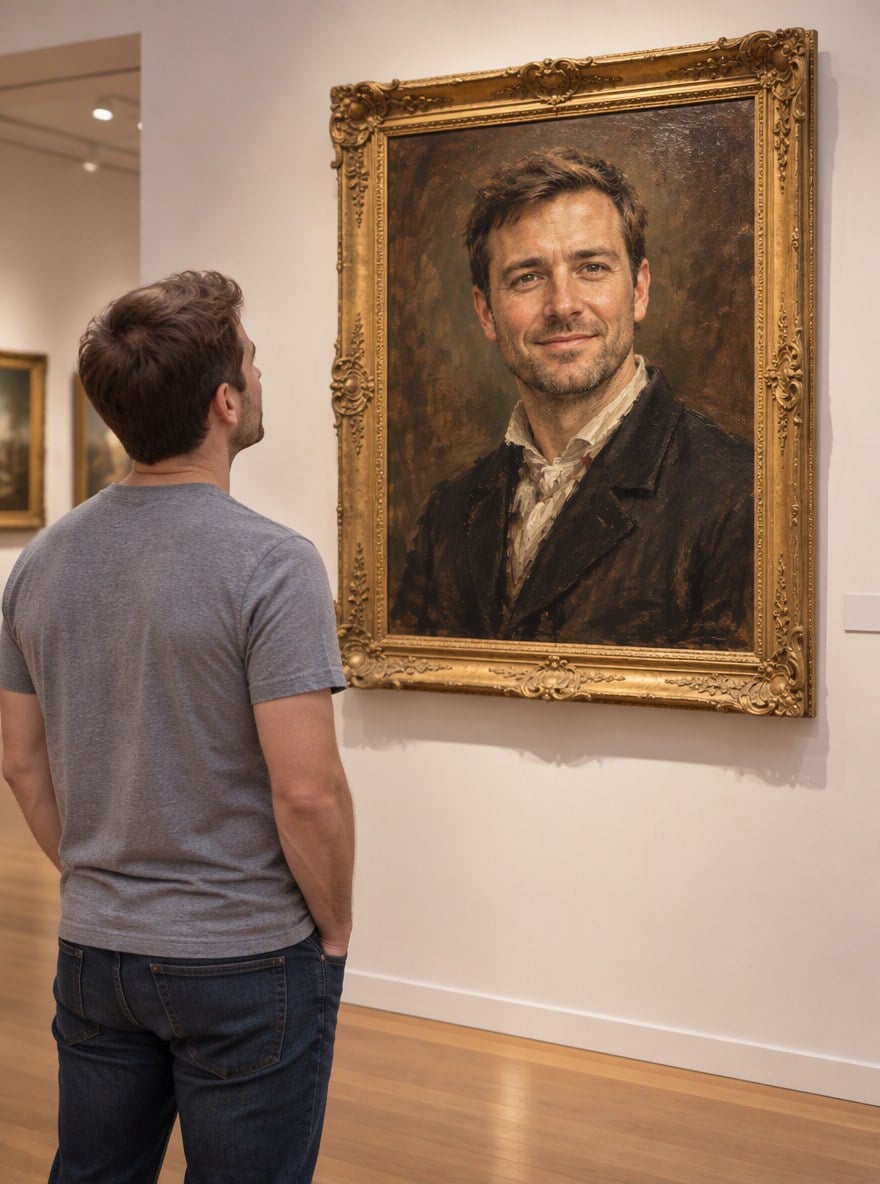
Upload a photo and the AI places you in a quiet art gallery, standing in front of a large gold-framed oil portrait of yourself. The painted portrait keeps your face and hair, and the visitor keeps your outfit, so it reads as "me, looking at my own masterpiece". The console below runs on GPT Image 2.5.
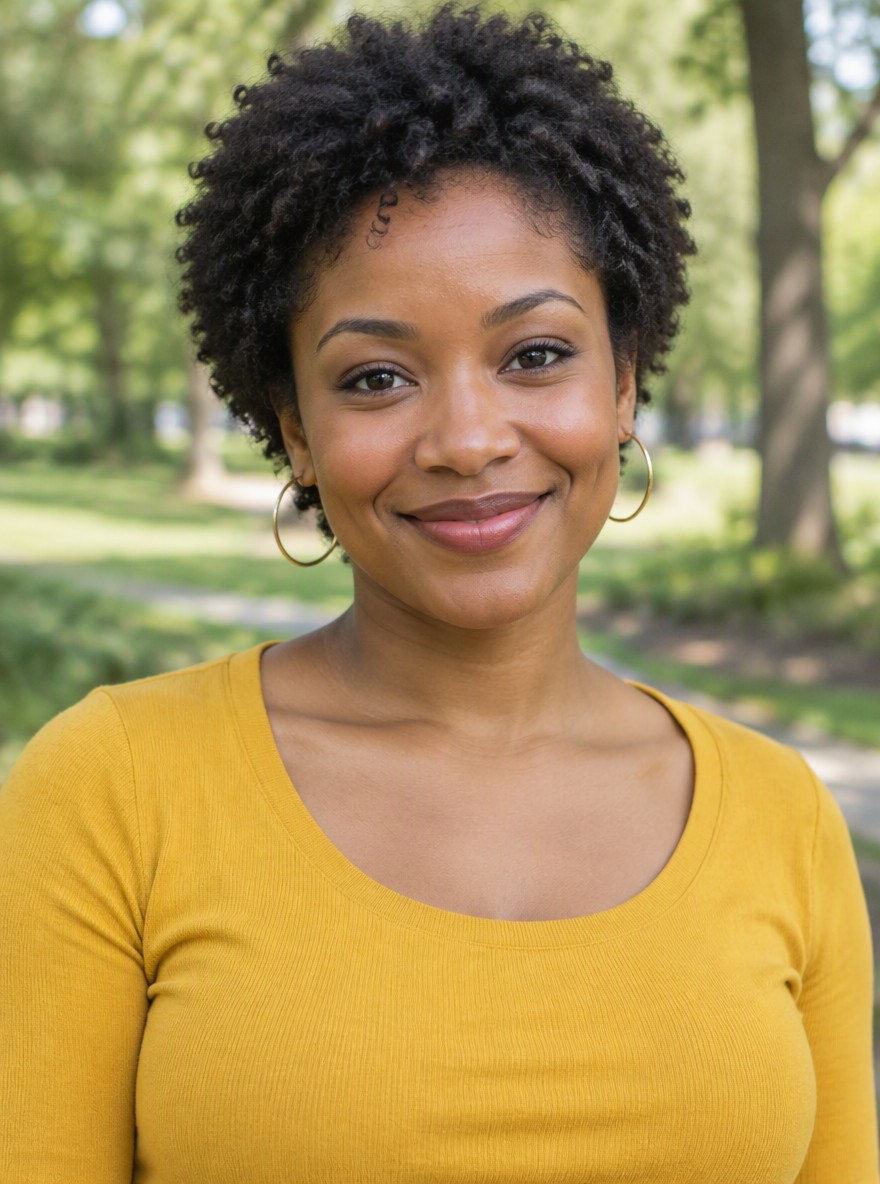
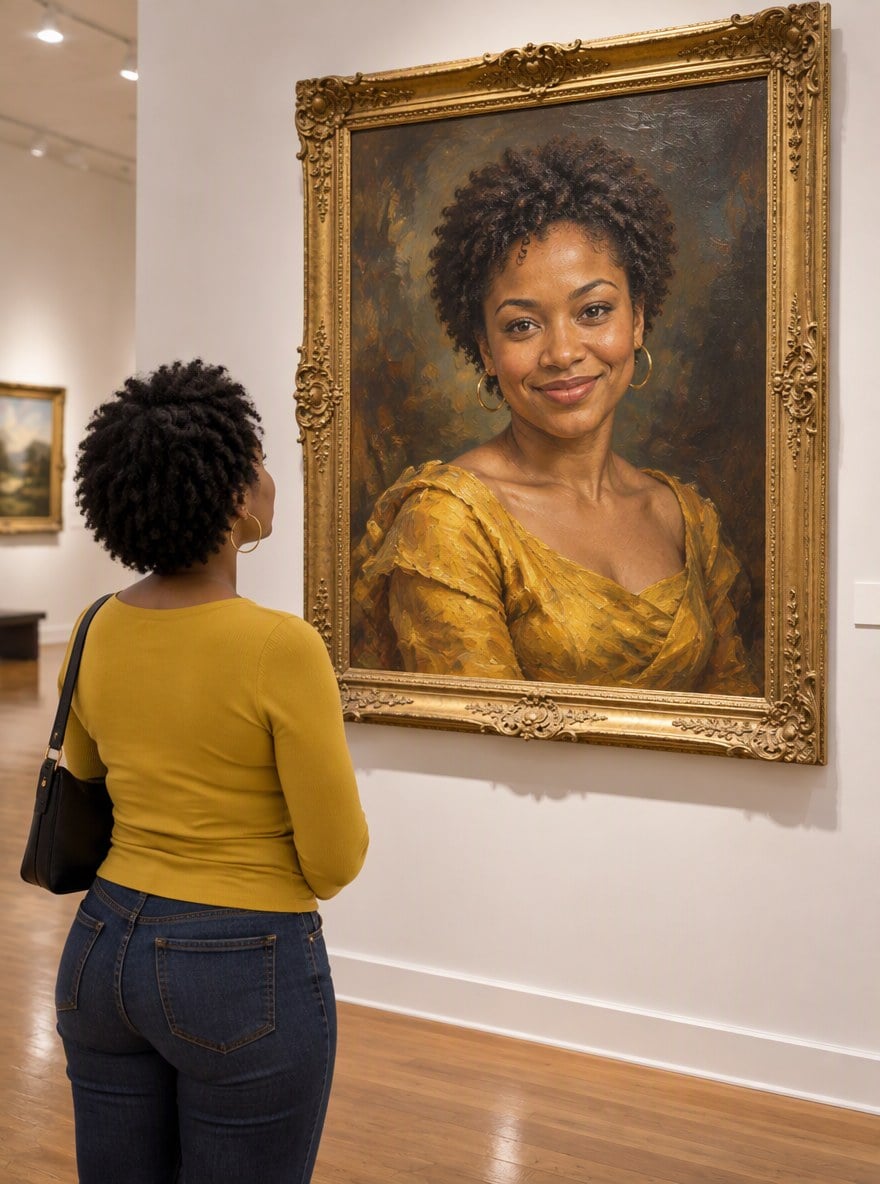
Golden Oil Portrait
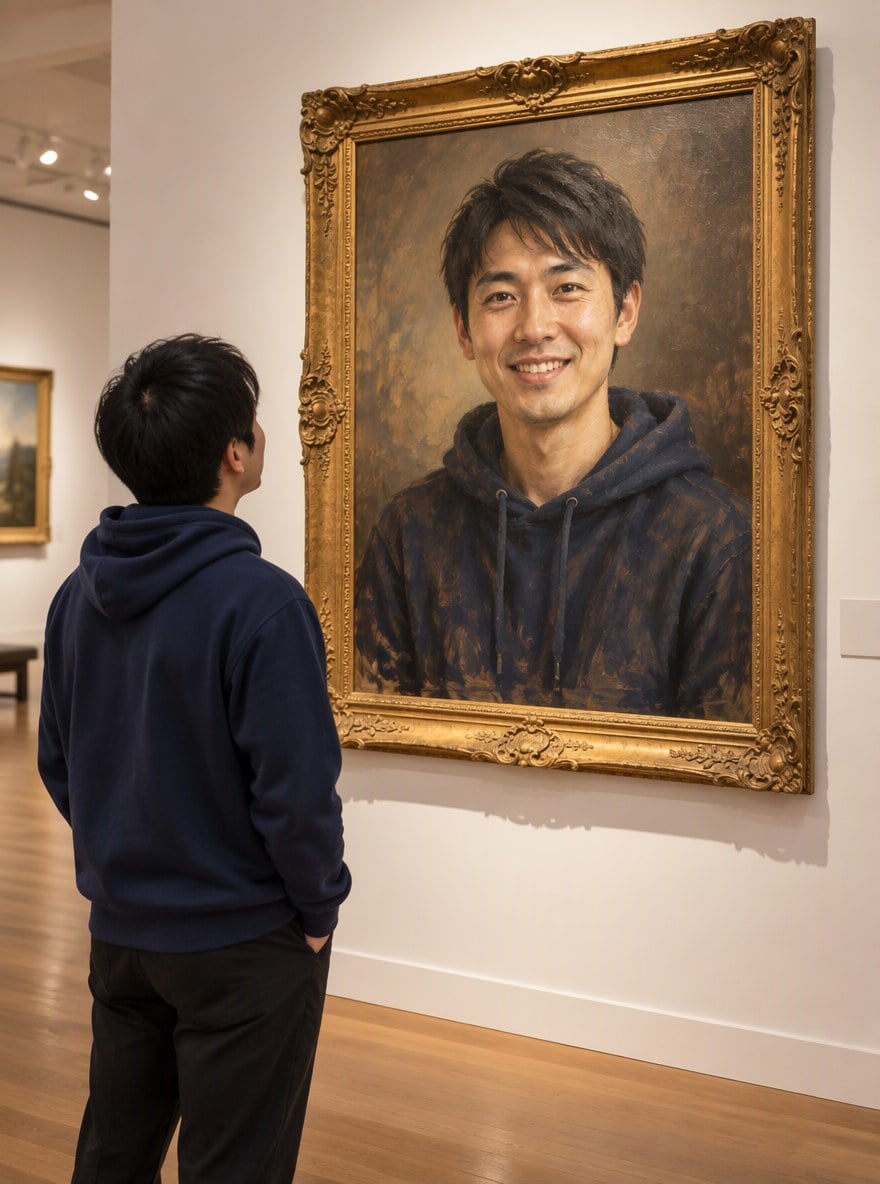
Hoodie Masterpiece
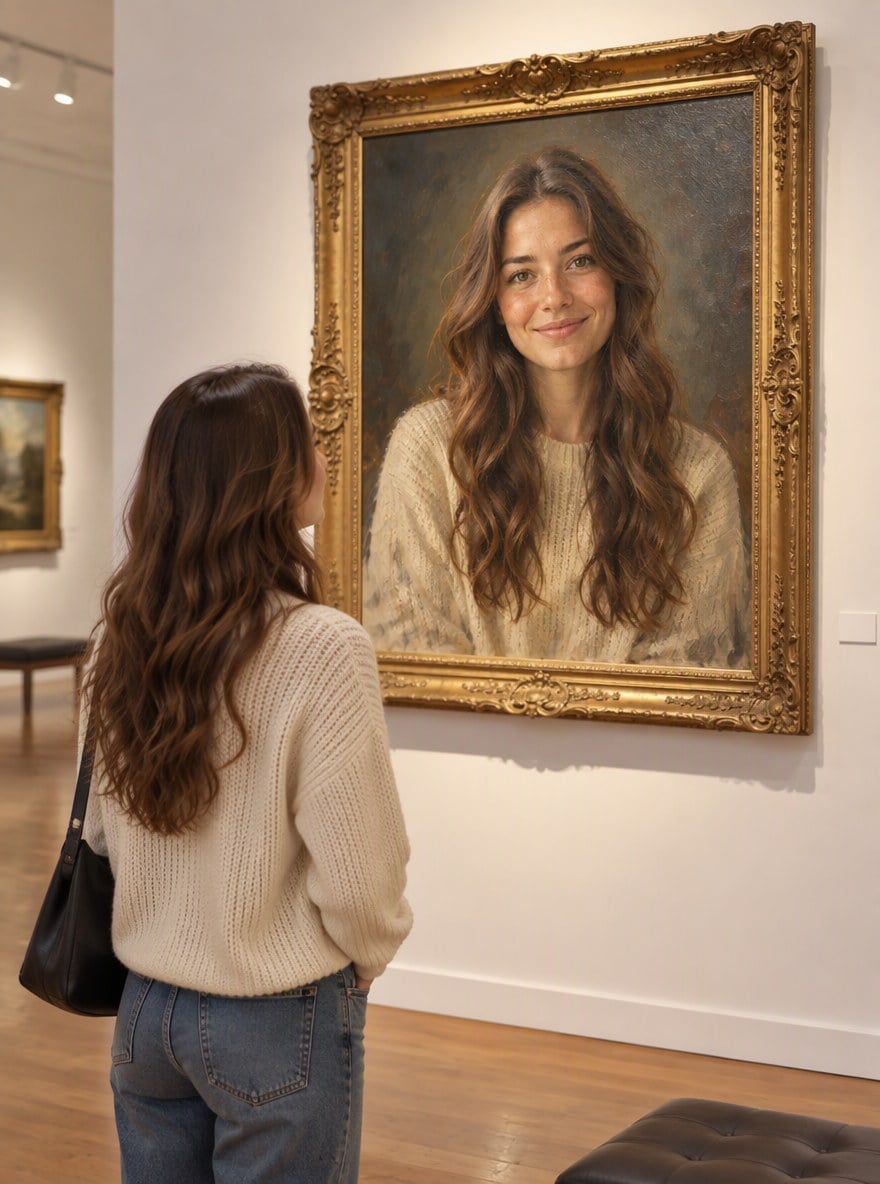
Romantic Portrait
Classic Gentleman
Upload files
Upload a photo to hang your portrait in a gallery
Effect prompt
By uploading a file, you agree to GoEnhance's Terms of Use and Privacy Policy
Self-Portrait Gallery Results from the Console
Each picture is one upload with the prompt above. The person in the painting and the visitor are both from the same photo.
Golden Oil Portrait
Hoodie Masterpiece
Romantic Portrait
Classic Gentleman
How to Make a Self-Portrait Gallery Photo
01
Upload a photo
Use a clear photo of one person with the face visible. Front-facing photos give the best painted portrait.
02
Generate
The gallery prompt is already filled in. Press the button and the AI paints your portrait and hangs it in the museum.
03
Download and share
Post it as a fun "my museum debut" photo or use the painting as a profile picture.
Why Make Your Gallery Photo Here
Two of you in one picture
The oil portrait and the visitor both come from your photo, so the joke lands instantly.
Real painting texture
Visible brushstrokes, an ornate gold frame and soft museum spotlights.
Your outfit kept
The visitor wears the clothes from your photo, seen from behind like a real gallery snapshot.
Free to try
New accounts get free credits, so your first gallery photo costs nothing.
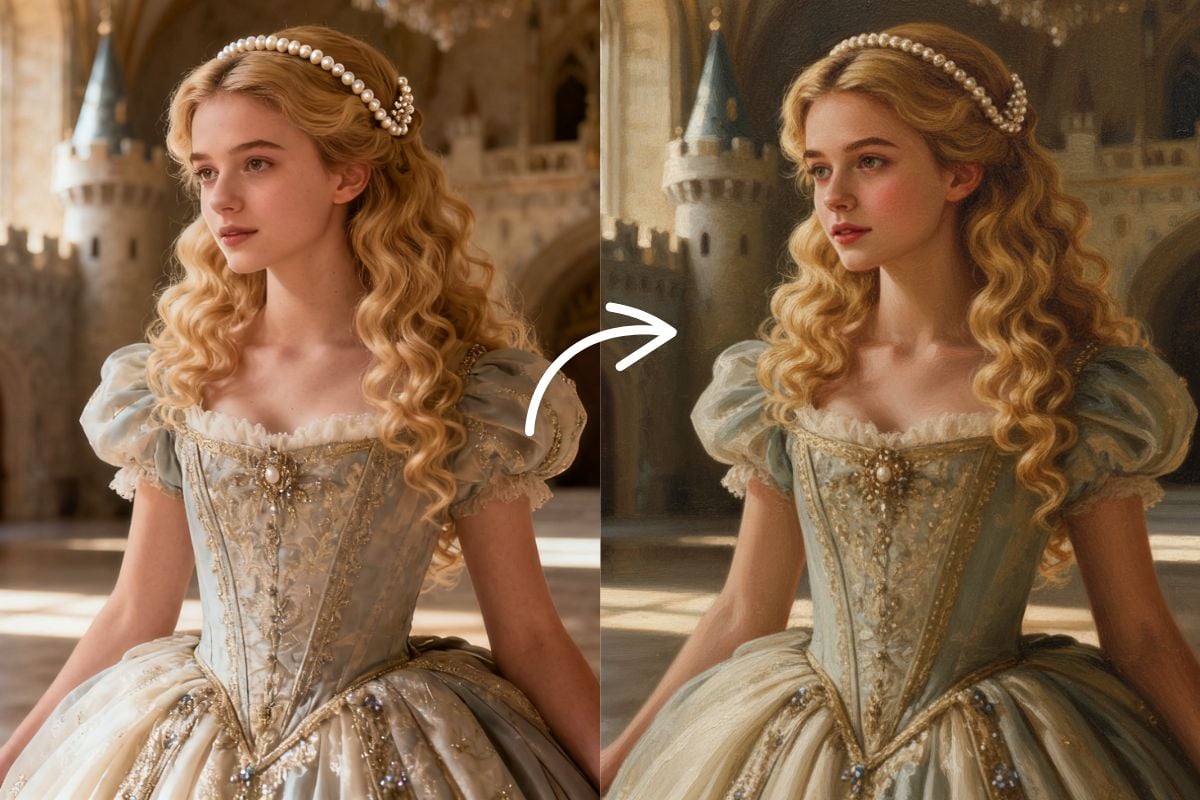
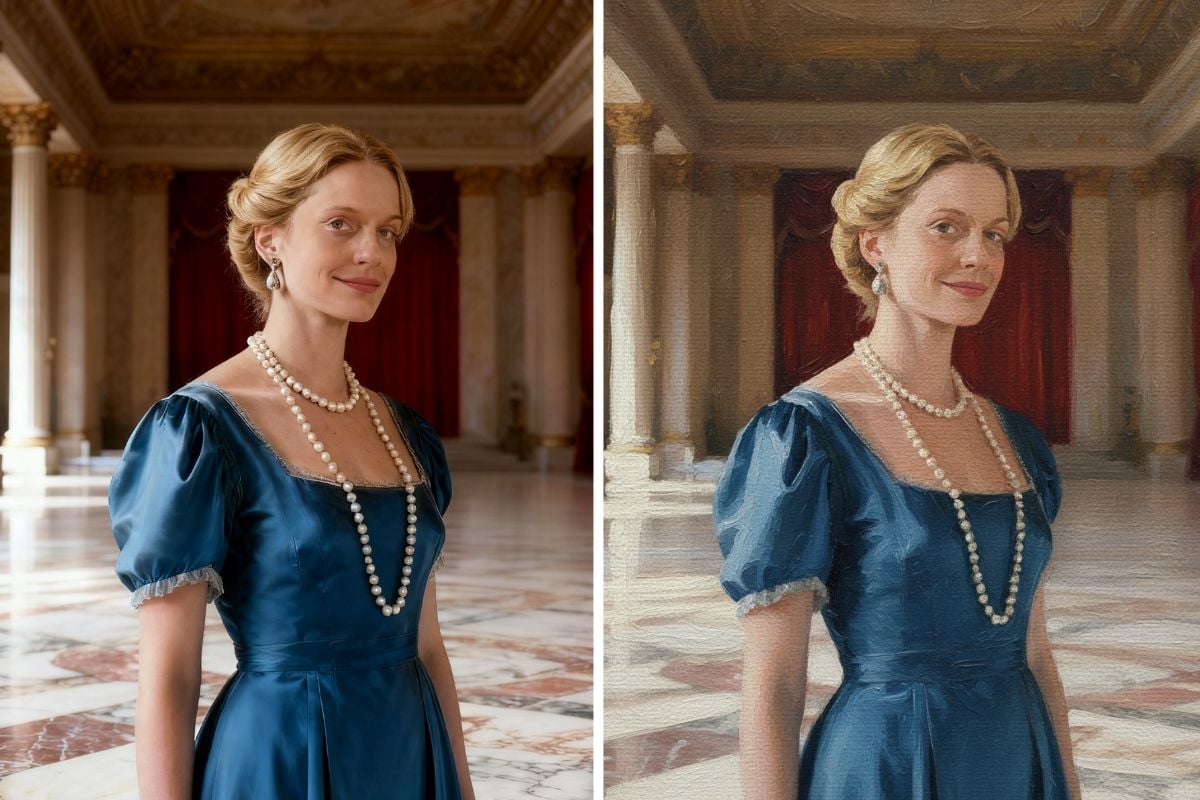
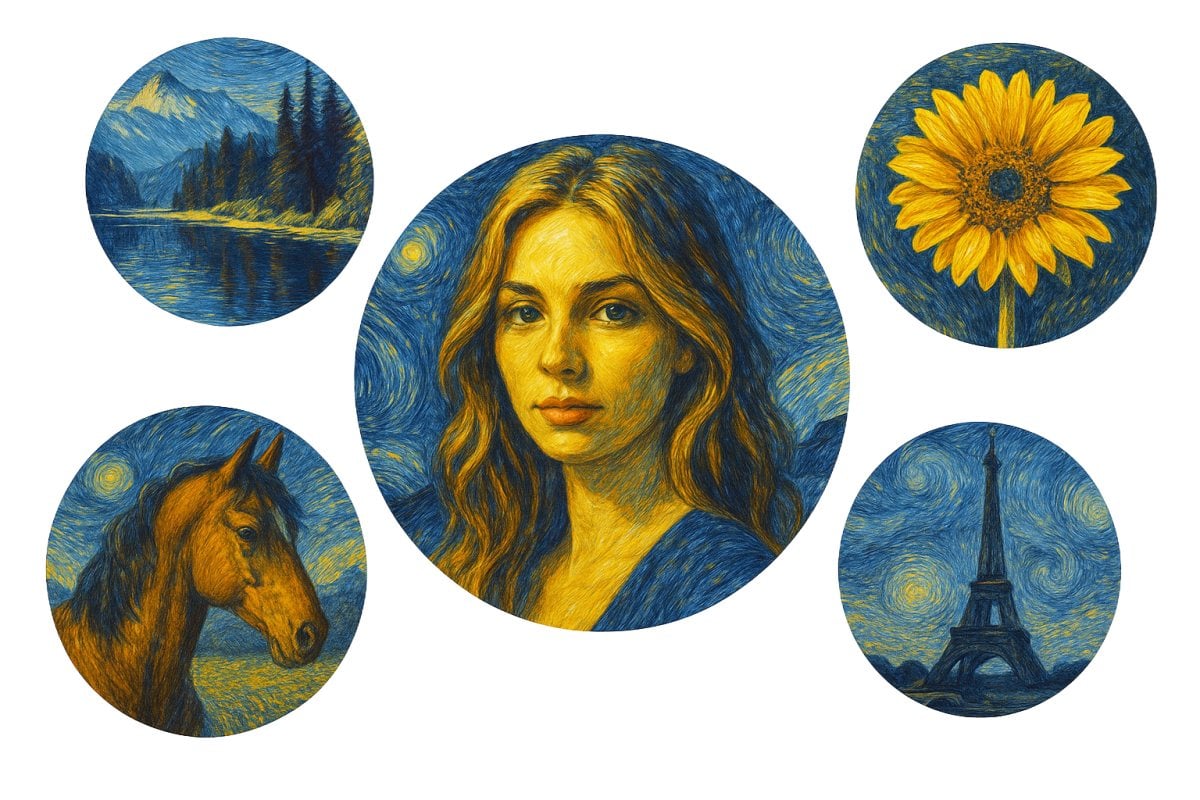
More Art Photo Effects
AI Self-Portrait Gallery FAQ
What does the self-portrait gallery effect do?
What photo works best?
Can I change the painting style?
Does it work with group photos?
Why is the visitor shown from behind?
Can I just get the painting?
Ready for Your Museum Debut?
Upload a photo and see your portrait hanging in a gallery in under a minute.
Make My Gallery Photo