AI Music Video Generator

Turn your song into a music video. Upload a track up to 3 minutes, add a photo of the singer if you like, and the AI splits the song into shots, writes the storyboard and films every part — singing parts lip-sync to your vocals, the rest tells the story — then cuts everything to your original song.

Make a Music Video

AI Music Video Examples

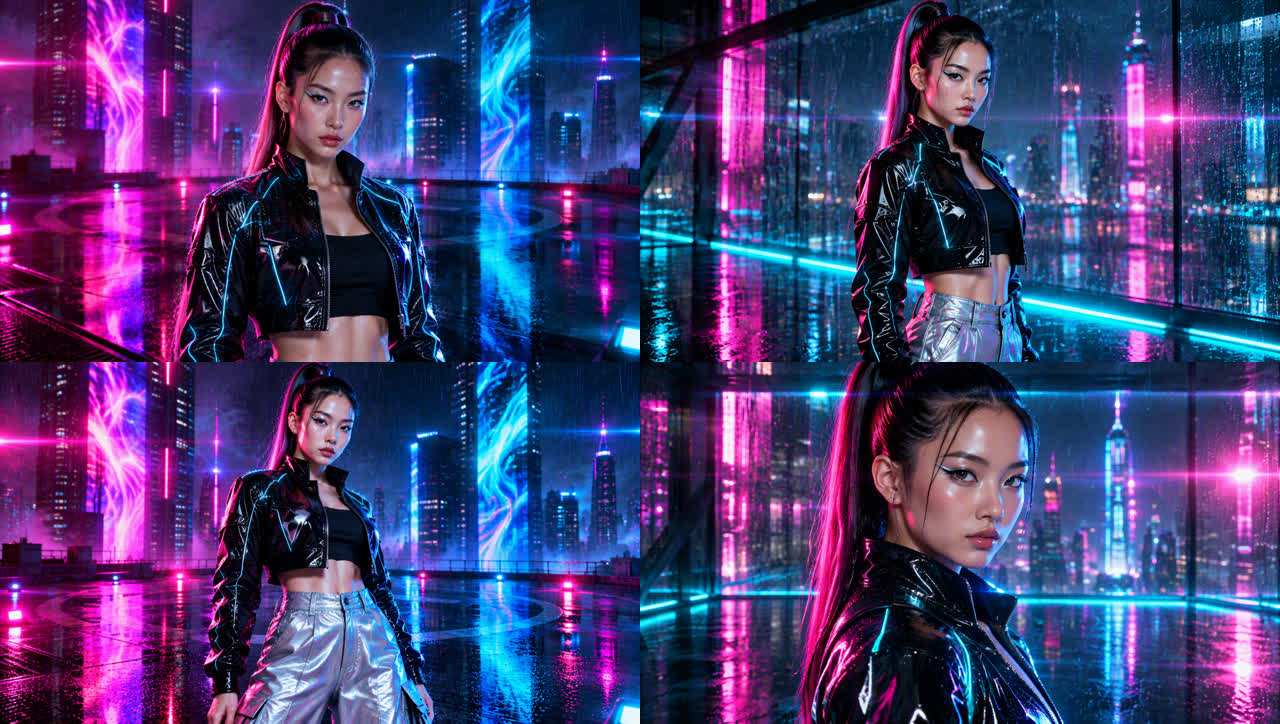
Performance · Neon Noir · 16:9

A singer performs on a rain-soaked rooftop; every vocal line is lip-synced and the shots cut on the beat.

Story · Anime · 9:16

A girl races through a rainy city to catch the last train home — the verses tell the story, the chorus cuts back to her singing.

Mood · 90s Film · 16:9

An instrumental lo-fi track turned into a nostalgic seaside evening — no one sings on screen, just atmosphere.

How the AI Music Video Generator Works
From Song to Storyboard

The AI separates the vocals, finds natural pauses and cuts your song into 4–10 second parts. Each part becomes a singing, story or transition shot, and you can edit the storyboard before filming — writing it is free.

From Song to Storyboard

Singing Parts That Lip-Sync

Singing shots are filmed with MiniMax H3 from an opening frame and synced to your original track, with camera cuts that follow the beat.

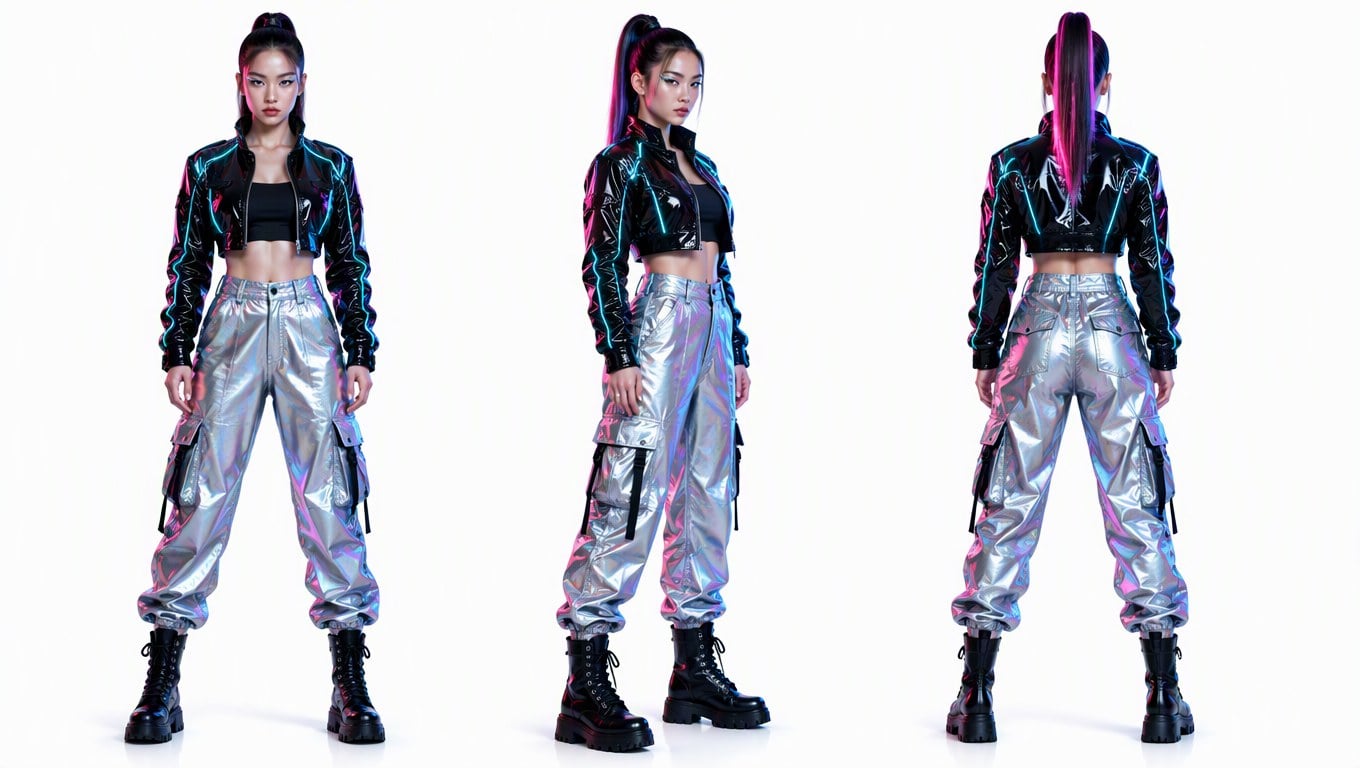
The Same Singer in Every Shot

Upload up to 3 photos and pick the lead singer, or let the AI design one. A character turnaround keeps the face, hair and outfit consistent from the first shot to the last.

The Same Singer in Every Shot

Story and Mood Shots Between the Vocals

Instrumental breaks and story moments are filmed with Wan 3.0, then everything is cut to your original song so the timing matches the music.

Three Music Video Types, Six Visual Styles

Performance

The singer performs to camera on most vocal parts, with cutaways in between.

Story

Verses act out a story inspired by the lyrics; the chorus cuts back to the singer.

Mood

Atmospheric visuals with nobody singing on screen — great for instrumentals and lo-fi tracks.

Six Visual Styles

Cinematic, anime, 3D animation, neon noir, K-pop stage or 90s film.

Horizontal or Vertical

Make a 16:9 music video for YouTube or a 9:16 one for TikTok, Reels and Shorts.

480p, 720p or 1080p

Preview cheaply at 480p, then go up to 1080p for the final cut.

How to Make a Music Video with AI

01

Upload Your Song

Drop in an MP3, WAV, M4A, AAC, FLAC or OGG file and pick up to 3 minutes. Paste a Suno song link to fill in the title and lyrics.

02

Add a Singer and Pick a Style

Upload up to 3 photos or let the AI design the characters. Choose Performance, Story or Mood, a visual style and the aspect ratio.

03

Generate the Music Video

Use one-click mode to film everything automatically, or stop after the storyboard to edit it first. The finished video is cut to your original song.

Frequently Asked Questions

What is an AI music video generator?

It turns an audio track into a full music video. GoEnhance analyzes your song, writes a shot-by-shot storyboard, films singing parts that lip-sync to your vocals and story parts in between, then cuts everything to the original song.

How long can the song be?

Between 10 seconds and 3 minutes per video. For longer songs, drag to pick the 3-minute part you want.

How much does it cost?

Writing the storyboard is free. Filming is charged per second: singing parts with MiniMax H3 cost 5 / 10 / 15 credits per second at 480p / 720p / 1080p, other parts with Wan 3.0 cost 6 / 12 / 24. Our 48-second 480p sample used about 310 credits; you see the estimate before filming.

Can I use a song I made with Suno or another AI music app?

Yes. Download the MP3 from that app and upload it. Pasting a Suno link only fills in the title and lyrics — Suno does not let other apps download songs. You can also make a song first with our AI music generator.

Can I use my own photo as the singer?

Yes. Upload up to 3 photos and choose the lead singer. Only use photos you have the right to use and songs you own or have permission to use; all requests go through content moderation.

Is the lip sync perfect?

Singing parts are filmed in sync with your original audio, so mouth movement follows the vocals, but it is not frame-perfect on every word, especially in fast rap.

Turn Your Song into a Music Video

Upload a track, pick a style and let the AI film every part.

Make a Music Video