
Retouch Portrait Photos with AI
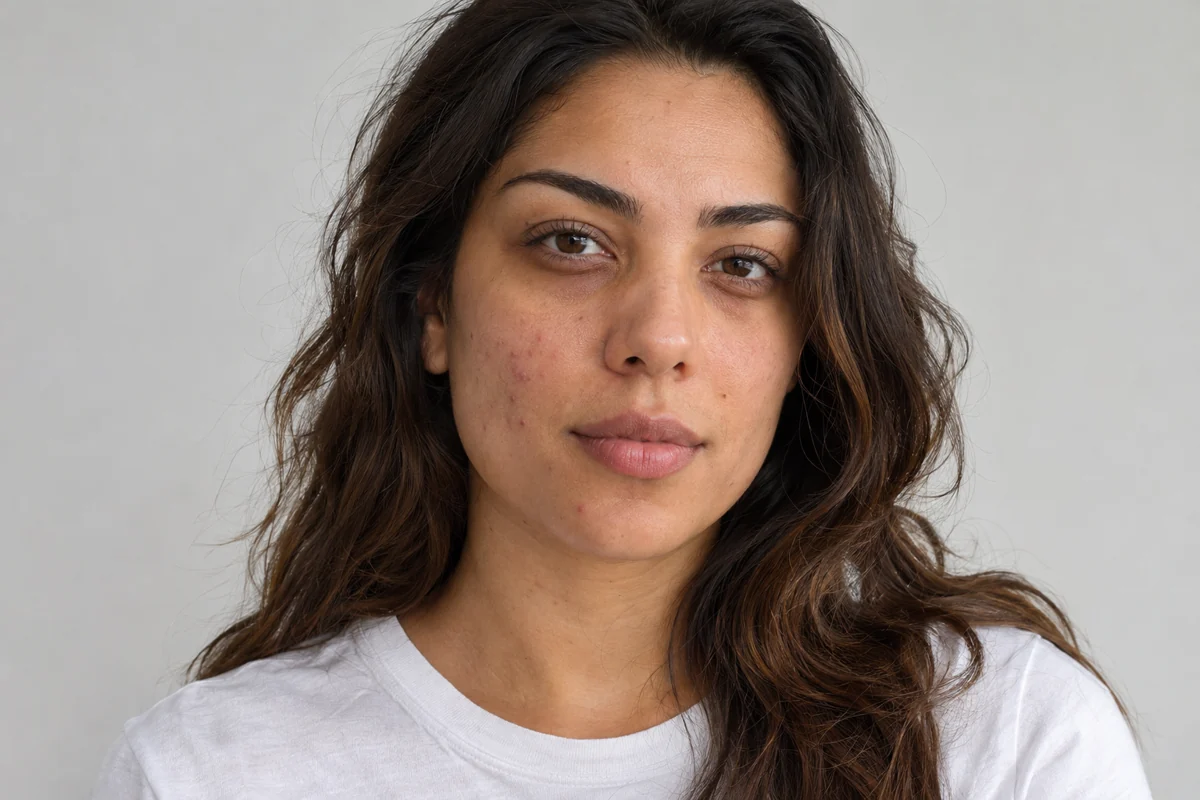
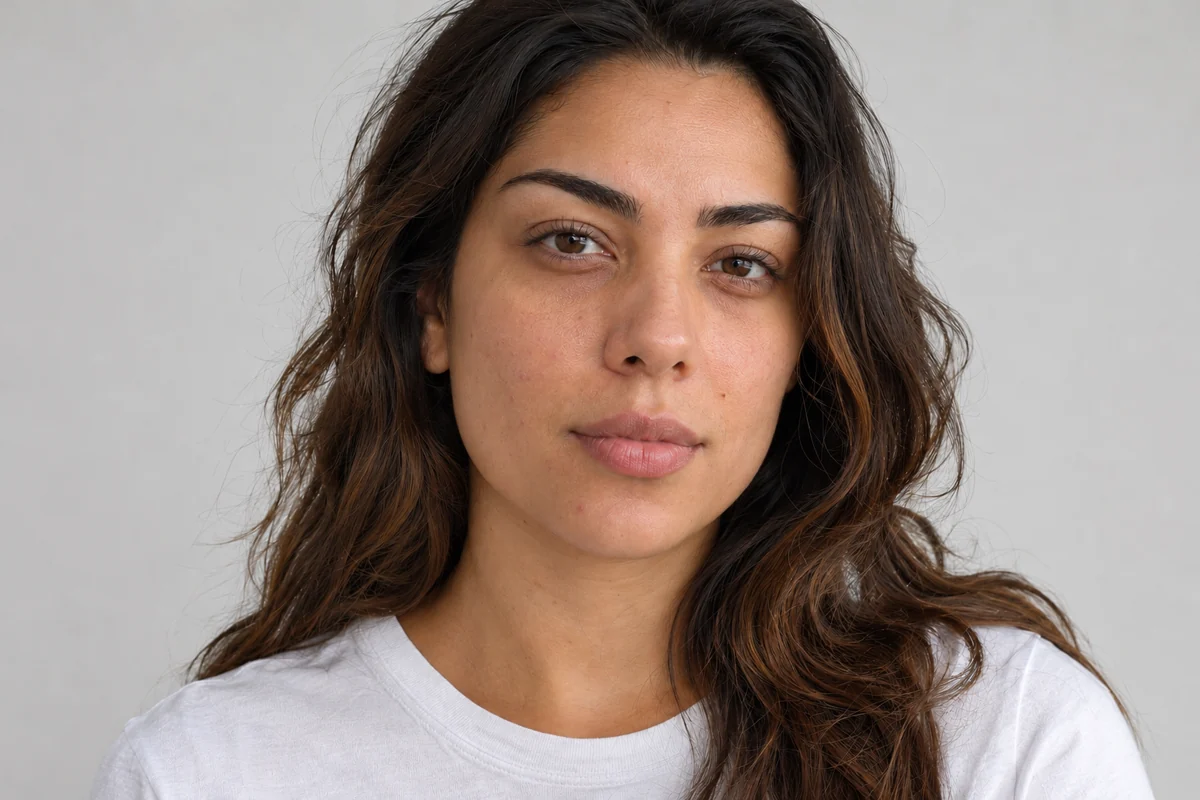
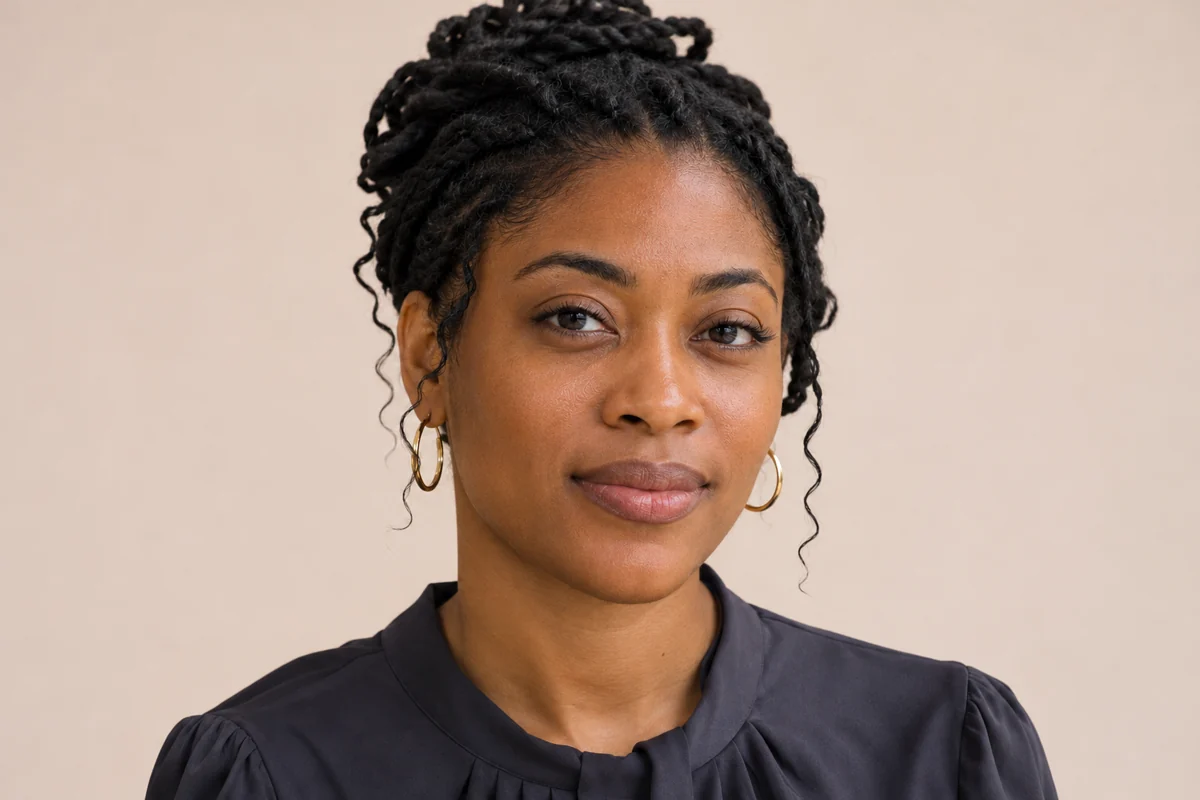
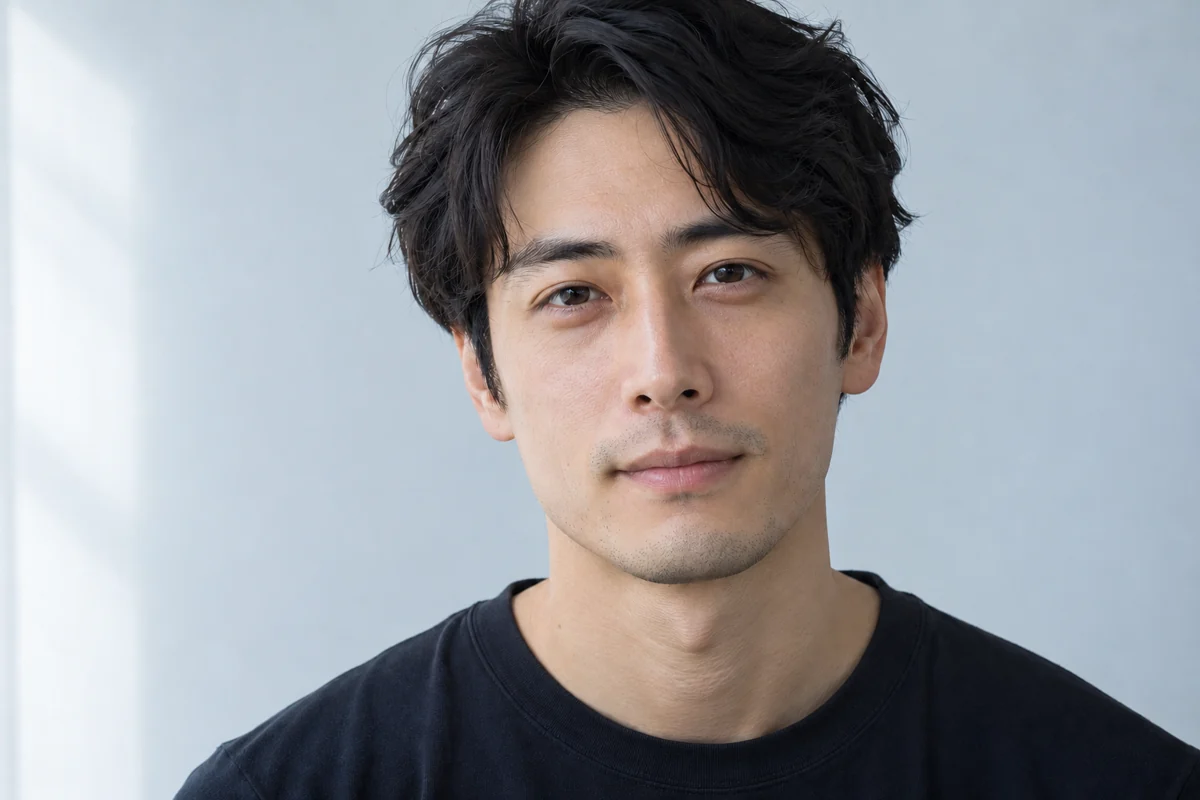
Subtle Portrait Retouch Examples
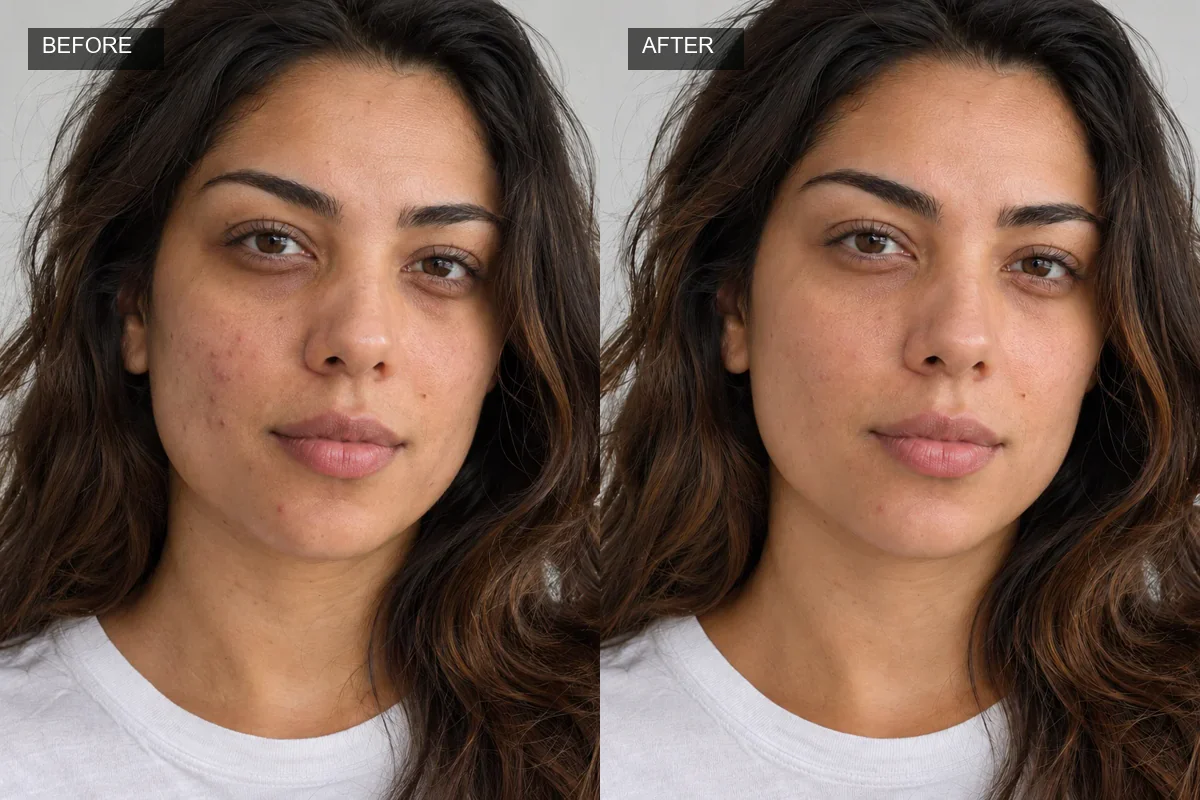
Natural Skin Detail
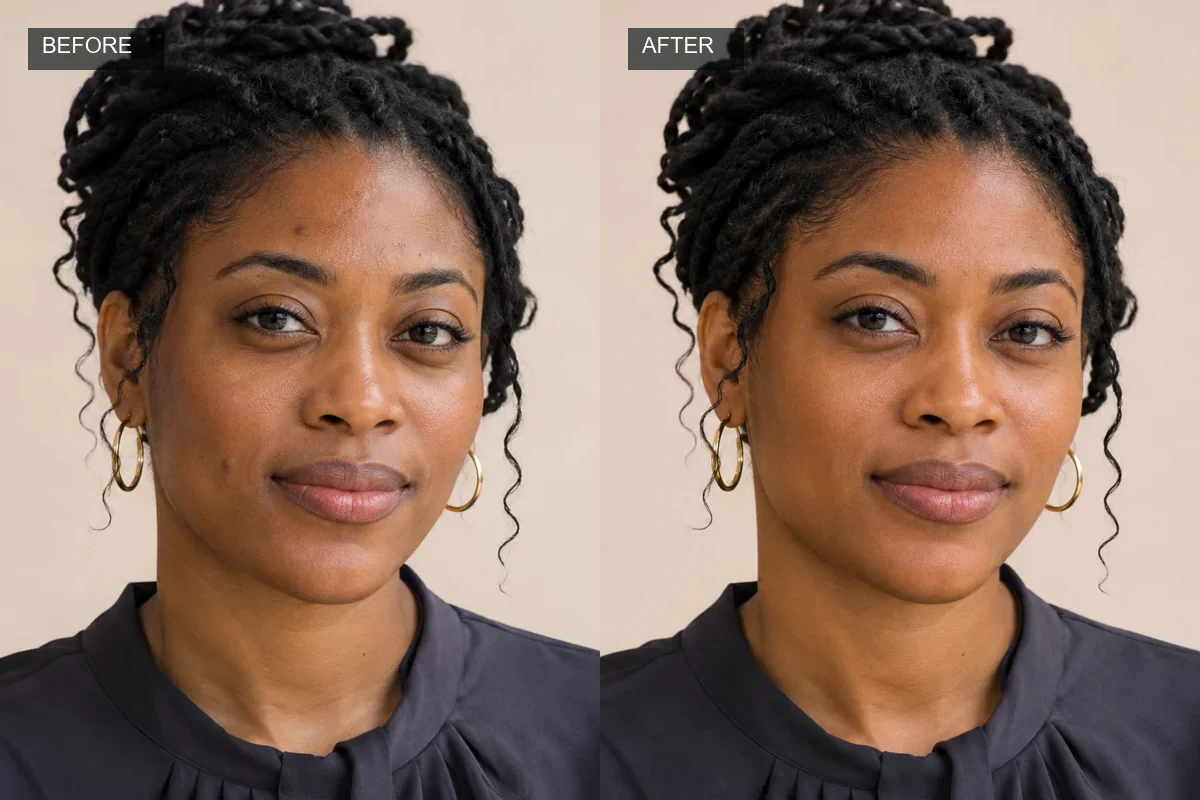
Soft Portrait Balance
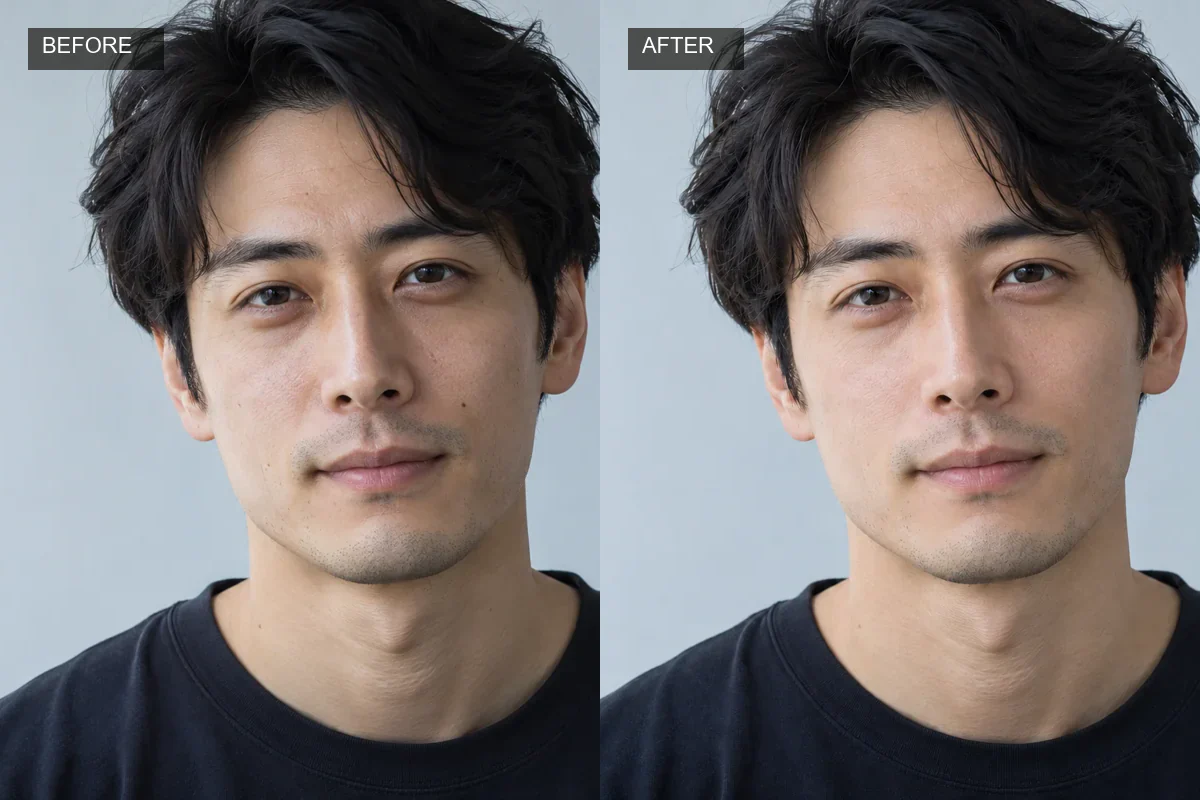
Light Detail Cleanup
Ways to Refine a Portrait Photo
Polish Portraits While Keeping Their Character
A considered portrait edit can make a photo feel more polished while leaving the person recognizable. GoEnhance image-to-image editing lets users describe a focused retouch, such as reducing a temporary blemish, while asking to retain visible skin texture and other defining details. That makes the workflow relevant to profile photos, creator portraits, and personal images rather than only one specific skin issue. The result is generated from the source photo and prompt, so small details may change.
Make Subtle Refinement Fit the Photo
Portraits vary in lighting, expression, and skin detail, so a useful retouch can fit the context of the image instead of forcing every face into the same finish. GoEnhance uses a natural-language instruction with the uploaded photo to create a visual edit, supporting restrained ideas such as softening a shadow or refining a small distraction. This prompt-led approach can serve personal profiles, social content, or a creative draft while retaining the original mood. The AI Image Generator hub brings image creation and editing workflows together; this retouch remains a flexible image edit rather than a dedicated slider panel.
Create Portrait Variations for Different Uses
The same portrait can serve different settings, from a casual creator profile to a more polished professional image. A prompt-led retouch offers a way to explore subtle visual refinements while keeping the original photo as the reference, so the goal can remain specific to the portrait instead of applying a one-size-fits-all beauty filter. The pictured cleanup is only one example of a broader portrait-editing use case. Because generation can affect nearby details, review the finished image at full size before sharing it.
Portrait Retouching That Leaves Room for Individuality
A Range of Portrait Refinements
Natural Character Remains the Goal
Portraits Ready for Different Contexts
How to Retouch a Photo Online
Upload a Portrait
Choose a clear, well-lit photo where the face is visible and in focus.
Describe a Focused Edit
For example: "Gently reduce a few temporary blemish marks; keep my facial features, pores, expression and lighting natural."
Generate and Compare
Review the result next to your source photo. Refine the prompt if the edit changes more than you intended.
Explore Related GoEnhance Photo Tools
Face Retouch FAQs
What is AI face retouching?
How do I retouch a portrait with GoEnhance?
What kinds of portrait details can I refine?
Can I keep natural skin texture and facial features?
What photo formats are supported?
Is Face Retouch free to use?
Can I use retouched photos commercially?
Does AI retouching guarantee a natural or exact result?
Try Face Retouch Online
Make a focused, prompt-led portrait edit with GoEnhance AI. Describe subtle retouching changes, review the result, and keep your original photo as the reference.
Open the AI Editor