goenhance logo

AI Mockup Generator

Turn prompts or reference images into polished mockup scenes for products, packaging, apparel, posters, and brand visuals. Explore layout ideas faster with GoEnhance AI.
Start Creating
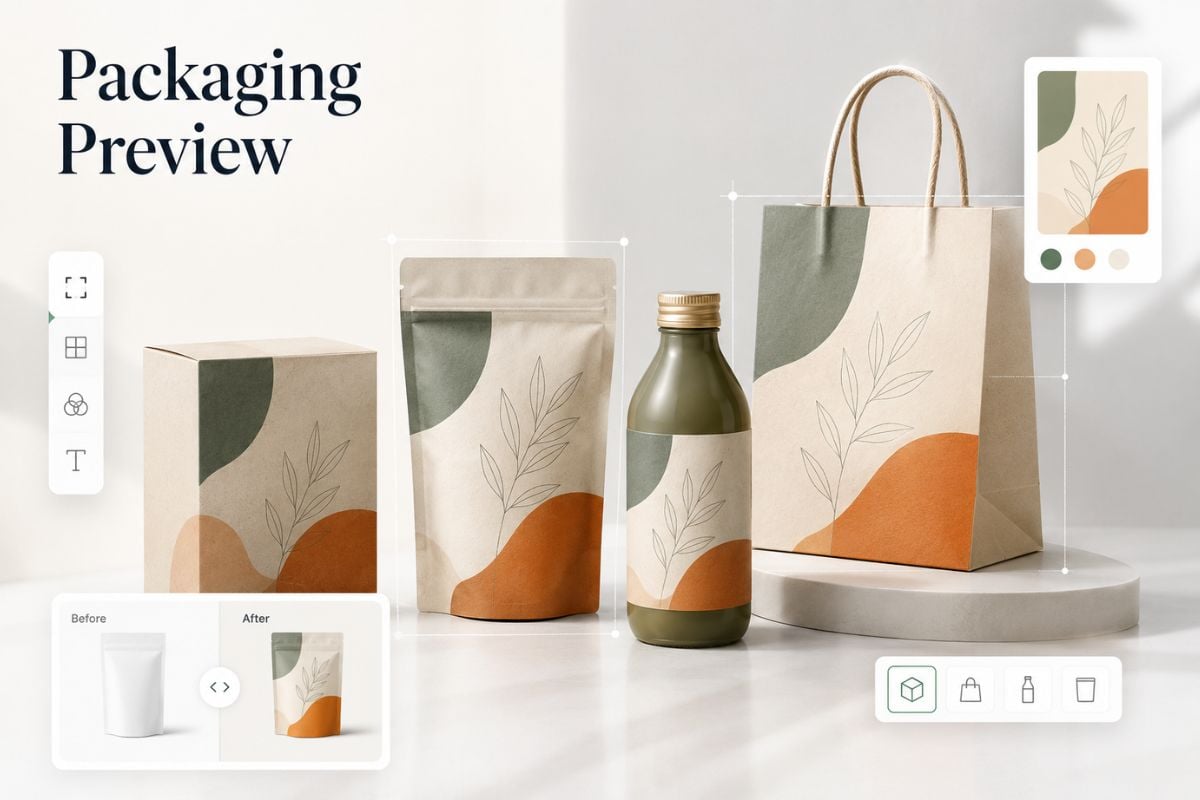
AI mockup generator hero visual for mockup scenes for designs

Create Mockups for Different Design Needs

Turn prompts or reference images into polished mockup scenes for products, packaging, apparel, posters, and branded visuals.
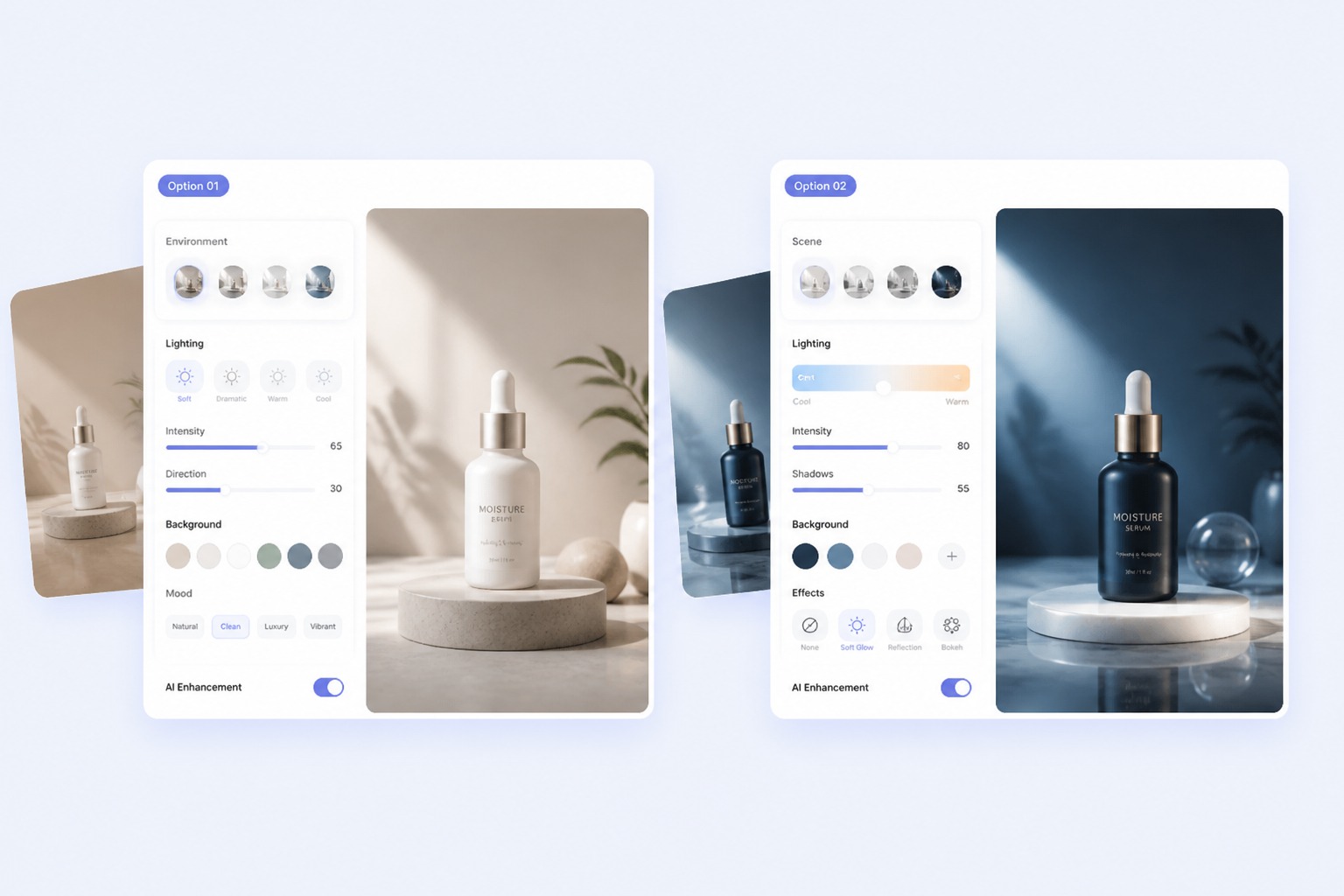
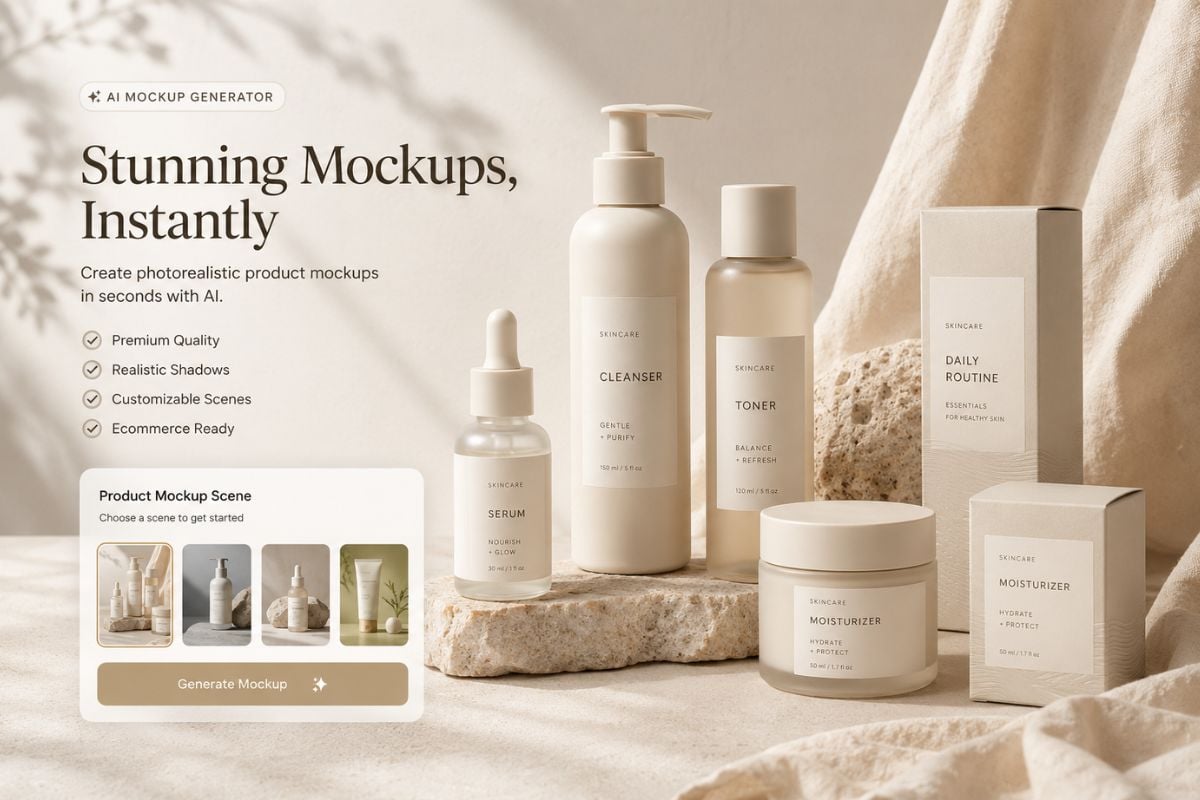
Product Mockup Scenes

Product Mockup Scenes

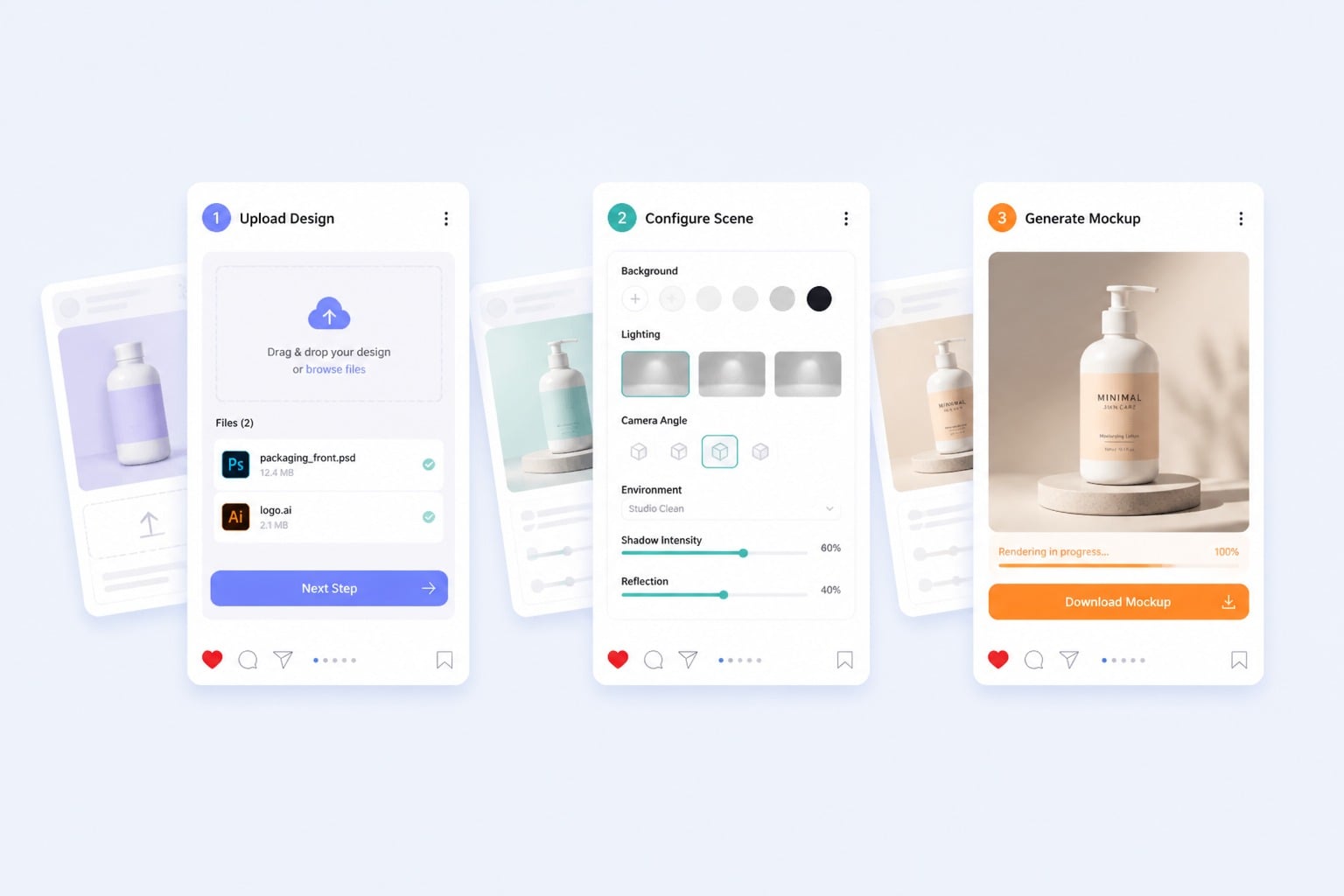
Present bottles, boxes, bags, devices, and other products in clean studio scenes with natural lighting, balanced props, and a polished commercial look.

Try For Free

How to Use AI Mockup Generator

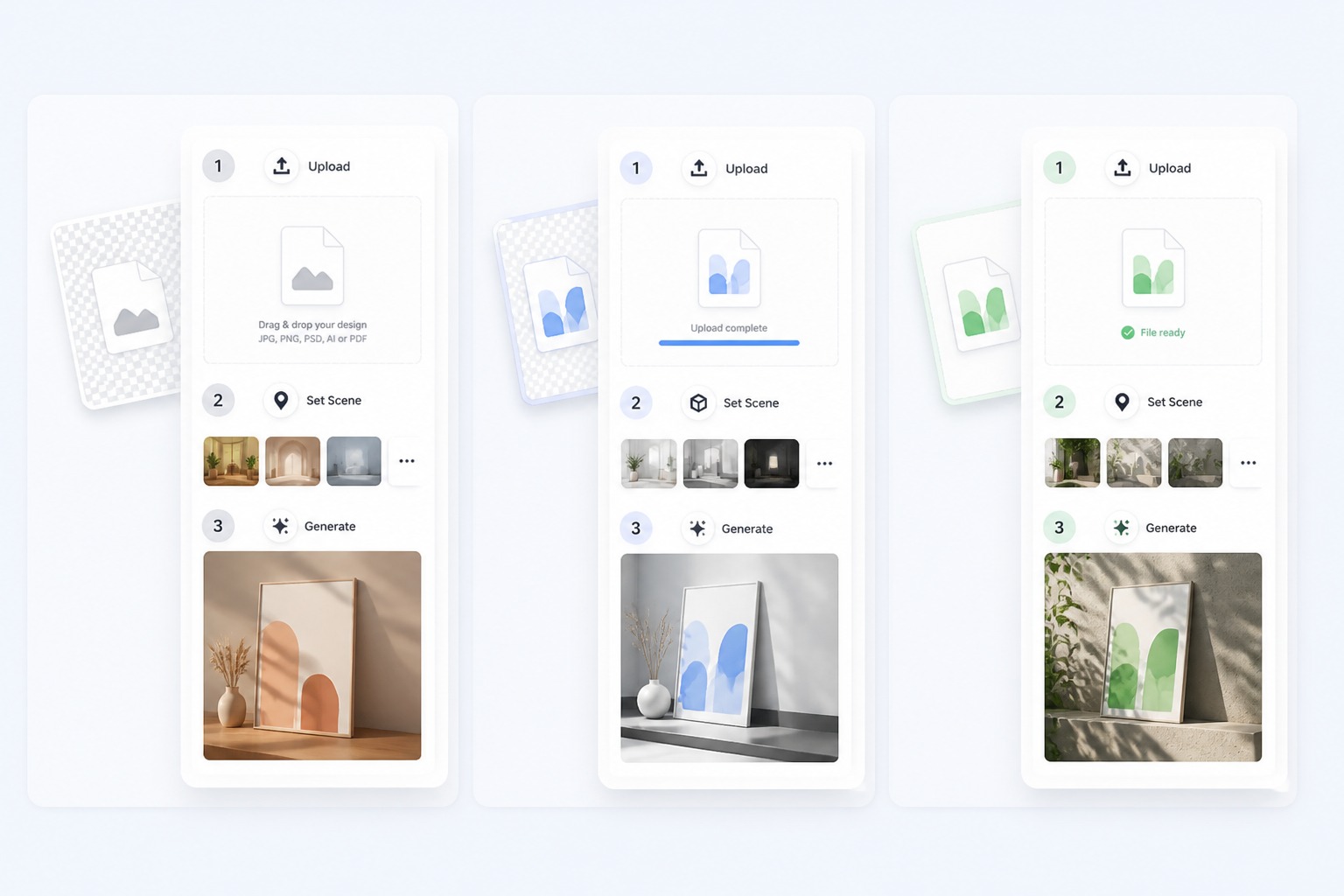
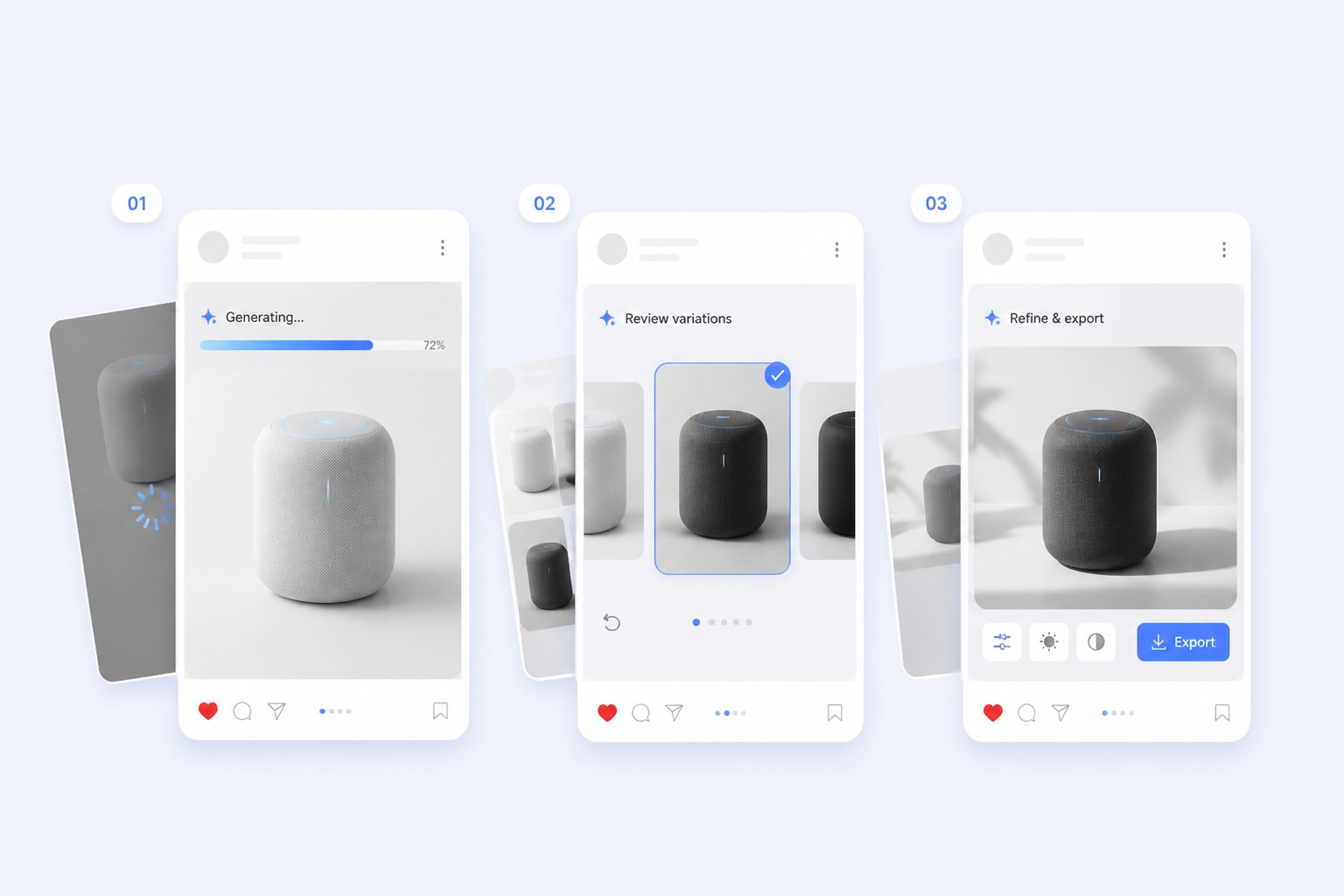
Step 1

Upload a Design

Start with upload a design or describe the screen and device and keep the goal specific enough for the AI to understand the main subject.
Step 2

Set the Scene

Add style, background, mood, composition, and any details that must stay consistent in the final image.
Step 3

Generate Mockups

Compare outputs for artifacts and fit. Keep strong drafts and regenerate when details do not support landing pages.
Start Creating

Create Better AI Mockup Generator Results

Website Preview Scenes

Shape mockup scenes for designs around a clear subject and purpose instead of accepting a generic first draft. This works best when your input states what should stay recognizable, what can be stylized, and how the image to image direction should guide the final mockup.
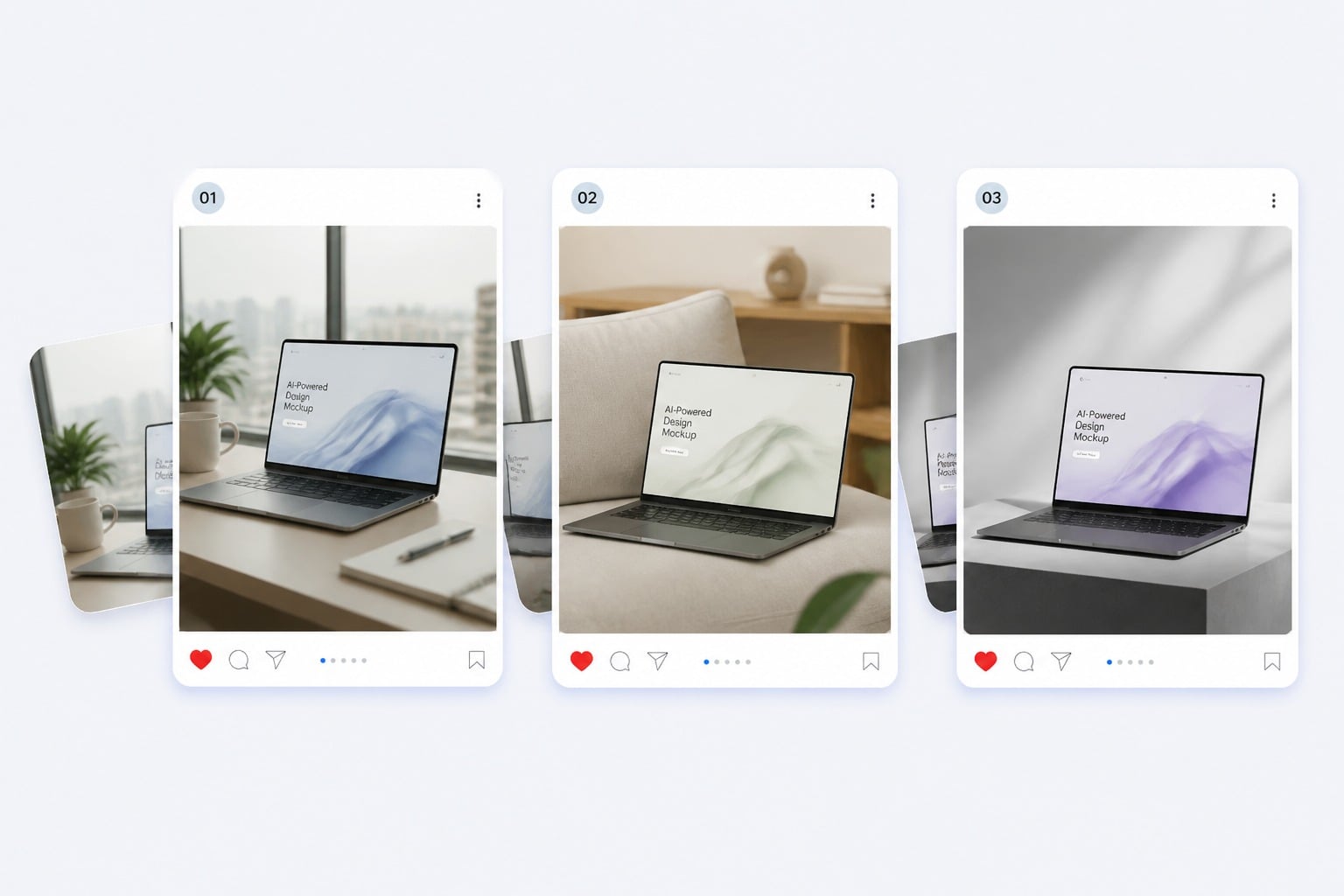
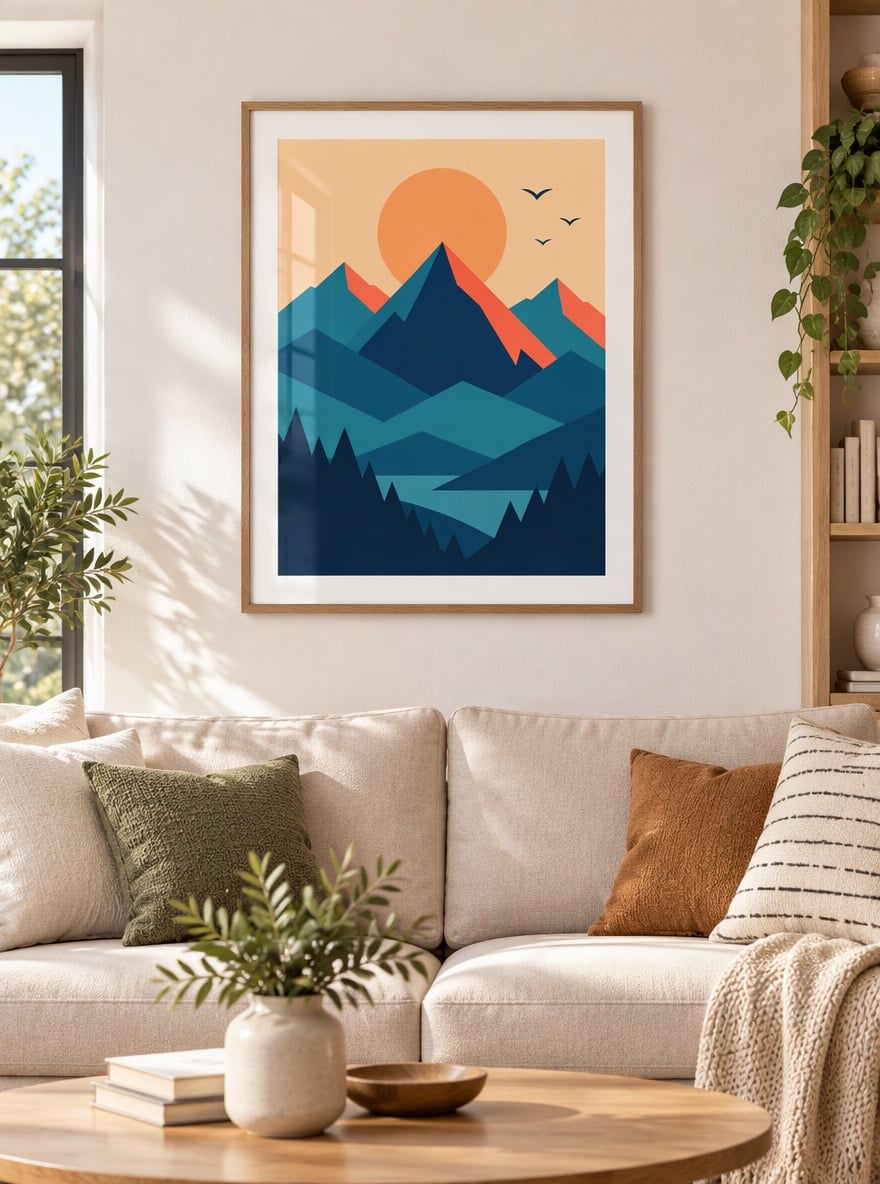
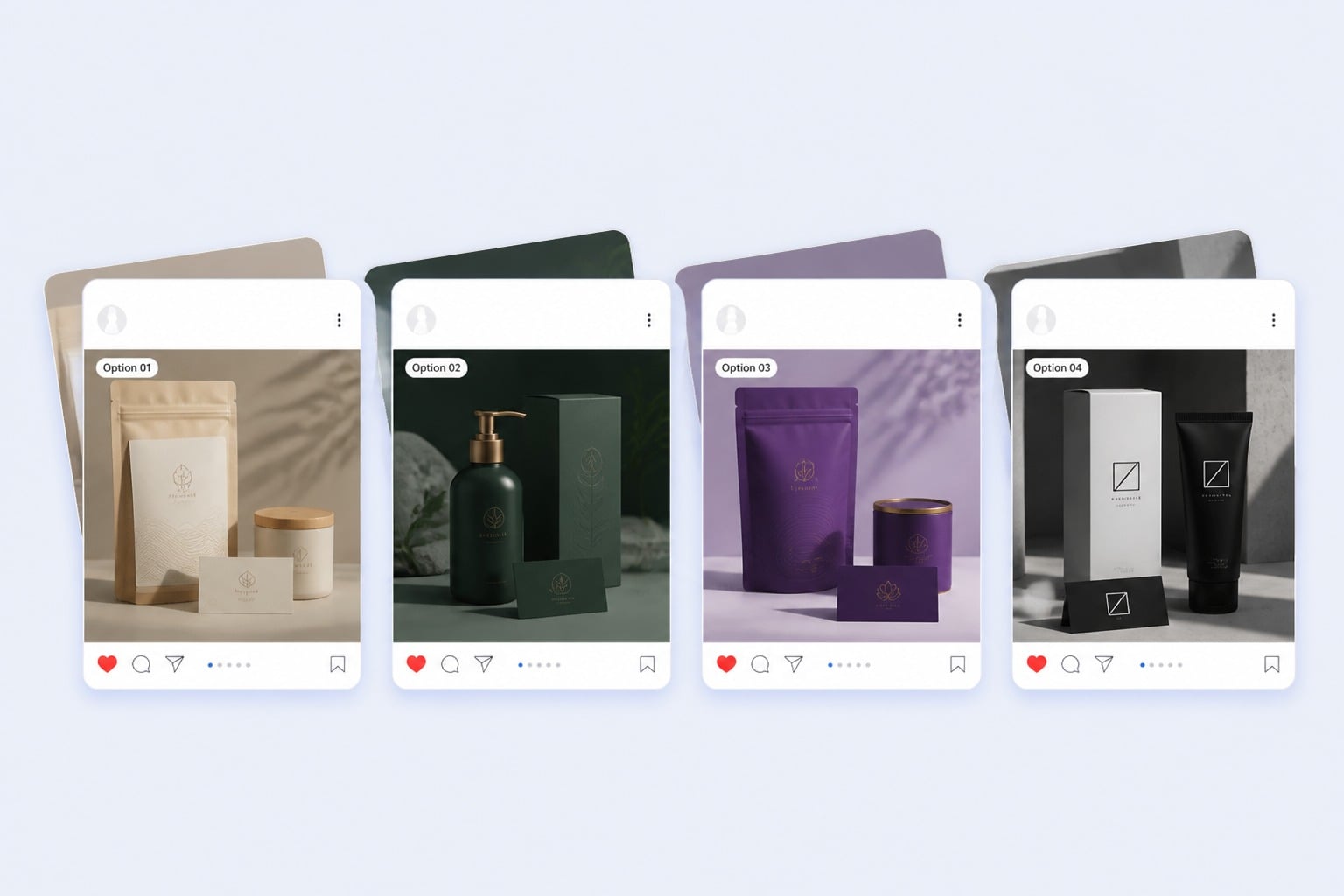
Website Preview Scenes example for AI mockup generator

Product Context Shots

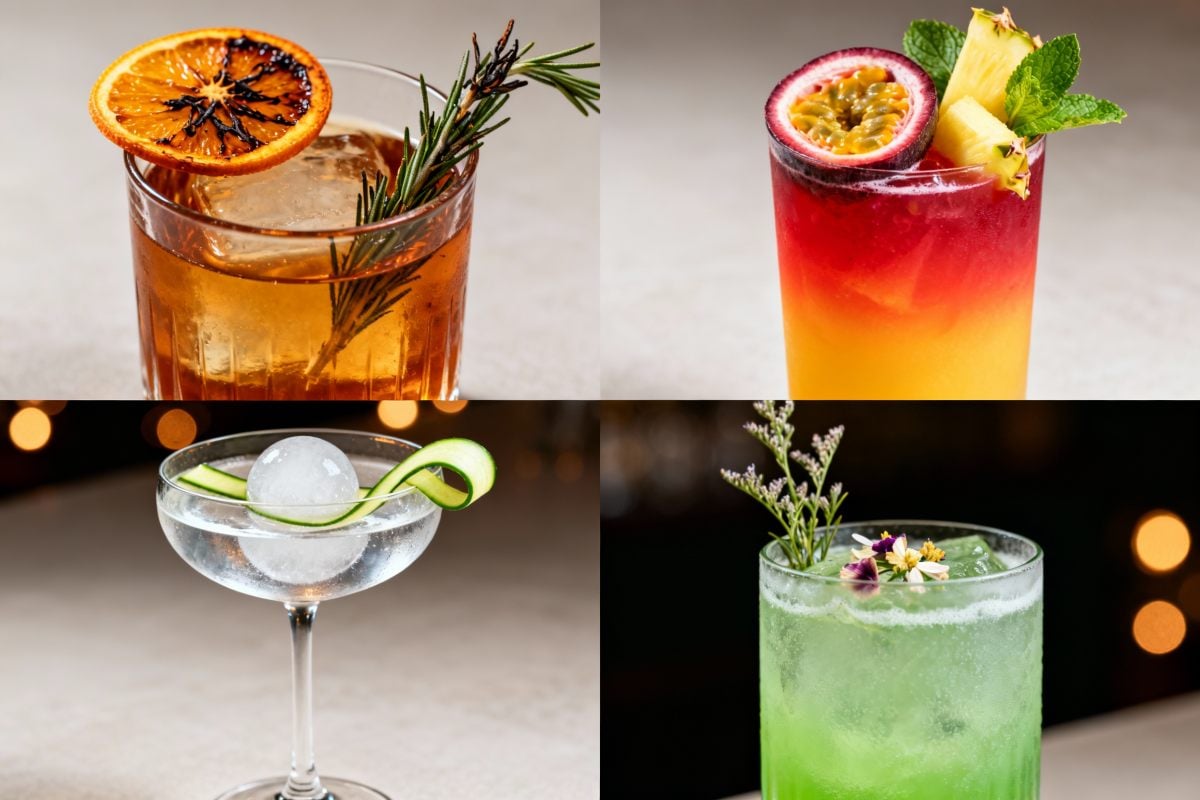
Explore a focused creative direction for product, website, and brand mockups, from mood and color to setting and composition. Keep the brief narrow when identity, layout, or object placement matters.

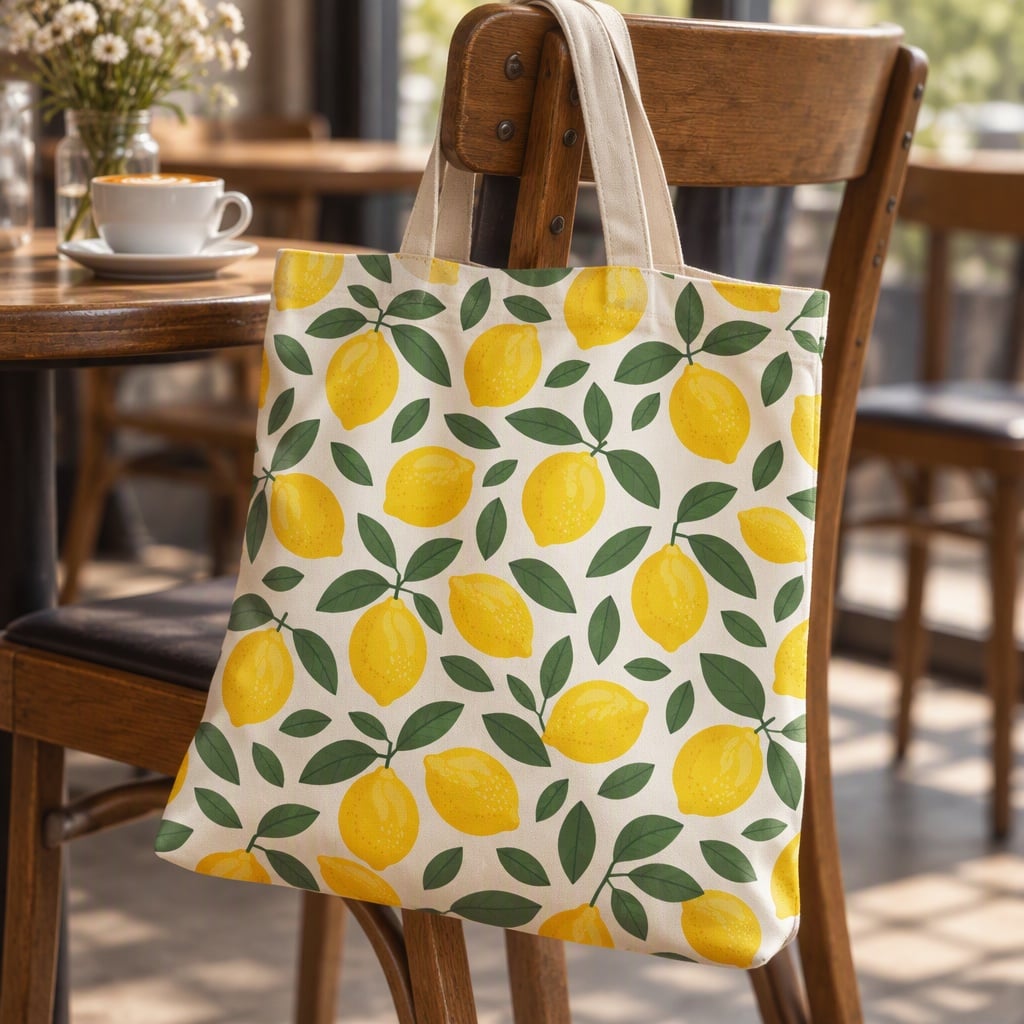
Product Context Shots example for AI mockup generator

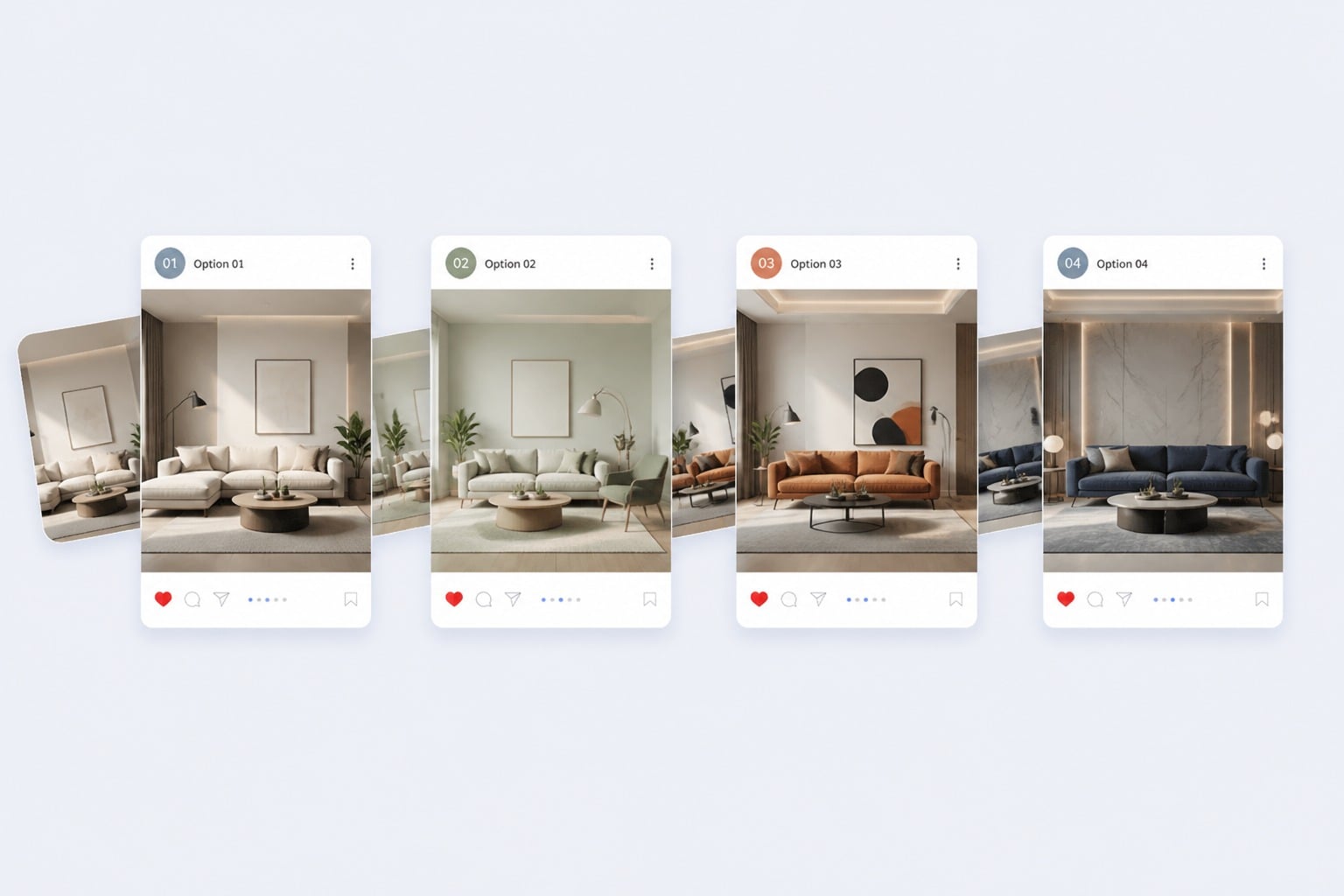
Client Ready Drafts

Prepare visuals for landing pages, client previews, ecommerce, pitch decks with enough polish for review. Treat each result as a draft, compare variants, and keep the version that best matches the publishing context.

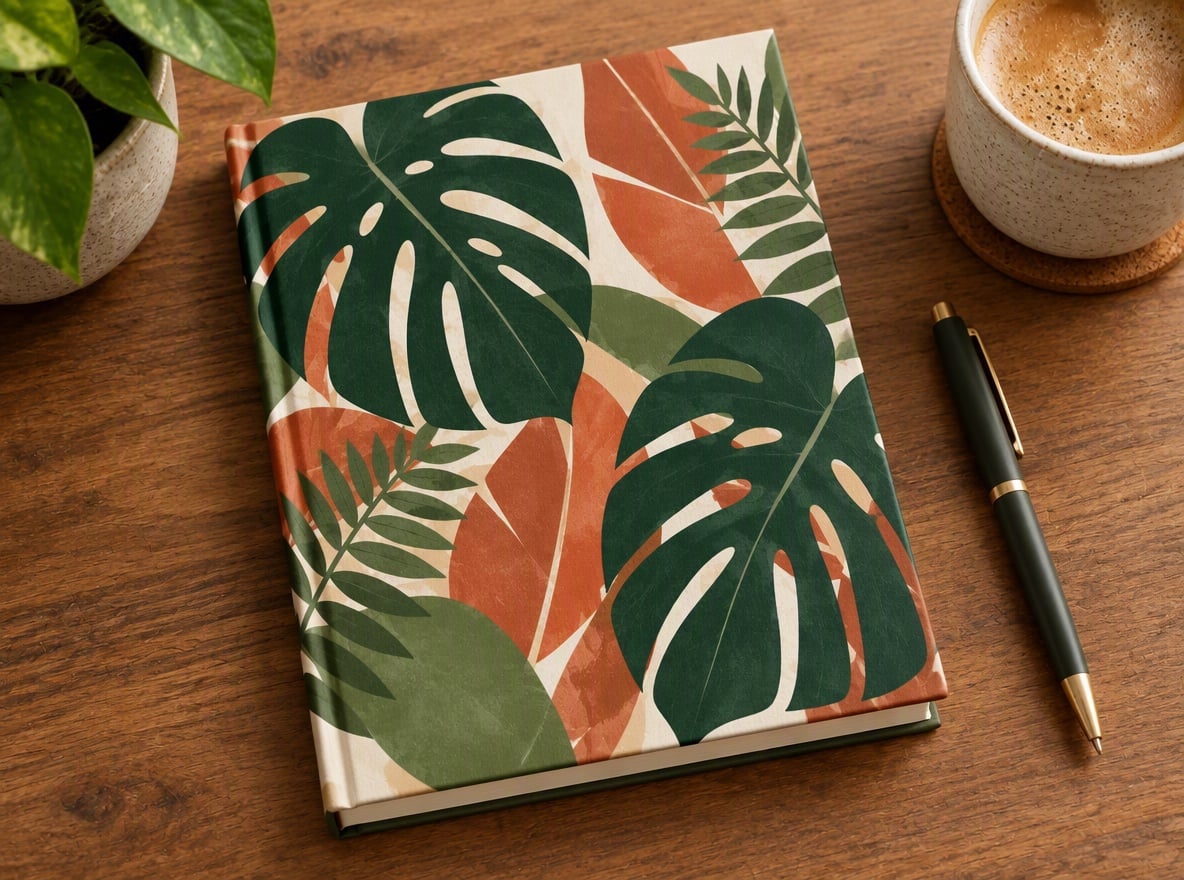
Client Ready Drafts example for AI mockup generator

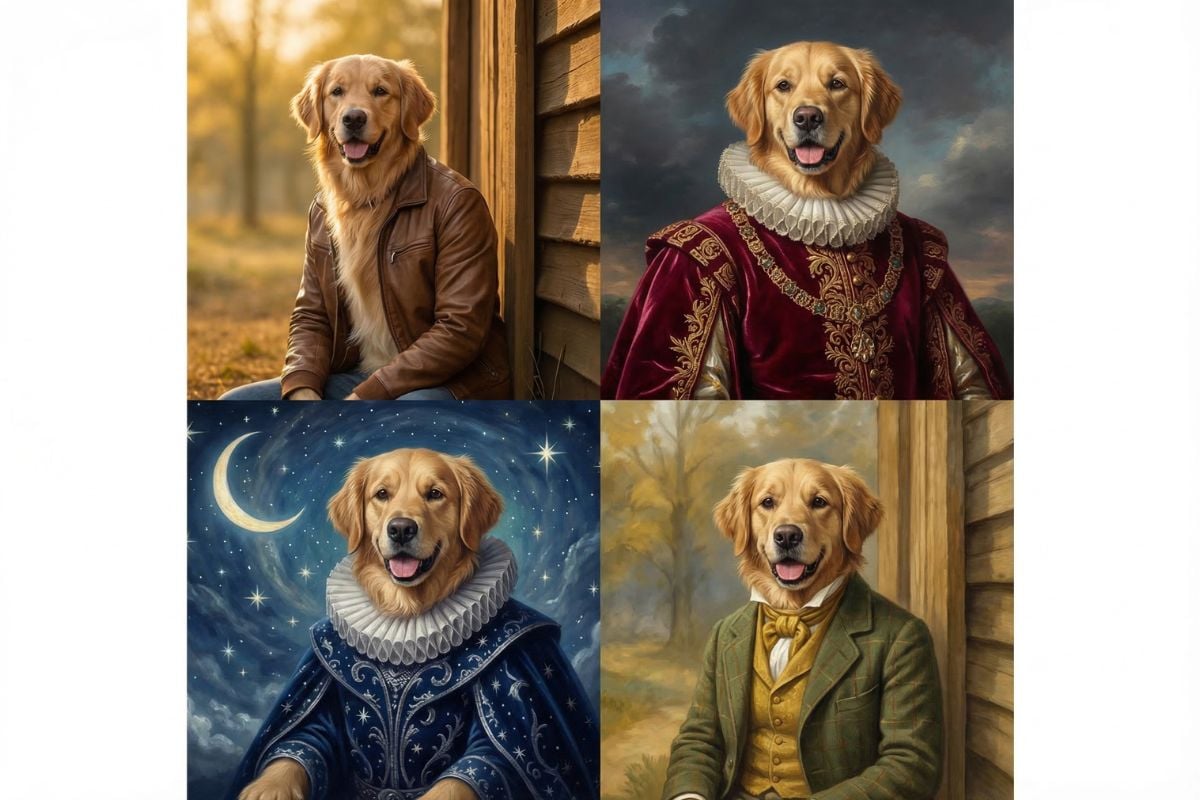
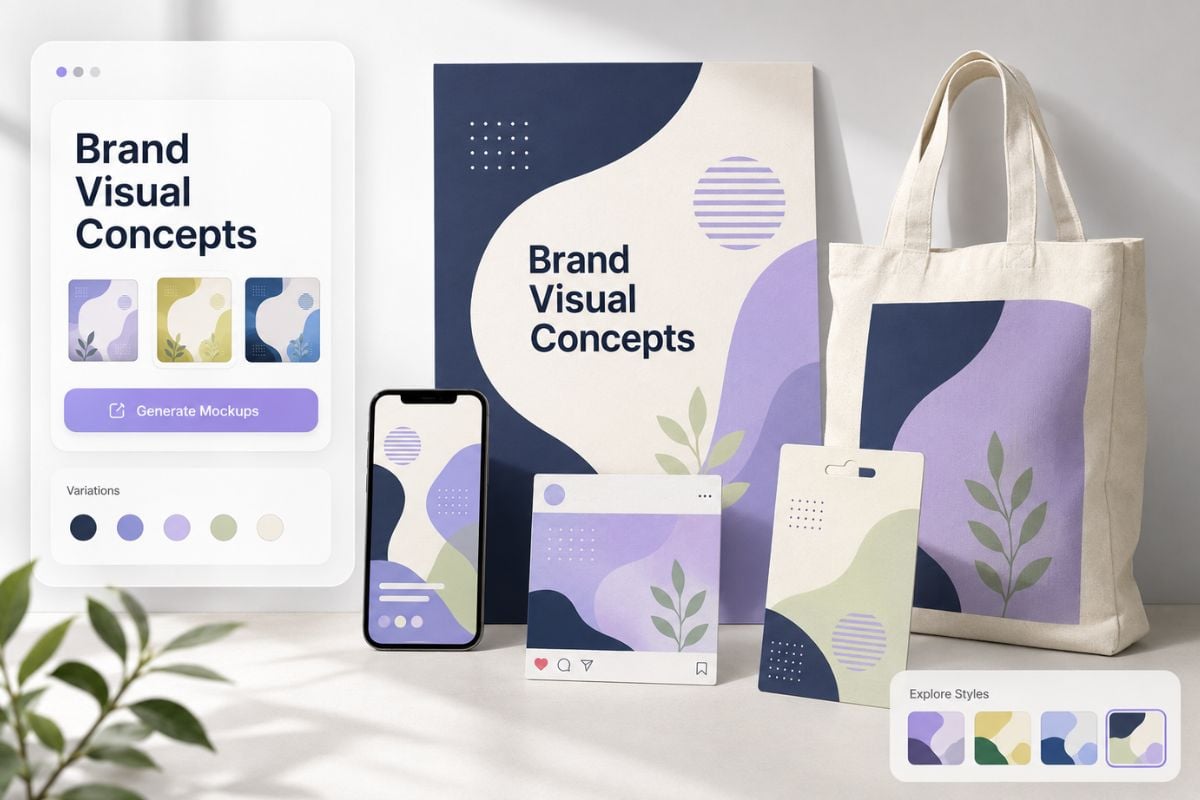
Brand Visual Testing

Use GoEnhance AI to test variations quickly without rebuilding the concept from scratch. The stronger fit is creative exploration; the weaker fit is final approval without human review.

Brand Visual Testing example for AI mockup generator
Creative Control

Why Use GoEnhance AI for AI Mockup Generator?

Clear Input Guidance

Start from upload a design or describe the screen and device so the AI has a practical direction instead of guessing the result.

Use Case Fit

Build drafts for landing pages, client previews, ecommerce, pitch decks while keeping the final purpose visible during review.

Variation Testing

Generate several directions, compare the strongest one, and avoid treating the first polished image as final.

Detail Review Loop

Check identity, edges, lighting, proportions, and unwanted artifacts before downloading or publishing.

Prompt Based Control

Adjust style, subject, background, color, and composition through a focused natural-language brief.

GoEnhance Workspace

Move from one image idea into more AI creative workflows when you need additional assets or edits.
FAQ

Frequently Asked Questions About AI Mockup Generator

What is AI mockup generator?

AI Mockup Generator is an AI tool for creating mockup scenes for designs. It works best when you provide a clear goal, useful references, and a focused description of the style, subject, and final use case.

How does free AI mockup generator work?

The free AI mockup generator workflows usually start with upload a design or describe the screen and device. The practical review step is checking whether the result fits the intended use: landing pages, client previews, ecommerce, pitch decks. If details look off, refine the prompt or input and generate another version.

Can I use AI mockup generator with free credits?

GoEnhance AI provides free credits that can be used to generate images, so you can test AI mockup generator before committing to a larger workflow. After the free credits are used, continuing to generate more images requires adding credits or upgrading based on the current plan options.

What inputs produce better results?

Strong inputs are specific and not overloaded. Describe the subject, style, background, mood, and any must-keep details. Weak inputs ask for too many changes at once or use blurry references that make the AI guess important visual information.

What should I review before downloading?

Check the main subject, edges, lighting, proportions, and whether the result supports your goal. This tool is strongest for landing pages, client previews, ecommerce, pitch decks; it is weaker for pixel-perfect UI specs or final development handoff.

Can I use the results commercially?

Commercial use depends on the current GoEnhance AI terms and the rights attached to your uploaded references, prompts, brands, people, pets, products, and source images. Review permissions before using outputs in ads, client work, or resale materials.

How do I make the result look less generic?

Add concrete visual direction: subject details, scene type, color palette, camera angle, mood, and what should stay unchanged. A short but precise prompt usually beats a long list of vague adjectives.

Create AI Mockup Generator Results With GoEnhance AI

Use clear prompts or references to generate mockup scenes for designs, then review details before sharing or publishing.

Try GoEnhance AI