WaveSpeed AI for Video, Images, and Model APIs

WaveSpeed AI brings image and video models into a web playground and a unified API. Choose a model for a specific task, test its inputs, and reuse the workflow in an application or automation. It suits creators comparing outputs and developers building media tools.

What Can You Create With WaveSpeed AI?

Use the model catalog for campaign concepts, animated references, and media features inside your own product.
Campaign Concepts and Visual Variations

Campaign Concepts and Visual Variations

Generate images and short video shots for a campaign. Compare models against the same brief before selecting a direction.

Animate a Reference in GoEnhance

Key Features of WaveSpeed AI

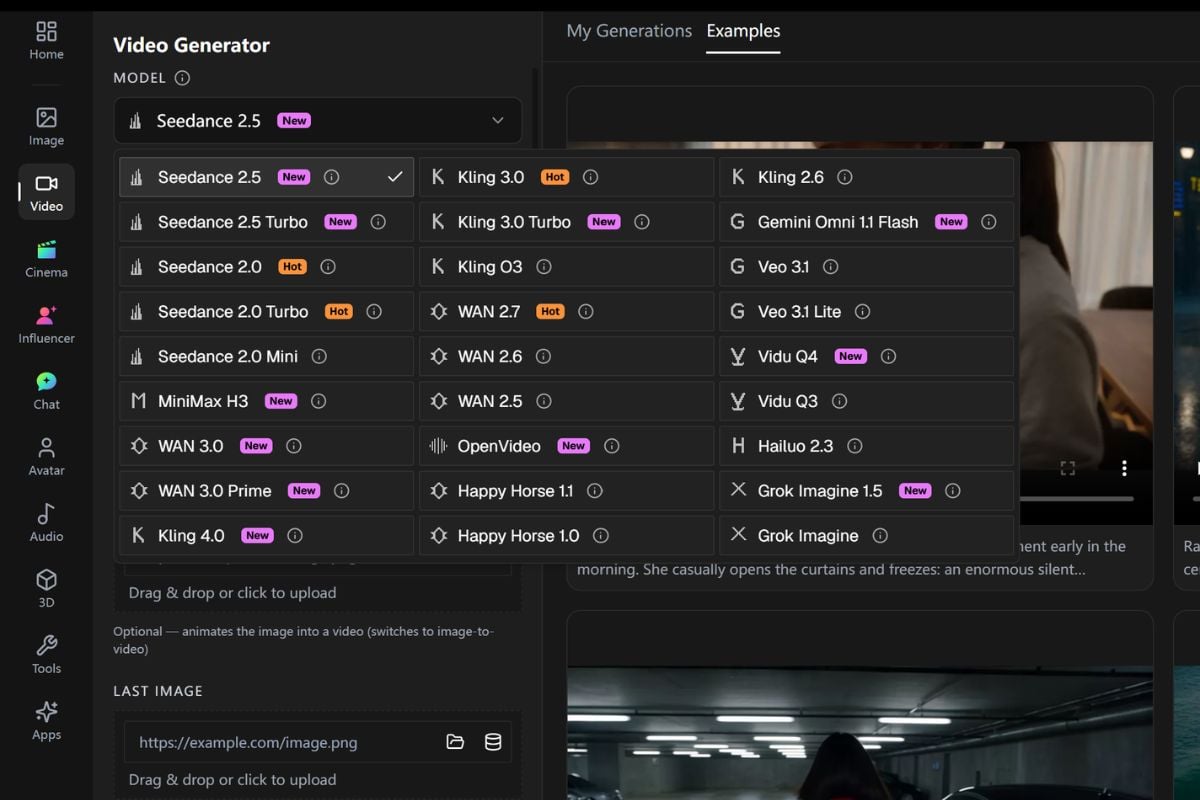
Choose Models by Task

Browse the catalog by supported input and output. Distinguish generation, editing, and enhancement before selecting an endpoint.

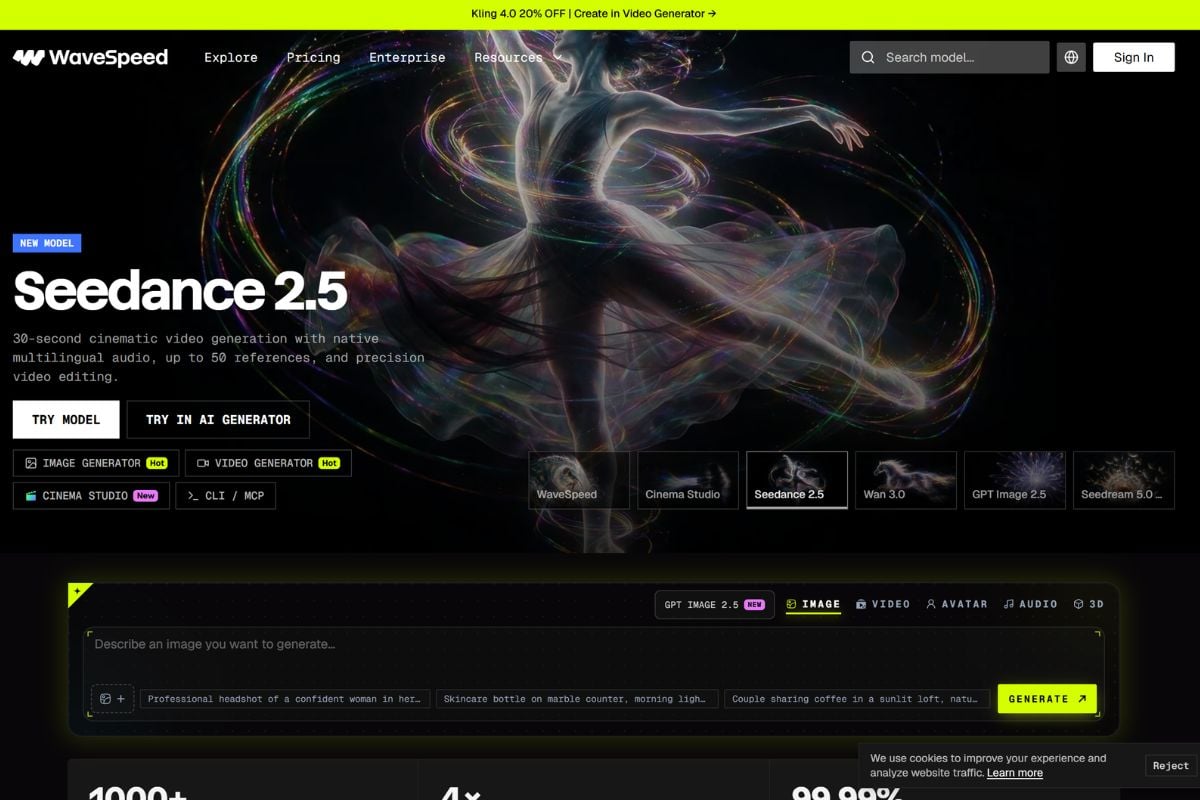
WaveSpeed AI model catalog organized by supported media tasks

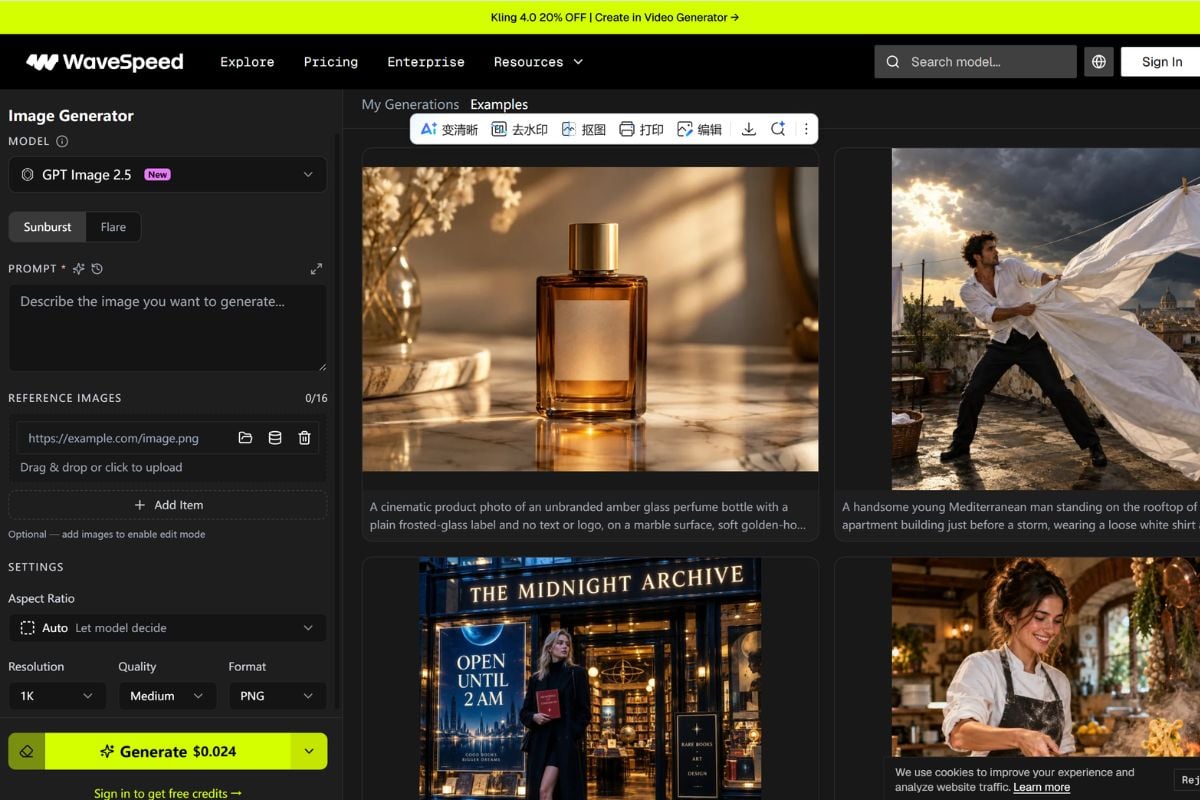
Test Inputs in the Playground

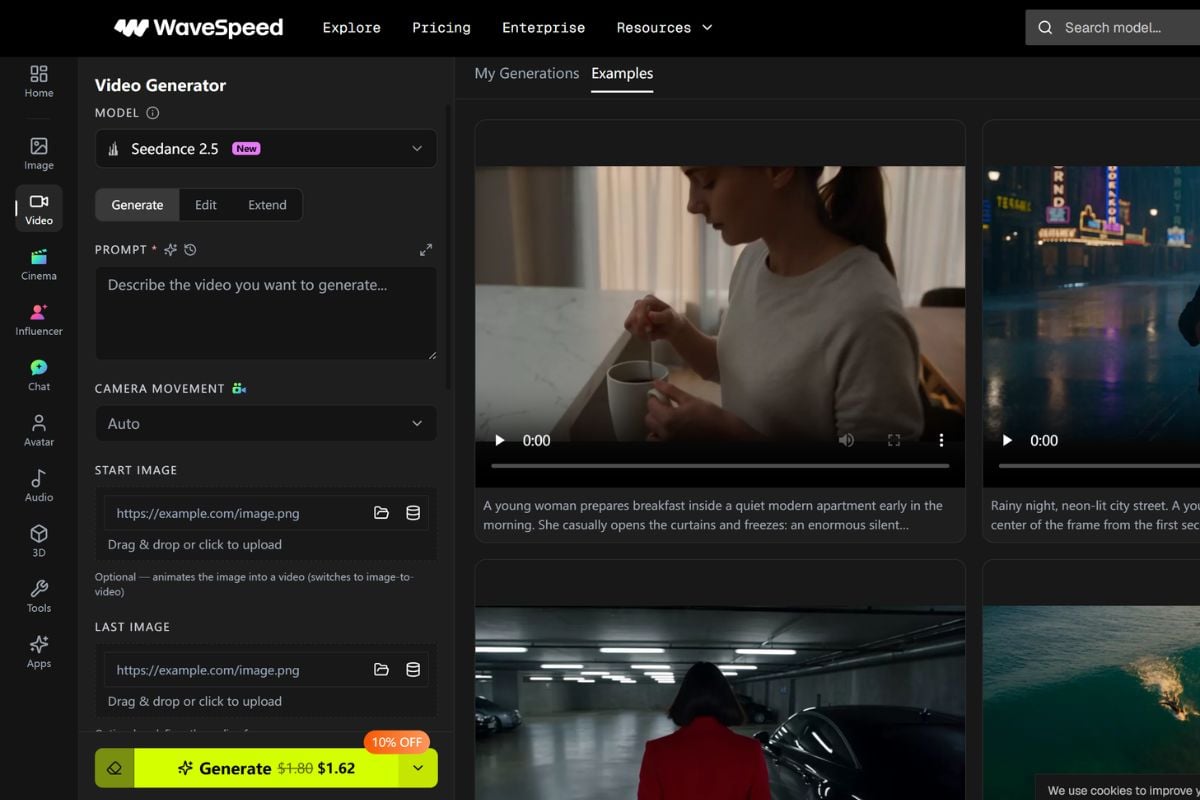
Try a model in the browser before integrating it. Review the prompt, upload, and output settings available for that endpoint.

WaveSpeed AI playground with model-specific input and output controls

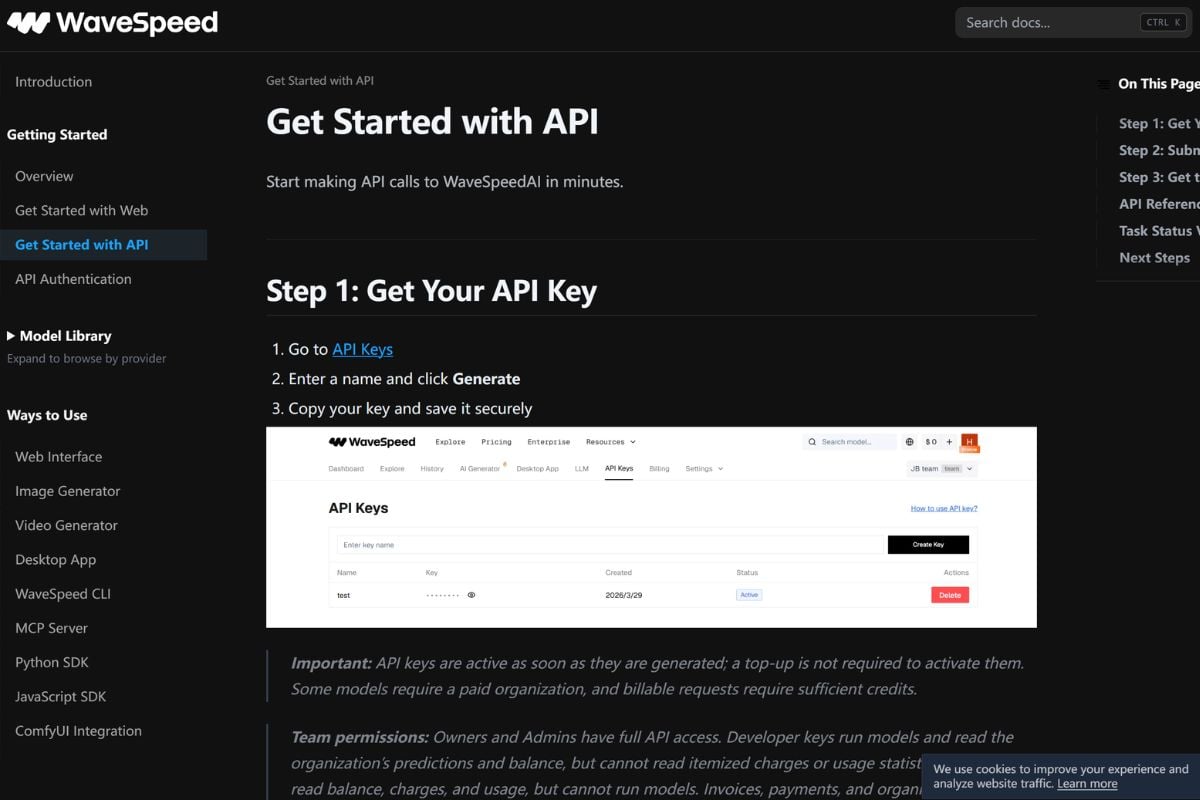
Access Models Through One API

Use one platform for different model endpoints. Each retains its own input schema, output behavior, and pricing.

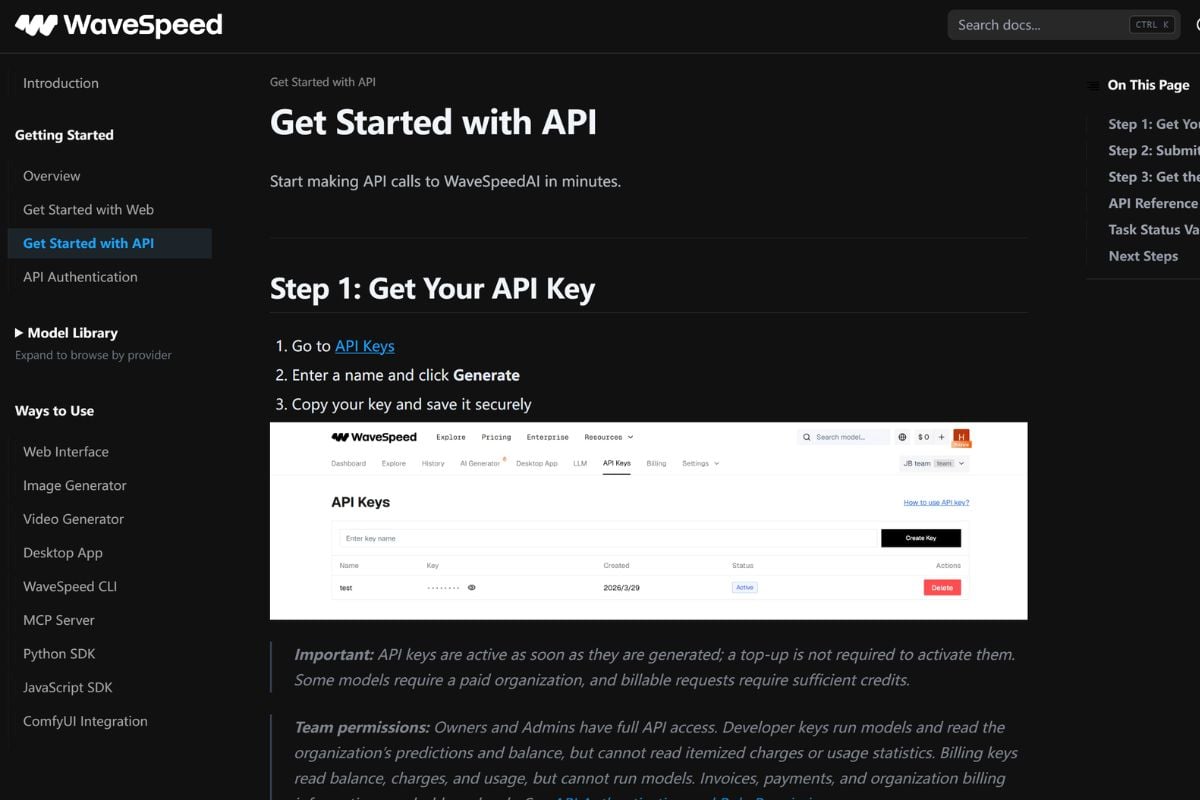
WaveSpeed AI API documentation showing a model request and response

Connect Automated Workflows

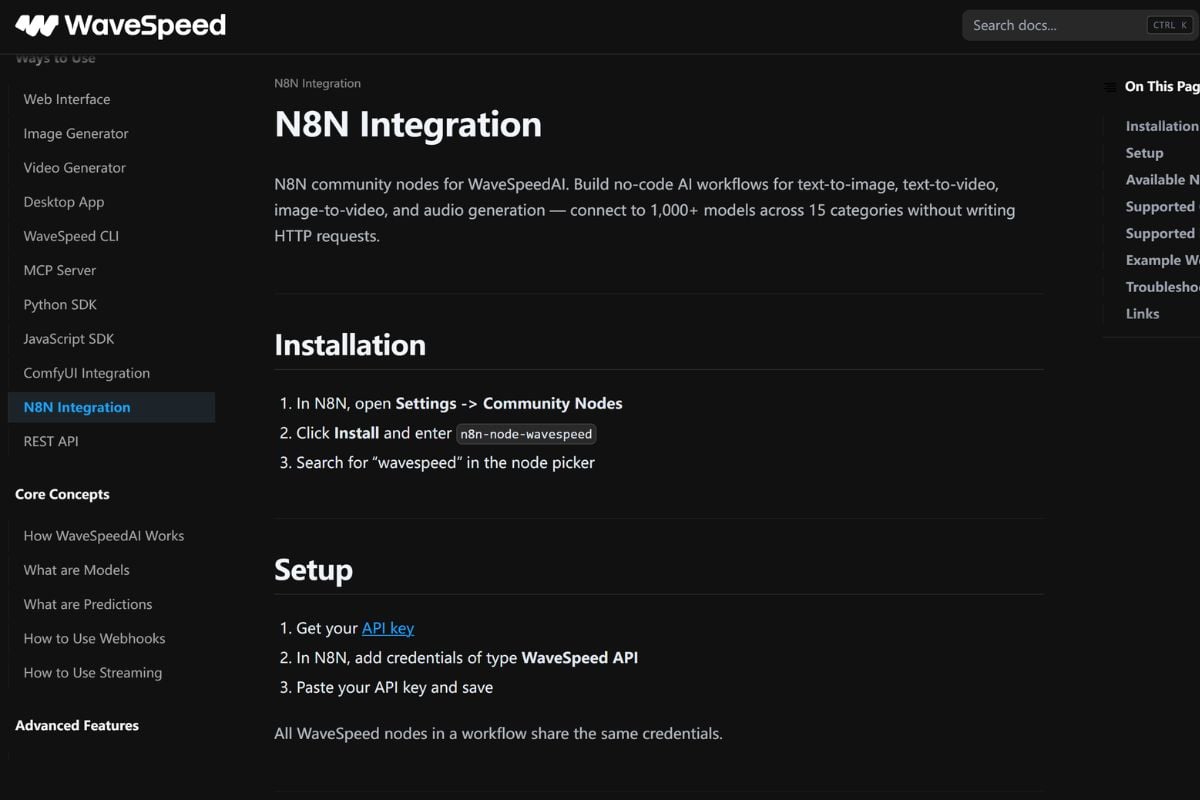
Official integrations include n8n and ComfyUI. Pass prompts and assets between generation steps and other workflow tools.

WaveSpeed AI integrations connecting generation with workflow tools

Track Usage With a Prepaid Balance

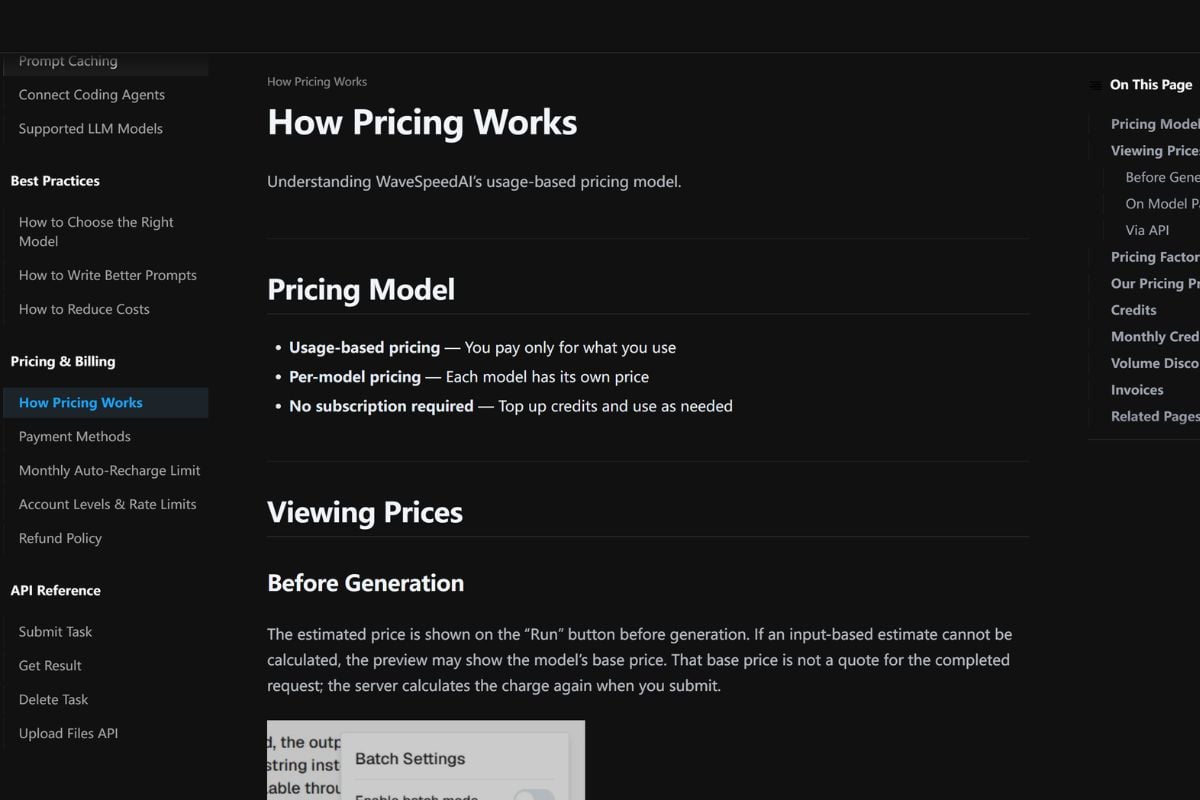
Billing is pay-as-you-go. Check the selected model price and available balance before submitting requests or running a batch.

WaveSpeed AI account balance and model usage pricing information

How to Use WaveSpeed AI

01

Select a Model

Choose an endpoint for your task, then read its supported inputs and listed cost.

02

Add Your Prompt or Files

Enter the required inputs in the playground. For integration work, use the model's example request with your API key.

03

Run and Review the Result

Submit the generation, inspect the returned media, and adjust your inputs. API workflows retrieve results through the documented prediction flow.

WaveSpeed AI vs GoEnhance AI and Alternatives

PlatformCore StrengthCreative RangeBest Fit
WaveSpeed AIUnified access to media model endpointsImage and video generation, editing, and enhancement by modelDevelopers and creators evaluating multiple model workflows
GoEnhance AIBrowser tools for creating and transforming visual assetsText-to-video, image animation, video restyling, and image toolsCreators working directly on shots and animated visuals
falDeveloper infrastructure for generative mediaModel APIs, media workflows, and serverless inferenceTeams integrating generation into software products
ReplicateRunning and deploying models through an APIPublic and custom models across media and other tasksDevelopers experimenting with or serving model-based applications
WaveSpeed AI fits endpoint-based production. GoEnhance AI is worth considering when your next task is to create, animate, or restyle a visual directly in the browser.

Why Choose GoEnhance AI for Hands-On Visual Creation?

Animate a Specific Reference

Upload a product or character image and describe its movement in the image-to-video tool.

Build a Shot From a Written Brief

Use text-to-video to explore a scene before preparing source footage or an integration.

Restyle Existing Footage

Use video-to-video when the source is a recorded clip and the goal is another visual treatment.

Create Character Motion

Explore character animation when your deliverable centers on moving an existing character design.

Prepare the Reference Before Animation

Generate or edit the still image that will guide a later video task.

Enhance a Selected Image

Upscale a selected image to prepare a larger still for a layout or presentation.

WaveSpeed AI Discussions on Reddit

Frequently Asked Questions

WaveSpeed AI FAQ

What is WaveSpeed AI?

WaveSpeed AI provides a catalog of image and video models through a web playground and API. Tasks include generation, editing, and enhancement.

Are wavespeedai and wavespeed.ai the same service?

WaveSpeedAI is a spelling of the platform name. wavespeed.ai is its official domain; use it to locate the product and documentation.

Is WaveSpeed AI a single video model?

No. It provides access to multiple models. Inputs, controls, output formats, and costs depend on the endpoint you choose.

Can I use WaveSpeed AI without writing code?

Yes. The browser playground lets you enter prompts and upload supported files. The API is useful for integrating generation into software.

Does WaveSpeed AI offer free usage?

It is not an ongoing free tier. The billing guide describes a one-time sign-up credit subject to eligibility and verification. Check the active offer before registering.

How does WaveSpeed AI pricing work?

Prepay a balance and pay for usage. Pricing can depend on the model, request, output settings, or processing time. Check the endpoint price before submitting.

Does WaveSpeed AI generate images as well as videos?

Yes. The catalog includes image generation and editing alongside video models. Choose an endpoint that supports the input and output you need.

Can I connect WaveSpeed AI to n8n or ComfyUI?

Yes. Both appear in the official integration documentation. Check the selected model's input schema and result-retrieval process before building a workflow.

What should I check before using an output commercially?

Review the platform terms, model conditions, and rights to uploaded assets. A shared catalog does not establish identical usage rights for every endpoint.

How does WaveSpeed AI compare with GoEnhance AI?

WaveSpeed AI emphasizes model access and API integration. GoEnhance AI is an alternative for browser-based image animation, video generation, video restyling, and visual editing. Compare the tools against your actual task.

Have a Visual in Mind? Turn It Into a Shot.

Start with your reference image in GoEnhance AI and explore how it should move.

Animate My Image in GoEnhance