
goenhance logo

Vibe Video

Vibe Video is focused on turning text prompts and uploaded images into short AI-generated videos. It is useful for creators who want quick cinematic scenes, animated photos, social clips, concept tests, and simple browser-based video generation without filming.

Core Vibe Video AI Workflows
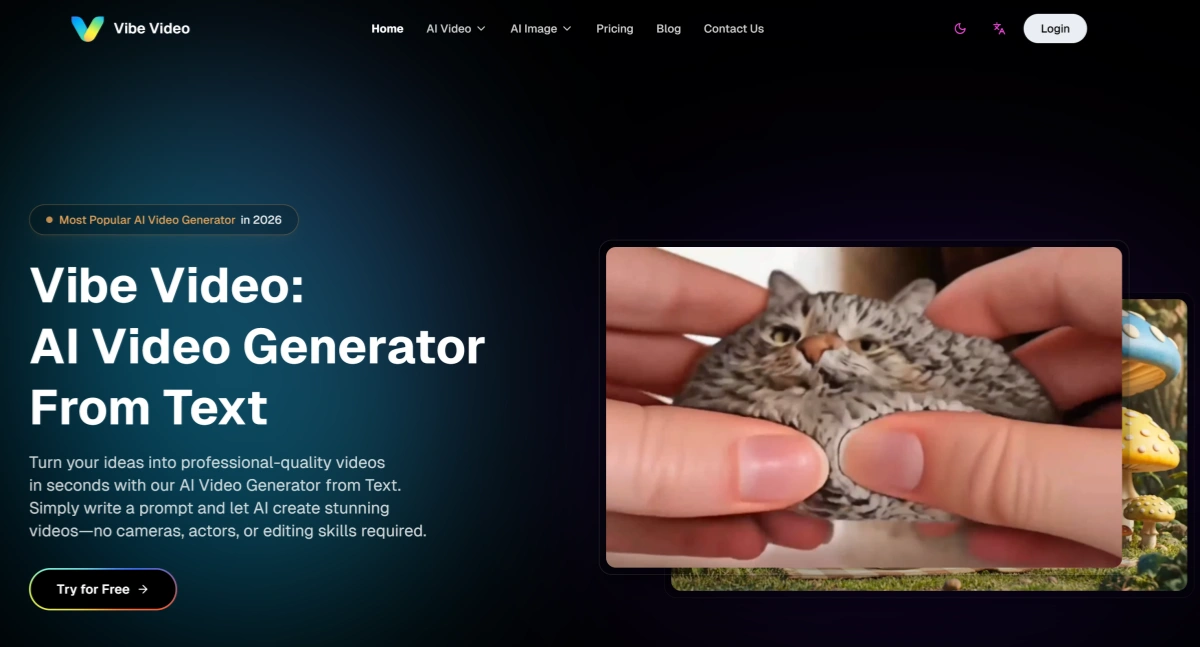
Create Videos From Text Prompts

Vibe Video AI is built for users who want to describe a scene, mood, camera movement, or story idea and generate a short video from text. This makes it useful for social clips, ads, presentations, storyboards, and quick visual experiments.

Animate Photos With Prompt Guidance

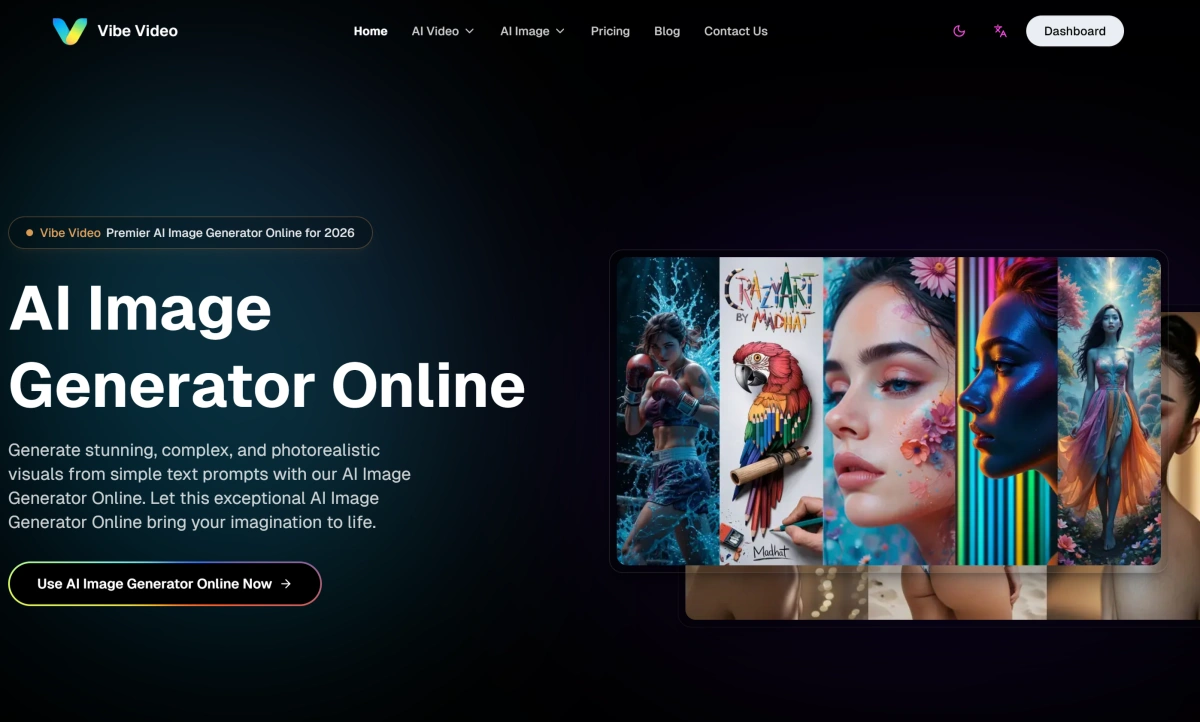
Upload an image and add a motion prompt with image to video to turn still visuals into short video clips. This workflow fits portraits, pets, products, characters, travel photos, and visual concepts that need movement without a full editing setup.
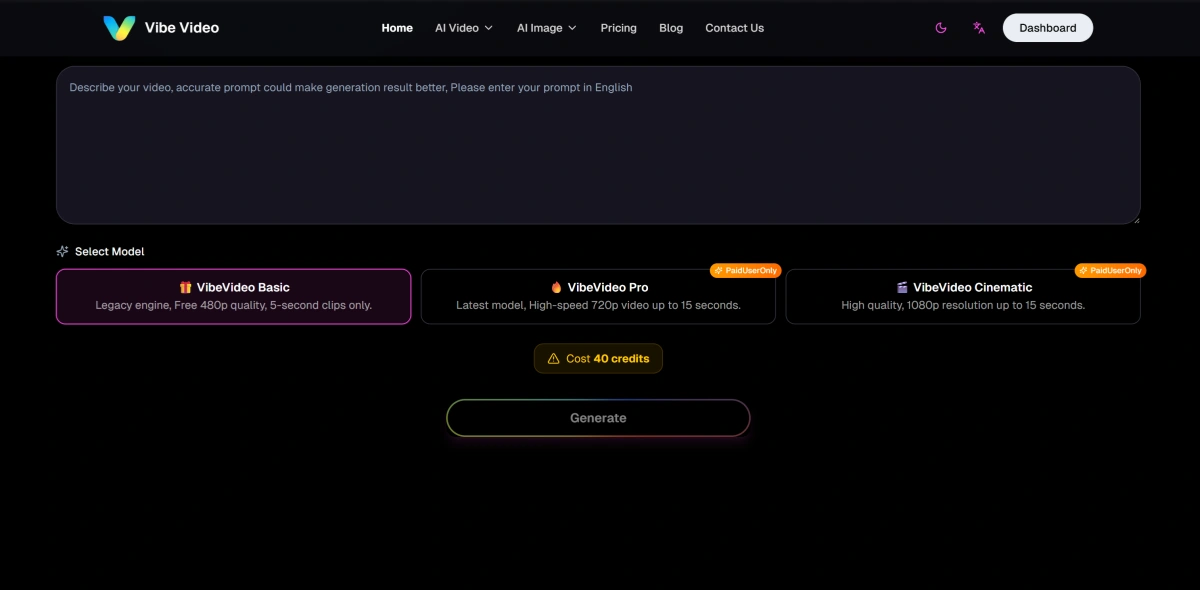
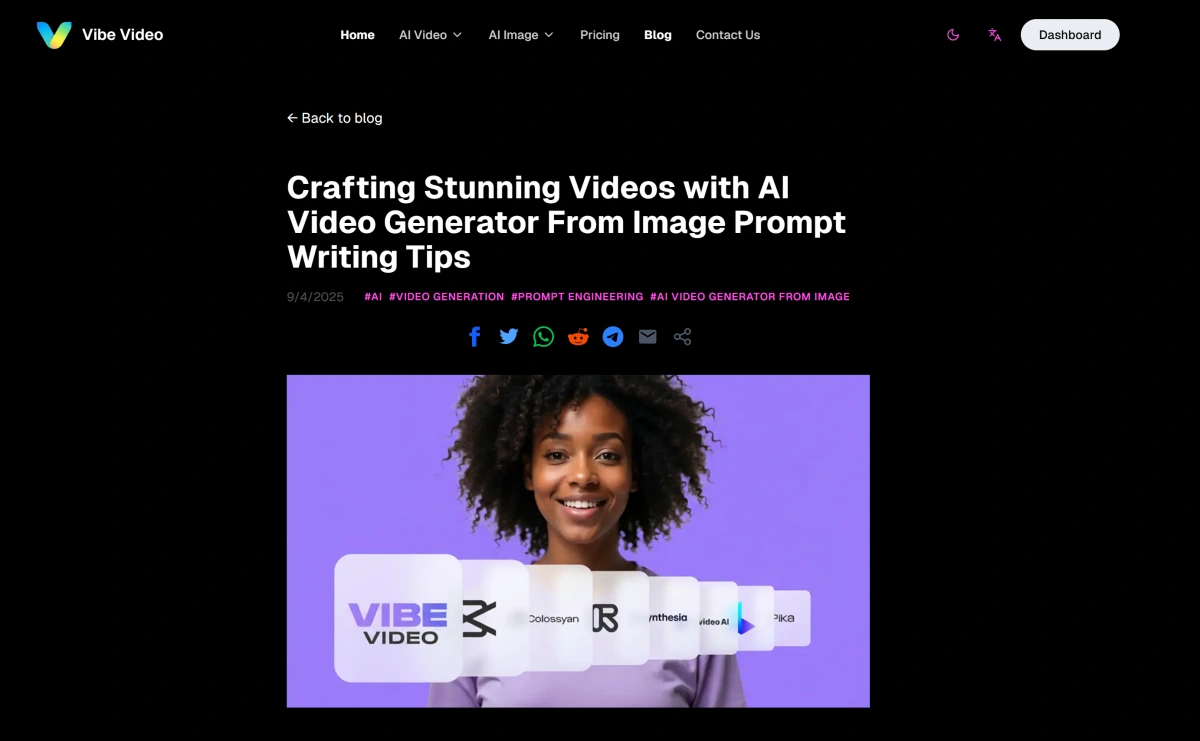
Choose Video Quality and Duration Paths

Vibe Video's public pages describe multiple model tiers, from basic short clips to higher-resolution cinematic options. That makes it useful when creators want to test a quick draft first, then move toward a more polished output if the idea works.

Keep Prompting Simple for Fast Results

The main benefit of Vibe Video AI is speed and simplicity: write a clear prompt, use an AI image generator to create the starting visual, choose a model or format, generate, and review. Before publishing, check motion quality, subject consistency, rights, and whether the final clip fits the target platform.
Vibe Video AI Workflow Overview

FeatureVibe Video AIBest ForWhat to Check
Text to VideoTurns written prompts into short MP4-style AI videosSocial clips, ad concepts, storyboards, and visual experimentsCheck prompt following, scene logic, motion, and output rights
Image to VideoUploads still images and animates them with prompt-guided movementPortraits, product images, character art, memes, and travel visualsCheck subject stability, background warping, source rights, and realism
Model TiersOffers different generation paths such as basic, pro, and cinematic modes according to public page descriptionsTesting quick drafts before spending more credits on higher-quality outputsCheck current pricing, credits, quality limits, and clip duration on the official site
Privacy PositioningPublic pages emphasize private creation in the product positioningPersonal projects, client drafts, and creator experimentsCheck actual terms, retention policy, and commercial-use rules before sensitive use
Prompt-led and image-led video generation for quick creative clips

Why Vibe Video AI Is Easy to Test

Turn Short Prompts Into Video

Describe a scene, character, product, or mood and generate a short AI video without a camera or editor.

Make Still Images Move

Upload a photo or visual reference and guide its animation with a simple text prompt.

Test Drafts Before Polishing

Use lighter generation paths for fast concept testing, then move toward more polished outputs when the idea works.

Create Social-Ready Concepts

Build quick clips for TikTok, Reels, Shorts, product posts, presentations, and visual storyboards.

Use Clear Prompt Controls

Guide style, motion, camera direction, subject behavior, and scene mood through natural language.

Review for Real Use

Check motion stability, image rights, prompt accuracy, and platform rules before publishing or using commercially.

How To Use Vibe Video AI

01

Start With Text or an Image

Enter a prompt when you want to build a scene from scratch, or upload an image when you already have a subject or visual reference.

02

Choose the Video Direction

Describe motion, scene style, camera movement, character action, duration needs, and the intended platform.

03

Generate and Review

Create the clip, then review subject consistency, motion, artifacts, rights, and whether the video works for social, ads, or presentation use.

Frequently Asked Questions

Vibe Video AI FAQs

What is Vibe Video AI?

Vibe Video AI is a browser-based AI video generator focused on text-to-video and image-to-video workflows. Users can write prompts or upload images to create short AI-generated video clips.

Does Vibe Video support text to video?

Yes. Vibe Video publicly describes an AI video generator from text that turns written prompts into short videos for creators, marketers, presentations, ads, and storyboards.

Does Vibe Video support image to video?

Yes. Vibe Video has an image-to-video workflow where users upload a photo or image and use text guidance to animate it into a short video.

What is Vibe Video best for?

Vibe Video is best suited for quick video concepts, social clips, image animation, cinematic prompt tests, product visuals, and short creative experiments.

Does Vibe Video offer free use?

Vibe Video's public pages describe a free tier and credit-based paid options, but current limits and pricing can change. Check the official pricing page before making exact claims.

What should I check before publishing Vibe Video outputs?

Review motion quality, source image rights, prompt accuracy, visual artifacts, commercial-use terms, and whether the output could mislead viewers.

Create AI Videos With GoEnhance AI

Start with a prompt, image, product visual, or creative idea and turn it into a short video draft for social media, ads, storytelling, and visual experiments.

Start Creating