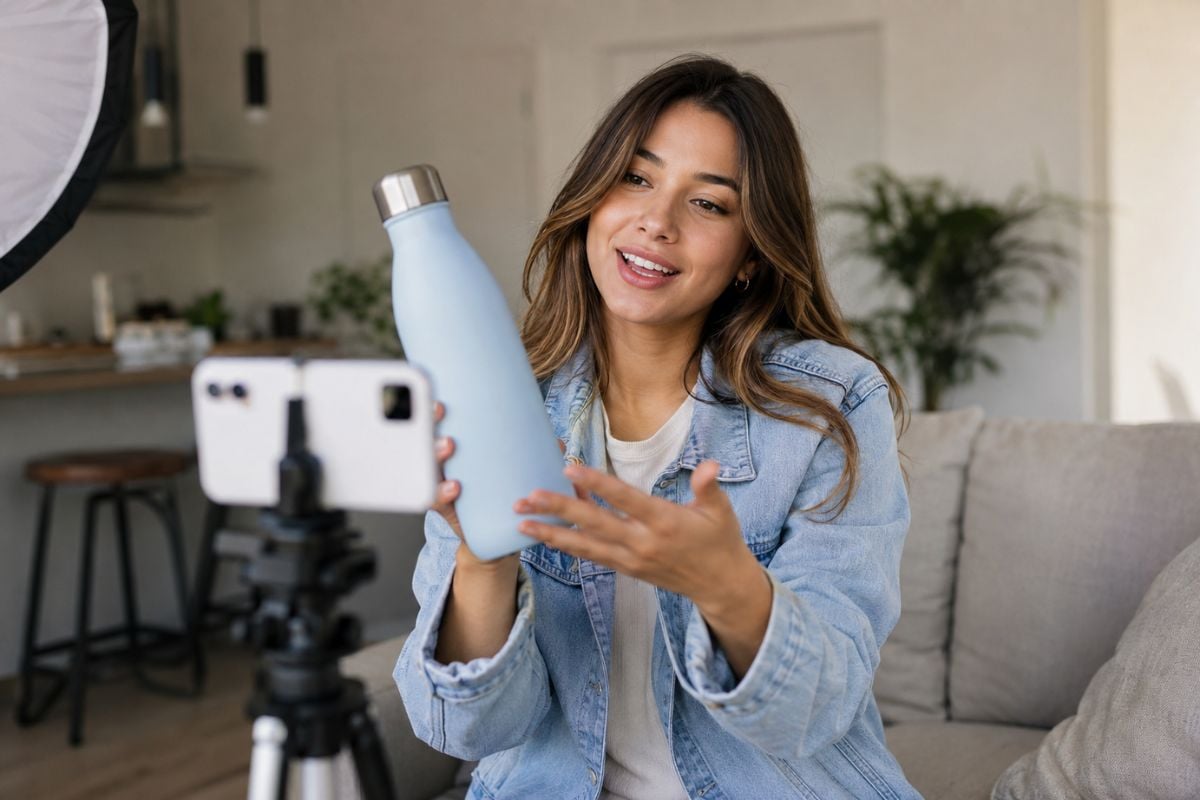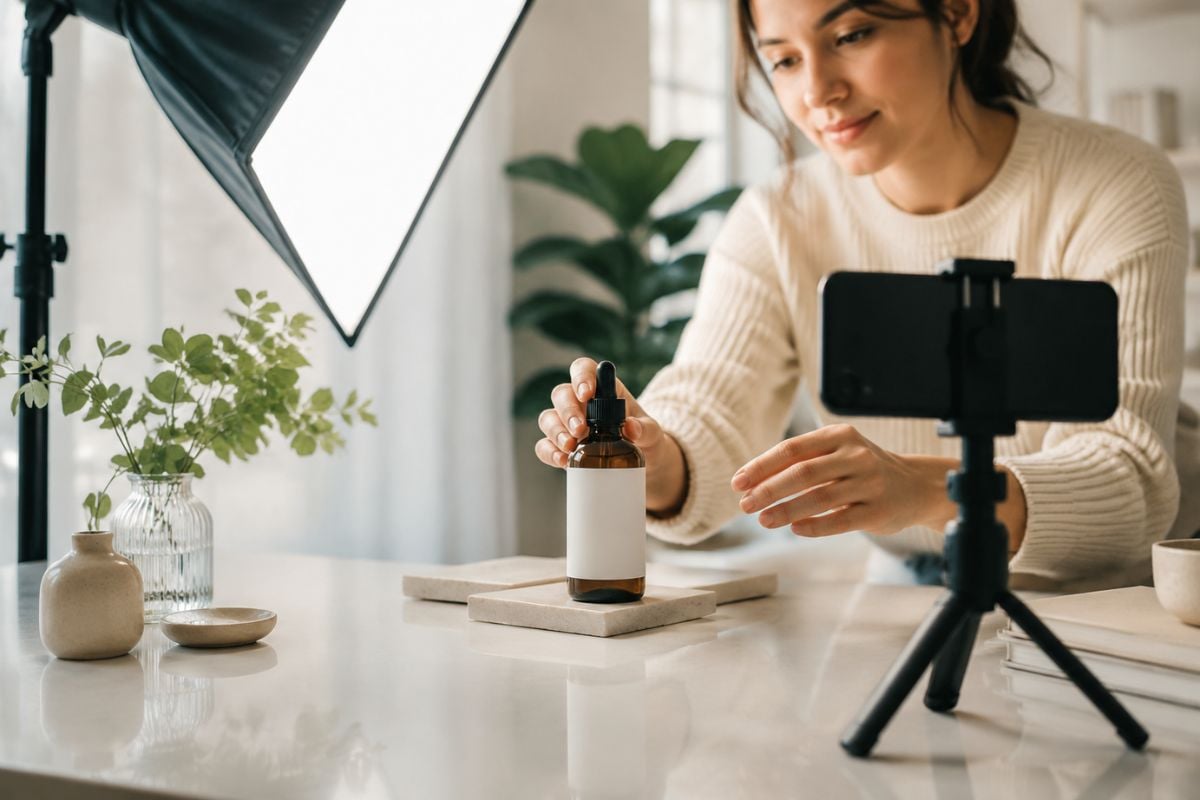
Create Product Videos From Images or URLs
Turn product photos, store links, or campaign briefs into engaging product videos with structured scenes, visual effects, captions, and clear calls to action.

TopView AI is a marketing-focused creative platform built around AI video agents, product videos, UGC-style ads, avatars, image and video generation, voice tools, and editable Canvas workflows. Instead of generating only a single clip, TopView can take a prompt, product asset, reference image, video, or URL and help turn it into a more complete marketing project.
TopView's AI Video Agent can start from a prompt or reference assets, plan the creative direction, generate connected scenes, and organize the results on an editable Canvas. This is useful when a campaign needs more structure than a single generated clip. Similar AI video generator workflows are especially valuable when creators want to move from a simple concept into several related scenes.
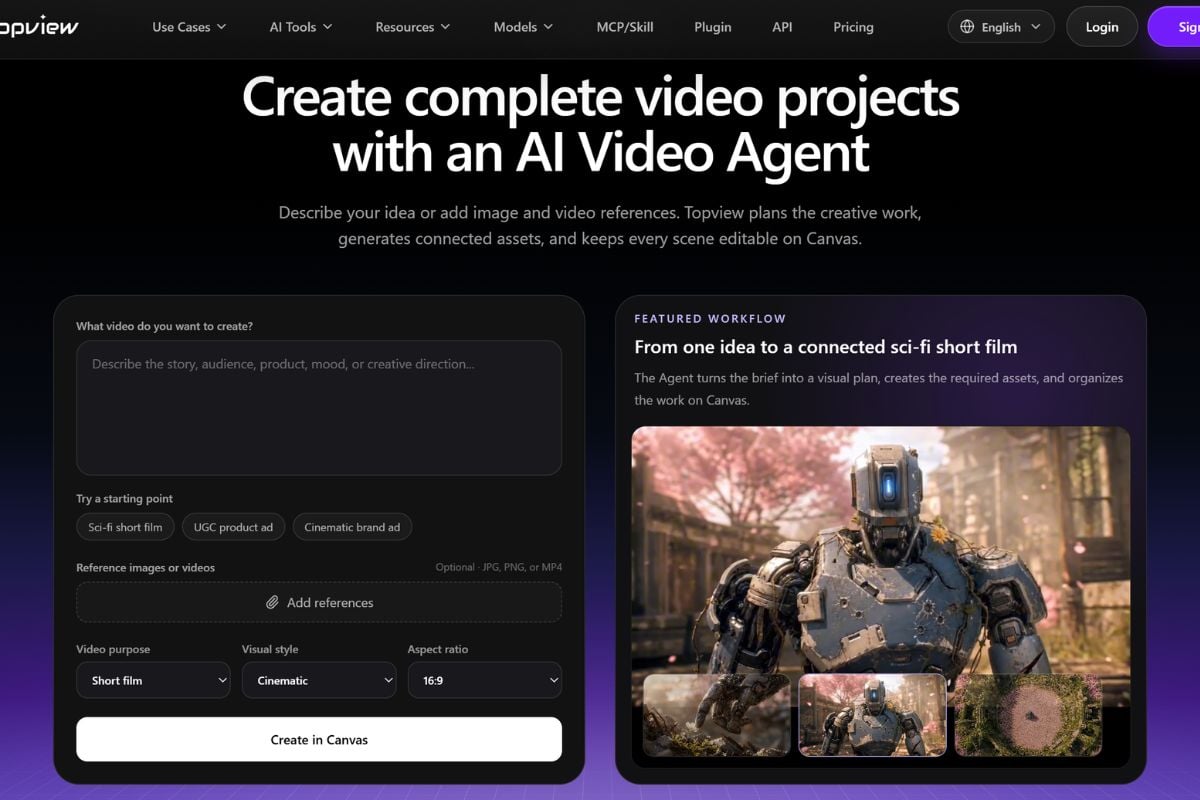
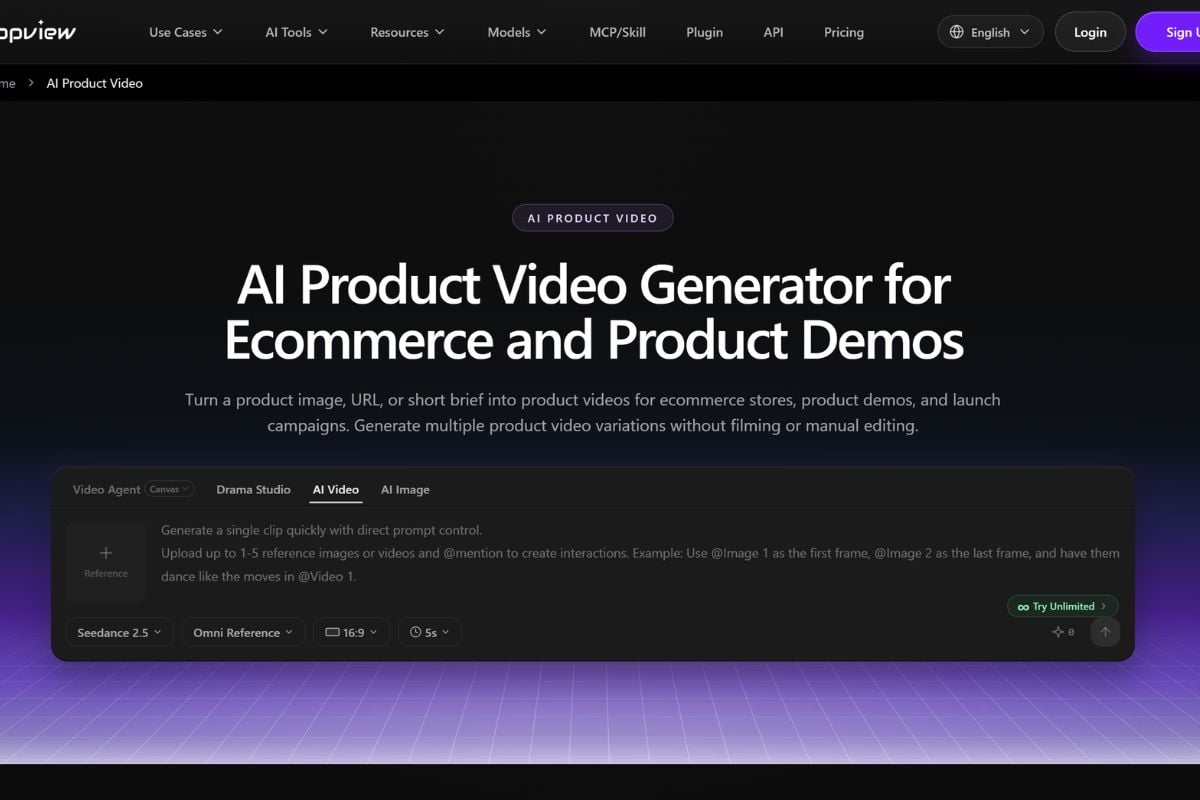
TopView is particularly focused on ecommerce and advertising. Product Avatar, AI Product Video, AI UGC Video, and URL-to-Video workflows can turn product images, store links, scripts, and campaign briefs into creator-style demos, testimonials, explainers, and social ads. An image-to-video workflow is also useful when an approved product image needs to become the starting point for motion content.
TopView combines AI avatars, product-holding presenters, lip sync, voiceovers, localization, and short-form ad workflows. This makes one working script or product pitch easier to reuse across different presenters, languages, hooks, platforms, and campaign variations without filming each version separately.
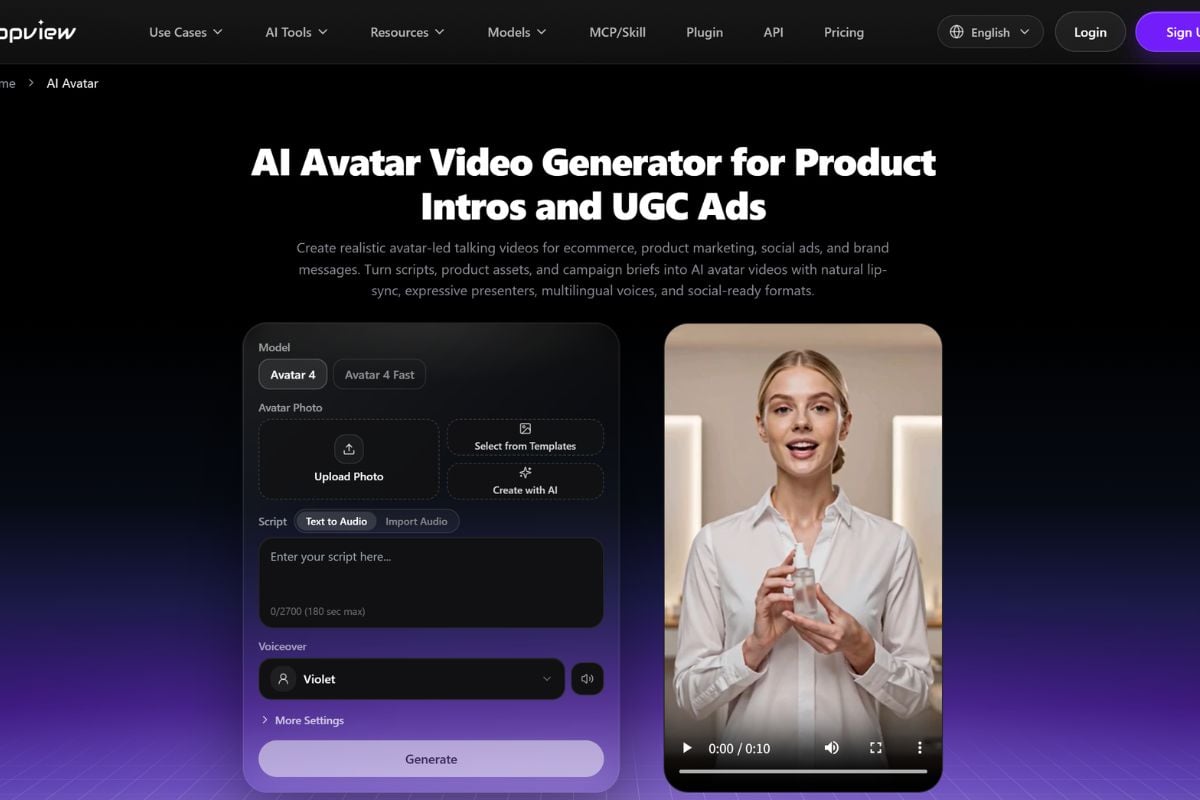
Enter a campaign idea, upload an image or video, paste a product URL, or start with a script depending on the workflow you want to use.
Set the video purpose, visual style, avatar, script, voice, aspect ratio, references, or generation model. For agent-based projects, TopView can also help organize the idea into a connected production plan.
Review the generated scenes or assets in the workspace, revise weak outputs, adjust the script or visual direction, and export the version that works best for the campaign.
Turn product photos, store links, or campaign briefs into engaging product videos with structured scenes, visual effects, captions, and clear calls to action.
Start from text, an image, or an existing clip and continue into AI generation, animation, image-to-video, and creative video transformation workflows.
Start Creating