
Medeo AI Video Creation Platform

Medeo is a chat-first AI video platform built for turning ideas, scripts, images, reference assets, and webpages into complete video projects. Instead of relying on a traditional editing timeline from the start, creators can describe what they want, let Medeo organize scenes and visual direction, and continue refining the result through natural-language instructions.

Key Features of Medeo

Build and Refine Complete Videos Through Conversation

Medeo's AI Video Agent lets creators describe scenes, characters, actions, pacing, and edits in plain language. It can turn those instructions into structured multi-scene videos and then apply follow-up changes through chat, making the workflow easier to approach than a traditional timeline-first editor. For a related generation workflow, explore an AI video generator built around direct prompt-based creation.
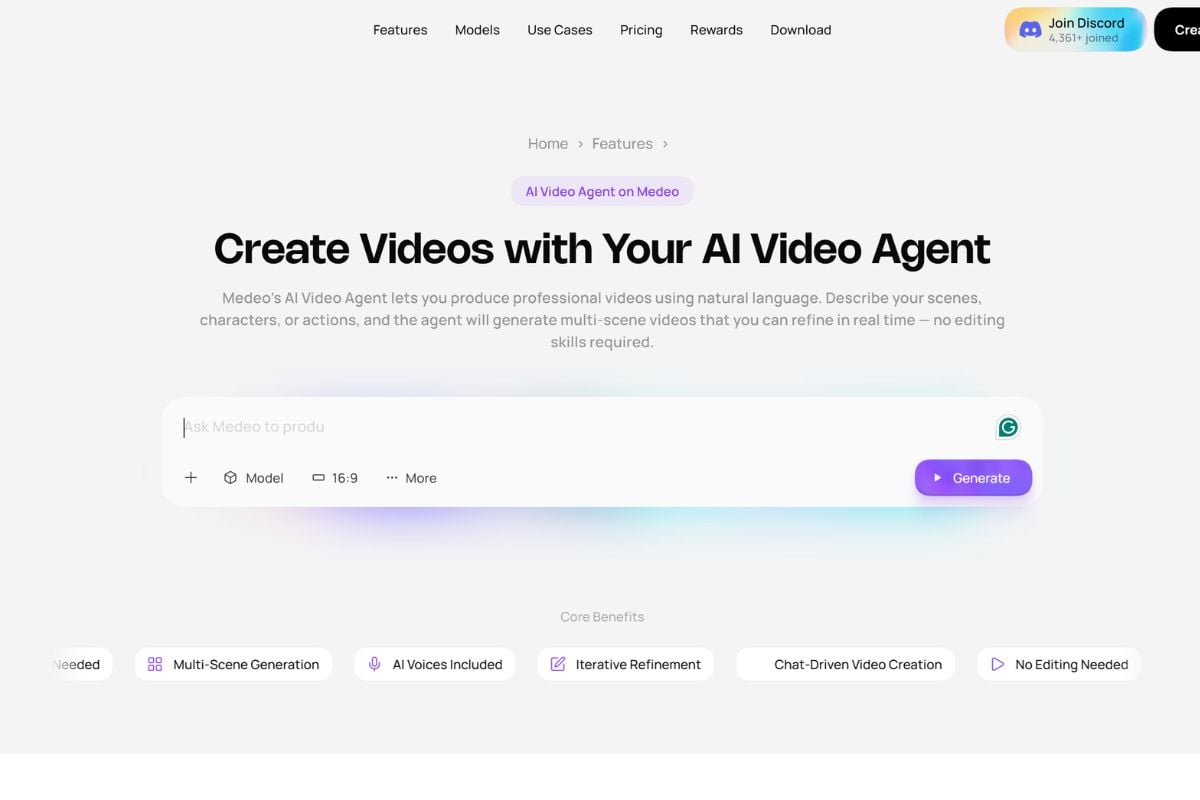
Medeo AI Video Agent interface creating and refining a multi-scene video through chat

Keep Storyboards, Characters, and Shots Connected

Medeo can turn a prompt, script, or reference image into a cinematic storyboard before the final video is generated. Creators can guide camera angles, shot composition, character appearance, and visual continuity across scenes, helping a project feel more connected instead of looking like unrelated AI clips.
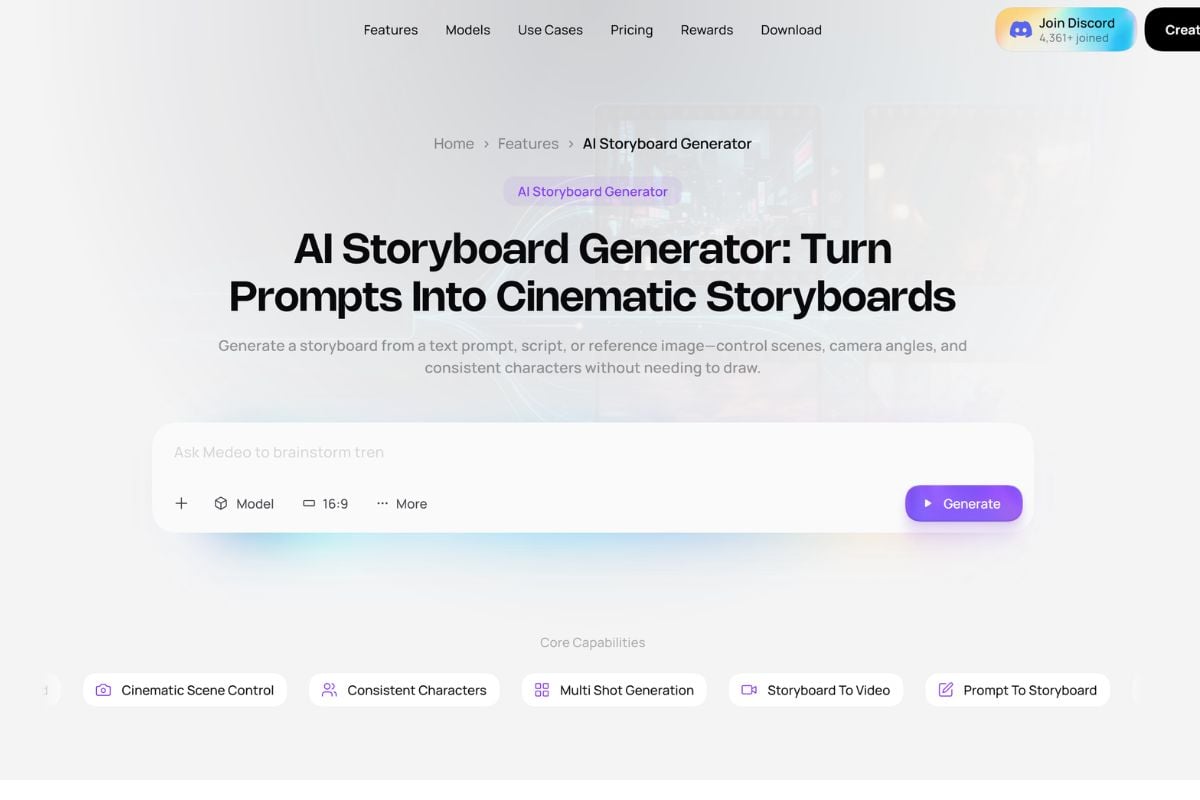
Medeo AI storyboard showing consistent characters, multiple scenes, and cinematic camera planning

Start From the Material You Already Have

Medeo does not require every project to begin with a blank prompt. A creator can start from an image, full script, rough idea, public webpage, product page, or visual reference and turn that source into a structured video draft. Its image workflow can also preserve identity and visual continuity while adding motion, sound, captions, and further edits. A similar image-to-video workflow is useful when a finished visual needs to become the starting point for motion.
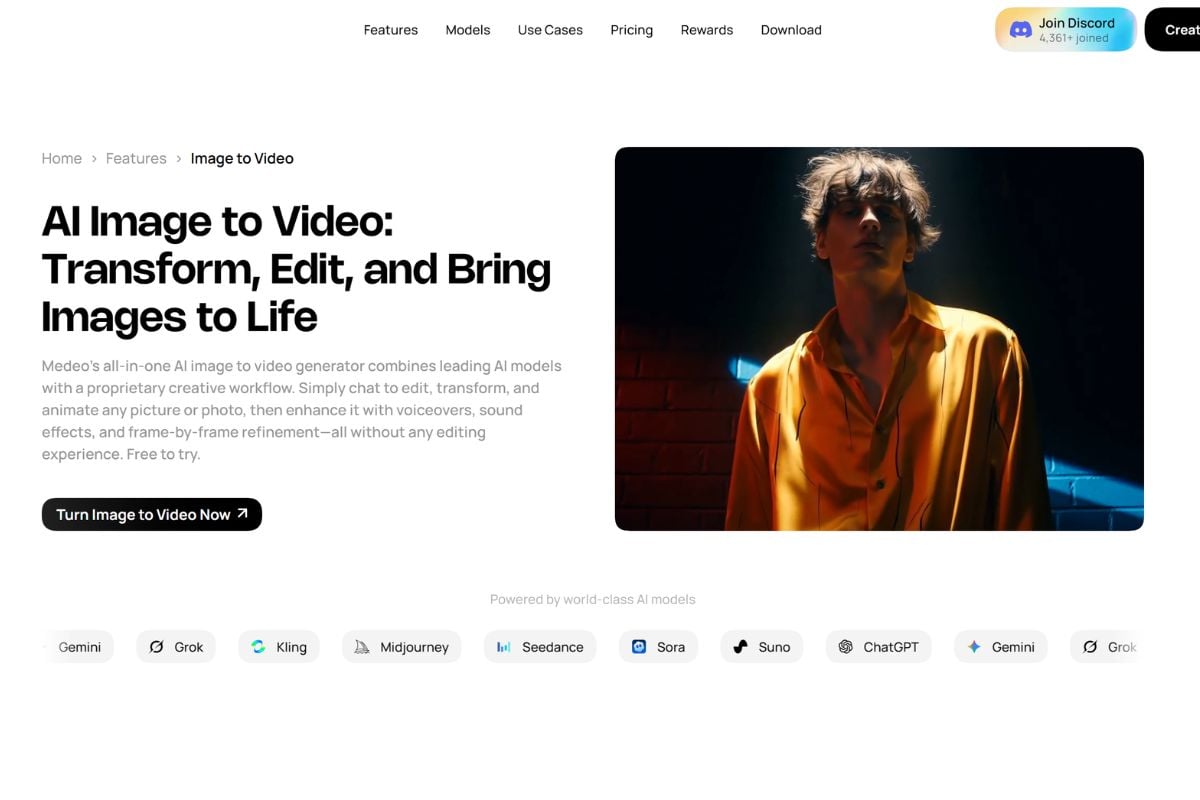
Medeo workflow turning images, scripts, webpages, and reference assets into AI videos

How to Use Medeo?

01

Start With an Idea or Source Asset

Write a short prompt, paste a complete script, upload an image or reference asset, or use a supported public URL as the starting point for the project.

02

Describe the Video Direction

Tell Medeo about the audience, format, visual style, characters, scenes, camera direction, narration, pacing, or platform. Medeo can help organize those instructions into scenes and a more structured production plan.

03

Generate and Refine Through Chat

Review the generated scenes, storyboard, or first video draft, then ask Medeo to change visuals, dialogue, pacing, captions, sound, or other elements before exporting the finished version.

Medeo vs GoEnhance AI vs InVideo AI cs Runway

PlatformCore StrengthCreative RangeBest Fit
MedeoChat-first video production that connects prompting, scene planning, storyboards, references, editing, and multiple AI modelsText-to-video, image-to-video, storyboard generation, URL-to-video, reference-to-video, avatars, AI editing, voice, captions, and multi-scene creationCreators who want AI to help structure and refine a complete video project instead of generating only isolated shots
GoEnhance AIFlexible multi-model image and video generation with strong animation and visual transformation workflowsText-to-image, image-to-image, text-to-video, image-to-video, animation, video transformation, and creative effectsCreators who want to move quickly between generation, animation, and transformation-heavy video workflows
InVideo AIPrompt-led assembled video production with scripts, narration, stock-style media, and social-ready outputsPrompt-to-video, script generation, voiceovers, social videos, explainers, ads, and editingCreators focused on informational, marketing, social, and faceless video production
RunwayGenerative filmmaking and video editing with stronger emphasis on individual shots and production controlText-to-video, image-to-video, generative editing, video transformation, and cinematic workflowsFilmmakers and visual creators who prioritize shot-level experimentation and advanced generative video production

What People Are Saying About Medeo on X

Medeo is strongest when creators want AI to help structure a complete project through chat, storyboards, scenes, and iterative planning. GoEnhance offers a more direct path when the creator already knows the visual result or shot they want and prefers to generate or transform it without building a full multi-scene production first.

Where GoEnhance AI Goes Further Beyond Agent-Led Video Planning

Generate a Single Shot Without Building the Whole Story First

Not every idea needs an agent, storyboard, scene plan, and multi-shot structure. GoEnhance is useful when the creative goal is already clear and the creator simply wants to generate one strong shot, motion test, or visual moment directly.

Test a Reference Image Before Committing to a Full Project

A character image, product visual, or concept frame can be animated first to see whether the motion direction works. This gives creators a quick way to validate an idea before deciding whether it deserves a larger storyboard or multi-scene production.

Explore Alternate Looks for One Scene

When a single scene is not working, creators can try different visual treatments, motion styles, or transformations for that shot instead of revising an entire project structure. This is especially useful during early visual development.

Transform Finished Clips After the Planning Stage

Medeo focuses heavily on building and refining the project itself. GoEnhance becomes useful after that stage when an exported or approved clip needs a different visual treatment, stylization, or animated interpretation.

Create Short Experiments Outside a Multi-Scene Narrative

Some ideas are better as a short visual test, looping animation, social clip, or isolated cinematic moment. GoEnhance supports this lighter creative path without requiring the idea to become a complete story or agent-managed project.

Move Faster When You Already Know the Shot You Want

Agent-led planning adds value when the direction is still unclear. When the creator already knows the subject, framing, mood, and motion they want, a direct generation workflow can reduce unnecessary setup and keep attention on the final visual.

Discussion about Medeo on Reddit

Frequently Asked Questions

Medeo FAQ

What is Medeo?

Medeo is an AI video creation platform operated by One2X Limited. It combines conversational video generation with storyboards, multi-scene planning, image and reference workflows, AI models, voice, captions, editing, and collaborative video tools.

What is the Medeo AI video generator?

The Medeo AI video generator turns prompts, scripts, images, references, and other source material into video. Instead of generating only one isolated clip, Medeo can help structure scenes, create storyboards, generate visuals and motion, add narration or captions, and refine the result through chat.

What is the Medeo AI video maker?

Medeo AI video maker is another way to describe Medeo's broader video-production workflow. It supports idea-to-video, text-to-video, image-to-video, URL-to-video, storyboard generation, AI avatars, voice and caption tools, and chat-based editing.

Is Medeo free?

Yes. Medeo currently offers a Free plan at $0 per month. The official pricing page lists 1 GB of storage and access to the core Medeo experience. Paid plans add more credits, unlimited storage, watermark removal, premium model access, and other expanded capabilities.

How much does Medeo cost?

Medeo currently lists Pro at $39 per month, Insider at $106 per month, and Elite at $328 per month on monthly billing. Annual billing currently reduces the effective monthly prices to about $28, $76, and $236 respectively. Medeo also offers a custom Enterprise plan. Pricing and included models can change, so verify the live pricing page before purchasing.

Is Medeo safe?

Medeo publishes a privacy policy and terms of use. Its privacy policy states that it does not sell personal information and describes safeguards for user data. It may use certain inputs and outputs to improve the service under its stated consent and control principles, and users can withdraw applicable consent by contacting support. Medeo also notes that no online transmission or security system can be guaranteed completely secure, so avoid uploading highly sensitive material and review the current privacy settings before using personal media.

How to use Medeo?

Start with a prompt, script, image, reference asset, or supported URL, describe the video you want, and let Medeo create a draft or storyboard. Review the result and continue refining scenes, pacing, visuals, voice, captions, or other details through natural-language instructions before exporting.

Does Medeo support image to video?

Yes. Medeo can animate photos, illustrations, and AI artwork while adding motion, music, sound effects, captions, and further refinements. Its current image-to-video workflow also supports several leading image and video model families.

Can Medeo create storyboards?

Yes. Medeo has a dedicated AI Storyboard Generator that can start from text, scripts, or reference images. It supports scene planning, camera angles, multi-shot generation, consistent characters, and a storyboard-to-video pipeline.

Can Medeo turn a webpage into a video?

Yes. Medeo's URL-to-video workflow can use public webpages, blog posts, articles, landing pages, product pages, and documentation as source material, then help create a script, scenes, captions, voiceover direction, and a video draft.

What AI models does Medeo support?

Medeo currently lists model families such as Kling, Sora, Veo, Seedance, Wan, Hailuo, Grok Imagine, GPT Image, Midjourney, Nano Banana, Seedream, and others across its image and video workflows. Availability and credit costs vary by model and can change over time.

Can Medeo videos be used commercially?

Medeo's terms grant users a license to use, reproduce, display, and distribute Medeo outputs for lawful purposes, subject to applicable rights and restrictions. Commercial use can also depend on the selected plan, model terms, and rights to source material such as images, music, brands, people, or webpage content.

How is Medeo different from GoEnhance AI?

Medeo is more strongly organized around conversational video planning, storyboards, multi-scene projects, URL-based creation, and iterative chat editing. GoEnhance AI overlaps in AI video generation but places more emphasis on direct image-to-video, animation, video transformation, and rapid creative experimentation.

Create and Transform AI Videos With GoEnhance AI

Start from text, an image, or an existing clip and continue into AI generation, animation, image-to-video, and creative video transformation workflows.

Start Creating