
EaseMate AI Video Generator
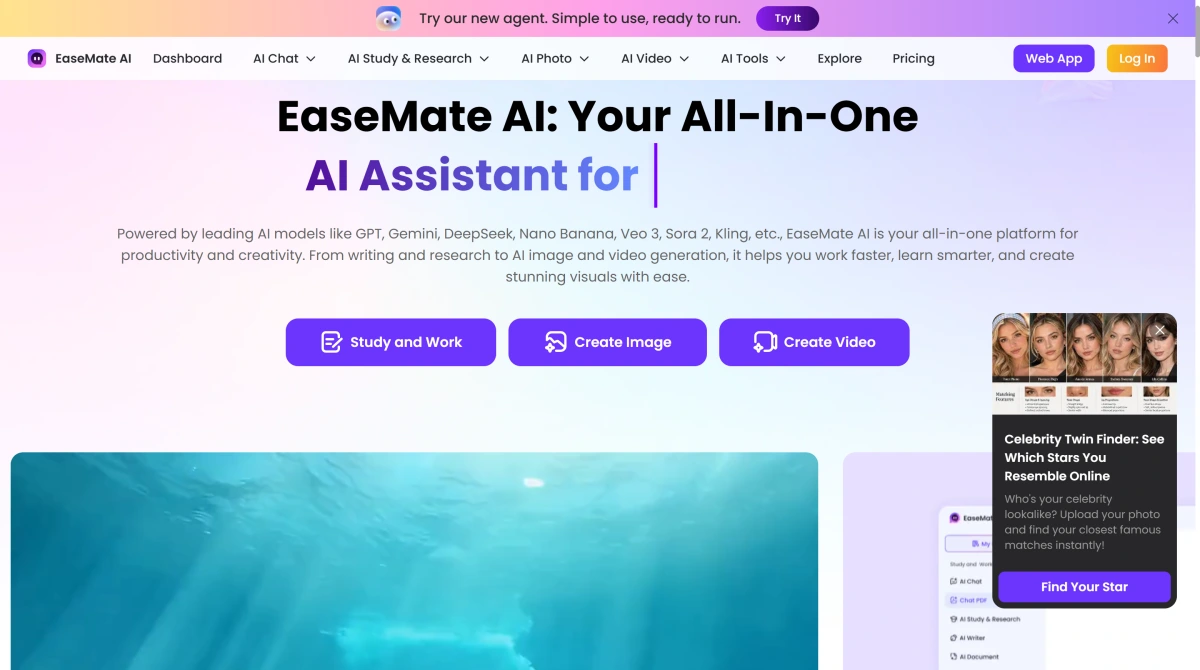
EaseMate AI is an all-in-one AI platform developed by EaseUS that combines productivity tools with creative generation. Users can chat with multiple AI models, summarize and translate documents, work with PDFs, generate images, create videos from text or images, and access specialized visual effects from one browser-based platform.
Key Features of EaseMate AI
Move From Everyday AI Tasks to Visual Creation in One Platform
EaseMate combines AI chat, writing, translation, summaries, document tools, image generation, and video creation instead of separating productivity and creative tasks into unrelated products. A user can brainstorm an idea, refine the text, work with supporting documents, and then move into image or AI video generator workflows from the same broader platform.
Choose the Video Model That Fits the Image You Want to Animate
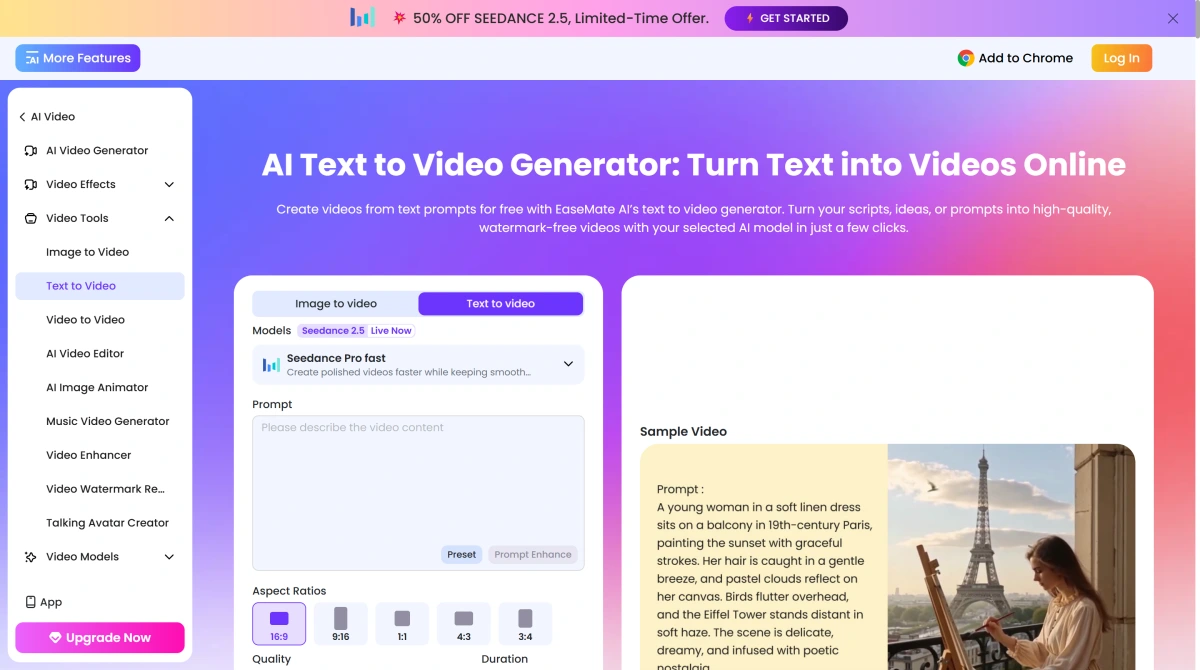
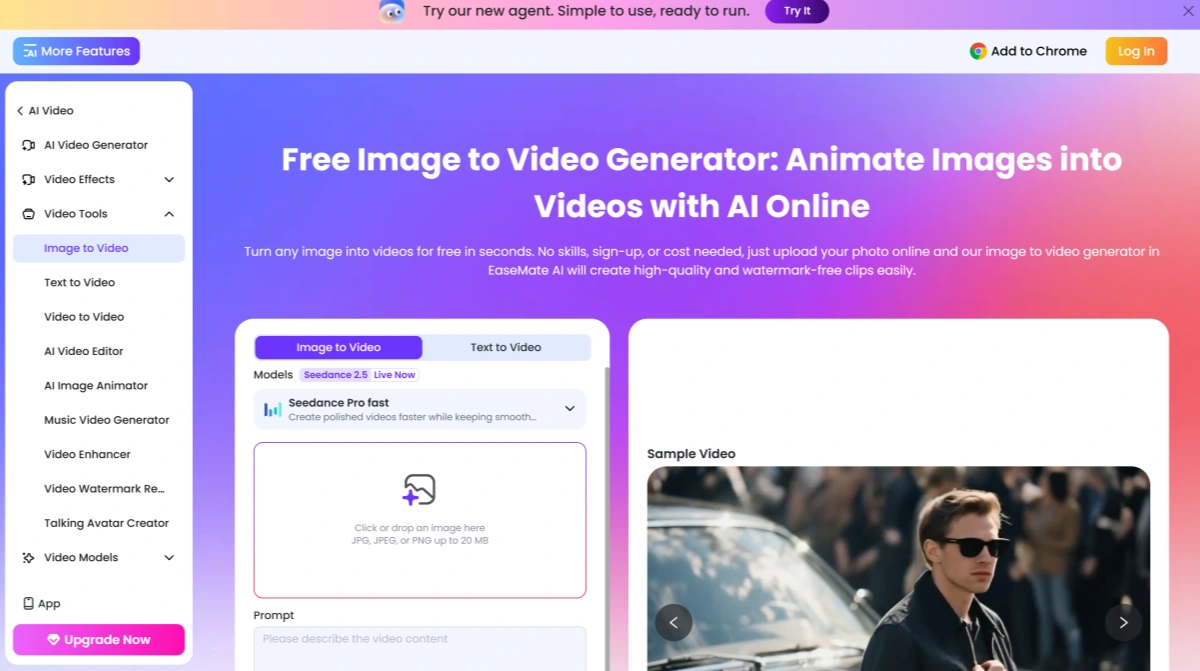
The EaseMate AI image to video generator brings multiple video model families into one interface. Creators can upload a start image, add an optional end frame, describe motion with a prompt, select aspect ratio, quality, duration, audio options, and a supported model before generating. This makes it possible to test different generation approaches without visiting each model provider separately, while a dedicated image to video workflow offers a focused way to animate still images.
Use the Chat Assistant for More Than Simple Questions
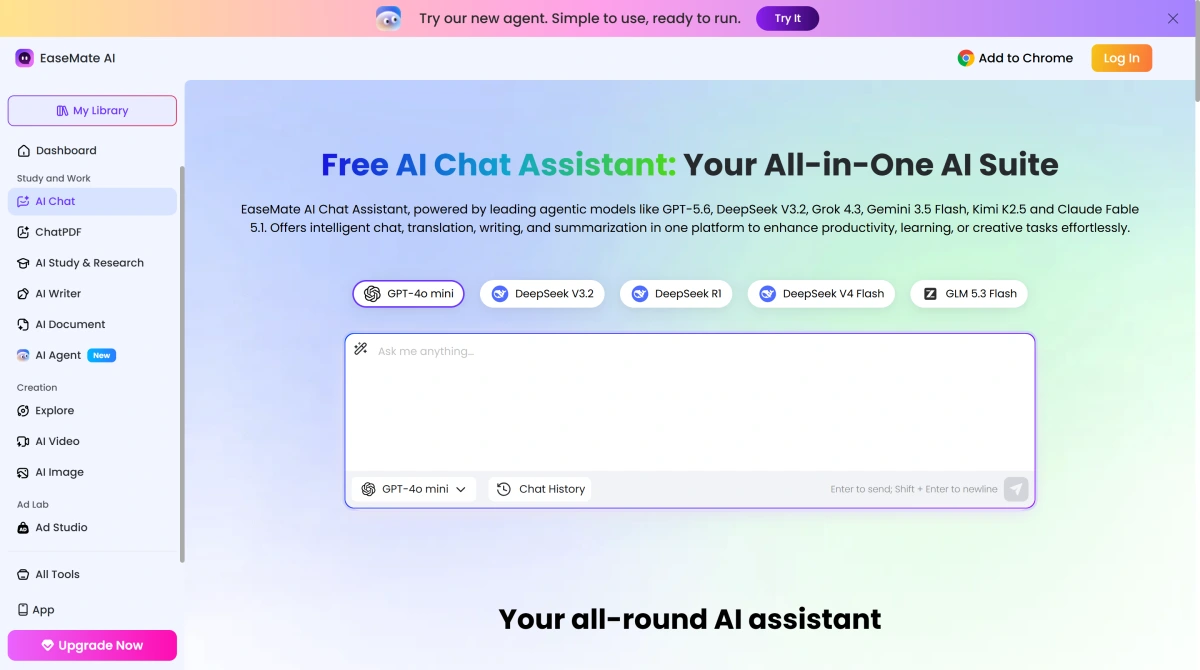
EaseMate AI Chat Assistant is designed as a productivity layer rather than only a general chatbot. It connects multiple AI models with dedicated tools for chat, writing, translation, summaries, search, and document analysis, while ChatPDF supports questions, summaries, translation, OCR, and multi-file workflows.
How to Use EaseMate AI on GoEnhance AI?
Choose Chat, Image, Video, or Document Tools
Start by selecting the EaseMate tool that matches the task. You can open the AI Chat Assistant for research or writing, upload a document to ChatPDF, or go directly to an image or video generator.
Add Your Prompt, Image, or File
For image-to-video, upload a source image and describe the intended motion. For chat and productivity tasks, enter a question or upload the supported document. Select the available AI model and generation settings where applicable.
Generate and Refine the Result
Run the selected AI tool, review the result, and adjust the prompt, model, quality, duration, visual direction, or source material when another version is needed.
EaseMate AI vs GoEnhance AI vs Monica vs Pollo AI
Where GoEnhance AI Fits After the EaseMate Assistant Workflow
Move From AI Brainstorming Into Focused Visual Production
Keep Working on the Visual Instead of Returning to General AI Tools
Develop Characters Across Still and Moving Content
Make Existing Footage Part of the Creative Process
Iterate on One Creative Asset Across Several Stages
Use EaseMate for the Idea and GoEnhance for the Visual Execution
EaseMate AI on X
EaseMate AI Discussions on Reddit
EaseMate AI FAQ
What Is EaseMate AI?
Is EaseMate AI Free?
Is EaseMate AI Safe?
How to Delete EaseMate AI Account?
What Is the EaseMate AI Image-to-Video Generator?
What Video Models Does EaseMate AI Support?
What Is the EaseMate AI Chat Assistant?
Can EaseMate AI Chat With PDFs?
Does EaseMate AI Have a Free Image-to-Video Option?
Who Owns EaseMate AI?
How Is EaseMate AI Different From GoEnhance AI?
How Do I Use EaseMate AI?
Does EaseMate AI Require an Account?
How Do I Log In to EaseMate AI?
Does EaseMate AI Have an App?
What Can EaseMate AI Generate?
Can EaseMate AI Generate Images From Text?
Can EaseMate AI Edit Existing Images?
Can EaseMate AI Create Videos From Text?
Can EaseMate AI Add Audio to AI Videos?
What Are EaseMate AI Credits?
Do EaseMate AI Credits Expire?
Does EaseMate AI Support Multiple AI Models?
Can EaseMate AI Summarize Documents?
What File Types Does EaseMate AI Support?
Can EaseMate AI Translate Documents?
Is EaseMate AI Good for Students?
Is EaseMate AI Good for Content Creators?
Can I Use EaseMate AI Images and Videos Commercially?
Does EaseMate AI Offer an API?
What Are the Best EaseMate AI Alternatives?
EaseMate AI vs ChatGPT: Which One Should I Choose?
EaseMate AI vs GoEnhance AI: Which Is Better for Video Creation?
Done Brainstorming? Bring the Visual Idea Into Motion
Once the research, script, or concept is settled, move from general AI assistance into a visual-first workflow. Upload the image you want to develop and turn it into motion with GoEnhance AI.
Animate Your Image