
Kiss Me Filter – Create Fantasy AI Kissing Videos
Create a gentle, natural kiss gesture with soft lip motion and warm highlights—ideal for romantic edits and playful shorts. Instant preview, share-ready output, minimal setup.

Original
Effect: Kiss Me
Your photo
Upload files
Upload a clear photo. The effect is applied to everyone in it.
By uploading a file, you agree to GoEnhance's Terms of Use and Privacy Policy
Key Features of Kiss Me Filter Effect
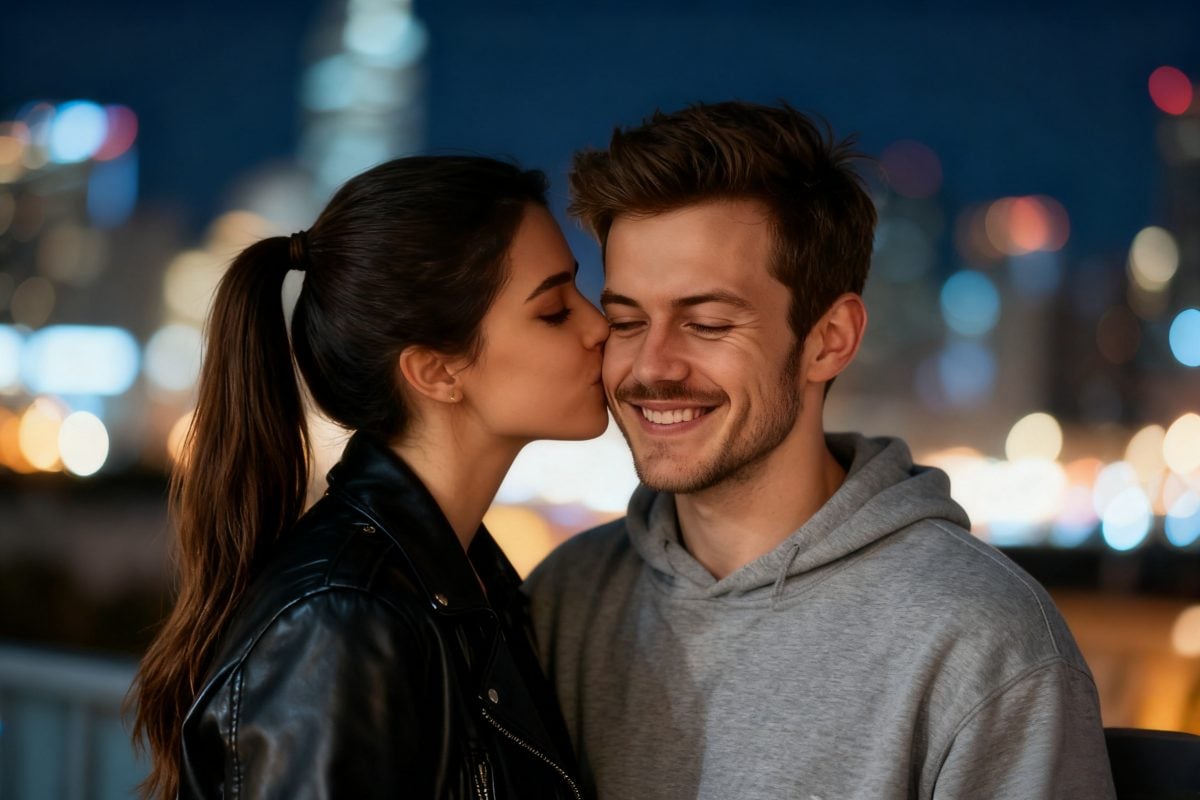
Edit & Export with Ease
Export as MP4, then stitch beats using the AI video generator. If your portrait needs gentle prep, try animate a picture first for smoother motion.
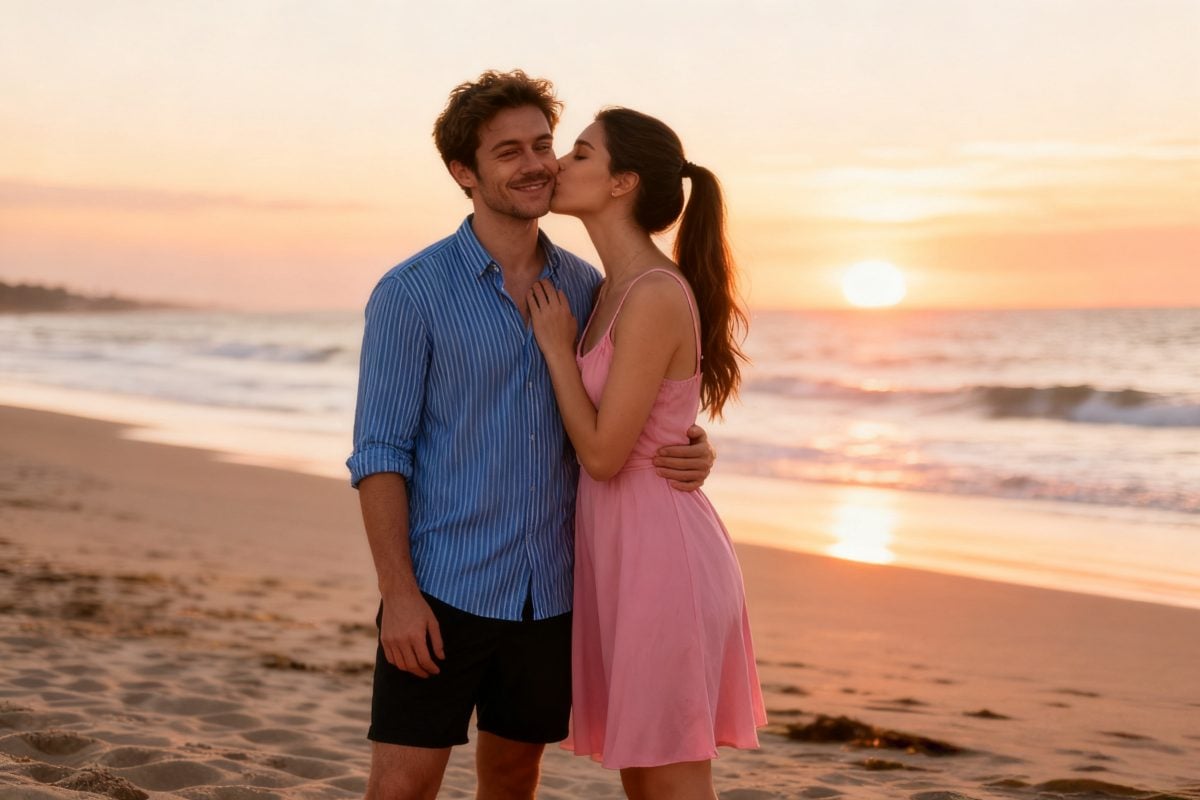
Try Other Romantic Video Effects
Feature Lists of GoEnhance Kiss Me Filter
Natural Lip and Eye Motion
Precise facial tracking drives gentle lip motion and blink cues so the kiss reads clean without artifacts.
Angle & Duo Ready
Angle-aware timing keeps gestures smooth for profiles and three-quarter views—good for singles or close couples.
High-Quality Rendering
Cinematic tones, soft highlights, and crisp edges ensure refined output for MP4.
Fast and Intuitive
Upload, preview, and export in seconds—no advanced skills required.
Multi-Platform Compatibility
Export ready for Instagram, TikTok, and YouTube Shorts; sizes and quality adapt for easy posting.
Seamless Integration
Pair with other tools to expand your set, including <a href='/ai-video-generator/animate-a-picture'>animate a picture</a> for dynamic portraits.
You May Want to Know
How does the Kiss Me Filter work?
Can it transform real photos?
What makes it different?
Do I need editing skills?
Is it safe and private?
Is there a free option?
Make a Share-Ready Kiss Me Video
Upload a photo and get a clean, romantic kiss beat—preview in seconds, ready to share.
Generate My Kiss Clip