Animate from Audio: Make Any Character Talk with Your Voice

Record your voice, pick a character and watch it talk. Upload a cartoon, mascot, pet or real photo, add an audio file (or type a script and choose an AI voice), and the AI animates the mouth, eyes and head to match every word. The character and background stay exactly as in your image. Use the talking avatar console below to animate from audio in minutes, no animation skills needed.
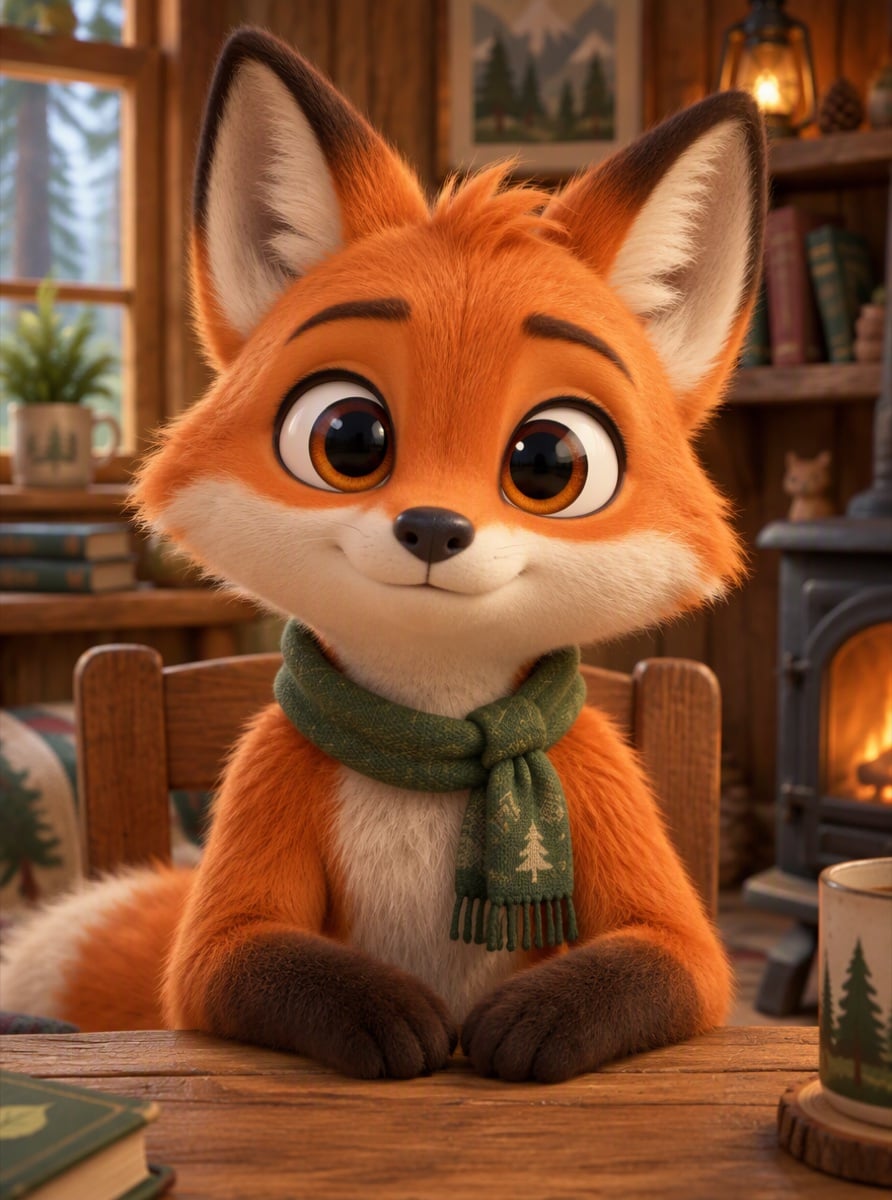
Original
Original
Cartoon Fox
3D Cartoon Kid
Podcast Host
Robot Mascot
Your photo
Upload a clear, front-facing portrait. Real photos, 3D and anime characters all work.
Voice (optional)
MP3, WAV or M4A, 3–60s. No audio yet? Type a script and pick a voice in the next step.
By uploading a file, you agree to GoEnhance's Terms of Use and Privacy Policy

What You Can Animate from Audio

Cartoon Characters That Talk

Upload any cartoon character and your recording. The AI opens and closes the mouth with each syllable, adds blinks and small head moves, and keeps the art style exactly the same.

Personal Greetings and Messages

Turn a birthday wish, a thank-you or an invitation into a short animated message. Record it on your phone, upload it with a character, and share the video instead of a plain voice note.

Podcasts and Voiceovers into Video

Have a podcast, lesson or voiceover but no camera footage? Upload a photo of the host and the audio, and get a talking video ready for YouTube Shorts, Reels or WhatsApp status.

Mascots and Brand Characters

Give your logo mascot or brand character a voice. Even simple 2D characters get a moving mouth and expressive eyes, so they can explain a product or welcome new users.

How to Animate from Audio

01

Upload a character or photo

Any face that looks at the camera works: cartoon, 3D, anime, mascot, pet or real person. Keep the face clear and not too small.

02

Add your audio

Upload a voice recording, podcast clip or song, or type a script and pick an AI voice. Short clips of 5 to 30 seconds work best.

03

Generate

The AI syncs the mouth and head movements to the audio. Most videos are ready in a few minutes.

04

Download and share

Save the video and post it on Shorts, Reels, TikTok or WhatsApp.

Animate from Audio FAQ

What does animate from audio mean?

It means turning a sound recording into an animated video: a character's mouth, eyes and head move in time with the voice, so it looks like the character is speaking your audio.

Can I use my own voice?

Yes. Upload your own recording in a common audio format, or type a script and choose an AI voice if you don't want to record.

Which images work best?

A character or person facing the camera with a clearly visible face, not too small in the frame. Cartoons, 3D characters, anime, pets, mascots and real photos all work.

Is this like Adobe Express Animate from Audio?

The idea is the same: your voice drives a talking character. Here you are not limited to preset characters; you can upload any image, including your own photo, pet or mascot.

How much does it cost?

Talking videos cost about 3 credits per second of audio. New accounts get free credits to try it.

Can it animate singing?

Yes. Upload a song clip and the character lip-syncs to the vocals. Clear vocals without heavy background music give the best mouth movement.

Animate Your Audio Now

Upload a character, add your voice, and get a talking video in minutes.

Animate from Audio