
AI Anchor Generator
Create AI anchor videos from a script, topic, or short brief for news-style explainers, product updates, education, and internal announcements. Best results use concise scripts and a clear audience.
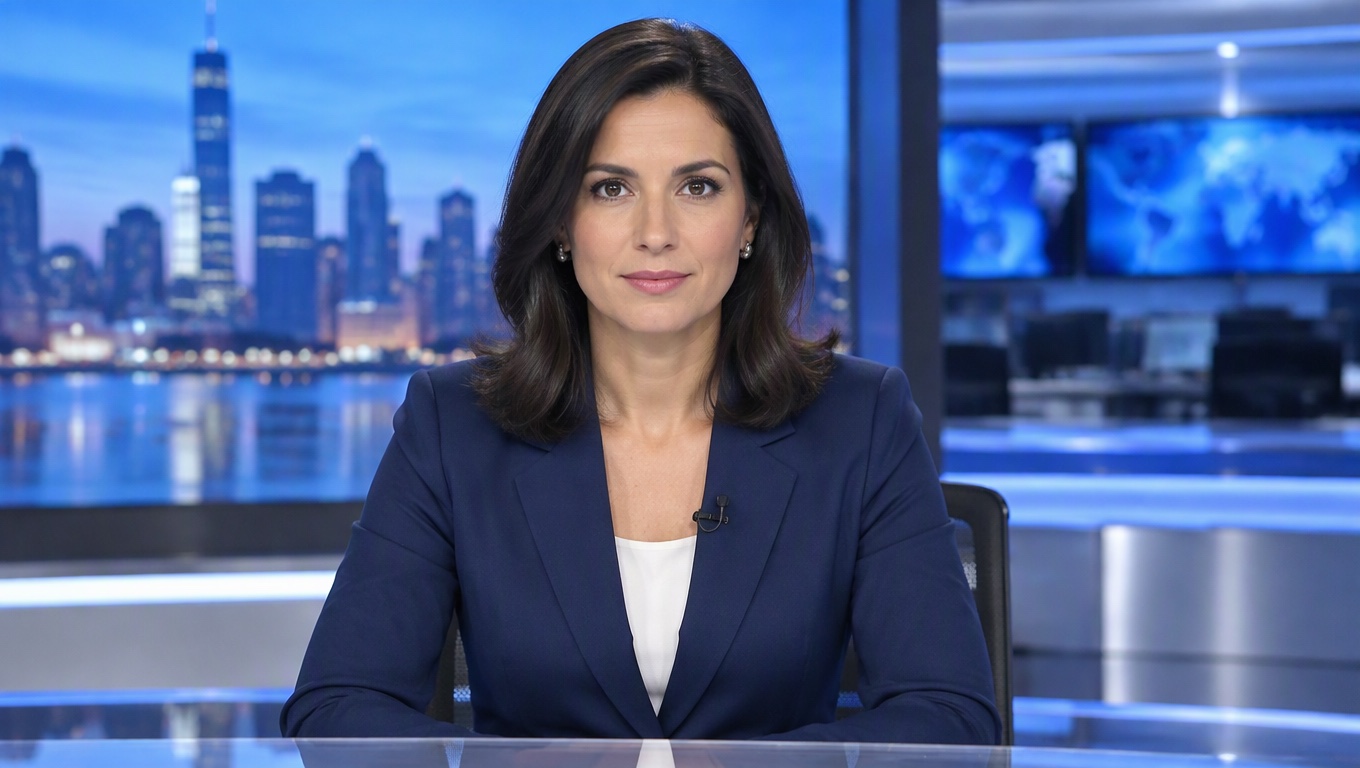
Original
Your photo
Upload files
Upload a clear, front-facing portrait. Real photos, 3D and anime characters all work.
Voice (optional)
Upload audio
MP3, WAV or M4A, 3–60s. No audio yet? Type a script and pick a voice in the next step.
By uploading a file, you agree to GoEnhance's Terms of Use and Privacy Policy
AI Anchor Videos for News-Style Presentations
Present News-Style Scripts
Turn a short script into a talking avatar news-style presentation for explainers, updates, recaps, or educational segments. It works best when the script is factual, concise, and written for spoken delivery.
Why Use an AI Anchor?
Script-to-Video Workflow
Move from written update to presenter-style video without arranging studio time, camera setup, or repeated takes.
Clear Spoken Delivery
Short sentences, plain structure, and one message per segment usually produce stronger AI anchor results.
Useful for Recurring Content
Create a consistent format for product updates, internal training, education, or weekly social explainers.
Lower Production Overhead
Draft a news-style presenter video before deciding whether a topic needs a full human-recorded production.
Brand-Safe Review Path
Keep claims, dates, names, and sensitive statements easy to review before the video is published.
Flexible Presenter Format
Use anchor-style delivery for explainers, recap clips, learning modules, and announcement videos across channels.
How to Create an AI Anchor Video
Prepare a script before generation.
01
Write the Script
Prepare a concise script with clear facts, simple sentences, and the audience in mind. Avoid unsupported claims or details that need legal review.
02
Choose Anchor Style
Decide whether the video should feel like a news anchor, field reporter, educator, or business presenter. Match the tone to the topic.
03
Generate and Approve
Preview the clip for pronunciation, pacing, factual accuracy, and brand fit. Edit the script and regenerate if the message feels unclear.
FAQ
AI Anchor FAQ
What is an AI news anchor?
Can I create an AI news reporter video?
Is an AI newscaster suitable for real news publishing?
What scripts work best for AI anchor videos?
Can businesses use AI anchor videos?
How do I make the result feel less robotic?
What should I review before publishing?
Ready to Create Your First AI Anchor Video?
Write a concise script, generate a presenter-style clip, and review the message before sharing it with your audience.
Create AI Anchor