
AI Wall Art: See Yourself Painting a Giant Mural of You
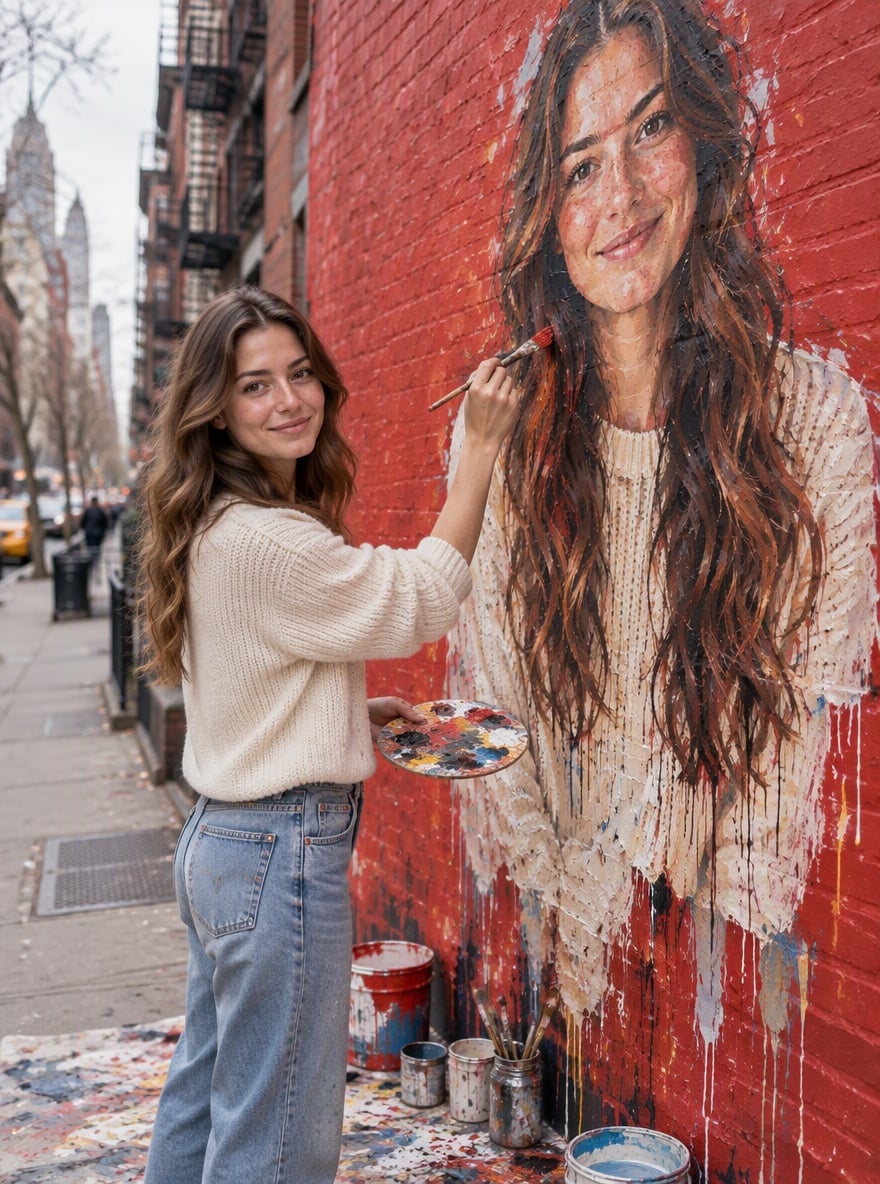
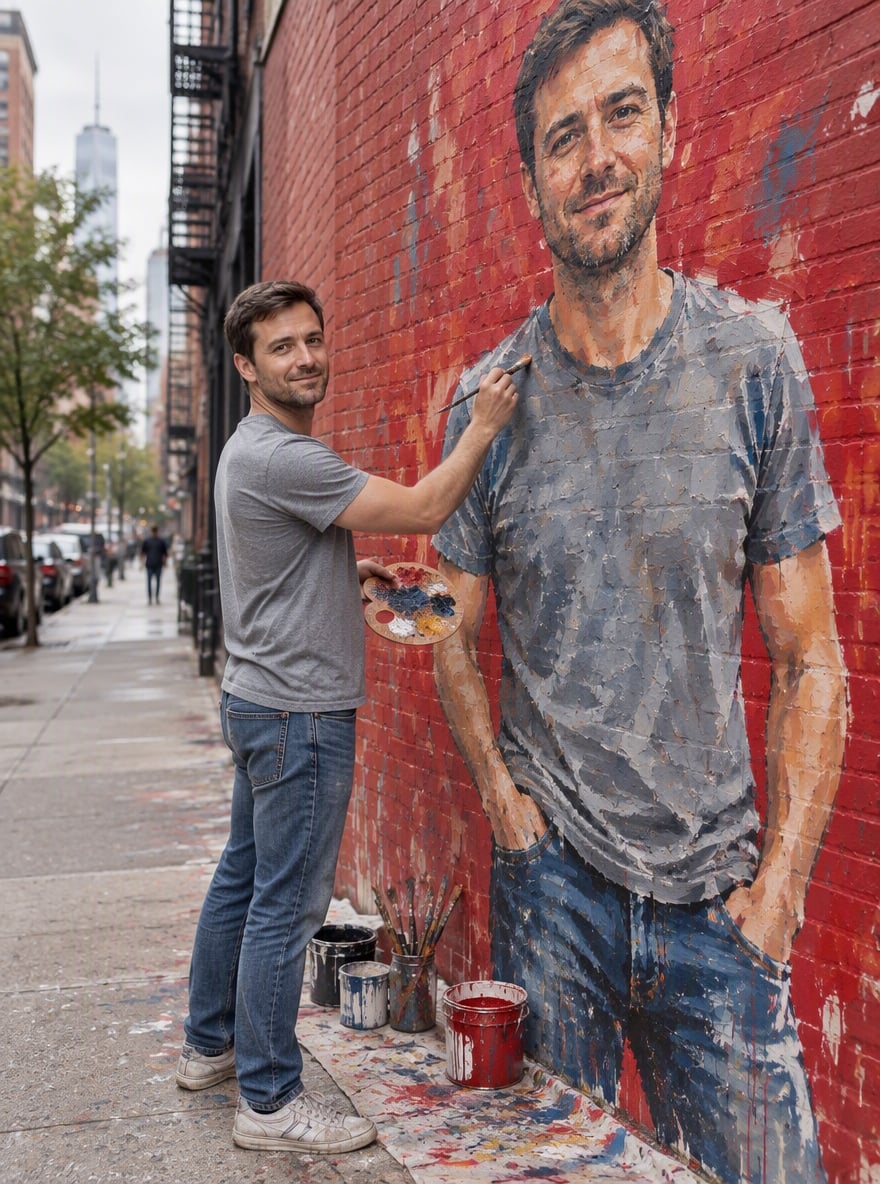
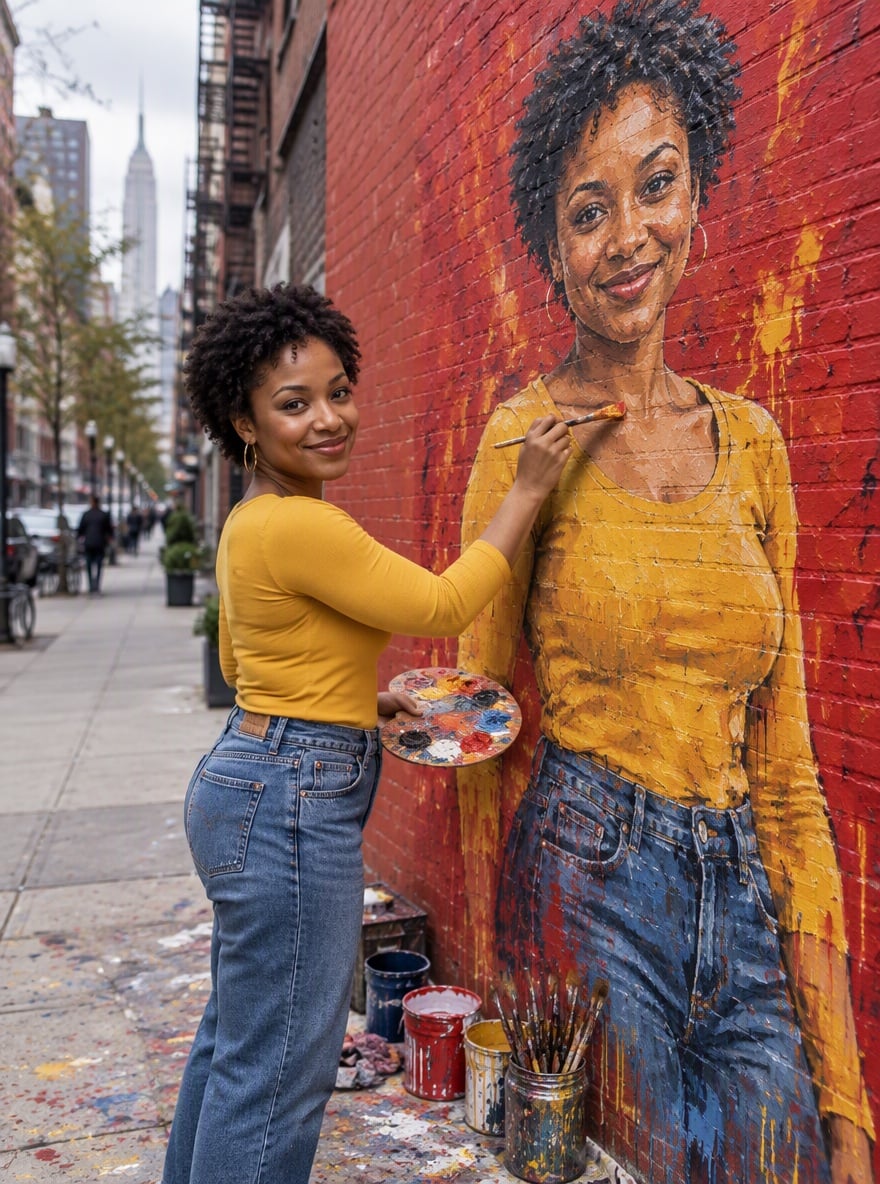
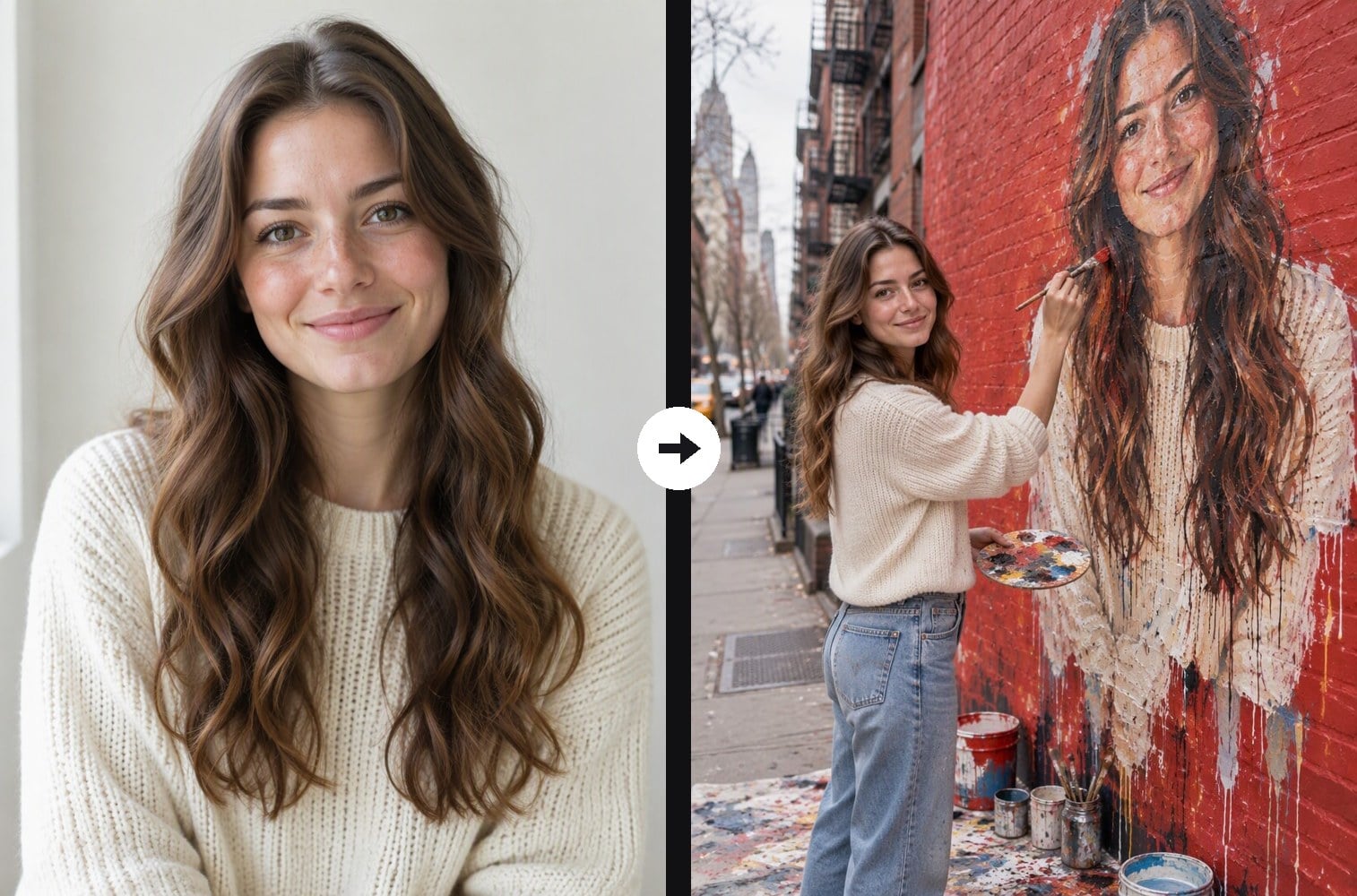
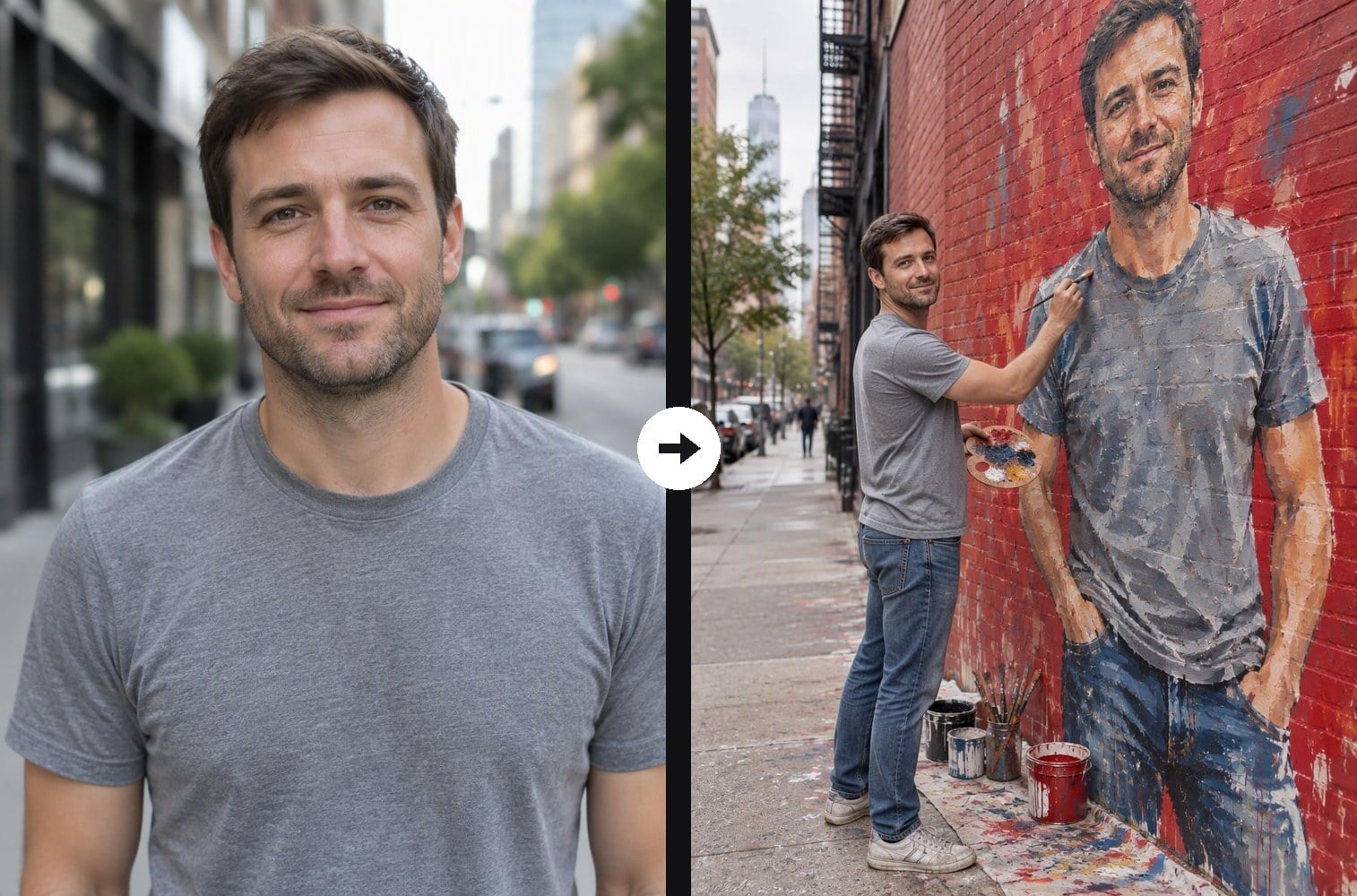
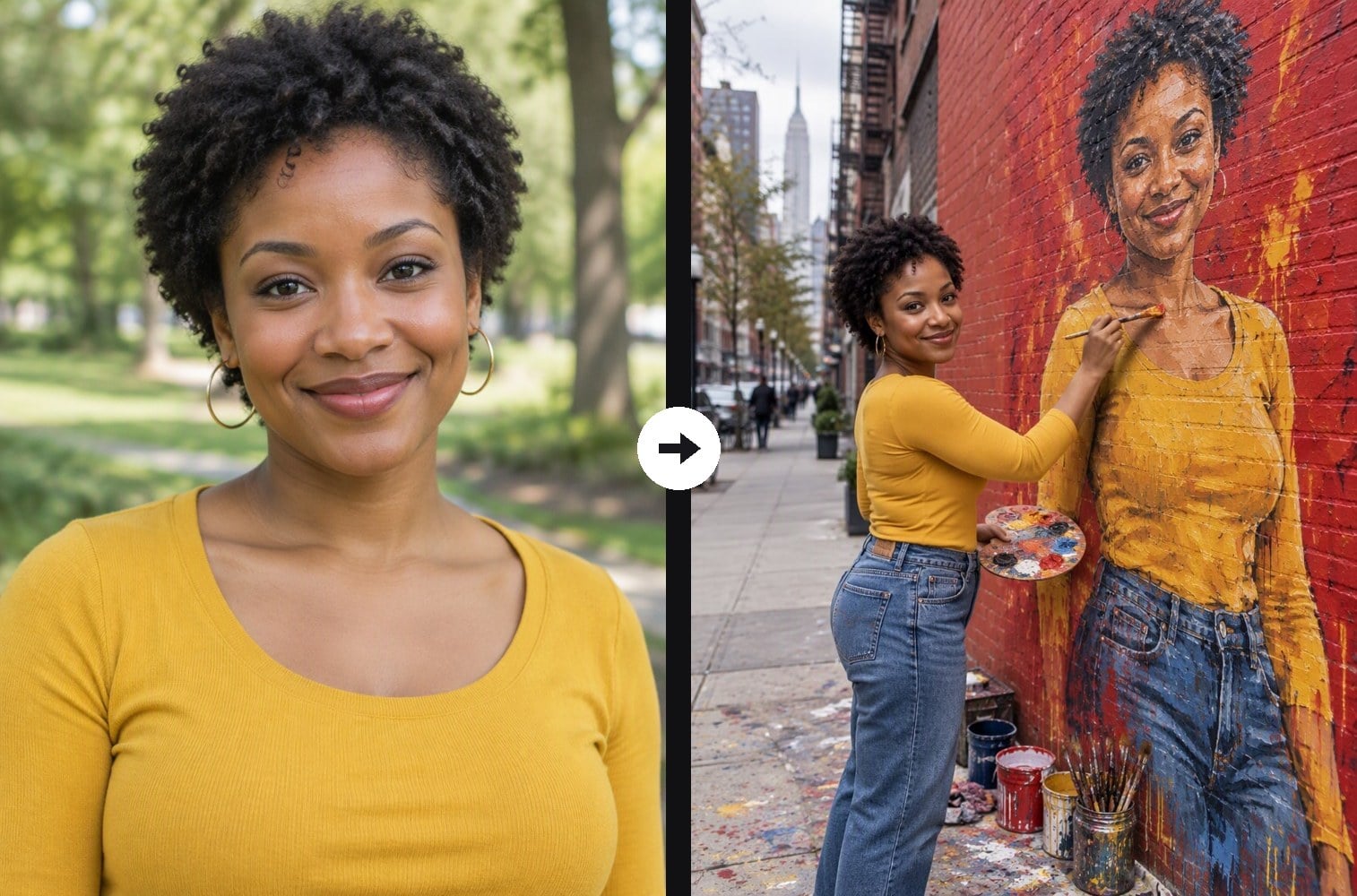
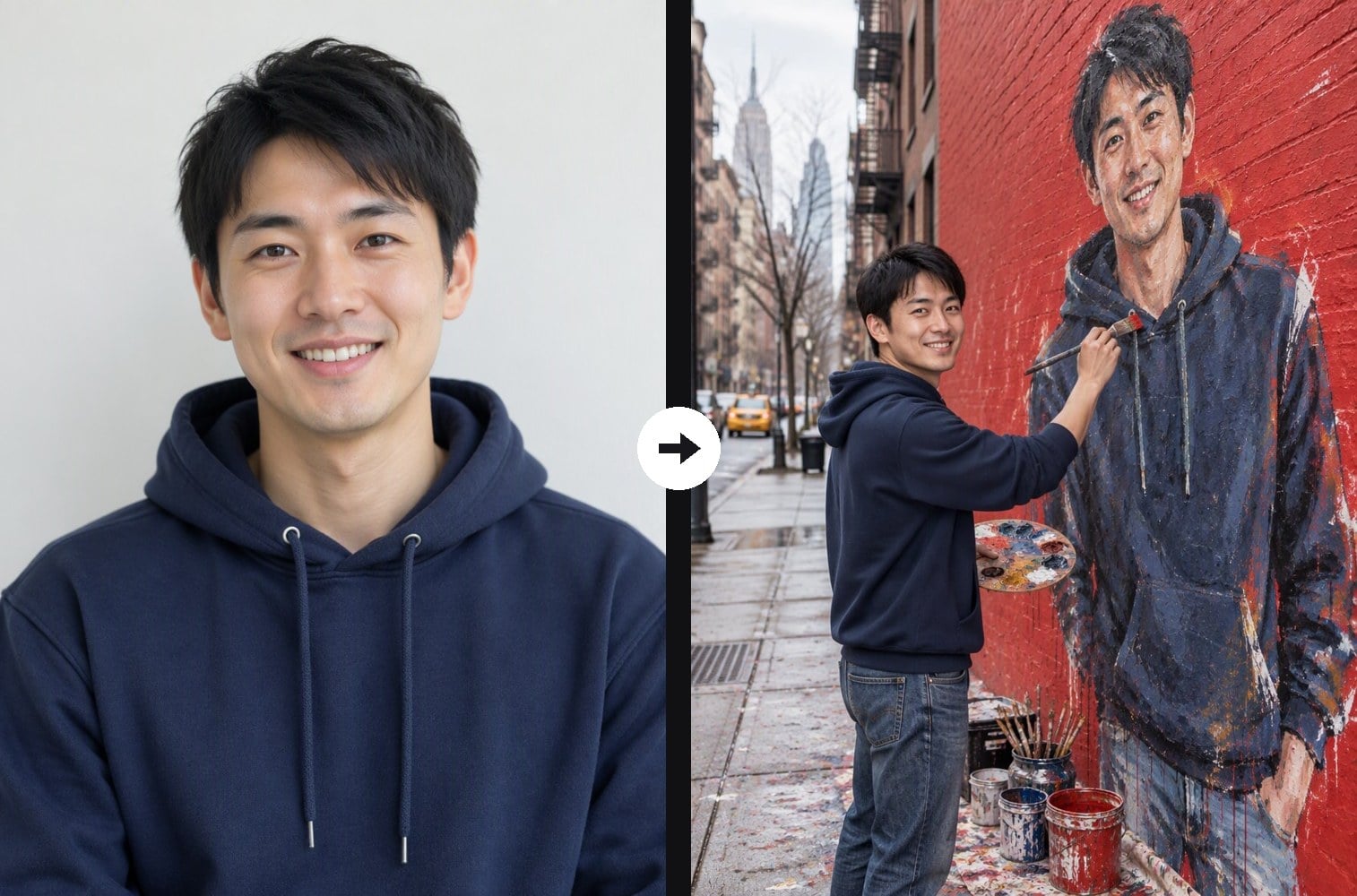
Upload a photo and the AI turns it into a street-art moment: you stand on a city sidewalk with a brush and palette, finishing a huge hand-painted mural of yourself on a red brick wall. The mural copies your face, hair and outfit in loose acrylic strokes, and the painter is clearly you too. Unlike a photo-to-painting filter, you get the whole scene: the artist, the wall and the paint cans. The console below runs on GPT Image 2.5.
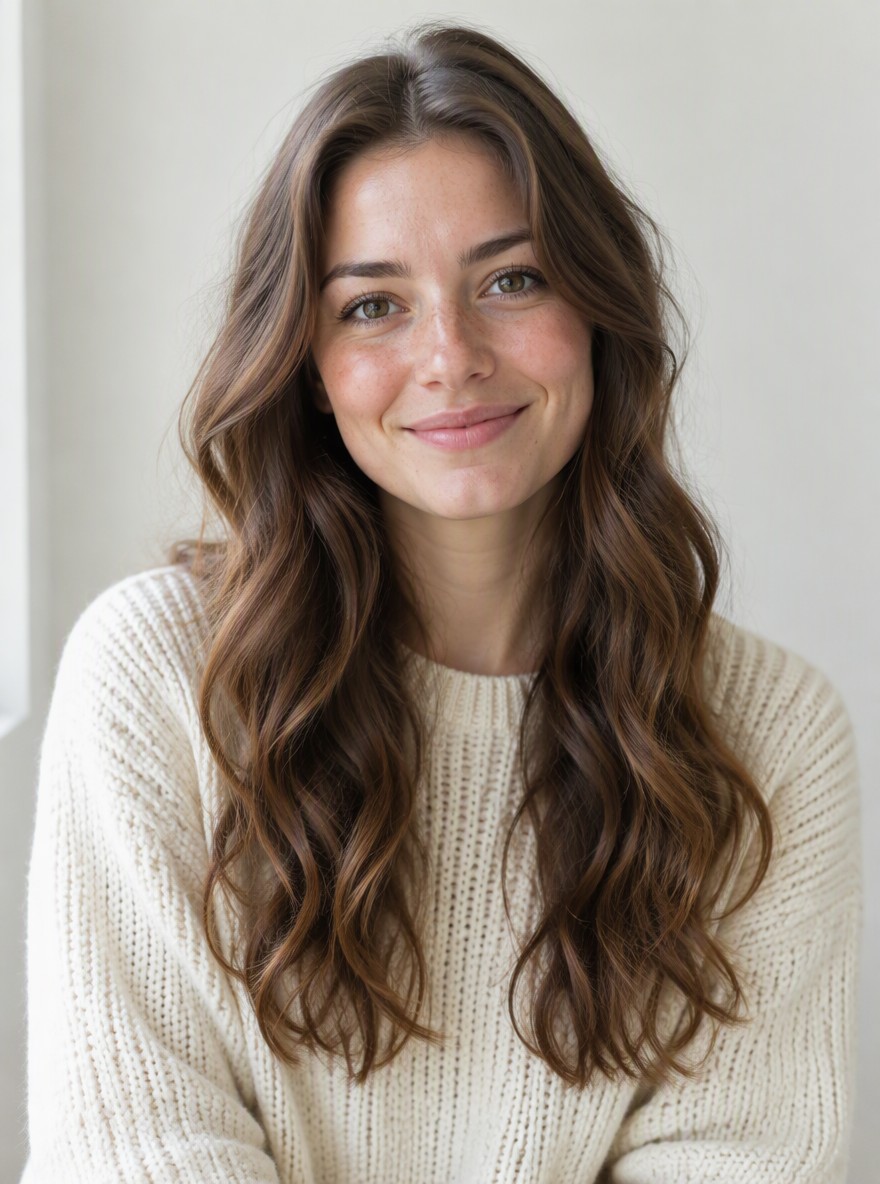
Cozy Sweater Mural
Street Painter in a Tee
Sunny Yellow Mural
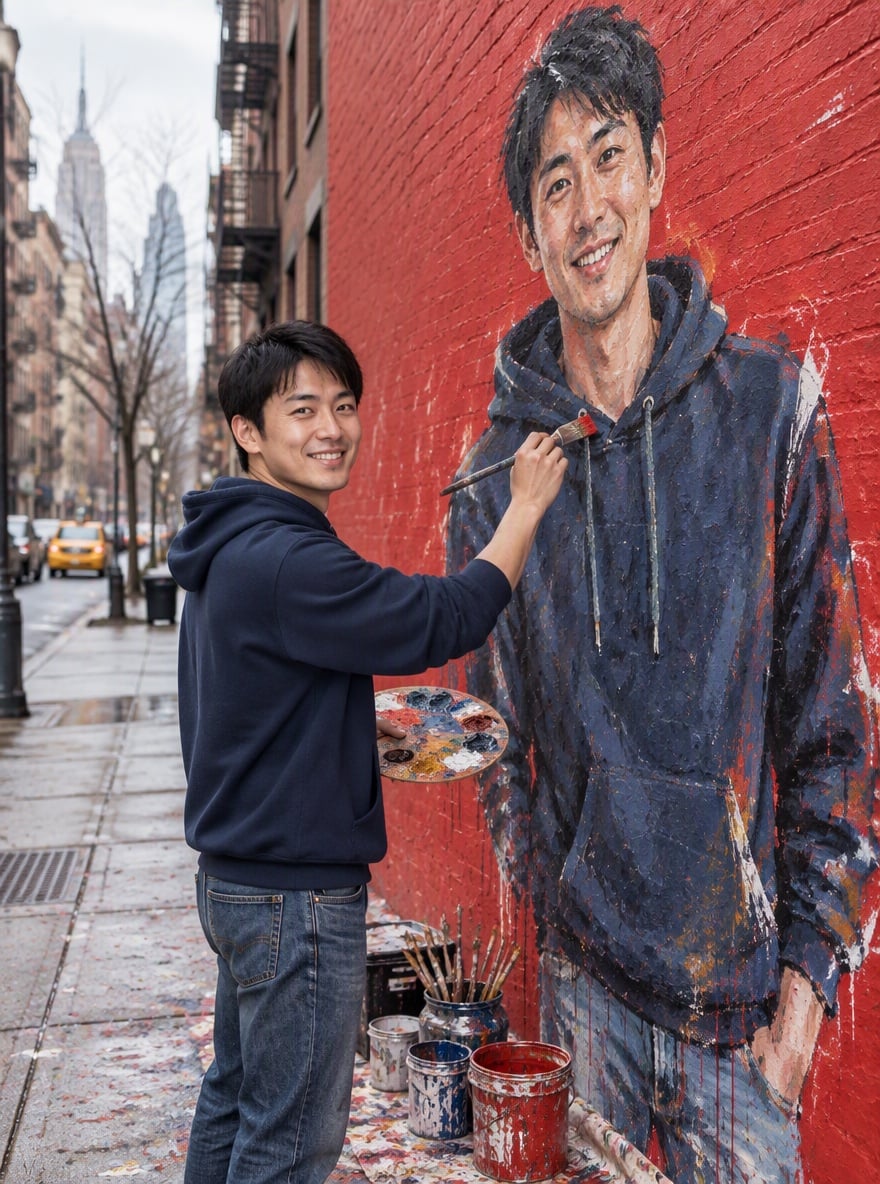
Hoodie Self-Portrait
Upload files
Upload a photo to turn into wall art
Effect prompt
By uploading a file, you agree to GoEnhance's Terms of Use and Privacy Policy
Wall Art Made in the Console
Each picture is one upload with the prompt above. The painter and the mural both keep the face and clothes from the original photo.
Cozy Sweater Mural
Street Painter in a Tee
Sunny Yellow Mural
Hoodie Self-Portrait
How to Make AI Wall Art
01
Upload a photo
A clear half-body or full-body photo with your face visible works best.
02
Generate
The wall art prompt is already filled in. Press the button and the AI paints the mural scene.
03
Download and share
Post it as a profile picture, a story or a fun "I painted myself" reveal.
Why Make Your Wall Art Here
More Painting Photo Effects
AI Wall Art FAQ
What does the AI wall art effect do?
Will the mural look like me?
What photo works best?
Can I change the wall color or city?
Can I use it for a couple or pet photo?
What else can I try?
Ready to See Yourself on the Wall?
Upload a photo and get your giant street mural in under a minute.
Paint My Wall Art