
Raphael AI Image Generator
Key Features of Raphael AI
Start Generating Without Building an Account First
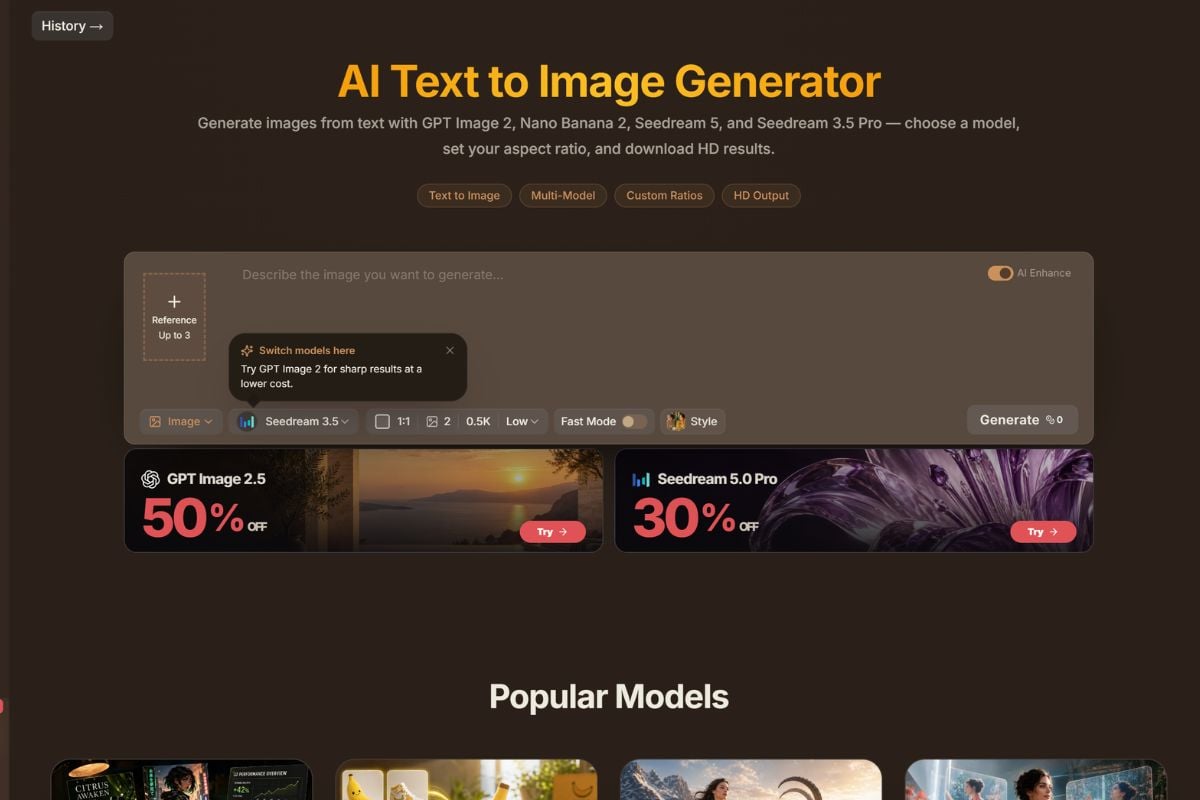
Raphael removes much of the setup that often comes before using an AI image generator. Visitors can begin with the free basic experience directly in the browser, while signed-in users gain access to additional credits, account history, higher-resolution models, and faster generation options. This makes the platform particularly approachable for quick prompt tests and early visual exploration.
Choose Different Models for Different Image Jobs
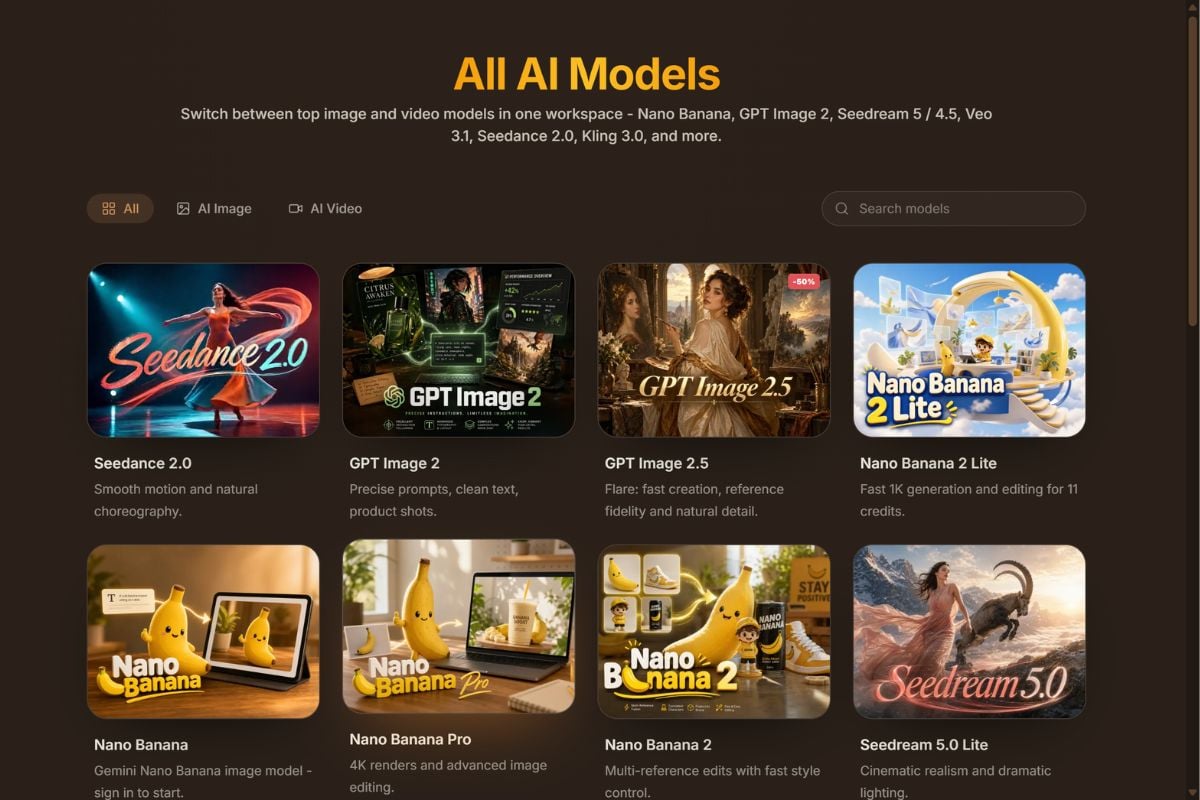
Raphael is no longer centered on only one image model. Its current generator brings together model families such as GPT Image, Nano Banana, and Seedream, allowing creators to choose between strengths such as prompt following, readable text, multi-reference editing, photorealism, portrait consistency, and fast concept generation. For a more focused text to image workflow, creators can also compare how different models respond to the same prompt.
Keep Working From a Reference Instead of Starting Over
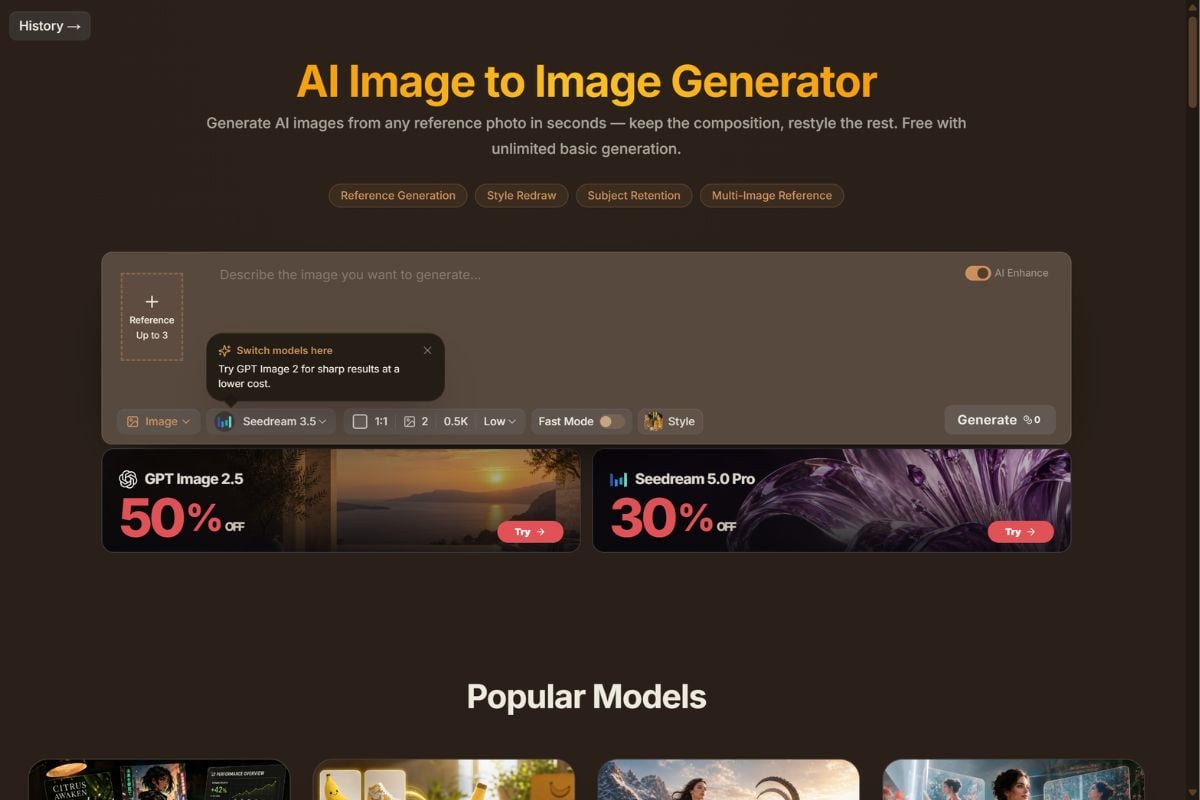
Raphael also supports image-to-image workflows where creators can upload one or more references and change the style, lighting, background, composition, clothing, or other visual details. For creators exploring a broader image to image process, supported models can combine multiple references, preserve important parts of the source, and turn one image into a broader set of variations and creative assets.
How to Use the Raphael AI Image Generator?
Start With a Prompt or Reference Image
Open the image generator and describe the subject, scene, lighting, style, composition, or result you want. You can also upload reference images when using supported generation or image-to-image workflows.
Choose the Model and Output Settings
Select an available image model and adjust settings such as aspect ratio, output count, resolution, quality, references, or generation mode. Different models are better suited to different tasks, so the best option may change between portraits, product visuals, text-heavy graphics, and image editing.
Generate, Compare, and Continue Editing
Review the generated images, try another model or prompt when necessary, and continue a selected result through image-to-image, templates, background tools, image expansion, or other editing workflows.
Raphael AI vs GoEnhance AI
Where GoEnhance AI Fits After the Raphael Generation Loop
Graduate From Prompt Testing to a Production Asset
Animate the Winner Instead of Generating More Stills
Carry Reference-Driven Visual Decisions Into Motion
Bring Existing Footage Into the Same Creative Direction
Keep a Character or Product Moving Across Formats
Use Raphael for Exploration and GoEnhance for the Next Stage
Raphael AI Discussions on Reddit
Raphael AI FAQ
What is Raphael AI?
Is Raphael AI free?
Is Raphael AI safe?
Does Raphael AI have restrictions?
How to delete Raphael AI account?
Is Raphael AI good?
Is Raphael AI safe to login to?
Is there a Raphael AI app?
Do I need an account to use Raphael AI?
What AI models does Raphael AI support?
Can I use Raphael AI images commercially?
Why is GoEnhance AI better than Raphael AI?
Found the Raphael Image You Want? Make It Move.
Once prompt testing is finished and you have the still image worth keeping, turn that chosen visual into motion instead of generating another static variation. Bring it into GoEnhance AI and continue the idea as animated content.
Animate This Image