
PixAI Anime Art Generator
PixAI is an AI art platform built around anime and illustration: a text-to-image generator, a huge library of community-made models and LoRAs, and a gallery where artists share their work. On GoEnhance AI you can create the same kind of anime characters, key visuals and cozy scenes from a simple prompt — try one of the examples below.
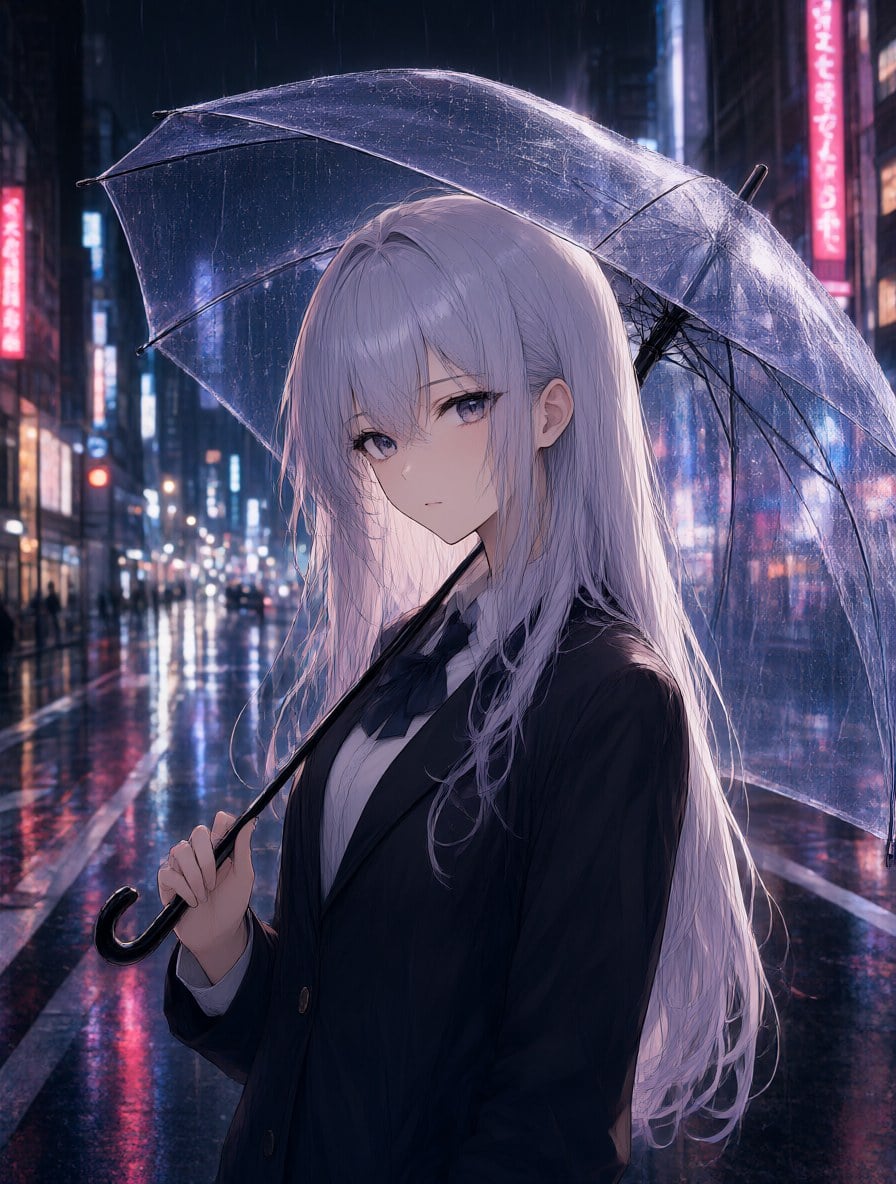
Neon Rain Umbrella
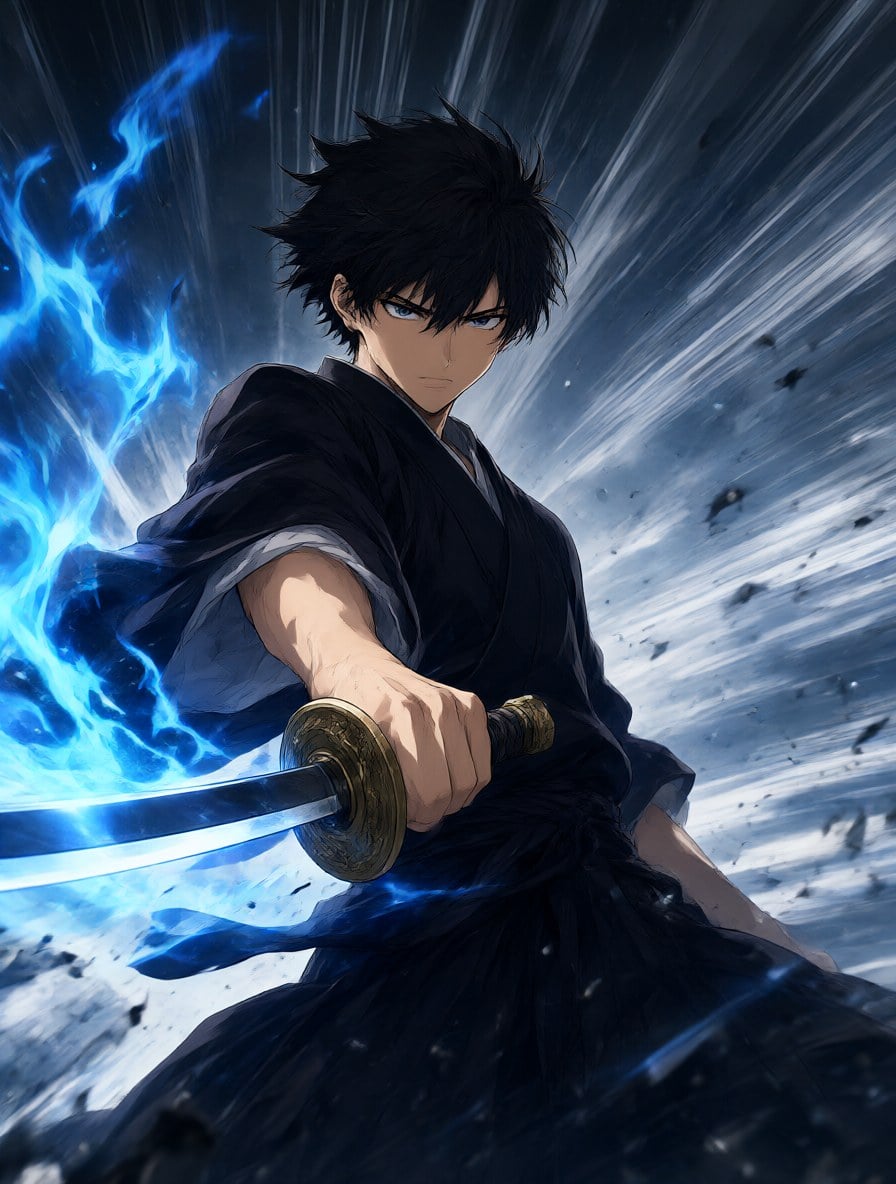
Blue Flame Swordsman
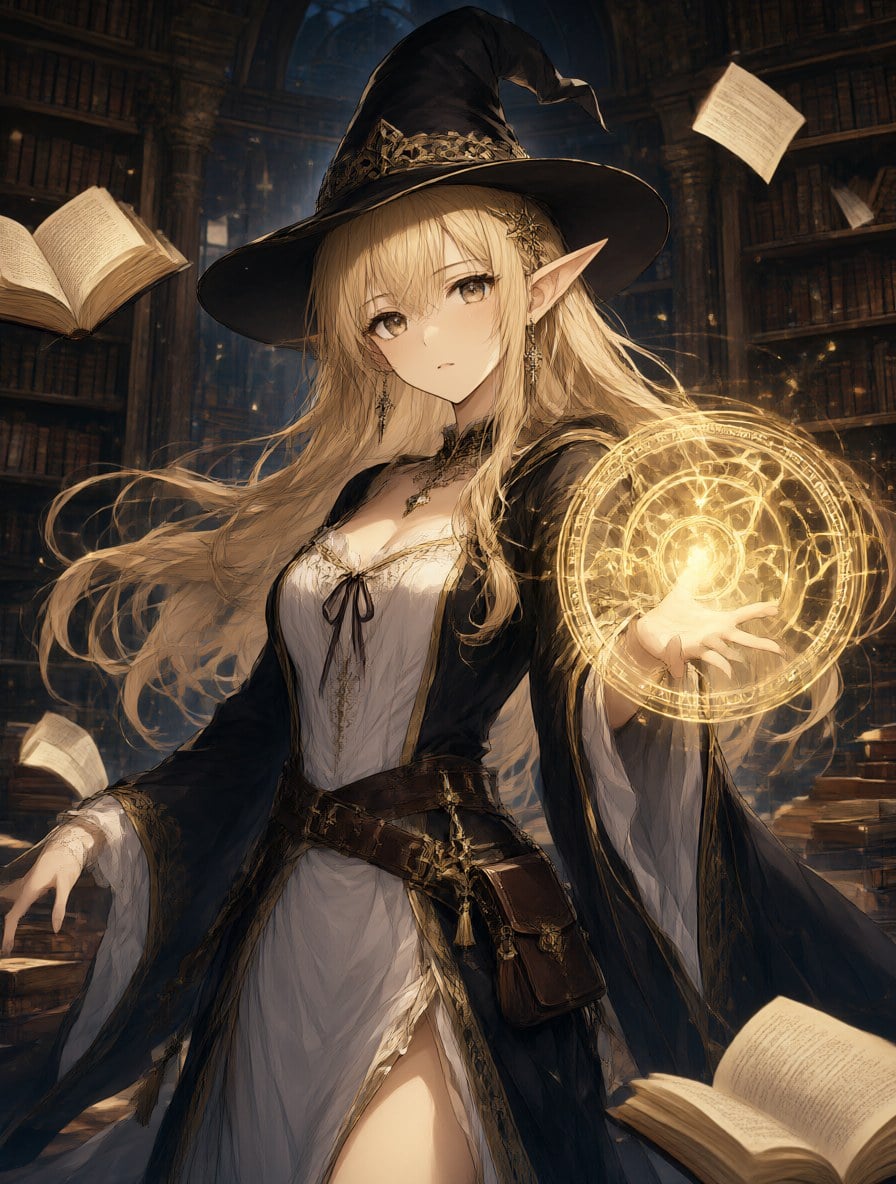
Elf Mage Light Novel Cover
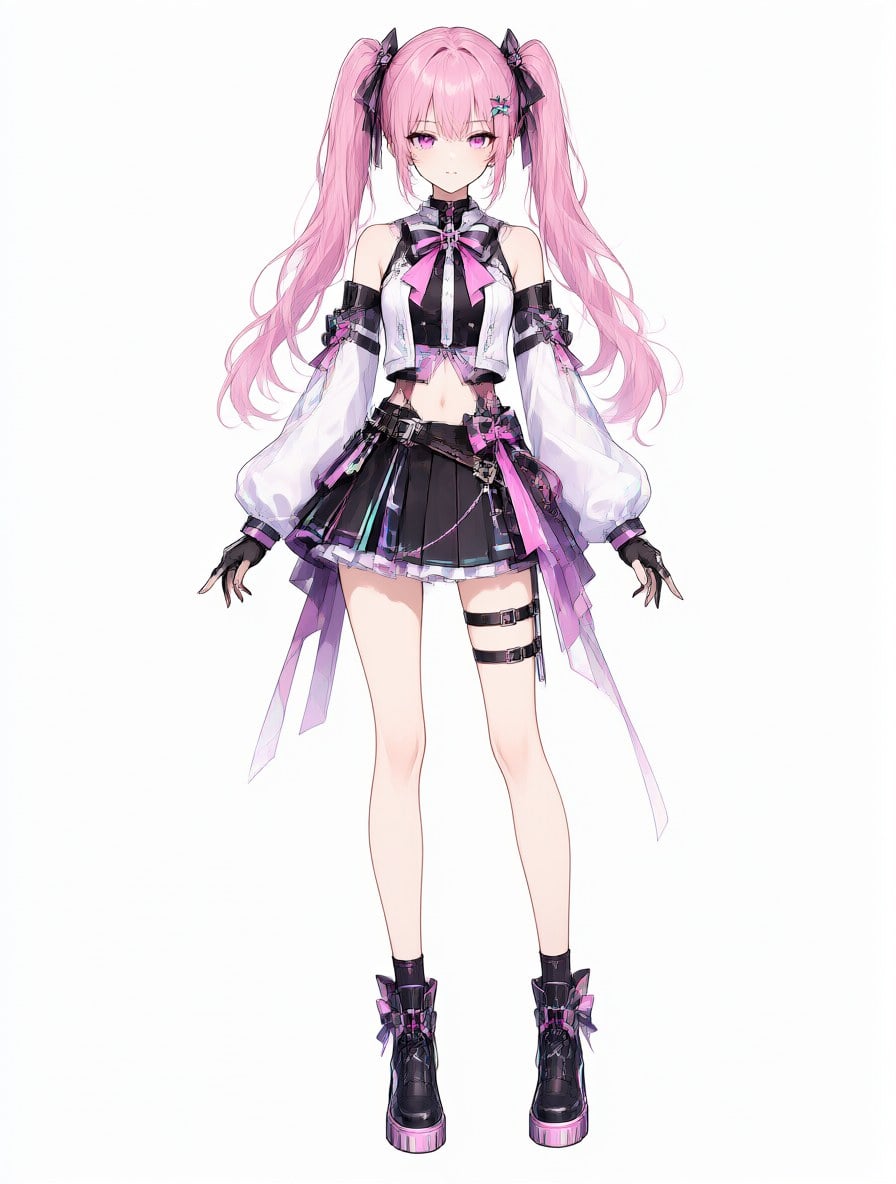
VTuber Character Sheet
GoEnhance 2.0 Lite
Describe your image
Opens the GoEnhance editor with this model and prompt ready.
Anime Art Made on GoEnhance AI
Each image comes from one text prompt, no LoRA or extra settings. Click an example in the console above to load its prompt and make it your own.
Neon Rain Umbrella
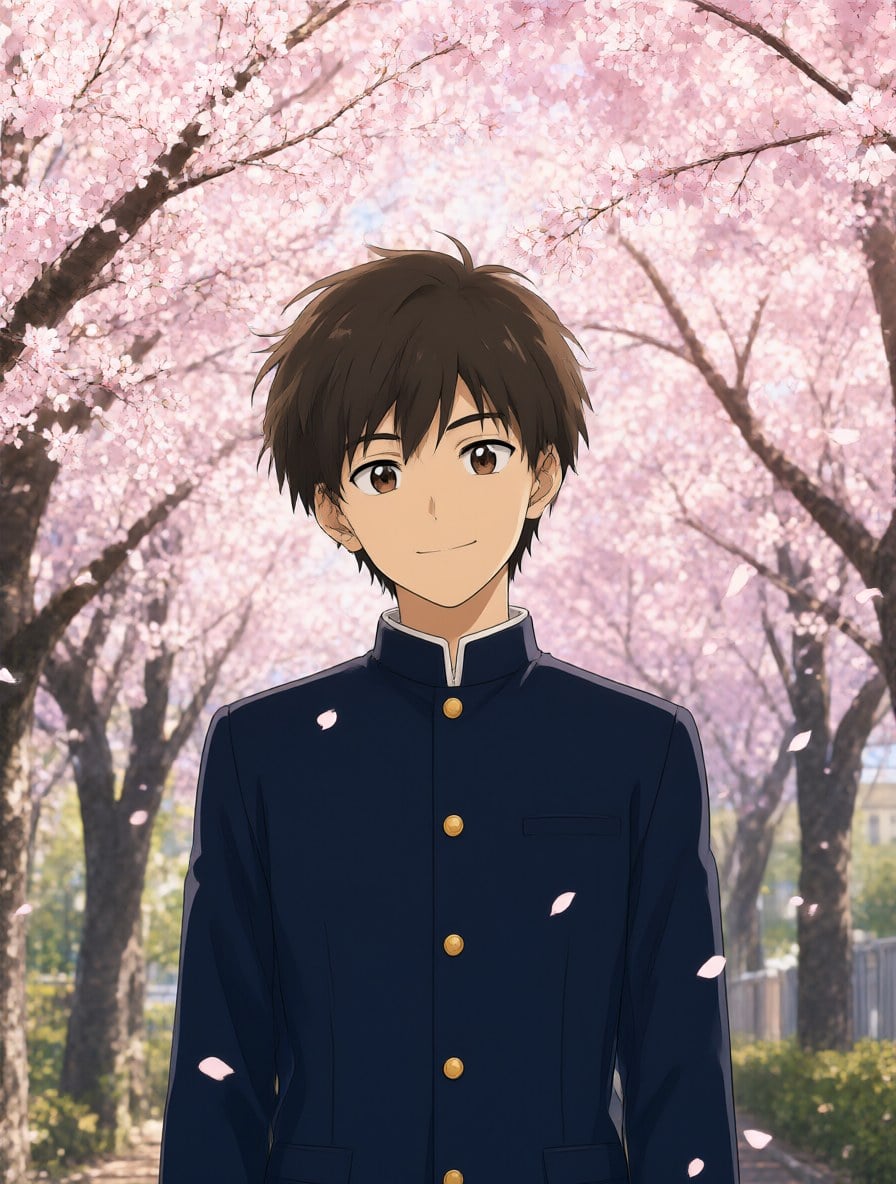
Cherry Blossom School Day
Blue Flame Swordsman
Elf Mage Light Novel Cover
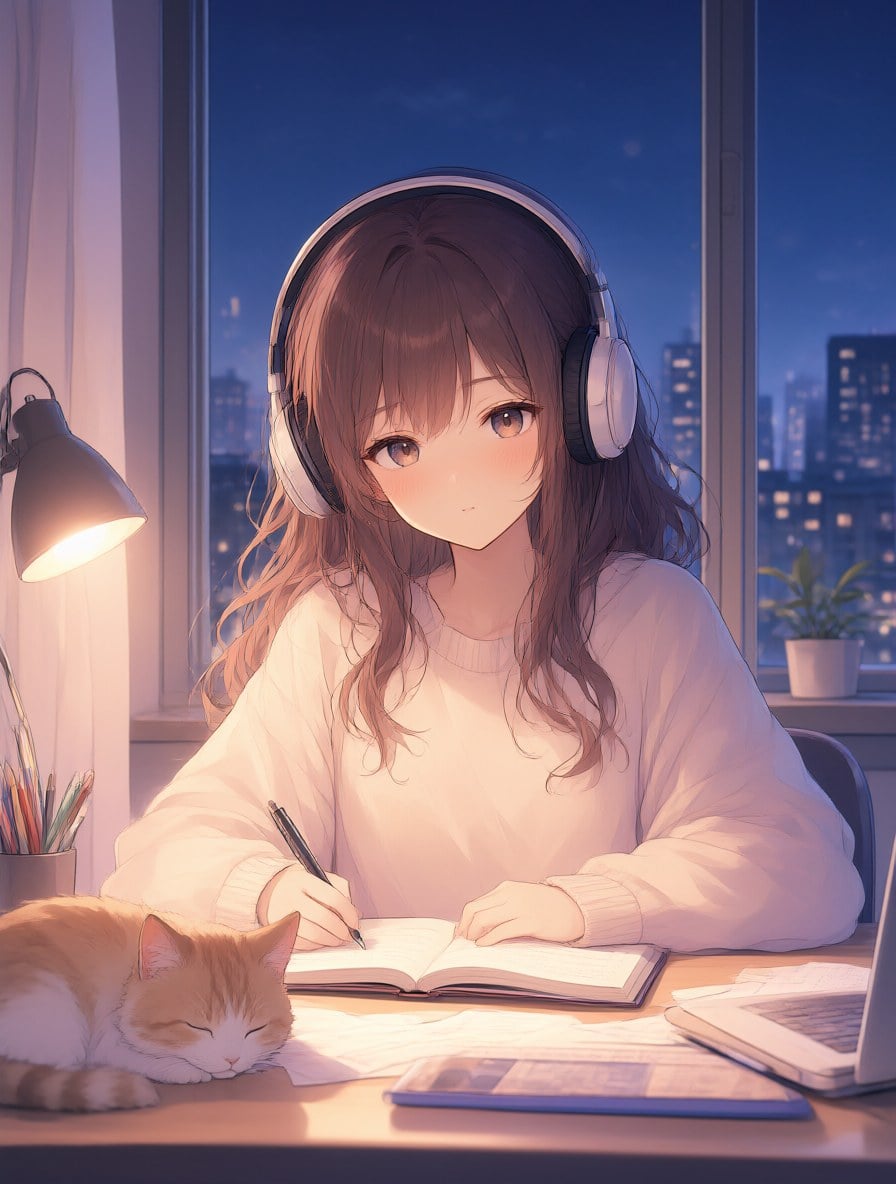
Lo-fi Study Night
VTuber Character Sheet
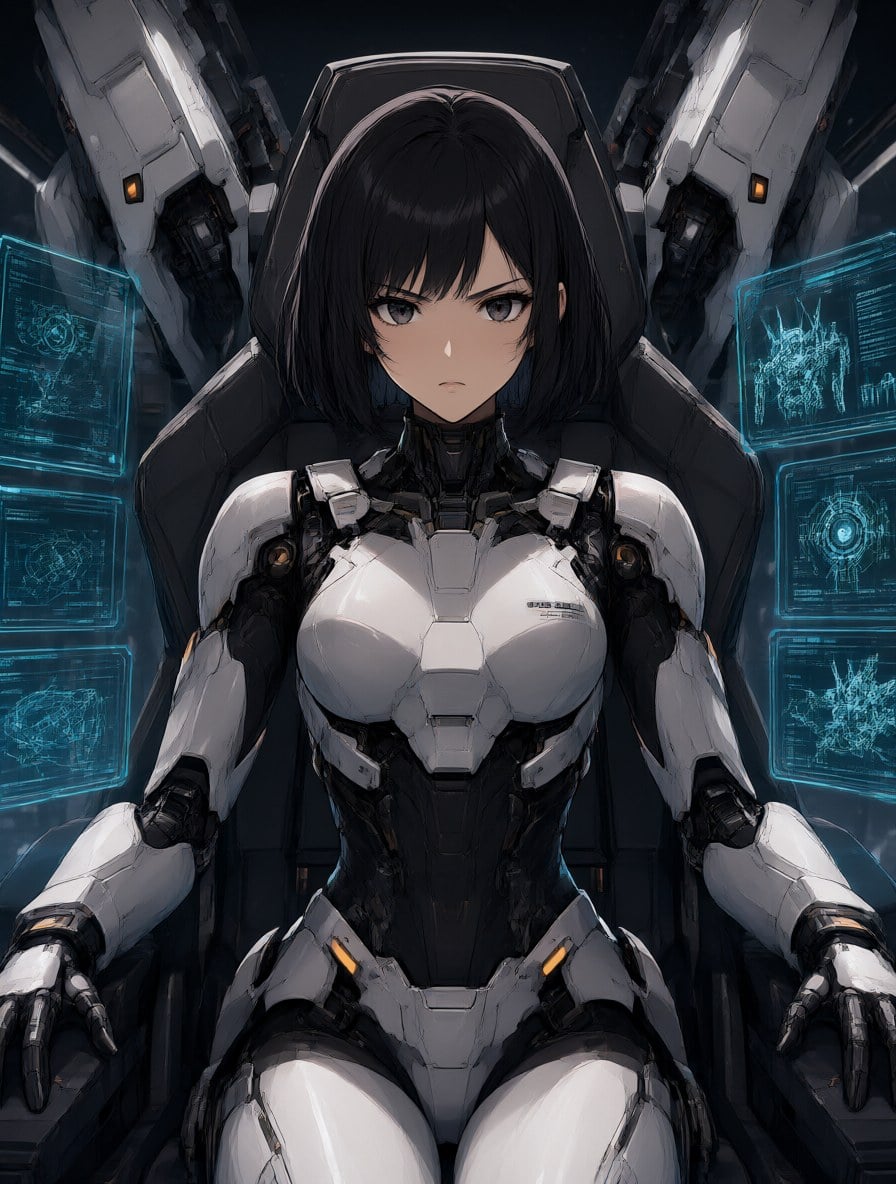
Mecha Pilot Cockpit
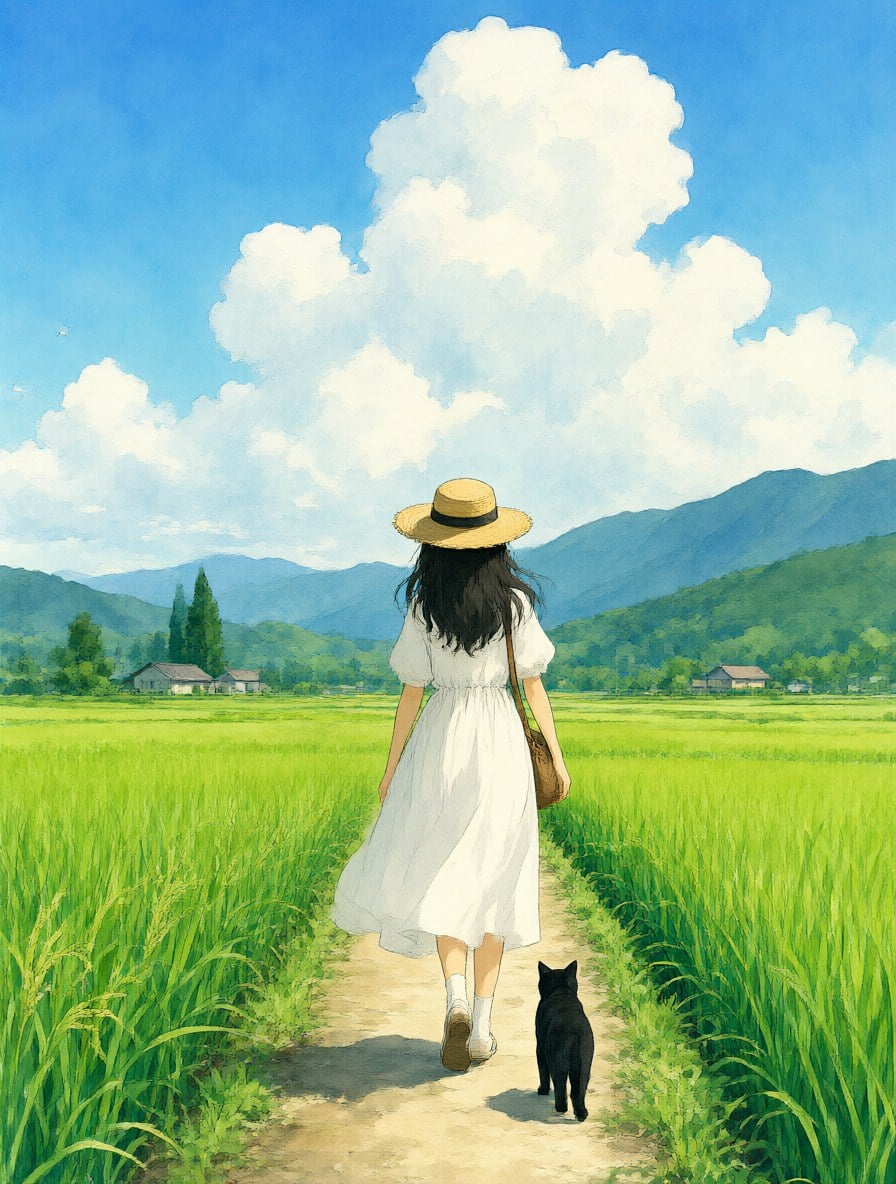
Watercolor Summer Countryside
How to Create PixAI-Style Anime Art on GoEnhance AI
01
Describe Your Character or Scene
Write who or what you want — hair, outfit, pose, mood — and add a setting like a rainy Tokyo street, a magic library or a summer countryside.
02
Add an Anime Style Cue
Mention the look you want: key visual, light novel cover, cel shading, watercolor, lo-fi, chibi or character design sheet.
03
Generate and Refine
Get a high-resolution image in seconds, then tweak the prompt, change the ratio, or turn the picture into an anime video.
PixAI vs GoEnhance AI vs Other Anime Generators
Why anime fans search for PixAI — and what to expect from it
What PixAI Is Known For
Anime-Focused Models
PixAI's generator is tuned for anime and illustration, from soft pastel characters to detailed fantasy art.
Community Models and LoRAs
Users share and reuse thousands of community models and LoRAs, which makes it easy to copy a specific art style or character look.
LoRA Training
You can train your own LoRA on a set of images to keep an original character or style consistent across generations.
Editing Tools
Image-to-image, inpainting and upscaling let you fix a pose, a hand or a background instead of starting over.
Credit-Based Free Use
PixAI runs on credits, with a daily free allowance and paid plans for heavier use. Check PixAI's own site for current limits.
Want Something Simpler?
If you just want good anime art from a prompt, the GoEnhance AI <a href='/ai-anime-art-generator'>AI anime art generator</a> needs no models or LoRAs to set up.
Frequently Asked Questions
What is PixAI?
Is PixAI free?
Is GoEnhance AI the same as PixAI?
Can I make anime art without LoRAs?
Can I turn my anime image into a video?
Can I turn my own photo into anime?
More Anime Tools on GoEnhance AI
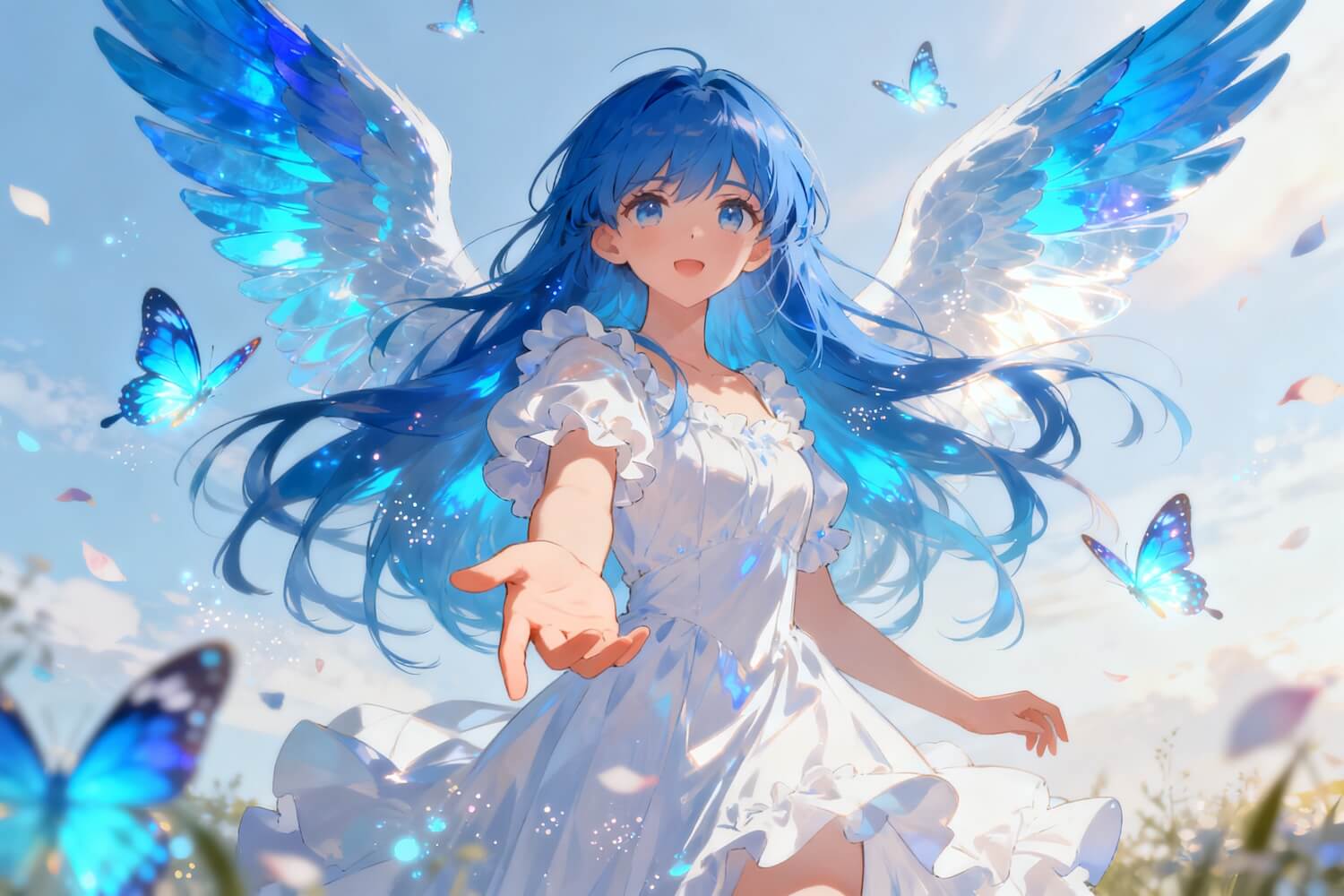
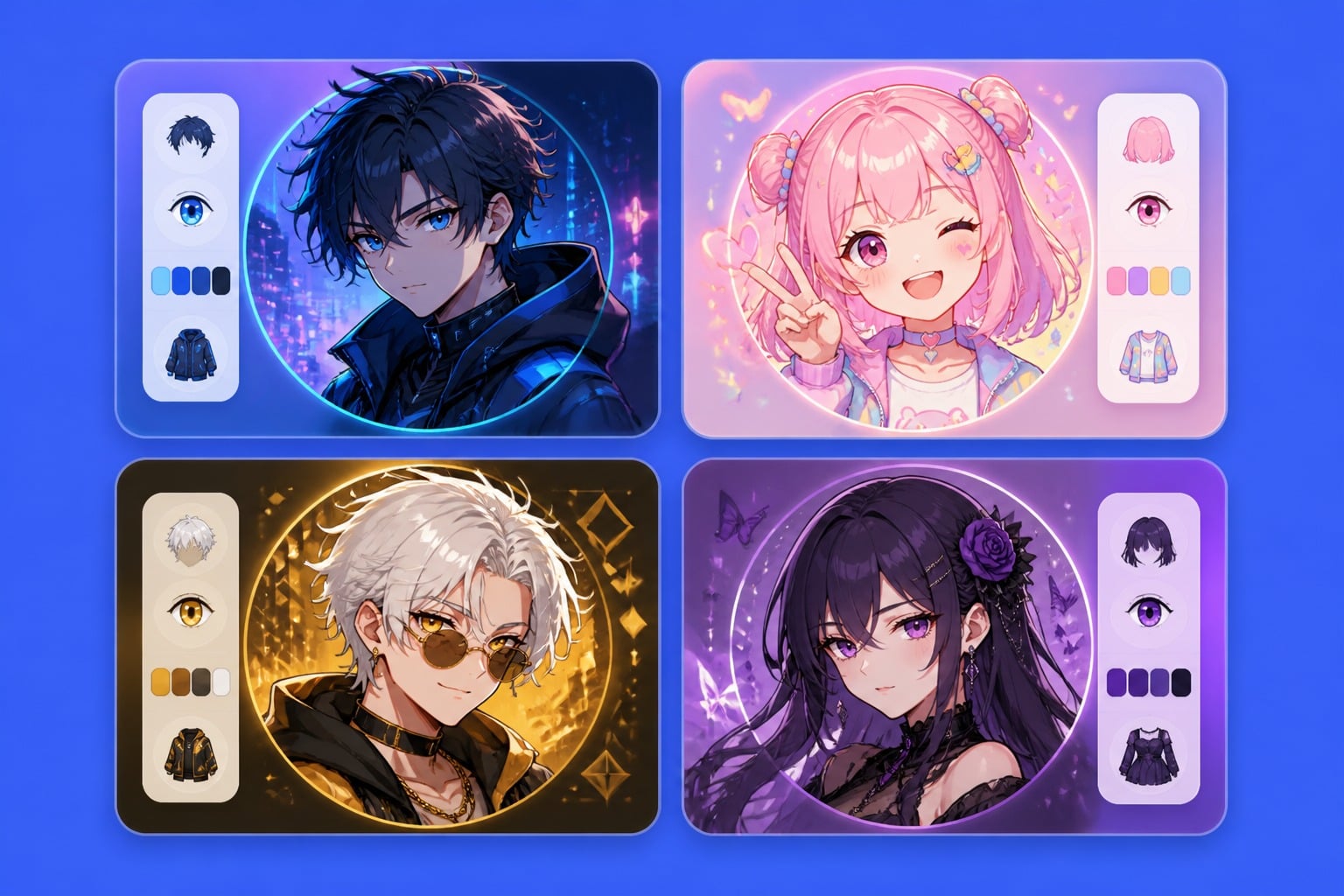
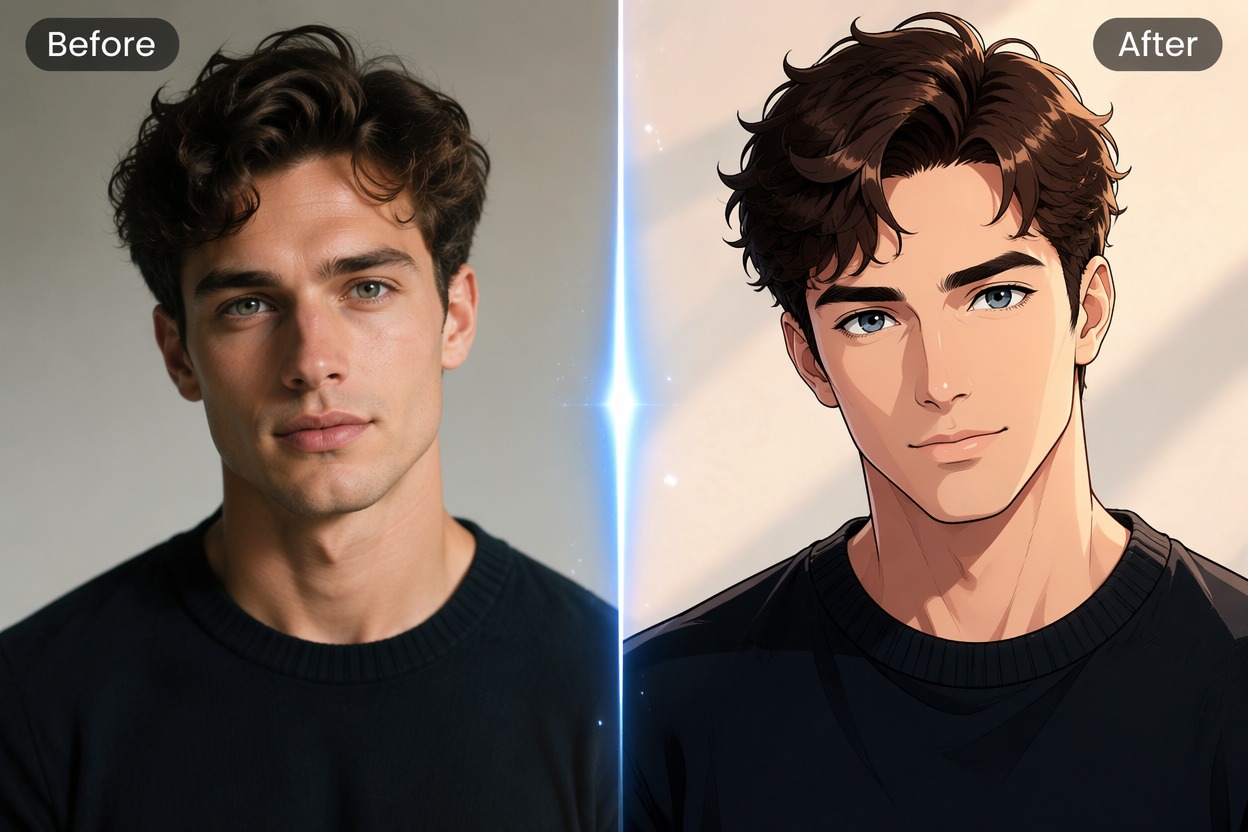
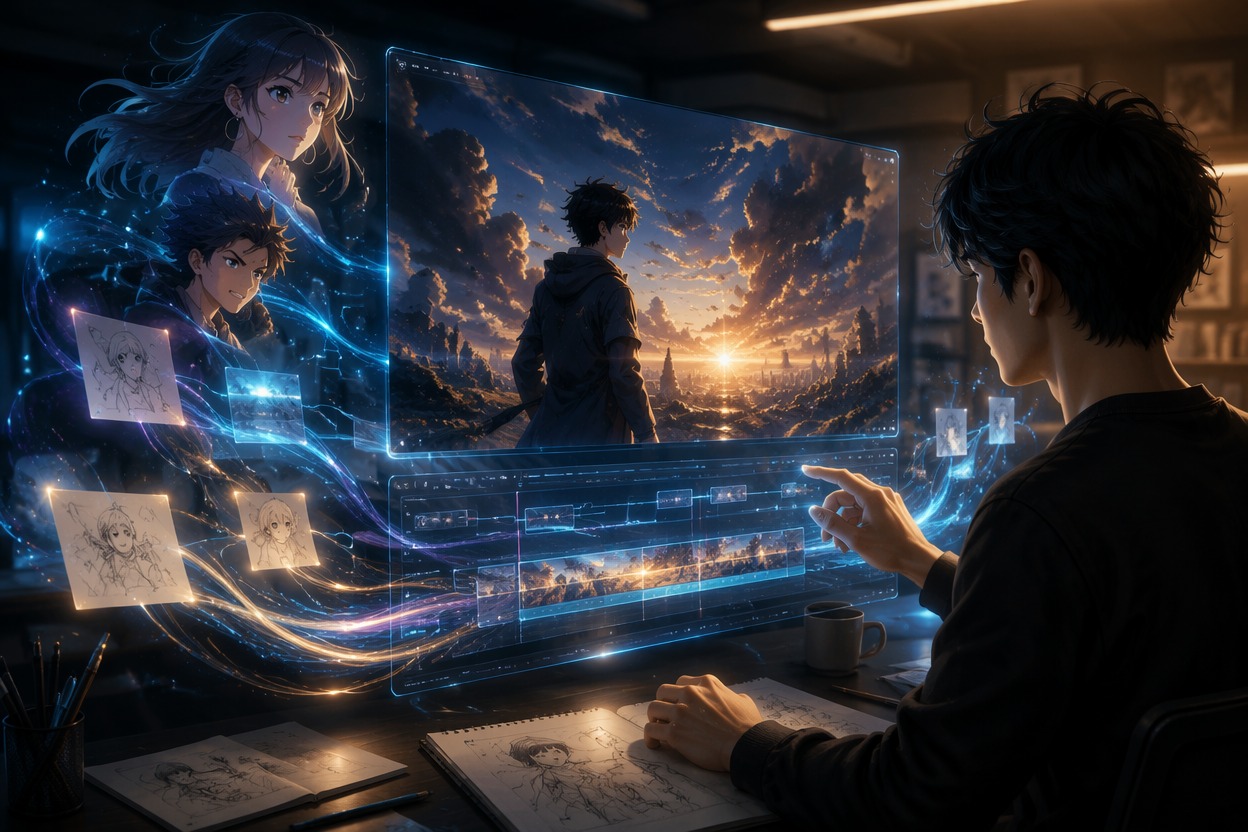
Create Anime Art With GoEnhance AI
Turn a short prompt into anime characters, key visuals and cozy scenes, then animate them into anime videos.
Start Creating