goenhance logo

Civitai AI

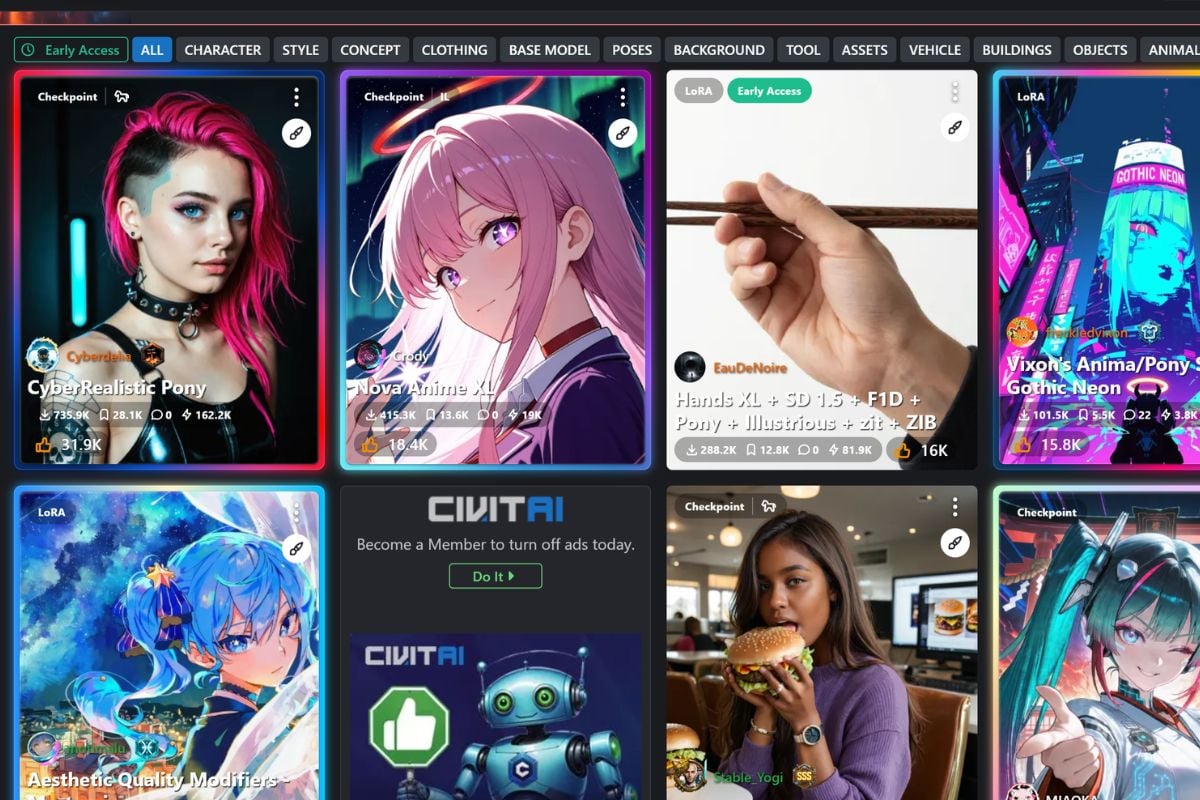
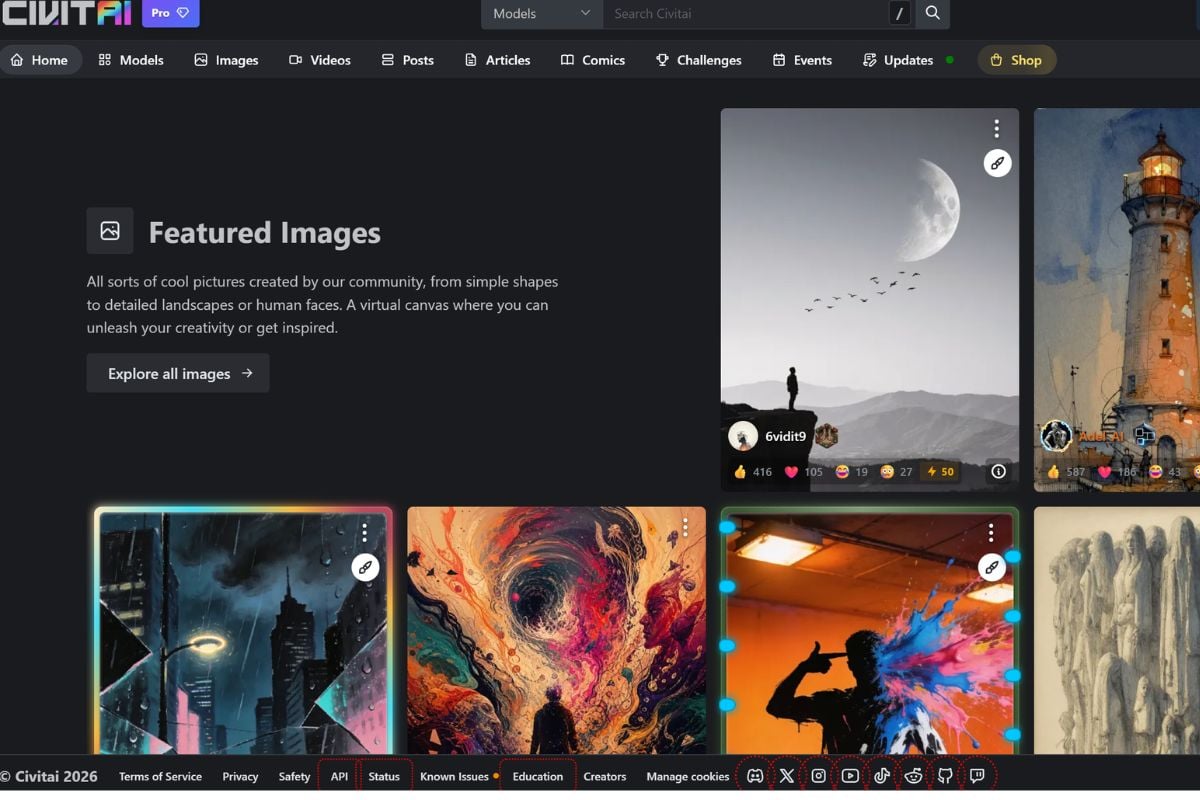
Civitai is a community platform for exploring AI image models, LoRA resources, checkpoints, prompt examples, and visual styles used in Stable Diffusion workflows. It is useful for AI artists, character creators, prompt learners, and visual teams who want more control over how generated images look.

Explore Civitai as a Model-First AI Creation Platform

Find Visual Models Before You Start Creating

Civitai gives creators a model-first way to plan AI images. Instead of starting only with a prompt, users can browse Stable Diffusion, Flux, LoRA, and other community resources to find a visual direction that already matches the style they want.

Compare Real Outputs From Different Resources

Every model page can work like a visual test board. Sample images help users compare portrait quality, anime style, lighting, color, anatomy, texture, and composition before choosing a model for their own text to image workflow.

Learn From Prompts, Settings, And Resource Mixes

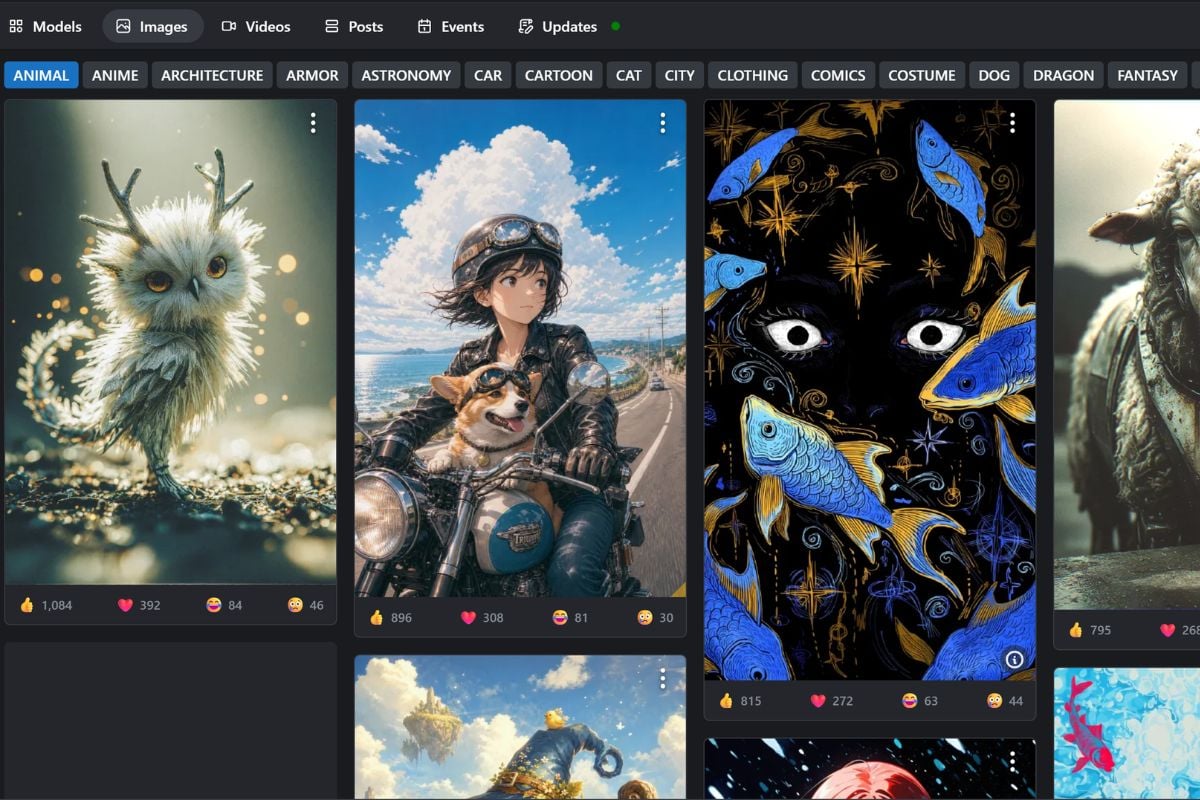
Civitai is useful for learning how AI images are built. By checking shared prompts, generation details, model choices, and LoRA combinations, creators can understand why a certain image looks polished, stylized, realistic, or character-focused in an AI image generator workflow.

Build A Repeatable Image Style Workflow

For users who create often, Civitai helps turn scattered inspiration into a repeatable workflow. A creator can save model choices, test LoRA combinations, review creator notes, and reuse what works across character art, product-style images, fantasy scenes, and social visuals.
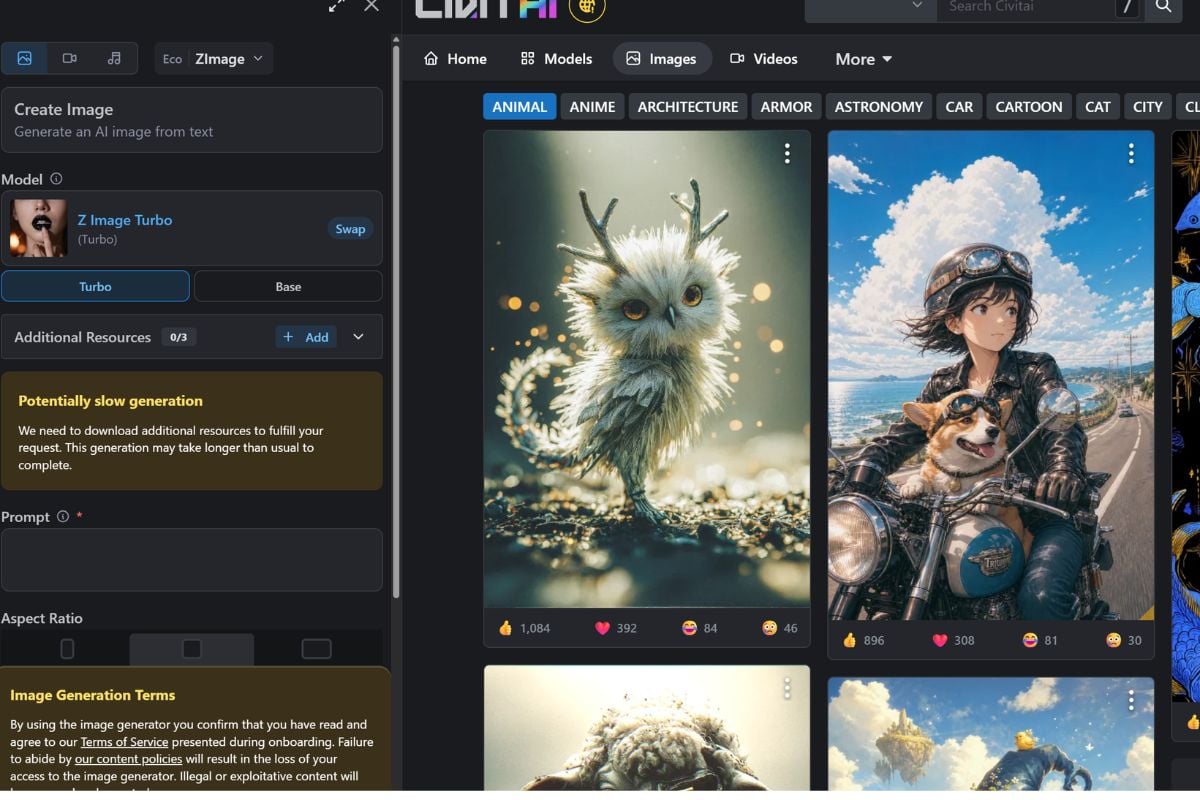
Pros and Cons of Civitai

AspectProsConsBest For
Model VarietyCivitai offers a large library of community-shared models, LoRA resources, checkpoints, and style-focused image tools.The large selection can feel overwhelming for beginners who do not know which model type or base model to choose.Creators who want to compare many visual styles before starting an AI image workflow.
Prompt LearningMany shared images include prompts, model choices, and generation details, which makes Civitai useful for learning how specific styles are made.Not every image includes complete or easy-to-follow settings, so results may not always be simple to reproduce.Users who want to study real examples instead of writing prompts from scratch.
Community ResourcesThe platform is built around creator uploads, comments, ratings, and model updates, so users can learn from active community feedback.Resource quality can vary because models are created and shared by different users with different standards.AI artists who like testing new models and following community trends.
Style ControlUsing checkpoints and LoRA files can give users more control over anime, realistic, fantasy, character, product, or illustration-style images.More control usually means more setup, including compatibility checks, trigger words, model weights, and generation settings.Advanced Stable Diffusion users who want repeatable image styles.
Creative InspirationCivitai works well as a visual inspiration library for discovering image styles, character ideas, lighting directions, and model combinations.Some content may not fit every brand, classroom, workplace, or commercial project, so users need to filter carefully.Creators who need style references, prompt ideas, or concept directions.
Commercial UseSome Civitai resources may be usable in commercial workflows when the model license allows it.Licenses and creator rules vary by model, so users should not assume every resource is safe for commercial use.Teams that are willing to review licenses, source rights, and publishing risks before using outputs.
A model-first platform for AI image exploration

Why Creators Use Civitai

Find A Model Before Writing The Final Prompt

Civitai helps creators start from the model side of the workflow. Instead of relying only on a long prompt, users can choose a checkpoint or LoRA that already matches the visual direction they want.

Study Real Outputs Before Downloading

Sample images make it easier to judge whether a model fits the project. Users can compare faces, lighting, anatomy, texture, color, composition, and style consistency before adding a resource to their own workflow.

Build More Controlled Image Workflows

Advanced users often combine checkpoints, LoRA files, embeddings, prompts, and generation settings. Civitai gives them a central place to find those resources and understand how other creators use them.

How To Use Civitai Inspiration on GoEnhance AI

01

Choose Text to Image or Image to Image

Start in GoEnhance AI by choosing Text to Image if you want to create from a prompt, or Image to Image if you already have a reference image. Civitai can be used as a place to study styles, model examples, prompts, and visual directions before you create.

02

Select A Model And Describe Your Image

Choose a GoEnhance image model, then write a prompt based on the style you want to test. Describe the subject, composition, lighting, color, mood, and output format. You can also use Generate with AI to help turn a rough idea into a clearer prompt.

03

Generate, Then Create Video Or Expand

Pick the image ratio and number of images, generate your result, and review the output. If the image works well, use Create Video to turn it into motion or Expand to extend the visual composition for a larger creative asset.

Civitai AI vs TensorArt vs SeaArt AI

FeatureCivitai AITensorArtSeaArt AI
Main FocusA model-first community for discovering Stable Diffusion, Flux, LoRA, checkpoint, and prompt-based image resources.A model hosting and online generation platform where users can browse, run, upload, and download AI models.An AI creativity community for generating images, exploring models, and creating visual content from text or images.
Best Use CaseBest for researching models, studying prompt examples, comparing LoRA resources, and building a custom Stable Diffusion workflow.Best for users who want to test models online while still having access to downloadable checkpoints and LoRA resources.Best for creators who want a more guided image creation experience with model discovery, community inspiration, and built-in tools.
Model DiscoveryStrong for browsing community-trained models, creator notes, sample images, trigger words, and version details.Strong for browsing runnable models across categories such as Flux, Stable Diffusion, checkpoints, LoRA, and video-related models.Strong for exploring a large visual model gallery across styles such as FLUX, SDXL, SD 3, anime, realistic, and creative image models.
Creation WorkflowMore useful for model research and advanced workflows, especially when users want to understand or reuse Stable Diffusion resources.More direct for users who want to run models online, generate images, and test model outputs without only downloading files.More creator-friendly for text-to-image, image-to-image, model-based generation, and community-style visual exploration.
Learning ValueHelpful for learning from real prompts, resource combinations, model pages, and community image examples.Helpful for testing how different models perform in practice before deciding which model fits a creative direction.Helpful for creators who want inspiration, image generation tools, and model examples in one visual platform.
Things To CheckModel license, maturity rating, trigger words, base model compatibility, creator notes, and whether the content fits your project.Model availability, generation settings, download permissions, credit usage, and whether the selected model matches your workflow.Model license, tool settings, output rights, platform rules, and whether the generated image is suitable for commercial or public use.

Civitai Updates and Community Highlights

Civitai Community Discussions

Frequently Asked Questions

You may want to know

What is Civitai?

Civitai is a community platform for AI-generated image resources, especially Stable Diffusion models, LoRA files, checkpoints, textual inversions, VAEs, prompts, sample images, and creator-shared workflows.

What is Civitai mainly used for?

Civitai is mainly used to discover, compare, download, and learn from AI image models. Users browse model pages, study examples, read creator notes, and use resources in compatible Stable Diffusion workflows.

Is Civitai only an AI image gallery?

No. The image gallery is useful for inspiration, but Civitai is more model-focused than a normal gallery. Many images are connected to models, LoRA resources, prompts, and generation settings that help users understand how the result was made.

What is a Civitai LoRA?

A LoRA is a smaller model add-on that helps guide a base model toward a specific style, subject, character type, outfit, object, pose, or visual detail. It is commonly used together with a compatible checkpoint.

Do I need Stable Diffusion to use Civitai models?

Many Civitai resources are designed for Stable Diffusion tools such as AUTOMATIC1111, ComfyUI, or other compatible interfaces. Some users may browse for inspiration only, while advanced users often download models for their own generation setup.

Can beginners use Civitai?

Beginners can use Civitai to study examples and learn model terminology, but downloading and using models can feel technical at first. Start with model pages that include clear examples, trigger words, compatibility notes, and beginner-friendly instructions.

Can I use Civitai models for commercial projects?

It depends on the specific model and its license. Always check the license, creator notes, version details, and any restrictions before using a Civitai resource for commercial images, client work, ads, products, or hosted generation services.

What should I check before downloading a model?

Check the model type, base model compatibility, trigger words, sample quality, creator instructions, update history, license, maturity rating, and whether the samples include protected characters, real people, or brand elements.

Start Creating Visual Content With GoEnhance AI

Civitai is a strong place to explore AI image models, LoRA resources, and prompt examples. When you are ready to turn an idea, image, or visual direction into new creative content, GoEnhance AI gives you a browser-based way to test and build your next image or video concept.

Try GoEnhance AI