
Nijijourney V7 Anime Image Generator
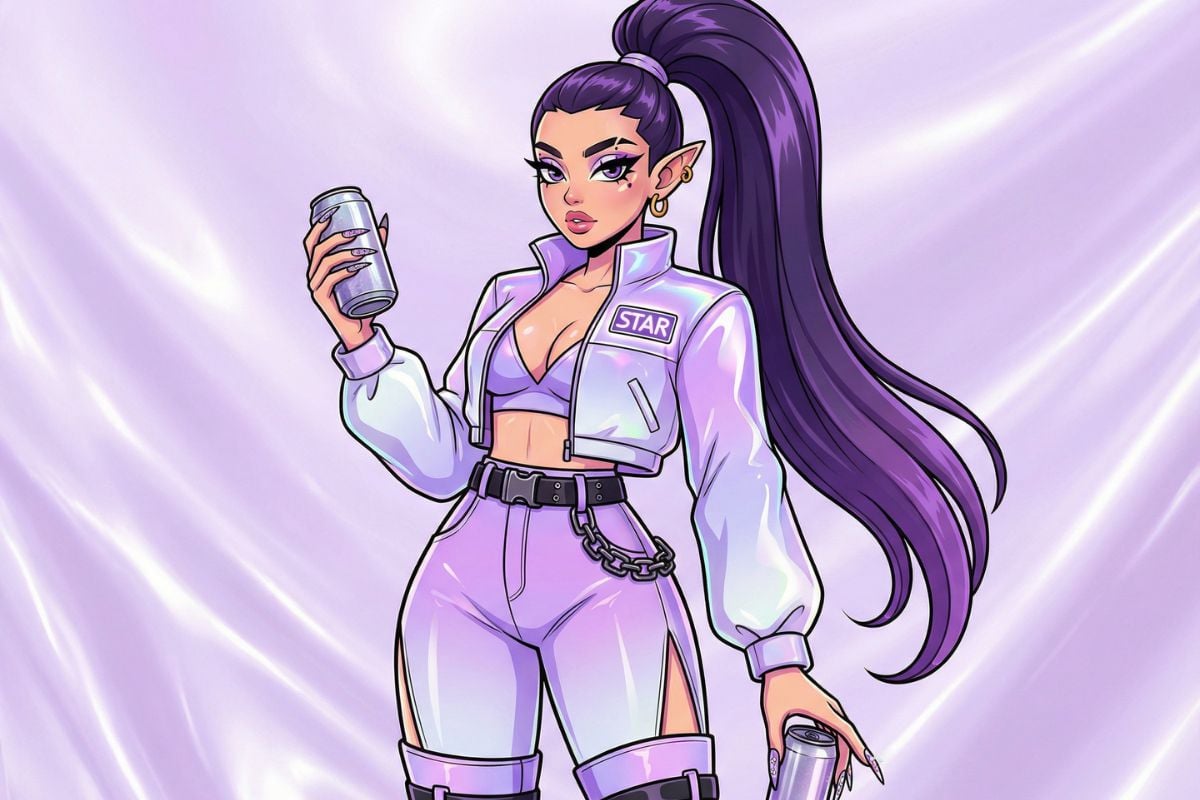
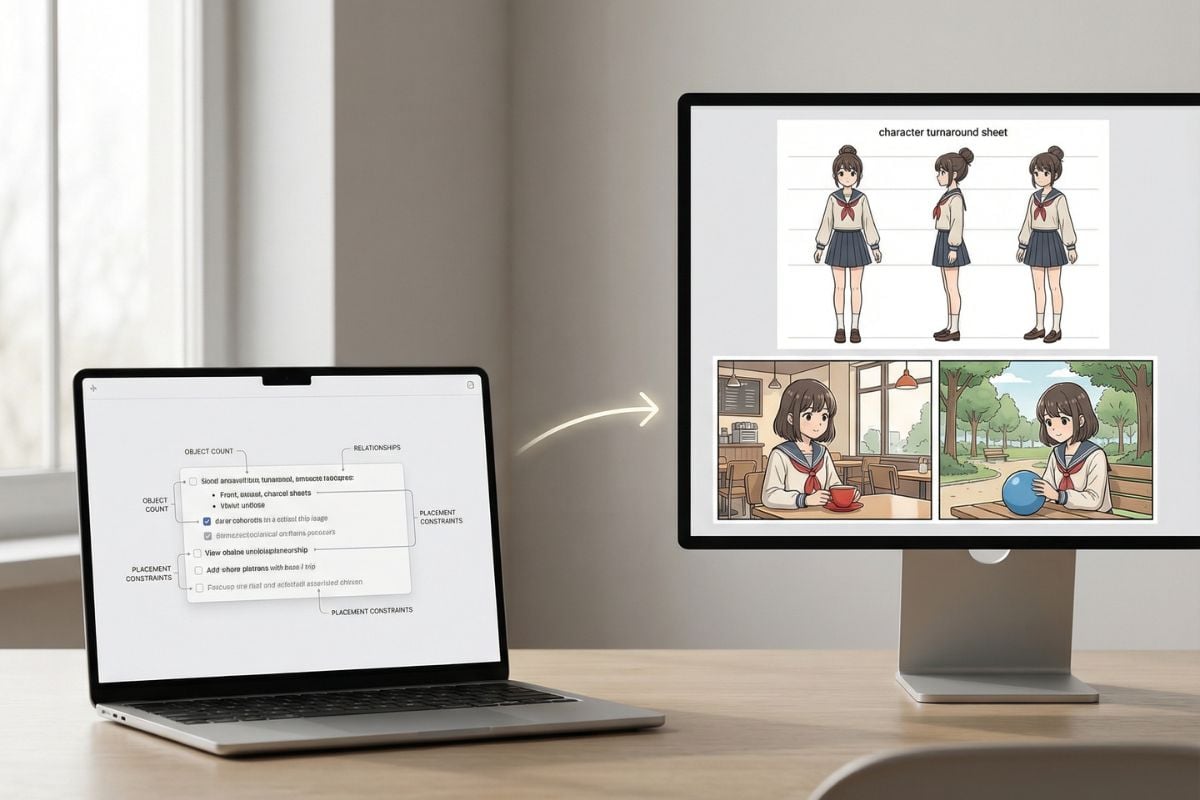
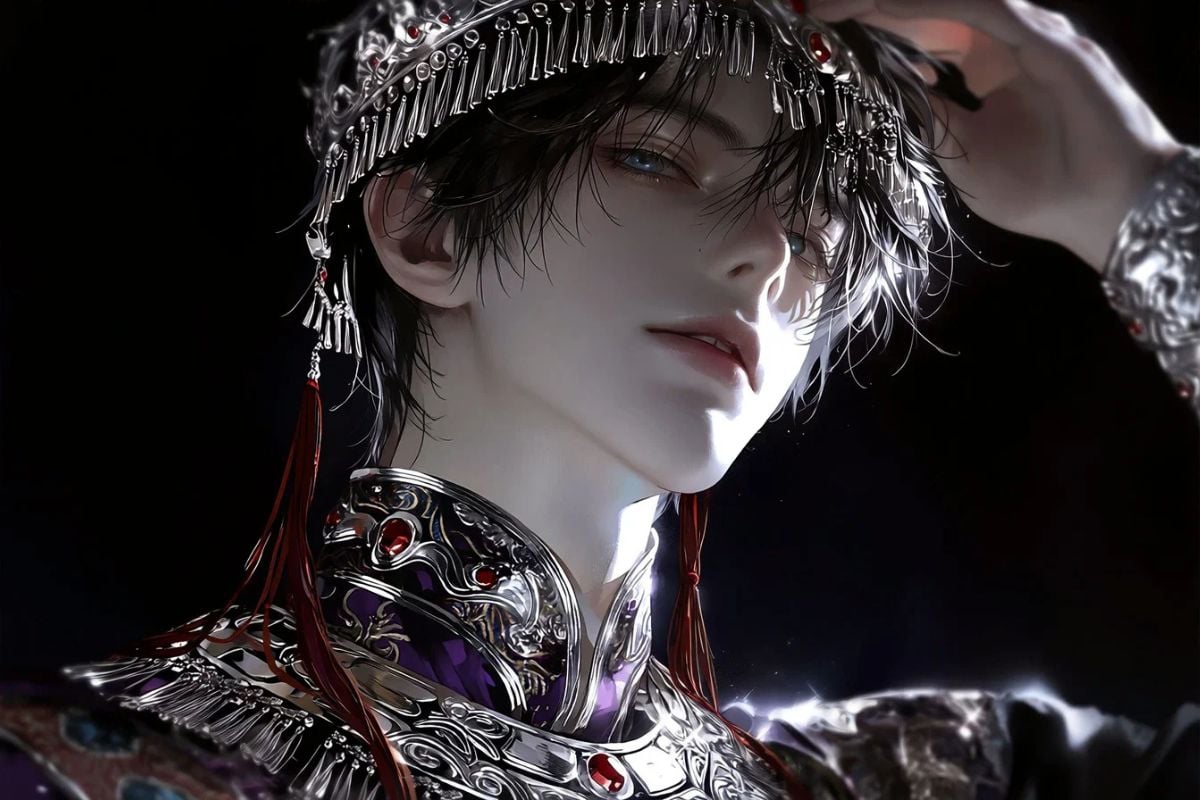
Nijijourney V7 Gallery
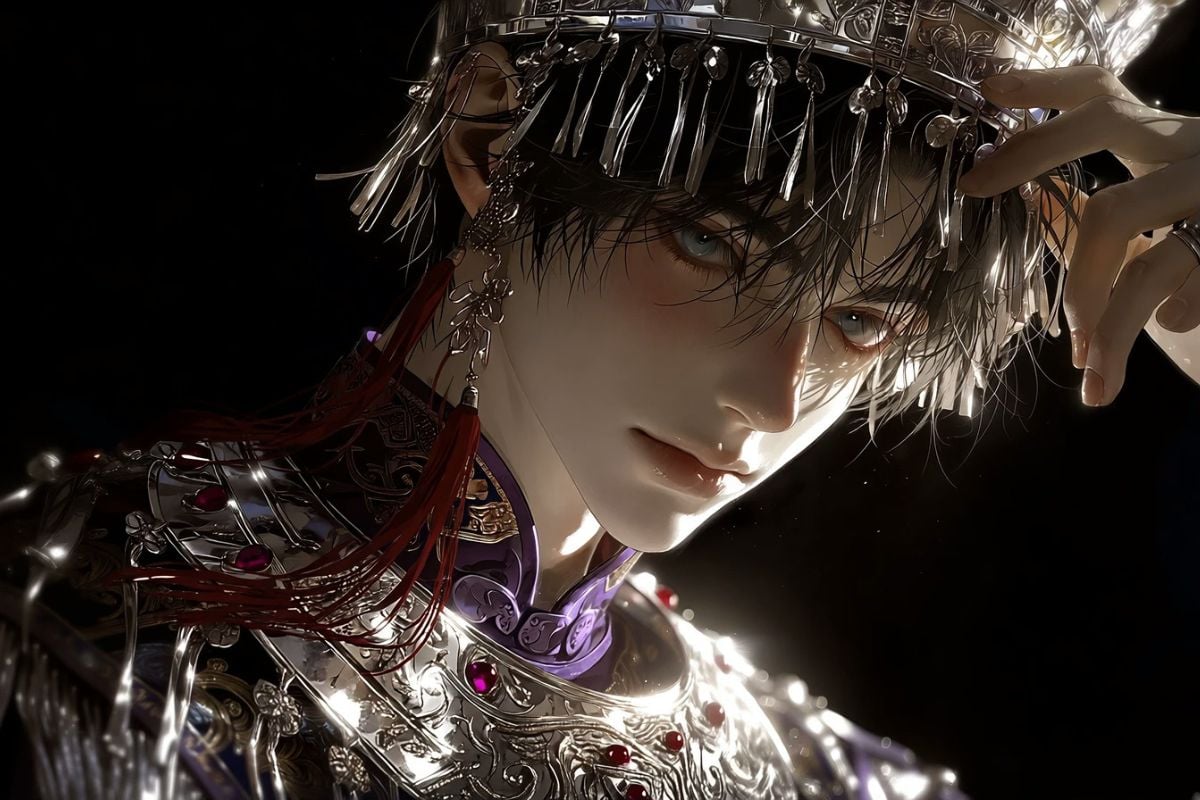
Silver Tassels in Shadow
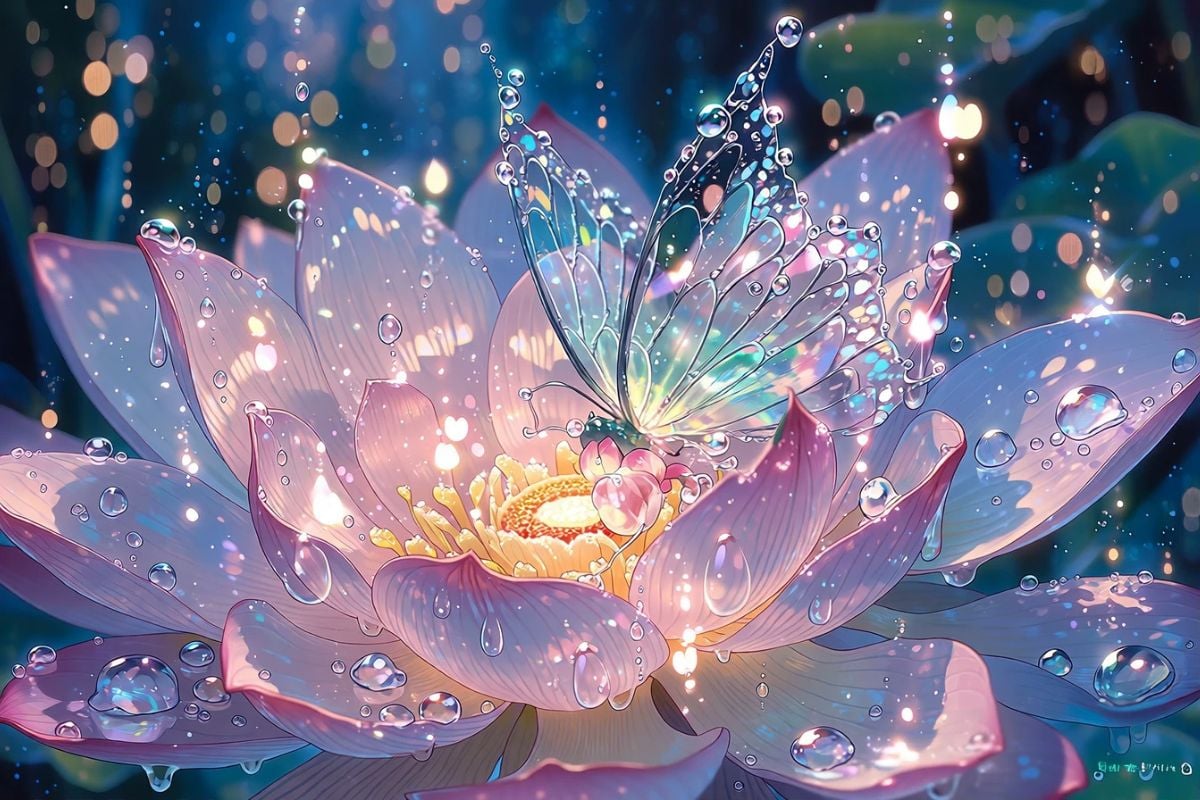
The Flower Fairy’s Dream
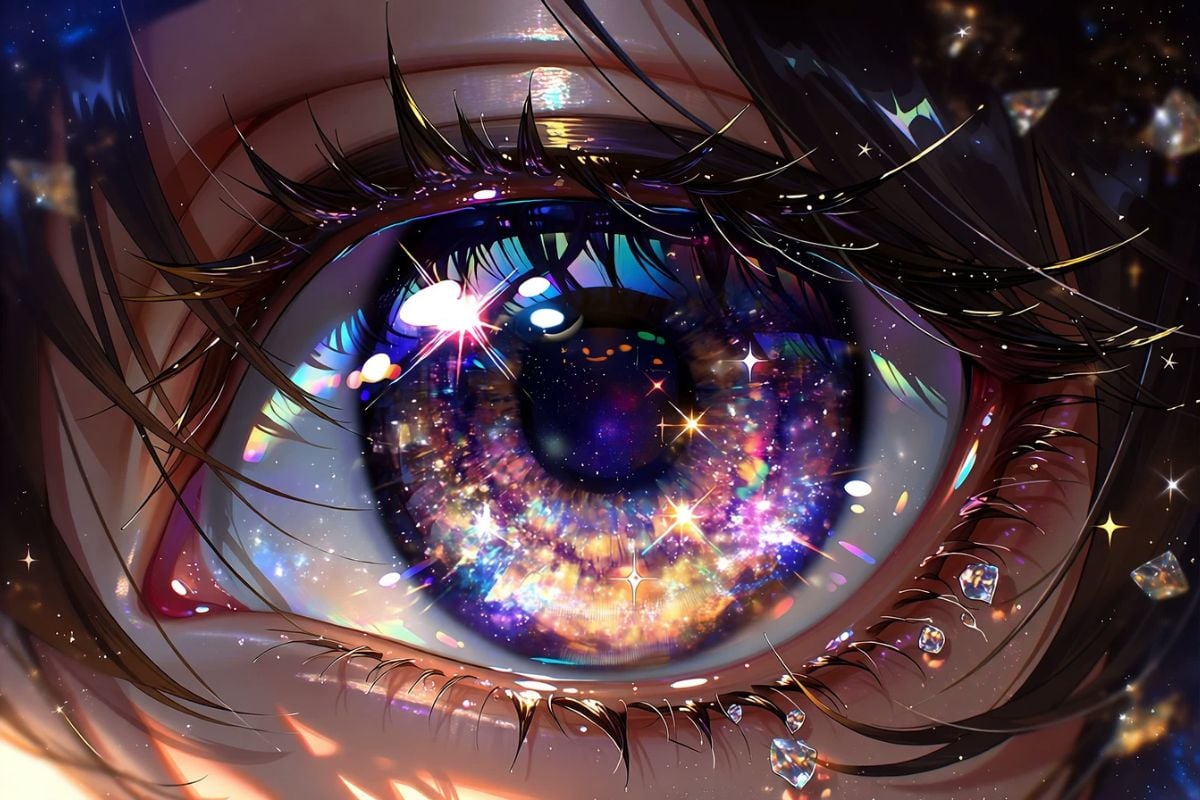
A Billion Stars in Her Eyes
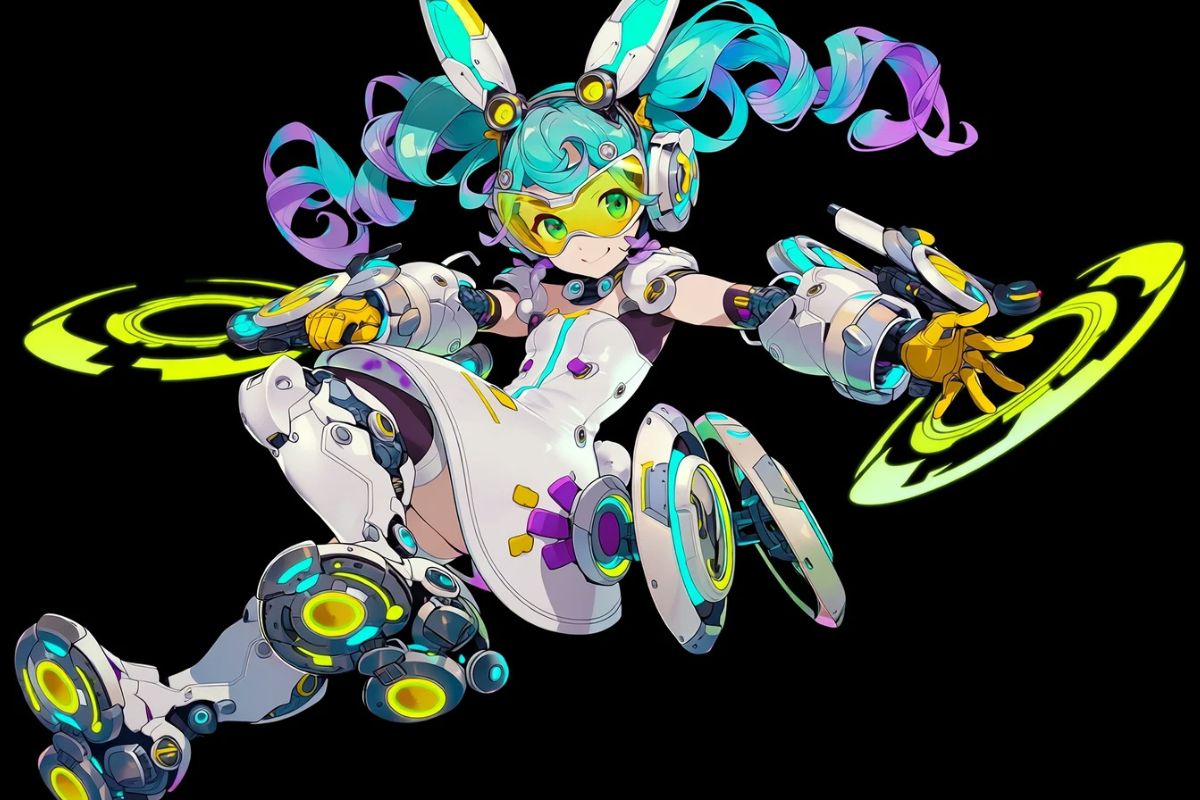
Bunny-Eared Circuit Girl
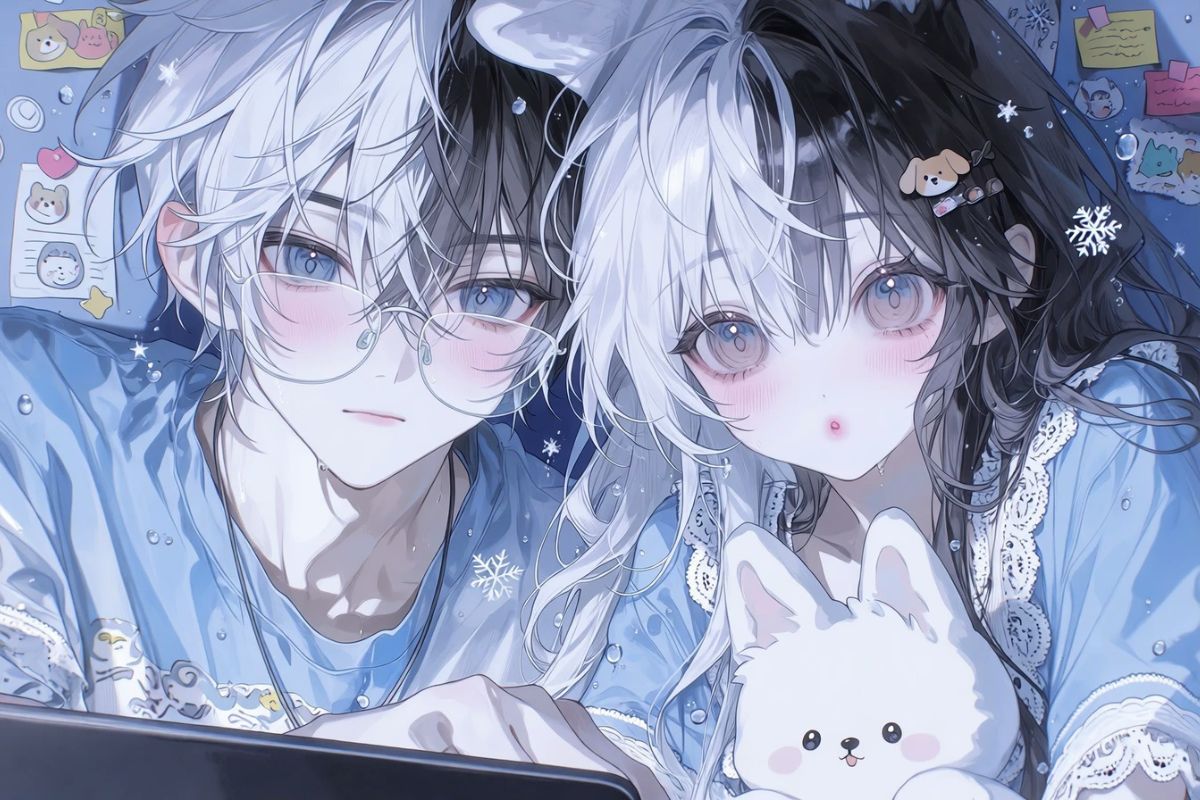
Soft Blue Innocence
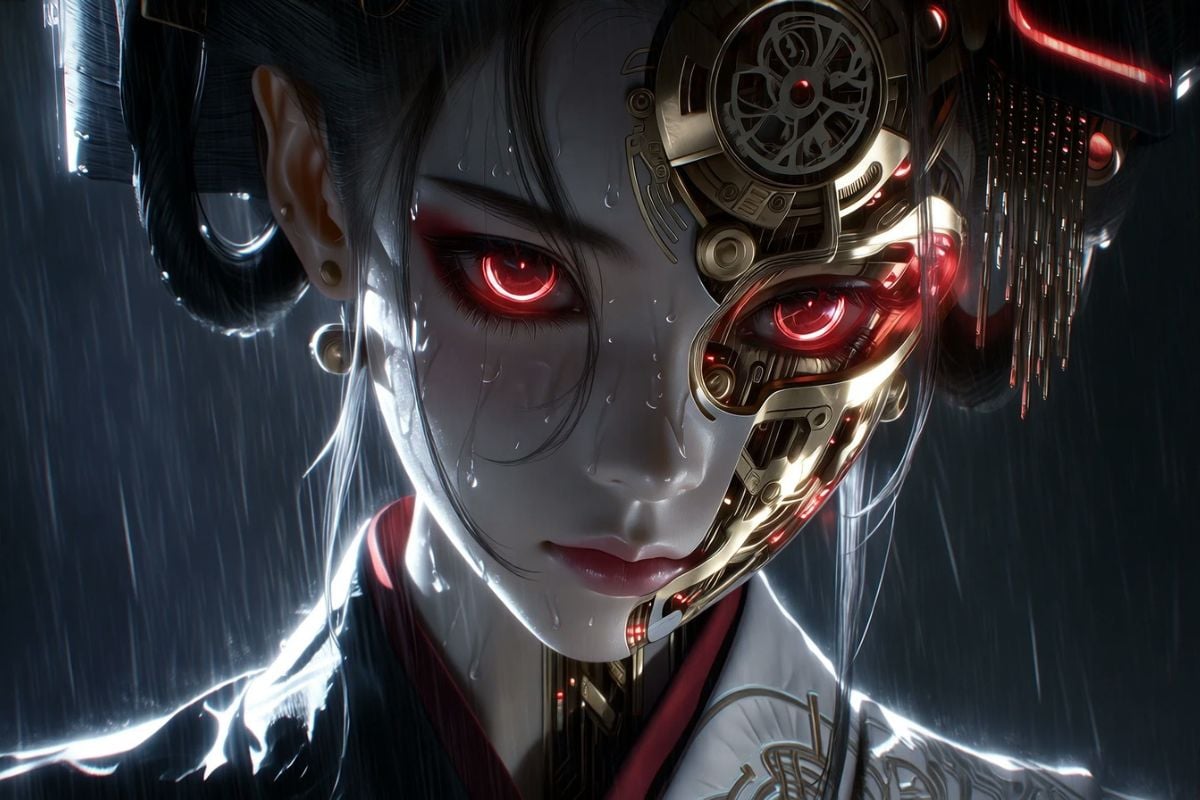
The Cyber Geisha
How to Use Niji V7?
Open GoEnhance AI Text to Image
Open GoEnhance AI and go to the text-to-image workspace. This is the simplest way to run Nijijourney V7 without extra setup.
Select Nijijourney V7 and Choose Ratio
In the model list, select Niji V7. Then choose your aspect ratio (portrait for character sheets, widescreen for cinematic anime scenes).
Fill in Prompt and Generate
Type your prompt, click generate, and iterate with small changes.
Why Nijijourney V7 Feels Like a Real Upgrade
Crystal Clarity: Cleaner Lines, More Coherent Details
The biggest practical win in Nijijourney V7 is coherency: eyes, bangs, accessories, and background motifs feel more connected instead of “stitched.” This makes Niji V7 especially good for close-up portraits and simple compositions where line accuracy matters. If you want a broader toolkit beyond anime styles, you can start from the AI image generator workspace and compare with Midjourney AI for more photoreal or design-driven looks.
More Literal Prompt Following (So Be Specific)
Niji 7 is more literal than older anime workflows: counts, placement, and object relationships hold better when you write them clearly. That’s great for character sheets, manga panels, and repeatable scene framing—but it also means vague “vibes” prompts can be less reliable.
Designed for Line + Space: Flatter Rendering, Better Readability
Nijijourney V7 leans into what makes anime look “right”: confident linework and large, clean areas of space. The rendering is intentionally less heavy so your shapes read fast—useful for storyboards, key visuals, and expressive faces. If you’re also testing the general V7 baseline, compare results with Midjourney V7 to see how an anime-specialized model differs from a general-purpose one.
More Models You May Like
You may want to know
What is Nijijourney V7?
What is Niji V7 best for?
Is Nijijourney V7 the same as Midjourney V7?
Do I need a different prompt style for Niji 7?
How do I use Nijijourney V7 on GoEnhance AI?
How do I get more consistent results in Niji V7?
Can I use Nijijourney V7 images commercially?
Discussion
Create Anime Art with Nijijourney V7
Open GoEnhance AI, select Nijijourney V7, and start generating. Niji 7 is built for crisp linework, stronger coherency, and more literal prompt following—perfect for anime portraits, OC design, and manga-style scenes.
Try Nijijourney V7