
Kling AI Alternative: 11 Better Options for Image to Video, Anime Clips, and Flexible Video Workflows
- 1. Intro
- 2. Comparison Table: 10+ Kling AI Alternatives at a Glance
- 3. Why People Search for a Kling AI Alternative
- 4. GoEnhance Review: Best for Creators Who Want a More Flexible Workflow
- 5. 10 Other Kling AI Alternatives Worth Considering
- 6. Don’t Choose by Brand Name — Choose by What You’re Animating
- 7. Best Kling AI Alternative for Image to Video
- 8. Best Kling AI Alternative for Anime Video Generation
- 9. Best Affordable Kling AI Alternative for Creators
- 10. How to Choose the Right Tool Without Wasting Time or Credits
- 11. FAQ
- 12. Conclusion
1. Intro
- A good Kling AI alternative is not just about prettier outputs. It is about whether you can get from idea to usable video with less friction, fewer reruns, and less time wasted on tool switching.
That is why this list is not built around hype alone. Some tools are better for realistic motion. Some are better for quick social clips. Some are stronger for stylized or anime-like results. And some are simply easier to live with when you need image to video more often than cinematic perfection.
If you are searching for a Kling AI alternative, start by matching the tool to your workflow, not the brand name.

2. Comparison Table: 10+ Kling AI Alternatives at a Glance
The fastest way to narrow this down is to compare tools by use case, cost pressure, and workflow friction rather than by marketing claims.
| Tool | Best for | Free access | Entry cost | Learning curve | Output focus | Workflow friction |
|---|---|---|---|---|---|---|
| GoEnhance | Image-to-video, stylized workflows, mixed-skill creators | Yes | Low | Low to medium | Photo animation, style transfer, creator workflows | Low |
| Runway | Advanced editing and post-heavy work | Limited | Medium to high | Medium to high | Cinematic control, editing depth | Medium |
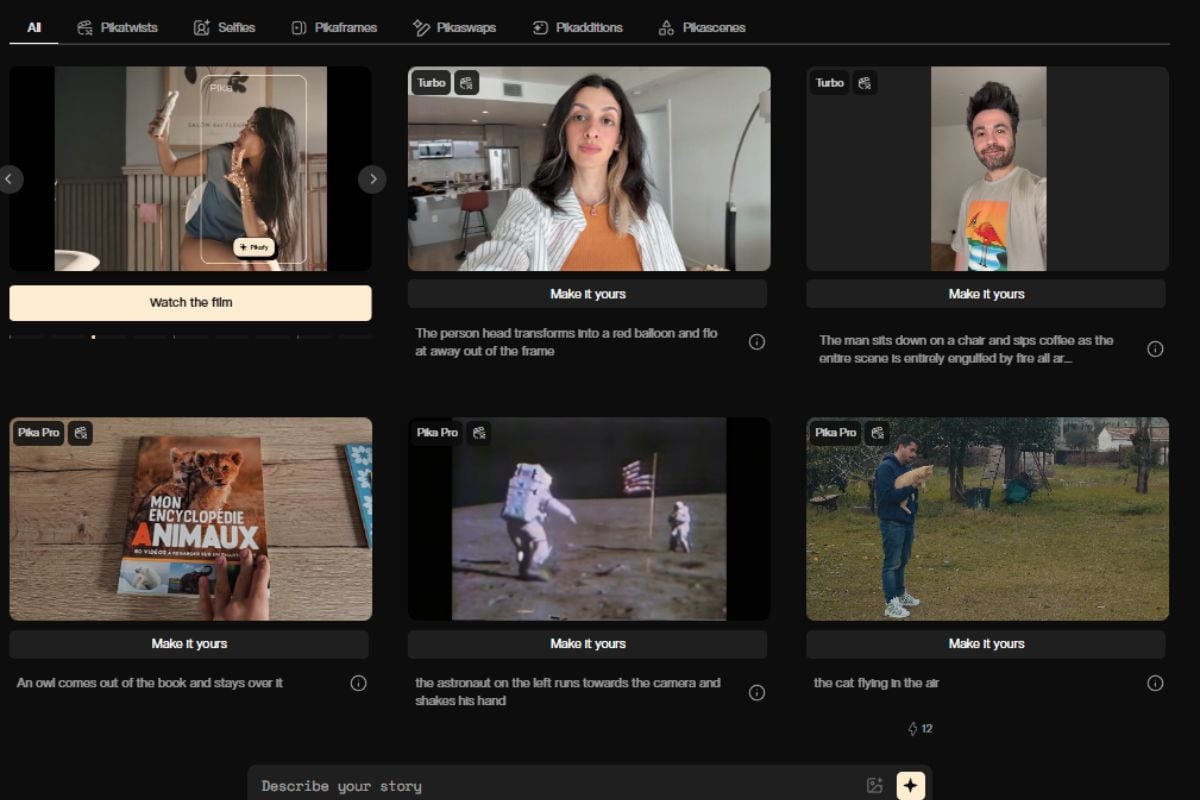
| Pika | Fast social clips and lightweight experimentation | Limited | Low | Low | Short-form, playful generation | Low |
| Luma Dream Machine | Quick concept videos and visual ideation | Limited | Low to medium | Low | Fast motion previews, concept shots | Low |
| PixVerse | Stylized clips and prompt-led effects | Limited | Low | Low | Visual effects, style-heavy output | Low |
| Hailuo AI | Fast generation and alternative model testing | Limited | Low | Low | Short AI video generation | Low |
| Pollo AI | Aggregated model access for casual comparison | Limited | Low | Low | General-purpose generation | Medium |
| Sora | Experimental premium-grade text/video generation route | Varies | High | Medium | High-end generated scenes | Medium |
| Veo | Realistic motion and premium-quality scenes | Varies | High | Medium | Realism, advanced scene generation | Medium |
| Wan | Open-model or flexible experimentation route | Varies | Low to medium | Medium to high | Open workflow experimentation | High |
| Stable Video Diffusion | Open-source leaning workflows and custom setups | No simple default | Low software cost, higher setup cost | High | Custom/self-managed generation | High |
Try GoEnhance image to video first.
Most people do not need the “best” tool in the abstract; they need the least painful one for their actual output.
3. Why People Search for a Kling AI Alternative
Most users do not leave a tool because it is useless. They leave because one part of the workflow starts to annoy them more than the results justify.
Usually, the pressure point is one of five things:
- image to video takes too many retries
- stylized outputs look good once, then fall apart on the next run
- queue time or credits make experimentation expensive
- the tool is fine at generation but weak in follow-up workflows
- beginners can get started, but scaling the process feels messy
This is also why “free alternatives to Kling AI” is a real search intent, but not always the right one. Free can help you test an idea. It does not automatically make the workflow cheaper. If you have to rerun the same prompt three times, re-upload assets, and jump between tools for style conversion, the plan price stops being the main issue.
That matters more now because video is no longer optional side content for many teams and creators. Video remains a mainstream marketing format, and creators are operating in an economy big enough to support full businesses around repeated content output, not one-off experiments. Wyzowl’s 2026 video marketing report and Oxford Economics’ work on YouTube’s creator economy impact both point in the same direction: video volume and repeatability matter.
People look for a Kling AI alternative when the workflow starts costing more than the model is worth.
4. GoEnhance Review: Best for Creators Who Want a More Flexible Workflow
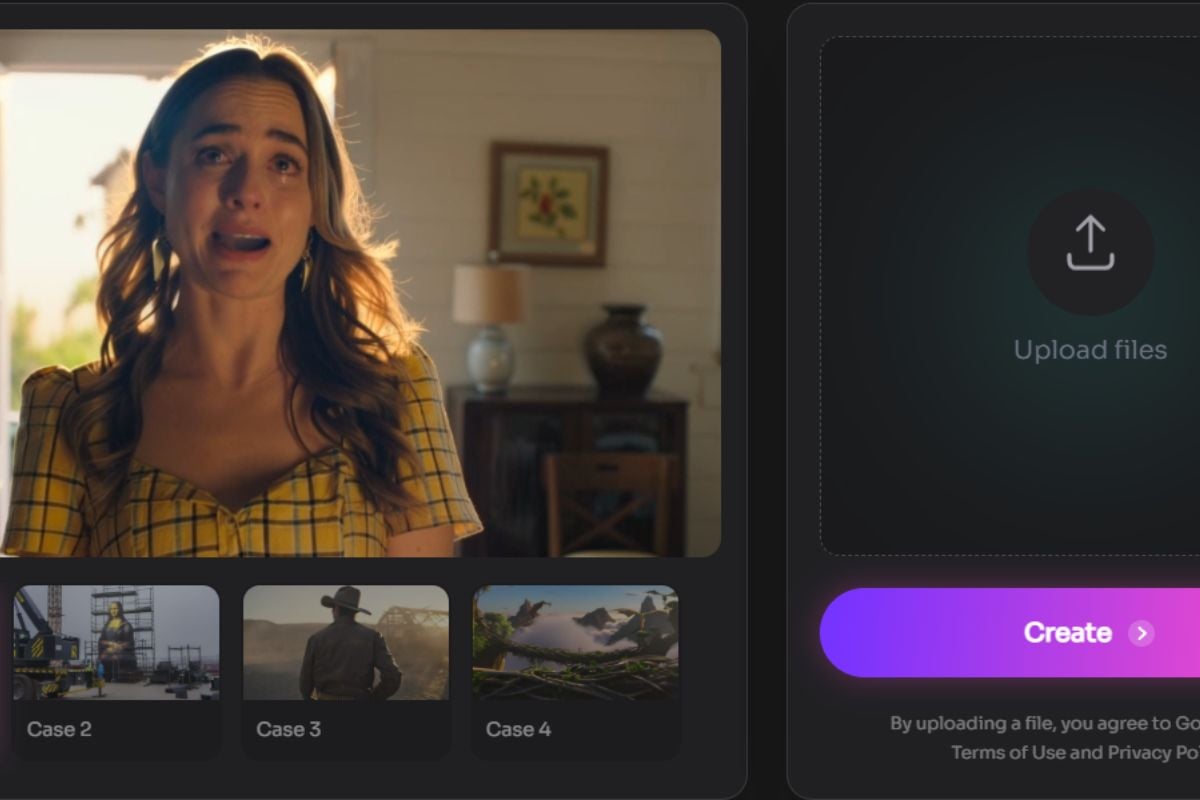
GoEnhance makes the strongest case when your work is broader than a single model test. Its real advantage is not “we also do AI video.” It is that you can move inside one ecosystem from image to video workflows to style conversion, then into character-driven creation without rebuilding your process from scratch.
That matters for three common jobs.
First, image to video. If your source material is a product image, portrait, illustration, or campaign visual, a simple route from upload to animation is often more important than maximal cinematic control.
Second, stylized output. If your goal is anime-like motion, visual remixing, or a more designed look, the jump from raw generation to usable result usually depends on whether the platform supports adjacent workflows well. GoEnhance is more compelling here because you can connect your video generation path with video to video style transfer and related creator-oriented tools instead of treating each clip like a standalone gamble.
Third, repeatable assets. If you publish series content, social characters, or recurring visual identities, consistency starts to matter more than novelty. The broader GoEnhance video models setup makes sense for that kind of work because it is built more like a creator workflow hub than a single-purpose generator.
The tradeoff is worth saying clearly. GoEnhance is not the obvious winner for every professional video task. If your real job is deep timeline editing, advanced compositing, or heavy post-production, Runway or another editing-first environment may still fit better. And if your work is mostly static design, such as posters, decks, or layout-heavy brand assets, a design tool is still the more sensible home base.
See GoEnhance’s image to video workflow.
GoEnhance is strongest when you care about finishing creator-friendly video workflows, not just testing one flashy generation.
5. 10 Other Kling AI Alternatives Worth Considering
Other tools still deserve real consideration, just for different reasons.
Runway is usually the stronger pick for users who care about editing depth after generation, not just generation itself. It is more demanding, but that is partly the point.
Veo is the premium-quality route people look at when realism matters most. It is usually less about casual experimentation and more about high-end output expectations.
Pika is a good fit for quick iteration. It tends to attract users who want speed and less setup, especially for social content.
Luma Dream Machine is often strongest as a concepting tool. It is useful when you want to visualize motion fast rather than build a complete pipeline inside one tool.
PixVerse is the one many users look at for stylized results and effect-forward clips. It can be a good match if visual flair matters more than consistency over a longer production chain.
Hailuo AI is worth watching if you like trying alternative generation routes without committing to a heavier setup.
Pollo AI is relevant because some users prefer model aggregation and lighter comparison inside one interface, even if that does not always solve the workflow problem.
Sora remains part of the broader “what else is out there” conversation, even though it is not the practical first stop for every budget-sensitive creator.
Wan matters for users leaning toward open-model flexibility or less centralized workflows.
Stable Video Diffusion is not the easiest option, but it is still relevant if you want a more technical, self-managed route.
A neutral directory like AlternativeTo’s Kling AI alternatives list is useful here because it shows how wide the field has become, including hosted tools and more open routes.
The strongest alternative depends less on the headline model and more on whether you need speed, stylization, editing depth, or workflow flexibility.
6. Don’t Choose by Brand Name — Choose by What You’re Animating
What you animate matters more than what the homepage says.
If you are animating still photos, the best tool is usually the one with the shortest path from image upload to believable motion.
If you are animating anime frames or stylized illustrations, you should care more about line retention, character consistency, and how the tool handles aggressive motion without tearing the style apart.
If you are animating product images, you want controllable motion and repeatable outputs more than spectacle.
If you are animating recurring creator assets, the real question is whether the tool helps you keep identity stable across multiple clips.
This is exactly why a broad workflow platform can beat a single celebrated model. A popular model might win a one-off prompt contest and still lose the week if your second and third videos take too much cleanup.
Choose the tool based on the source asset and output style, not the loudest brand in the category.
7. Best Kling AI Alternative for Image to Video
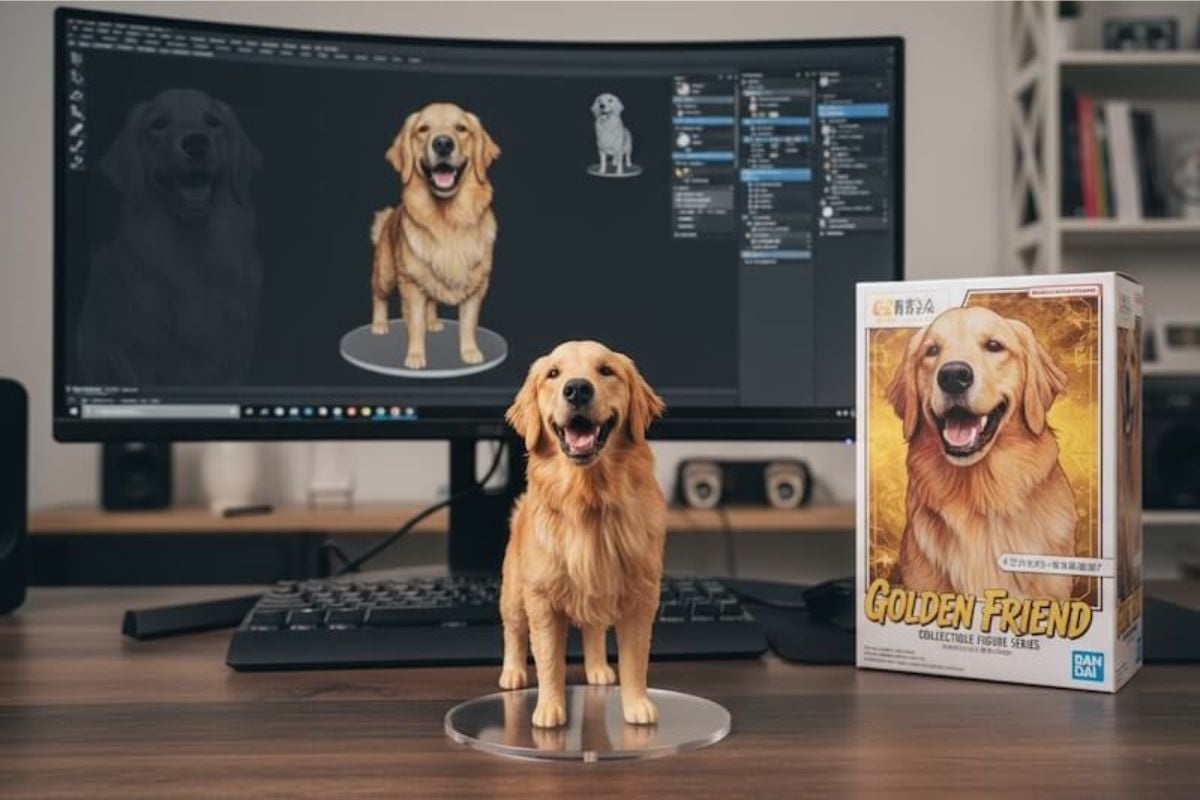
If image to video is your main job, GoEnhance is the most balanced choice in this list.
The reason is simple: it lowers the path from source image to usable short video, and it does that without forcing you into a separate ecosystem the moment you want to refine style or continue the idea. That makes it a practical answer to best Kling AI alternative for image to video, especially for marketers, creators, and designers who need short output cycles.
Runway is still a serious option if your image-to-video task quickly turns into an editing project. Pika and Luma can also work if speed matters more than repeatability.
But for mixed-skill teams, GoEnhance feels better positioned because it matches how these tasks happen in real life: someone uploads an existing asset, needs a fast moving version, then often needs another version with a different style or tone.
For most mixed-skill users, GoEnhance is the strongest starting point for image-to-video because it keeps the path short and the workflow expandable.
8. Best Kling AI Alternative for Anime Video Generation
For Kling AI alternative for anime video generation, the answer is less universal.
Anime-style video generation usually breaks in obvious places: line quality, face consistency, exaggerated motion, and scene transitions. That means a platform with style-oriented workflows matters more than a platform that is only impressive on realistic motion.
GoEnhance stands out here because its broader workflow is a better fit for stylized iteration. If your process includes image-to-video first and then style-driven refinement, it gives you more room to keep working instead of restarting elsewhere.
PixVerse and Pika also deserve attention for stylized, social-friendly outputs. Open routes like Wan or Stable Video Diffusion can make sense for advanced users who want more control and do not mind extra setup.
The honest limitation: if your anime pipeline is deeply custom and you need frame-level intervention or a self-managed stack, GoEnhance may be the easier path, not the deepest one.
For most creators, GoEnhance is the more practical anime-video choice; for highly technical custom pipelines, open routes may still win.
9. Best Affordable Kling AI Alternative for Creators
Affordable is not the same as free.
A free tier is useful when you want to validate an idea, compare motion styles, or test whether a still image is even worth animating. It is less useful if the platform makes each retry feel expensive in time.
That is where GoEnhance has a smart position. It gives beginners a lower-friction way to test the workflow, but it also scales more naturally into the next step. That is better than a tool that is technically cheap but forces you to redo your process once you want stronger outputs.
Pika, Hailuo AI, and some model-aggregator routes can also make sense for budget-conscious creators. Open-source routes may look cheaper on paper, but the setup cost can be real.
My judgment is straightforward: budget-sensitive creators should optimize for cost per usable clip, not cost per plan page.
The most affordable Kling AI alternative is the one that gets you to a usable clip with the fewest reruns, not the one with the lowest sticker price.
10. How to Choose the Right Tool Without Wasting Time or Credits
The simplest decision guide is this:
- Start with your main output: photo animation, stylized clip, realistic motion, or editing-heavy production.
- Decide whether you need a generator only, or a broader workflow.
- Check whether consistency matters across multiple clips.
- Estimate how often you will rerun or restyle results.
- Pick one workflow to test before you commit.
If your answer is “I mostly need image to video and occasional style changes,” GoEnhance is the strongest default.
If your answer is “I need deeper editing and post-production,” Runway is more likely the better fit.
If your answer is “I want to experiment fast and stay lightweight,” Pika, Luma, or Hailuo AI may be enough.
If your answer is “I want open-model flexibility and I do not mind setup,” Wan or Stable Video Diffusion are more logical.
Choose the tool by output type, consistency needs, and retry cost; that is usually enough to eliminate half the list.
11. FAQ
11.1 What is the best Kling AI alternative for image to video?
GoEnhance is the best starting point for most users because it is built around a smoother creator workflow rather than a one-off model test.
11.2 Are there any free alternatives to Kling AI?
Yes. Several tools offer limited free access or free tiers, but “free” is only useful if the workflow stays efficient after the first test.
11.3 What is the best Kling AI alternative for anime video generation?
For most creators, GoEnhance is the more practical choice because it fits stylized workflows better. Advanced users may still prefer more technical or open routes.
11.4 Is GoEnhance a good choice for beginners?
Yes. It is especially good for beginners who want image to video without learning a heavier production stack first.
12. Conclusion
The best Kling AI alternative depends on what you are trying to make.
If you need deep editing, there are stronger editing-first tools. If you want open experimentation, there are more technical routes. But if you want a practical way to turn images into short videos, experiment with stylized output, and keep the workflow flexible as your needs grow, GoEnhance is the most balanced place to start.
That is why it works especially well for mixed-skill creators, marketers, and designers: it does not force you to solve every problem with a new tool.


