
Solo Halloween: Your Own Retro Halloween Music Video from One Photo
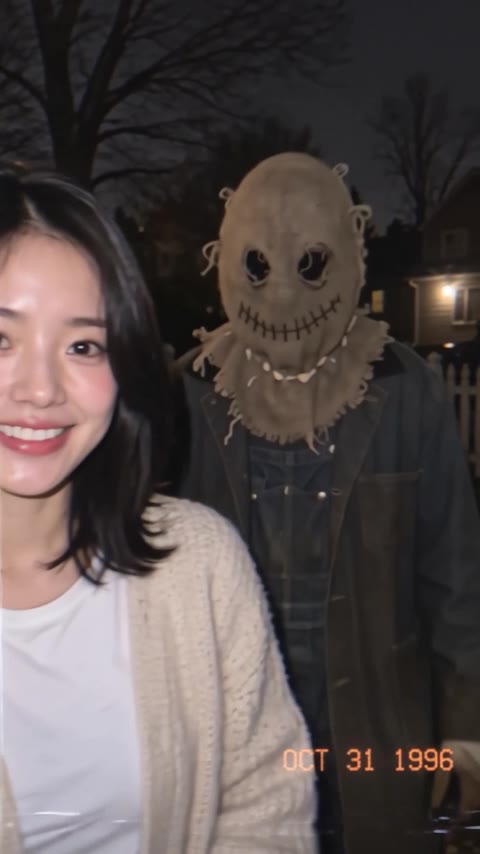
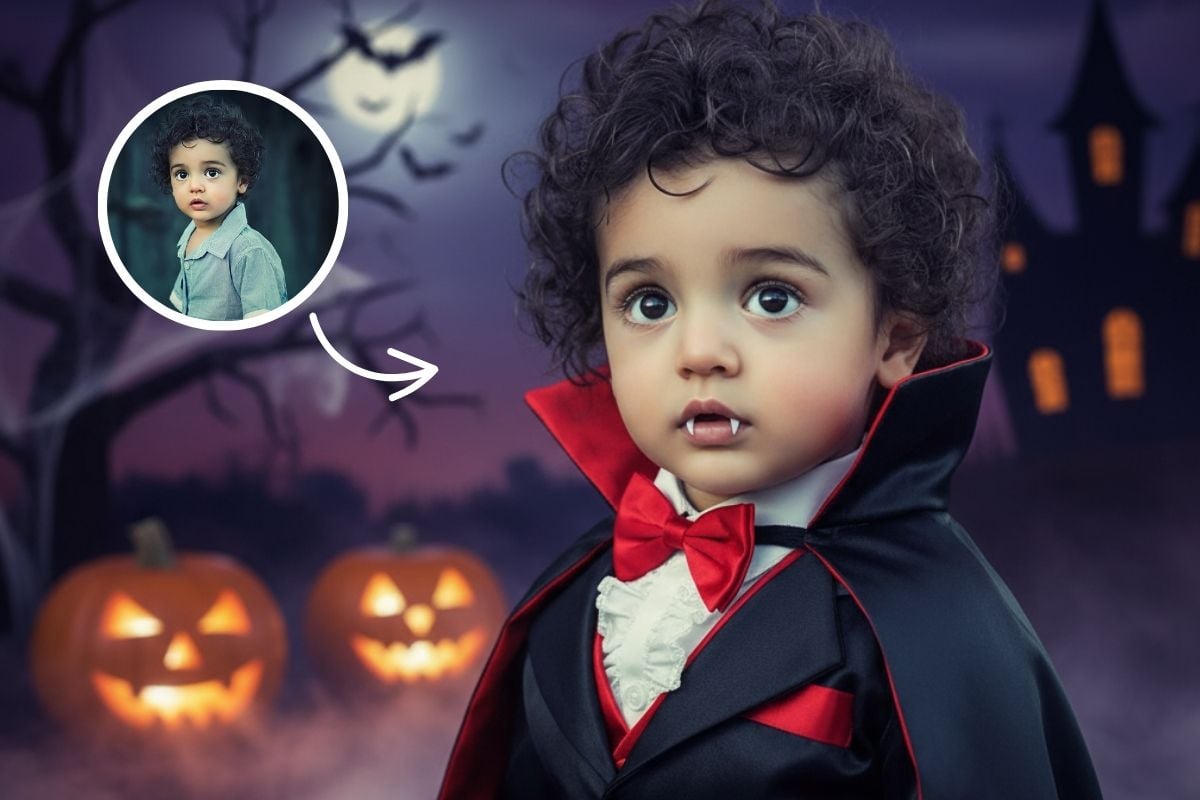
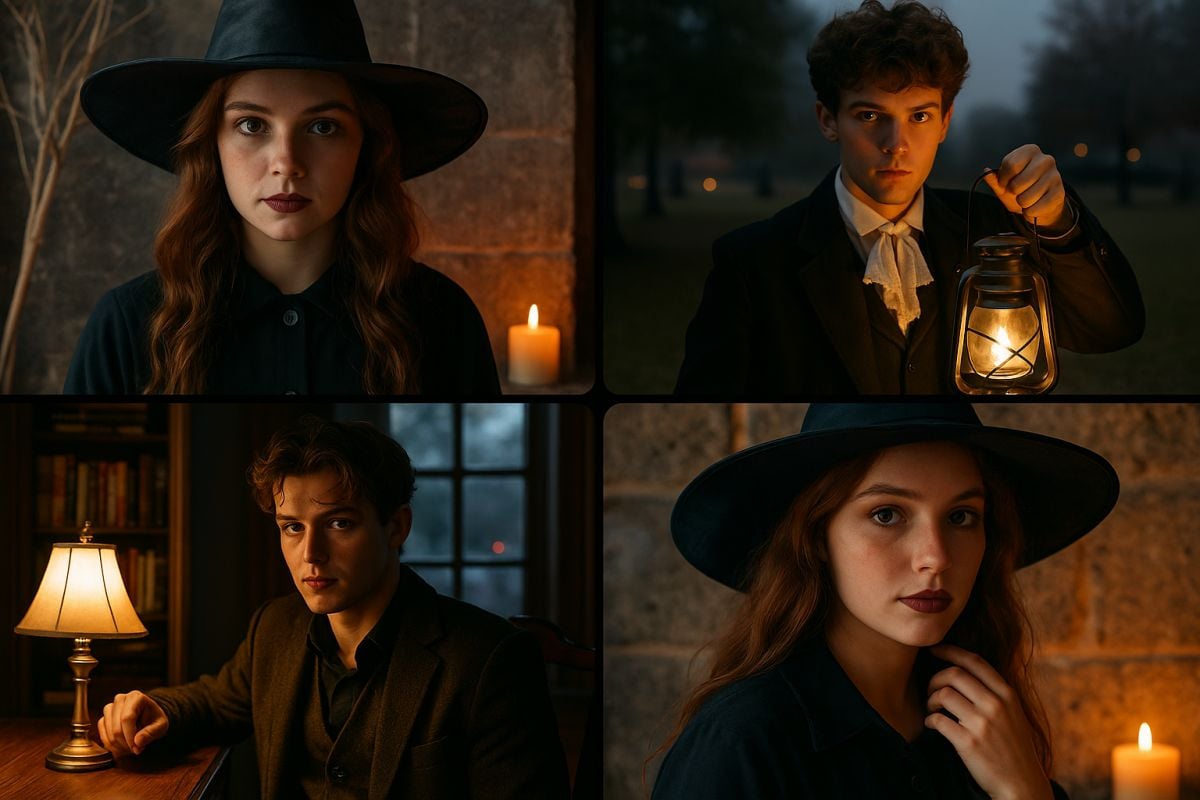
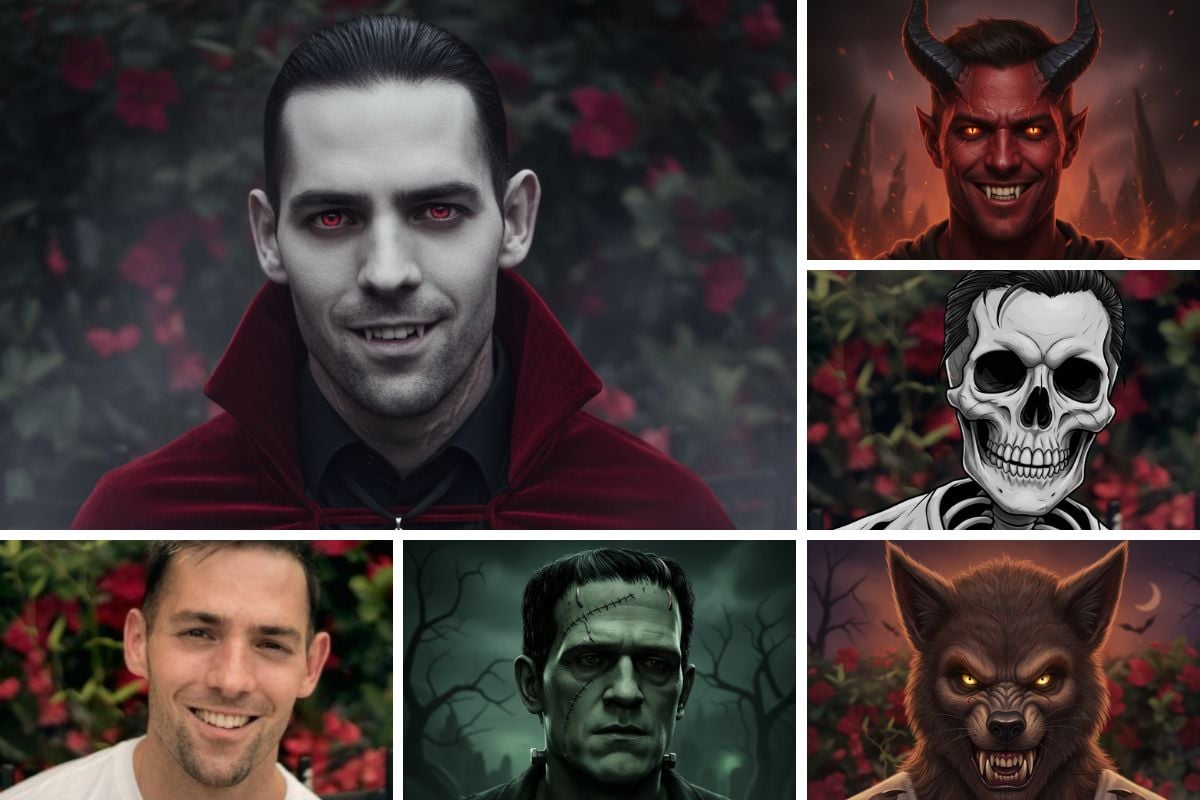
Upload one photo and the AI casts you as the solo star of a 1980s Halloween music video. First it dresses you in a surprise costume, such as a witch, skeleton, werewolf, scarecrow or vampire, and puts you on a foggy graveyard stage with a full moon, glowing jack-o'-lanterns and purple stage lights. Then it turns the scene into a 5-second dance video with a synth-pop beat and VHS colors. Every run can pick a different costume. Free users can watch the first 3 seconds; upgrade to unlock the full clip.

Original
Effect: Solo Halloween
Your photo
Upload files
Upload a clear photo. The effect is applied to everyone in it.
By uploading a file, you agree to GoEnhance's Terms of Use and Privacy Policy
What the Solo Halloween Effect Does
How to Make a Solo Halloween Video
01
Upload a photo
A clear, front-facing photo of one person. Good light helps the AI keep your features.
02
Pick Solo Halloween
The effect is already selected. No prompt needed.
03
Generate
The AI picks your costume and builds the stage, then animates your dance. The 5-second video with music is ready in a few minutes.
04
Share it
Post it on TikTok, Reels or Shorts and tag your friends.
Everything about the solo Halloween music video effect.
Solo Halloween FAQ
What is the Solo Halloween trend?
Can I choose my costume?
Will it look like me?
What photo works best?
Is it free?
Want to choose a costume yourself?
More Halloween Effects
Star in Your Solo Halloween Video
Upload one photo and get a retro Halloween music video in a surprise costume.
Make My Music Video