
Horror Face Transformation: Your Face, Slowly Turning into a Monster
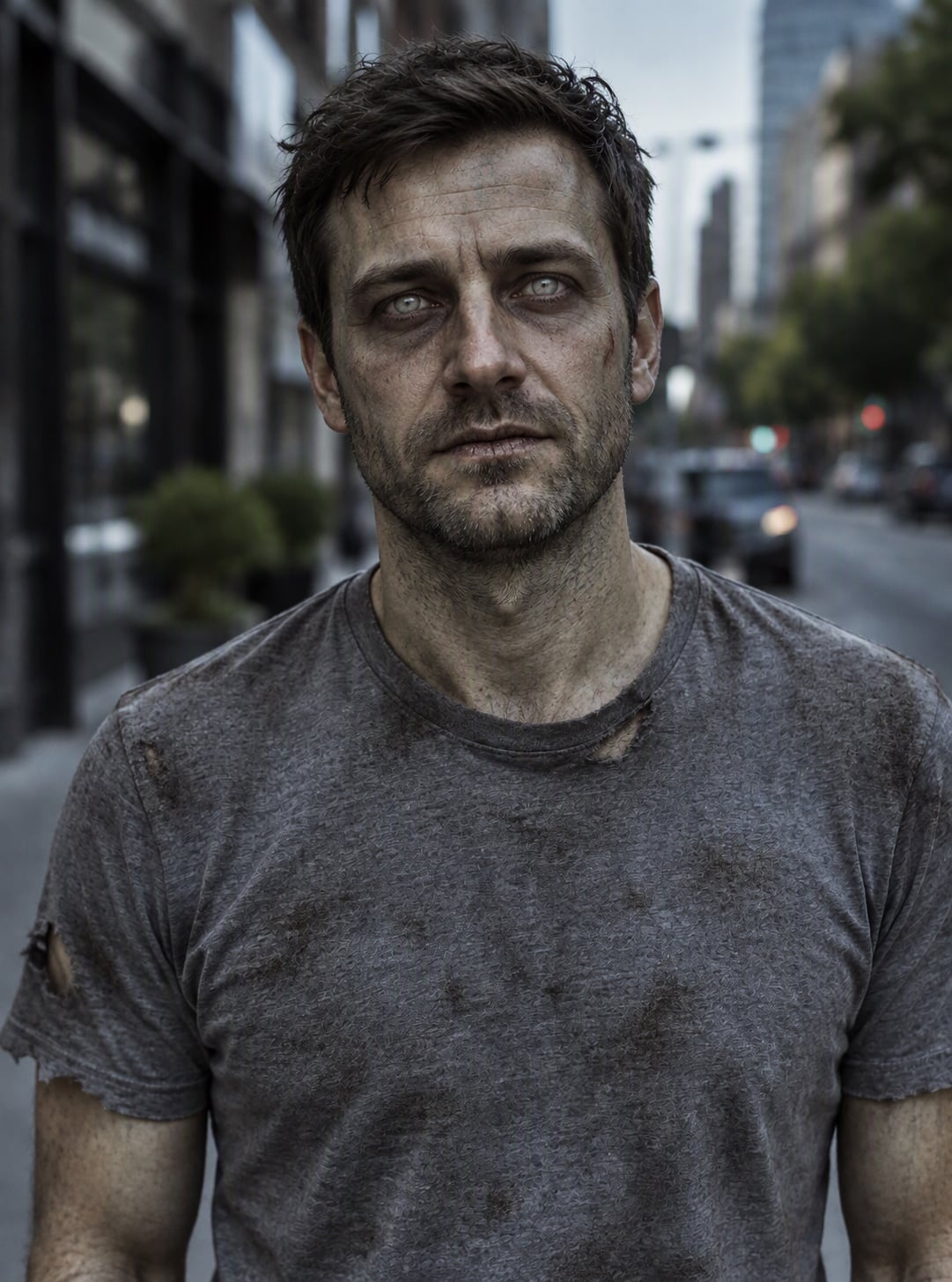
Upload one photo and the AI turns it into a short horror movie scene. The video starts with you, smiling normally. Then the lights flicker, the smile freezes and grey cracks spread across your skin, your eyes sink into dark sockets and bulge wide open, and the grin stretches into something unsettling, ending as a skull-like monster face that still looks like you. It is pure special-effects makeup, with no blood or gore. Free users can watch the first 3 seconds; upgrade to see the full transformation.

Original
Effect: Horror Face Transformation
Your photo
Upload files
Upload a clear photo. The effect is applied to everyone in it.
By uploading a file, you agree to GoEnhance's Terms of Use and Privacy Policy
What the Horror Face Transformation Does
How to Make a Horror Face Transformation Video
01
Upload a photo
A clear, front-facing photo of one person. Good light helps the AI keep your features.
02
Pick Horror Face Transformation
The effect is already selected. No prompt needed.
03
Generate
The AI designs your monster makeup, then morphs your photo into it over 5 seconds with eerie sound. The video is ready in a few minutes.
04
Share it
Post it on TikTok, Reels or Shorts and tag your friends.
Everything about the horror face AI effect.
Horror Face Transformation FAQ
What is the horror face transformation trend?
Is it gory?
How does it work?
What photo works best?
Is it free?
Want a zombie photo instead?
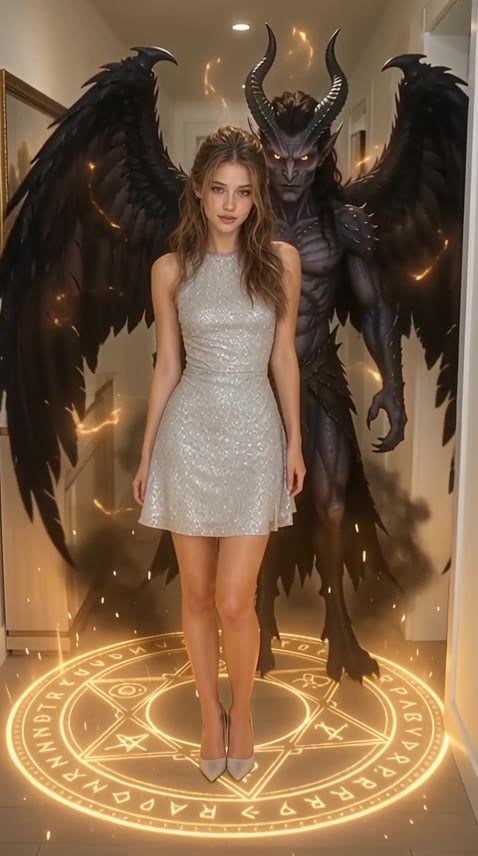
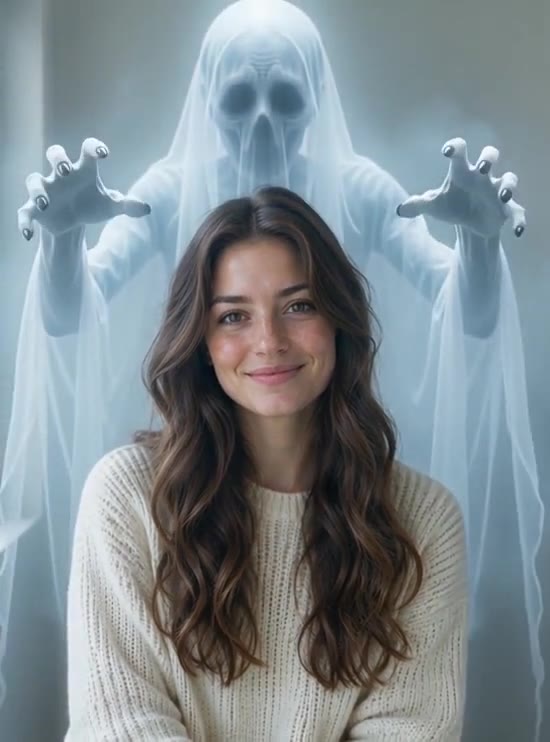
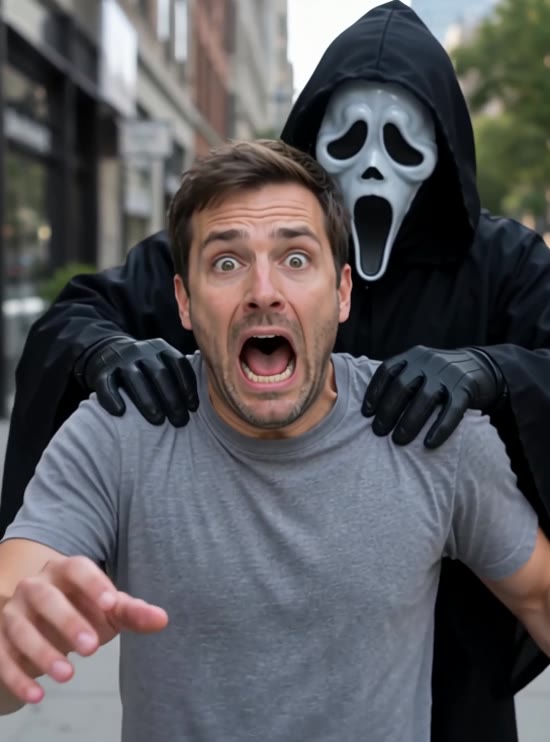
Transform Your Face into a Monster
Upload one photo and get your horror face transformation in a few minutes.
Make My Horror Face