
AI Group Photo Maker: Put Everyone in One Photo
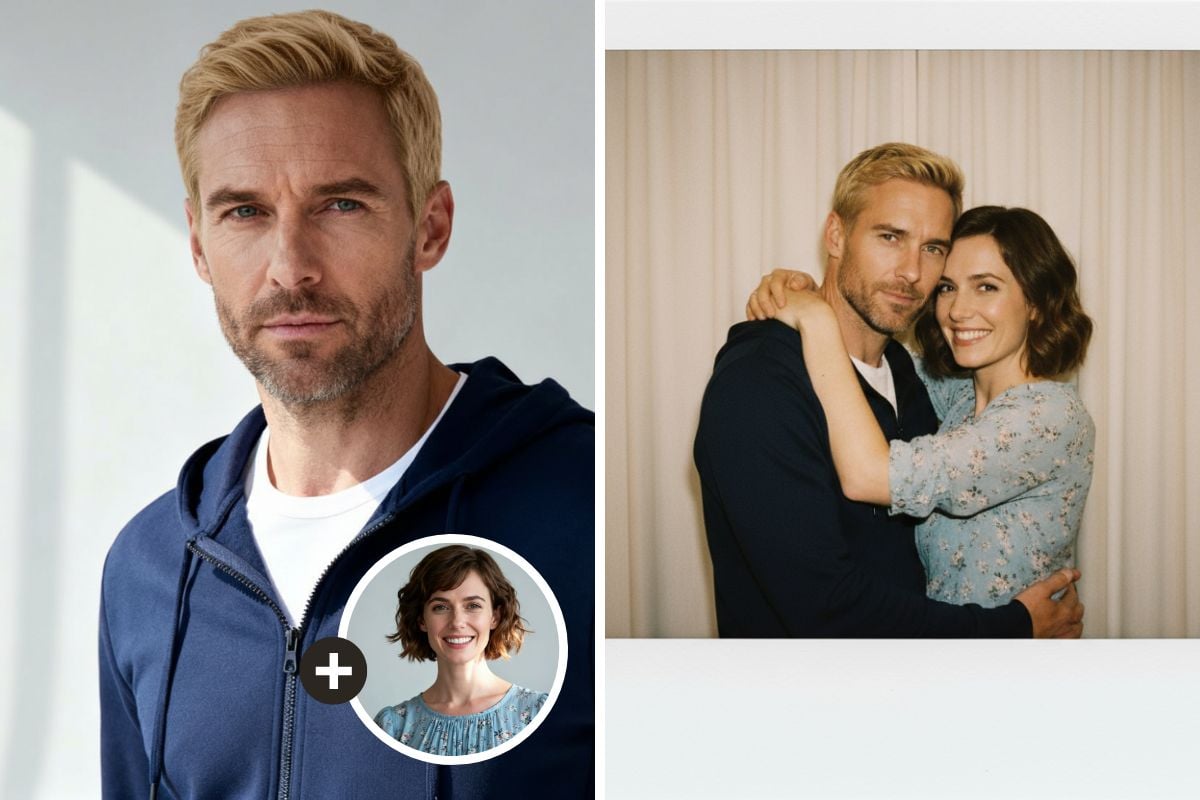
Missed someone in the group photo, or never got everyone together? Upload separate photos of each person and the AI combines them into one natural group shot: same scene, same light, same camera height, everyone smiling together. Each person keeps their own face, hair and outfit. The console below runs on GPT Image 2.5.
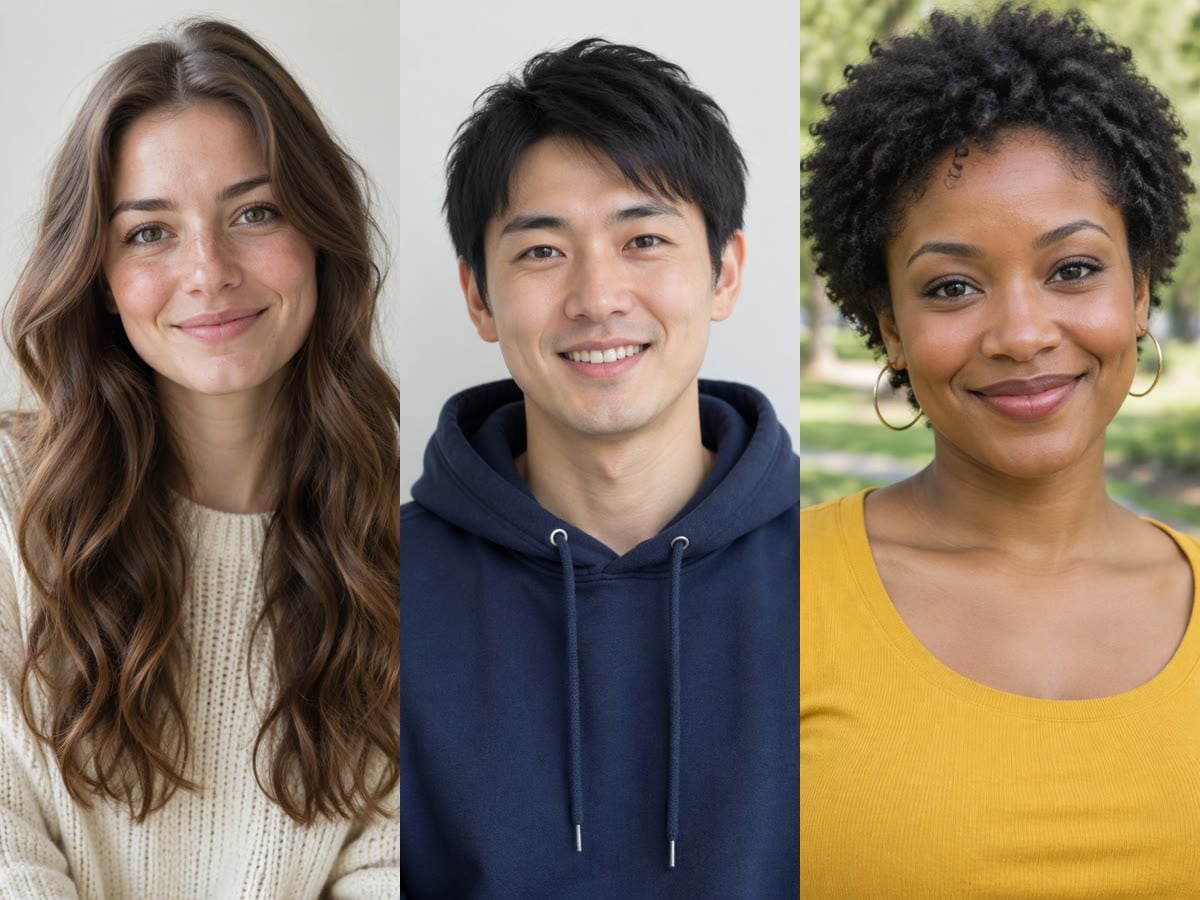
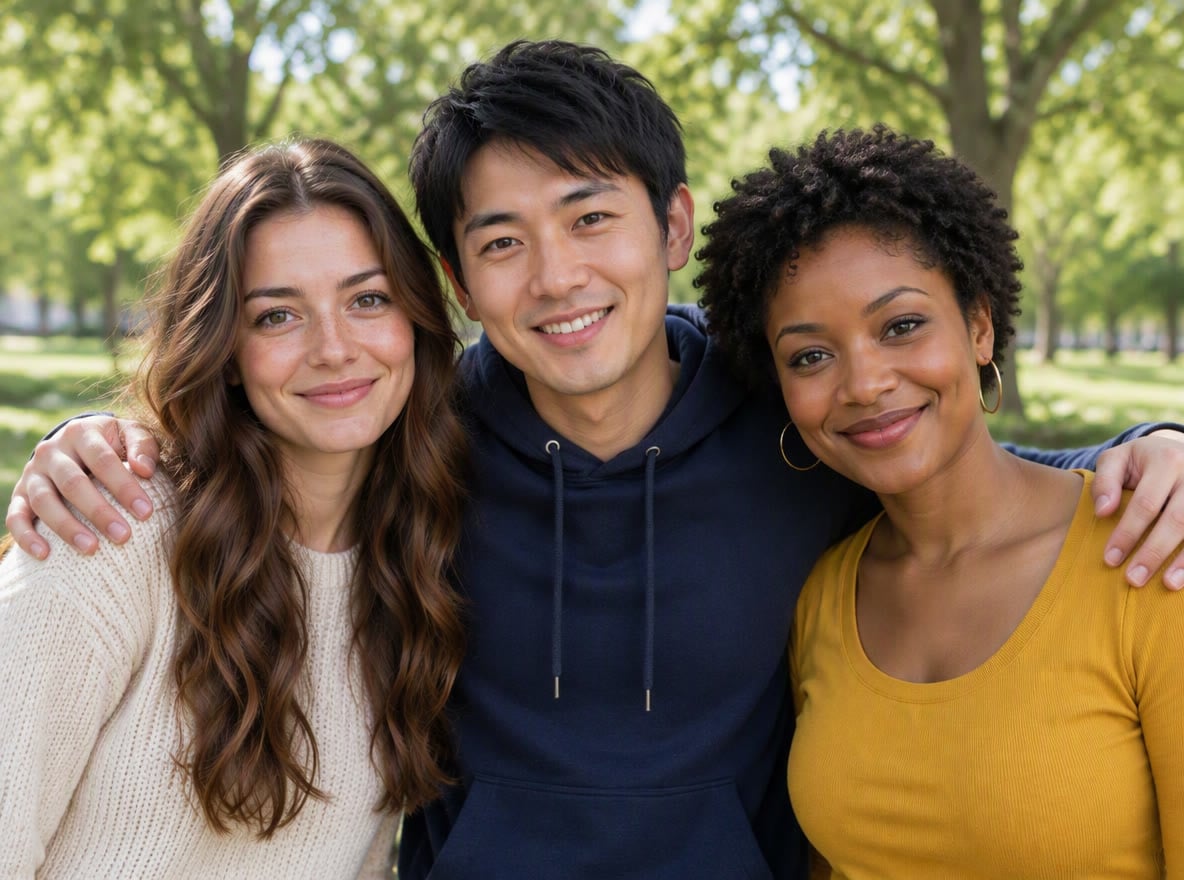
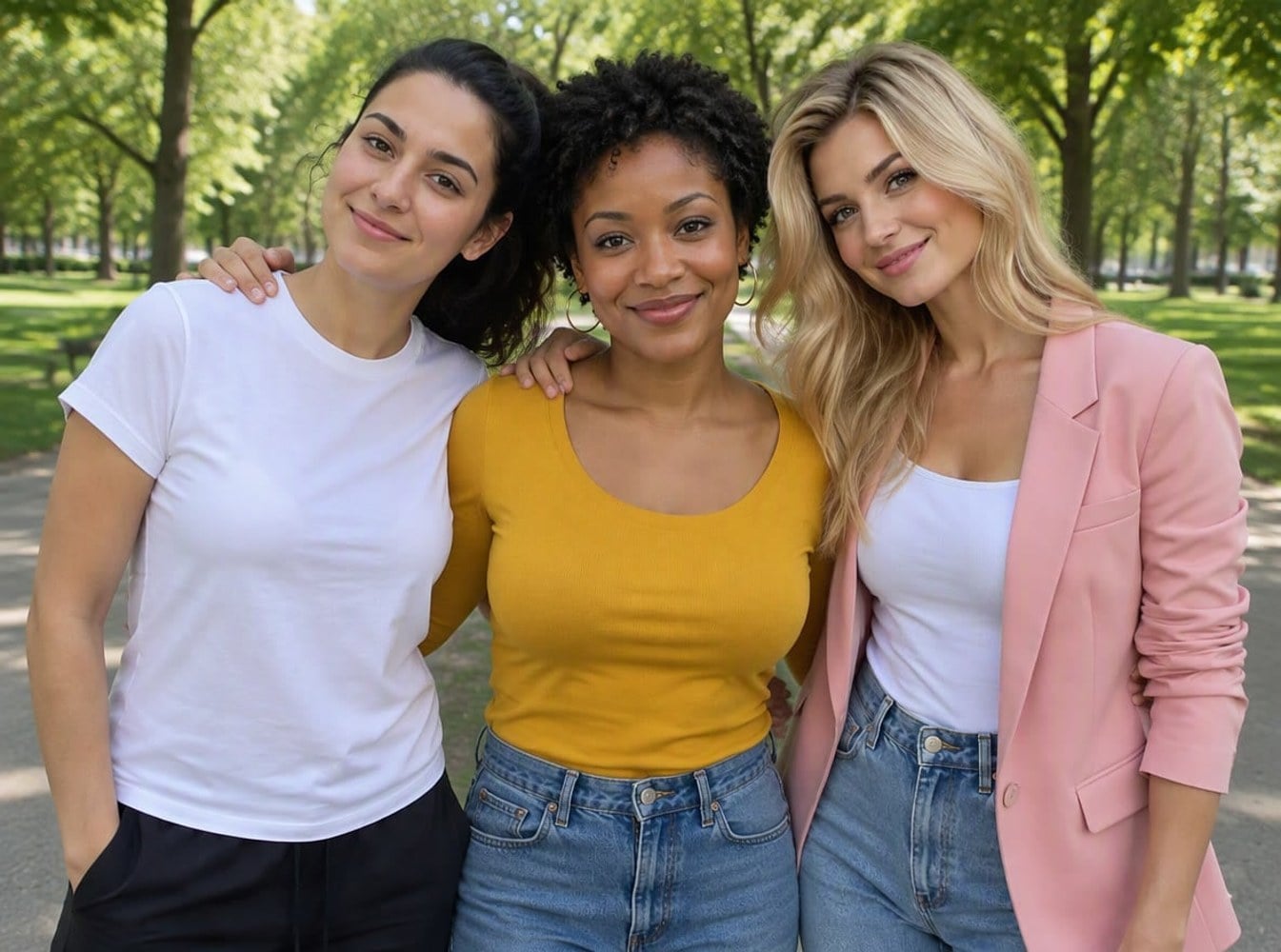
Three Friends in the Park
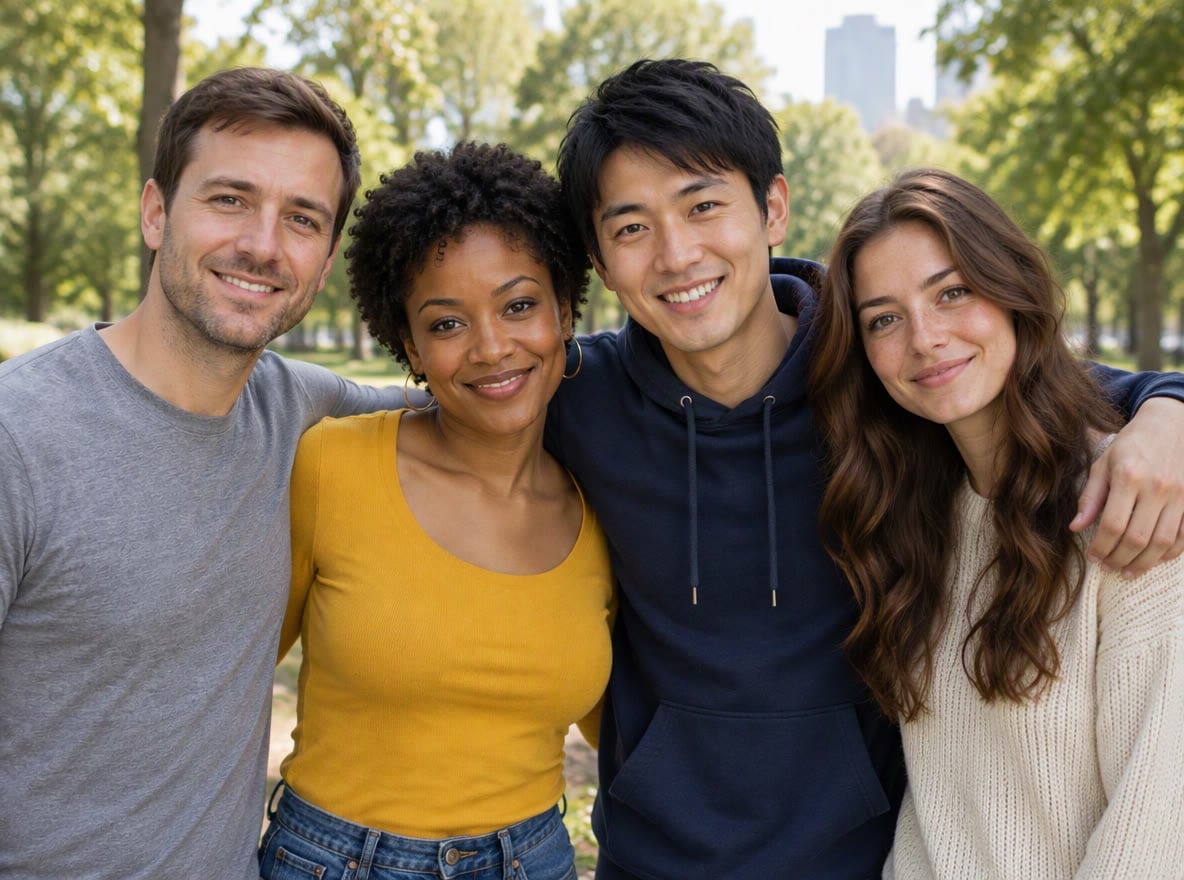
Team of Four
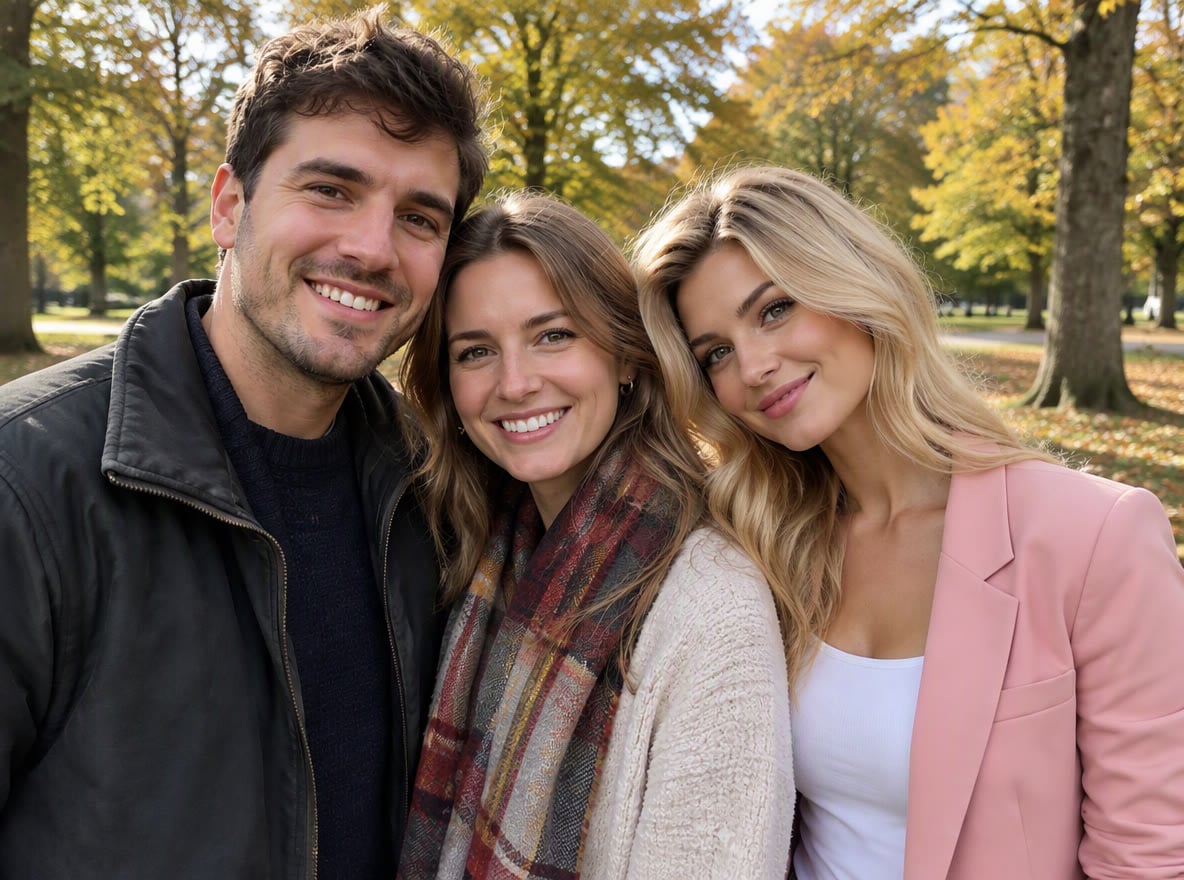
Couple Plus a Friend
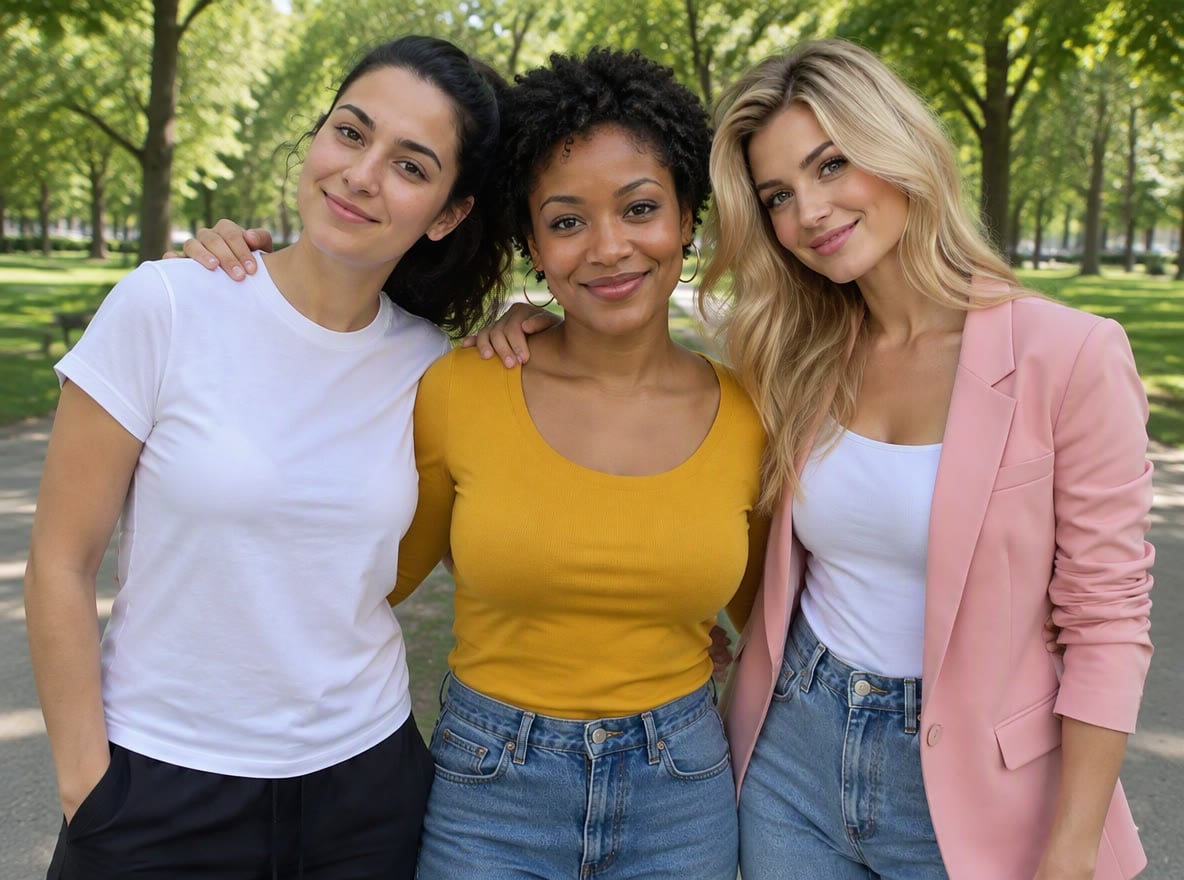
Girls' Day Out
Upload files
Upload the first person's photo, then add the others in the next step (up to 8)
Effect prompt
By uploading a file, you agree to GoEnhance's Terms of Use and Privacy Policy
Group Photos from the Console
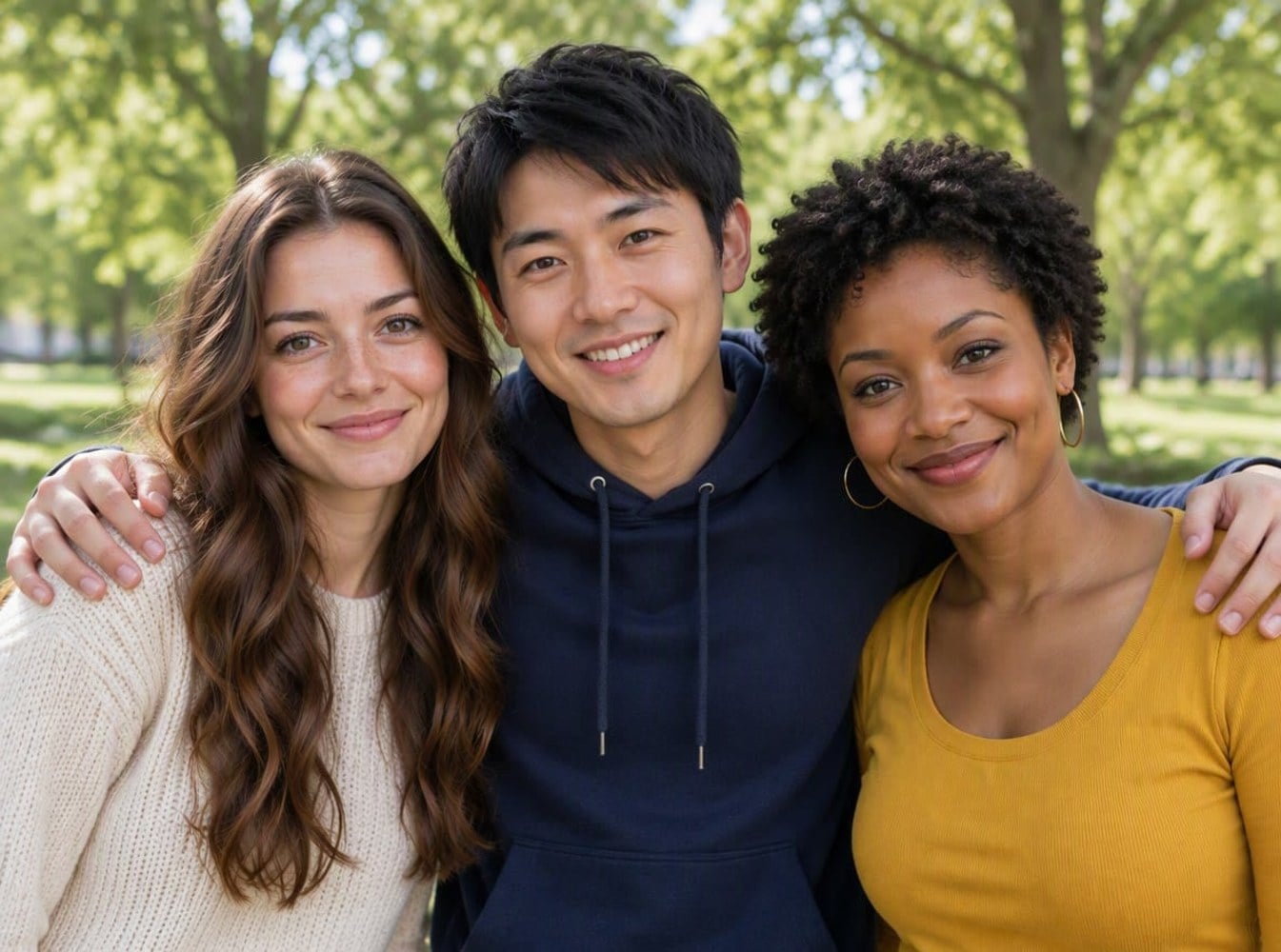
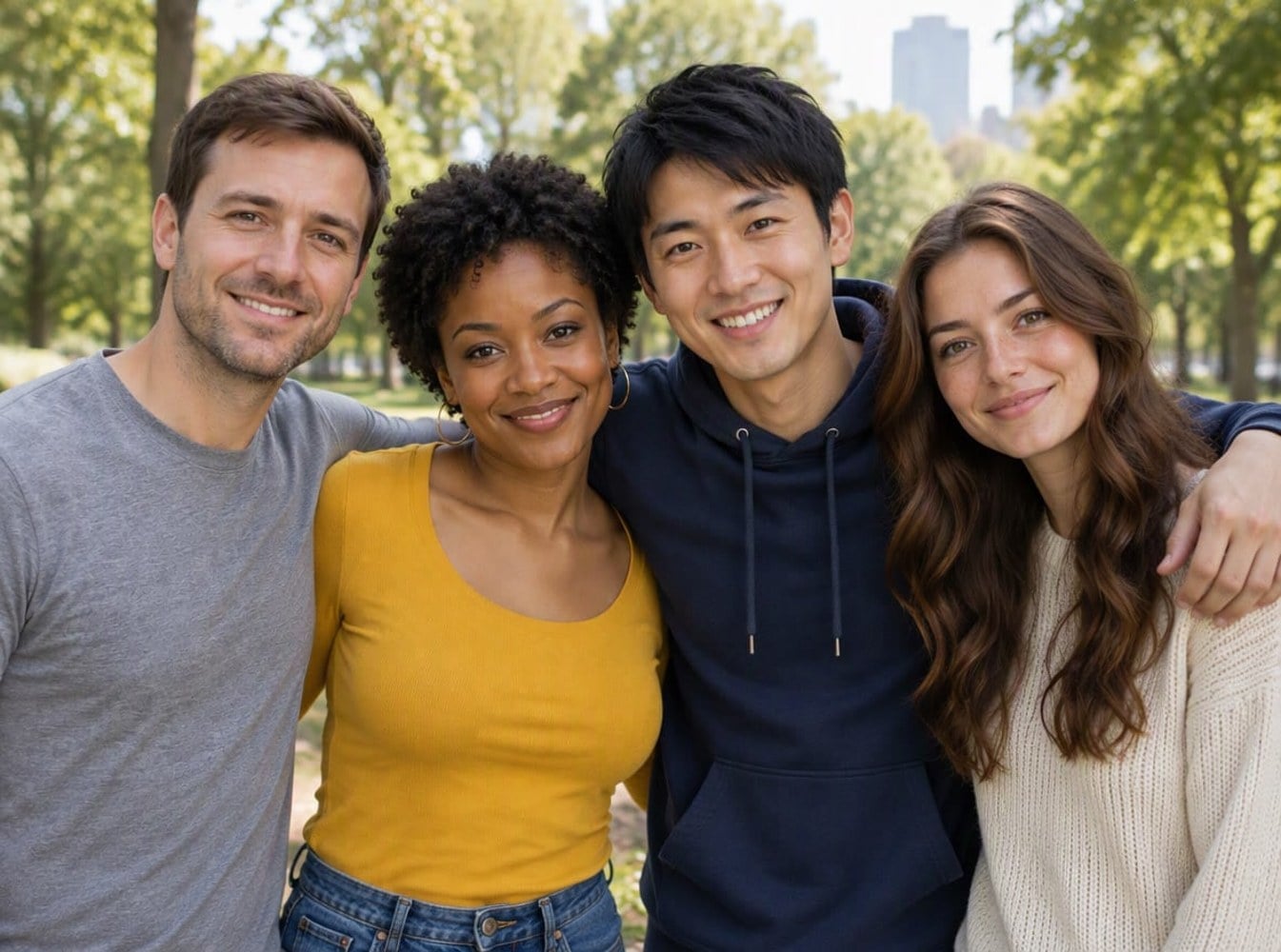
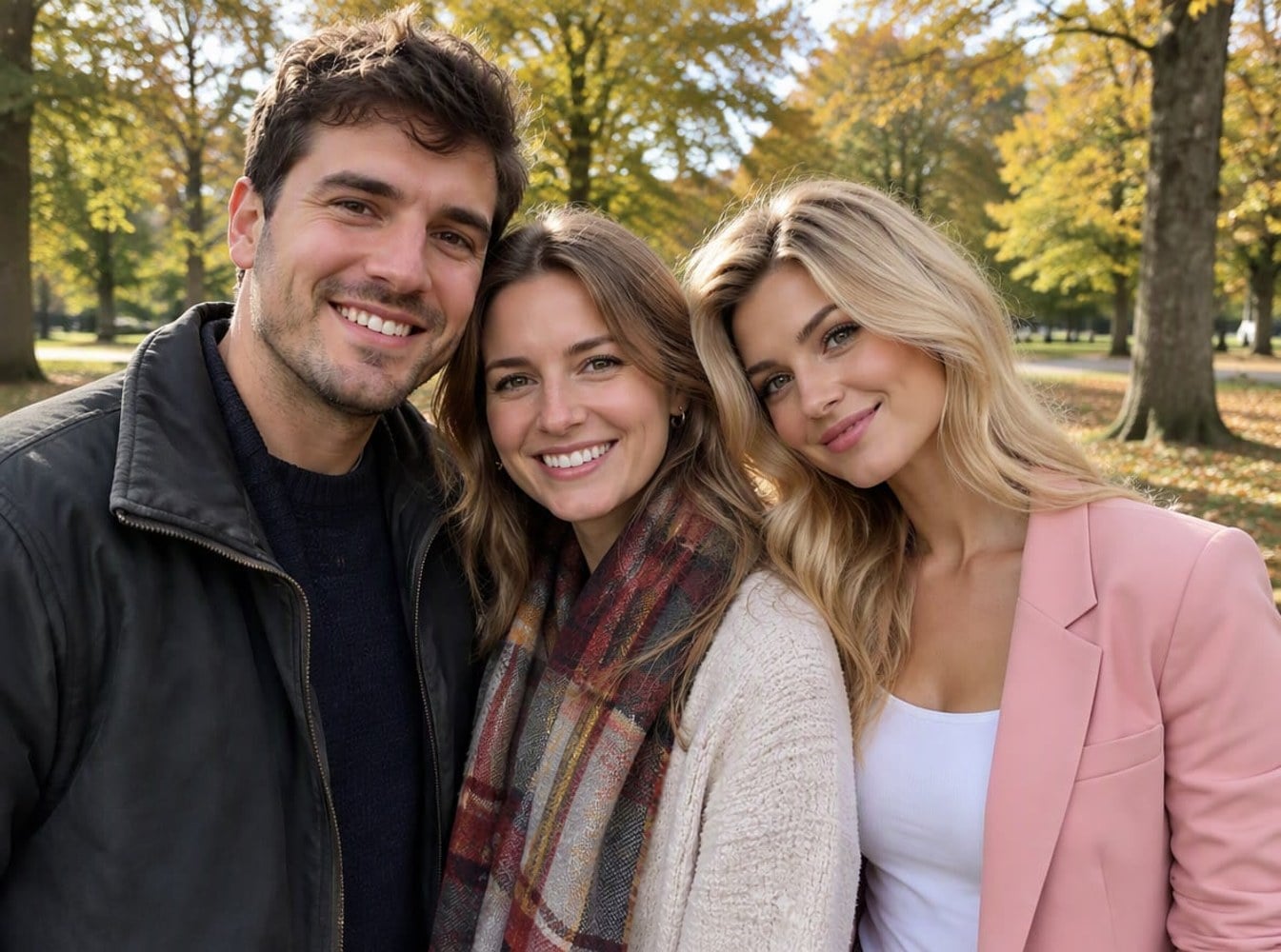
Each result was made from the separate photos shown on the before side, with the prompt above.
Three Friends in the Park
Team of Four
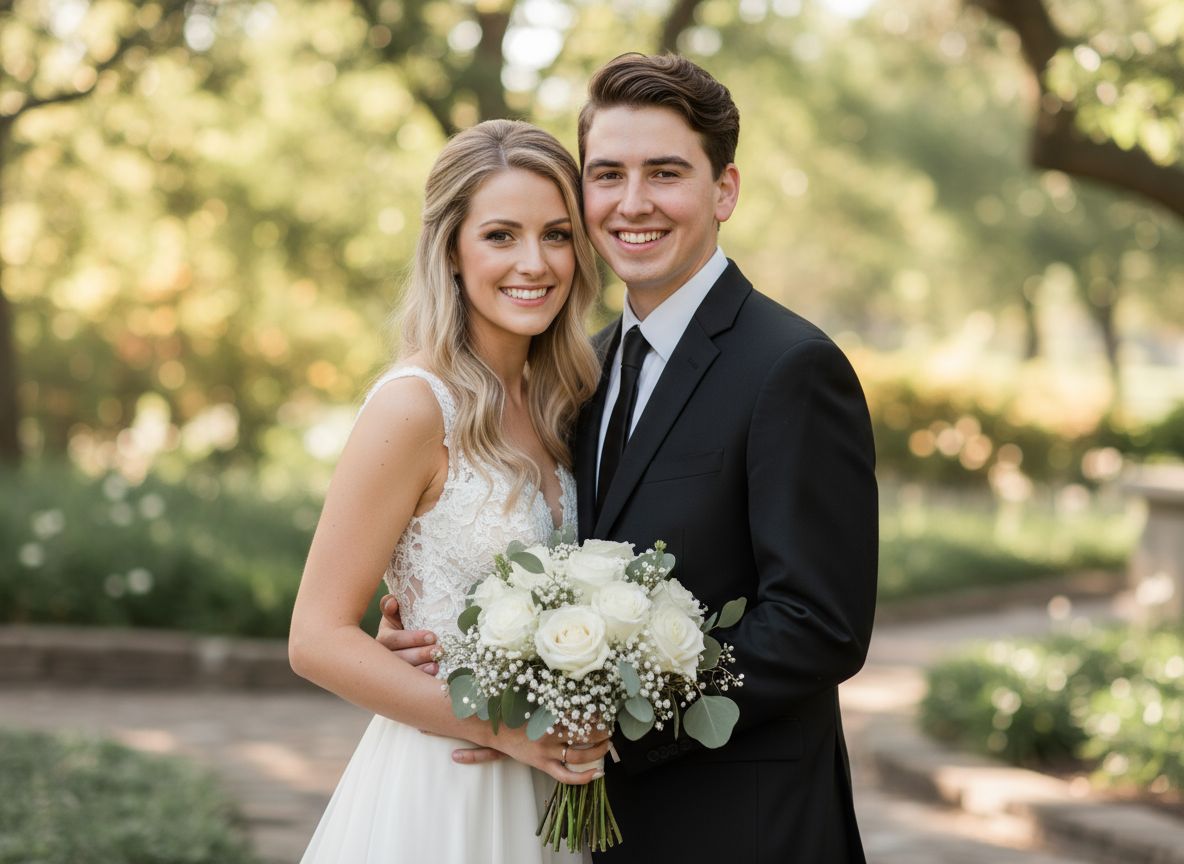
Couple Plus a Friend
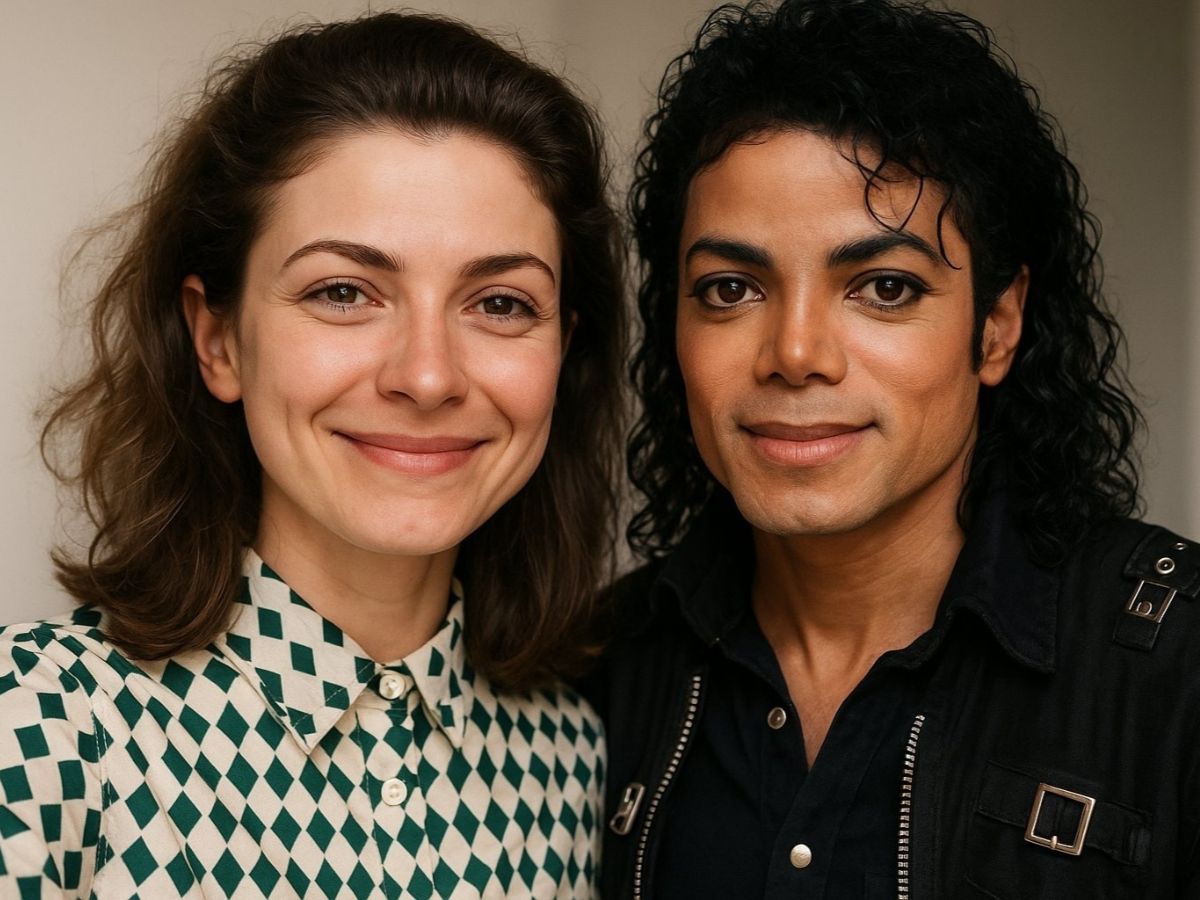
Girls' Day Out
How to Make a Group Photo from Separate Photos
01
Upload the photos
Upload one person's photo here, then add everyone else's photos as references in the next step, up to 8 in total. Photos with two people count too.
02
Generate
The group photo prompt is already filled in. Change the place if you like, then press the button.
03
Check and share
Make sure everyone is there, then save the photo for a group chat, a gift or a team page.
Why Use This Group Photo Maker
More Photo Tools for Friends and Family
AI Group Photo Maker FAQ
How does the AI group photo maker work?
How many people can I add?
Will it keep everyone's face?
Can I choose the place?
What photos work best?
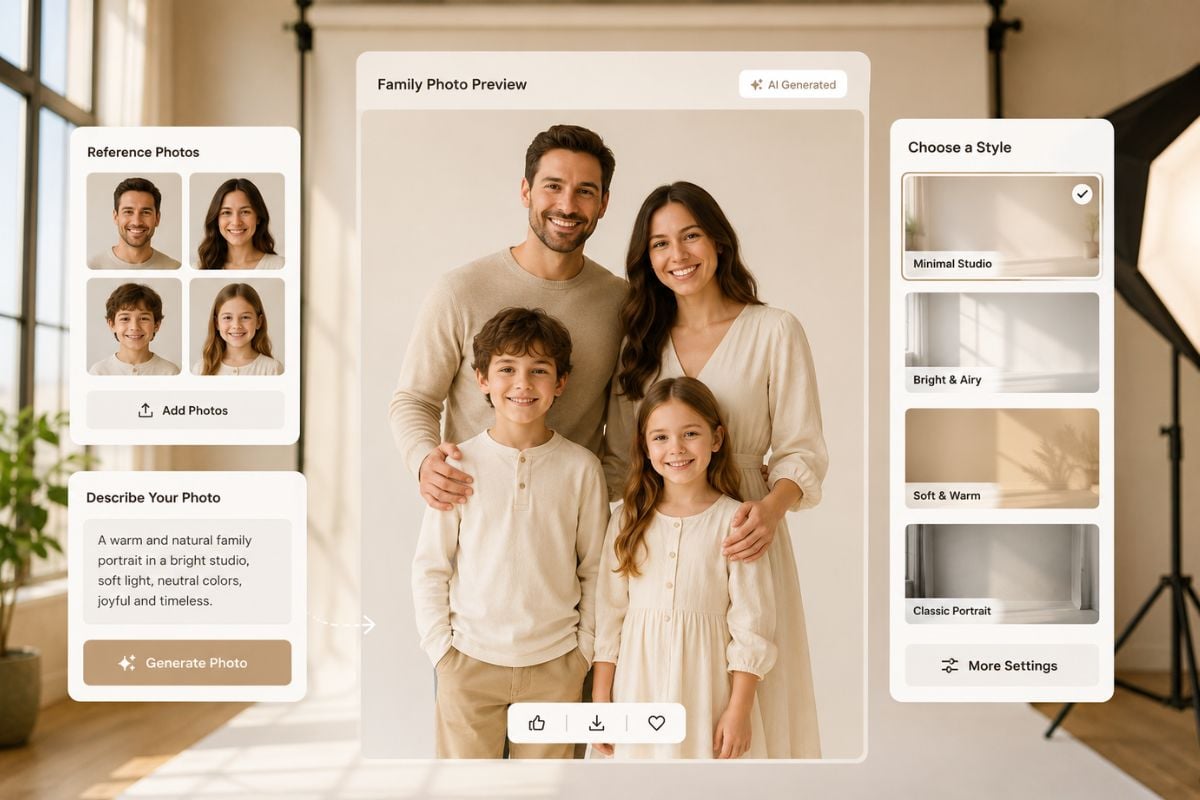
Making a family portrait?
Ready to Get Everyone Together?
Upload your photos and get one group photo in under a minute.
Make Our Group Photo