
2D Animation Maker
Upload a character image, illustration, or scene reference and describe the motion you want. Create 2D animation drafts for stories, explainers, social posts, character tests, and visual concepts.
Wan 3.0
Photo to animate
Upload a JPG or PNG, then describe how it should move.
Prompt
Example prompts
By uploading a file, you agree to GoEnhance's Terms of Use and Privacy Policy
Animate Illustrated Characters and Scenes From One Image
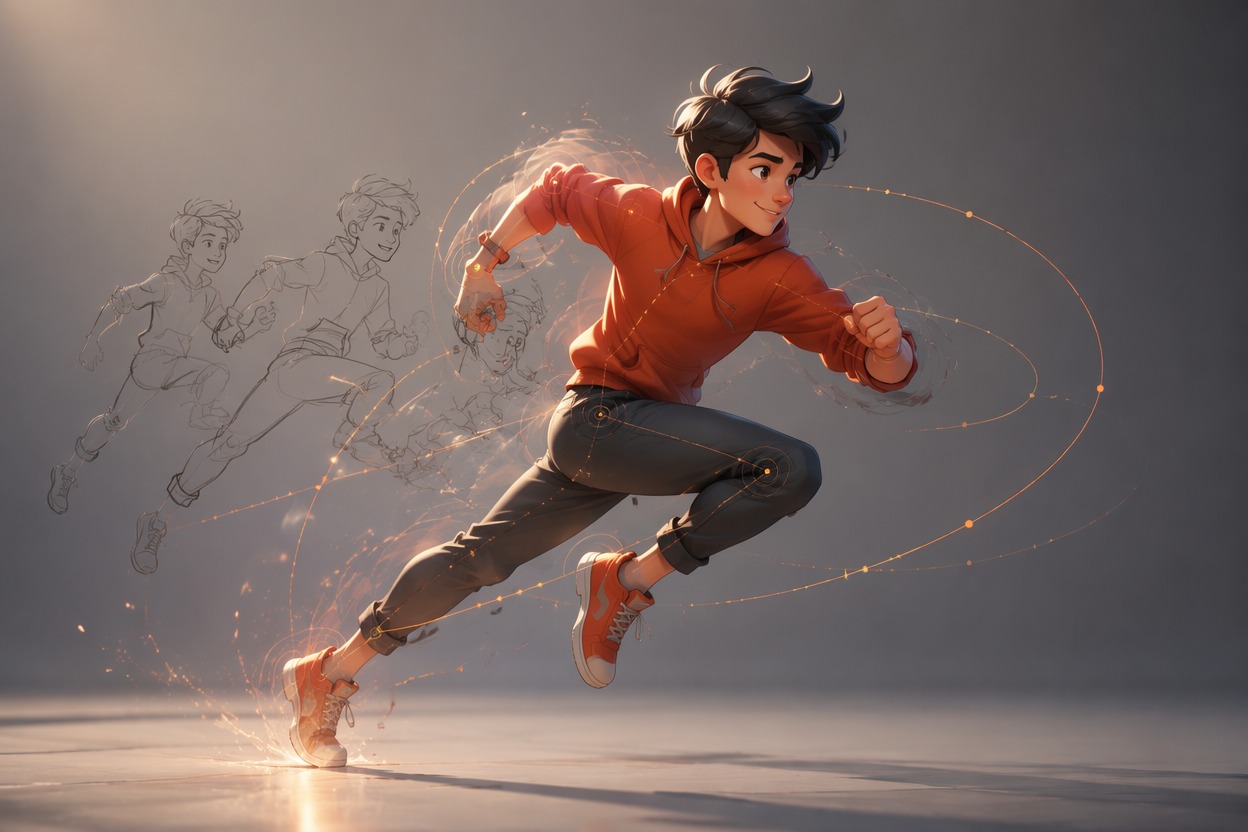
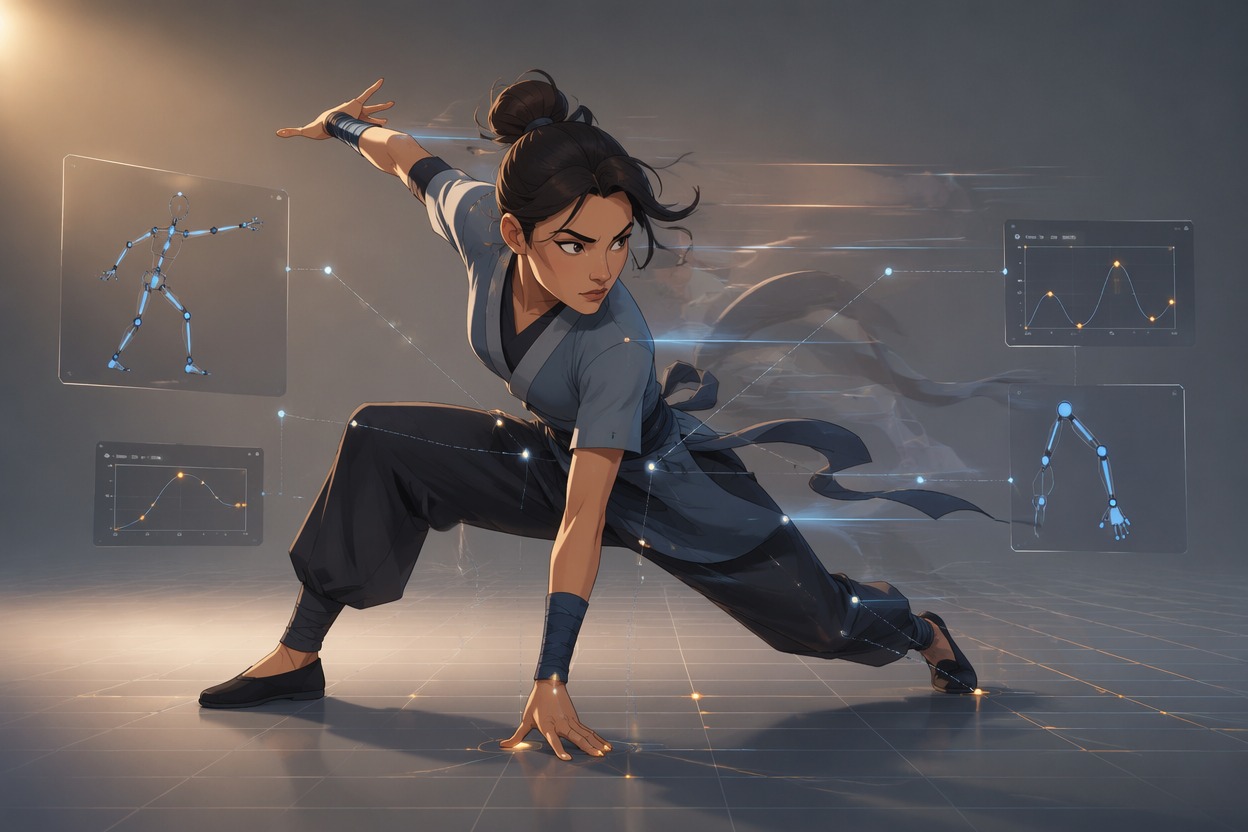
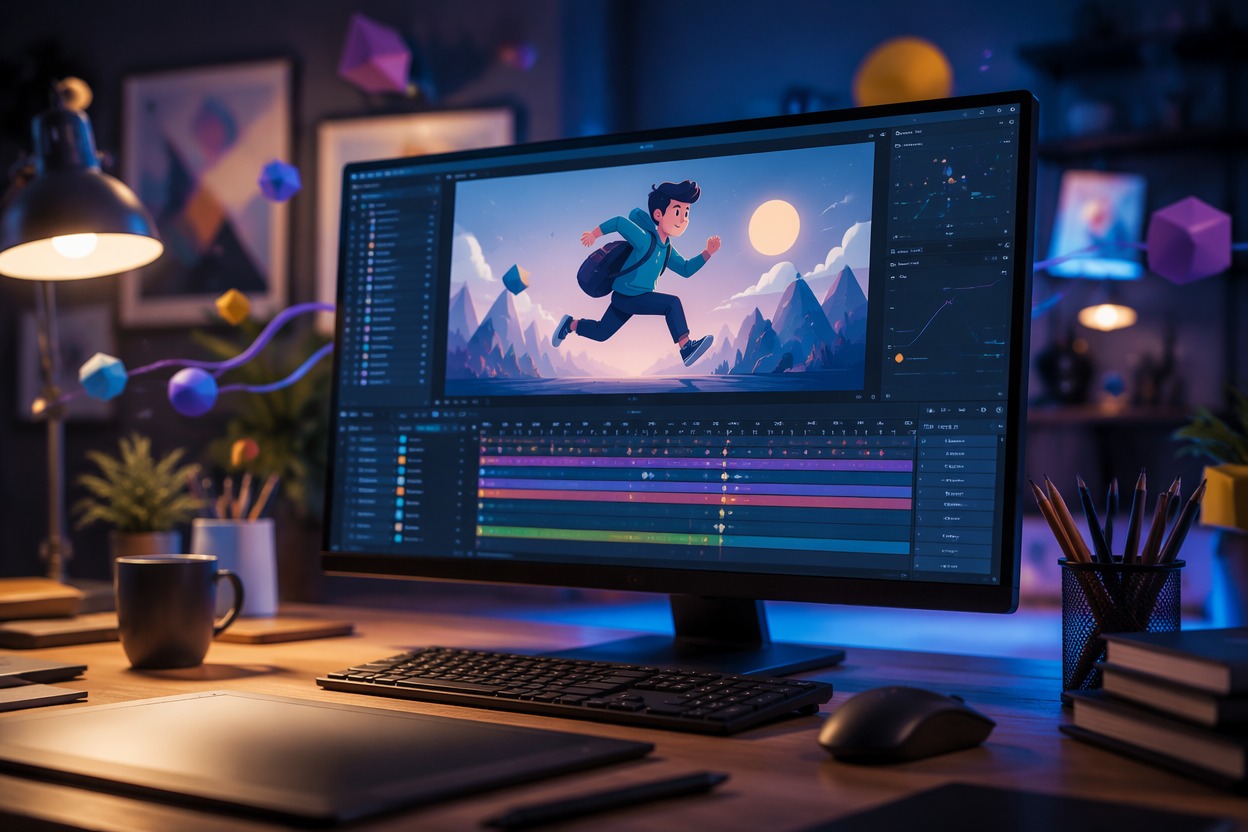
Bring Illustrations Into Motion
Turn a still character or illustrated scene into a short motion concept with image to video while using the source image as the visual anchor. Clear silhouettes, separated limbs, and an uncluttered background usually give the animation more room to move coherently.
Explore Original 2D Styles
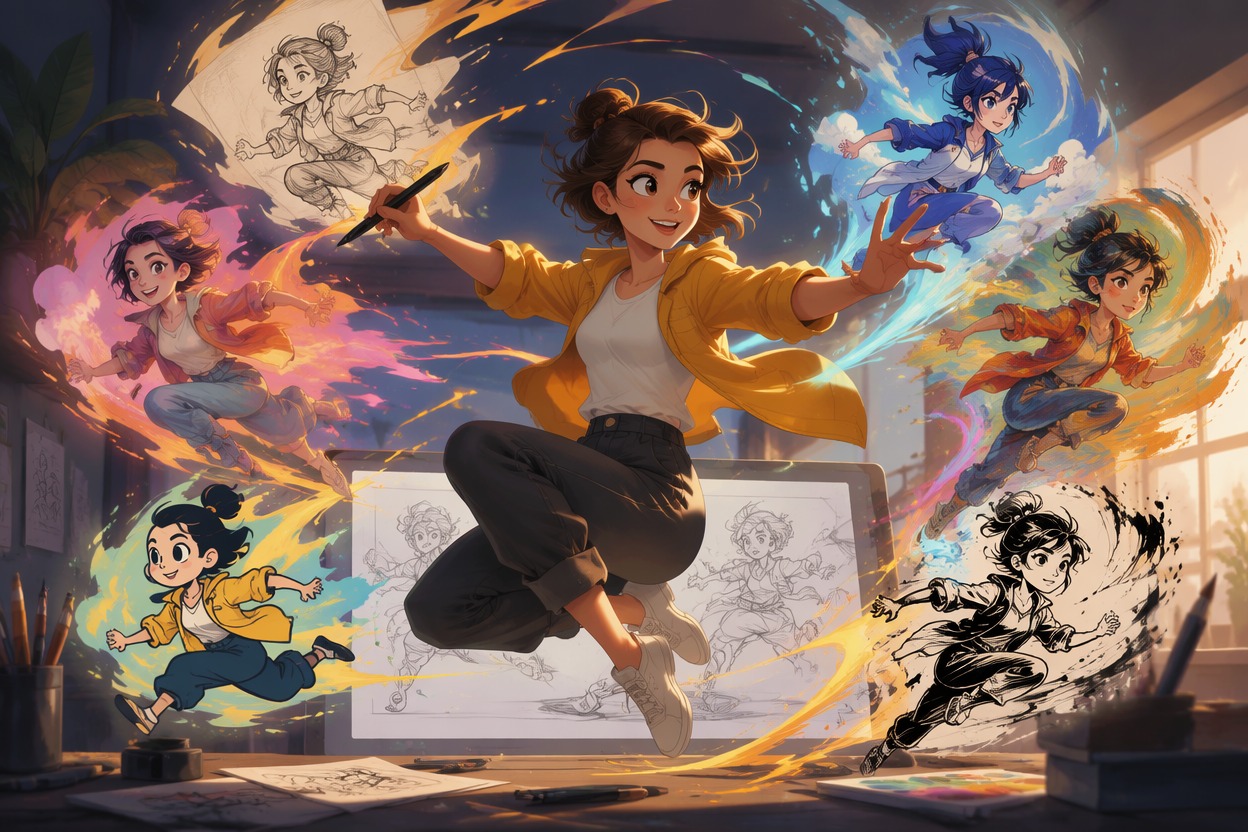
Test flat graphic, hand-drawn, clean cartoon, editorial, storybook, or anime-inspired directions without copying a protected character exactly. Prepare source art with the AI image generator.
Why Use 2D Animation Maker?
Animate Existing Artwork
Reuse character sheets, illustrations, and scene concepts as motion references.
Faster Motion Drafts
Explore an animation idea without drawing every in-between frame manually.
Useful for Story Planning
Create short character beats for storyboards, pitches, lessons, and social content.
More Style Directions
Compare graphic, cartoon, storybook, editorial, and anime-inspired treatments.
Focused Action Control
Build each clip around one clear movement that viewers can understand quickly.
Easy Editing Handoff
Finish timing, captions, audio, dialogue, and final compositing in your regular editor.
How to Use 2D Animation Maker
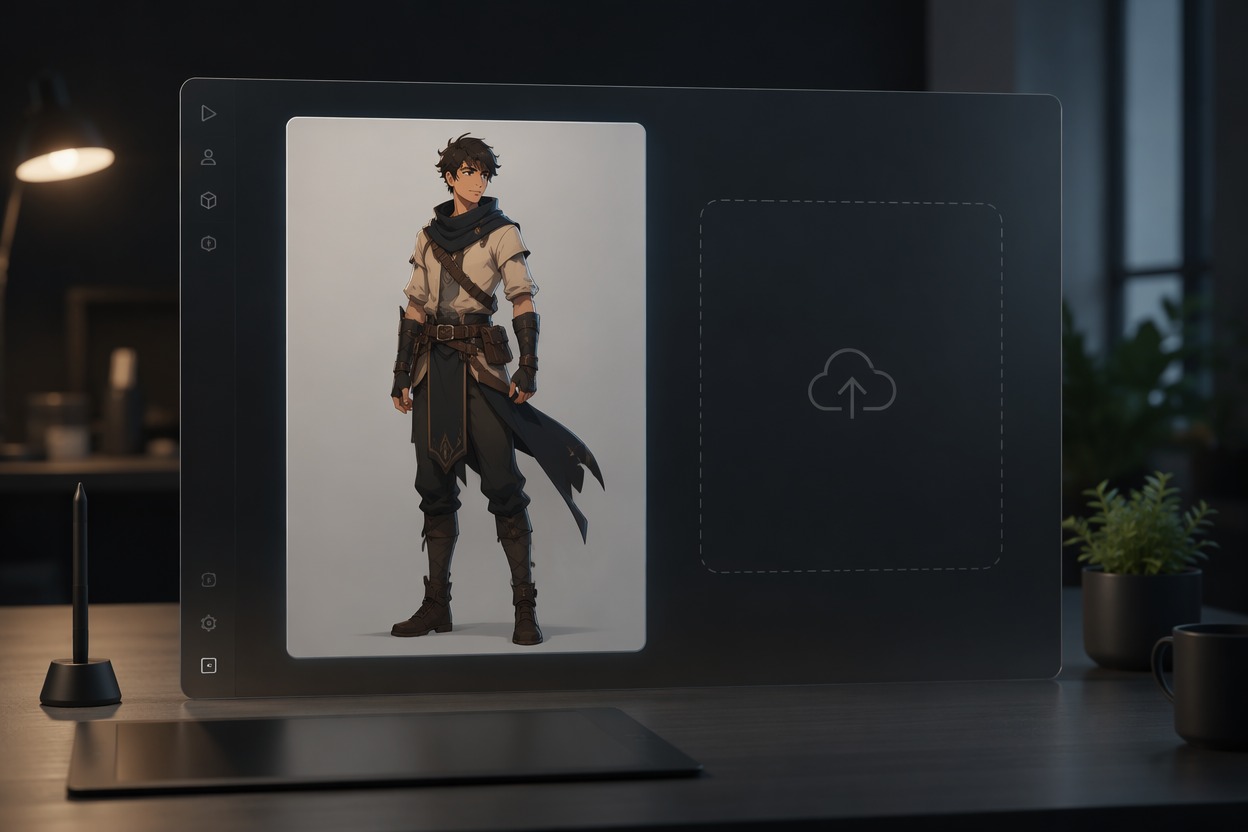
Step 1
Upload the 2D Reference
Choose a clear illustration or character image with visible subject boundaries and enough room for the intended movement.
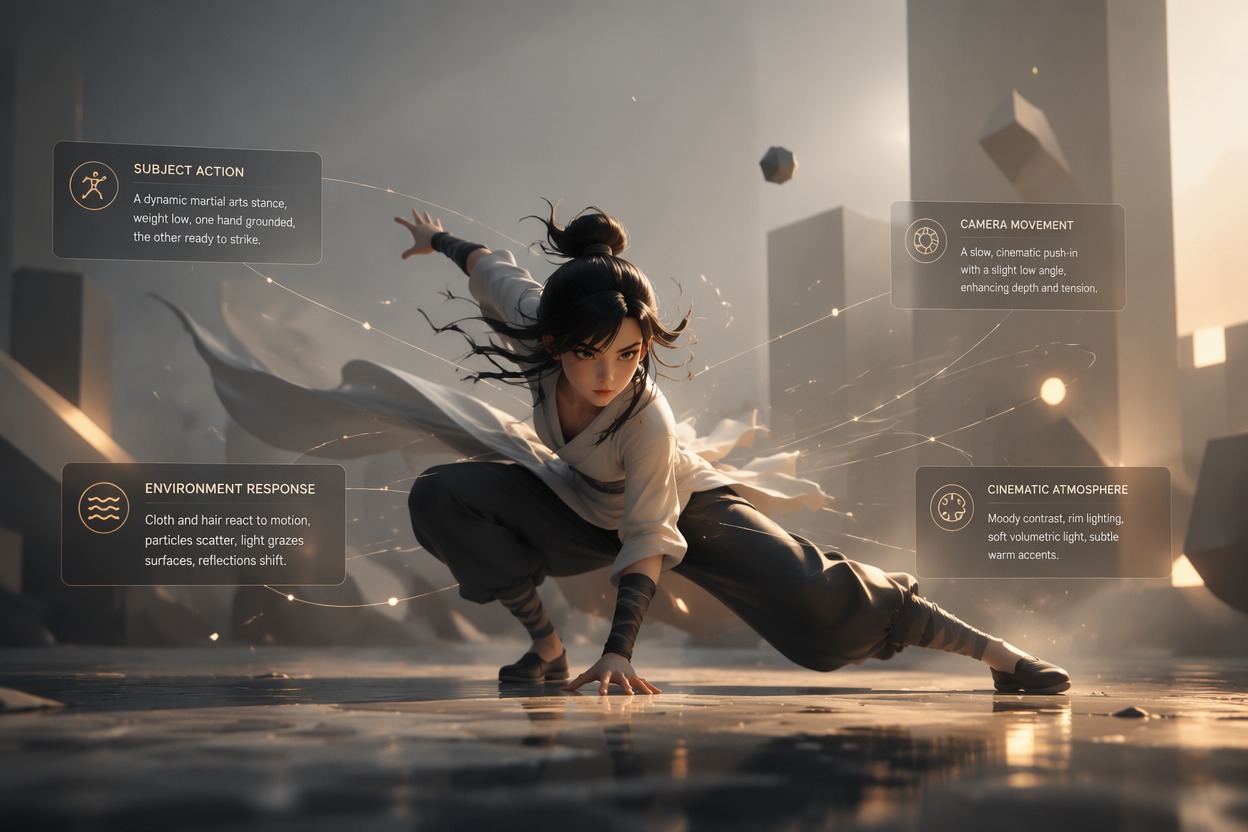
Step 2
Describe One Animated Action
Name the subject movement, scene response, visual mood, and camera behavior while keeping the action focused.
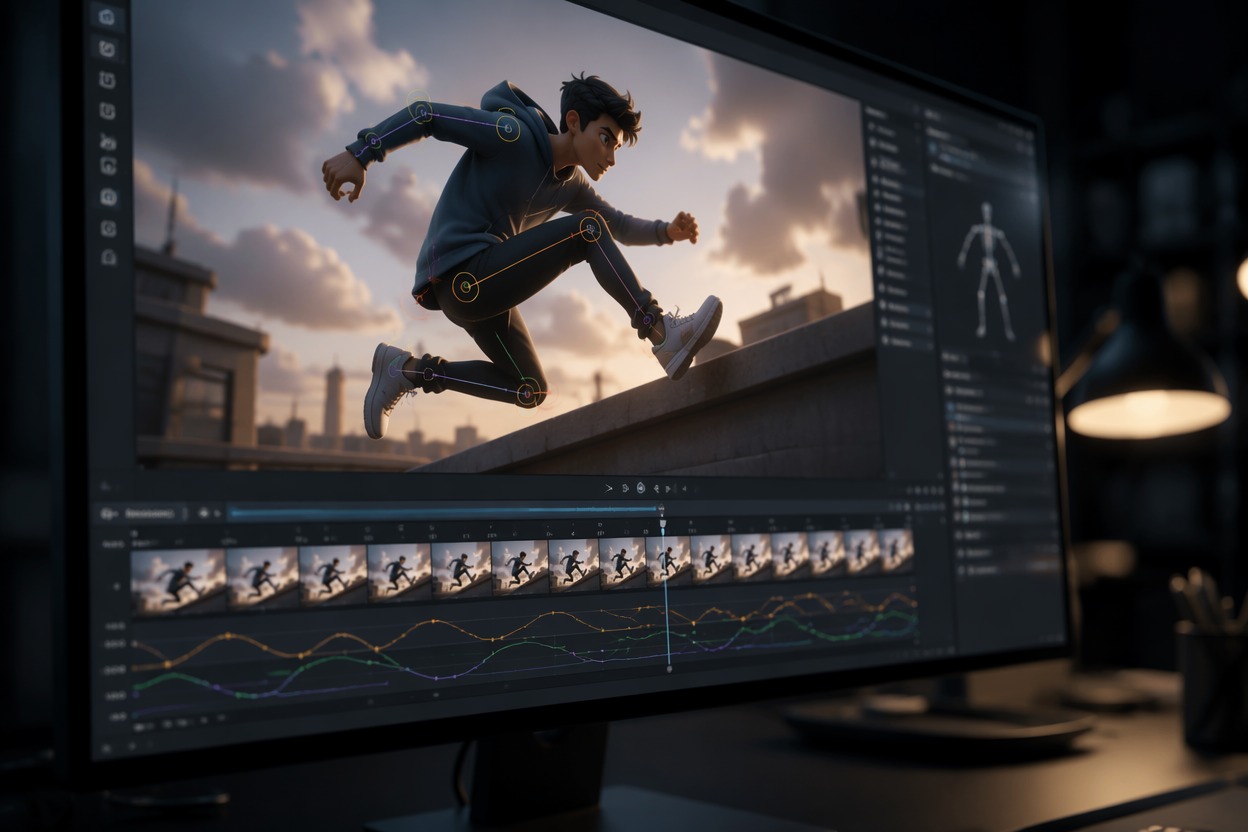
Step 3
Generate and Refine the Clip
Review shape stability, limbs, face, background continuity, and timing, then complete audio, captions, and scene assembly.
2D Animation Maker FAQ
How can I make 2D animation online?
How to make 2D animation with an image?
What can a 2D animation maker create?
Is this a 2D animation maker online?
Can it create a full animated episode?
What source images work best?
Can I use the animation commercially?
Start Creating With GoEnhance AI
Turn a focused brief or source asset into a practical video draft, then complete accurate copy, audio, branding, timing, and publishing details.
Create Your Video