
Animated GIF Maker
Turn a short visual idea, clip, or image sequence into a compact animated loop. Create reactions, product moments, tutorial snippets, stickers, and website visuals while keeping motion clear and file size practical.
Wan 3.0
Photo to animate
Upload a JPG or PNG, then describe how it should move.
Prompt
Example prompts
By uploading a file, you agree to GoEnhance's Terms of Use and Privacy Policy
Create Compact Animated Loops That Communicate Fast
Build a Clear Loop
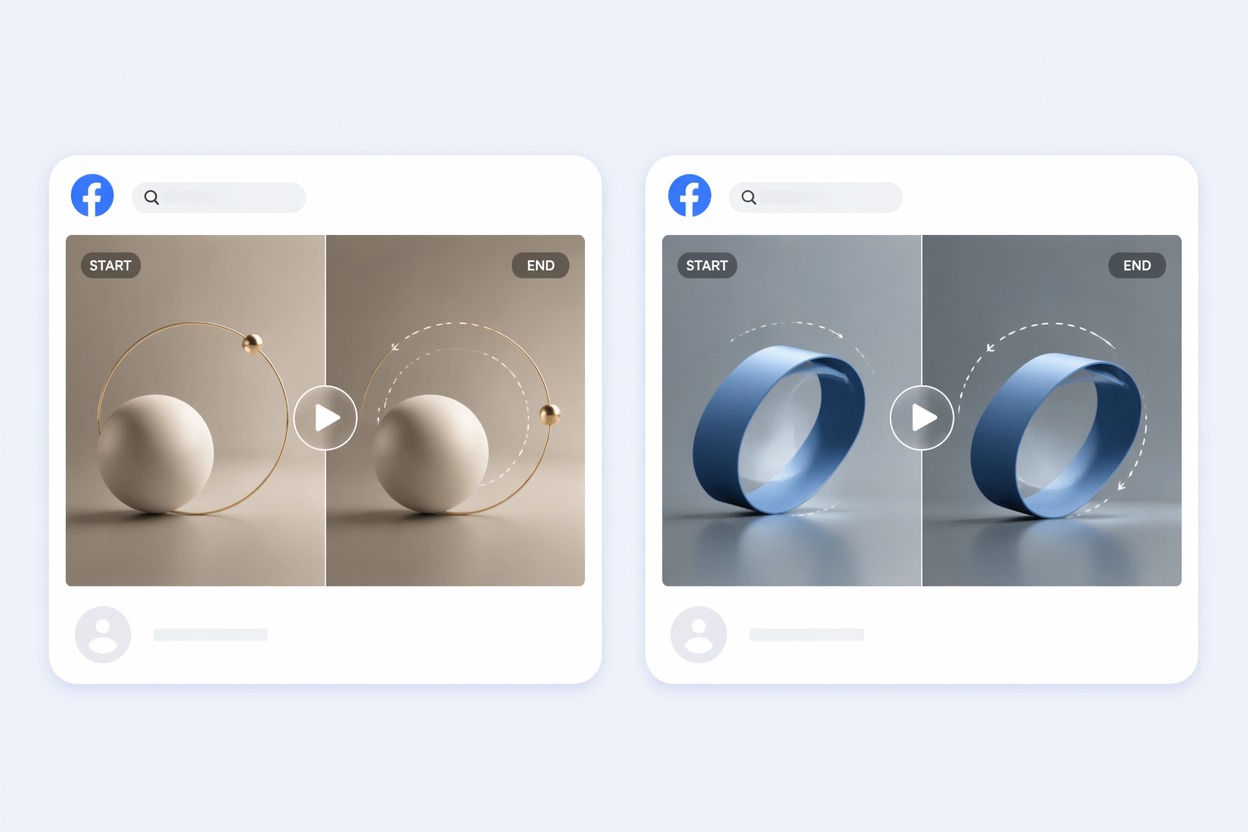
Design the first and last moments so the animation can repeat without an obvious jump. Simple actions, stable framing, and one focal subject usually create cleaner loops than complicated multi-scene ideas. Use the image-to-video tool to turn a still image into a smooth animated sequence.
Prepare Web-Friendly Motion
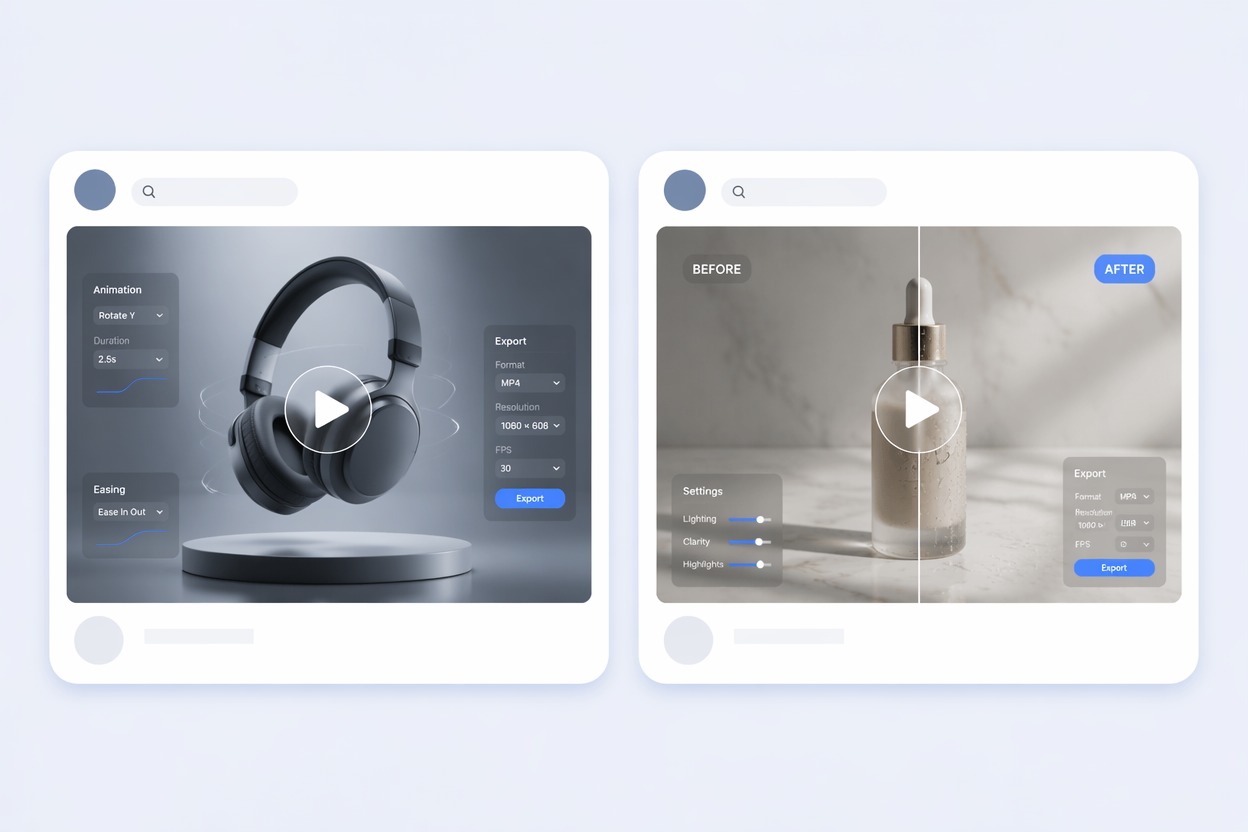
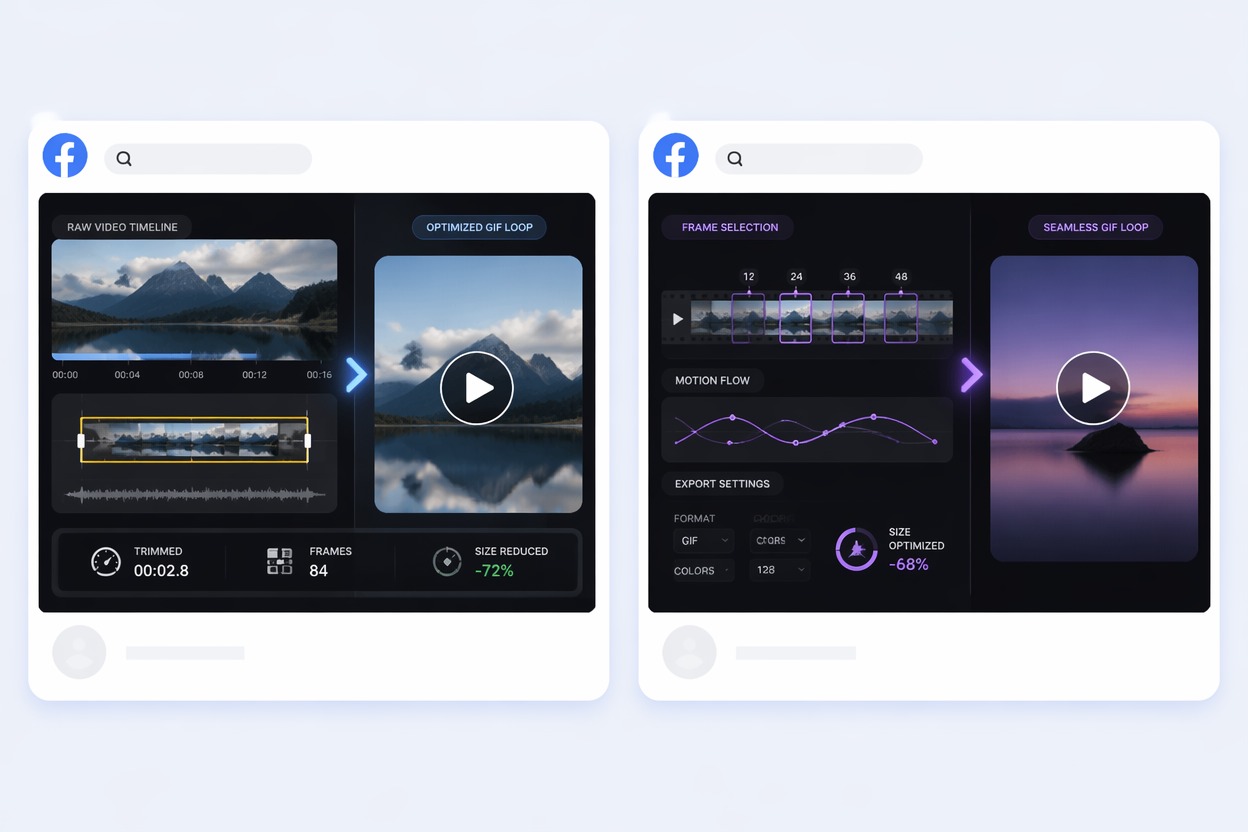
Choose a focused action and remove unnecessary frames before export. For longer footage, develop the source idea with the AI video generator and convert the strongest moment into a loop.
Explore More AI Image and Video Tools
How to Use Animated GIF Maker
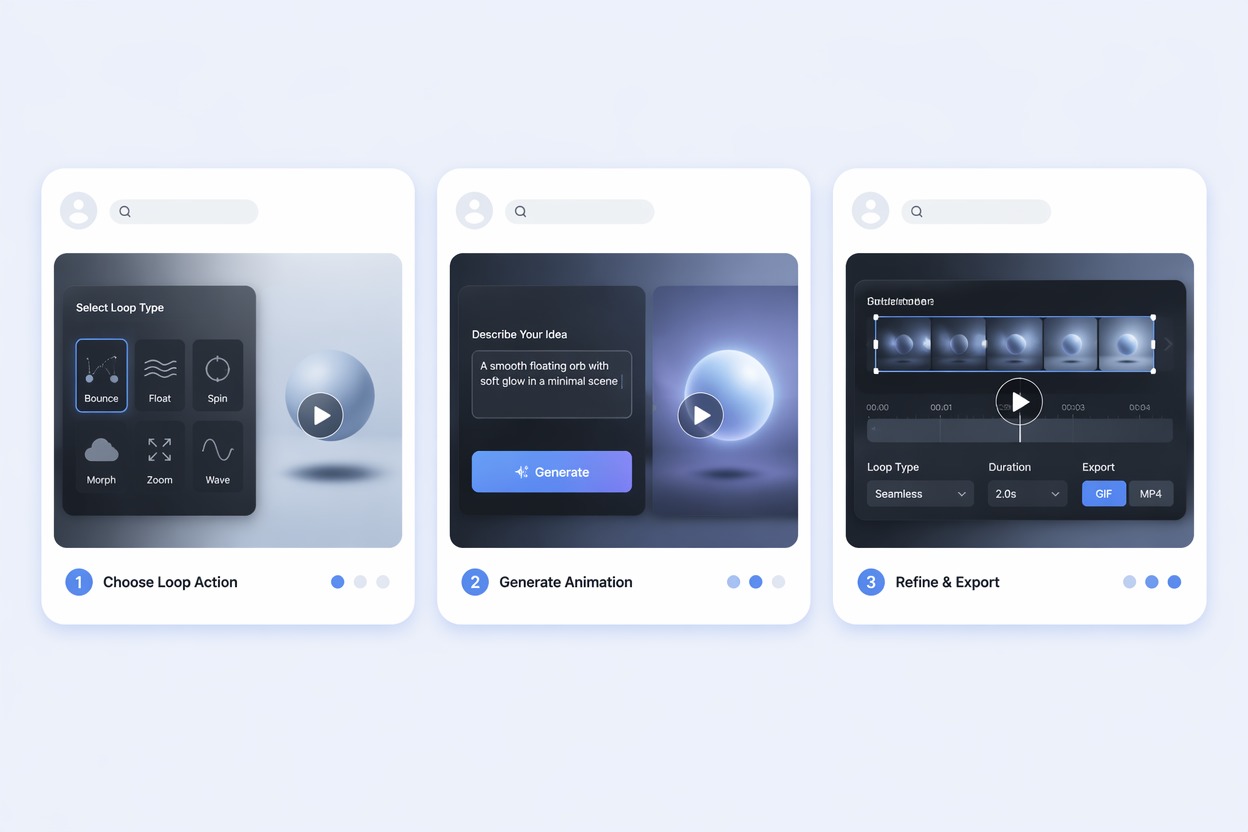
Step 1 1
Choose One Looping Action
Select a short reaction, movement, product moment, or transformation that can repeat without needing a long setup.
Step 2 2
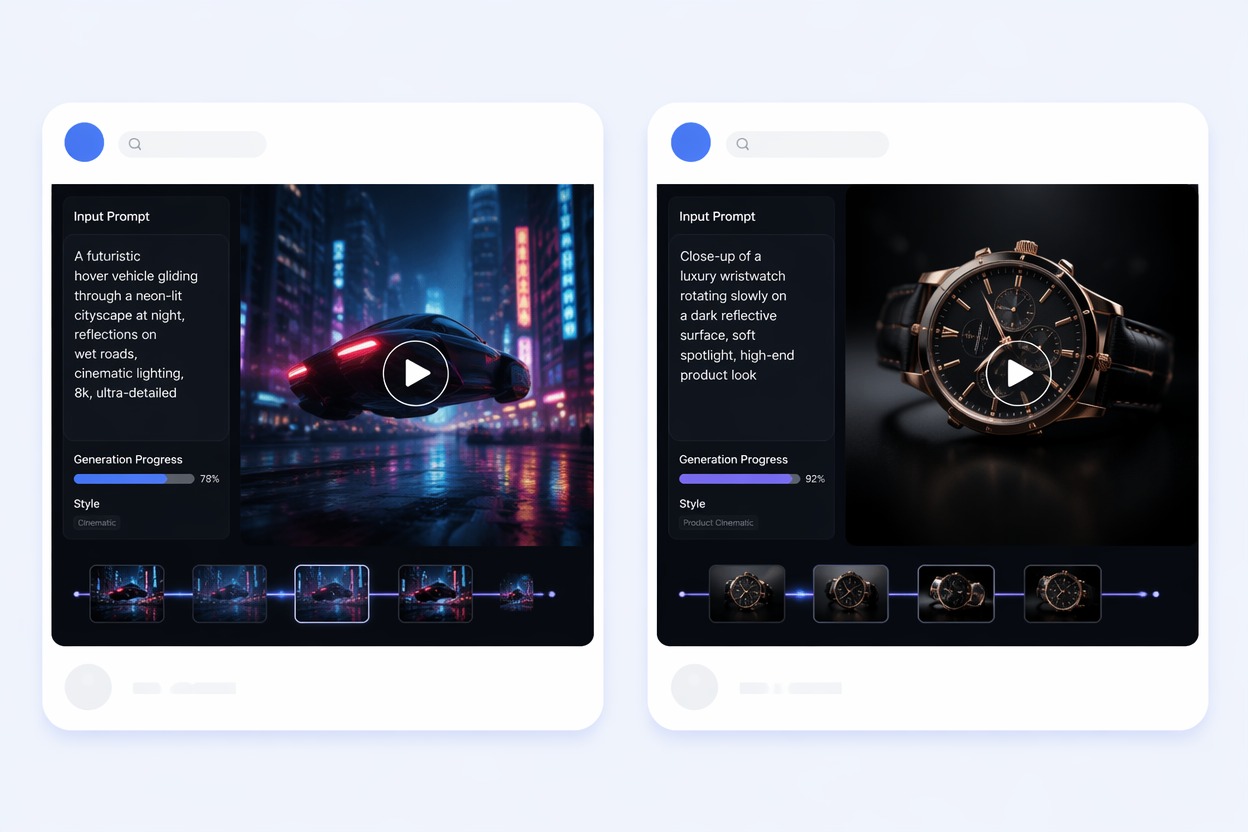
Generate the Visual Sequence
Describe the subject, action, framing, background, and how the ending should connect back to the first moment.
Step 3 3
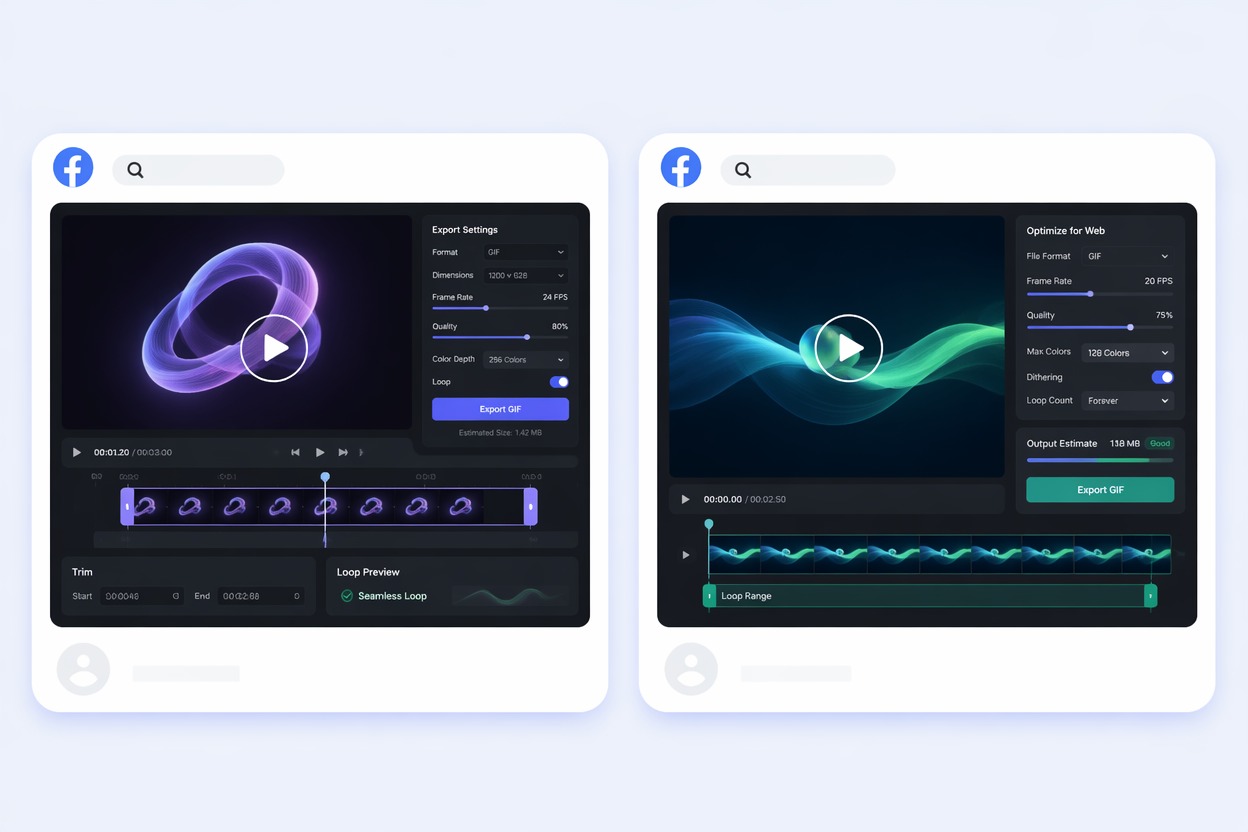
Trim and Export the GIF
Review the loop seam, speed, dimensions, color, artifacts, and file size before using the animation online.
Animated GIF Maker FAQ
What does an animated GIF maker do?
How do I create animated GIF content?
Can I use an animated GIF maker online?
Is there a free animated GIF generator?
What makes a GIF loop look smooth?
Where can I use animated GIFs?
How do I reduce GIF file size?
Start Creating With Animated GIF Maker
Move from a focused idea or source asset to a practical visual draft, then refine accurate text, audio, branding, and publishing details.
Create Your Video