
Virtual Hairstyle Try On
Preview short cuts, soft layers, bangs, curls, and color ideas on your own photo in seconds. This virtual hairstyle try on page helps you compare looks before a salon visit, content shoot, or personal style update.
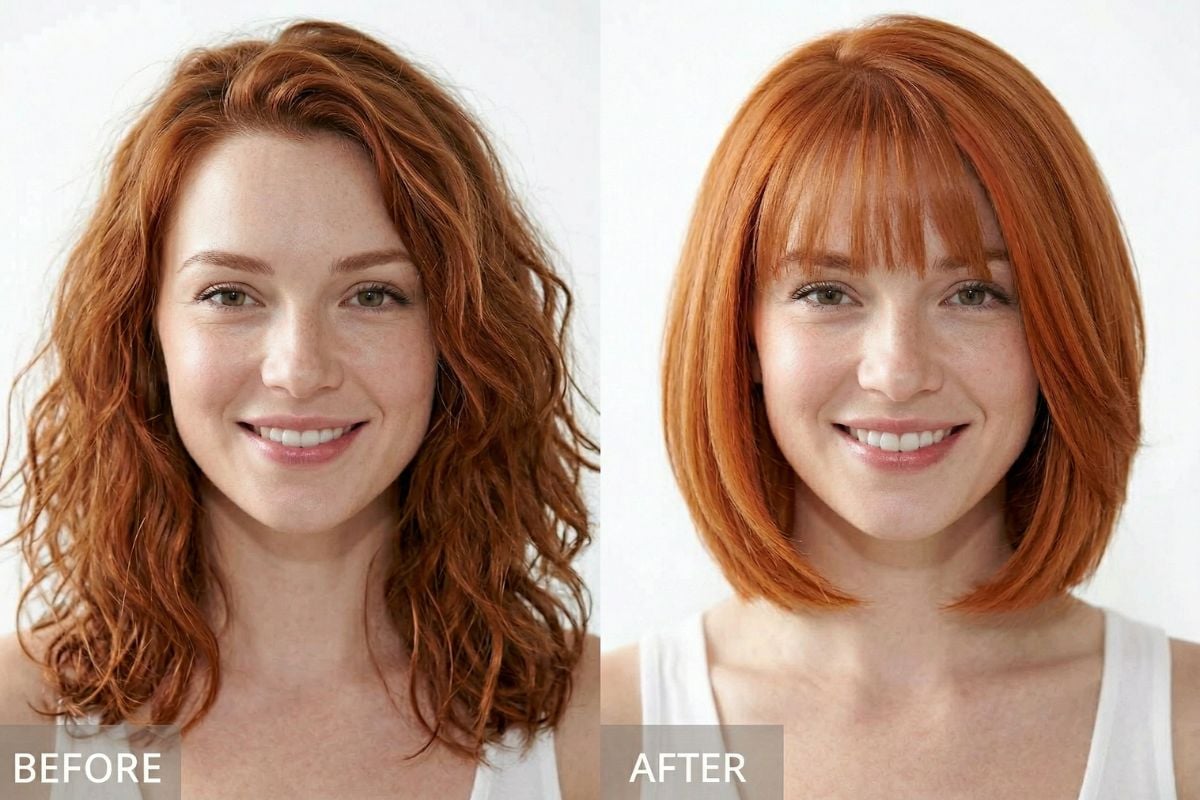
See Different Looks Before You Commit
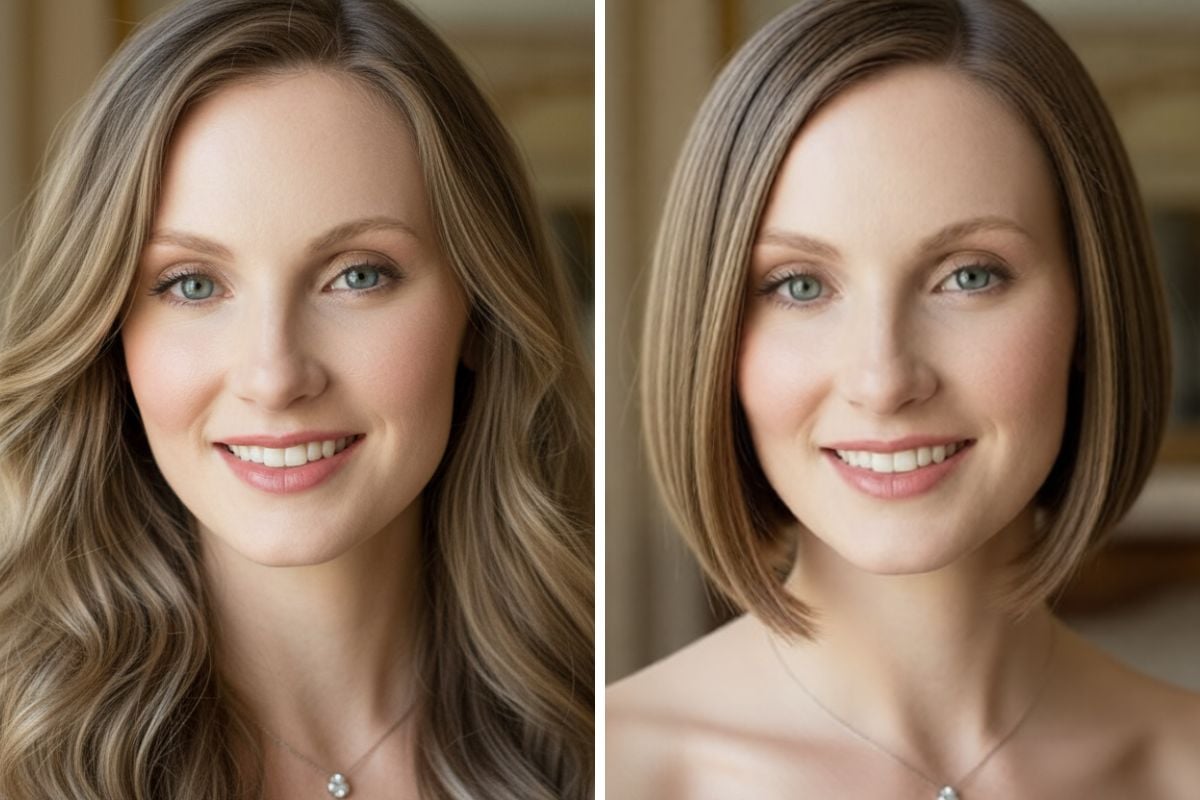
Bob Haircut Try on
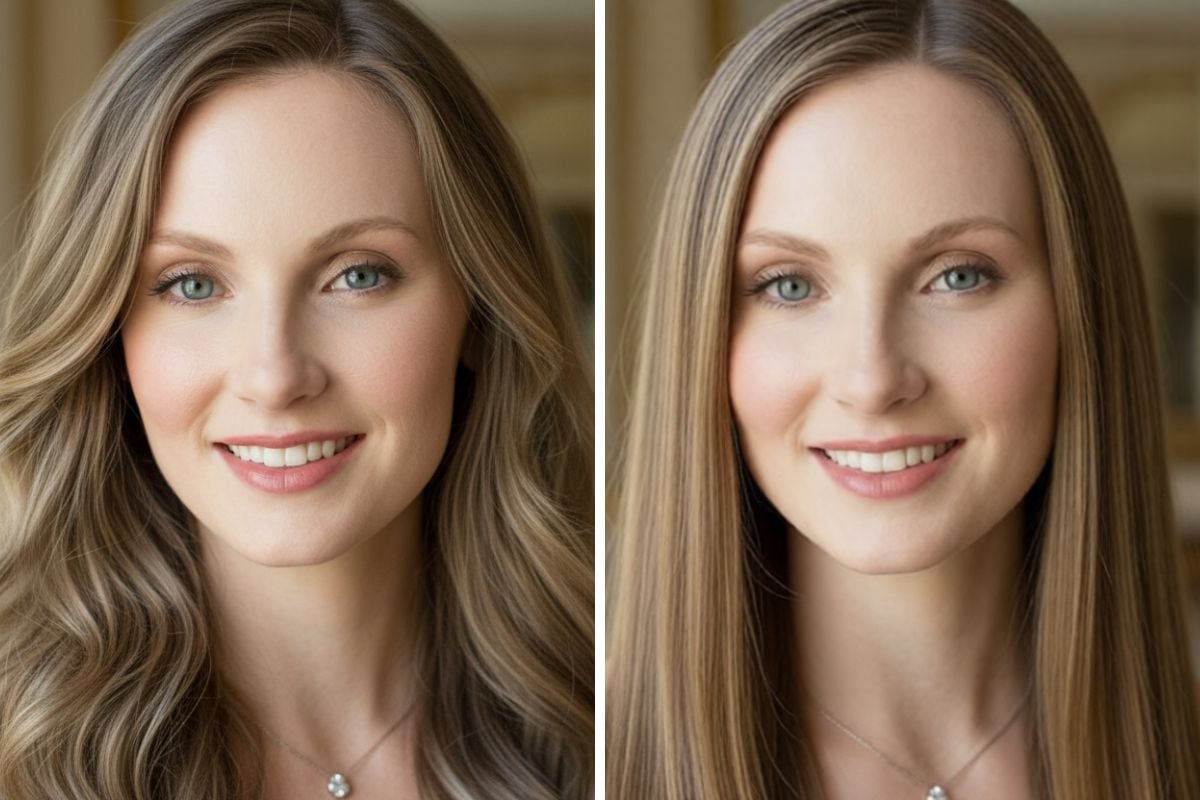
Straight Hair Try on
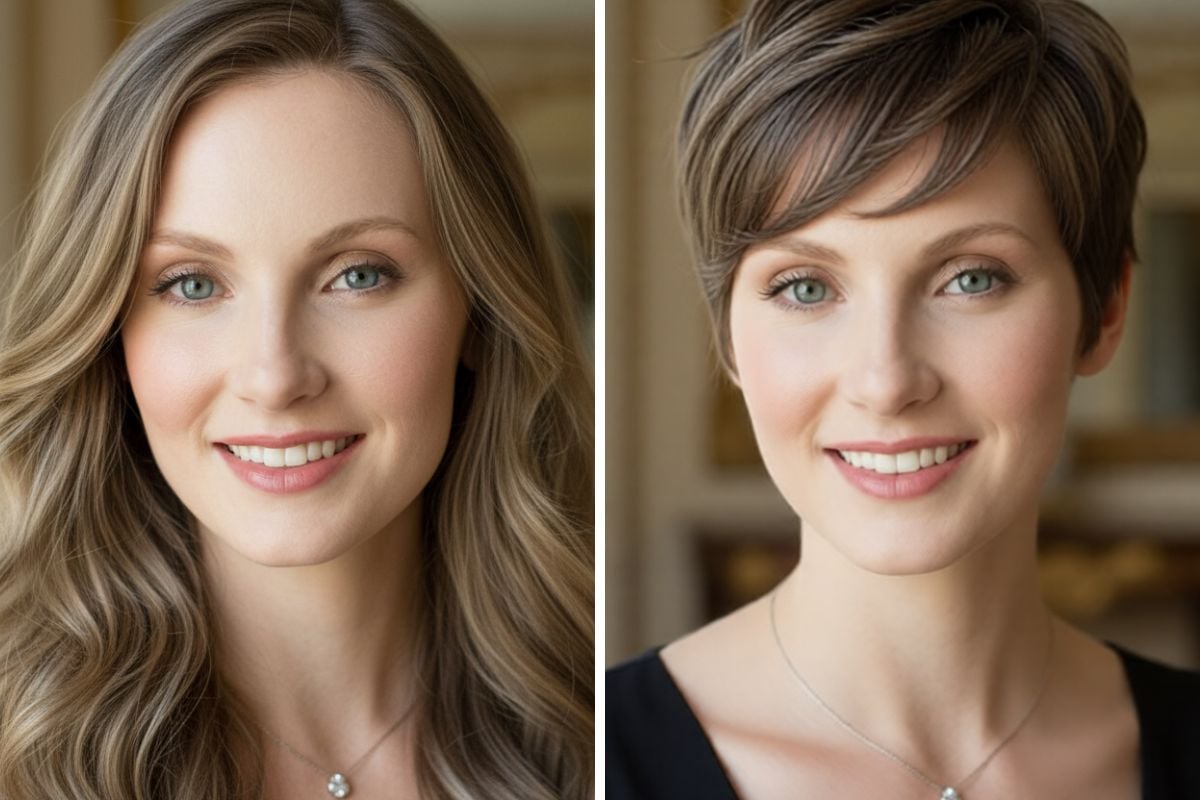
Short Hair Try on
How to Try on Hairstyles Virtually?
Upload a Clear Portrait
Start with a front-facing photo in natural light so the hairline, face shape, and overall proportions are easy to read.
Choose the Hairstyle Direction
Pick a style you are curious about—such as bangs, a bob, longer layers, curls, or a neater short cut—then try on a new hairstyle virtually without touching your real hair.
Compare, Refine, and Save
Generate a few variations, compare what feels most natural, and keep the strongest results for salon reference or your next content idea.
Explore Hairstyle Preview Features
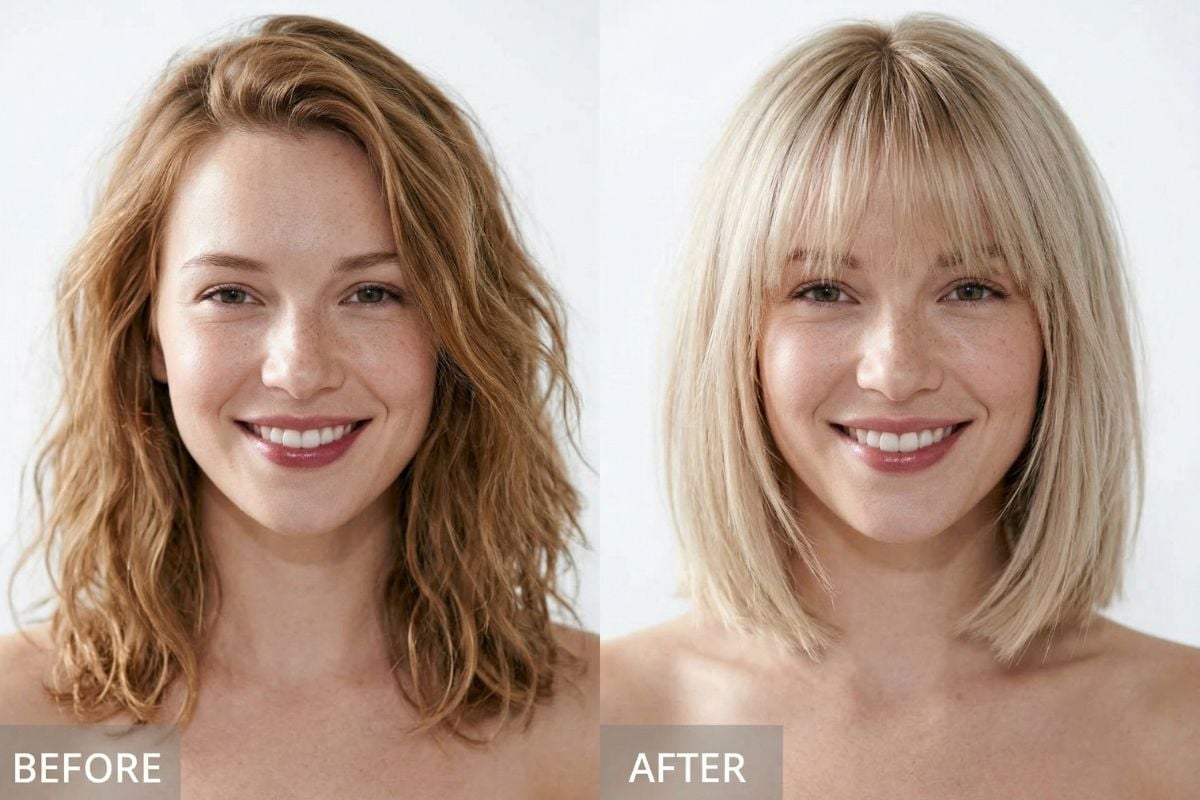
Keep the Face Familiar While Changing the Hair
If you want more creative range, you can first explore ideas with AI image generator, then use image to image AI to preserve the face and photo mood while updating only the hairstyle. This makes it easier to try on virtual hairstyles in a way that still feels personal and believable.
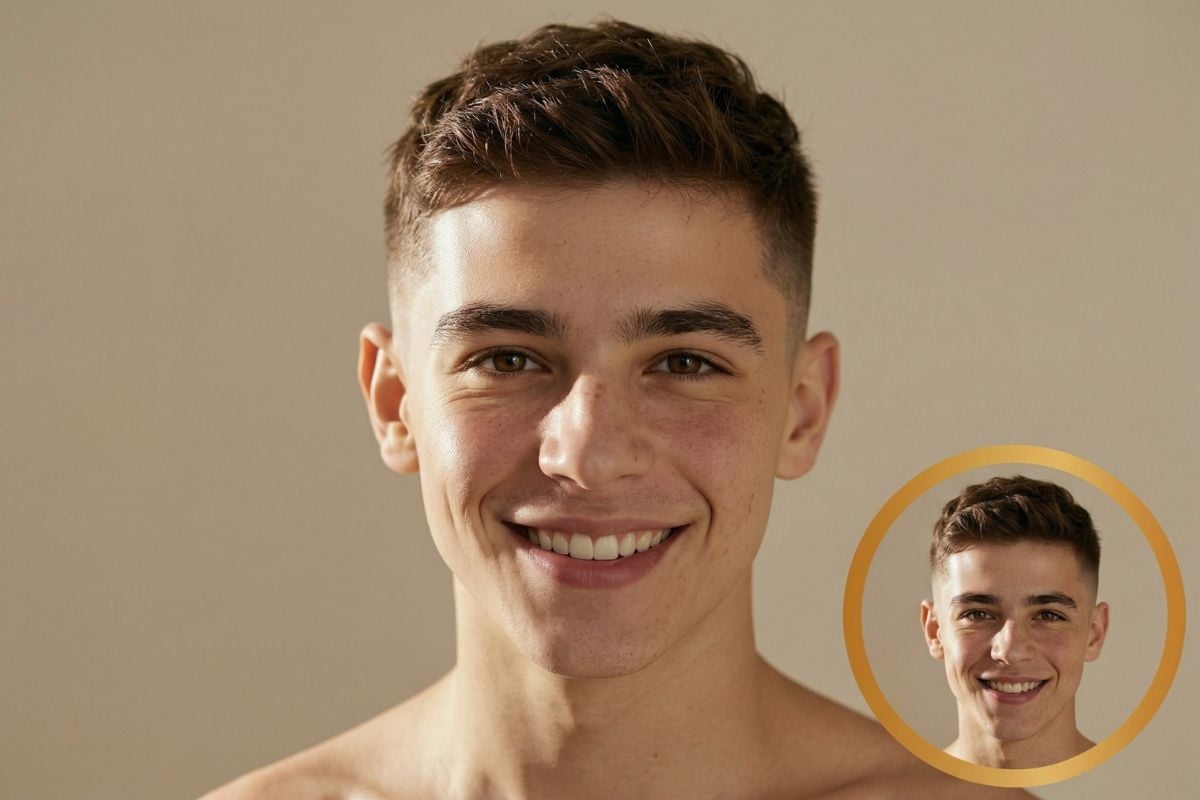
Use the Preview as a Real-World Decision Aid
A hairstyle preview helps you compare ideas before you commit to coloring, cutting, or styling. It gives you a clearer sense of what feels right on your own photo, so it is easier to narrow down options, avoid impulsive changes, and move forward with more confidence.
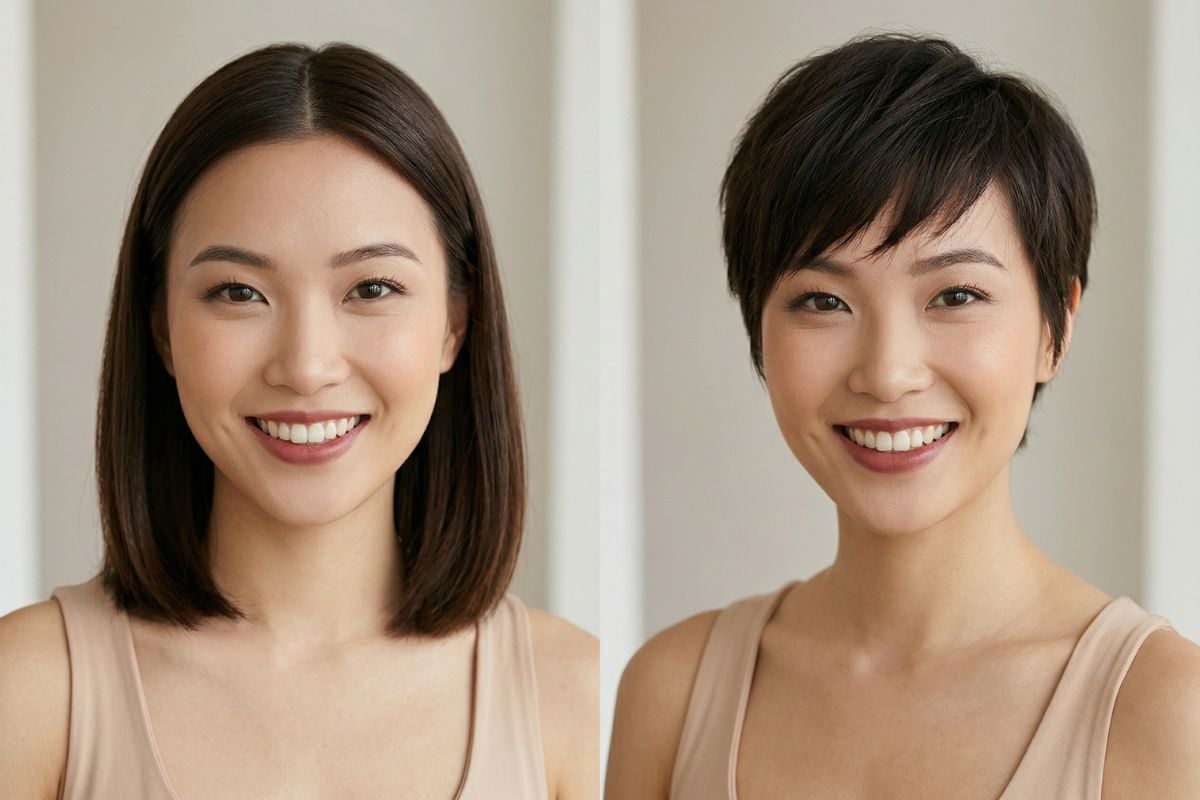
Popular Hairstyle Directions
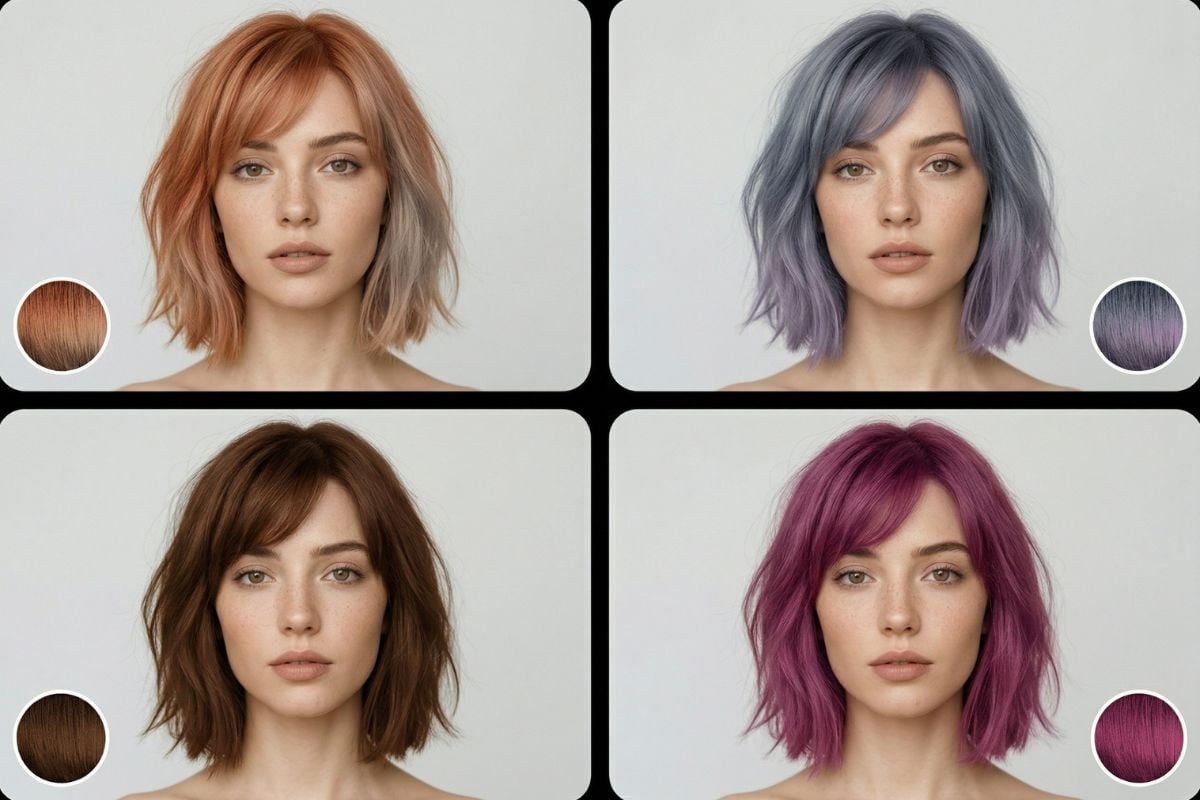
You May Want to Know
Can I try it for free first?
What is a virtual hairstyle try on tool used for?
Can I try on hairstyles virtually with my own photo?
Which photos usually work best?
Can I test both hairstyle changes and hair color ideas?
Why do some hairstyle previews look more natural than others?
Is this useful before going to a salon?
What image formats are supported?
Find Your Next Look With More Confidence
Whether you want a subtle refresh or a noticeable change, this page is designed to make hairstyle planning feel easier, more visual, and less risky. Save the looks that fit you best, compare them calmly, and move forward with a stronger reference for your next hair decision.
Start Hairstyle Preview