
AI Avatar Generator: Turn Your Photo into an Avatar
Upload a selfie, pick a style or describe your own, and get an avatar that keeps your face, hairstyle and expression. Use it as a profile picture for social media, gaming, Discord or work chats. The console below runs on GoEnhance 2.0 Lite.
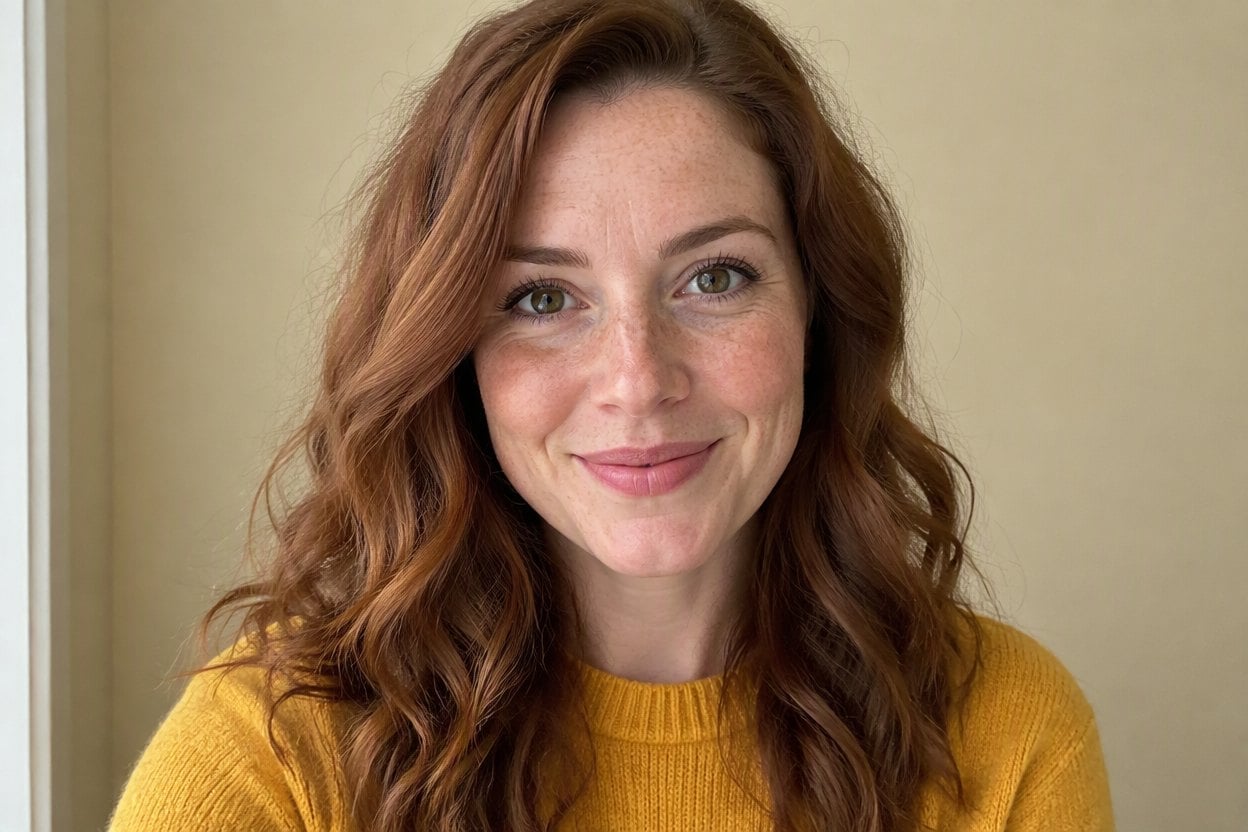
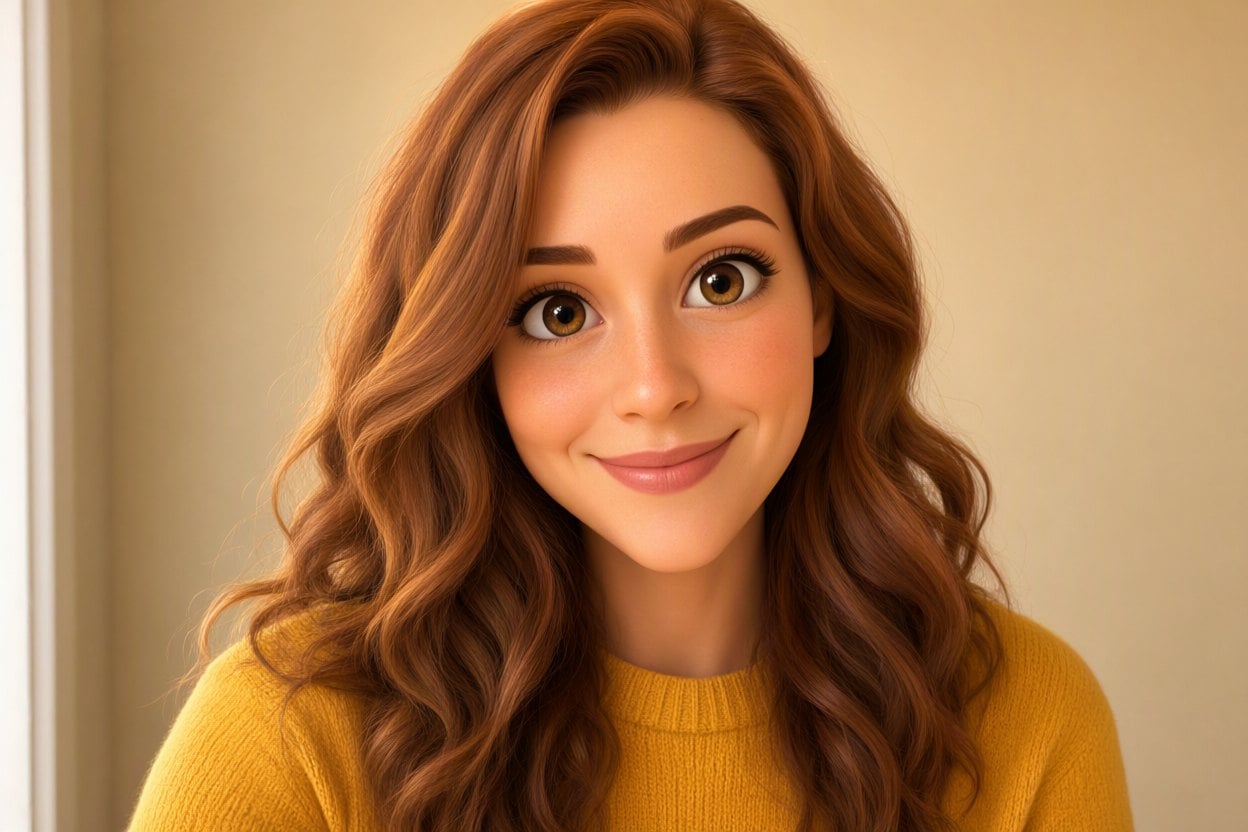
3D Cartoon Avatar
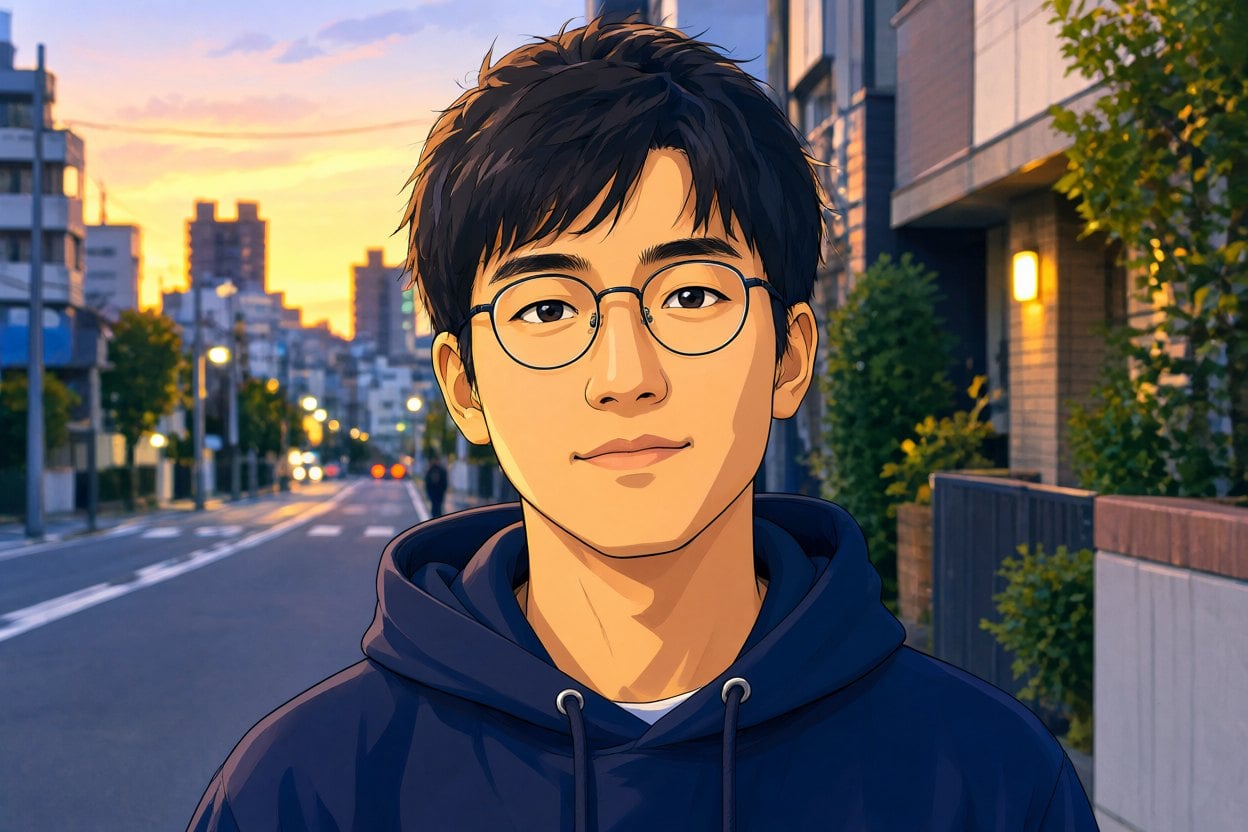
Anime Avatar
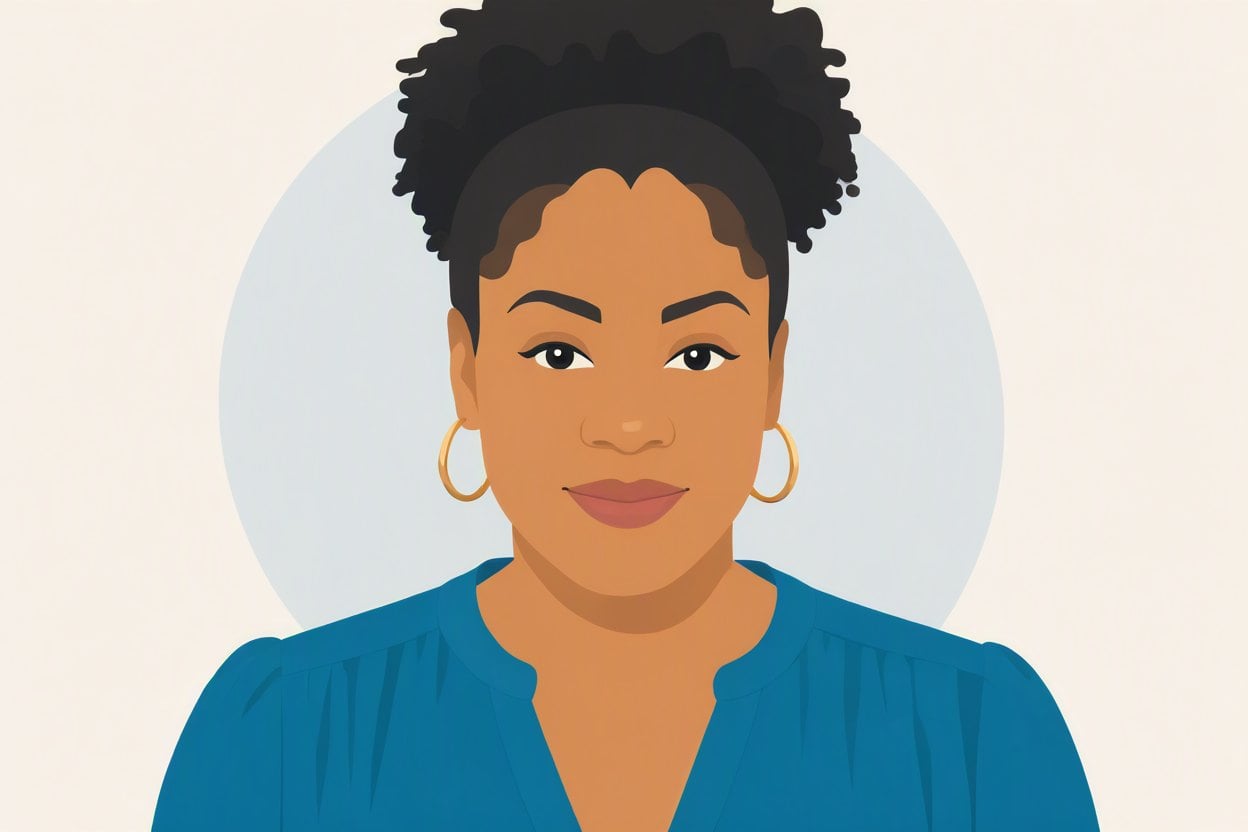
Flat Vector Avatar
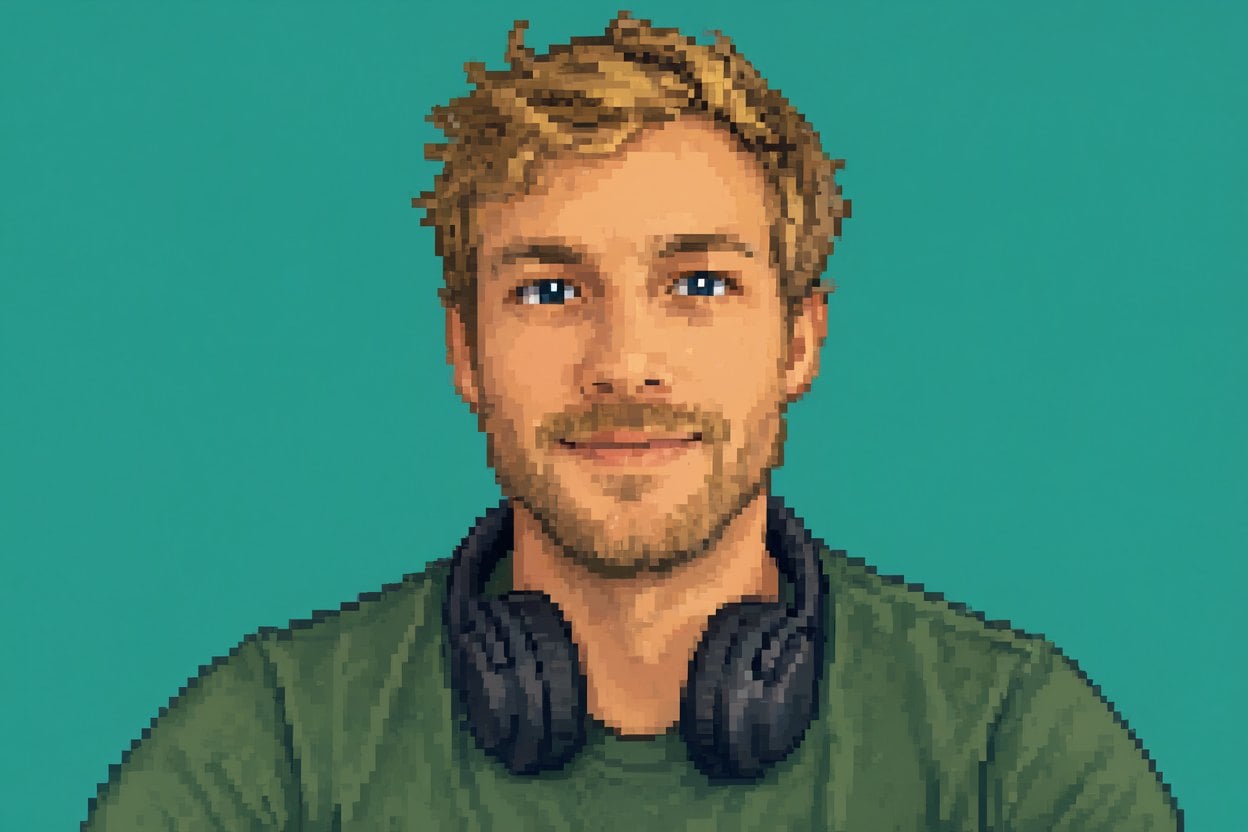
Pixel Art Avatar
Upload files
Upload a clear selfie or headshot
Describe the avatar style
By uploading a file, you agree to GoEnhance's Terms of Use and Privacy Policy
AI Avatar Styles: Photo to Avatar Examples
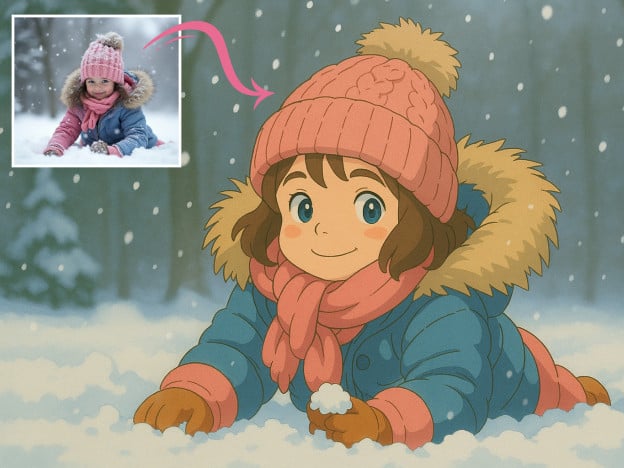
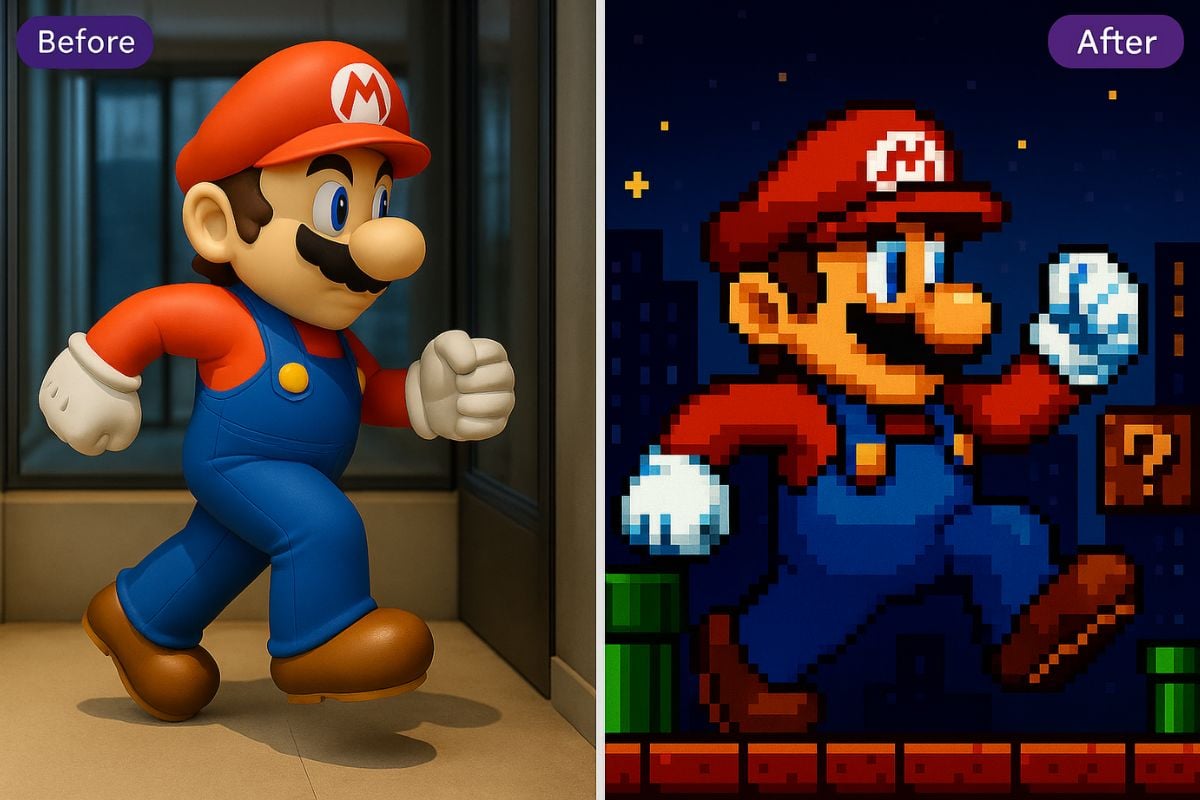
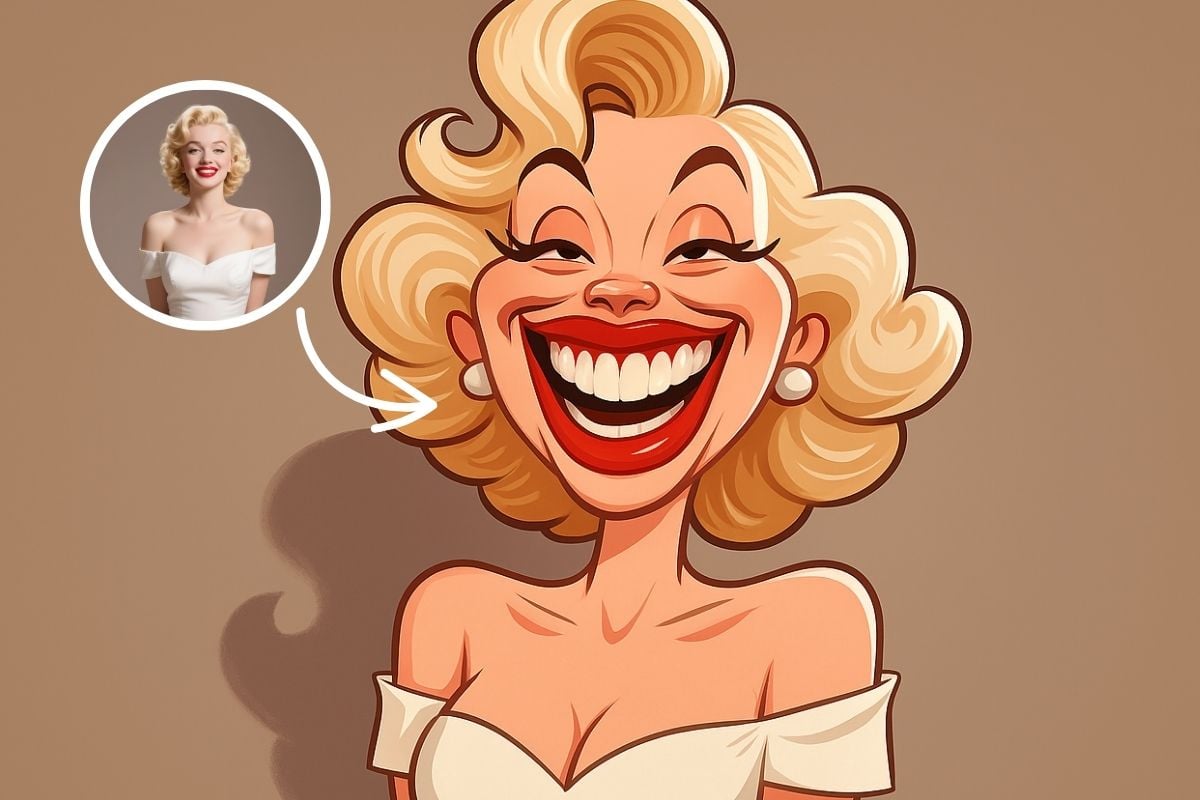
Each avatar below was made from a single photo with one prompt. The face, hairstyle and expression stay recognizable in every style.
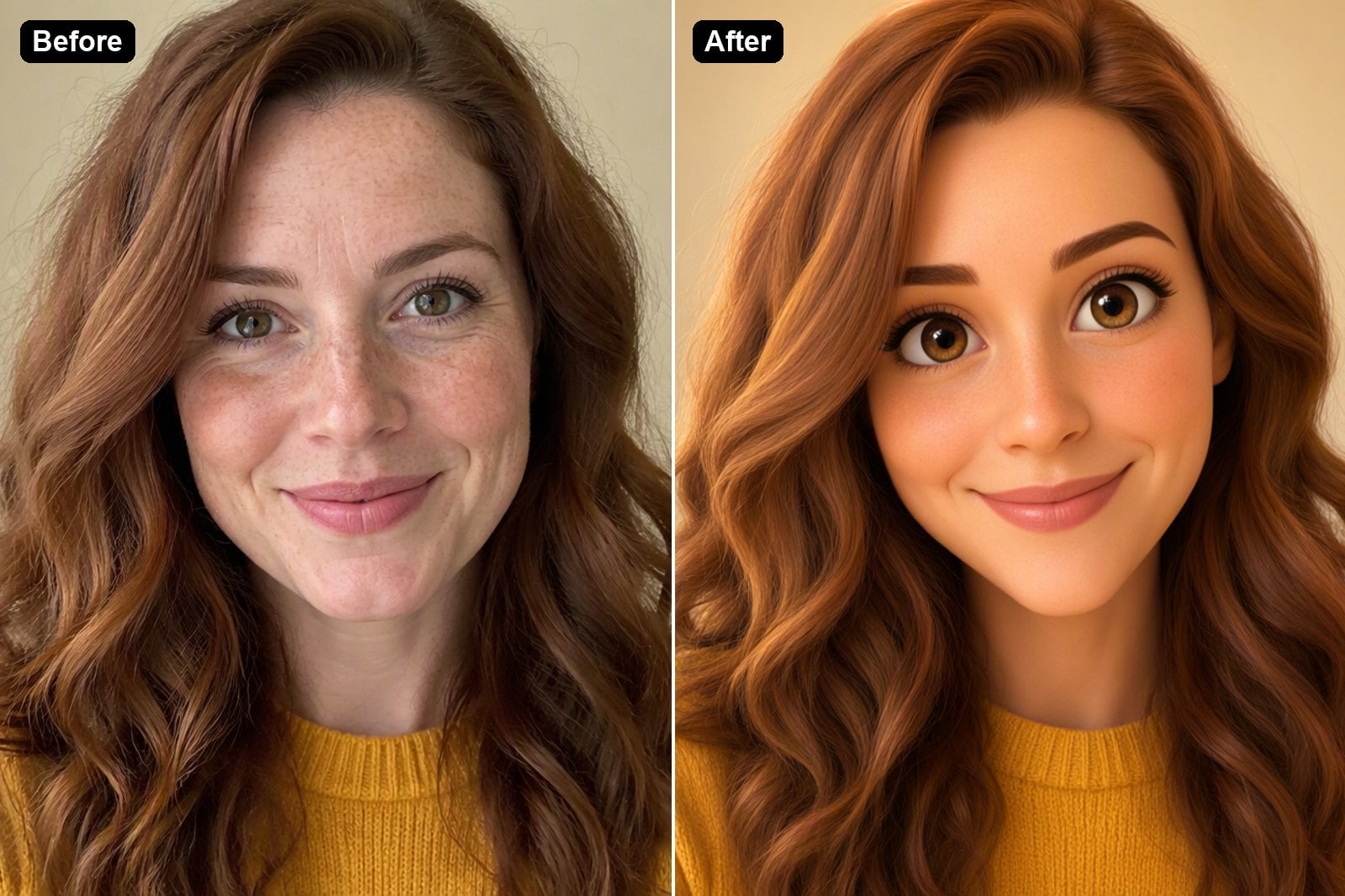
3D Cartoon Avatar
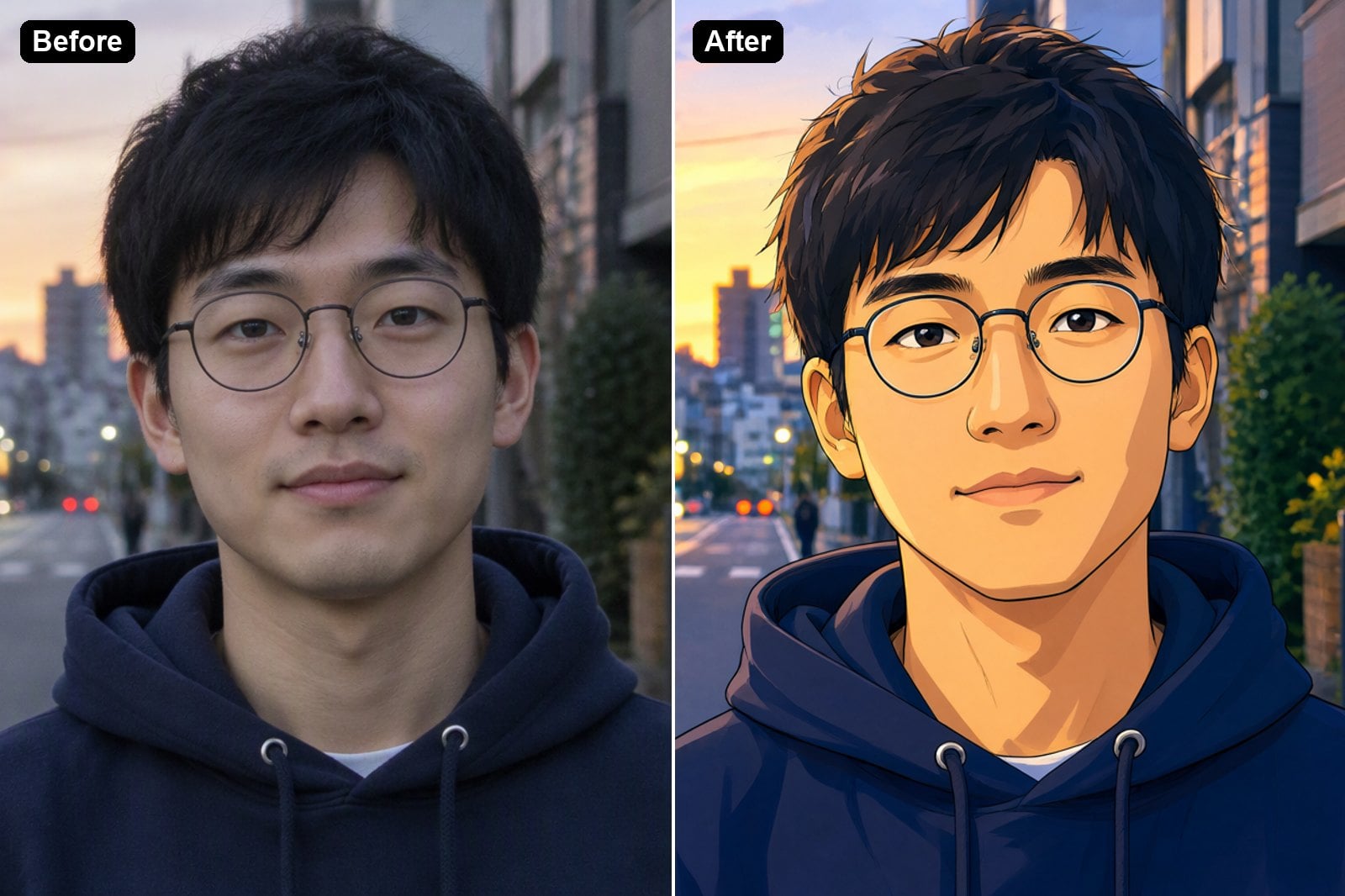
Anime Avatar
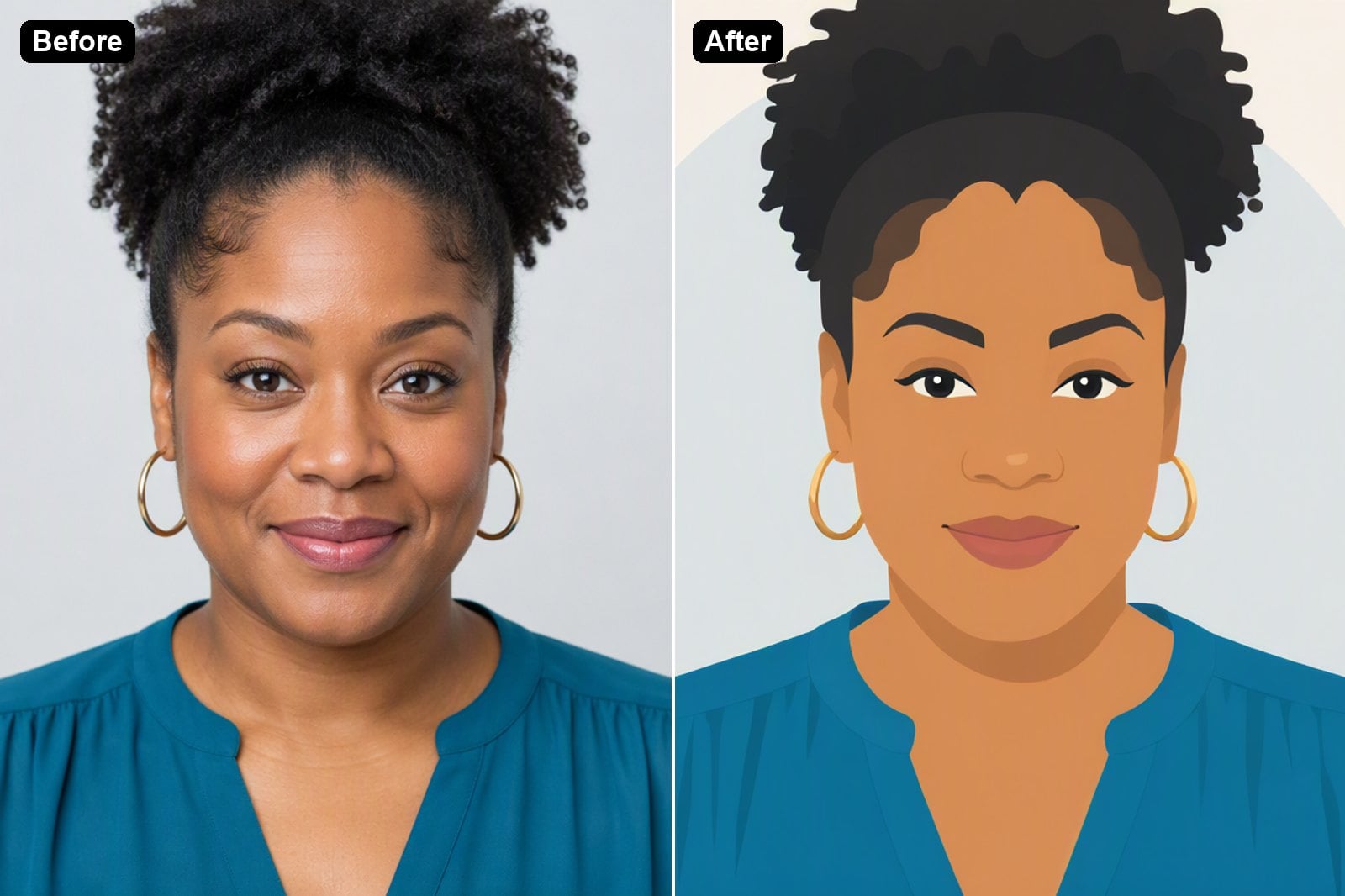
Flat Vector Avatar
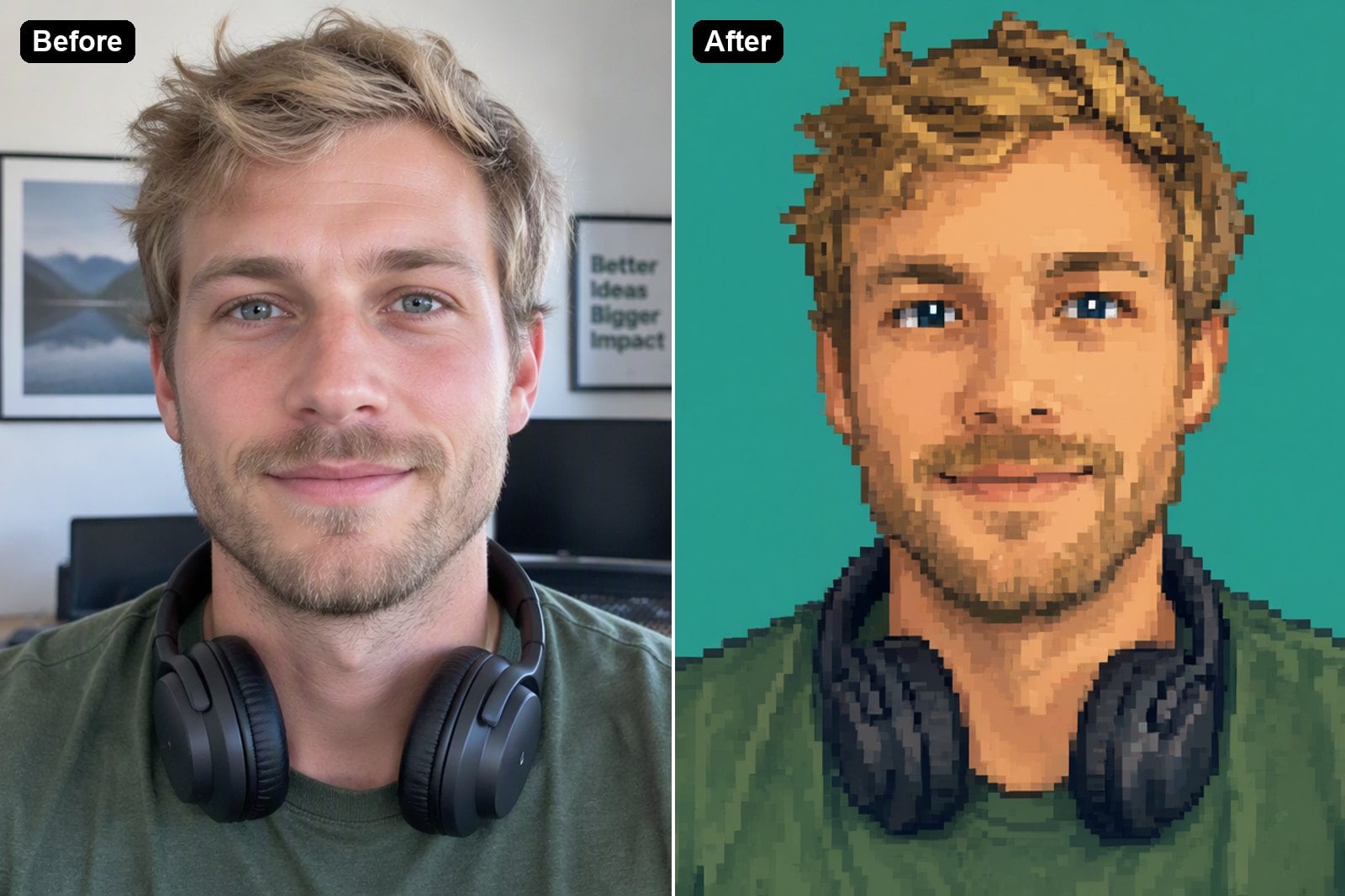
Pixel Art Avatar
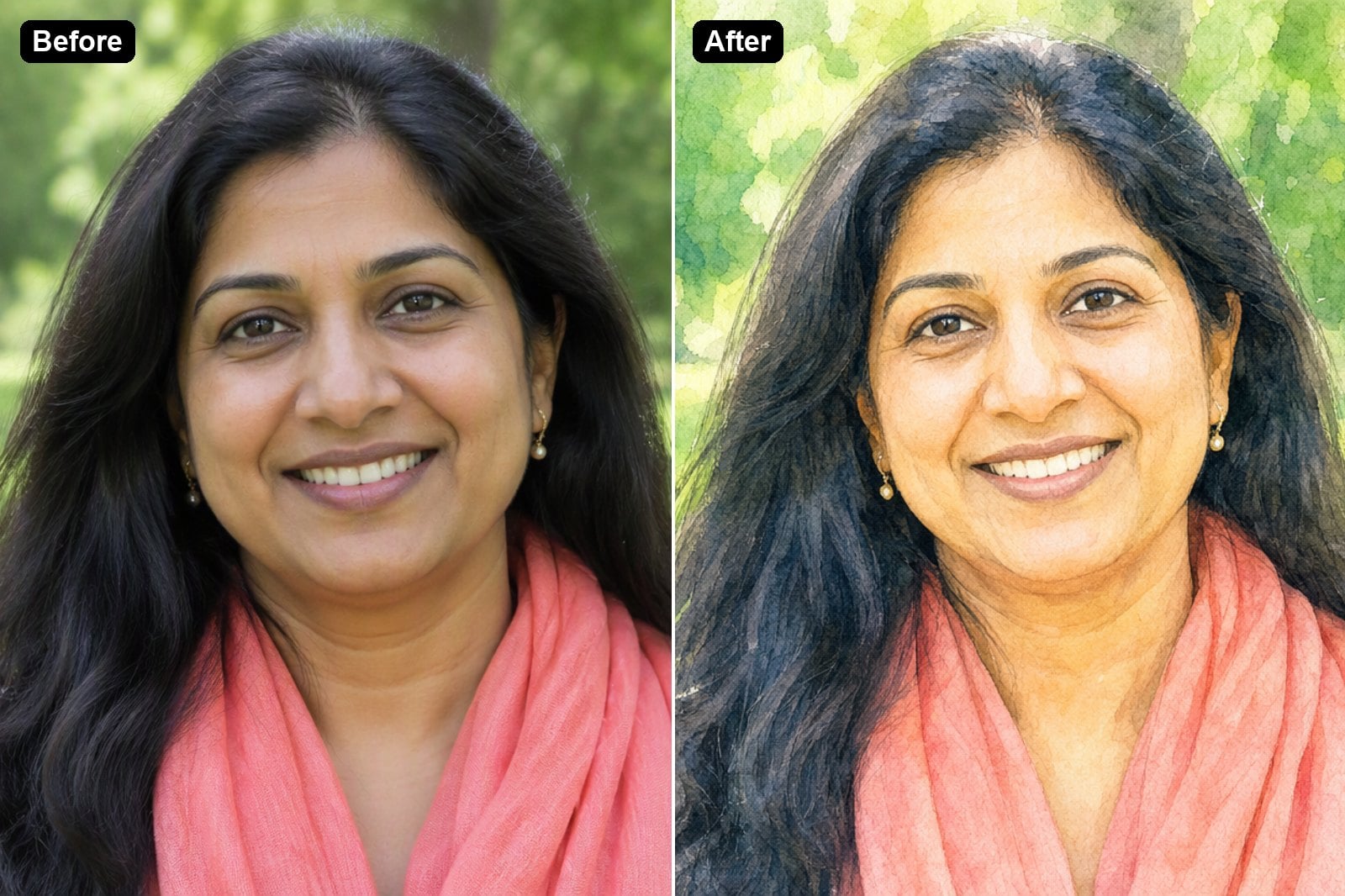
Watercolor Avatar
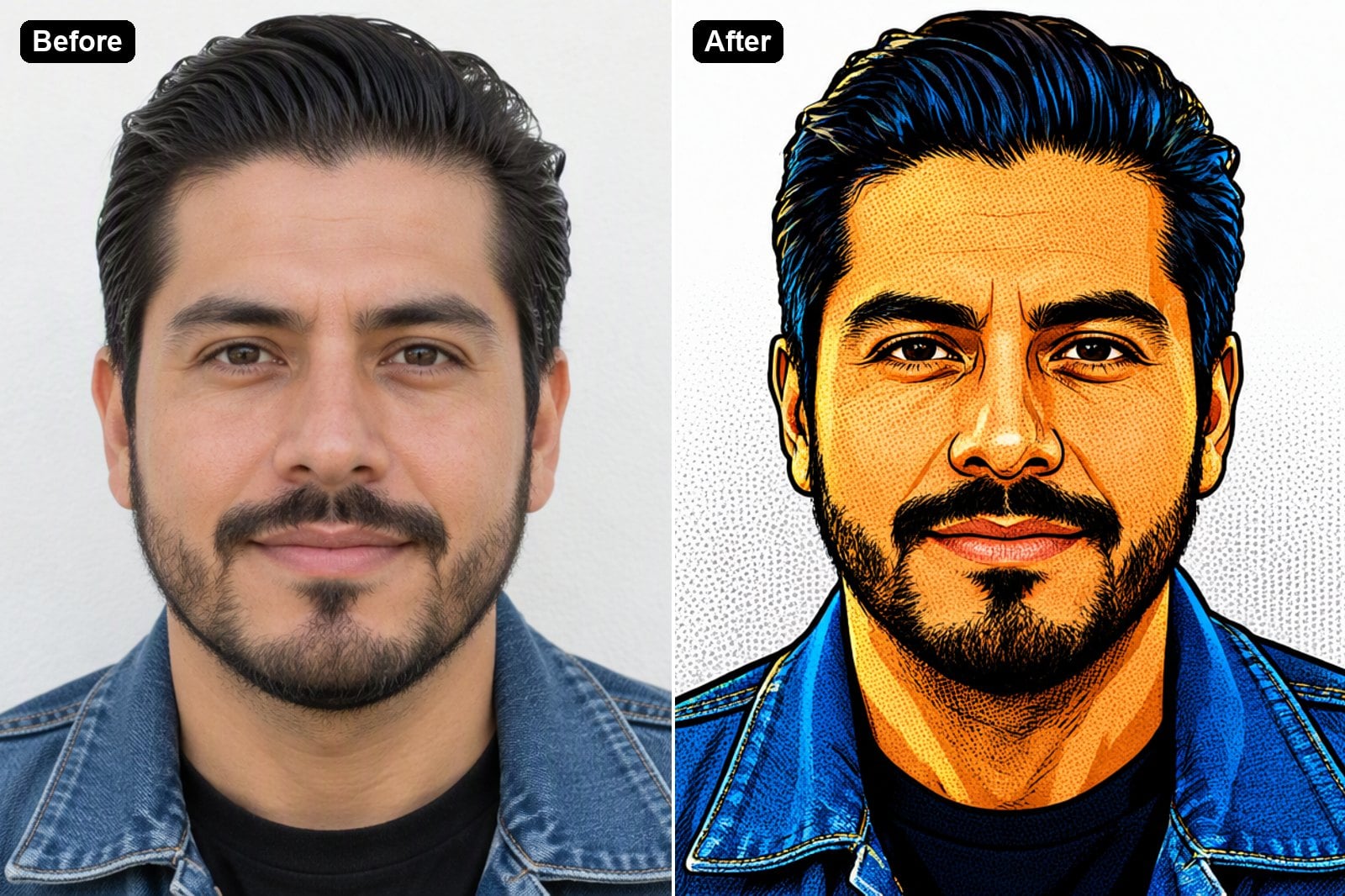
Comic Pop Art Avatar
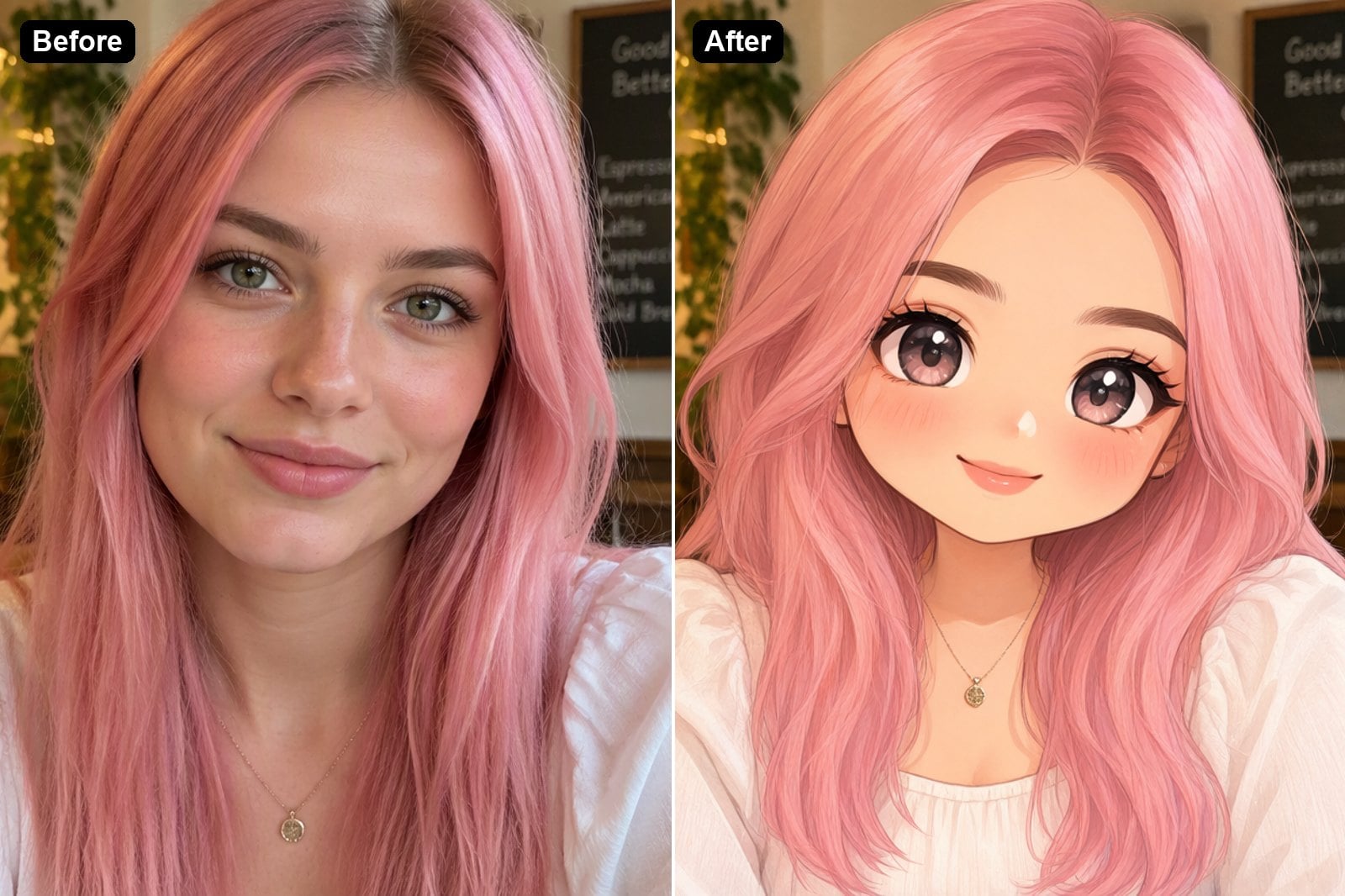
Chibi Avatar
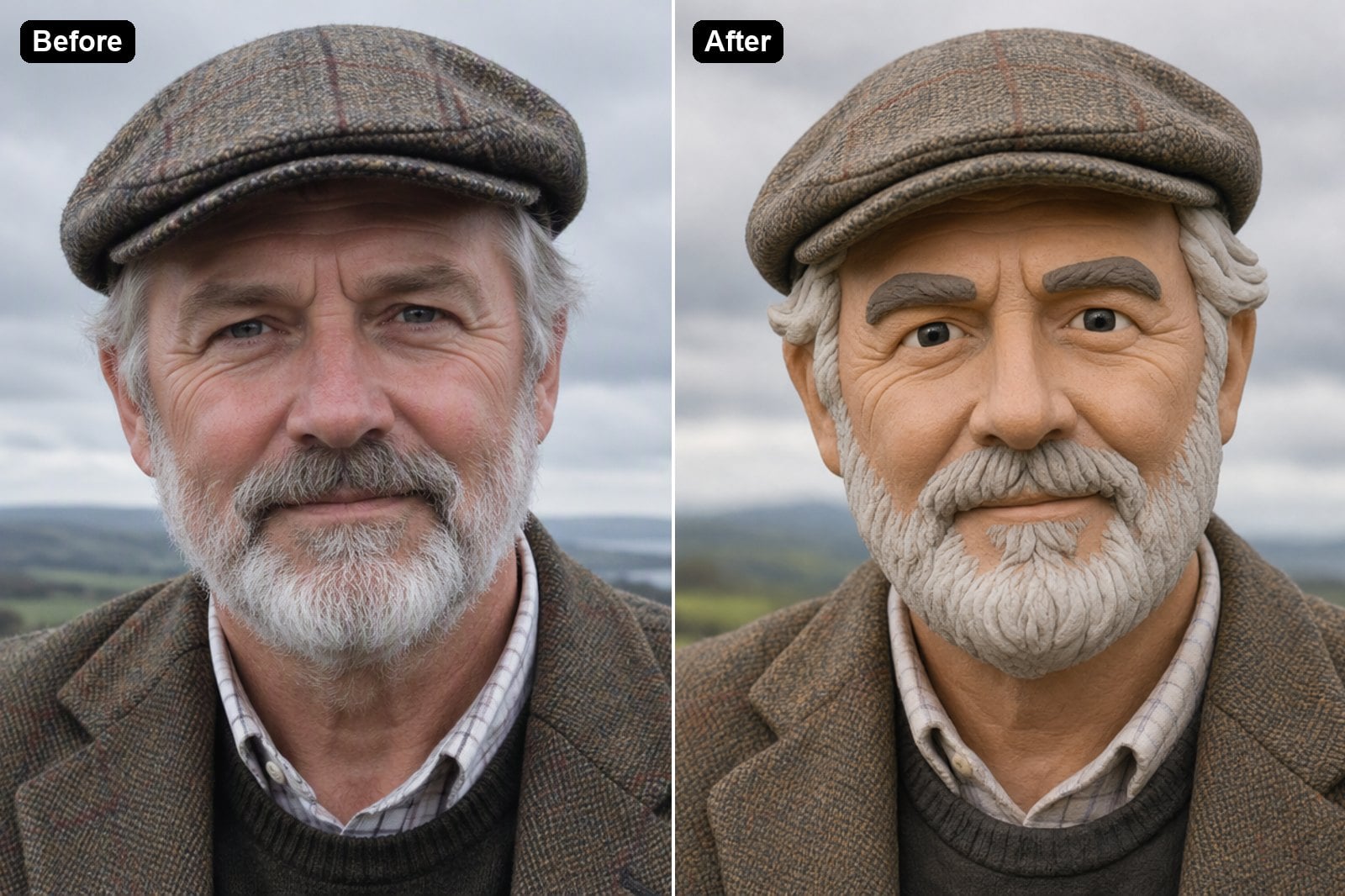
Clay Figure Avatar
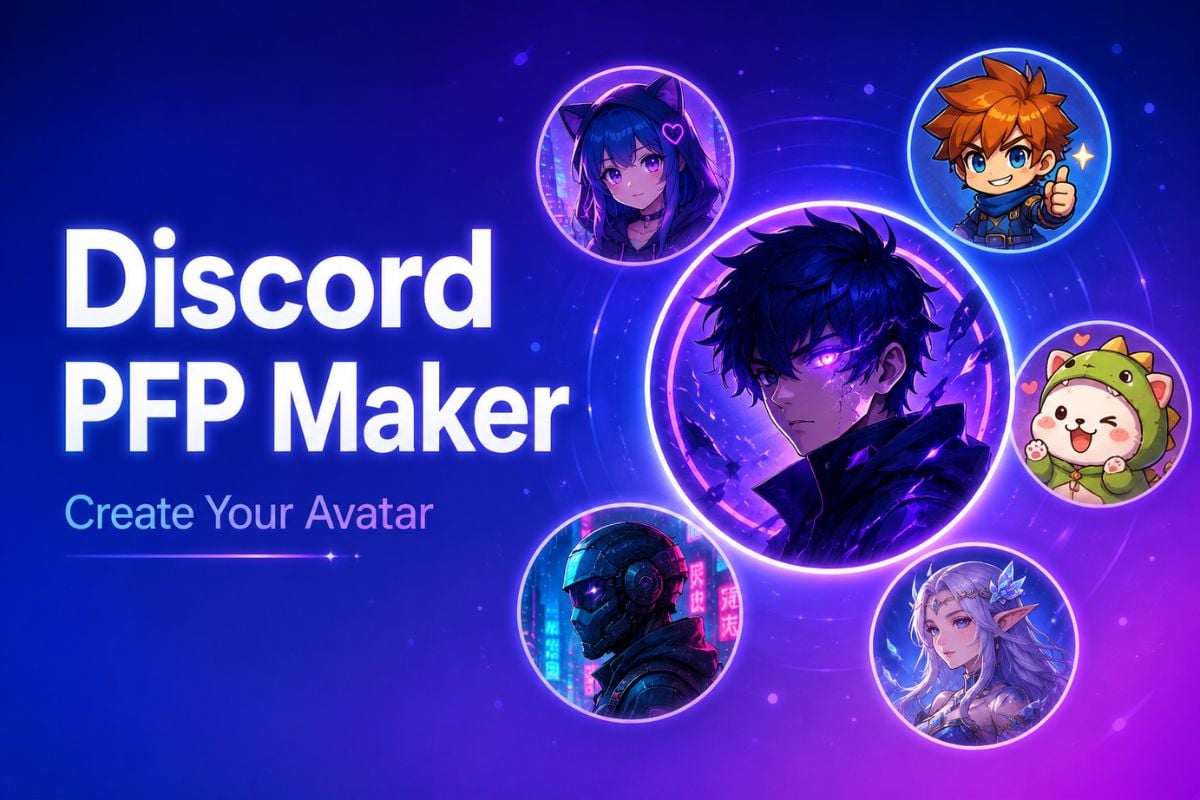
More Avatar Styles and Character Makers
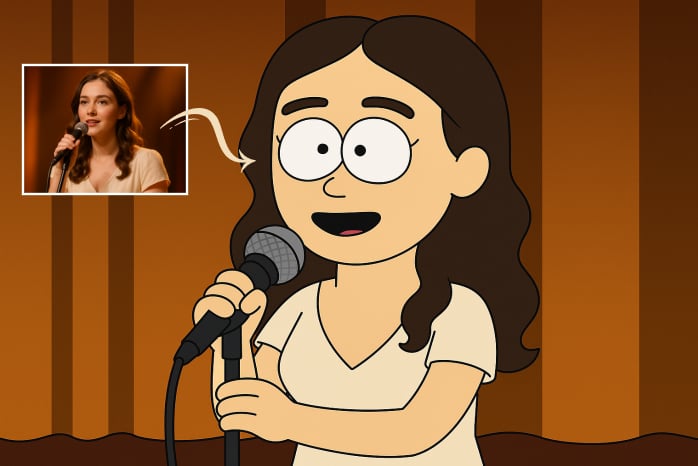
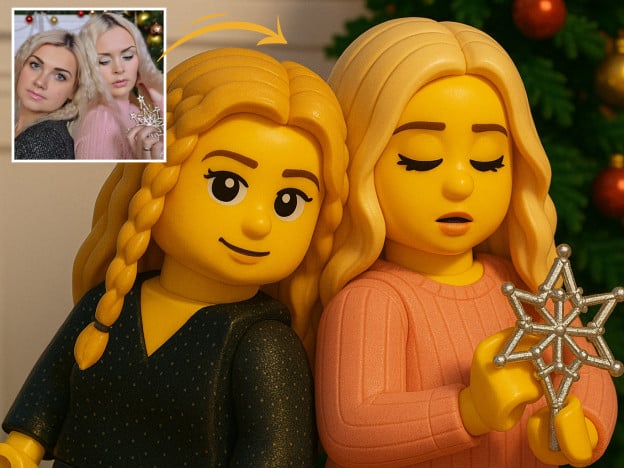
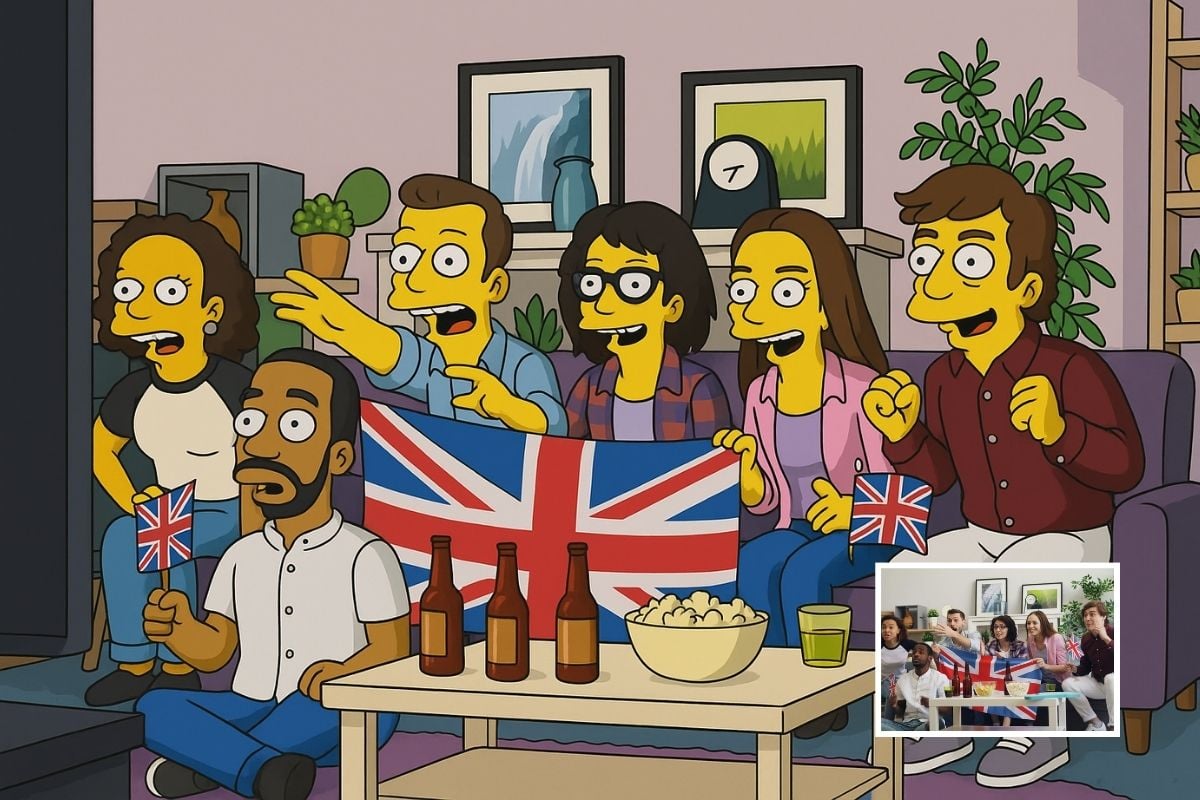
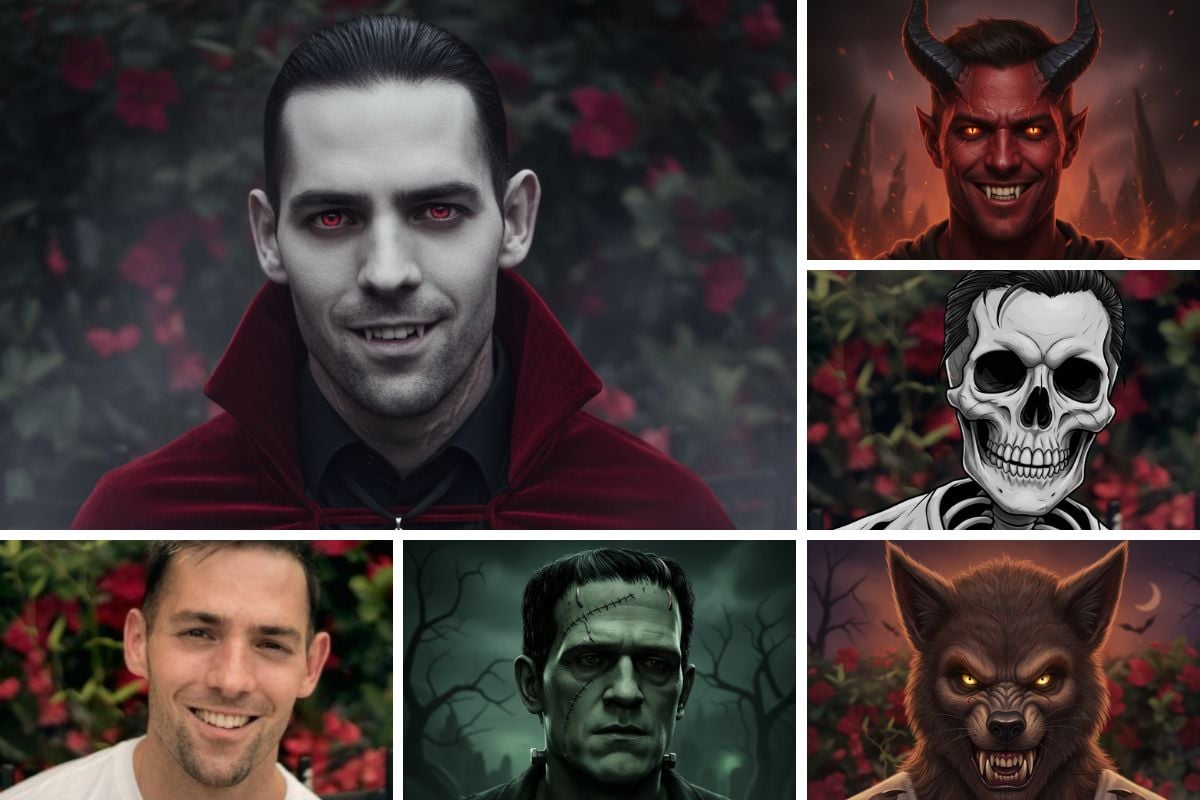
How to Make an Avatar from a Photo
01
Upload Your Photo
Use a clear selfie or headshot with one face, good light and nothing covering your eyes.
02
Choose a Style
Pick one of the example styles or write your own — for example a superhero, a fantasy elf or a minimalist line portrait.
03
Generate and Download
The AI keeps your features and redraws you in the new style. Try a few styles, then download the one you like as your profile picture.
Why Use GoEnhance AI Avatar Generator
Still Looks Like You
Face shape, hairstyle, skin tone and expression are kept, so friends recognize your avatar at a glance.
Any Style You Can Describe
Start from 3D cartoon, anime, flat vector, pixel art, watercolor or chibi, or type a style of your own.
Ready for Every Profile
Square-friendly head-and-shoulders framing works for social media, gaming, Discord, Slack and dating apps.
No Design Skills Needed
One photo and one sentence are enough — no drawing, no editing software.