AI Teeth Whitening: A Brighter Smile in One Click
Upload a photo where your teeth show and the AI turns yellow or stained teeth into a clean, natural white with a healthy shine. It keeps the exact tooth shape, size, spacing and alignment, and leaves your face, lips, gums, skin tone, hair, clothes and background untouched, so the photo still looks like you on a good day, not a filter. The console below runs on GPT Image 2.5.
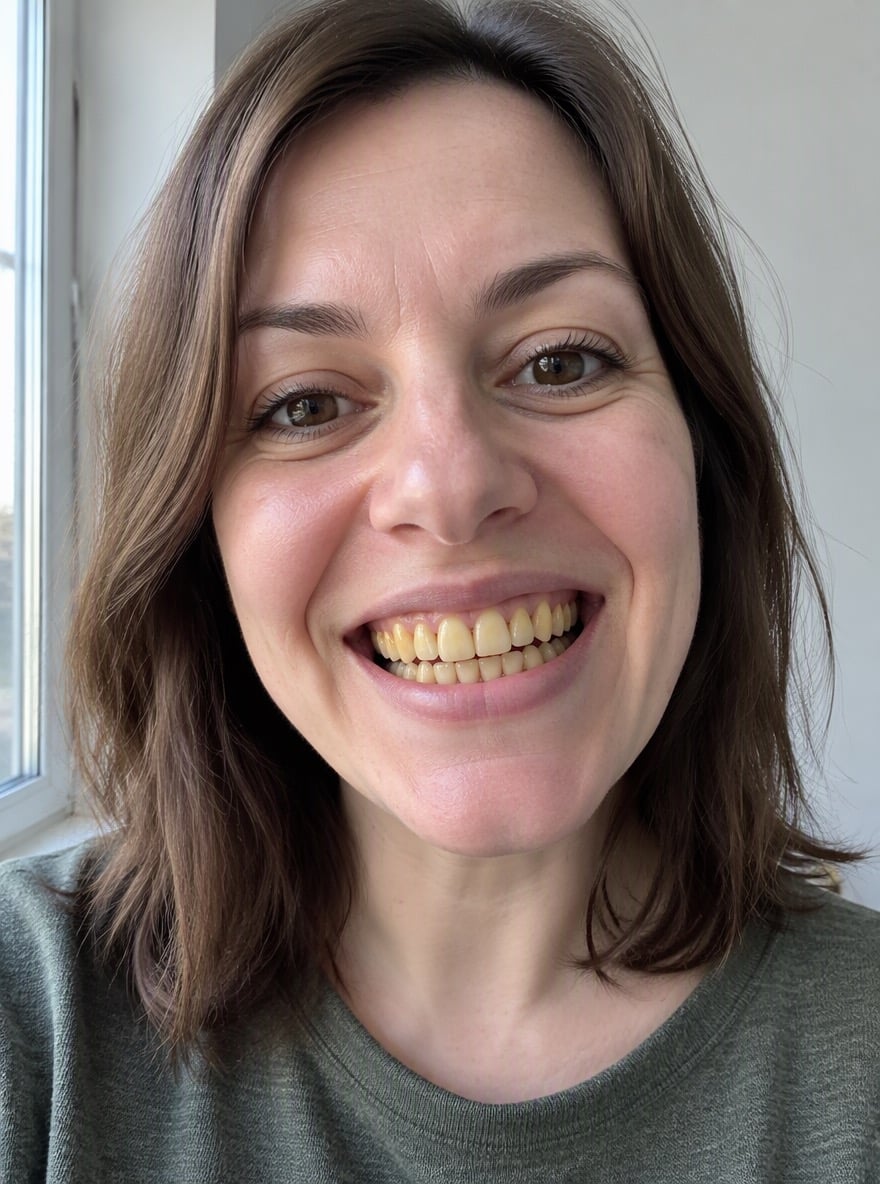

Coffee Stains Gone

Big Laugh, Brighter Teeth
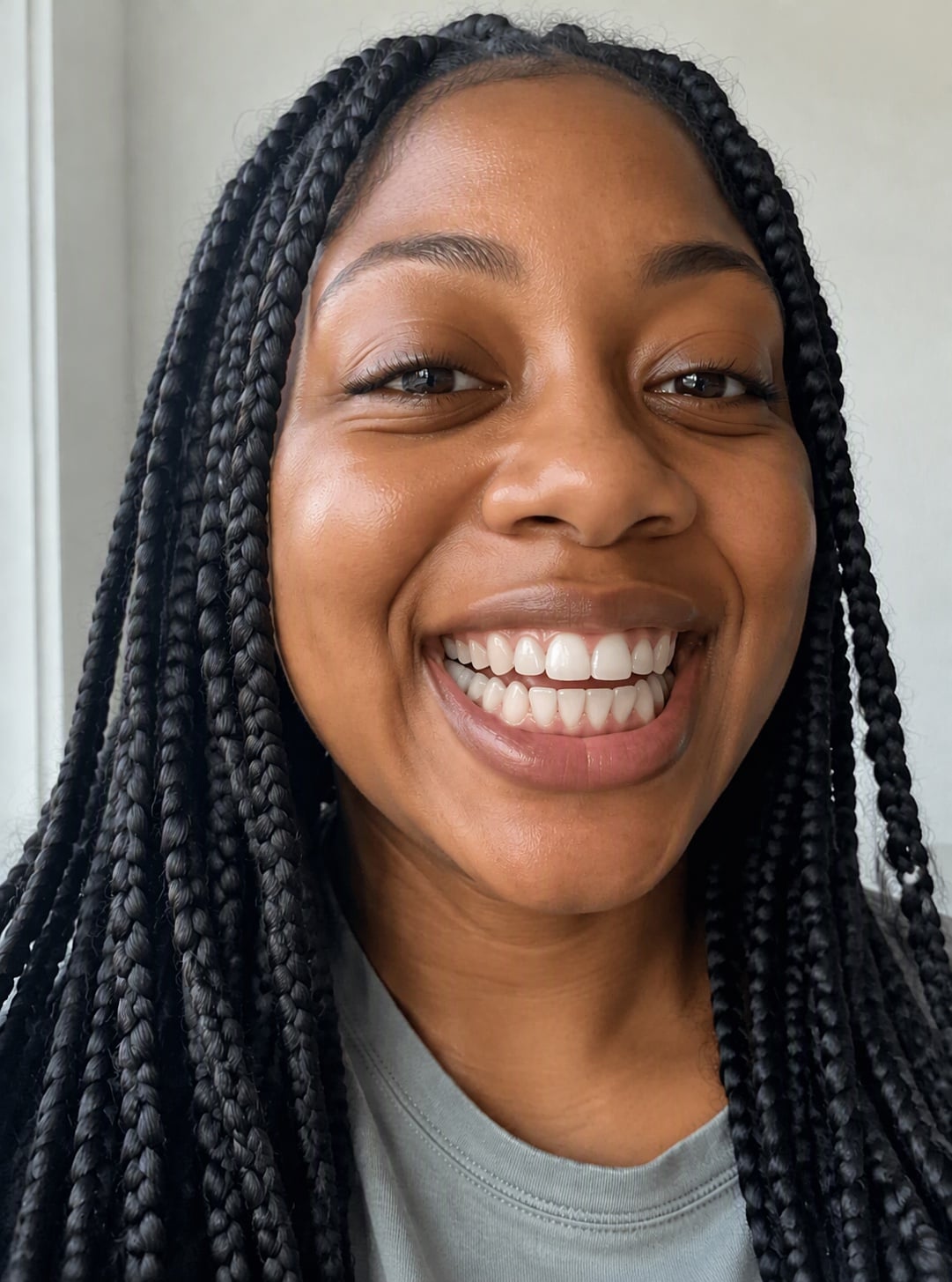
Natural White Smile

Selfie Touch-Up
Upload files
Upload a smiling photo to whiten your teeth
Effect prompt
By uploading a file, you agree to GoEnhance's Terms of Use and Privacy Policy
Teeth Whitening Results from the Console
Each picture is one upload with the prompt above. Only the teeth change; everything else is the original photo.
Coffee Stains Gone
Big Laugh, Brighter Teeth
Natural White Smile
Selfie Touch-Up
How to Whiten Teeth in a Photo
01
Upload a photo
Any photo where the teeth are visible: selfies, portraits, wedding or profile photos.
02
Generate
The whitening prompt is already filled in. Press the button and the AI cleans up the stains.
03
Download
Save the touched-up photo and use it for social media, dating apps or your profile picture.
Why Use This Teeth Whitener
Natural white, not neon
Teeth become a clean natural shade with enamel shine, not an unrealistic bright or blue-white.
Your real smile
Tooth shape, spacing and alignment stay the same, so it still looks like your own smile.
Nothing else changes
Face, lips, gums, skin, hair and background are left exactly as they were.
Free to try
New accounts get free credits, so you can whiten your first photo without paying.