
Free AI Belly Inflation Generator
Try AI belly inflation with a single upload. Keep the same face and outfit, and generate a short belly inflation video that looks smooth, natural, and easy to share.
AI Belly Inflation Videos That Look Clean and Consistent
One Photo In, Belly Inflation Video Out
AI belly inflation is built for a simple workflow: upload one portrait or full-body photo, keep identity stable, and generate a short belly expansion video in seconds. For best results, use a clear image with a clean background and natural lighting. Start here: image to video and create a smooth AI belly inflation generator output without manual editing.
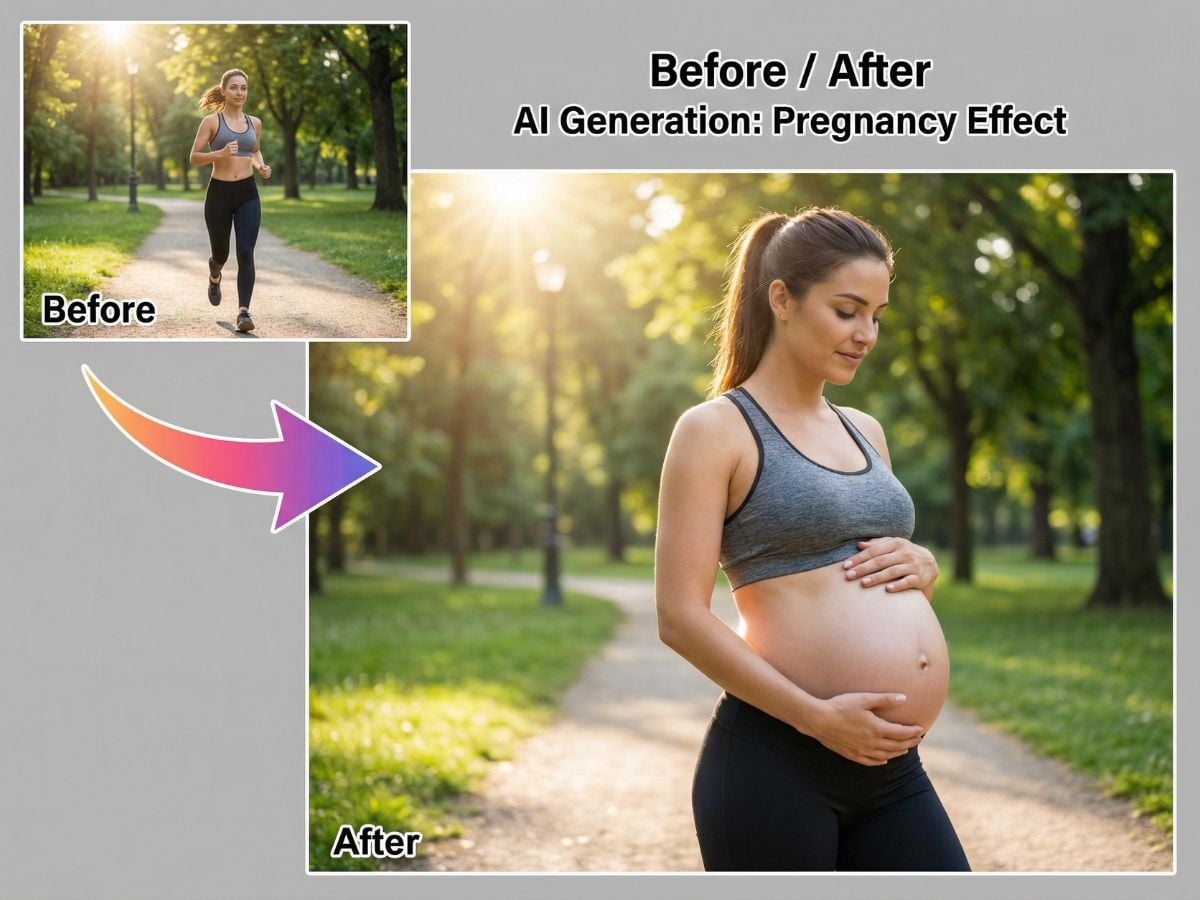
Share-Ready AI Belly Inflation Videos
This is the kind of transformation clip that consistently performs on social: quick, obvious, and easy to replay. Upload one photo, generate a smooth belly-growth reveal (small → medium → full bump), and you’ve got a short video people love to watch, react to, and share on Reels, Shorts, and TikTok—perfect for trends, before/after posts, and quick story edits.
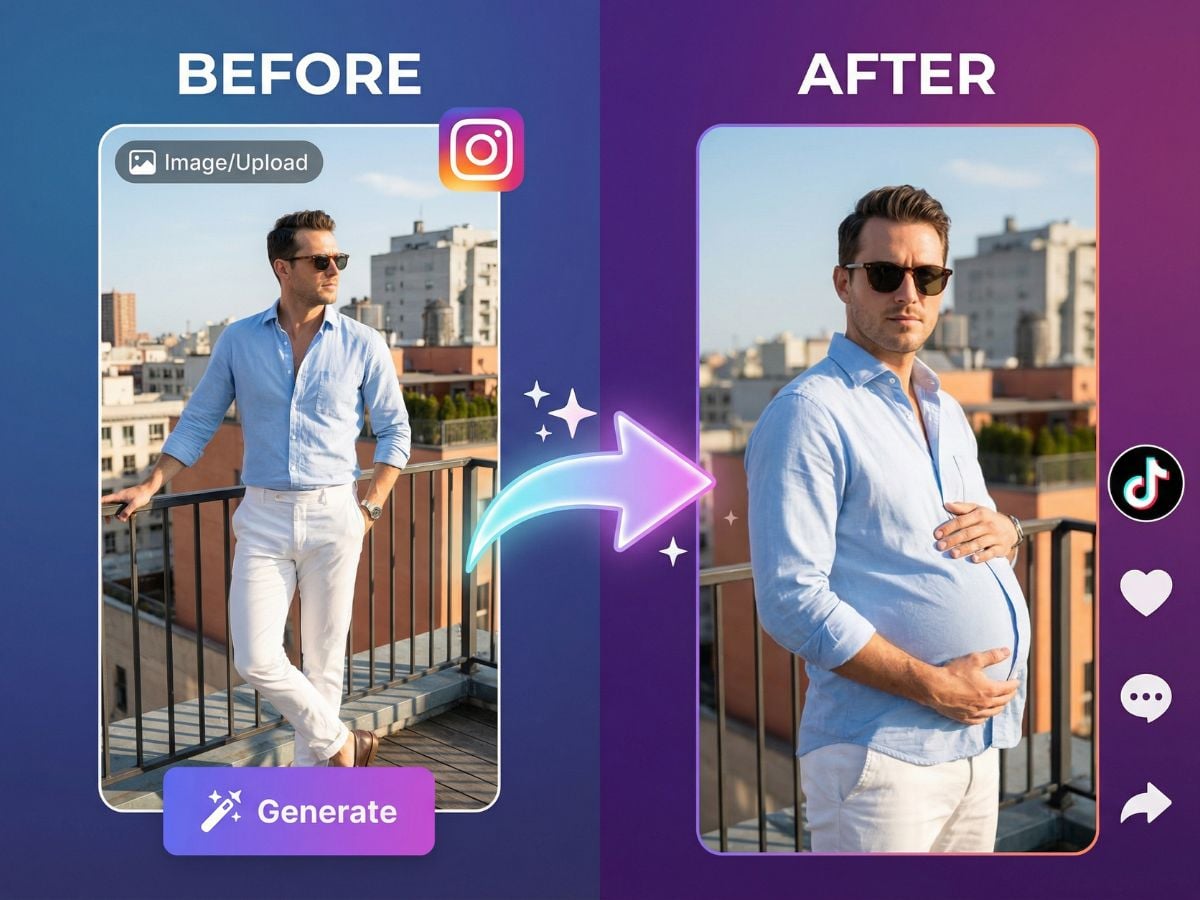
Natural Belly Growth With Realistic Fabric Stretch
Make belly inflation AI results look believable by describing the growth pace: small bump → medium → clearly pregnant. The tool focuses on a consistent face, steady lighting, and realistic cloth deformation—useful for a clean belly inflation video that avoids awkward warping or sudden jumps.
How to Use GoEnhance AI Belly Inflation Generator?
Upload a Photo
Upload a clear portrait or waist-up photo. Clean lighting and a visible outfit edge help the belly area stay stable, so the transformation looks smooth instead of wobbly.
Click Generate (or Tweak the Prompt)
Hit Generate for an instant result, or adjust the prompt to control the pace and size—try “small bump → medium → full bump” for a clean, shareable progression. Keep it focused: same face, same outfit, only the belly changes.
Download and Share
Export the final clip and post it right away. Short videos work best for Reels, Shorts, TikTok, and story edits—easy to replay, react to, and share.
More Photo-to-Video Effects You Can Try
What Our Users Say?
You may want to know
What is AI belly inflation?
What is an AI belly inflation generator used for?
Can I control the size and timing of the bump?
What images work best for a belly expansion video?
What should I avoid in the prompt?
Can I download and share the result?
Create an AI Belly Inflation Clip in Minutes
Upload a photo, add a simple prompt, and generate a smooth belly inflation video with realistic fabric stretch and steady identity. It’s a quick way to make a belly expansion video without editing software or timelines.
Try AI Belly Inflation