
Free AI Gender Swap Video Generator
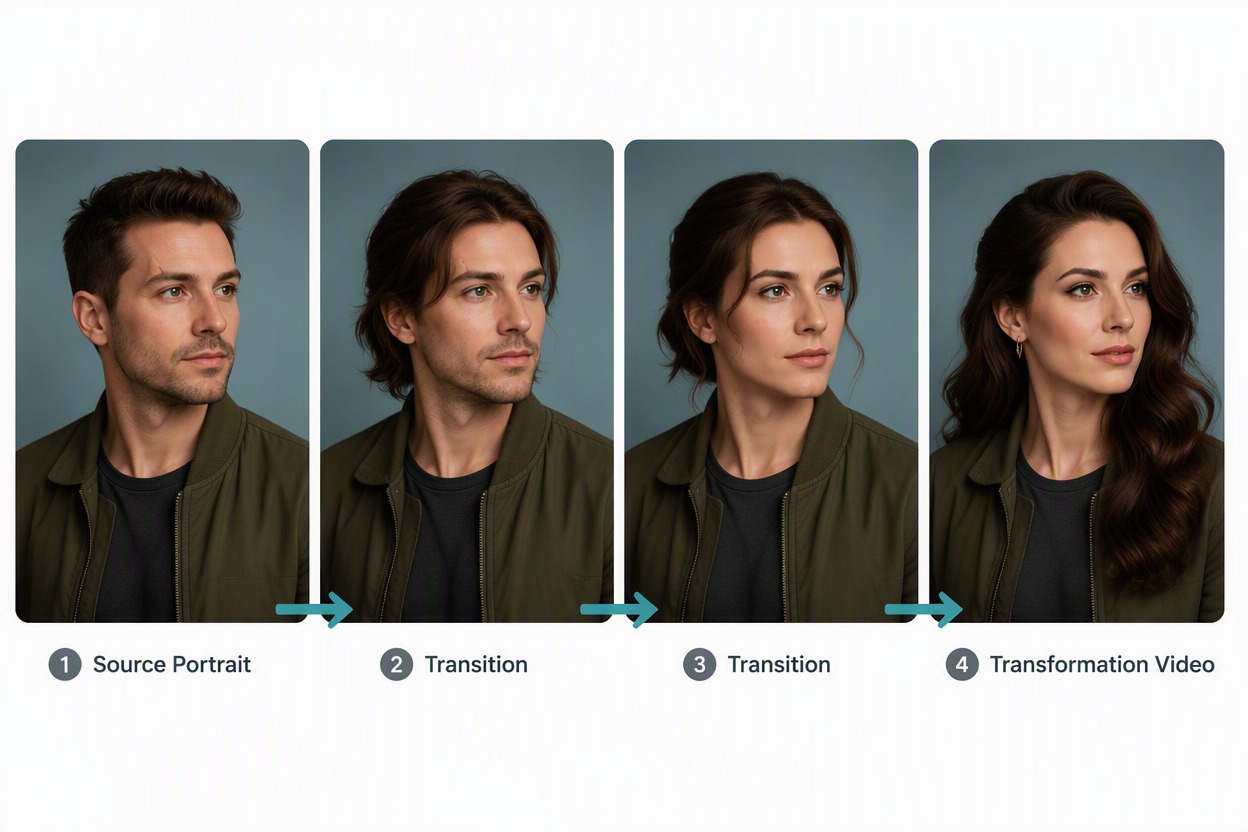
Upload a portrait and generate a short gender-presentation transformation. Keep the source face, camera, and scene consistent while gradually changing hairstyle, grooming, makeup, and fashion.
Wan 3.0
Photo to animate
Upload a JPG or PNG, then describe how it should move.
Prompt
Example prompts
By uploading a file, you agree to GoEnhance's Terms of Use and Privacy Policy
Build a Respectful Gender-Presentation Transformation
Use Source Features as a Visual Reference
Carry recognizable cues such as eye color, skin tone, distinctive marks, pose, and camera angle through the image to video transformation so the character remains visually consistent.
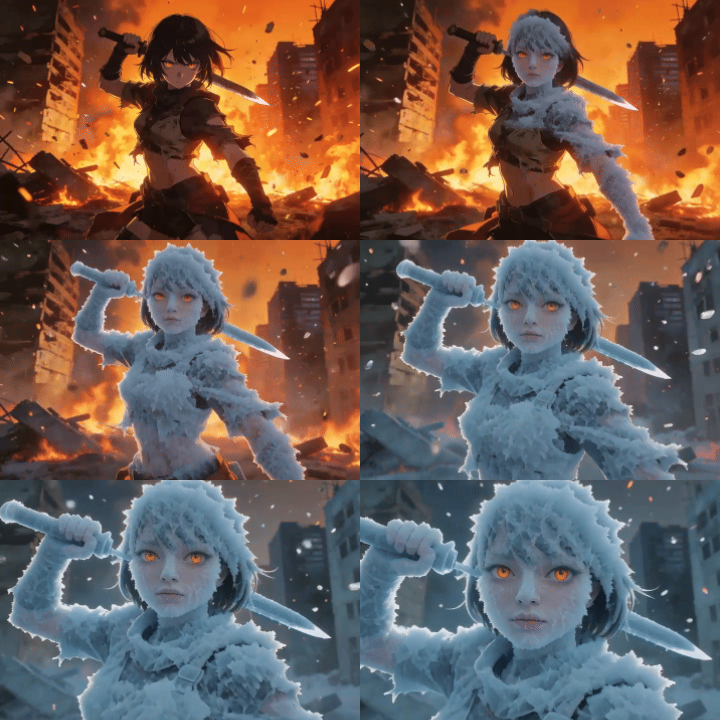
Explore More AI Video Effects
Why Use an AI Gender Swap Video Generator
Reference Recognizable Source Features
Guide the transformation with the portrait’s visible facial cues and distinctive marks.
Turn a Portrait Into a Motion Sequence
Create a short transformation story instead of a single static comparison.
Keep Framing and Background Stable
Make the visual change easier to understand by preserving the source composition.
Explore Flexible Presentation Concepts
Try editorial, casual, refined, or androgynous styling directions.
Create Character-Development Visuals
Use the effect for fictional roles, visual storytelling, or personal creative concepts.
Review Visual Continuity
Check the face, hair, clothing, hands, background, and transition stability at full size.
How to Use Gender Swap Video
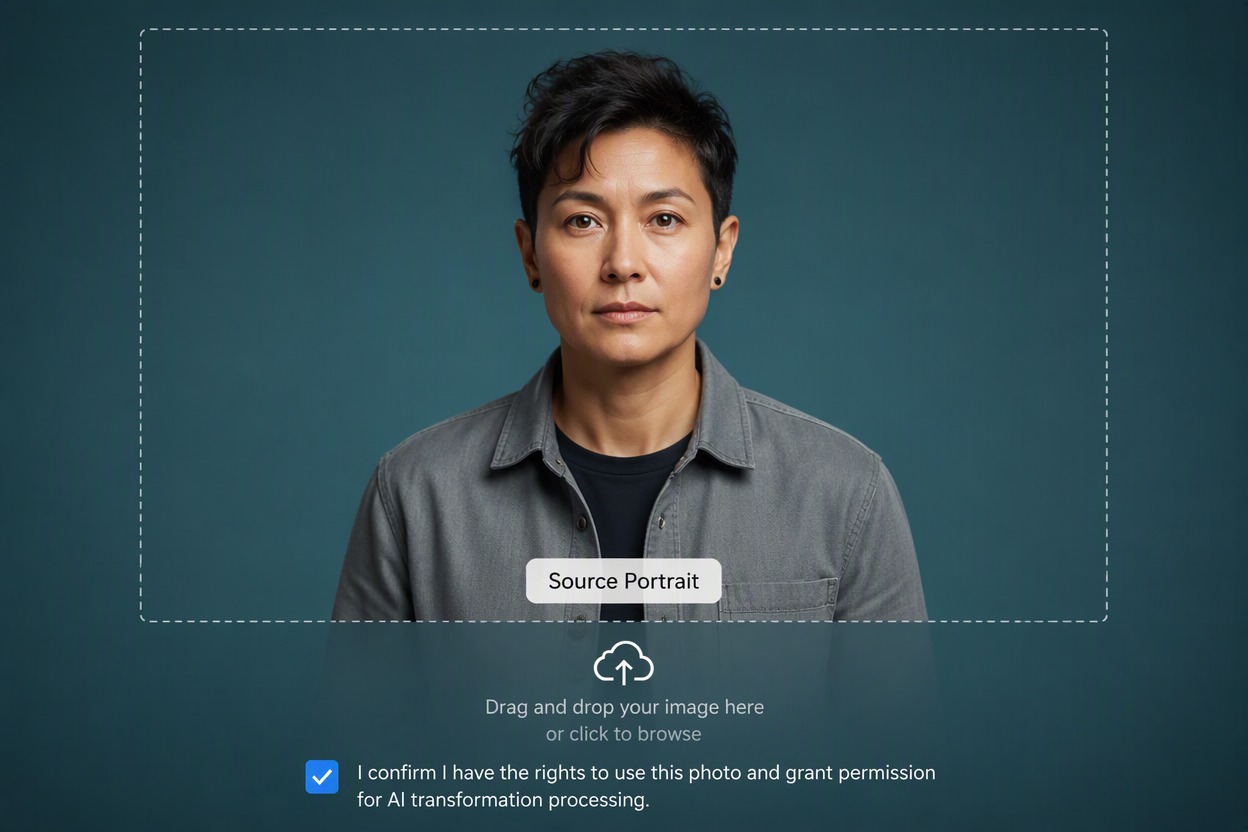
Upload a Clear Portrait
Choose a front-facing portrait with even lighting, visible facial features, and a simple background. Use an image you have permission to edit.
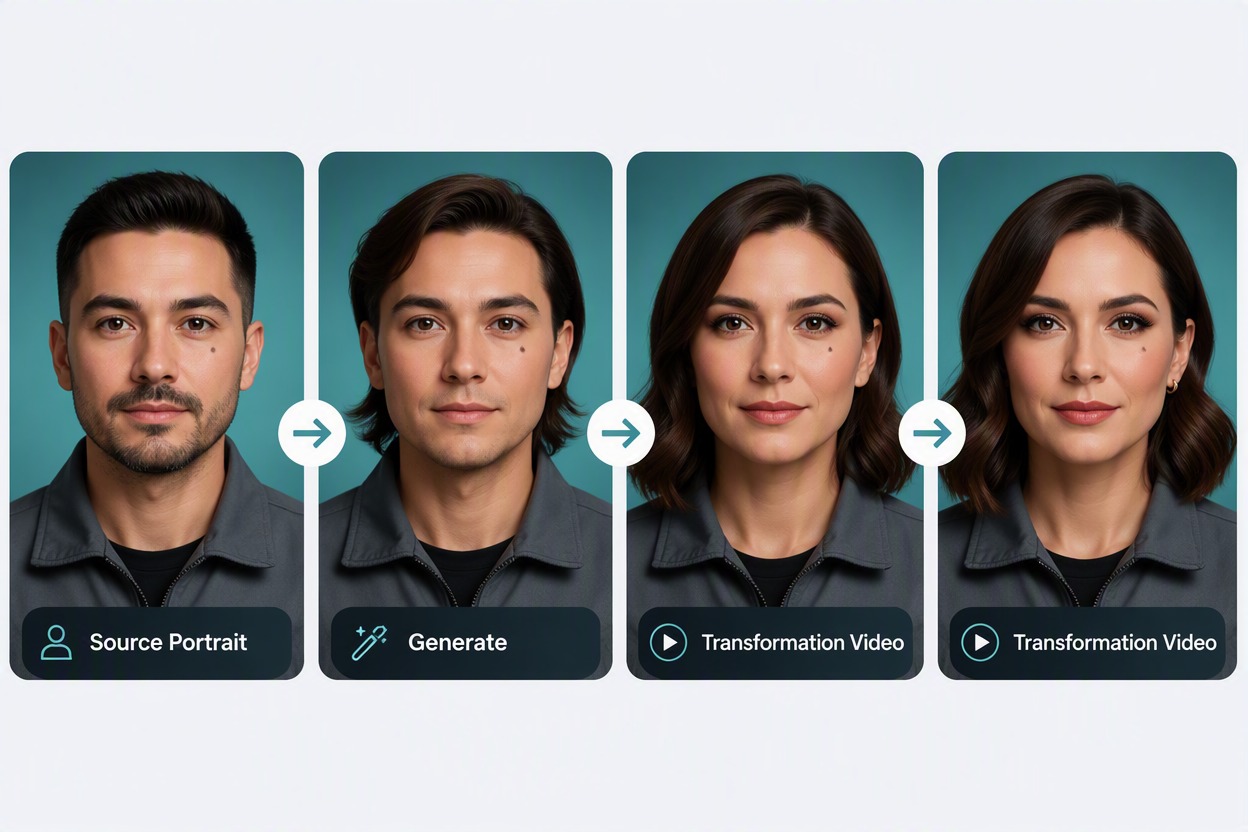
Generate the Presentation Transition
Create a short sequence that uses the source face and scene as references while gradually adjusting hair, grooming, makeup, and styling direction.
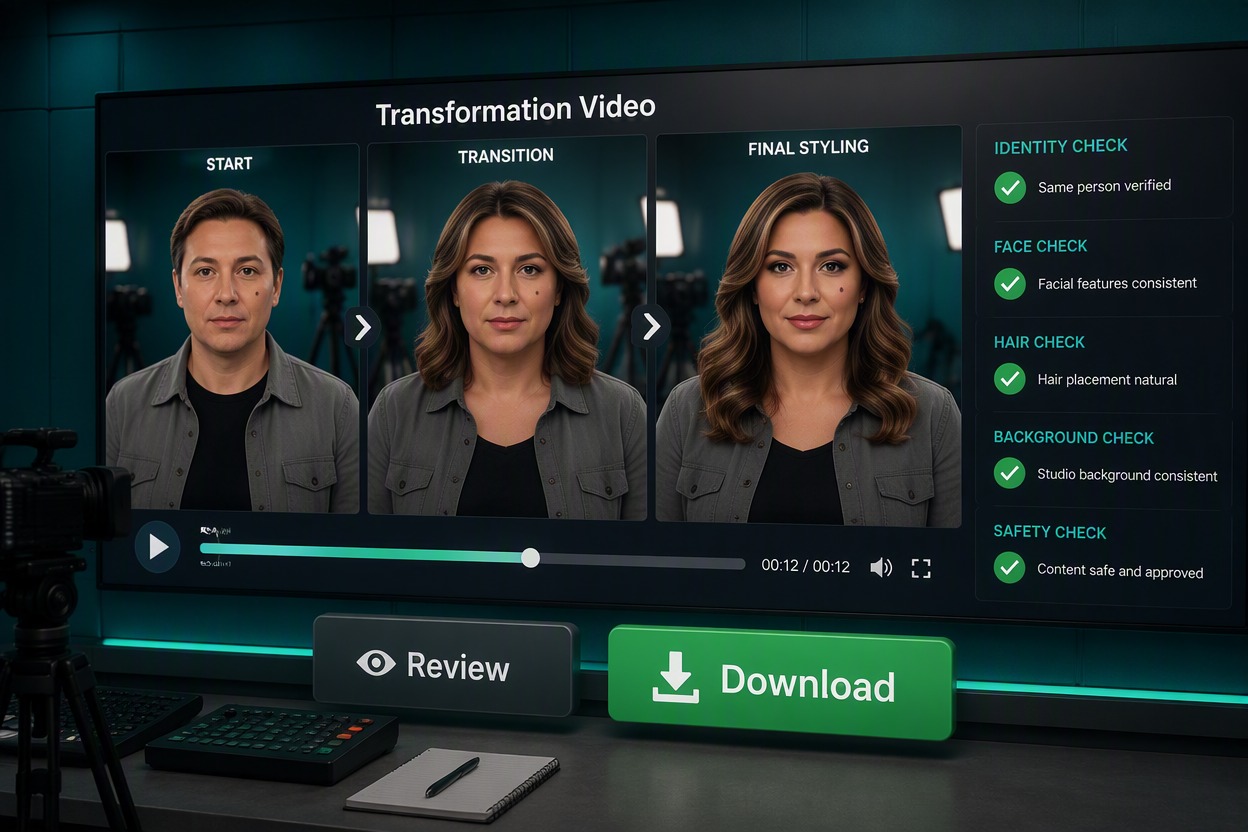
Review and Download
Watch the full transformation and check facial consistency, hands, hair edges, clothing seams, background lines, and motion stability before downloading.
Gender Swap Video FAQ
What is a gender swap video effect?
How does an AI gender swap video generator work?
Does the effect determine someone’s gender identity?
What kind of portrait works best?
Can I use a real person’s photo?
Can I publish the generated video?
What should I inspect before downloading?
Create a Gender Swap Video With GoEnhance AI
Turn a portrait into a smooth gender-presentation transformation with consistent facial features, framing, and motion.
Generate a Transformation