
Transparent Logo Maker



Make Your Logo Background Transparent
Choose your logo file
Upload a JPG, PNG, or WebP image. Use the largest clear source available so fine lines and small letters are easy to distinguish.
Separate the logo from its canvas
Remove the background automatically, then inspect the outside edge, internal gaps, and any white details that belong to the design.
Download and check placement
Save a transparent PNG and place it over your intended page color or image. Check legibility at the size where the logo will appear.
Understand Your Logo Output
Check the Logo Where It Will Be Used
Transparent Logo Cutouts for Light and Dark Designs
Remove the White Canvas around a Logo
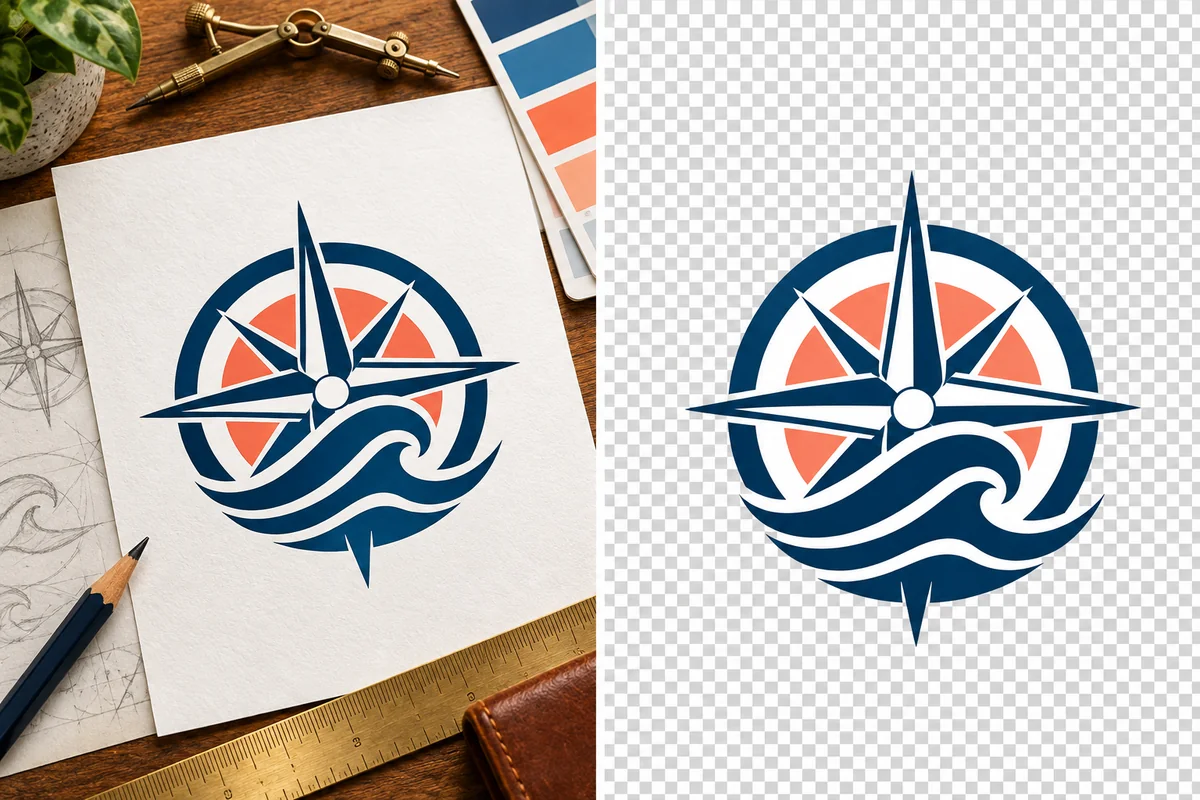
Separate the navy and coral emblem from its white paper background while keeping the artwork's original colors. The resulting PNG fits naturally into a presentation or web header without carrying a white rectangle from the source image. For more options, visit our background remover.
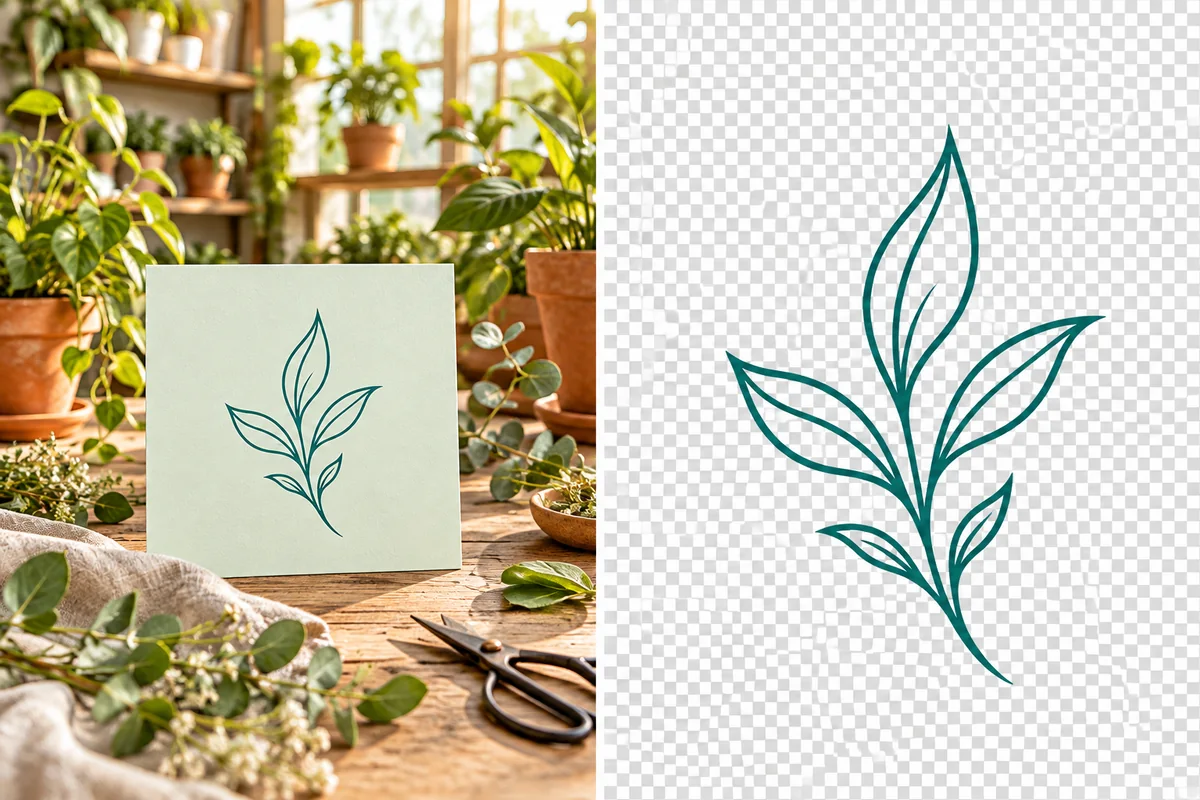

A Logo File That Fits Your Brand Layouts
Remove White or Colored Canvases
Keep Brand Shapes and Colors
Handle Fine Lines and Open Spaces
Download a Transparent PNG
Reuse the Mark Across Layouts
Remove Logo Backgrounds Online
Tools for Logo and Brand Graphics
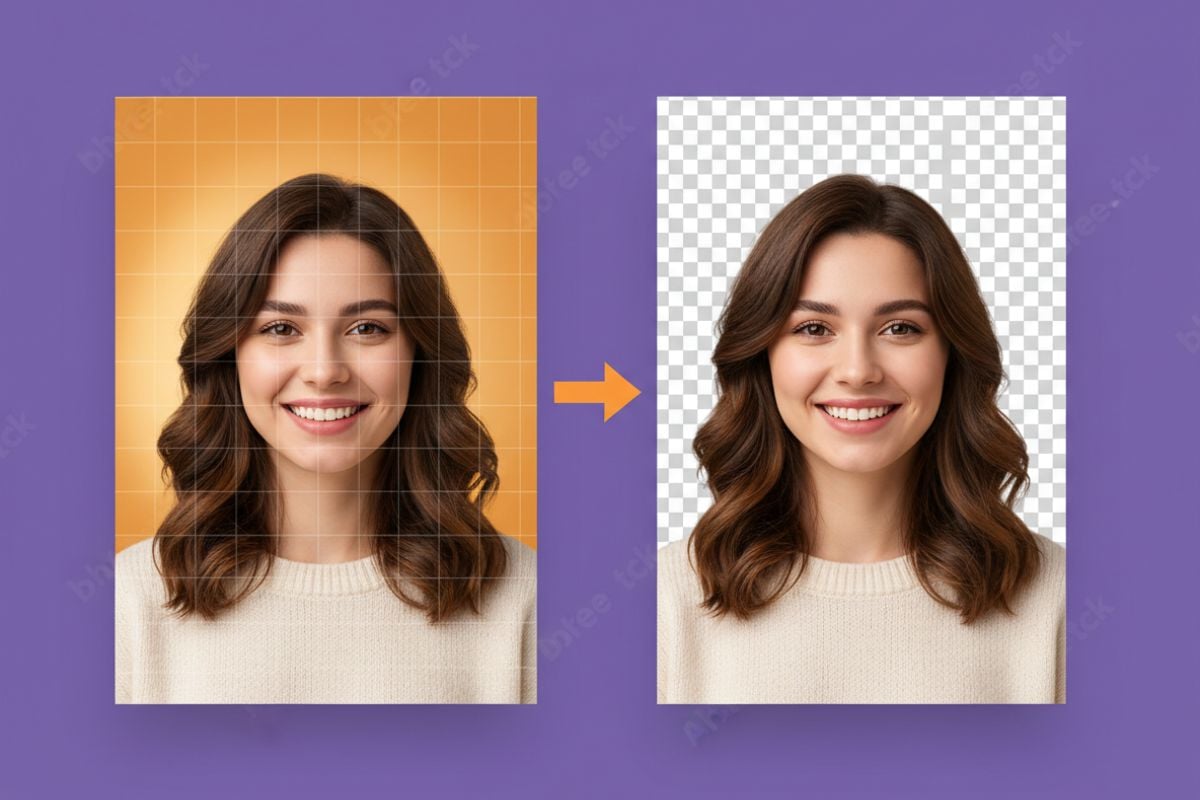
AI PNG Maker
Make supporting PNG artwork for a brand kit, presentation, or other design that uses the transparent logo.
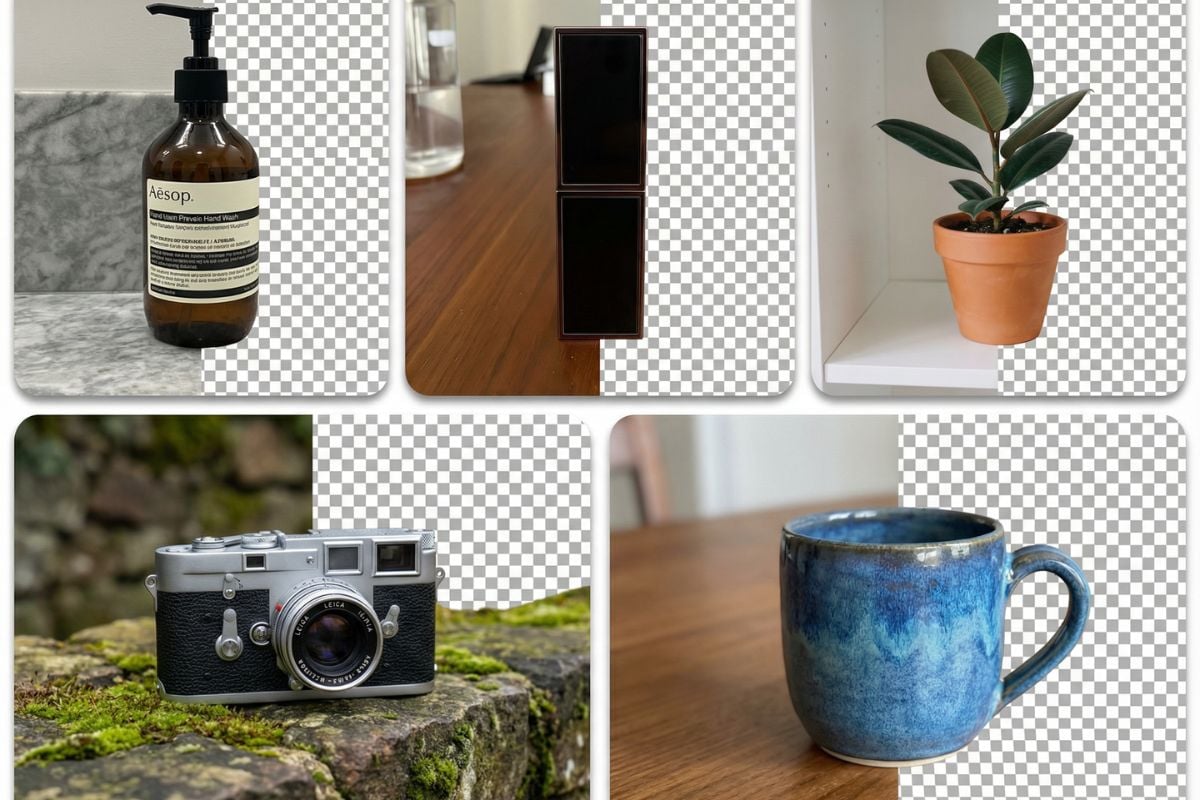
AI Product Photo Generator
Create product imagery for branded listings and campaign layouts that feature the logo.
AI Object Remover
Remove an unwanted object from a brand photo when you need to clean the scene around the logo.
Transparent Logo Maker FAQ
How do I make my existing logo transparent?
Can I make a logo transparent for free?
How do I remove a white background from a logo?
What if the logo itself contains white shapes?
Can I make a JPG logo transparent?
Does this turn my logo into an SVG?
Why is there a pale fringe around my logo?
Why does the PNG look white in my image viewer?
Give Your Logo a Place in Every Design
Remove the old canvas and download a transparent PNG you can place across your brand materials.
Make My Logo Transparent